
A gift certificate template should tell the recipient what they can redeem and help the issuer recognize the certificate later. Choose between a monetary amount and a named service, then add an issue reference, recipient details, and clear redemption instructions.
2 New Editable Templates with Previews
Choose a layout for the task you need to complete. Each preview shows the actual editable Word file. Download the template and replace the placeholders or example inputs with your own details.
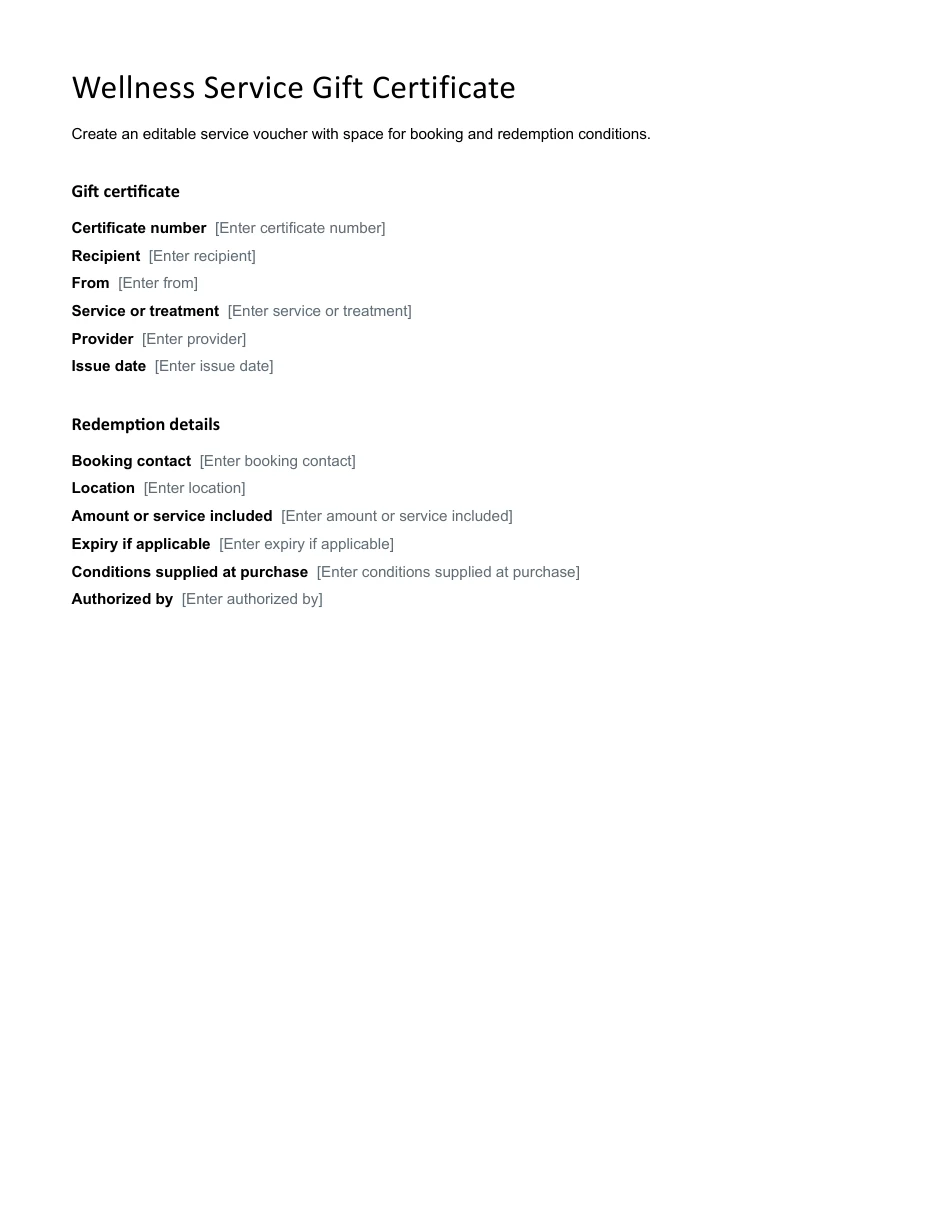
Wellness Service Gift Certificate
Create an editable service voucher with space for booking and redemption conditions.
Download Editable Word Template
Workshop Admission Gift Voucher
Give admission to a class or workshop with clear booking instructions.

The printable designs below suit personal gifts and business use, with two editable direct-download options followed by other examples. Before issuing a certificate, check that the printed wording matches your actual offer and that you have a way to record redemption. Keep a copy of the issued terms so later questions can be answered from the same record.
Go to the two editable templates and preview images and read the practical guidance below.
What Is a Gift Certificate?
A gift certificate is a printed or digital document that entitles the holder to goods or services up to a stated value from a particular store or business. It usually includes the name of the recipient, the amount or service, an expiry date, the business name, and a unique code or signature. It works much like cash, but only at the issuing business.
Who Uses Gift Certificates?
- Individuals: Give a certificate for a service such as a massage, babysitting, or a homemade dinner for birthdays, weddings, and holidays.
- Small businesses: Salons, spas, restaurants, gyms, and shops sell gift certificates to bring in new customers.
- Companies: Employers give them as staff bonuses, rewards, or client thank-you gifts.
- Schools and charities: Use them as prizes and for fundraising auctions.
Benefits of Using a Gift Certificate Template
- Saves time: The layout is done; you only add names and values.
- Looks professional: Ready-made designs give a polished, branded look.
- Costs nothing: Free templates avoid design fees.
- Marketing power: Gift certificates bring new customers who may return.
- Cash flow: Businesses receive money upfront for services delivered later.
Keep a payment receipt when a customer purchases a gift certificate.
2 Editable Templates with Direct Downloads
Choose one of the two layouts below to suit your needs. Each preview shows the actual editable file, which you can download directly.
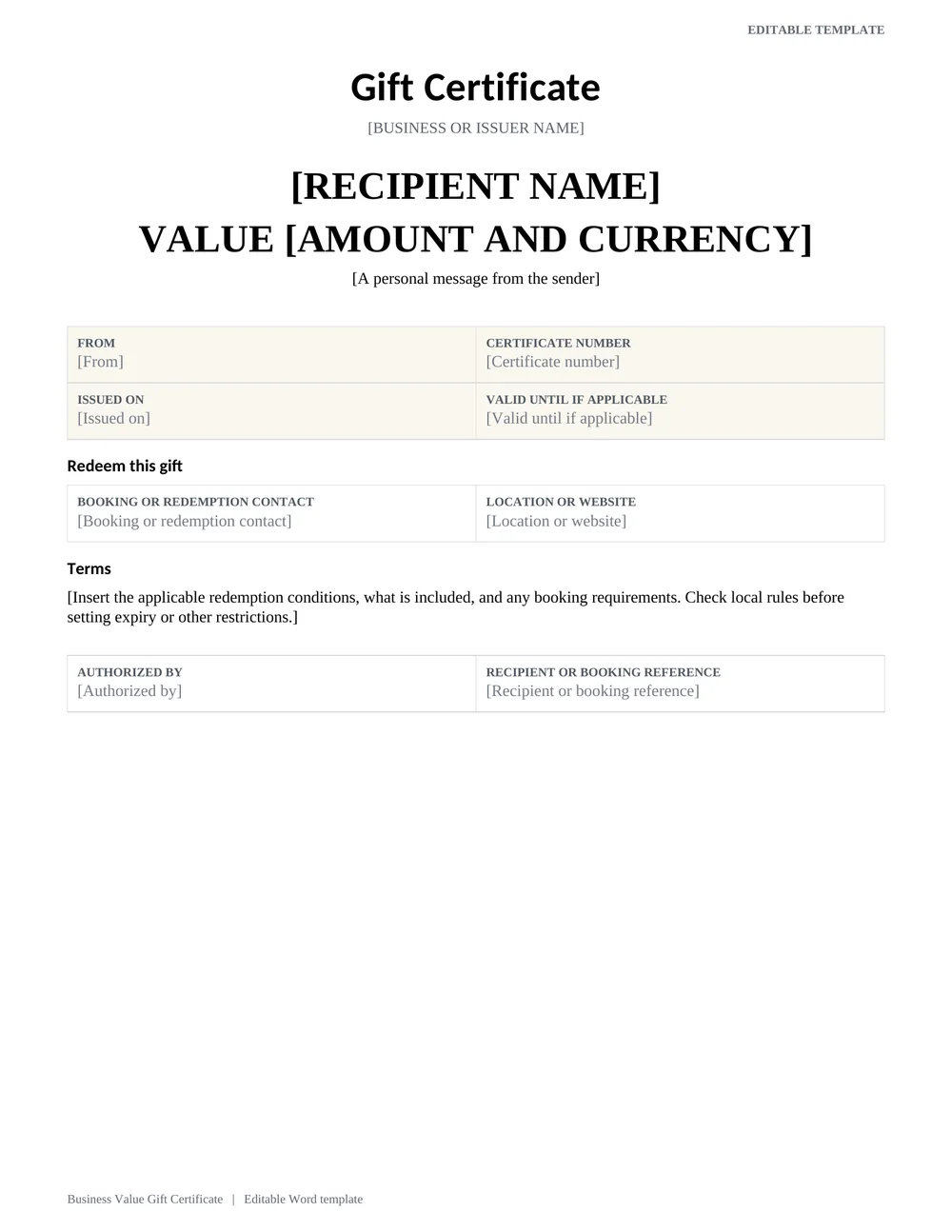
Business Value Gift Certificate
A monetary gift certificate with recipient and sender names, certificate number, value, issuer details, and editable redemption terms.
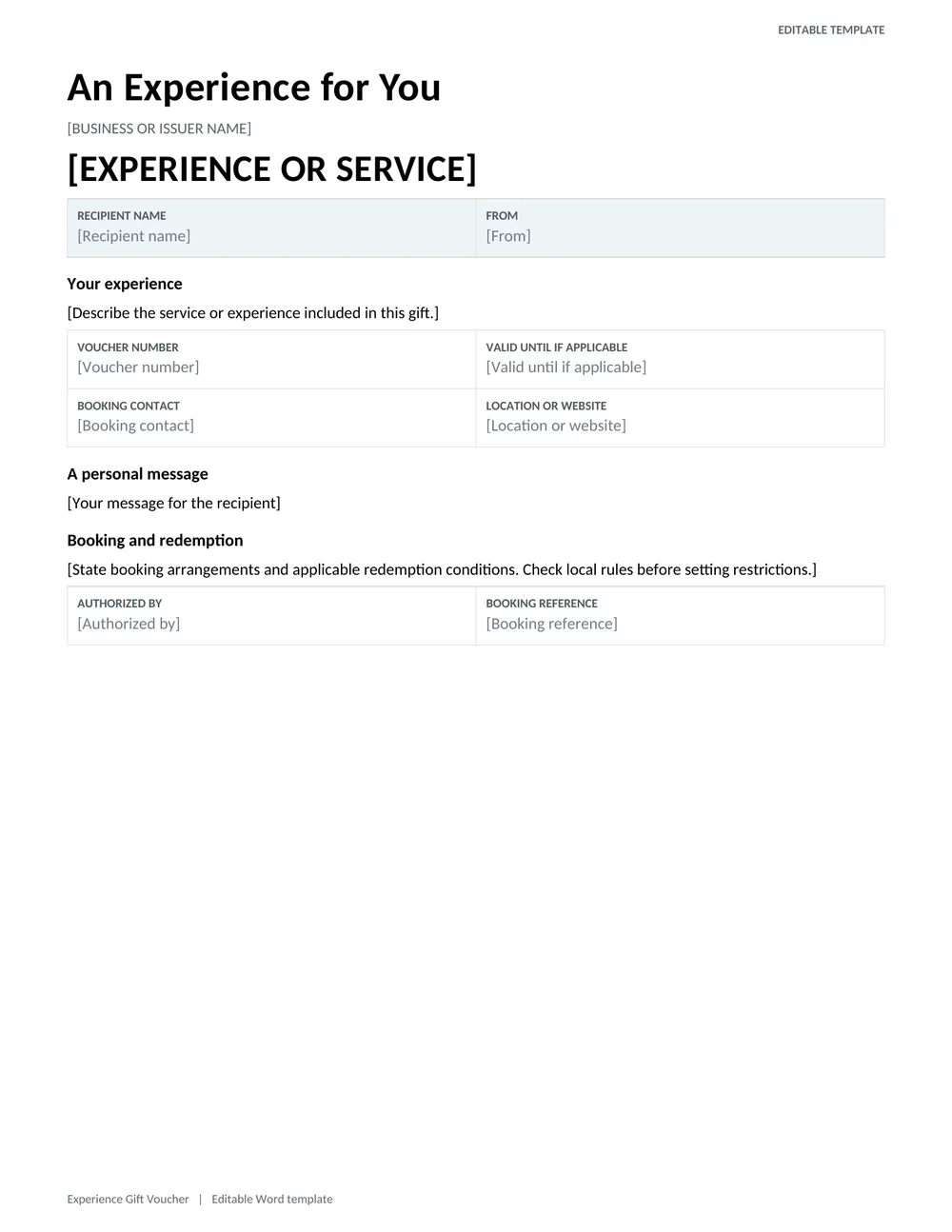
Experience Gift Voucher
A service or experience voucher with a prominent experience title, recipient, booking instructions, validity details, and a personal message.
What to Include on a Gift Certificate
- Title: “Gift Certificate” or “Gift Voucher” clearly at the top.
- Recipient’s name: Write “To:” and the name of the person receiving it.
- Giver’s name: Add “From:” for a personal touch.
- Value or service: A dollar amount or a specific item, such as “one 60-minute massage.”
- Business name and contact details: Address, phone number, website, and logo.
- Issue date and expiry date: Check local laws, as some places limit expiry dates.
- Unique serial number: Helps track and prevent duplicates.
- Terms and conditions: For example, not redeemable for cash, one use only, or cannot be combined with other offers.
- Personal message and signature: A warm note or an authorized signature.
If using certificates as event prizes, a registration form can help organize participant details separately.
How to Make a Gift Certificate Step by Step
Step 1: Choose a Design
Pick a template that suits the occasion and the receiver. Elegant borders work for weddings, while colorful designs suit birthdays and kids.
Step 2: Add the Details
Type or write the name of the receiver, the value or service, the business name, and the issue and expiry dates.
Step 3: Add Your Branding
If you own a business, add your logo, brand colors, and contact details so the certificate promotes your brand.
Step 4: Proofread Everything
Double-check names, amounts, and dates. Mistakes on a printed certificate look unprofessional and can cause redemption problems.
Step 5: Print and Present
Print on thick cardstock or glossy paper for a premium feel, then place it in an envelope or a small gift box.
For a printed gift presentation, check whether your chosen certificate fits one of the C6 envelope layouts.
Gift Certificate Ideas
- Birthday: A meal at a favorite restaurant or a shopping spree.
- Wedding: A spa day for the couple or a home-goods store voucher.
- Homemade: Free babysitting, a home-cooked dinner, or a car wash.
- Employee rewards: A coffee shop or movie voucher for a job well done.
- Customer loyalty: A free product or a discount for new and returning customers.
Choosing a Value Certificate or an Experience Voucher
A gift certificate can promise a stated monetary value or a particular experience. These are different offers and should be worded differently. A value certificate might represent a credit of 50 in the named currency. An experience voucher might provide one specified workshop or service. Decide what the recipient is receiving before choosing the design, so the headline, redemption instructions, and business records all describe the same promise.
The business-value template above leaves room for the amount, recipient, certificate number, and redemption details. The experience voucher emphasizes the service or occasion and how to arrange it. If the experience has a choice of dates or depends on booking availability, describe the process clearly. Do not use a decorative phrase such as “valid anytime” if the recipient must make a reservation under specific conditions.
Give each issued certificate a unique reference and retain a simple controlled register. The reference helps staff verify the certificate, locate the original issue, and record redemption without relying only on the recipient’s name. Avoid publishing a list of usable certificate codes. If customers send voucher images by email, handle those copies carefully because a visible code may be all someone needs to attempt redemption.
Check the terms with the person responsible for the business before printing or selling certificates. Expiry, fees, refunds, transferability, and unused balances can be subject to applicable requirements. A template should not be used to invent restrictions merely because there is room in the footer. Make the actual offer understandable and have any legally significant wording reviewed for the location and business involved.
Keeping Issue, Redemption, and Remaining Value Consistent
Suppose a certificate is issued for 60 and the recipient uses 22 toward an eligible purchase. If the business’s applicable terms and process allow a remaining balance, the record should show 38 still available. The example is simple arithmetic, not a universal rule about redemption rights. Record what happened and give the customer clear confirmation under the business’s actual policy and applicable requirements.
For an experience voucher, record the service redeemed rather than pretending it is always a cash balance. A voucher for one beginner’s lesson might need a booking reference and a redeemed date. If a customer requests a different service, confirm whether the change is available and how it will be documented. Staff should not have to improvise a different interpretation each time a voucher is presented.
Before issuing a certificate, compare the printed amount or service with the register and payment record. Check the recipient’s name if it is personalized, remove unused placeholders, and confirm the contact details for bookings. Keep the customer-facing instructions short and legible. A beautiful printable gift certificate is less useful when the recipient cannot work out who to contact or what information to quote.
Maintain a clean design master separately from issued certificates. When a phone number, service description, or booking process changes, update the master and consider how existing recipients will receive accurate instructions. Restrict editing of the issue register to the appropriate staff, and keep a record of corrections. This supports consistent handling across shifts and reduces the chance of a certificate being issued or redeemed twice by mistake.
Tips for Businesses Selling Gift Certificates
- Number every certificate and keep a record of those sold and redeemed.
- State clear terms so there is no confusion at redemption.
- Offer certificates in popular amounts such as $25, $50, and $100.
- Promote them before holidays, Mother’s Day, and Valentine’s Day.
- Follow local laws on expiry dates and unused balances.
Frequently Asked Questions (FAQs)
What is a gift certificate?
It is a document representing a certain amount of money or a specific service that the holder can redeem at the issuing business.
Are these gift certificate templates free?
Yes. All the templates on this page are free to download, edit, and print.
What is the difference between a gift certificate and a gift card?
A gift certificate is usually paper-based and issued by a specific business. A gift card is a plastic or digital card that can often be reloaded or used at multiple locations.
Do gift certificates expire?
It depends on the issuer and local law. In many places, gift certificates cannot expire for at least five years, so check your local regulations.
Can I make a gift certificate for a service instead of money?
Yes. Write the service on the certificate, such as “one hour of piano lessons” or “a free oil change.”
How do I print a gift certificate?
Download the template, fill in the details, and print on cardstock or thick paper using a color printer. Trim the edges for a clean finish.
Can I use these templates for my business?
Yes. Add your business name, logo, and terms to turn a template into a branded gift certificate for your customers.
How do I distinguish a replacement certificate from a second gift?
Record the replacement against the original certificate reference and mark the earlier version as replaced in your issue log. Carry forward the correct remaining value or service, and give the recipient clear instructions about which version to present.





You must be logged in to post a comment.