A restaurant checklist template turns opening, service, and closing routines into actions the team can verify. Give each task an owner and a clear completion condition so a tick means something more precise than “someone looked at it.”
Use the 7 layouts below to organize work by shift, area, or responsibility. Two editable files are available as direct downloads, followed by additional examples. Adapt the tasks to your operation and make room for exceptions, corrective action, and handover notes; a checklist is most useful when unfinished work remains visible to the next person.
Go to the two editable templates and preview images, or continue below for the wider collection and practical guidance.
What Is a Restaurant Checklist?
A restaurant checklist is a written list of tasks that staff must complete during a shift or period. It may cover opening duties, closing duties, cleaning, food safety, inventory counts, equipment checks or manager walk-throughs. Each item is checked off when done, which gives you a clear record of what was finished and by whom.
Different departments can use different lists. The kitchen team may rely on an inventory and prep checklist, while front-of-house staff use a table setup and cleaning list. Managers often combine these into a daily or weekly review to make sure the whole operation is running smoothly.
Benefits of Using Restaurant Checklist Templates
- Consistent service: every shift follows the same steps, so quality does not depend on who is working.
- Better accountability: tasks are assigned clearly and can be signed off.
- Faster training: new employees can learn what is expected by following the list.
- Improved food safety: temperature checks, cleaning and storage tasks are less likely to be forgotten.
- Less waste: inventory checklists help you spot low stock and avoid over-ordering.
- Time savings: a ready-made template means you do not need to design a list from scratch.
Keep preparation instructions consistent with the kitchen’s recipe cards.
Types of Restaurant Checklists
Restaurants usually keep several kinds of checklists. Here are the most common ones:
- Opening checklist: turning on equipment, checking supplies, setting tables and preparing the cash register.
- Closing checklist: cleaning surfaces, storing food correctly, emptying trash, turning off appliances and locking up.
- Inventory checklist: counting ingredients, drinks and supplies so you know what to reorder.
- Kitchen prep checklist: listing the items to be prepped before service.
- Cleaning and sanitation checklist: recording when key areas are cleaned and sanitized.
- Manager checklist: a walk-through form to review the dining room, kitchen, restrooms and staff performance.
Use a dedicated bathroom cleaning checklist for the detail behind restroom inspections.
What to Include in a Restaurant Checklist
A useful checklist is short enough to finish in a busy shift but detailed enough to cover the essentials. Consider adding:
- The date, shift and name of the person completing the list.
- Clear task descriptions written as actions, such as “Wipe down all tables.”
- A check box or initials space beside each task.
- Temperature logs for refrigerators, freezers and hot-holding equipment.
- A notes area for problems, repairs or supply shortages.
- A space for a manager’s signature or review.
2 Editable Templates with Direct Downloads
Choose one of the two layouts below to suit your needs. Each preview shows the actual editable file, which you can download directly.
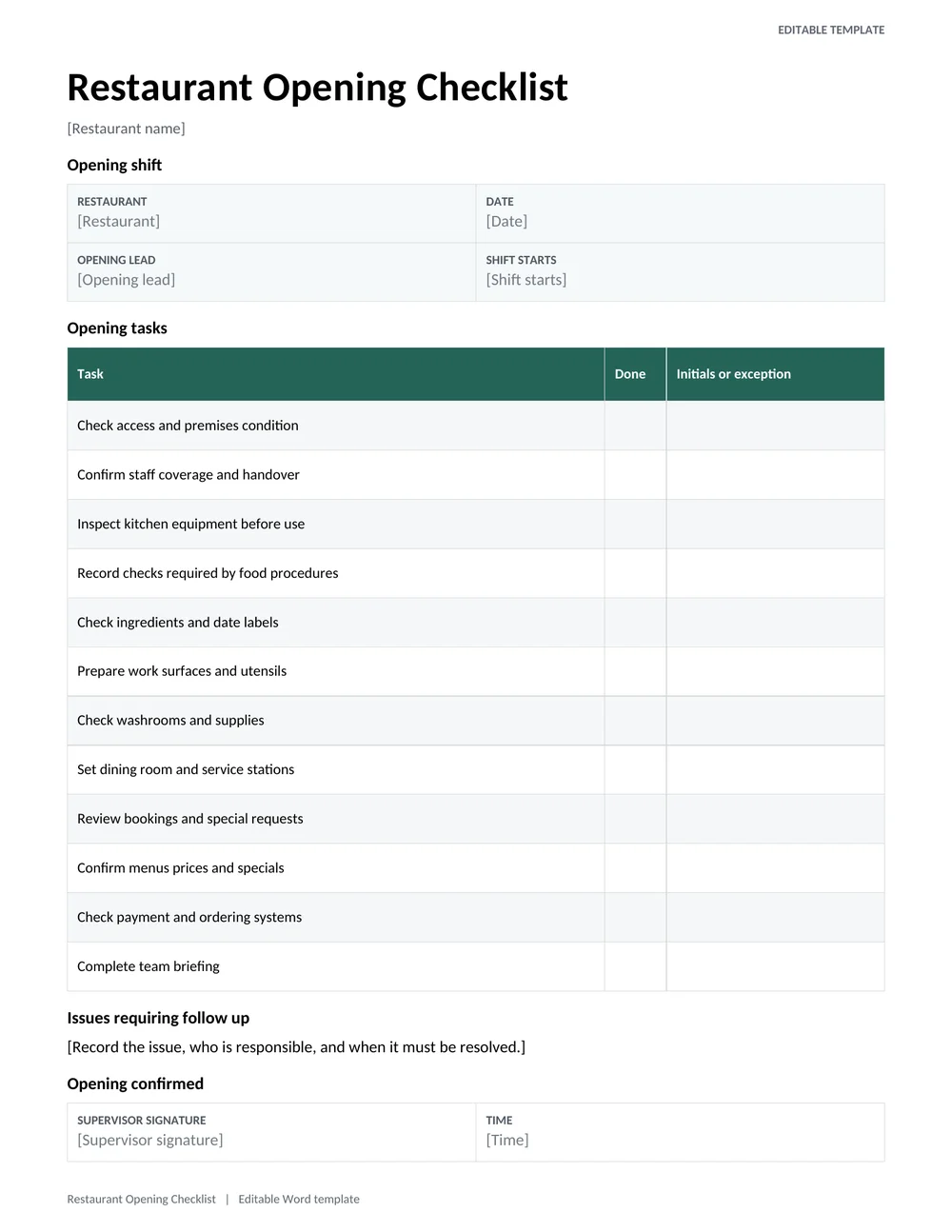
Restaurant Opening Checklist
A shift-opening checklist for access, equipment, kitchen preparation, front-of-house setup, stock checks, and handover notes.
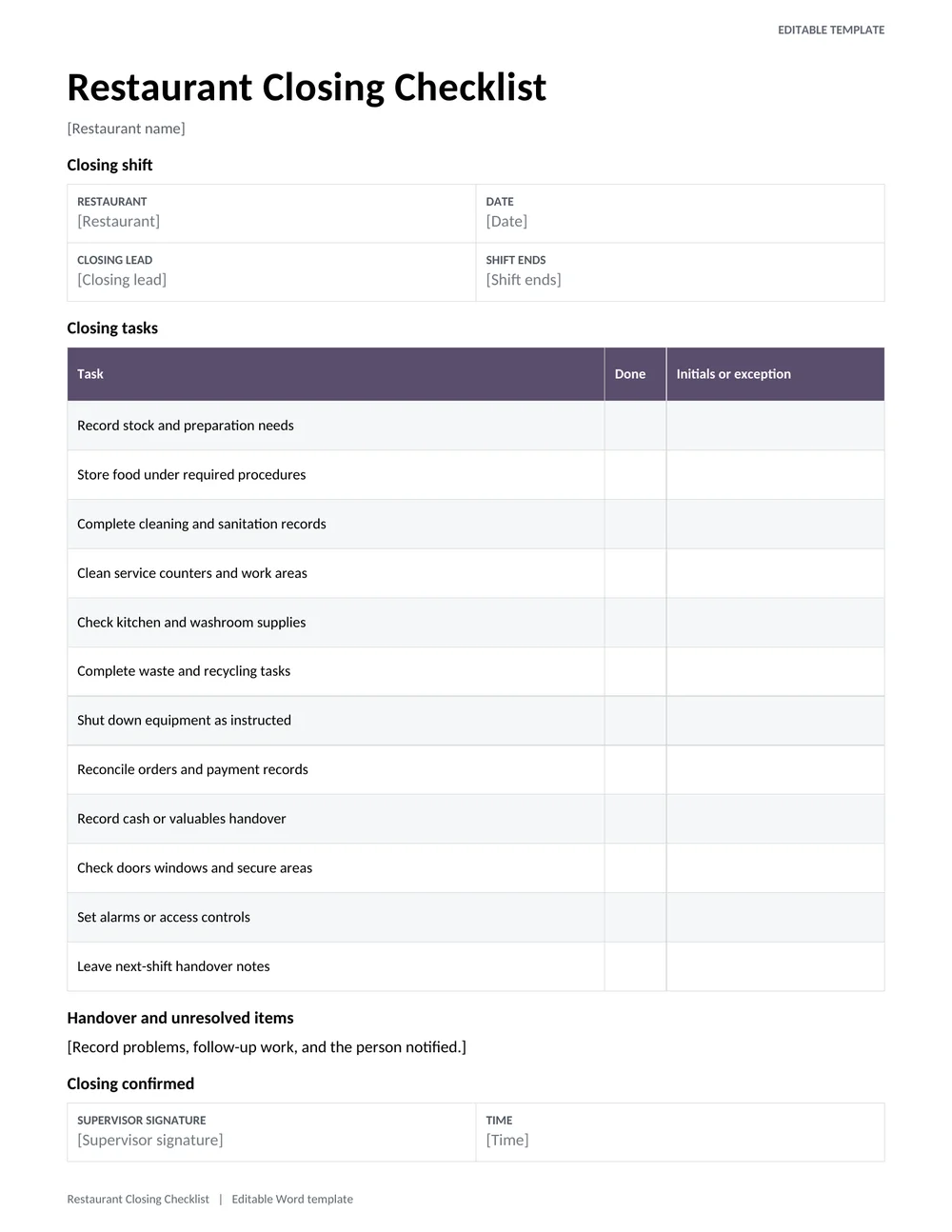
Restaurant Closing Checklist
A closing-shift checklist covering stock, cleaning, equipment shutdown, takings, security, and next-shift handover.
Restaurant Checklist Template Samples
Use the 5 samples below to compare layouts and choose the one that fits your restaurant. Each button opens the source page for that template.
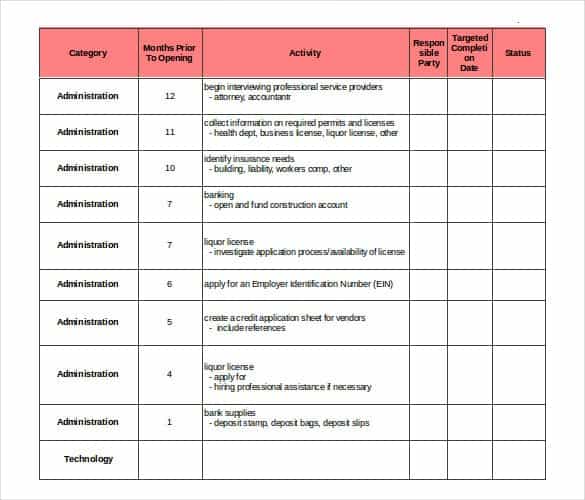
Restaurant Inventory Checklist Template

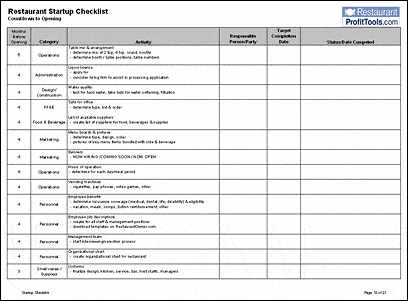
Restaurant Daily Task Checklist Template
Restaurant Manager Checklist Template
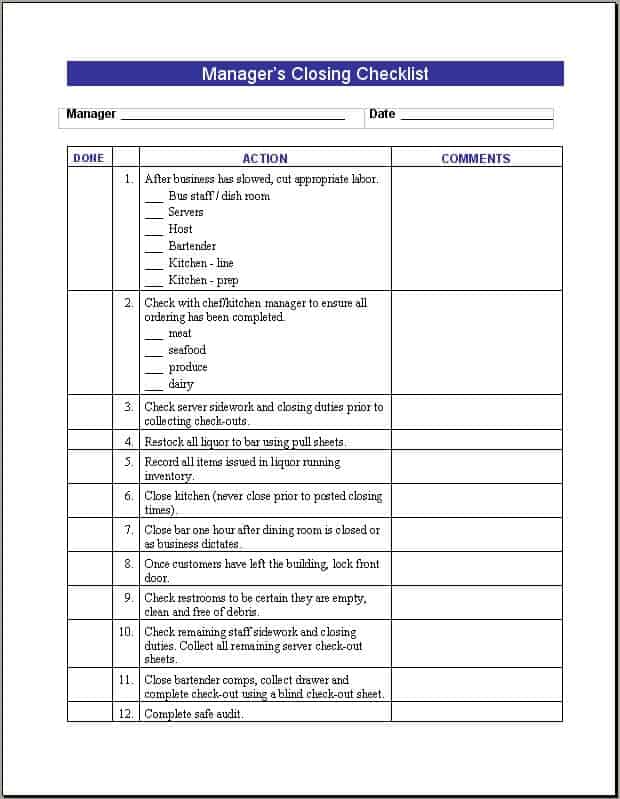
Restaurant Opening and Closing Checklist Template
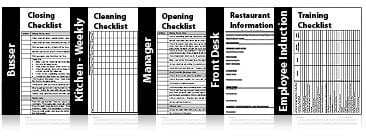
Restaurant Cleaning Checklist Template

How to Create Your Own Restaurant Checklist
- List every recurring task. Walk through a full day and write down each job for the kitchen, dining room and office.
- Group tasks by time or area. Sort them into opening, mid-shift, closing, kitchen, bar and restrooms.
- Choose a template. Pick a layout from the samples above that is easy to read at a glance.
- Assign owners. Decide which role is responsible for each task, such as line cook, server or shift lead.
- Add sign-off spaces. Include a box for initials and a line for the manager’s review.
- Print and post it. Keep printed copies at the point of use, or store a digital version on a tablet.
- Review and improve. Every few weeks, ask your team what to add, remove or reword.
Assign opening, closing, and cleaning coverage through a work schedule.
Making Each Restaurant Check an Observable Action
A restaurant checklist works best when the person completing it can tell exactly what to inspect and what to do if the result is unsatisfactory. “Check kitchen” is too broad. A useful item identifies the area or equipment, the required condition under the restaurant’s procedures, and the person to notify about an exception. Avoid treating a tick as proof that a problem was corrected when it only shows that someone noticed it.
The opening checklist above prepares the premises and team for service. The closing checklist supports a controlled handover to the next shift or day. Keep these purposes distinct. An opening team needs to identify anything that prevents safe, effective service now; a closing team needs to leave a clear record of unfinished work, equipment issues, and the condition in which the premises were left.
For example, if a piece of equipment is found not working during opening checks, record the issue, the time, and the action taken through the restaurant’s established procedure. A tick beside “equipment checked” does not explain whether the equipment was usable. Where a task requires a specific measurement or limit, use the restaurant’s approved food safety or operating procedure rather than substituting a generic value from a downloaded form.
Recording Exceptions and Verifying the Handover
Separate task completion from follow-up. A supervisor may need to confirm that an issue has been resolved, arrange a repair, or change the service plan. Give each unresolved item an owner and a next step. “Manager informed” is a starting point, but a useful handover also identifies which manager and what remains outstanding. This prevents the next shift from assuming the previous shift completed the work.
Do not overload the daily sheet with tasks that occur on a different schedule. Weekly maintenance, stock reviews, and deep-cleaning activities may need their own planned records. Keep the daily opening and closing checklist focused enough to use during a real shift. If employees regularly skip or batch-tick entries, review whether the tasks are clear, practical, and assigned at the right time.
During a trial shift, ask the responsible employee to work through the form in the actual order of operations. Move items if the layout forces unnecessary backtracking, clarify wording that produces questions, and confirm who verifies completion. Keep the latest approved version accessible and retire outdated copies. A checklist becomes a useful restaurant management tool when it matches the real workflow and leads to action when something is wrong.
Review completed sheets for recurring exceptions, not just missing signatures. The same equipment issue appearing every week may require a different response from a one-off oversight. Use the records to improve the process, while keeping individual performance discussions within the appropriate management system.
Tips for Making Checklists Work
- Keep each list to one page so it is quick to complete.
- Use simple verbs and short phrases instead of long sentences.
- Put the most time-sensitive tasks at the top of the list.
- Explain why the checklist matters so staff take it seriously, especially for food safety items.
- Store completed lists for a few weeks so you can review patterns and problems.
- Update the checklist when you add new equipment, menu items or procedures.
- Follow your local health department rules for food handling and record keeping.
A restaurant checklist is one of the simplest ways to raise consistency, cut mistakes and keep your team on the same page. Browse the 7 templates above, pick the layout that suits your kitchen and dining room, and adjust it to your needs. With a clear list in hand, every shift can run smoother from open to close.
Frequently Asked Questions (FAQs)
What is a restaurant checklist template?
It is a ready-made form that lists tasks a restaurant team should complete, such as opening steps, cleaning, inventory checks and manager reviews. You can adapt it to your own operation.
Are these restaurant checklist templates free?
Yes. The opening and closing Word checklists at the top are free to download directly. The remaining samples link to their original sources.
What should be on a restaurant opening checklist?
Common items include unlocking and turning on lights, powering up kitchen equipment, checking fridge temperatures, stocking stations, setting tables, preparing the register and reviewing the day’s reservations or specials.
What should be on a restaurant closing checklist?
Typical tasks include cleaning and sanitizing surfaces, storing and labeling food, taking out the trash, counting the till, turning off equipment, and locking doors and windows.
How often should a restaurant checklist be completed?
Opening and closing lists are done every day. Cleaning, inventory and manager checklists may be daily, weekly or monthly depending on how busy your restaurant is and what local rules require.
Can a checklist help with food safety?
Yes. A checklist that includes temperature logs, storage rules and cleaning schedules helps staff remember key steps and gives you a record if an inspector asks for one.
Can I edit or print these checklists?
You can use the samples as models and recreate them in Word or Excel, then print copies for your team. Editing options depend on the format offered by each source page.
What should happen when a checklist task cannot be completed?
Record the obstacle, the person informed, and the next action rather than marking the task complete. Make the outstanding item visible in the shift handover, with an owner and follow-up time where appropriate.


You must be logged in to post a comment.