If you manage rental property, you already know how quickly tenant details pile up. A rent roll pulls everything into one clear document, so you can see who lives where, what they pay, and when their lease ends. These free rent roll templates make it easy to build one without starting from a blank page.
Below you will find 15 rent roll templates in Excel, Word, and PDF formats. Pick a layout, download it, and fill in your own properties and tenants.
What Is a Rent Roll?
A rent roll, sometimes called a rent register, is a document that lists every unit in a rental property along with the tenant’s details and payment information. Landlords, property managers, lenders, and buyers all use it to understand how a property is performing.
A typical rent roll shows each unit, the tenant’s name, the monthly rent, lease start and end dates, security deposit, and whether payments are current. Because it captures the full income picture of a property, it is one of the first documents a lender or buyer asks for.
For a broader view of property income and expenses, organize the figures in an income statement.
Why Use a Rent Roll Template?
You can certainly build a rent roll from scratch in Excel, but a template saves time and reduces mistakes. Here is what you gain:
- Faster setup. Columns, headings, and totals are already in place.
- Consistent records. Every unit is tracked the same way, which makes month-to-month comparisons simple.
- Better cash-flow control. You can spot late payers and upcoming vacancies at a glance.
- Professional presentation. A clean rent roll builds trust when you share it with lenders, investors, or buyers.
What to Include in a Rent Roll
The exact layout depends on your property type, but most good rent rolls include the following:
- Property name or address and unit number
- Tenant’s full name and contact details
- Unit description, such as size or number of bedrooms
- Monthly rent amount and any additional charges
- Lease start and expiration dates
- Security deposit held
- Payment status, including balances due
- Total monthly rent, occupancy rate, and vacancy count
Support the rent totals with individual rent receipts so each payment can be traced.
Free Rent Roll Templates
Choose a template below. Each one has a download button beneath the preview.
Rent Roll Template 1 (Commercial, PDF)
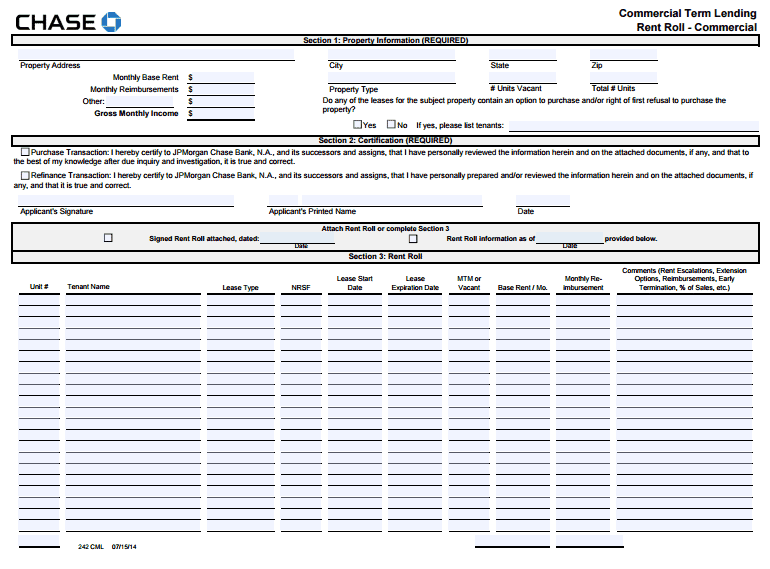

Rent Roll Template 2 (PDF)
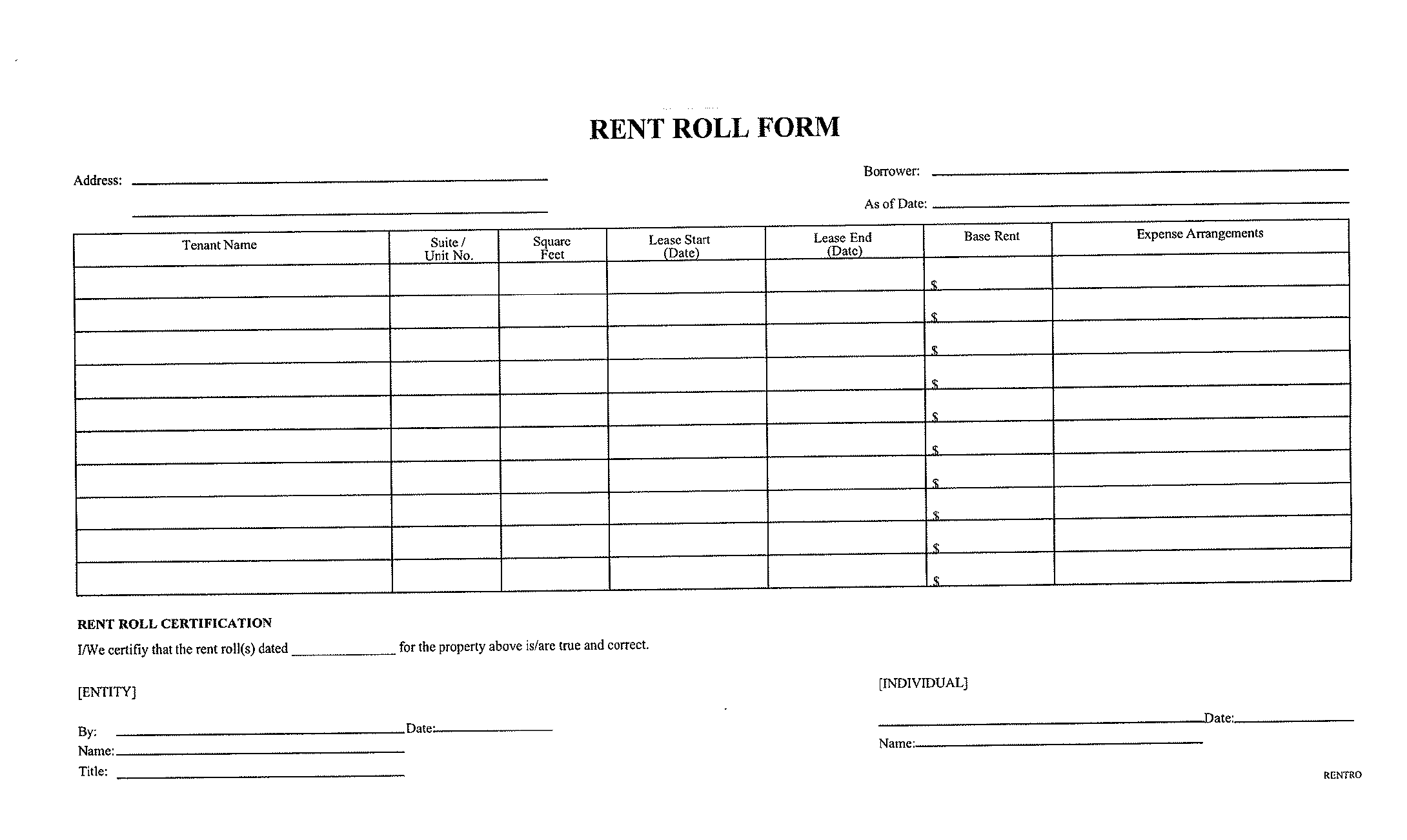
Rent Roll Template 3 (PDF)
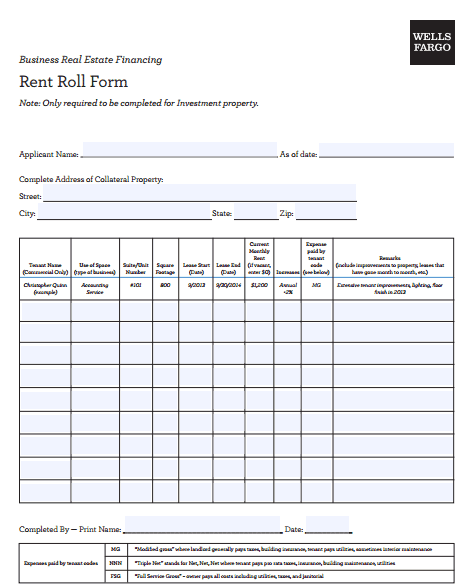
Rent Roll Template 4 (Word)
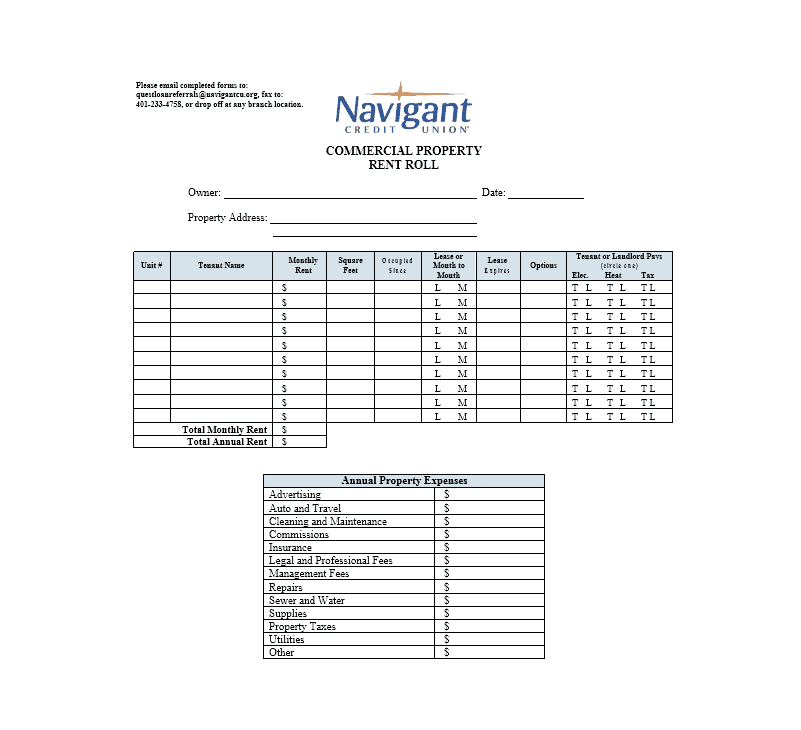
Rent Roll Template 5 (Word)
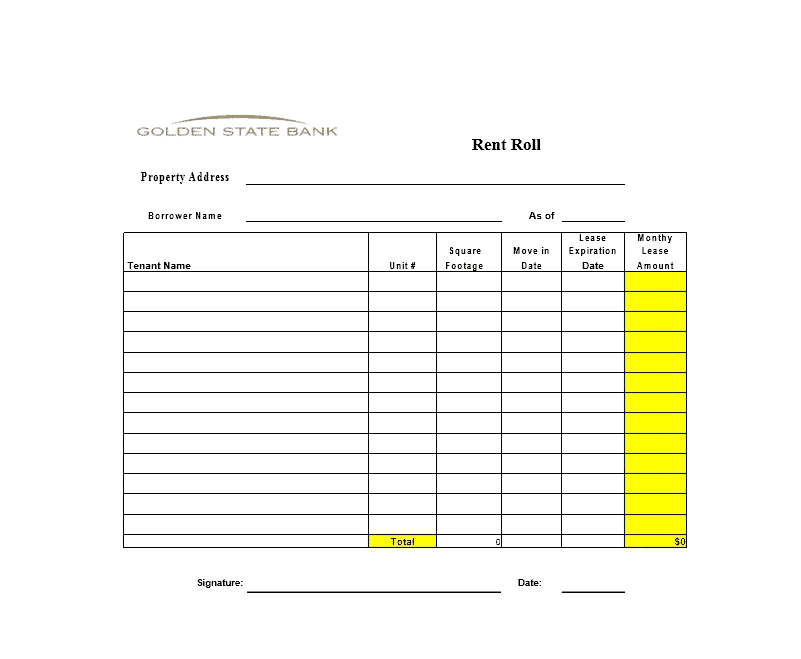
Rent Roll Template 6 (Excel)
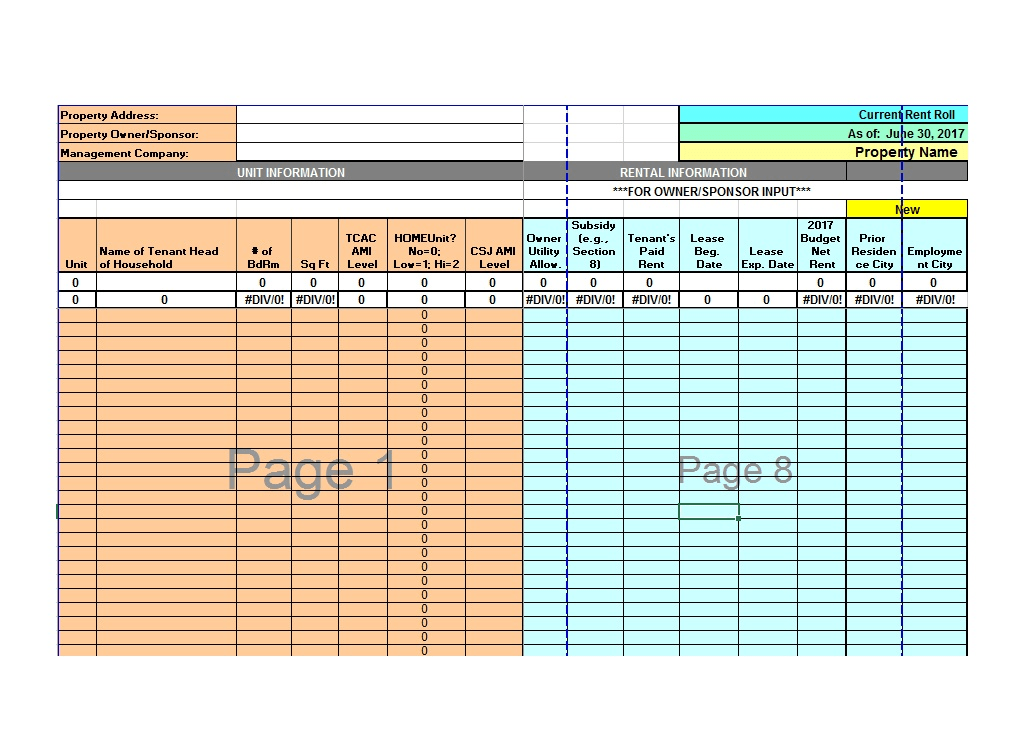
Rent Roll Template 7 (Word)
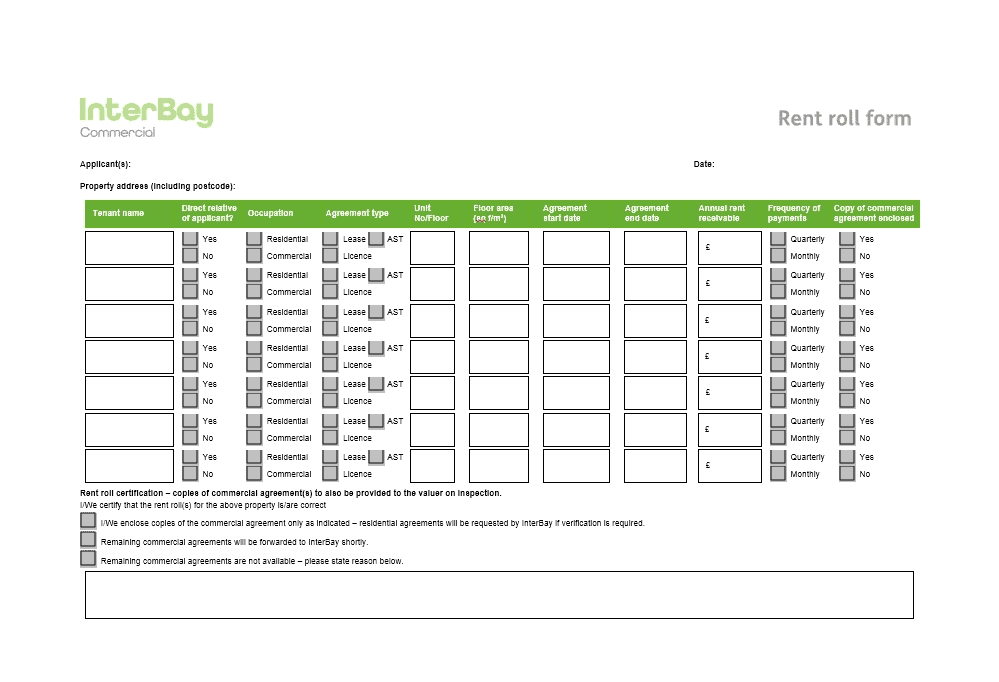
Rent Roll Template 8 (Word)
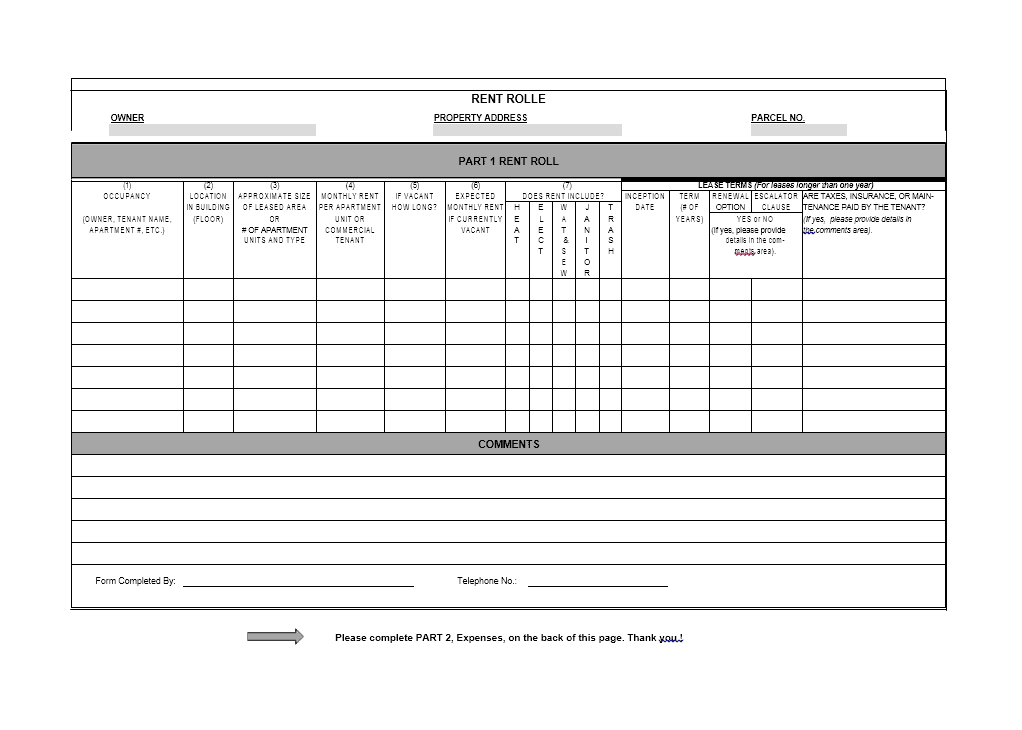
Rent Roll Template 9 (Excel)
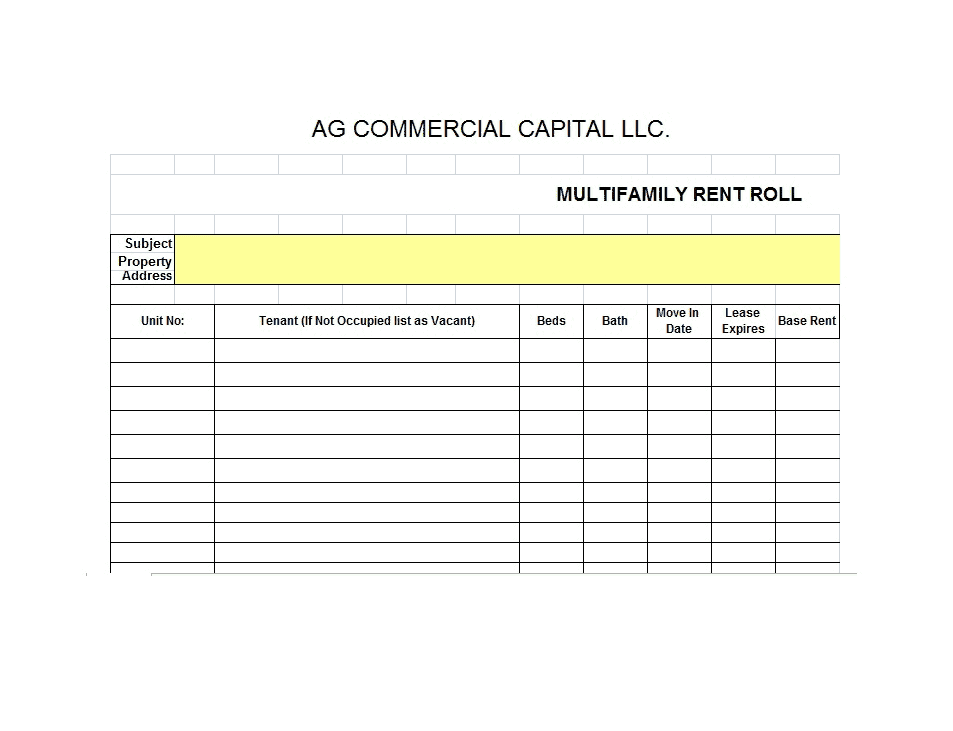
Rent Roll Template 10 (Excel)
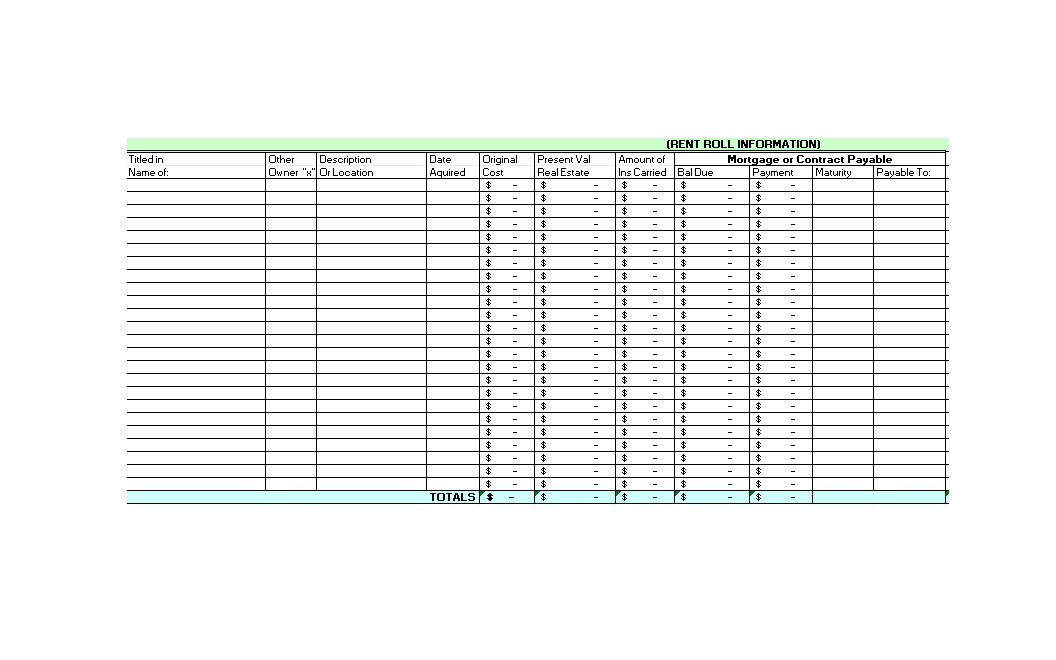
Rent Roll Template 11 (Excel)
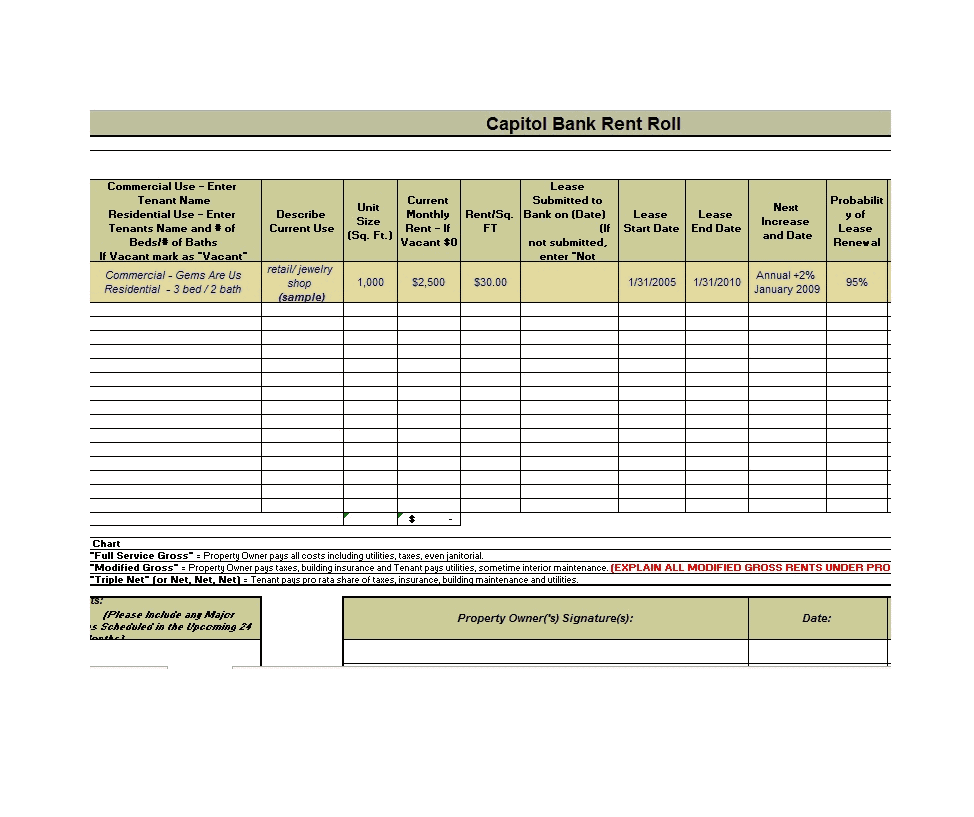
Rent Roll Template 12 (Word)
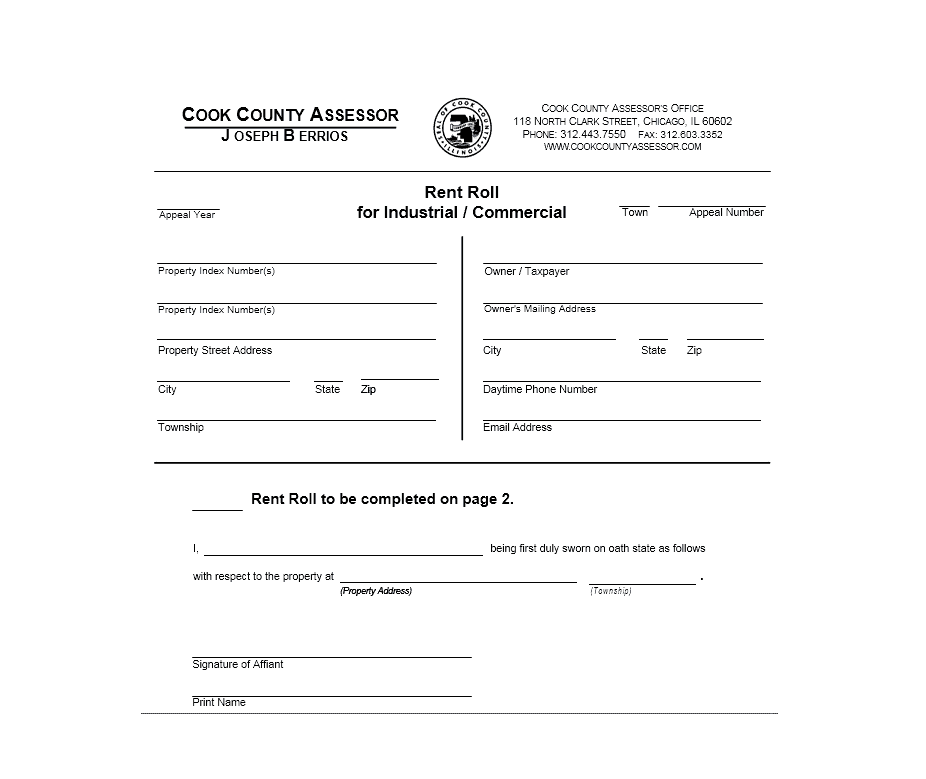
Rent Roll Template 13 (Word)
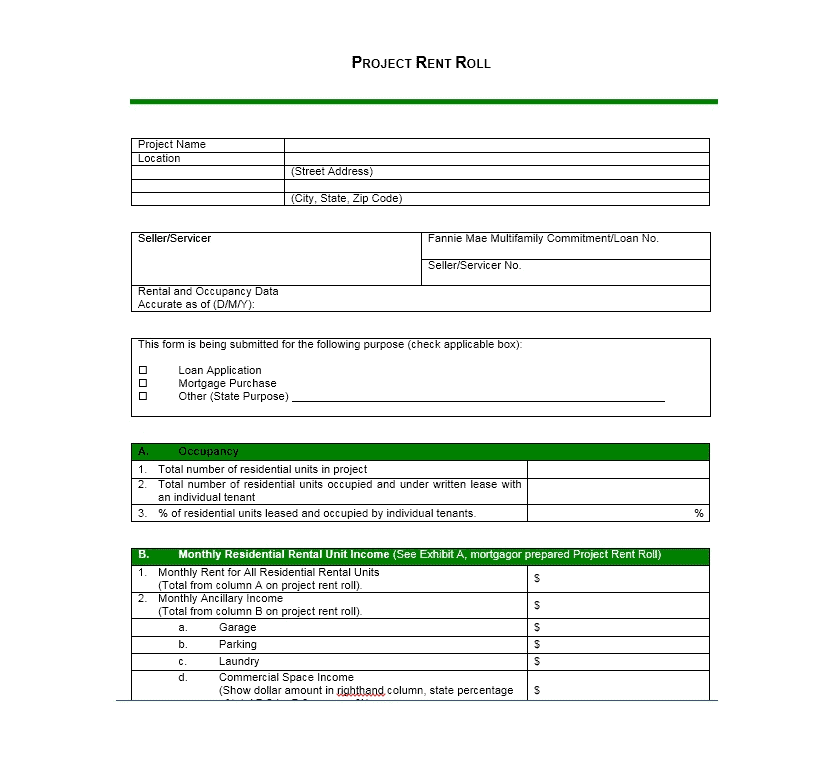
Rent Roll Template 14 (Word)
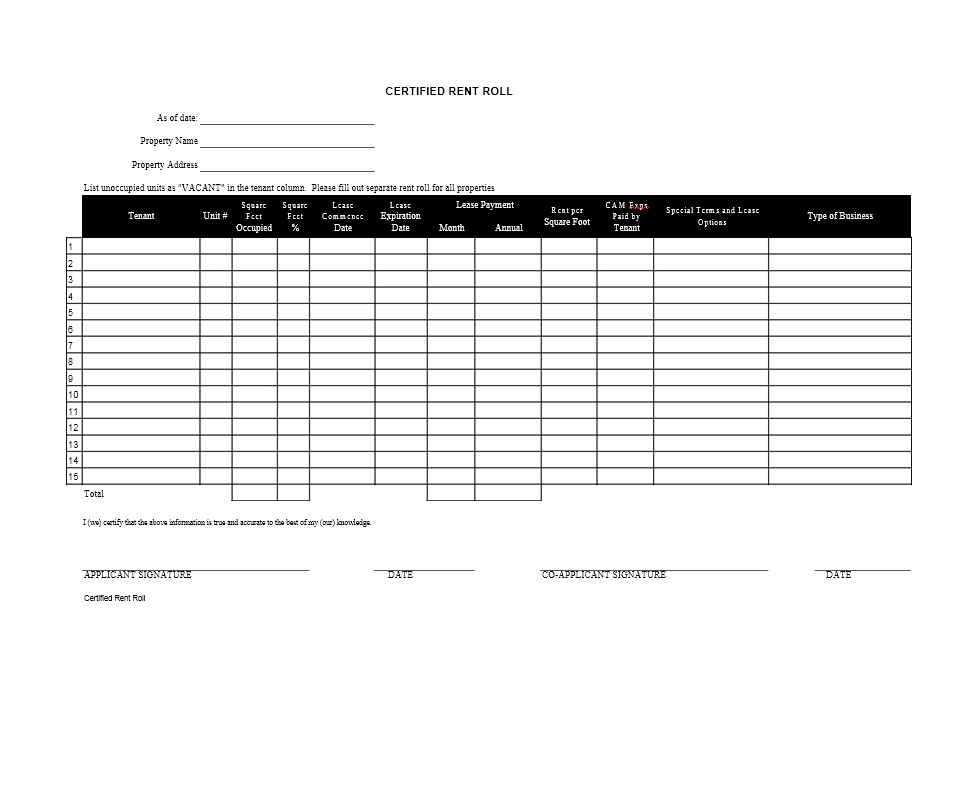
Rent Roll Template 15 (Word)
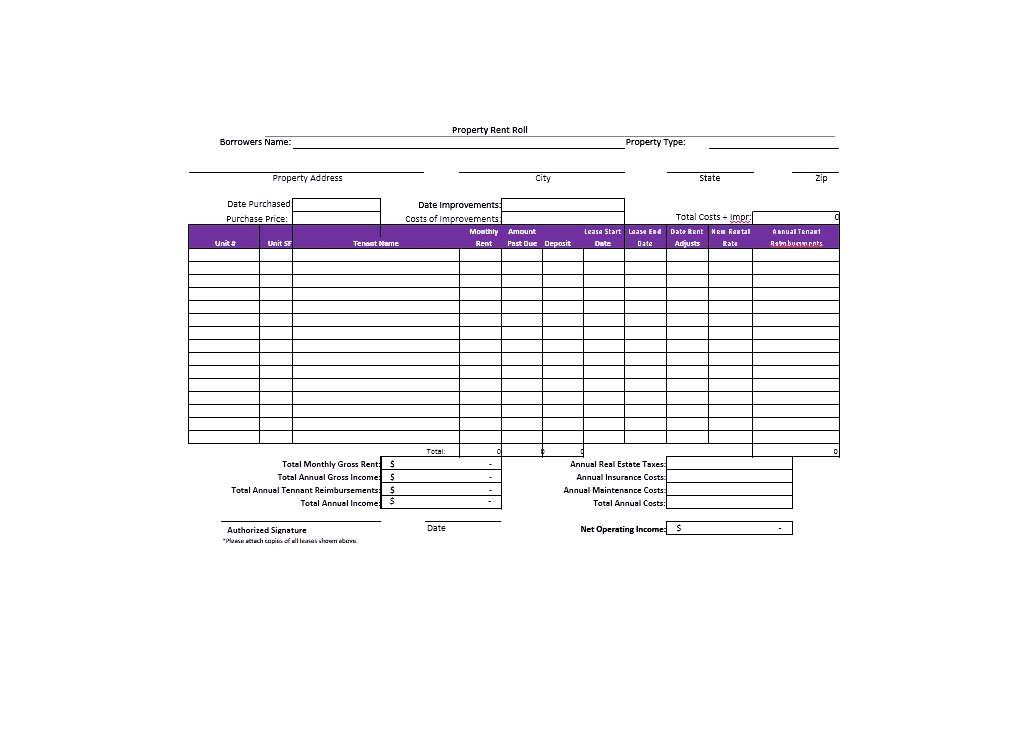
Types of Rent Rolls
Not every property needs the same format. The most common types are:
- Residential rent roll: Used for apartments, duplexes, and single-family rentals, focused on tenant names, rent, and lease dates.
- Commercial rent roll: Adds details such as square footage, rent per square foot, and lease type for offices and retail spaces.
- Multi-property rent roll: Combines several buildings into one summary for portfolio owners.
- Lender or buyer rent roll: A certified snapshot used in financing or sale of a property.
Use a rental verification form when a tenant needs a separate statement of rental history.
How to Create a Rent Roll
- Choose the template format that suits your tools, such as Excel for formulas or Word for a simple table.
- Enter the property name and list every unit, including vacant ones.
- Add each tenant’s name, lease dates, monthly rent, and deposit.
- Record the payment status and any balance owed.
- Total the monthly rent and calculate your occupancy rate.
- Save the file with a date in the name and update it every month.
Tips for Keeping an Accurate Rent Roll
- Update it monthly so it always reflects current tenants and rent.
- Include vacant units, since they show lost income and potential.
- Keep lease dates in a consistent date format.
- Back up the file and keep a dated copy for each month.
- Cross-check totals against your bank deposits to catch errors early.
A well-kept rent roll makes managing rental property much easier. It shows your income at a glance, helps you catch late payments, and gives lenders and buyers confidence in your numbers. Choose one of the 15 templates above, fill in your tenant details, and keep it updated each month to stay organized and in control.
Frequently Asked Questions (FAQs)
What is a rent roll used for?
A rent roll summarizes all units, tenants, rents, and lease terms for a property. Landlords use it to manage income, and lenders and buyers use it to evaluate a property’s value.
How often should I update my rent roll?
Update it at least monthly, and any time a tenant moves in or out, a lease renews, or rent changes.
What is the difference between a rent roll and a lease?
A lease is the legal agreement between one landlord and one tenant. A rent roll is a summary of many leases and tenants in a single document.
Should vacant units appear on a rent roll?
Yes. Listing vacant units gives a complete picture of the property and lets you calculate occupancy and potential rental income.
Can I make a rent roll in Excel?
Yes. Excel is a popular choice because it can total rent, calculate occupancy, and sort by lease expiration. The Excel templates above are ready to edit.
Who asks for a rent roll?
Banks, mortgage lenders, appraisers, insurers, and prospective buyers commonly request one when reviewing an investment property.
Are these rent roll templates free?
Yes, all the templates on this page are free to download and edit for your own use.