Staying organized for a whole week is much easier when you can see everything in one place. A weekly planner lists your tasks, appointments, deadlines and goals for the seven days ahead, so nothing gets forgotten and you know what to do each day. Students, teachers, professionals and busy parents all use weekly planners to reduce stress and get more done.
This page offers 15 free weekly planner templates in Word, Excel and PDF formats. You can print them or fill them in on your computer, and you will find layouts for general planning, students, courses, hourly schedules, meals and budgets.
What Is a Weekly Planner?
A weekly planner is a document that divides the week into days and gives you space to note tasks, meetings, events and reminders. Many planners also include time slots, priority levels, checkboxes and notes. Because it covers a manageable time span, a weekly planner strikes a balance between a daily to-do list and a long-term calendar.
Benefits of Using a Weekly Planner
- Better time management: you can see how busy each day is and spread work evenly.
- Fewer missed deadlines: assignments, bills and appointments are written down in advance.
- Higher productivity: planning tasks by priority helps you focus on what matters most.
- Less stress: knowing what is coming each day reduces last-minute panic.
- Goal tracking: you can break bigger goals into small weekly steps.
- Work-life balance: you can make room for family, exercise and rest as well as work.
What to Include in a Weekly Planner
- Week dates: the start and end date of the week.
- Daily sections: Monday through Sunday, or your own work week.
- Task list: chores, assignments and work items with checkboxes.
- Time blocks: hourly or half-hourly slots for meetings and focused work.
- Priorities: mark the most important tasks with stars or numbers.
- Appointments and events: meetings, classes, trips and social plans.
- Goals for the week: two or three main things you want to complete.
- Notes section: extra space for ideas and reminders.
Free Weekly Planner Templates
General Weekly Planner Template WORD
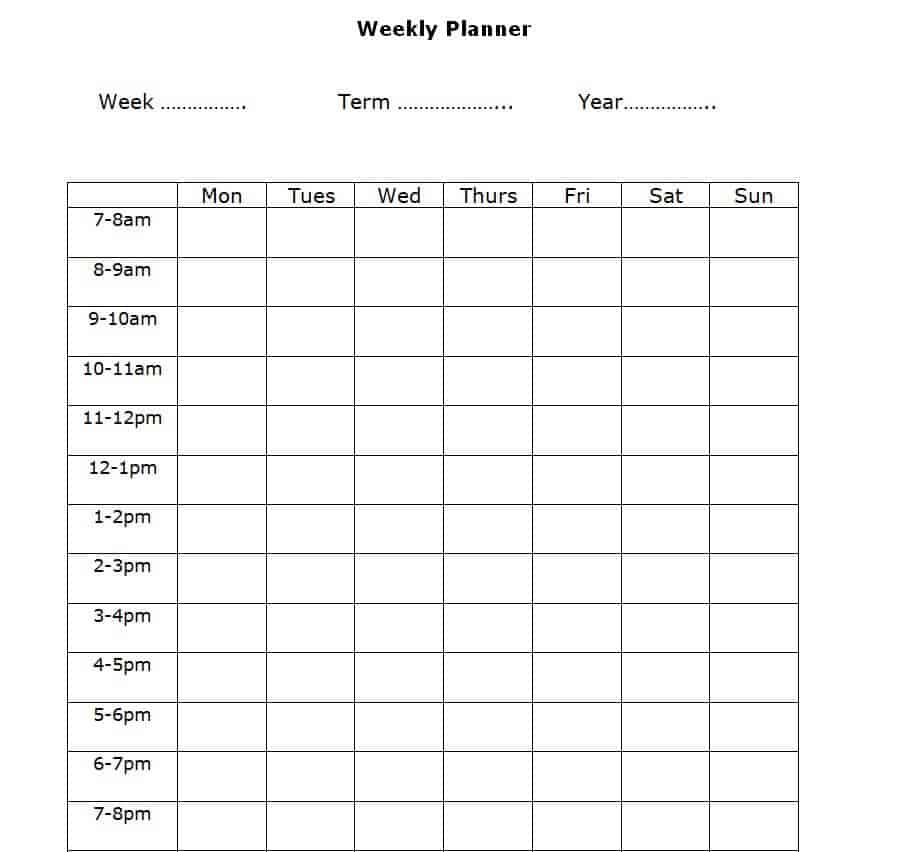
Download General Weekly Planner Template
Student’s Weekly Planner Template PDF
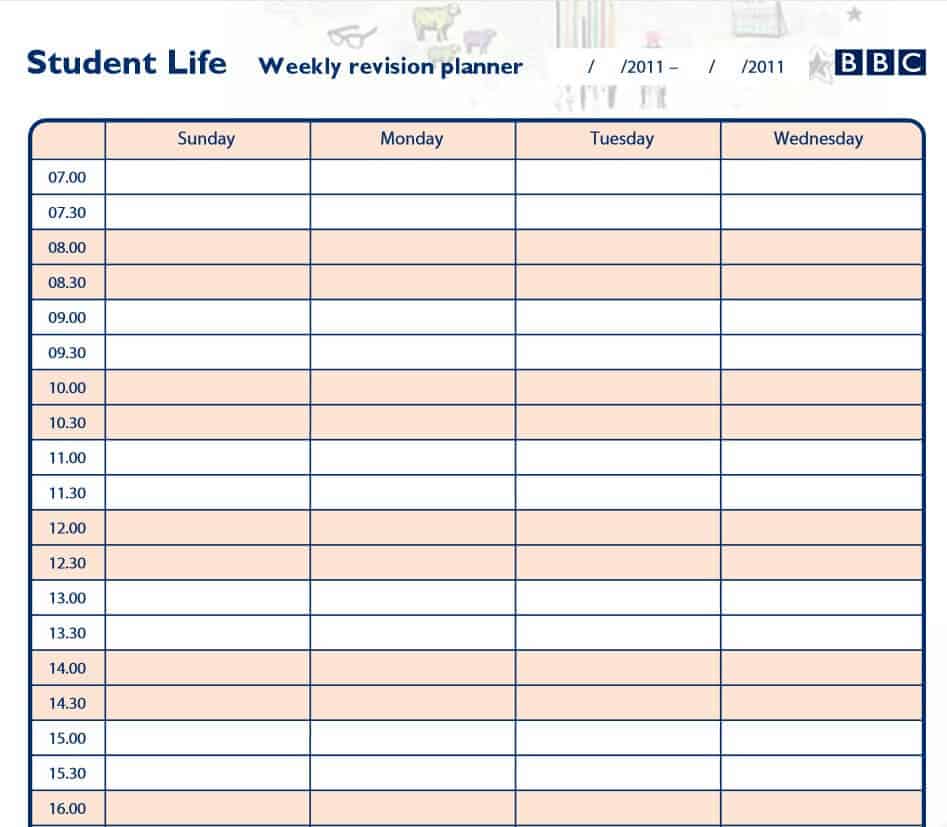
Download Student’s Weekly Planner Template
Fillable Weekly Planner WORD Template
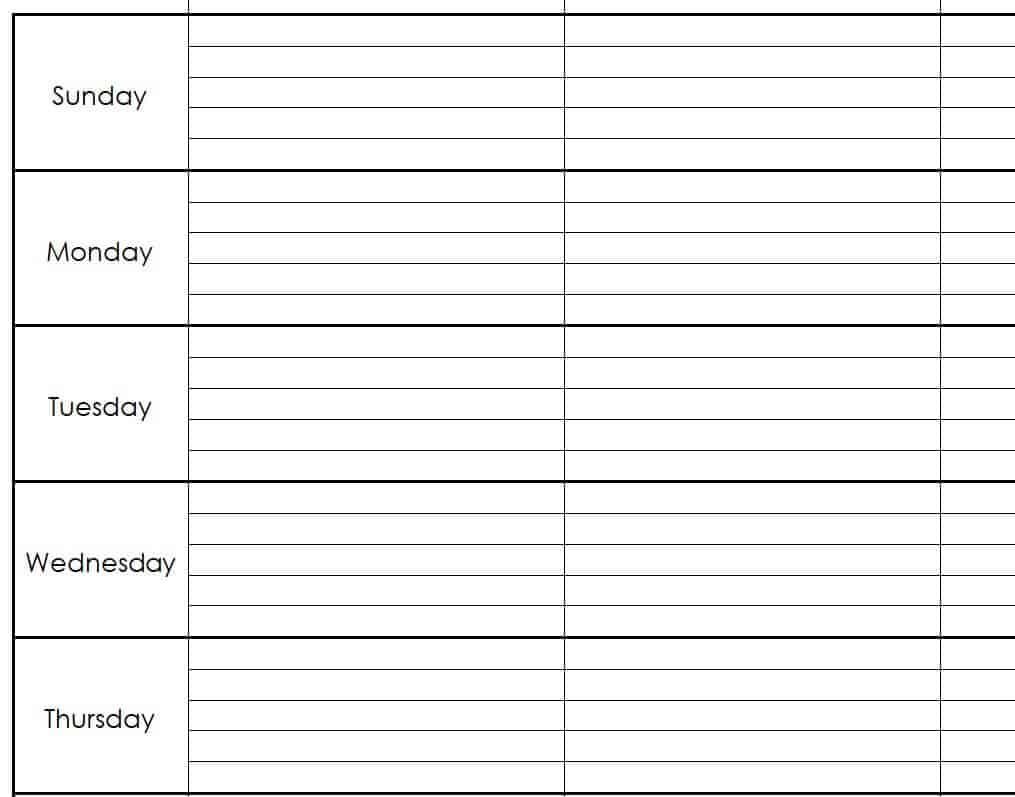
Download Fillable Weekly Planner Template
Sample Weekly Planner Excel Sheet
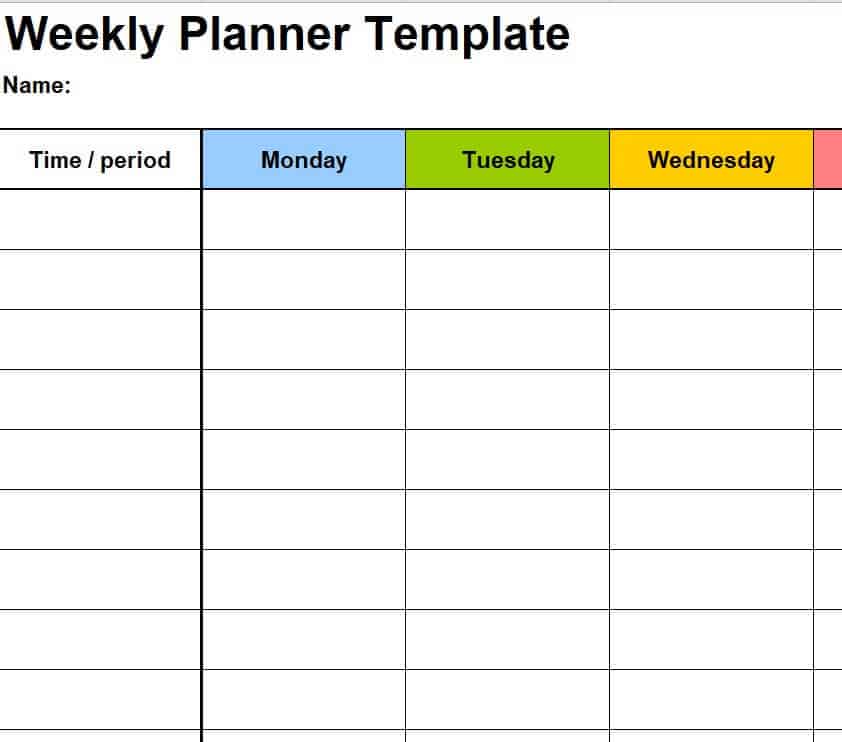
Download Weekly Planner Excel Sheet
Free Printable Weekly Planner PDF Template
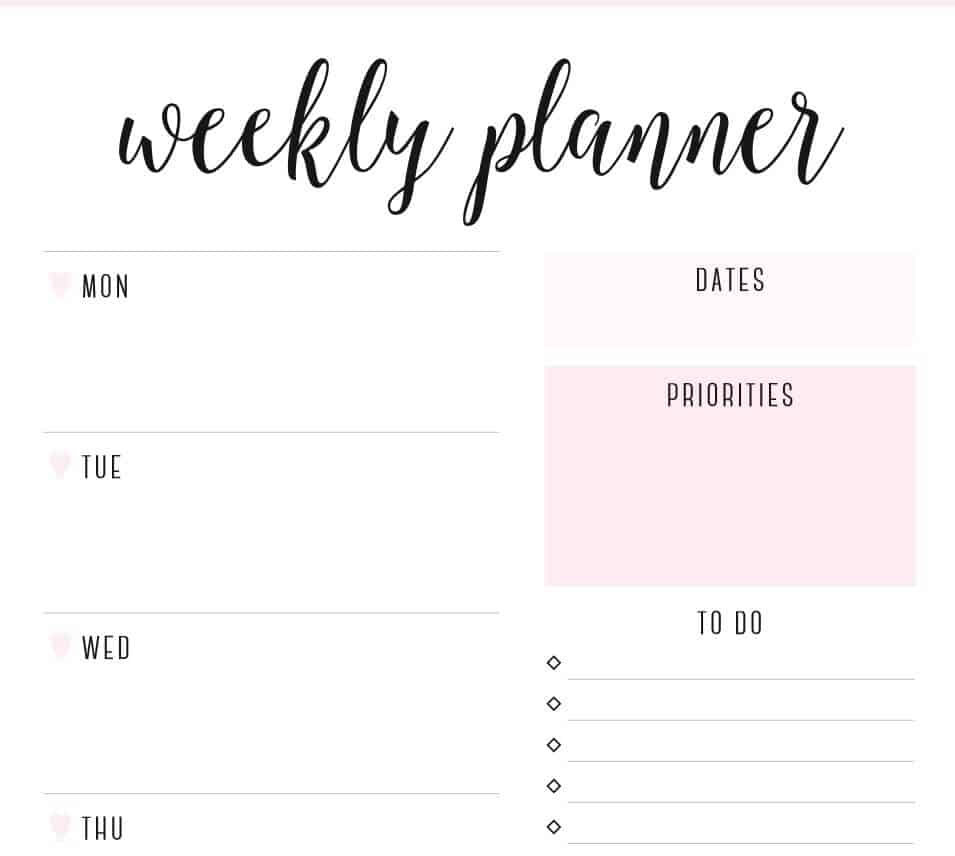
Download Printable Weekly Planner PDF
Free Editable Weekly Planner in DOC Format
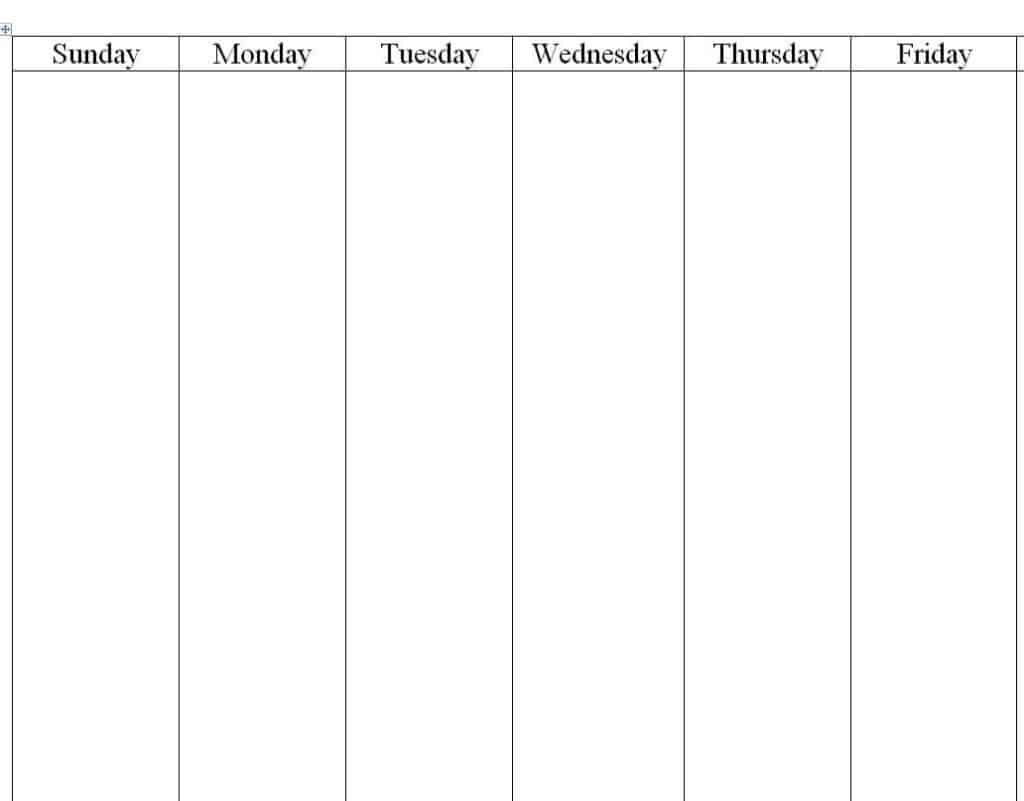
Download Editable Weekly Planner DOC
Weekly Course Planner PDF Format
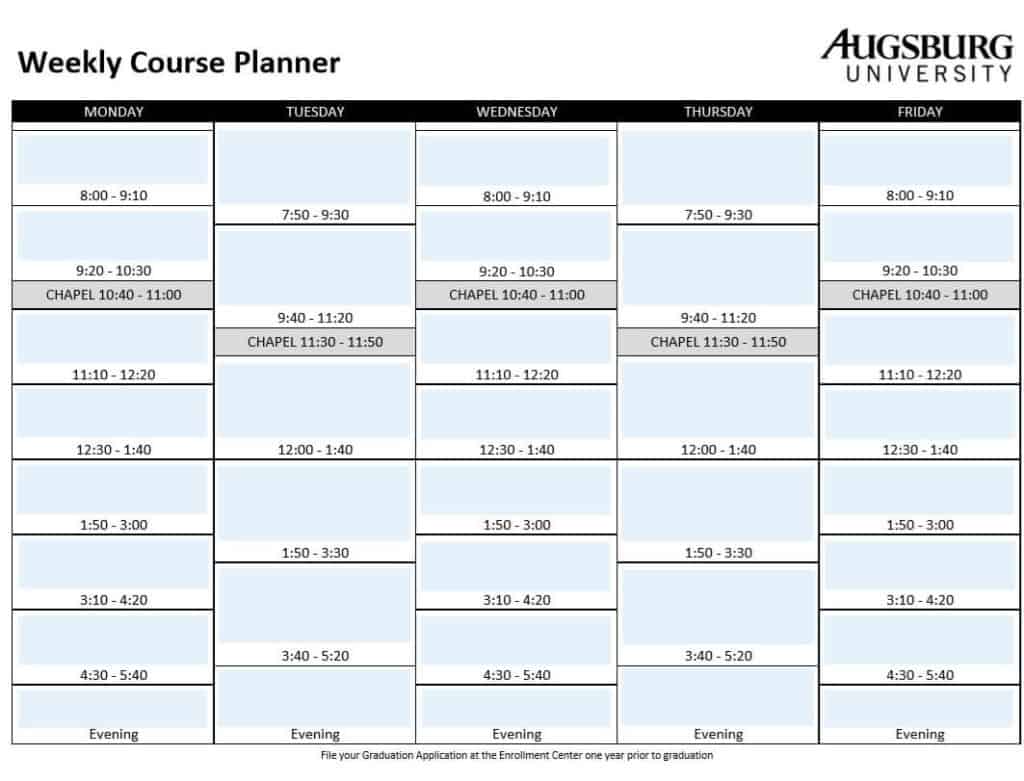
Download Weekly Course Planner
Half Hourly Weekly Planner Example in MS WORD
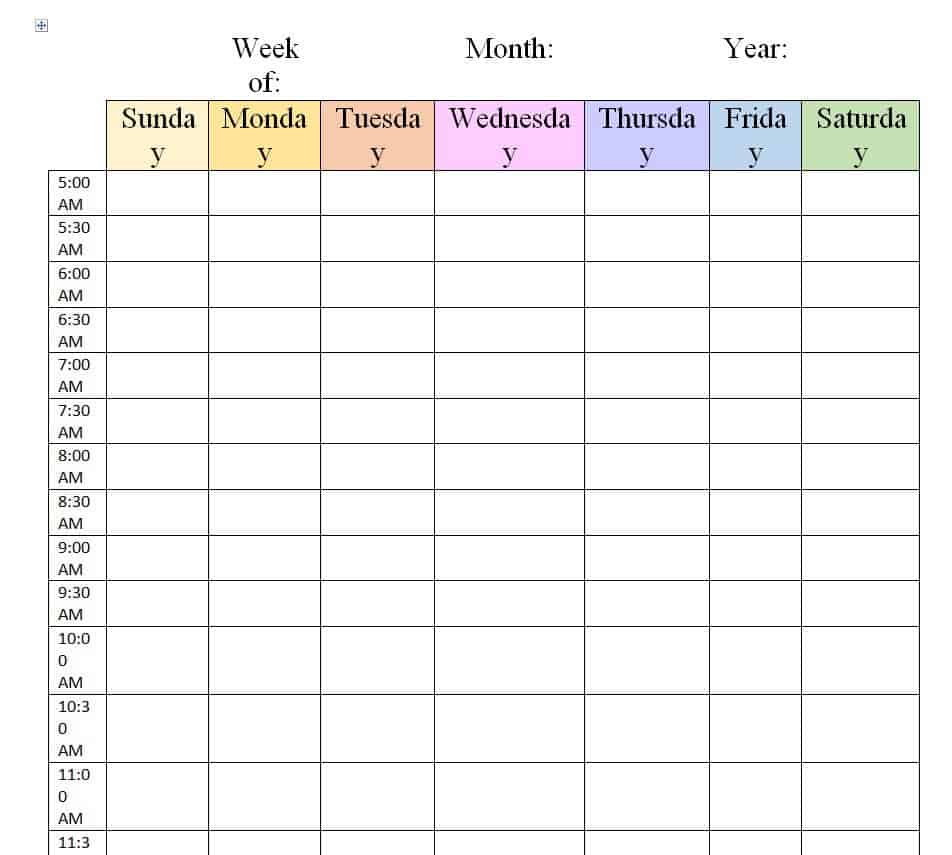
Download Half Hourly Weekly Planner
Sample Weekly Meal Planner in XLSX Format
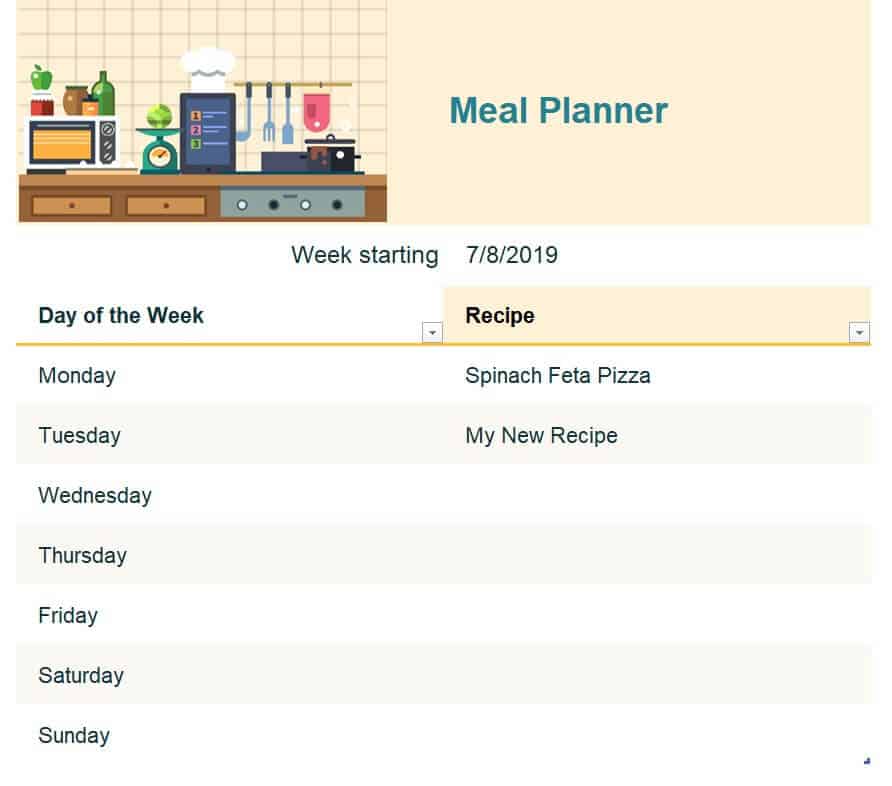
Download Weekly Meal Planner XLSX
Special Weekly Planner Word Template
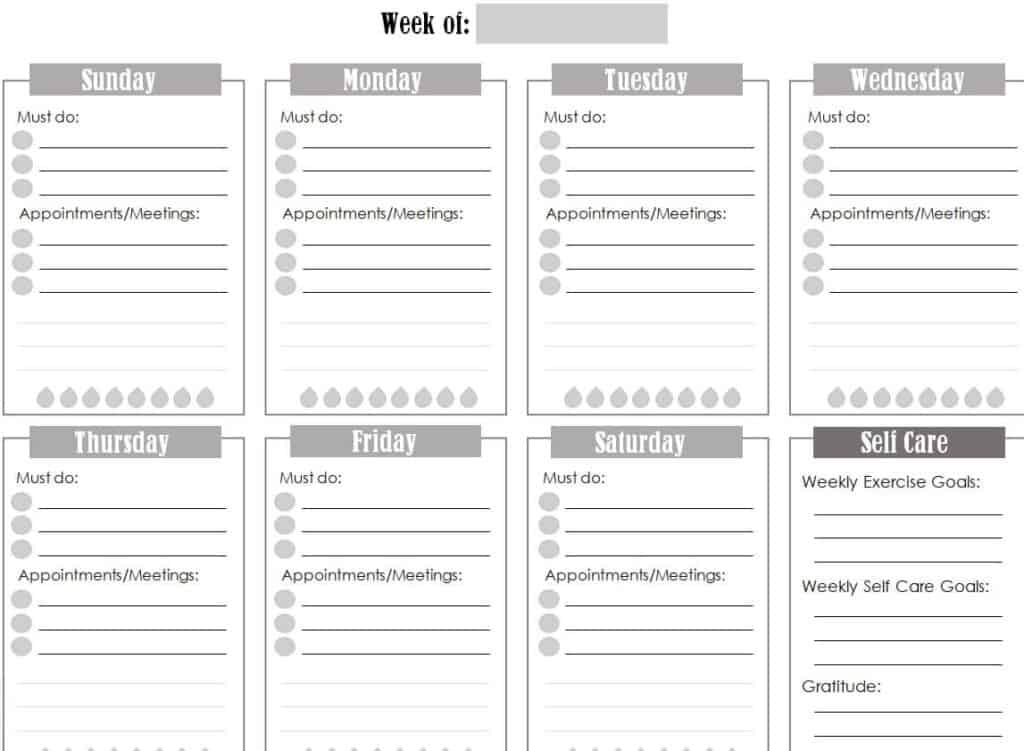
Download Special Weekly Planner Template
Online Weekly Planner PDF Template
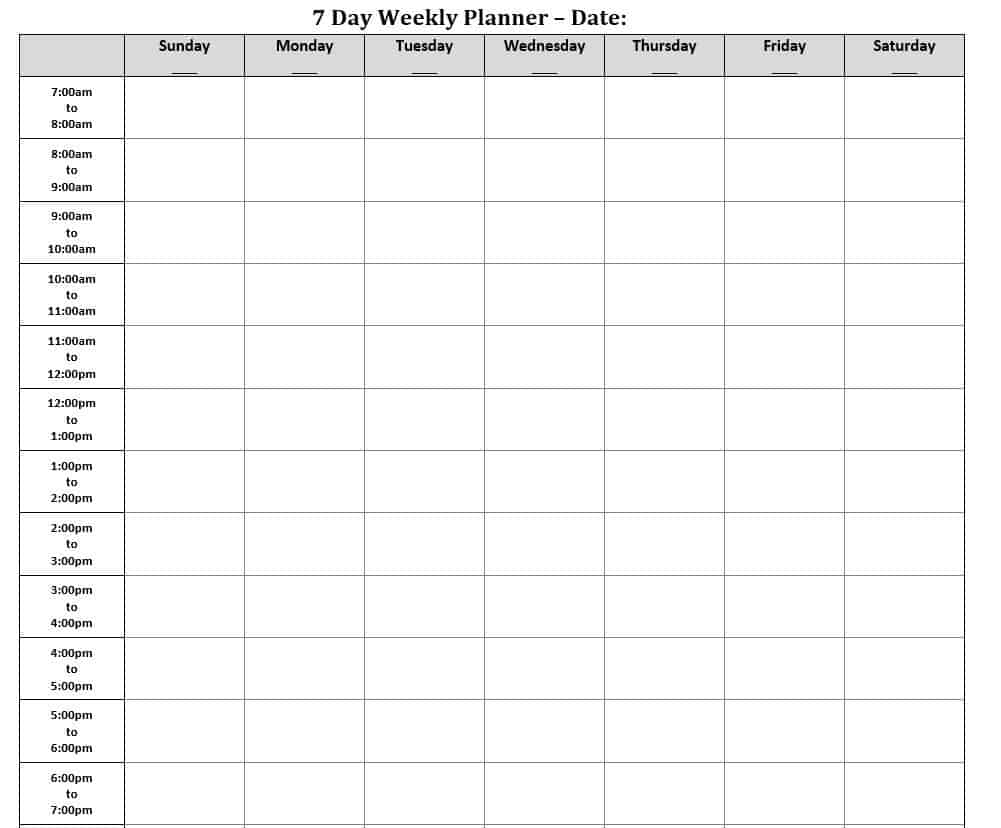
Download Online Weekly Planner PDF
Hourly Weekly Planner Template in WORD Format
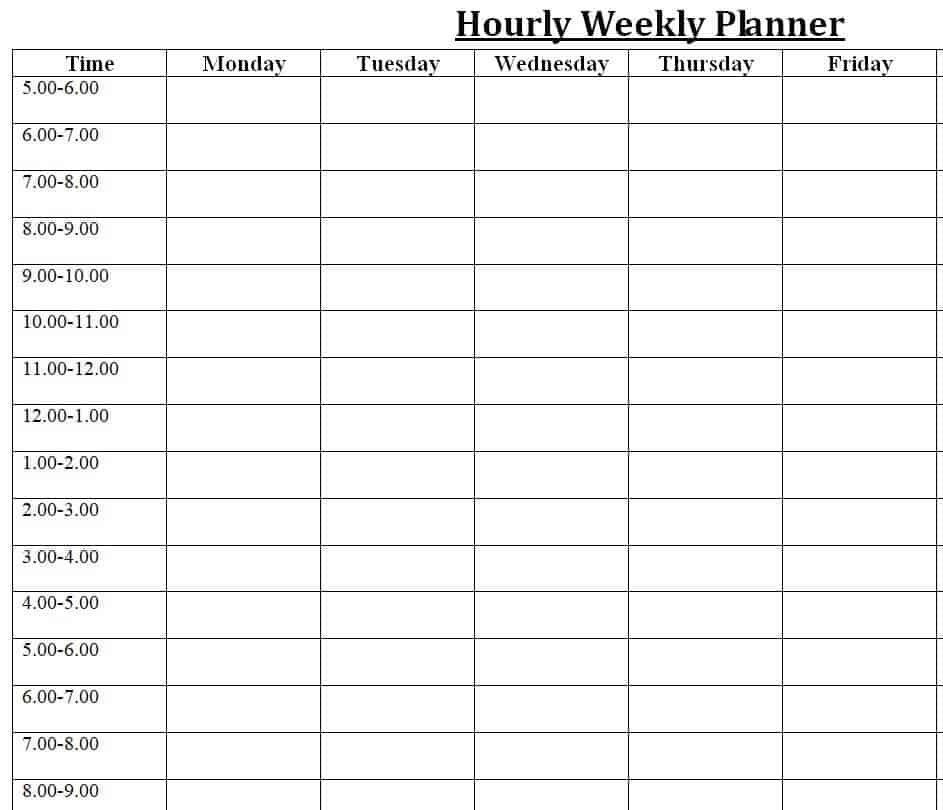
Download Hourly Weekly Planner Template
Sample Personal Weekly/Monthly Budget Planner PDF
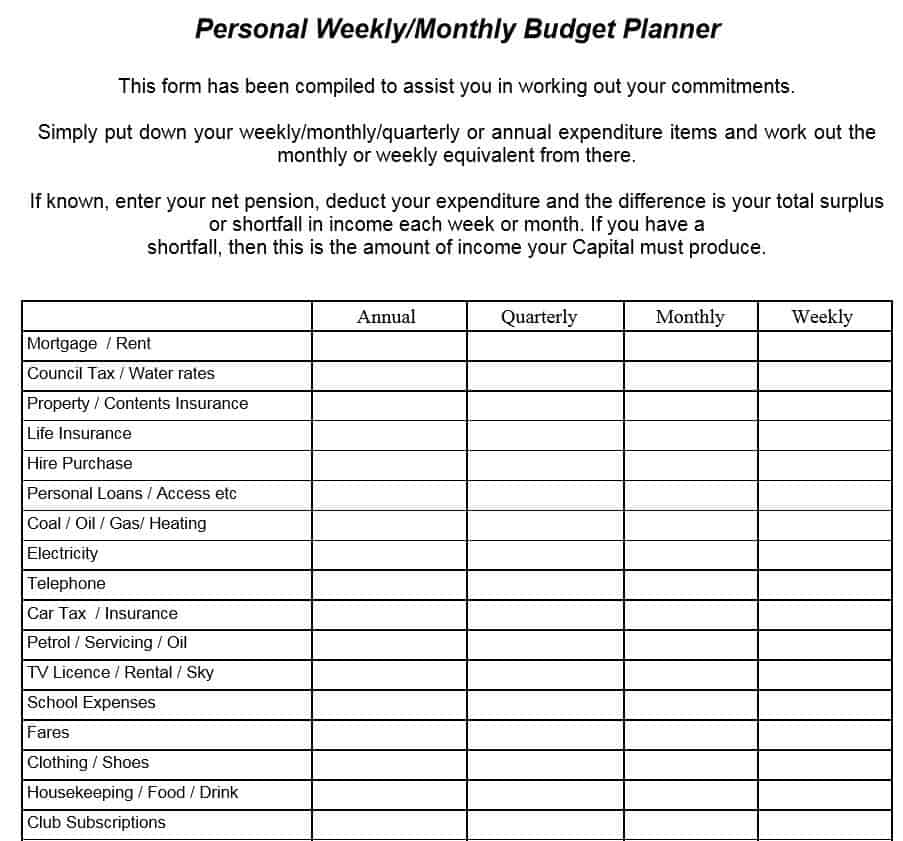
Download Weekly and Monthly Budget Planner
Practical Weekly Planner Example WORD
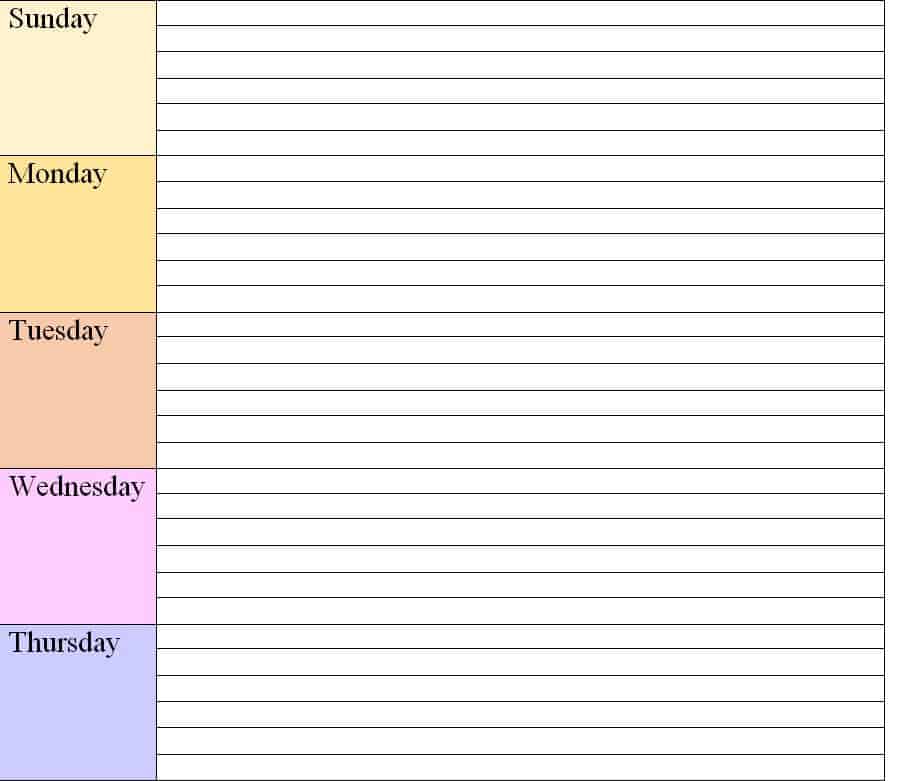
Download Practical Weekly Planner Example
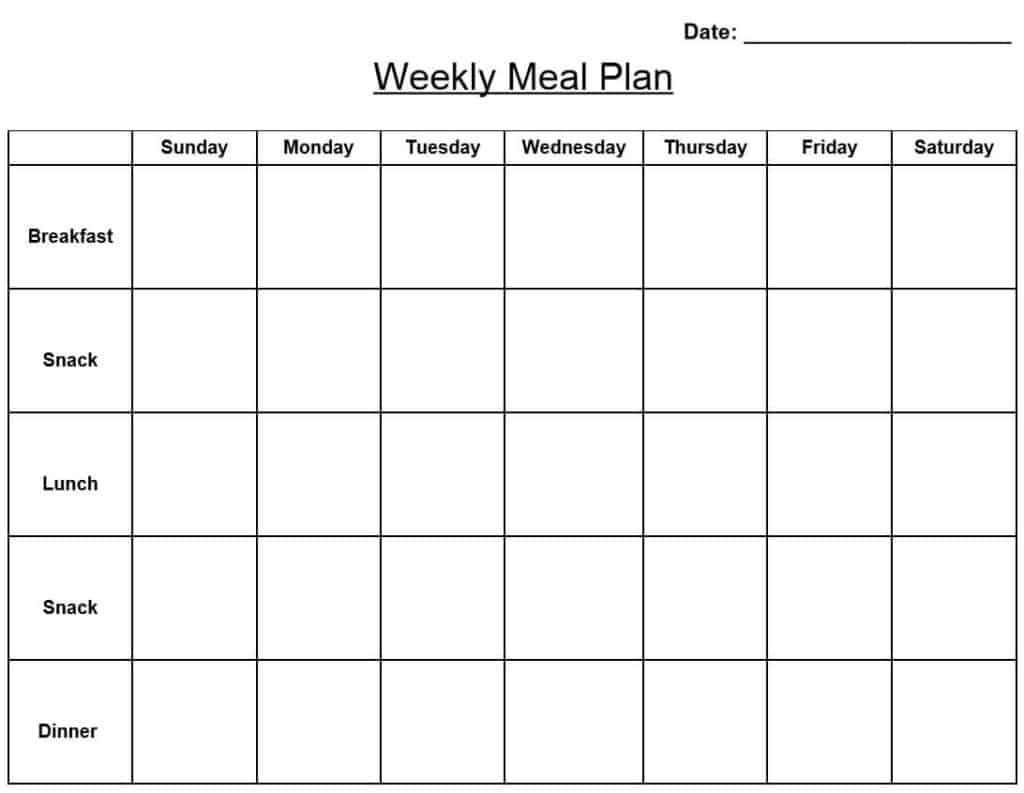
Weekly Meal Plan PDF Sample
How to Use a Weekly Planner Step by Step
- Choose a template. Pick the format that suits you: Word or Excel to type, PDF to print and write by hand.
- Set aside planning time. Spend 10 to 15 minutes on Sunday evening or Monday morning.
- Write down fixed commitments. Add meetings, classes, appointments and events first.
- List your tasks. Brain dump everything you need to do during the week.
- Prioritize. Mark the most important or urgent items, then schedule them in the best time slots.
- Be realistic. Do not overfill any day, and leave some buffer time.
- Review daily. Check off completed tasks each evening and move unfinished ones forward.
- Reflect at the end of the week. Note what worked and what to change next week.
Weekly Planner Tips
- Start with your top three priorities for the week and protect time for them.
- Group similar tasks, such as phone calls or errands, into the same time block.
- Use color coding for work, personal and study tasks.
- Include time for rest, meals and exercise so your plan is sustainable.
- Keep your planner where you will see it, such as your desk or the fridge.
- Use the budget and meal planner templates to plan spending and food in the same week.
Frequently Asked Questions (FAQs)
What is a weekly planner template?
It is a ready-made layout that divides a week into days and gives you space to write tasks, appointments and goals. You can print it or fill it in on a computer.
Are these weekly planner templates free?
Yes. Every template on this page is free to download in Word, Excel or PDF format.
Which format should I choose?
Choose Word if you want to edit text and layout, Excel if you like tables and formulas, and PDF if you want a clean printable page that you fill out by hand.
What is the difference between a weekly planner and a to-do list?
A to-do list simply lists tasks. A weekly planner assigns them to specific days and often time slots, which helps you schedule your workload realistically.
Can students use a weekly planner?
Yes. The student and course planner templates help you track classes, assignments, exams and study sessions, so you stay ahead of deadlines.
How do I plan meals for the week?
Use the weekly meal planner templates to list breakfast, lunch and dinner for each day. Then write a matching grocery list to save time and money.
When is the best time to plan my week?
Many people plan on Sunday evening or early Monday morning, but any time works as long as you do it consistently before the week begins.
Final Thoughts
A weekly planner turns a busy week into a clear plan. With 15 free templates covering general planning, school, work, meals and budgets, you can choose the format that fits your routine. Download one, fill in your tasks and start the week knowing exactly what to do.

You must be logged in to post a comment.