A month is long enough to accomplish something meaningful and short enough that a good plan can keep you on track. A monthly planner template gives you a single page to map out appointments, deadlines, chores, study sessions, bills and personal goals so nothing slips through the cracks. On this page you will find 12 free planner templates in Word and Excel, including monthly, weekly, daily and home budget planners, ready to download, edit and print.
What Is a Monthly Planner Template?
A monthly planner template is a calendar-style layout that shows every day of the month in a grid, with space to write tasks, events and notes. Some versions add extra sections for goals, priorities or a to-do list. Because the templates below are editable, you can change dates, colors and headings to suit your own routine, and print as many copies as you need each month.
Benefits of Using a Monthly Planner
- See the big picture: a full month on one page shows busy weeks and quiet weeks at a glance.
- Stay organized: write down tasks, chores and deadlines in one place instead of keeping them in your head.
- Improve time management: assign time to important activities and avoid last-minute rushes.
- Reach goals: break bigger projects into small steps spread over the weeks of the month.
- Reduce stress: a written plan brings clarity and helps you say no to overcommitting.
- Track progress: looking back at a completed planner shows what you achieved and what to improve next month.
Free Monthly, Weekly and Daily Planner Templates
Choose from the designs below. Click the download button under any template to get the file, then open it in Word or Excel.
Monthly Planner Sample


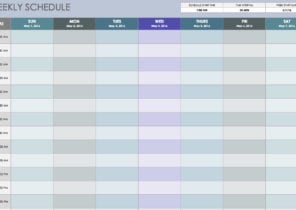
Weekly Planner Template
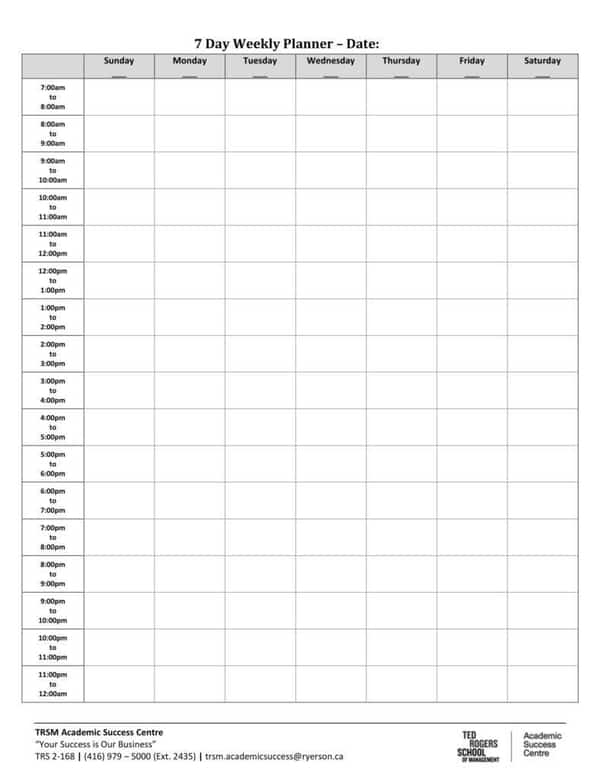
Daily Planner Template in Word
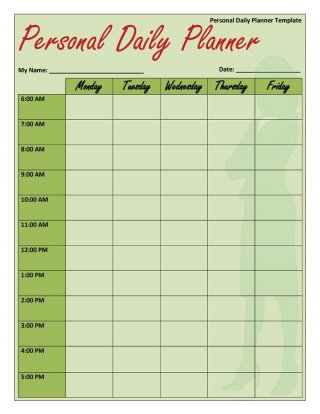
Daily Planner Template in Excel
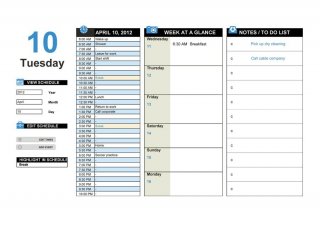
Printable Daily Schedule Template
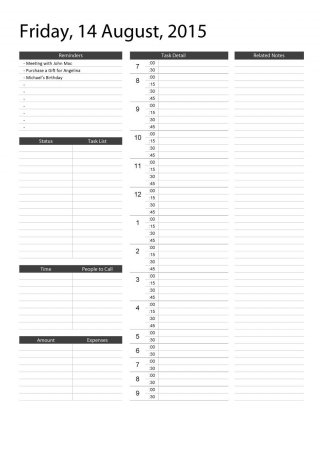
Simple Daily Planner Spreadsheet
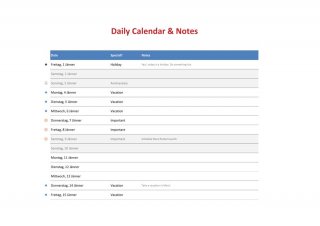
Home Budget Planner
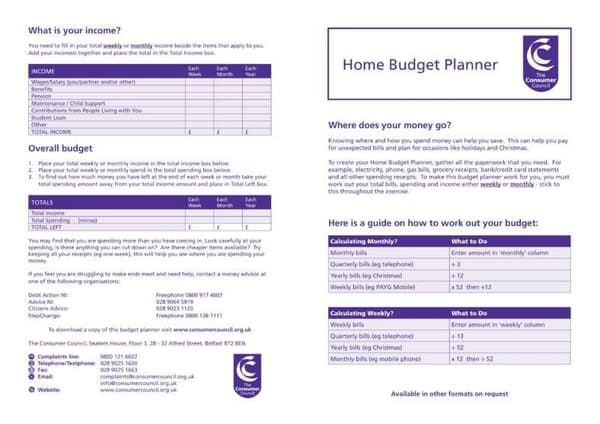
Editable Daily Planner in Word
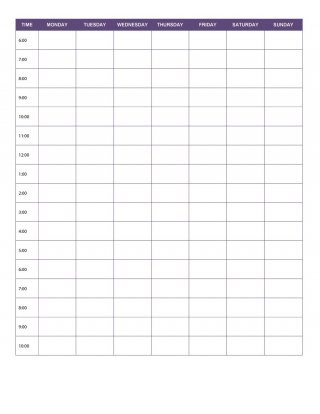
Daily Task Planner in Excel
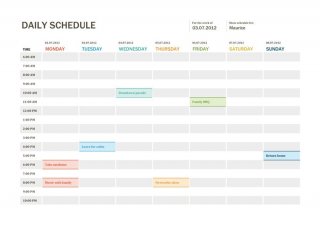
Printable Day Planner Sheet
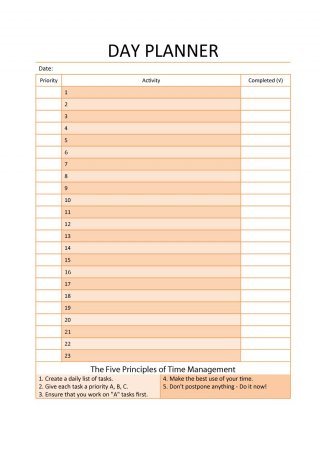
Daily Activity Planner Template
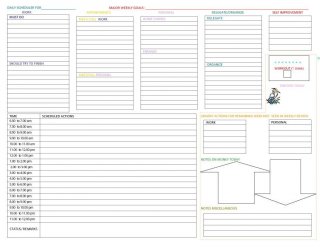
Daily Planner Excel Layout
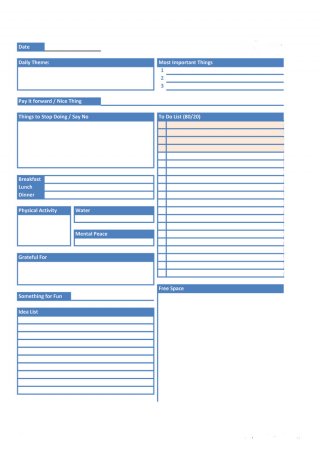
What to Include in Your Monthly Planner
A useful planner is one you will actually open every day, so include the items that matter most to your life:
- Fixed appointments: meetings, classes, medical visits and events with dates and times.
- Deadlines: project due dates, assignment submissions, tax dates and bill payments.
- Top priorities: the three to five things that must get done this month.
- Habits and routines: workouts, reading time, meal planning or cleaning schedules.
- Family and social plans: birthdays, holidays and time with friends.
- Notes and ideas: a small area for thoughts you do not want to forget.
How to Plan Your Month Step by Step
- Download and open a template. Pick the layout that suits you and open it in Word or Excel.
- Enter the month and dates. Adjust the calendar so the first day falls on the correct weekday.
- Add fixed commitments first. Put in appointments, holidays and deadlines that cannot move.
- Set monthly goals. Choose a few clear targets and break each one into weekly steps.
- Schedule tasks. Spread the remaining tasks across the days, leaving buffer time for surprises.
- Print or keep it on screen. Place it where you will see it every day, such as your desk or fridge.
- Review weekly. Check off completed items and reschedule anything that slipped.
Who Can Use a Monthly Planner?
Monthly planners are useful for almost everyone. Students can map assignment deadlines, exam dates and study blocks. Employees and business owners can track meetings, project milestones and client follow-ups. Parents can coordinate school events, activities and household chores. Freelancers can plan invoices and deliveries, and anyone managing money can pair the planner with the home budget template above to link tasks with spending.
Tips to Make Your Planner Work
- Plan at the same time each month, such as the last weekend before a new month begins.
- Use colors or symbols to separate work, personal and family activities.
- Do not overload days; three key tasks are more realistic than ten.
- Leave space for rest and flexibility.
- Combine a monthly view with a weekly or daily planner for more detail.
- Keep old planners so you can review what worked and plan more accurately next time.
Frequently Asked Questions (FAQs)
Are these monthly planner templates free?
Yes. All planner templates on this page are free to download and use for personal or professional planning. Click the download button under a template, unzip it if needed, and open the file.
Can I edit these planners in Word or Excel?
Yes. The templates are provided in editable Word (.docx) and Excel (.xlsx) formats, so you can change dates, headings, fonts and colors. You can also print them and write by hand.
What is the difference between a monthly planner and a daily planner?
A monthly planner shows the whole month so you can plan long-range commitments and deadlines. A daily planner breaks a single day into hours or tasks, which is ideal for detailed scheduling. Many people use both together.
How do I make a monthly planner in Excel?
Create a seven-column table for the days of the week, add rows for each week, and type the dates in the correct cells. Format the borders, add space for notes, and insert extra rows for goals. Or simply download one of our Excel templates and start filling it in.
Can I use these templates to plan a budget?
Yes. The home budget planner included above helps you list income and expenses for the month. Pair it with the monthly calendar to schedule bill due dates and savings goals.
How often should I update my monthly planner?
Set it up before the month starts, then review it briefly every week and each morning. Small updates keep the plan realistic and help you adjust when priorities change.
Which planner is best for students?
Students usually benefit from a monthly planner for exam dates and assignment deadlines, plus a daily or weekly planner for study sessions. Try both and keep the layout that feels easiest to use.
Final Thoughts
A monthly planner does not need to be complicated to be effective. Choose a template you like, fill in your commitments and priorities, and review it regularly. With a clear plan in front of you each day, you will get more done, feel calmer, and end every month with real progress on the things that matter most.


You must be logged in to post a comment.