Time management and self-discipline are two of the most valuable skills for success in school, work, and everyday life. One of the simplest tools to build both is a daily planner template. It gives you a clear place to write down tasks, appointments, and goals so nothing important slips through the cracks. In this guide you will find twelve free, editable daily planner templates in MS Word and Excel formats, plus practical tips for planning your day, and answers to common questions.
Everyone is busy, and it is easy to forget a deadline or a small but important errand. A daily planner solves that problem by giving you a simple method for tracking everything you need to do in one day. You can use it for personal chores, school assignments, or office work, and you can customize any template to match your routine.
What Is a Daily Planner Template?
A daily planner template is a pre-designed page that helps you organize one day at a time. Most layouts include a date field, a to-do list, hourly time slots, priority tasks, notes, and sometimes sections for meals, exercise, or gratitude. Because the templates are editable in Word or Excel, you can print them and write by hand or fill them in on your computer.
Benefits of Using a Daily Planner
- Better time management: seeing your whole day laid out helps you use each hour wisely.
- Less stress: writing tasks down clears your mind and reduces the fear of forgetting something.
- Higher productivity: ranking tasks by priority makes it easier to finish the most important work first.
- Improved focus: a clear plan reduces distractions and decision fatigue.
- Healthy habits: you can schedule exercise, meals, and rest alongside work.
- Progress tracking: looking back at completed pages shows how much you have achieved.
Who Can Use a Daily Planner?
Anyone can benefit. Students use a daily planner to record lessons, lectures, homework, and exam preparation. Professionals use it to manage meetings, emails, and deadlines. Parents use it to juggle family schedules, and freelancers use it to balance several clients at once. Whatever your lifestyle, a simple daily schedule makes your day feel more manageable.
Free Daily Planner Templates
Preview each layout below and use the Download button to save the template to your computer.
Online Free Day Planner Template

Daily Planner Word Template
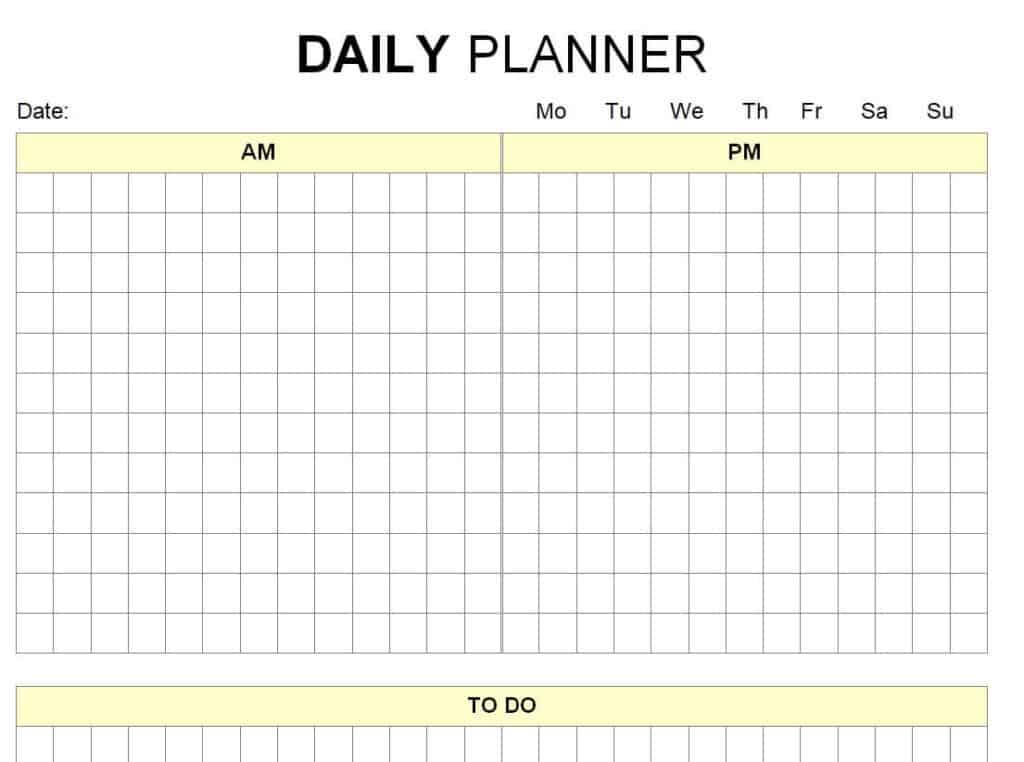
Sample Daily Planner in DOC Format
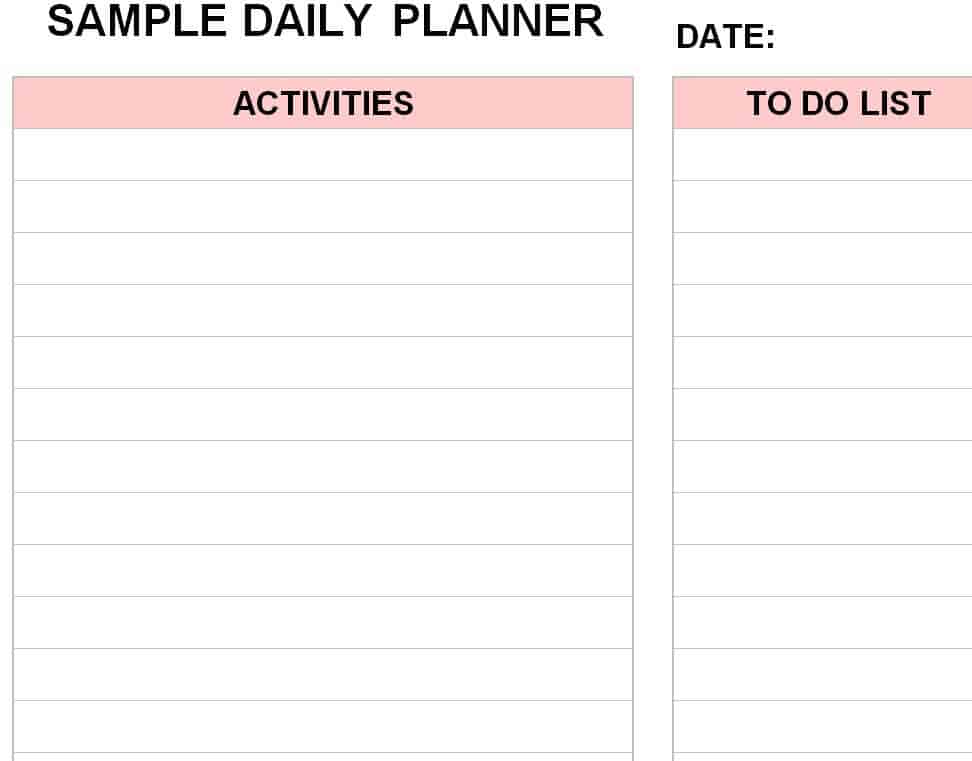
Simple Daily Planner Template (Word)
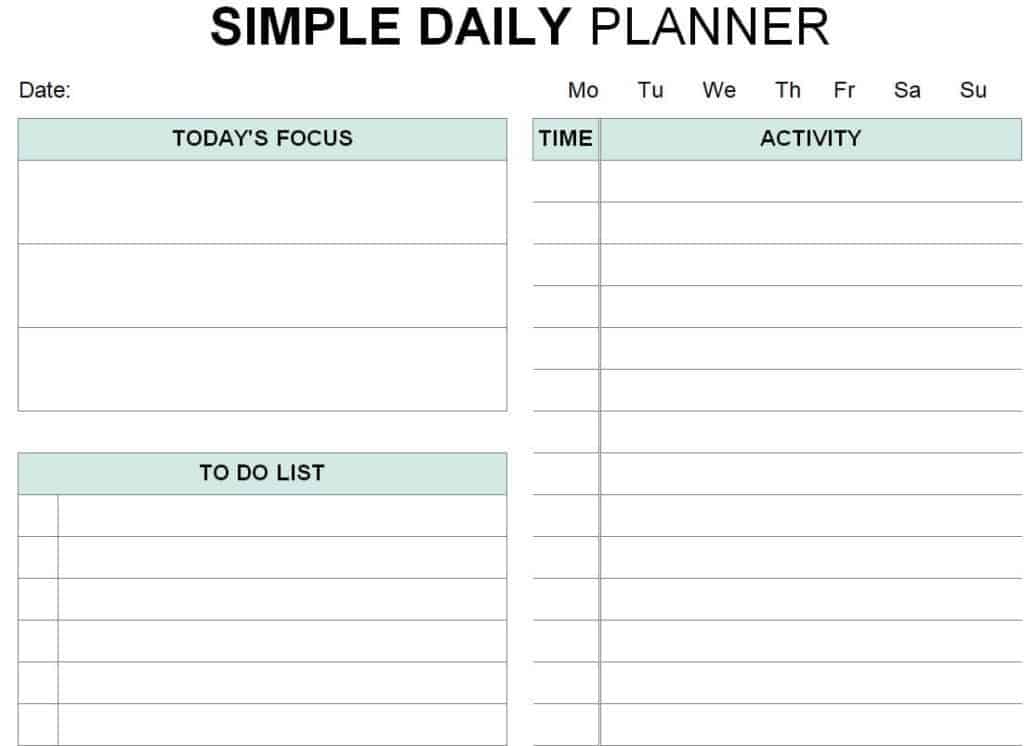
Blue Background Daily Planner Layout

Daily Planner Example in MS Word
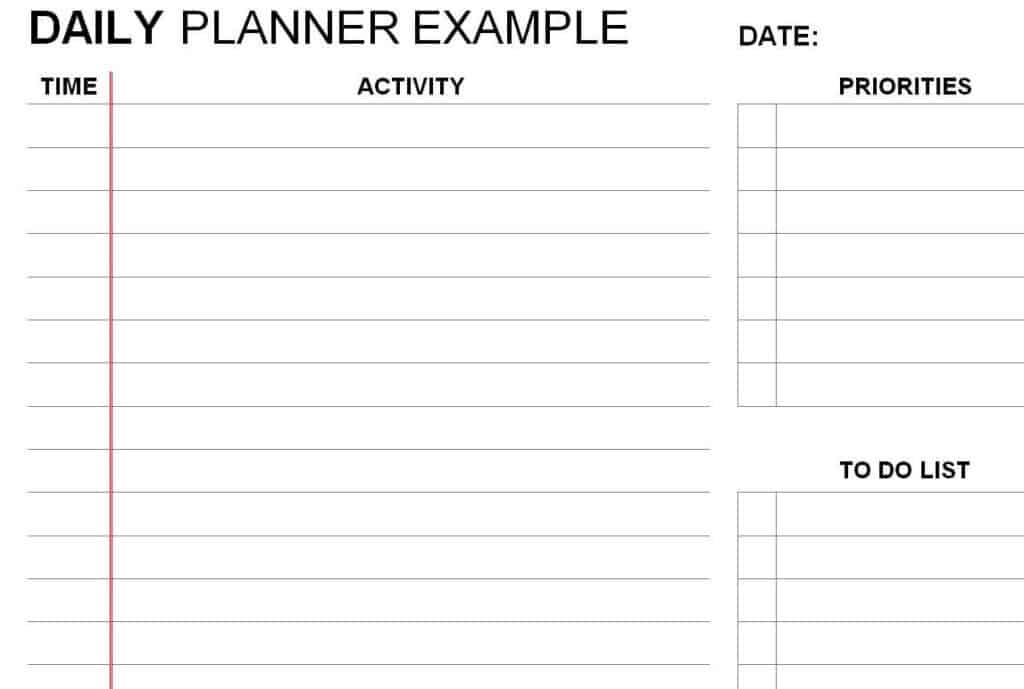
Daily Planner Sheet Excel Template
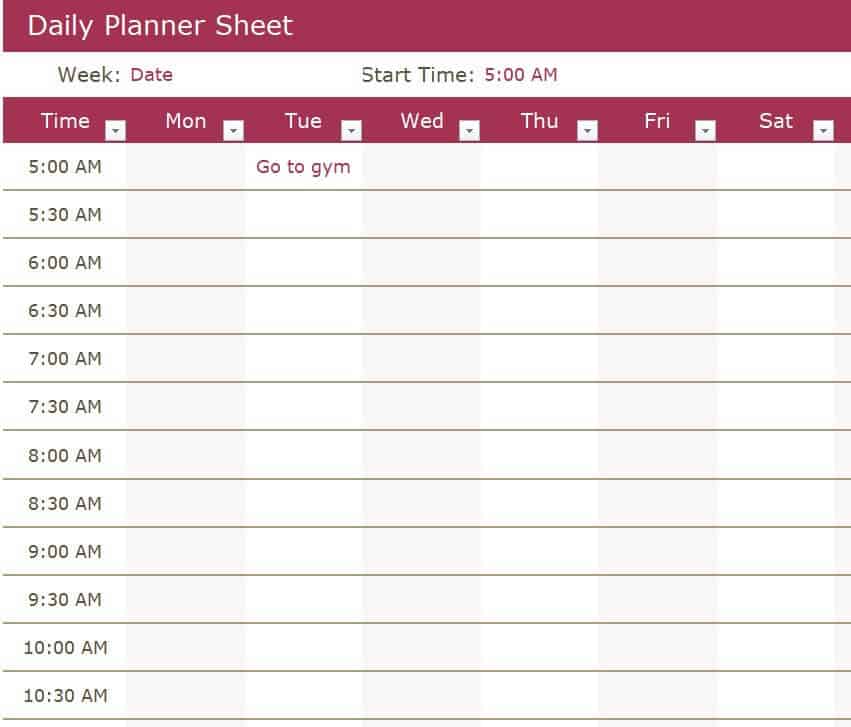
Free Editable Daily Planner Template

Today’s Plan Sheet Sample
Fillable Daily Routine Sheet in MS Word
Detailed Day Planner Example

Personal Daily Planner Template
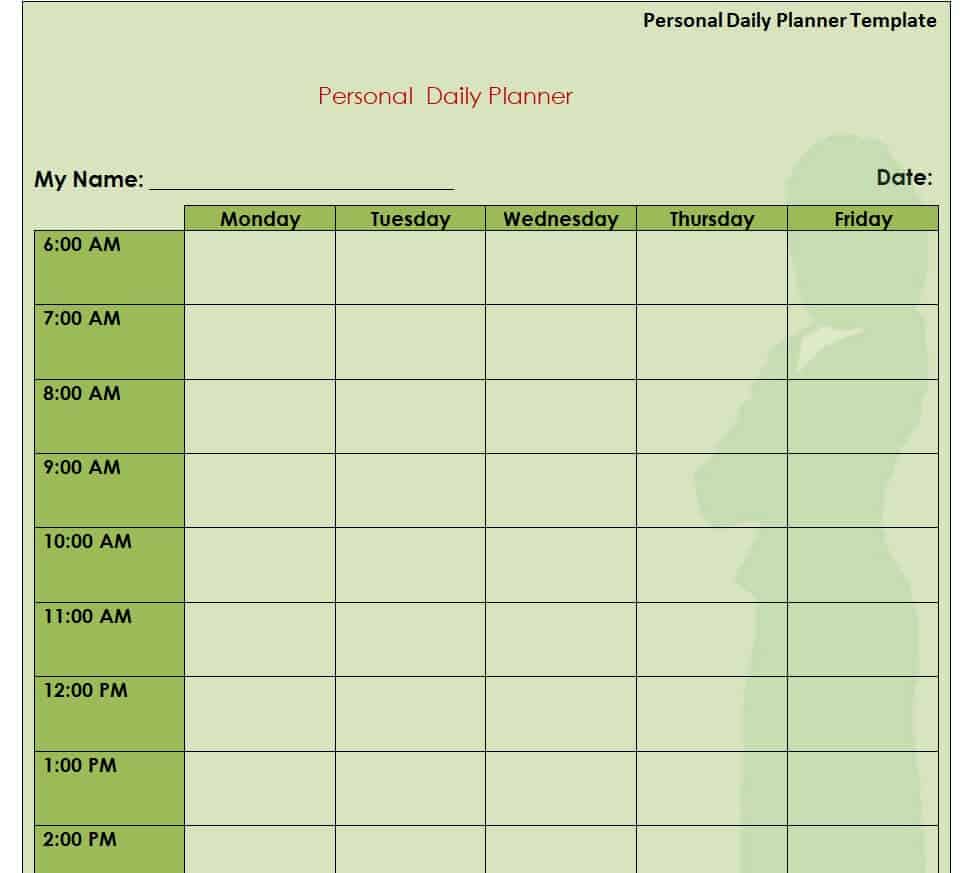
How to Create Your Own Daily Planner
- Choose a template. Pick a Word or Excel layout that matches how detailed you want your plan to be.
- Write the date. Start each page with the day and date so your records stay organized.
- List your top priorities. Choose the two or three tasks that matter most and put them first.
- Block out your time. Assign tasks to hourly slots, including meetings, classes, and breaks.
- Add smaller tasks. Use the to-do section for quick errands and reminders.
- Leave buffer time. Plans often run late, so keep a little space between tasks.
- Review at night. Check off completed items and move unfinished tasks to tomorrow.
Daily Planning Tips
- Plan your day the night before so you can start the morning with a clear direction.
- Use the “eat the frog” method: do your hardest task first.
- Group similar tasks, such as emails and phone calls, into one time block.
- Be realistic; a shorter list you finish is better than a long list you ignore.
- Include time for rest, meals, and exercise to avoid burnout.
Frequently Asked Questions (FAQs)
Are these daily planner templates free?
Yes. All twelve daily planner templates on this page are free to download and use for personal or professional planning.
Can I edit the daily planner templates in Word?
Yes. The Word versions open in Microsoft Word, and you can change fonts, colors, headings, and time slots. The Excel version can be edited in Excel or Google Sheets.
Can I print these templates?
Absolutely. Each template is designed to print cleanly on standard letter or A4 paper so you can fill it in by hand.
What should I put in a daily planner?
Include your top priorities, scheduled appointments, to-do items, deadlines, meals, exercise, and short notes or reminders.
How do I use a daily planner as a student?
List your classes, assignments, and study sessions in time blocks, add exam dates, and schedule breaks so you can stay focused without burning out.
What is the best time to plan my day?
Many people plan in the evening for the next day, while others prefer five to ten minutes in the morning. Choose the time that fits your routine and stick with it.
What is the difference between a daily planner and a to-do list?
A to-do list simply lists tasks, while a daily planner also assigns tasks to time slots, sets priorities, and helps you manage your schedule across the whole day.
Final Thoughts
A daily planner is a small habit that can make a big difference. Download the template that fits your style, fill it in each day, and watch your productivity and peace of mind improve.
You must be logged in to post a comment.