
A receipt is a commercial document that proves one party has paid for something and the other party has received the payment. Businesses, landlords, schools, charities, and freelancers all rely on receipts to keep accurate records and to protect both sides of a transaction. If you need a fast and affordable way to create them, a free Excel receipt template is one of the best options. Below you will find seventeen editable Excel receipt templates, an explanation of what a good receipt includes, a step-by-step guide to filling one out, and answers to the most common questions.
Microsoft Excel is an excellent tool for receipts because it handles calculations automatically and gives you full control over formatting. Instead of designing a receipt from scratch, you can download a ready-made layout, add your business details, and print or email the finished receipt in minutes.
What Is a Receipt?
A receipt is written proof of payment. It states the date, the amount paid, what the payment was for, who paid, and who received the money. Unlike an invoice, which asks for payment, a receipt confirms that payment has already been made. Both buyer and seller keep a copy, and the document is often needed later for accounting, taxes, warranties, returns, or dispute resolution.
Common Types of Receipts
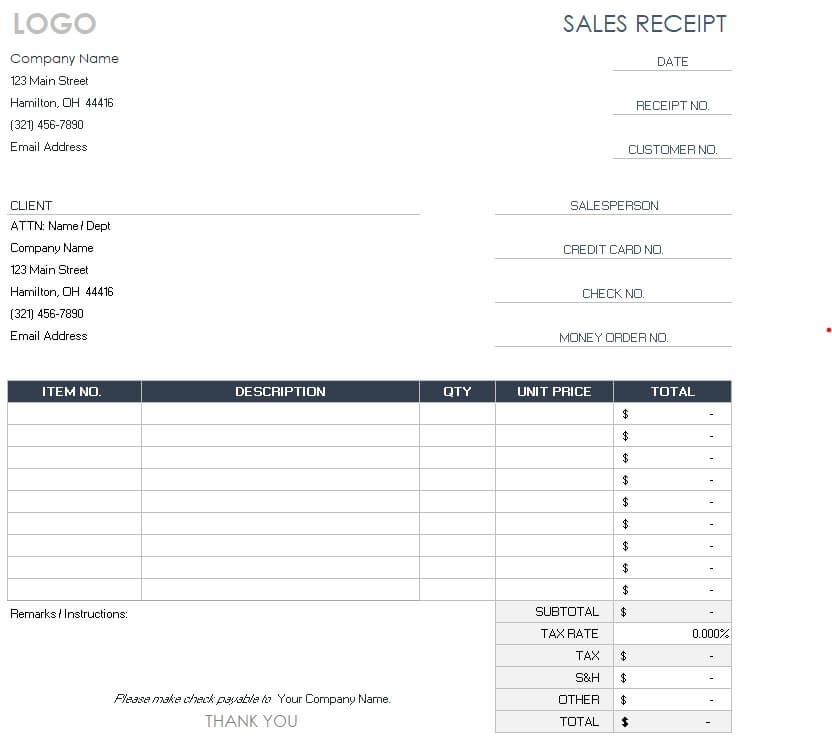
- Sales receipt: issued when a customer buys goods or services and pays immediately.
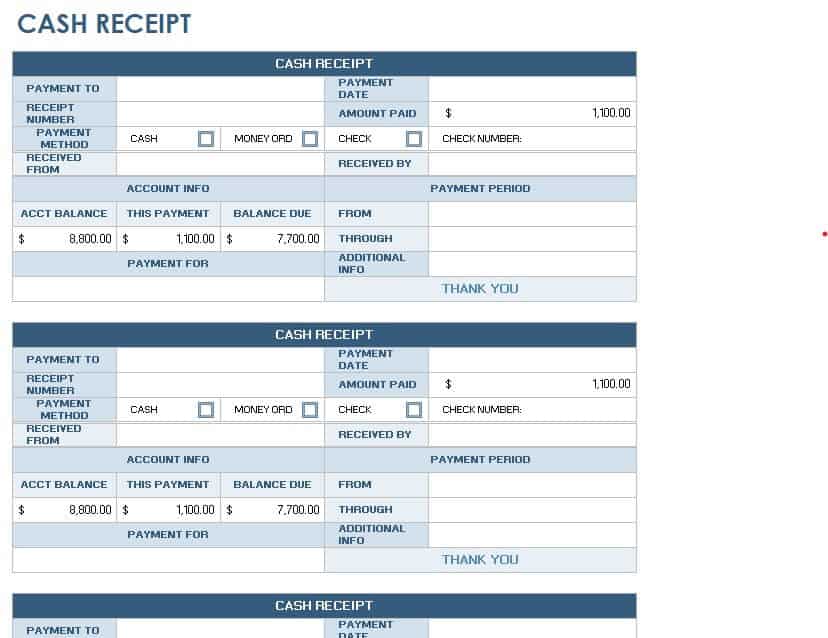
- Cash receipt: records a cash payment for a purchase or to settle an obligation.
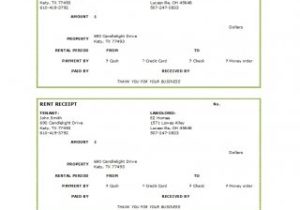
- Rent receipt: used by landlords and property owners to document rent payments.
- Donation receipt: given by charities and nonprofits to acknowledge contributions.
- Petty cash receipt: tracks small day-to-day business expenses paid in cash.
- Warehouse receipt: confirms that goods have been received and stored.
- Tax receipt or GST voucher: includes tax details for regulated sales in some countries.
For rental transactions, use the more specific rent receipt templates.
What to Include in a Receipt
A complete receipt makes your records clear and professional. Check that the template you choose has space for:
- Your business name, address, and contact information
- A unique receipt number
- The date of payment
- The customer’s or payer’s name
- A short description of the goods, services, or purpose
- Quantity, unit price, and total amount
- Tax details, if applicable
- Payment method, such as cash, card, or bank transfer
- Signature or stamp of the person receiving the payment
If a payment is made entirely in cash, compare the layouts in the cash receipt collection.
Benefits of Excel Receipt Templates
- Cost effective: no need for expensive receipt or accounting software.
- Fast to complete: the layout is already built, so you just type in the details.
- Automatic totals: Excel formulas can add up prices and taxes for you.
- Fully customizable: change colors, add your logo, and rename fields to suit your business.
- Print or digital: print paper receipts or save a PDF to email to customers.
Free Excel Receipt Templates
Preview each design below and use the Download button to save the template to your computer.
Daycare Excel Receipt Template
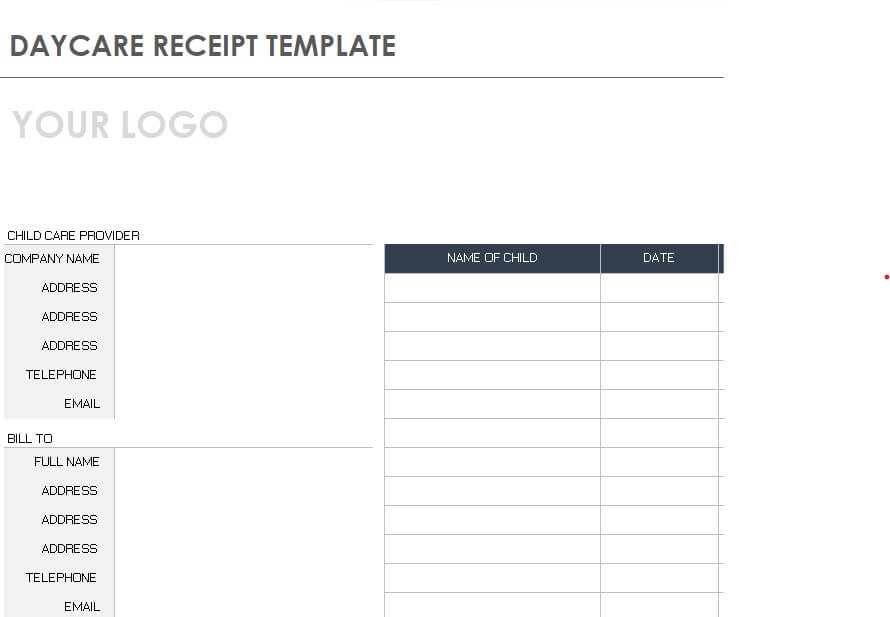
Sample Editable Receipt Template

Warehouse Receipt Excel Template
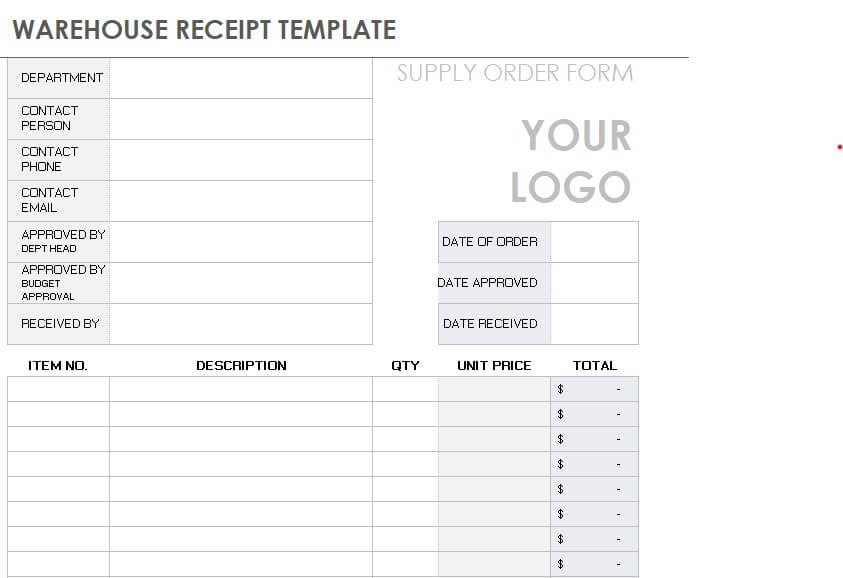
Sample GST Receipt Voucher Template

Company’s Sales Receipt Template in XLSX Format
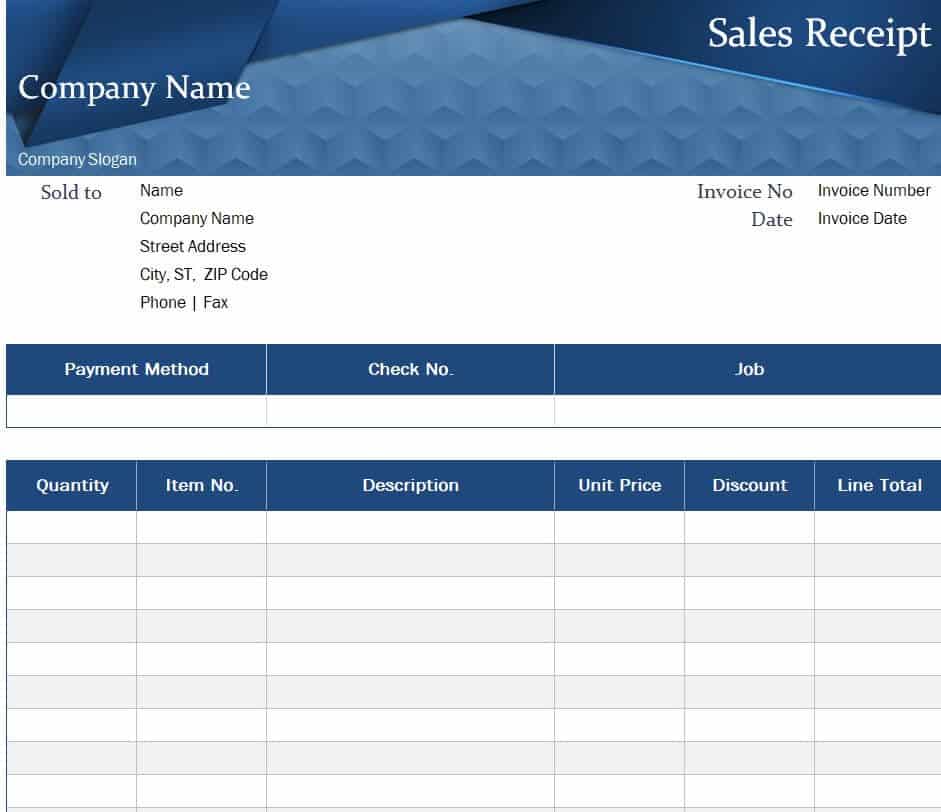
Donation Excel Receipt Template

Petty Cash Excel Receipt Example
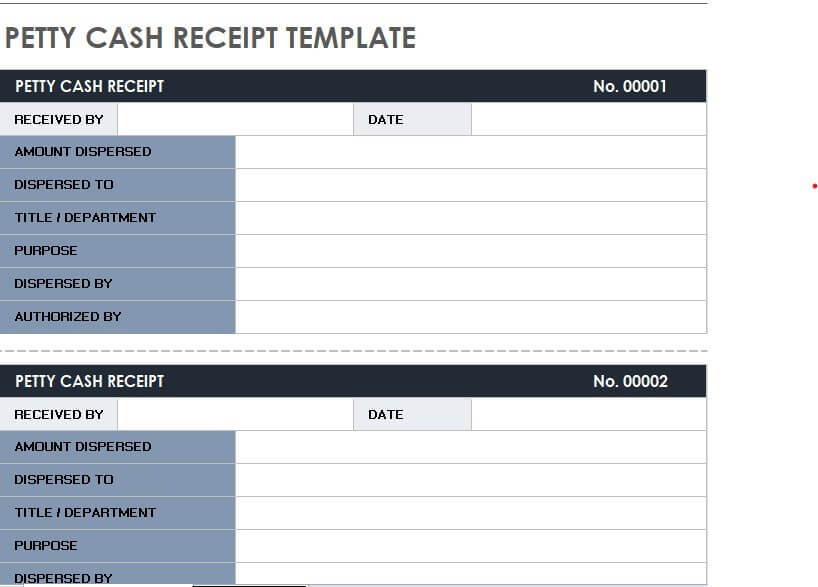
Free Printable Rent Receipt Template in Excel
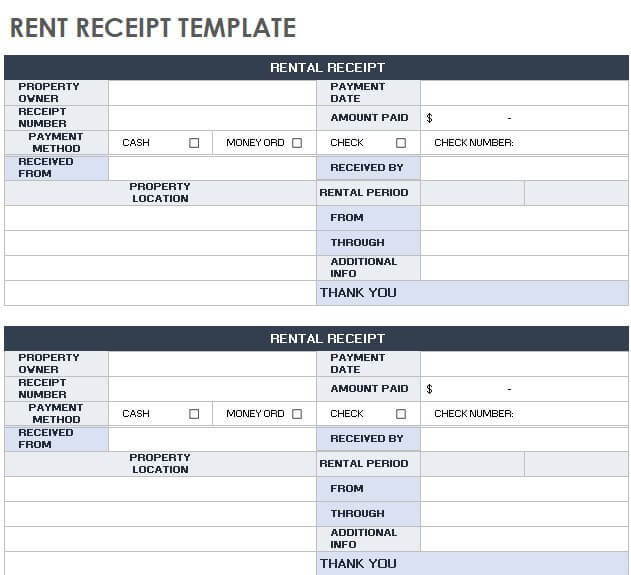
Fillable Excel Receipt Template

Business Sales Receipt Format

Standard Business Receipt Template
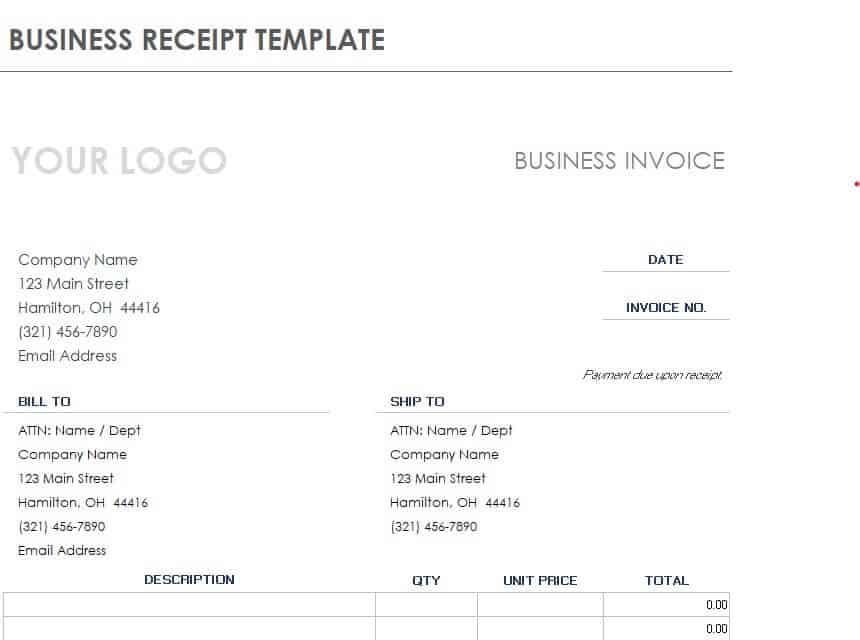
Excel Receipt Slip Example

Official Payment Receipt Template in MS Excel
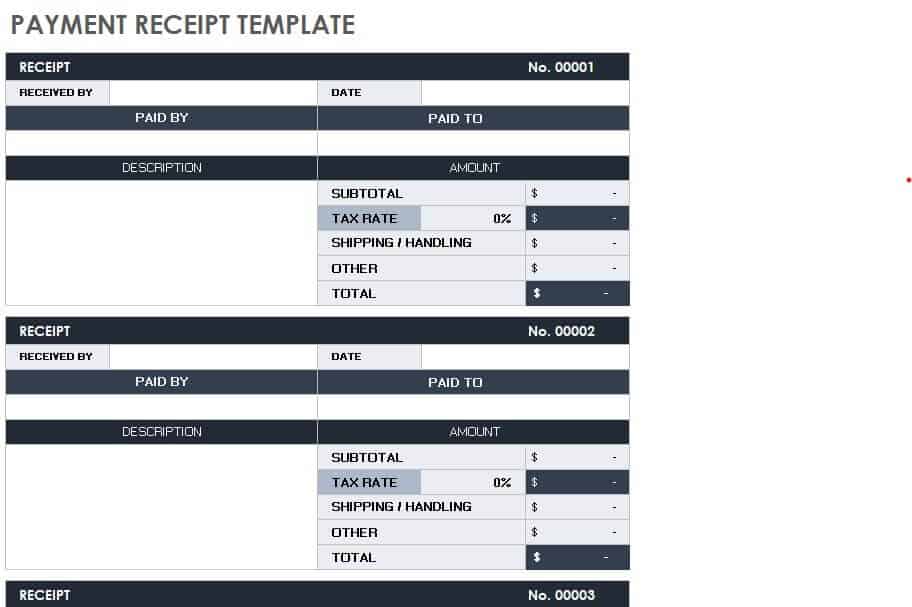
Simple Excel Receipt Template
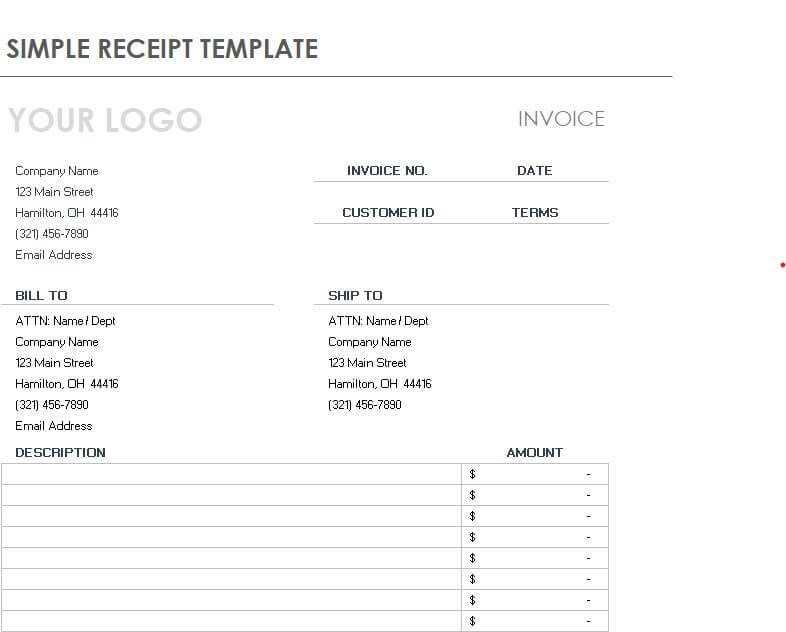
Professional Style Receipt Template in Excel Format

Basic Sales Receipt Layout in Excel
Excel Cash Receipt Example
How to Make a Receipt in Excel
- Choose a template. Pick the layout that matches your purpose, such as sales, rent, or donation.
- Open it in Excel. Download the file and open it in Microsoft Excel or a compatible spreadsheet program.
- Add your business details. Enter your name, address, phone number, and logo at the top.
- Enter a receipt number and date. Use sequential numbers so each receipt is unique.
- Fill in payer and payment details. Add the customer’s name, the description, the amount, and the payment method.
- Check the totals. Confirm the formulas calculate subtotal, tax, and total correctly.
- Sign, save, and share. Add a signature or stamp, then print the receipt or save it as a PDF for your records.
Match each receipt to the relevant invoice so payments are allocated correctly.
Tips for Better Receipts
- Number every receipt in order to make audits and record-keeping easier.
- Keep a copy of each receipt, either printed or stored in a dedicated folder.
- Write clear descriptions so the purpose of the payment is never in doubt.
- Include tax details where local rules require them.
- Protect your master template by saving a blank copy before you start.
Note: Receipt requirements, especially for tax and donations, vary by country and region. These templates are general tools and not legal, tax, or accounting advice.
Clear, accurate receipts protect you and your customers and make bookkeeping much easier. Download the Excel receipt template that fits your needs, customize it, and start issuing professional receipts today.
Frequently Asked Questions (FAQs)
Are these Excel receipt templates free?
Yes. All seventeen templates on this page are free to download, edit, and print for personal or business use.
What is the difference between a receipt and an invoice?
An invoice requests payment for goods or services, while a receipt confirms that payment was made. Businesses often issue an invoice first and a receipt after the customer pays.
Can I add my logo to an Excel receipt?
Yes. In Excel, choose Insert, then Pictures, and place your logo in the header area. Resize it so it fits neatly.
How do I number my receipts?
Use a simple sequential system such as 0001, 0002, and 0003, or add a prefix like the year. Consistent numbering helps you find records quickly.
Is a handwritten receipt valid?
In many cases yes, as long as it contains the date, amount, purpose, and signature. However, printed or digital receipts look more professional and are easier to store.
Can I use these templates for rent payments?
Yes. The rent receipt template lets landlords record the tenant’s name, rental period, amount paid, and payment method.
How long should I keep receipts?
Retention rules vary by location and purpose, but many businesses keep receipts for several years for tax and audit purposes. Check local requirements or ask an accountant.
You must be logged in to post a comment.