An invoice is one of the most important documents in any business transaction. It tells your customer exactly what they owe, when payment is due, and how to pay. If you want a fast, low-cost way to create professional invoices, a free Excel invoice template is one of the best tools you can use. Below you will find nine invoice formats to preview and download, plus a complete guide to what an invoice should include, how to fill one in, and answers to common questions.
Small business owners, freelancers, contractors, and online sellers all rely on invoices to get paid on time. Instead of paying for expensive invoicing software, you can start with a ready-made spreadsheet layout and customize it with your own company name, logo, and payment terms.
What Is an Invoice?
An invoice is a seller-generated commercial document that lists the goods or services provided to a buyer and the amount the buyer must pay. It usually includes the names and contact details of both parties, an invoice number, the date of the transaction, an itemized list of products or services, quantities, prices, taxes, discounts, the total amount due, and the payment deadline.
Invoices are typically issued for credit sales, where the customer pays after receiving the product or service. Once the customer pays in full, the invoice can be marked as paid or converted into a receipt. Keeping clear invoice records also makes bookkeeping and tax preparation much easier.
Benefits of Using an Excel Invoice Template
- Free and affordable: you do not need to buy accounting software to create a professional invoice.
- Quick to complete: the layout and formulas are already built, so you only add customer and item details.
- Automatic calculations: subtotal, tax, discounts, and grand total can be calculated with simple Excel formulas.
- Fully customizable: change colors, add your logo, rename columns, and adjust the layout to fit your business.
- Easy to save and share: export any invoice as a PDF and email it directly to your client.
- Consistent branding: using the same format every time makes your business look organized and trustworthy.
What to Include in an Invoice
Before you choose a template, make sure it has space for the essential details below. Missing information can delay payment.
- Your business name, address, phone number, and email
- Your customer’s name and billing address
- A unique invoice number for tracking
- Invoice date and payment due date
- A clear description of each product or service
- Quantity, unit price, and line totals
- Sales tax or VAT, if it applies
- Discounts and the final total due
- Accepted payment methods and payment terms, such as Net 15 or Net 30
Free Excel Invoice Templates
Preview each invoice design below and use the download button beside it to visit the template source.
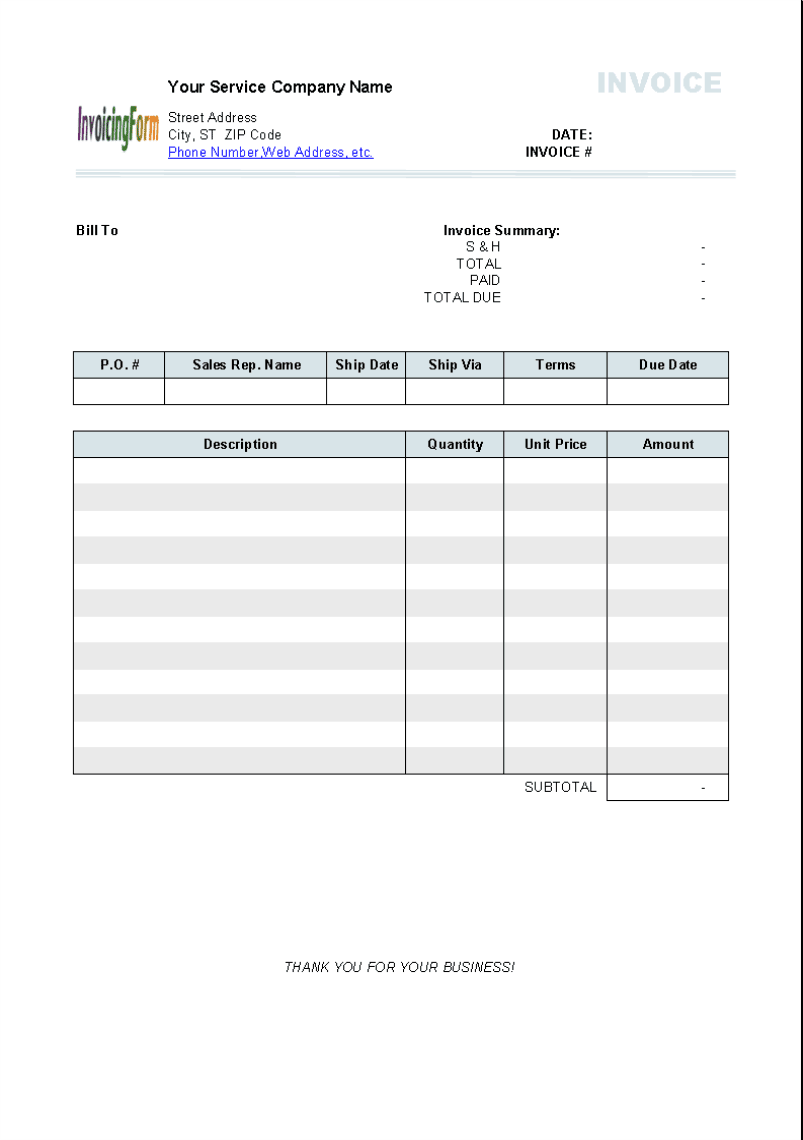
Invoice Template 1 – Classic Business Invoice

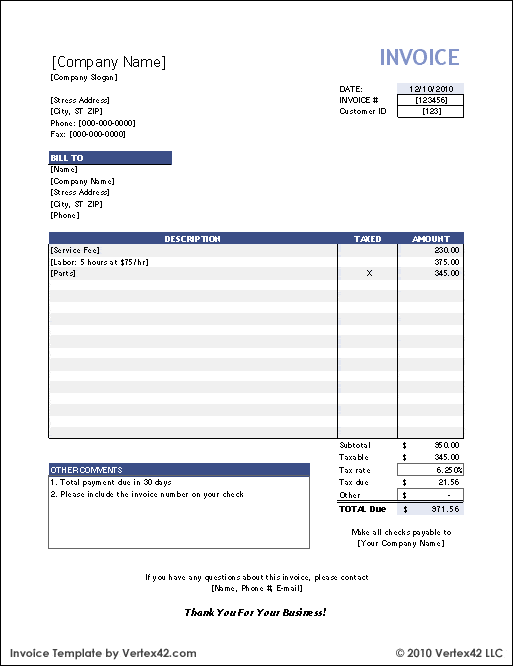
Invoice Template 2 – Simple Sales Invoice
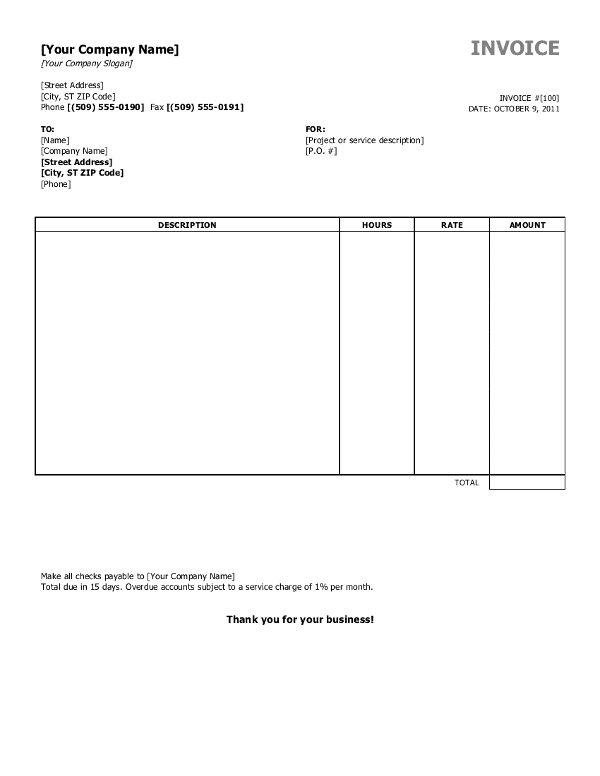
Invoice Template 3 – Service Invoice
Invoice Template 4 – Clean Billing Statement

Invoice Template 5 – Blank Invoice Format
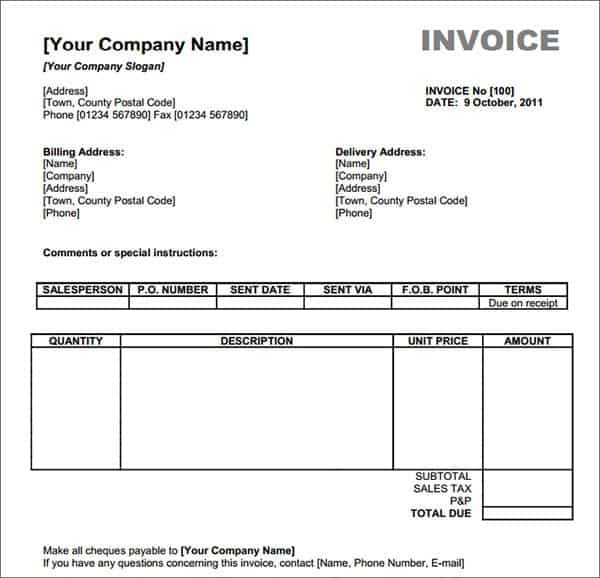
Invoice Template 6 – Professional Company Invoice

Invoice Template 7 – Detailed Product Invoice
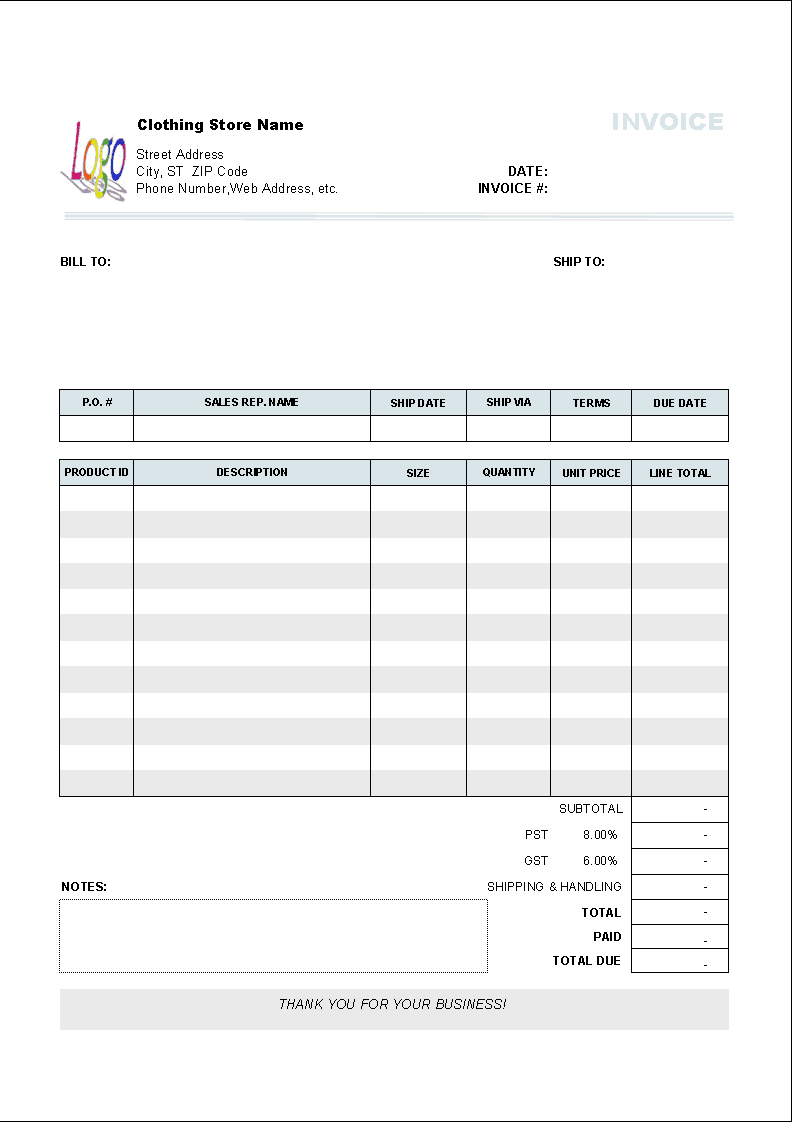
Invoice Template 8 – Standard Commercial Invoice

Invoice Template 9 – Compact Invoice Layout
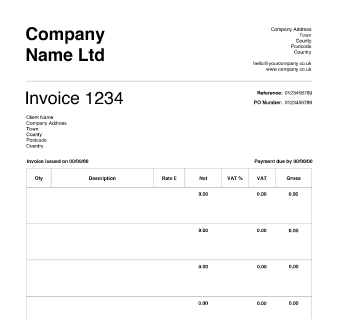
How to Create an Invoice in Excel
- Pick a template. Choose the layout that best fits your business, such as product sales or services.
- Add your business details. Enter your company name, address, contact information, and logo.
- Enter customer information. Include the client’s name, billing address, and any purchase order number.
- Assign an invoice number and dates. Use a sequential numbering system and set a clear due date.
- List items or services. Add descriptions, quantities, and unit prices for each line.
- Apply tax and discounts. Add any tax rate or discount and let the formulas calculate the total.
- State payment terms. Note how and when you expect to be paid, including late-fee policies if any.
- Save and send. Export the invoice to PDF and email it, keeping an Excel copy for your records.
Tips for Getting Paid Faster
- Send invoices immediately after completing the work or delivery.
- Use clear, specific item descriptions to avoid disputes.
- Offer several payment methods, such as bank transfer, card, or online payment.
- Set short payment terms and follow up politely when an invoice becomes overdue.
- Keep a numbered invoice log so you never lose track of unpaid bills.
Note: Invoice requirements, including tax details, differ by country and region. This page offers general templates and is not legal or tax advice.
Frequently Asked Questions (FAQs)
Are these Excel invoice templates free?
Yes. You can preview all nine invoice designs for free and use the download buttons to get the templates from their sources at no cost.
Can I add my company logo to an Excel invoice?
Yes. In Excel, go to Insert, choose Pictures, and place your logo in the header area. Resize it so it fits neatly with the rest of the layout.
What is the difference between an invoice and a receipt?
An invoice asks a customer to pay an amount owed, while a receipt confirms that payment has already been made.
How do I number my invoices?
Use a simple sequential system such as 1001, 1002, 1003, or include the year like 2026-001. Unique numbers make tracking and bookkeeping easier.
Can I use an invoice template for freelance work?
Absolutely. Freelancers can use the service-style layouts and list hours, rates, and project descriptions instead of product quantities.
Should an invoice include tax?
That depends on your location and business type. If you must charge sales tax or VAT, add a tax line and show the rate clearly. Check local rules or ask an accountant if you are unsure.
Can I turn an Excel invoice into a PDF?
Yes. In Excel choose File, then Save As or Export, and select PDF. This keeps the design intact and prevents accidental edits.
Final Thoughts
A professional invoice helps you look credible and get paid on time. Pick the Excel invoice template that suits your business, customize it with your details, and start billing your customers with confidence.



You must be logged in to post a comment.