Every sales team runs on conversations. Calls and visits turn prospects into customers, but without a record of what was said and what happens next, valuable details disappear. A sales call report captures each call in an organized way so managers can track performance and salespeople can follow up at the right time.
This page offers 8 free sales call report templates in Word and image-preview formats that you can download, edit, and use right away. Below the gallery, you will find what a sales call report should include, how to write one, tips for making reports more useful, and answers to common questions.
What Is a Sales Call Report?
A sales call report is a business document used to record the details of calls or visits made by a salesperson to prospects and customers. It notes who was contacted, when, why, what was discussed, the result, and the next steps. Over a period of time, these reports show how many calls were made, how many became leads, and how many ended in sales.
Sales call reports are used by inside sales teams, field sales representatives, call centers, and small business owners. Because they are stored in a consistent format, managers can compare results across the team and spot patterns quickly.
Why Use a Sales Call Report Template?
- Tracks activity: See exactly how many calls or visits each salesperson makes.
- Improves follow-up: Written next steps mean fewer missed opportunities.
- Measures performance: Managers can judge results based on real call data.
- Builds customer history: Notes on past conversations help you personalize future calls.
- Saves time: A ready-made layout speeds up reporting after each call.
- Supports forecasting: Call outcomes help predict future sales.
What to Include in a Sales Call Report
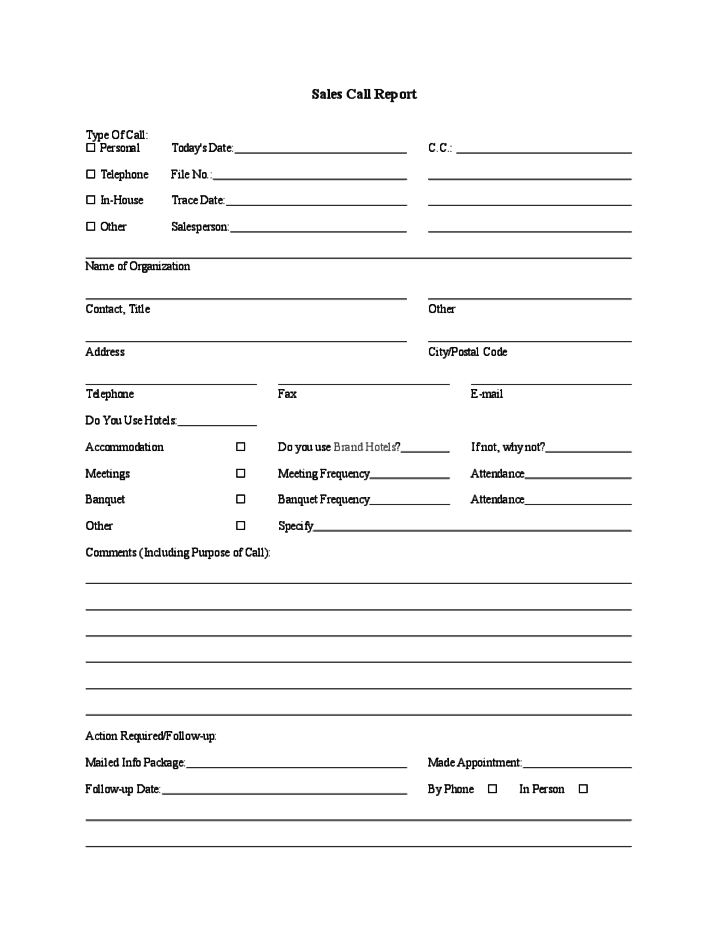
- Salesperson name, date, and time of call or visit
- Company and contact name, phone number, and email
- Type of contact: phone call, video call, or in-person visit
- Purpose of the call, such as introduction, demo, or negotiation
- Products or services discussed
- Customer needs, questions, and objections
- Outcome of the call and lead status
- Next steps, follow-up date, and person responsible
- Estimated deal value or probability of closing
- Notes and comments for team review
Free Sales Call Report Templates Gallery
Pick the layout that best fits your sales process. Click the download button under any template to save the editable file.
Sample Sales Call Report Template

Detailed Sales Call Report Template
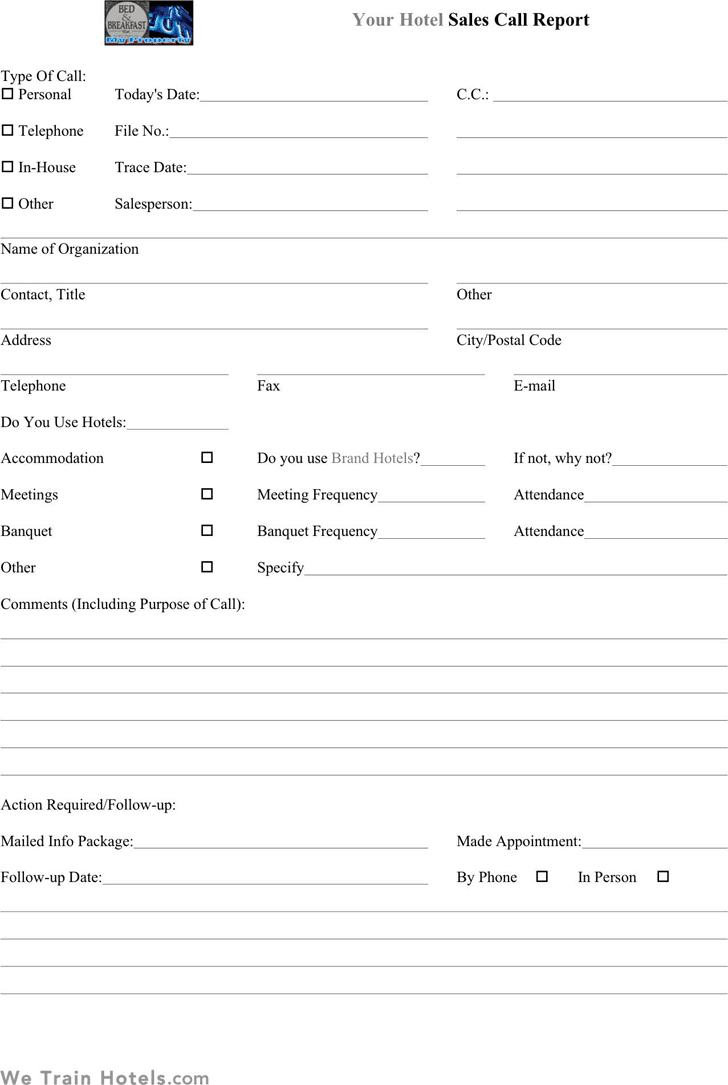
Simple Sales Call Report Example
Template for Sales Call Report
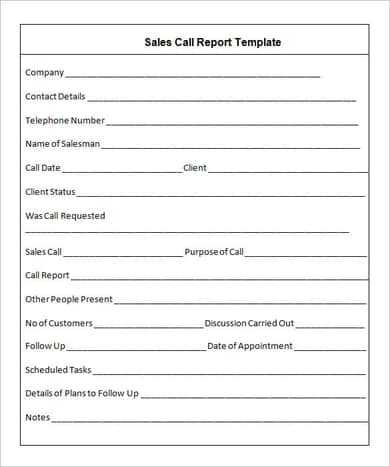
Blank Sales Call Report Example
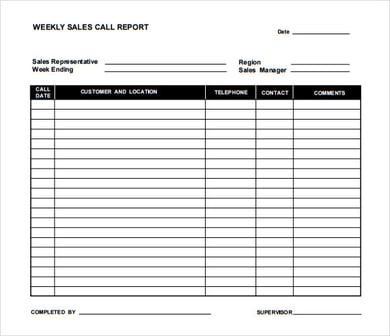
Editable Sales Call Report Example
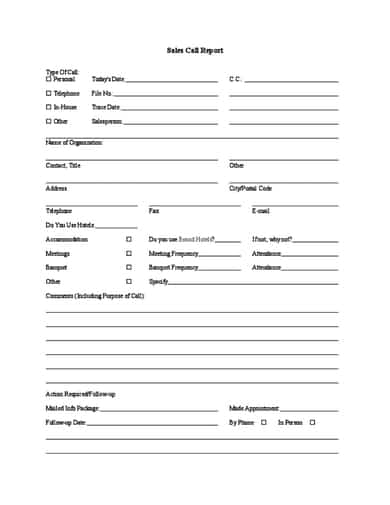
Free Sales Call Report Example
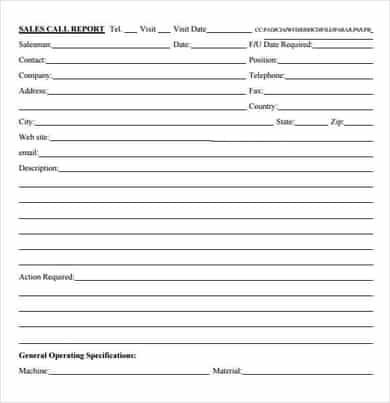
Sales Call Log Report Example
How to Write a Sales Call Report
- Choose a template. Pick a detailed report for major accounts or a simple log for high call volume.
- Fill in the basics. Add your name, date, time, and the customer’s company and contact details.
- State the purpose. Note why you called or visited, such as a first introduction or contract discussion.
- Summarize the conversation. Record the customer’s needs, questions, budget, and objections.
- Record the outcome. Mark whether the lead is hot, warm, or cold, or whether a sale was made.
- Set next steps. Write the follow-up action, who is responsible, and the deadline.
- Submit on time. Complete the report right after the call while details are fresh, then send it to your manager or CRM.
Tips for Better Sales Call Reports
- Write reports the same day, so nothing important is forgotten.
- Be specific and factual, using exact requests, numbers, and dates.
- Keep it short and focused, since managers read many reports.
- Use consistent lead status labels across the team.
- Always include a clear next step and follow-up date.
- Review reports regularly to find which approaches win the most deals.
- Store completed reports in a shared folder or CRM for easy searching.
Note: These templates are general business forms. When recording customer information, follow your company policy and any applicable privacy and data protection rules.
Frequently Asked Questions (FAQs)
What is a sales call report?
A sales call report is a document that records the details and outcome of a call or visit with a prospect or customer, along with follow-up actions.
Are these sales call report templates free?
Yes. All templates on this page are free to download, edit, and use for your business.
Who fills out a sales call report?
The salesperson who made the call or visit normally completes it, and managers or team leads review it.
How often should sales call reports be submitted?
Ideally after every significant call or visit. Some teams use a daily or weekly summary log for high-volume calling.
What is the difference between a sales call report and a CRM entry?
A CRM is software that stores customer data. A sales call report is the document or form you use to capture call details, which can then be entered into a CRM or kept on file.
Can I customize these templates?
Yes. You can add your company logo and change fields, headings, or colors in Microsoft Word to match your sales process.
What should I do with the information in a sales call report?
Use it to plan follow-up, coach team members, forecast sales, and improve your pitch based on common objections and questions.
Final Thoughts
Consistent sales call reports help your team follow up faster, close more deals, and learn from every conversation. Choose one of these 8 free sales call report templates, adjust it to your process, and start turning each call into useful information.