Keeping track of important phone numbers, email addresses, and other details is easier when everything lives in one organized place. A contact list template gives you a ready-made layout for recording names, phone numbers, addresses, and notes so you can find the right person quickly. Below you will find sixteen free, printable contact list templates in Microsoft Word and Excel, along with guidance on what to include, how to build your own list, and answers to common questions.
People use contact lists for many reasons. Families keep emergency numbers handy, small businesses track customers and suppliers, managers maintain team directories, and coaches organize player and parent details. Whatever your purpose, a clean and simple contact list saves time and reduces stress when you need to reach someone fast.
What Is a Contact List?
A contact list is a document that records the contact details of different people or organizations for a specific purpose. Typical fields include full name, phone number, email address, postal address, company, job title, and notes. Some lists also include social media handles or website links. A good contact list is simple, accurate, and easy to update.
Benefits of Using a Contact List Template
- Saves time: the table layout is already built, so you only fill in the details.
- Keeps information organized: everything is in one place, sorted and easy to scan.
- Useful in emergencies: quick access to key numbers can matter when time is short.
- Works for many purposes: personal, business, school, sports, and community groups can all use them.
- Editable and printable: update the file on your computer or print a paper copy to keep by the phone or in a binder.
- Easy to share: send the list to team members or family members as a document or PDF.
What to Include in a Contact List
- Full name and preferred name
- Role, relationship, or company
- Mobile and landline phone numbers
- Email address
- Mailing or business address
- Website or social media link, if useful
- Best time to contact and any notes
- For emergency lists, add medical or safety notes only if appropriate and safely stored
Contact List Templates in Word
Word templates are ideal for simple printable lists and for lists that use a table layout.
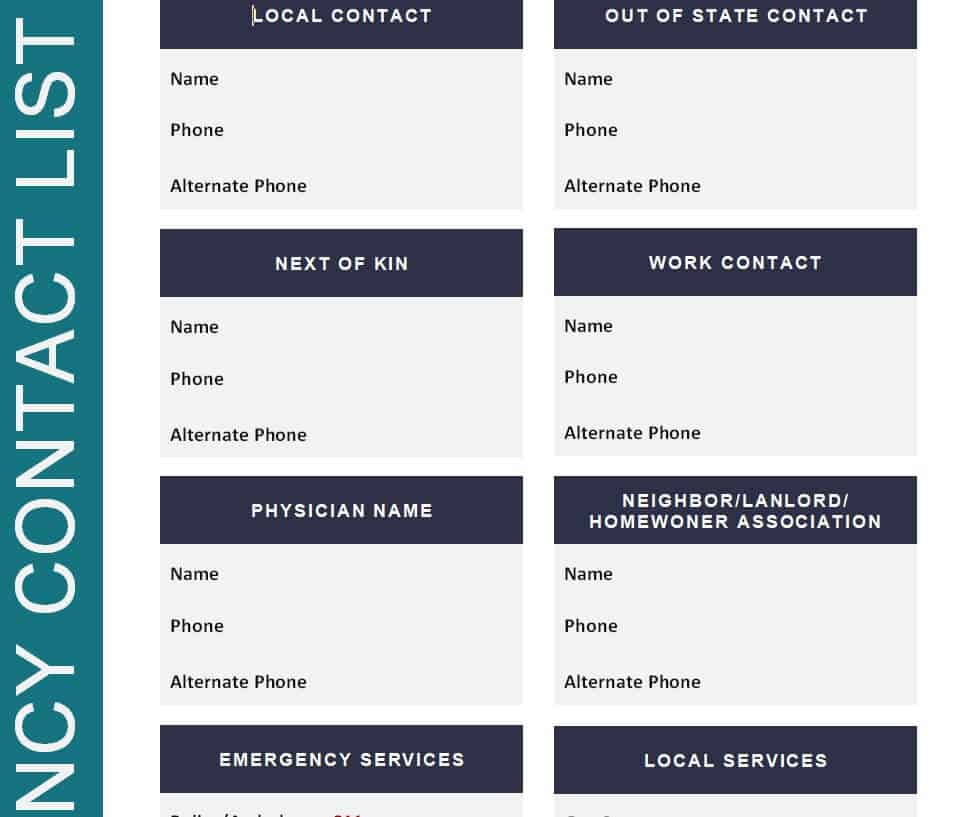
Emergency Contact List Template
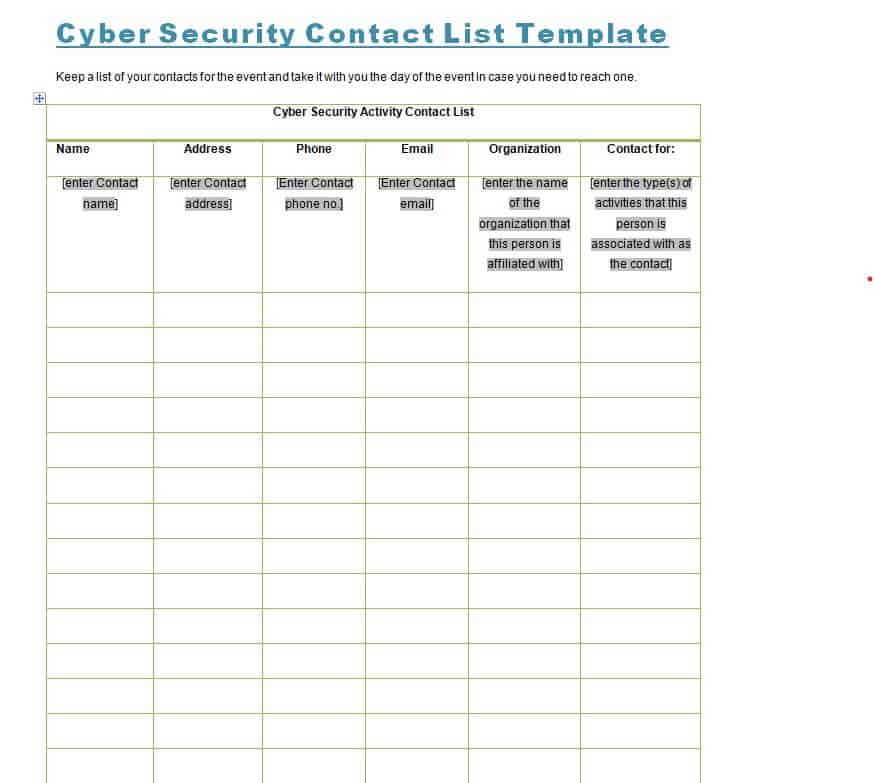
Cyber Security Contact List Template
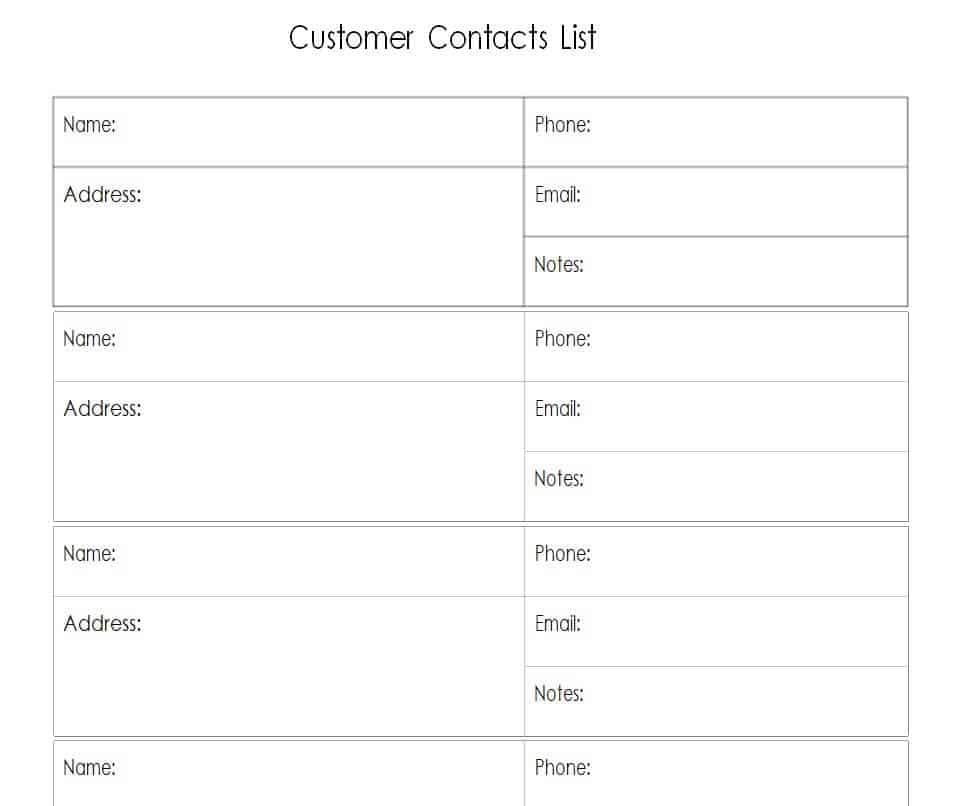
Blank Customer Contact List Word Template
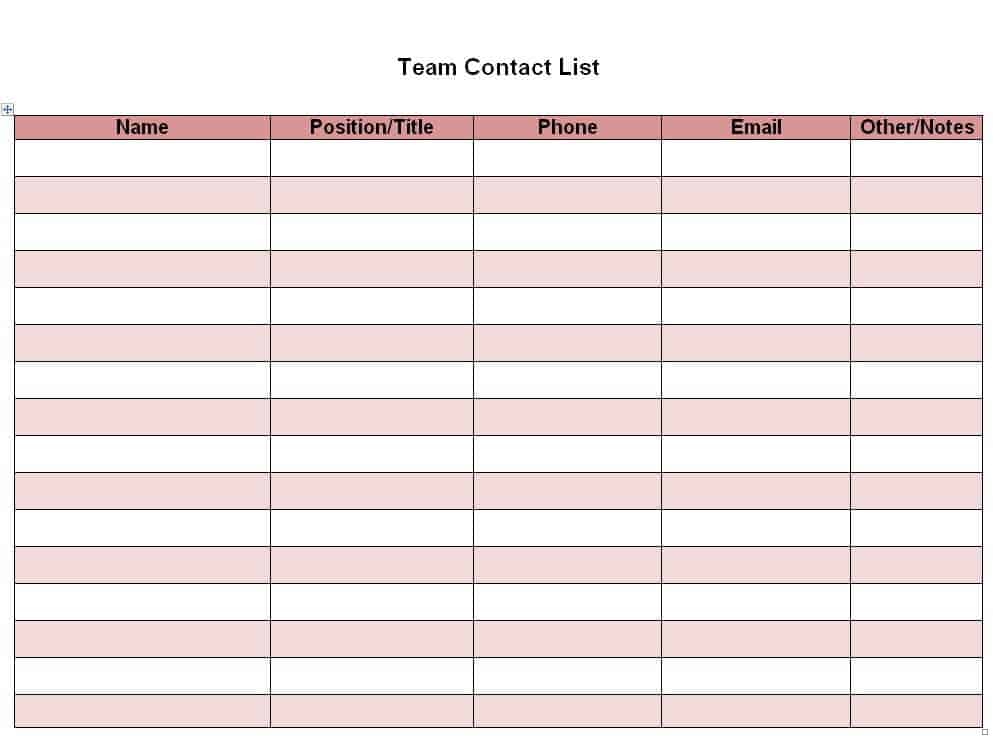
Team Contact List Sample in MS Word
Official Contact List Template in DOC Format
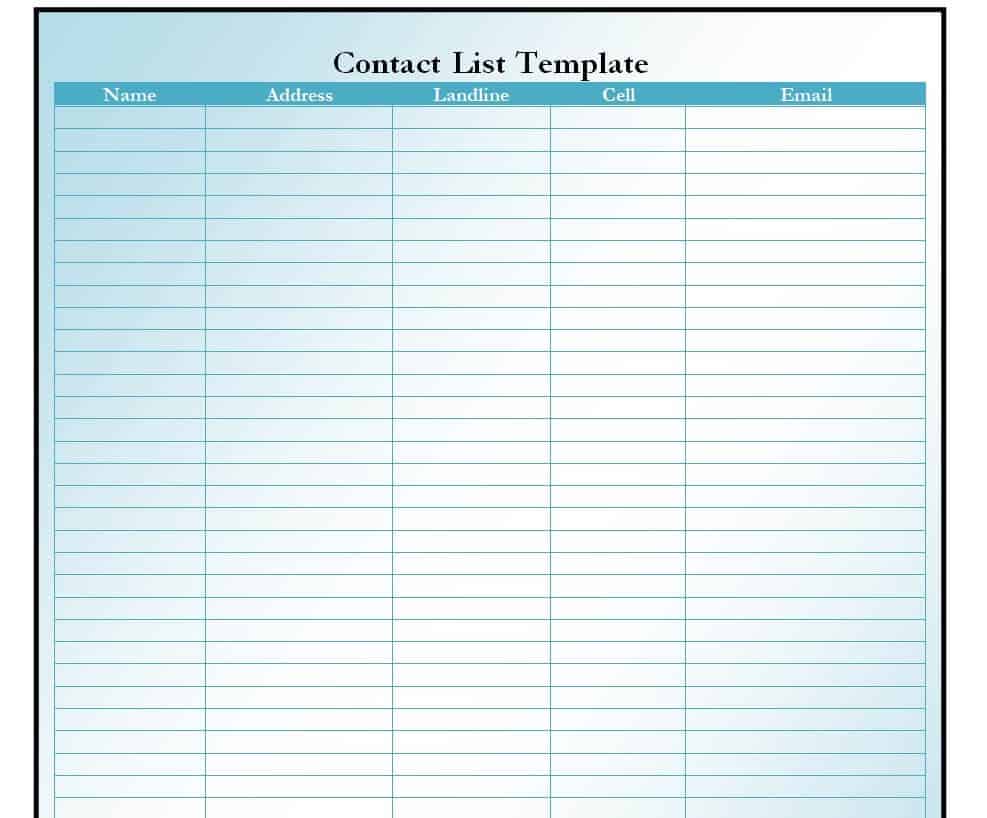
Professional Contact List Example
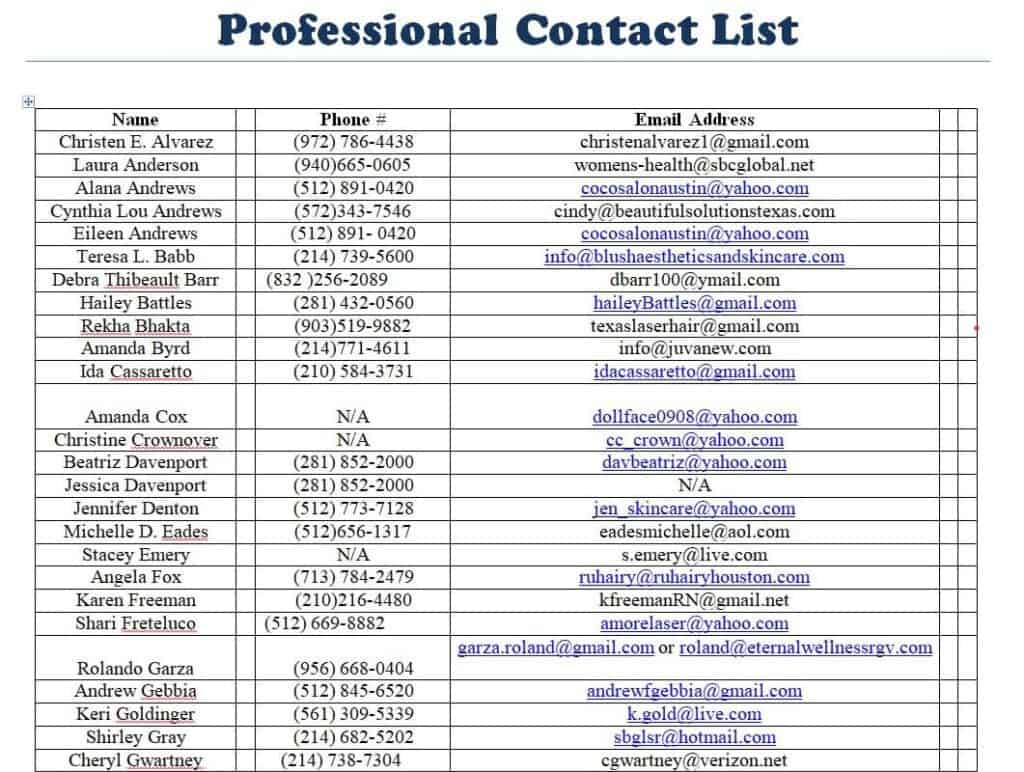
Basic Contact List Word Layout
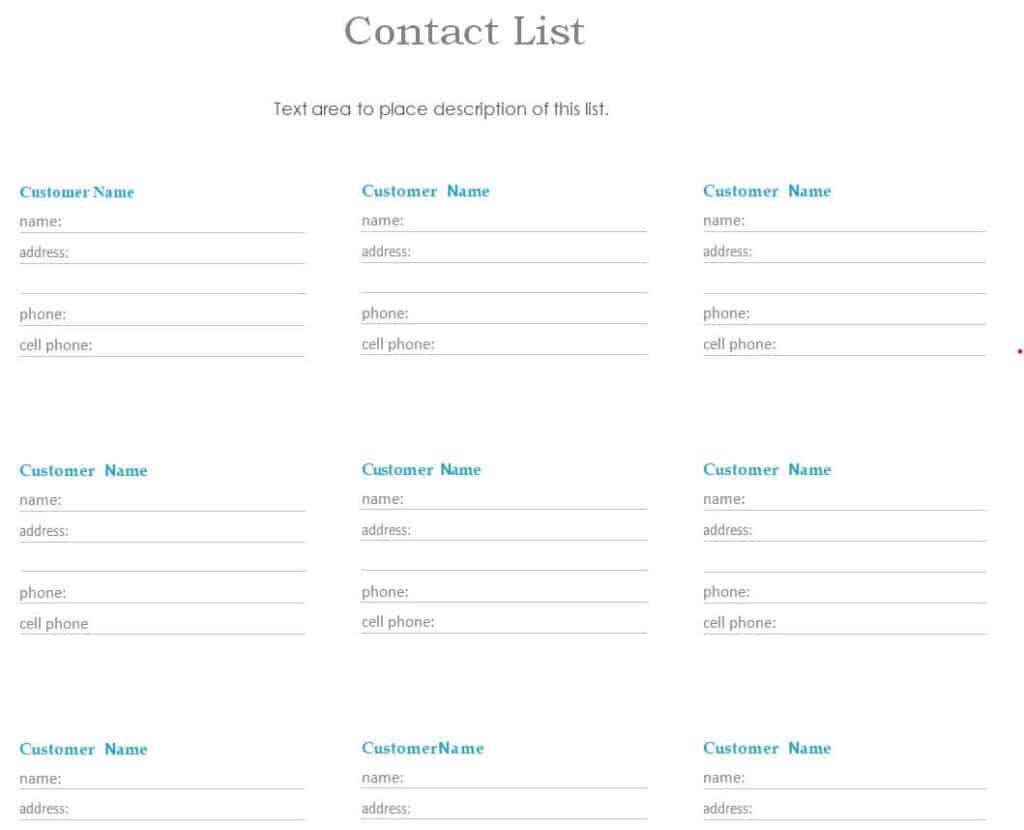
Most Important Contacts List Document
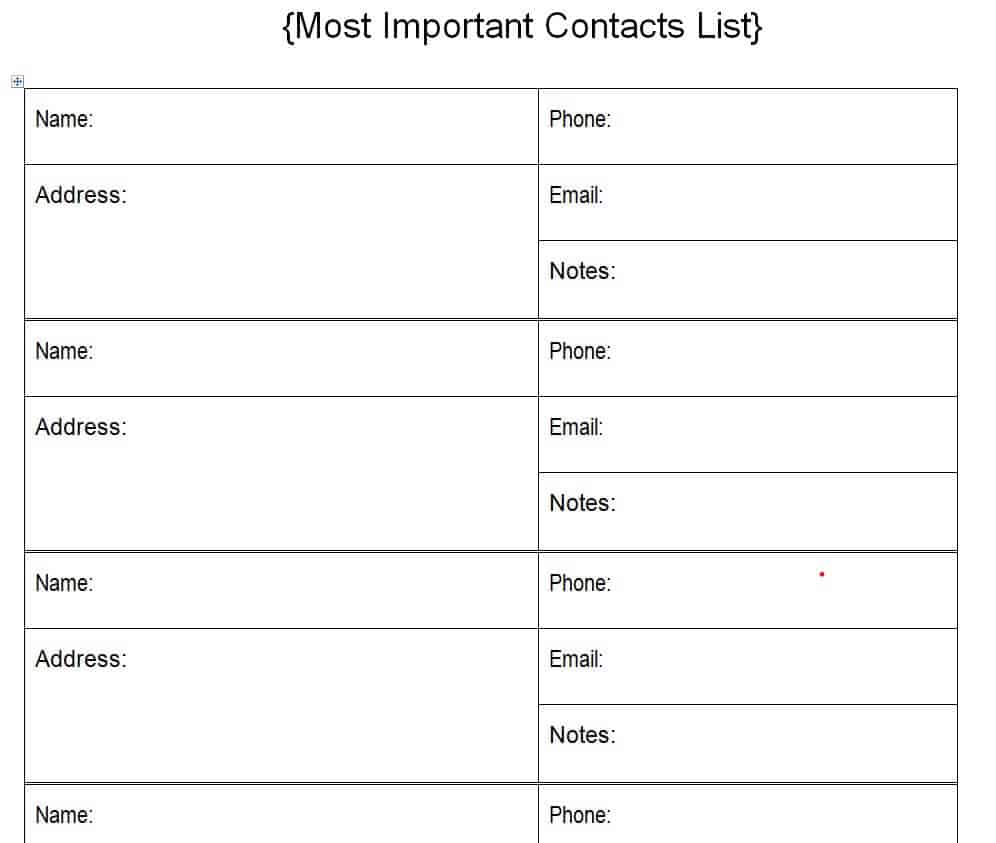
Free Editable Emergency Contact List Template

Contact List Templates in Excel
Excel templates are best for larger lists because you can sort, filter, and search by any column.
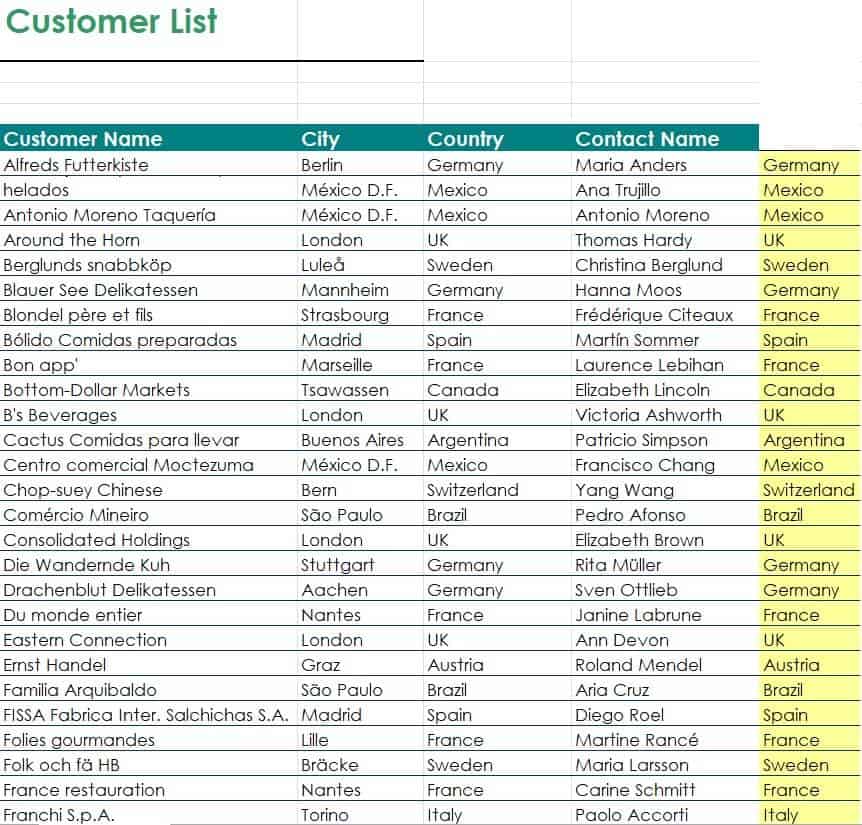
Customer Contact List Excel Sheet
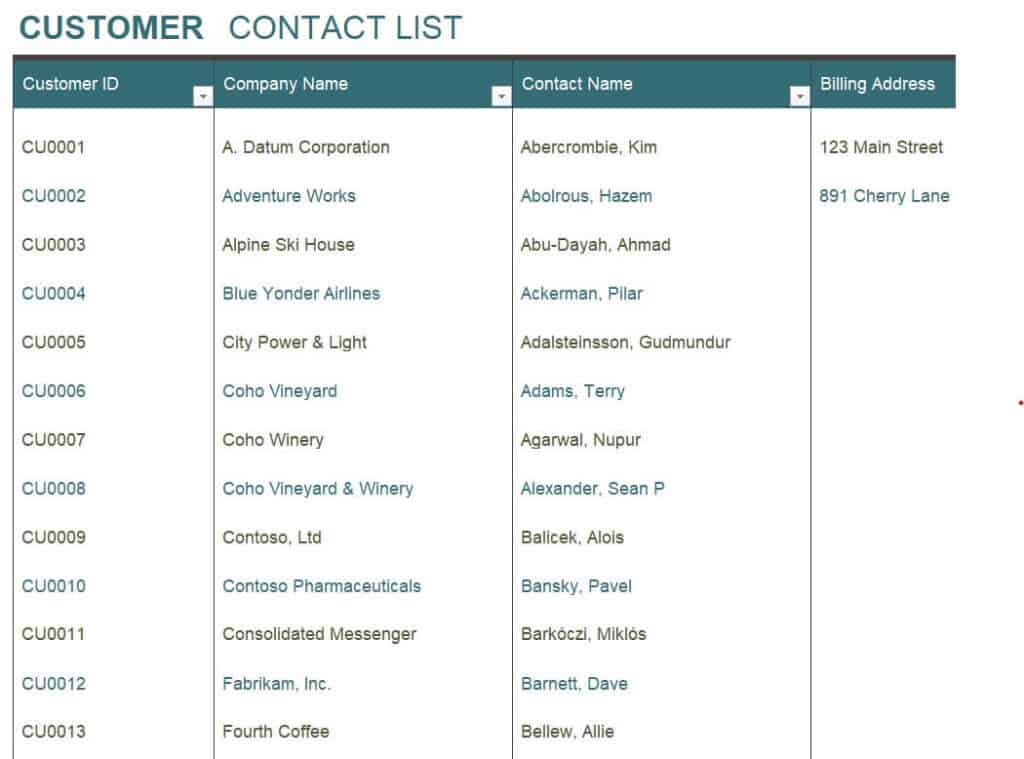
Employee Contact List Template
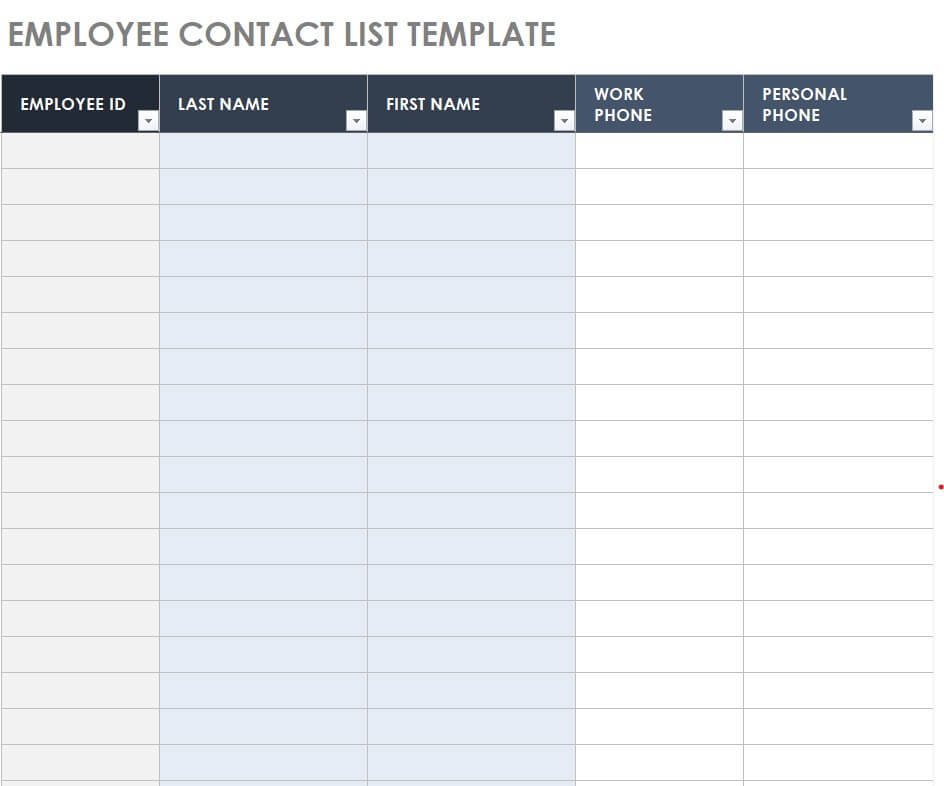
Detailed Contact List Template Excel
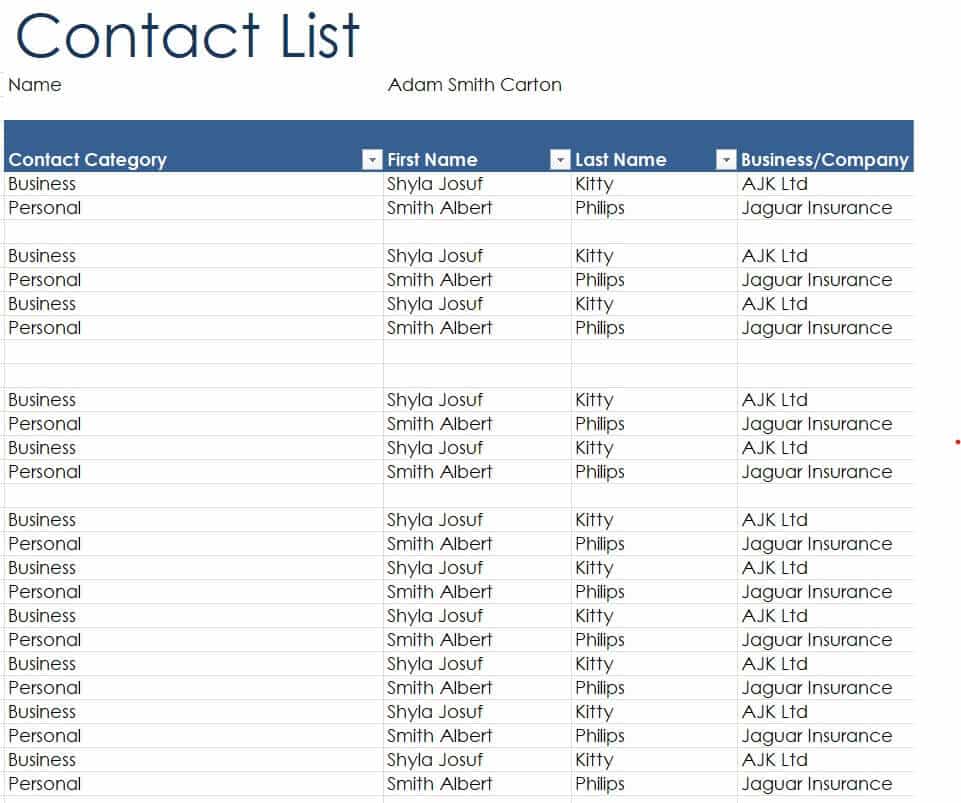
Free Printable Contact List Example
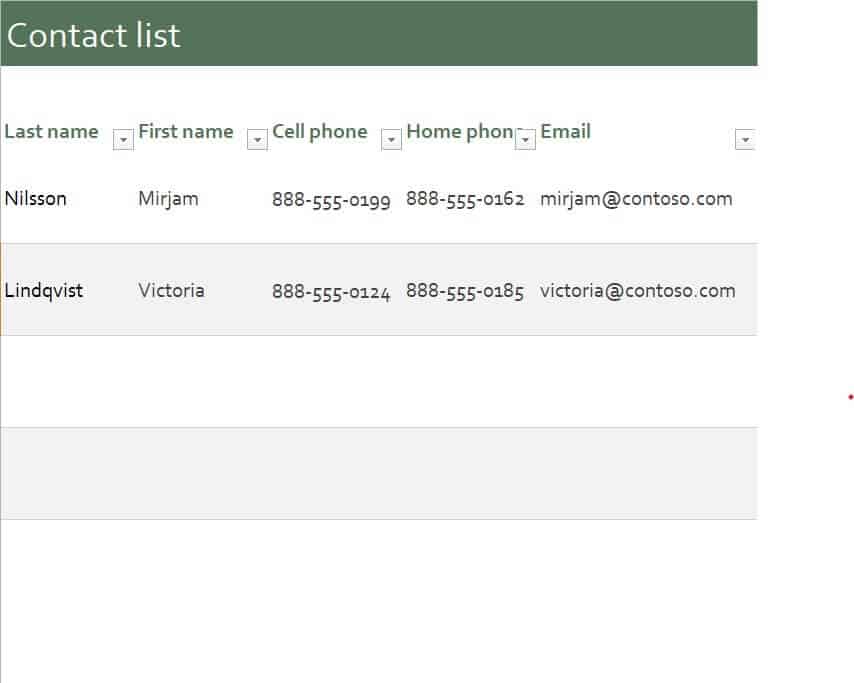
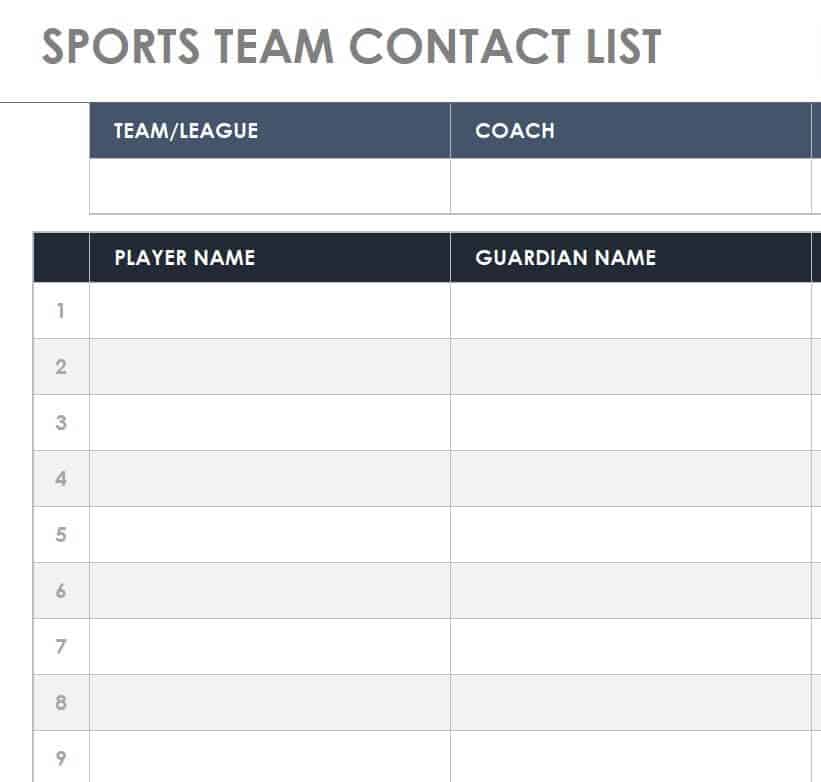
Sports Team Contact List Template in XLSX Format
Standard Contact List Excel Worksheet
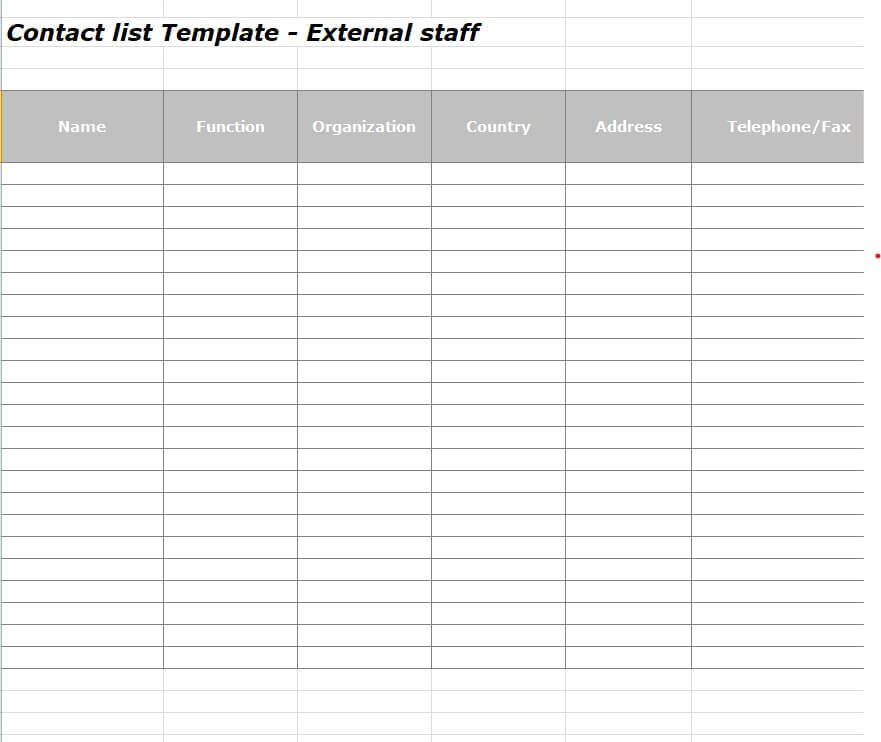
External Staff Contact List Template (Editable)
How to Create a Contact List
- Decide the purpose. A family emergency list needs different fields than a customer or vendor list.
- Choose Word or Excel. Use Word for short printable lists and Excel for large lists that you want to sort or filter.
- Download and open the template. Save a blank copy so you can reuse it later.
- Enter the details. Add names, phone numbers, emails, and any notes, checking each entry for accuracy.
- Sort and group. Arrange contacts alphabetically or by category such as family, clients, or suppliers.
- Print or share. Print a paper copy for quick access or save a PDF to send to others.
- Review regularly. Update the list every few months so information stays current.
Tips for a Better Contact List
- Keep entries consistent, for example always writing phone numbers in the same format.
- Highlight the most important contacts, such as emergency services and key clients.
- Store digital copies securely, especially if they contain personal details.
- Ask permission before sharing other people’s private information.
- Keep a printed copy in a safe place in case you cannot access your device.
Frequently Asked Questions (FAQs)
Are these contact list templates free?
Yes. All sixteen templates are free to download, edit, and print.
Should I use Word or Excel for a contact list?
Use Word for a short list you plan to print and Excel for a longer list that you want to sort, search, or filter.
What information should go on an emergency contact list?
Include names, relationships, phone numbers, and addresses for family, doctors, neighbors, and local services. Only add sensitive details if you can keep the list safe.
Can I sort a contact list alphabetically?
Yes. In Excel, select your data and choose Sort A to Z. In Word, you can sort table rows using the Sort option on the Layout tab.
Can I use these templates for my business?
Absolutely. There are customer, employee, and external staff templates designed for business use.
How often should I update my contact list?
Review it at least twice a year, and update it whenever someone changes their phone number, email, or address.
Is it safe to store contact information in a spreadsheet?
It can be, as long as you protect the file with a password, avoid sharing it with unauthorized people, and follow any privacy rules that apply to your business.
Final Thoughts
A well-kept contact list is a small tool with big benefits. Pick the template that fits your needs, fill it out, and keep it up to date so the people you need are always one glance away.


You must be logged in to post a comment.