An organizational chart, often called an org chart, is a visual diagram that shows how people and roles in a company are connected. It makes reporting lines, departments, and responsibilities easy to see at a glance. If you need to map out your team, welcome new hires, or plan a restructure, a ready-made organizational chart template can save hours of work. Below you will find twelve free templates for Microsoft Excel, Word, and PowerPoint, plus a complete guide to building a clear org chart and answers to common questions.
Org charts are not just for large corporations. Small businesses, schools, clubs, nonprofit organizations, local governments, and project teams all use them to explain who does what and who reports to whom. A good chart is simple, accurate, and easy to update.
What Is an Organizational Chart?
An organizational chart is a graphical representation of an organization’s structure. Boxes usually represent people or job titles, and lines show how they are connected. The top of the chart typically shows leadership, such as the owner, CEO, or director, while lower levels show managers, team leads, and staff. Many charts also include names, job titles, departments, and contact details.
Benefits of Using an Org Chart Template
- Clear structure: everyone can see reporting relationships and who to contact for help.
- Faster onboarding: new employees quickly learn how the company is organized.
- Better communication: clear lines of responsibility reduce confusion and duplicated work.
- Helpful for planning: managers can spot gaps, overlaps, and growth needs when they see the full structure.
- Time saving: templates come with the boxes and connectors already in place, so you only add names and titles.
- Easy to customize: change colors, add levels, or remove boxes to match your organization.
Common Types of Organizational Charts
Hierarchical Chart
The most common type. Leadership sits at the top and branches down through management levels, showing clear chains of command.
Horizontal Chart
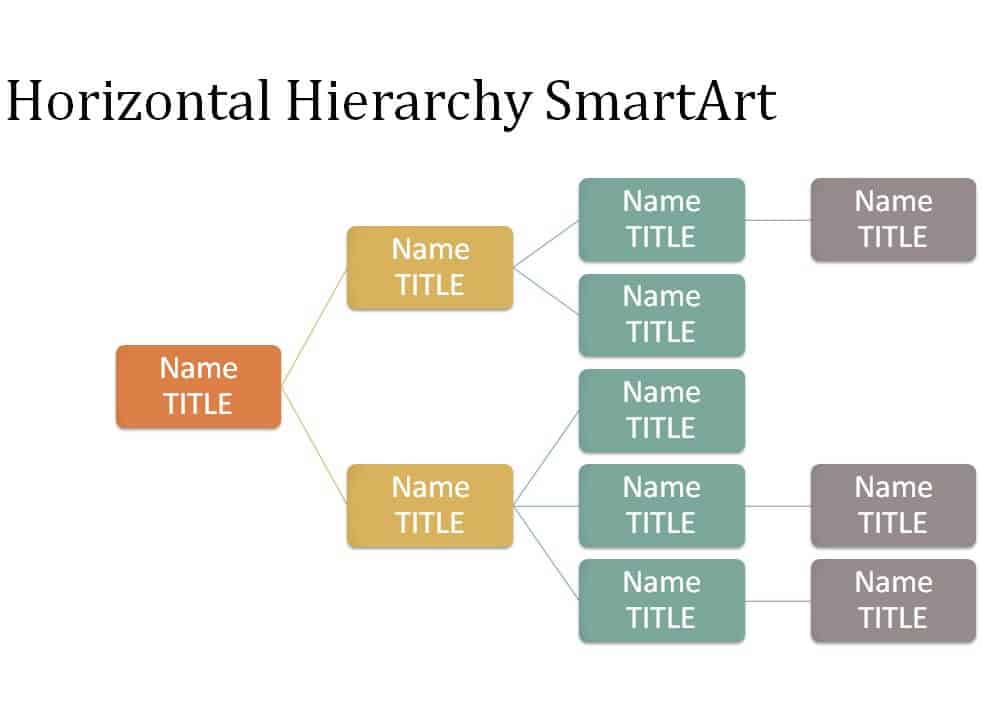
Flows from left to right instead of top to bottom, which can be easier to fit on wide slides or pages.
Departmental Chart
Focuses on a single department, such as sales or marketing, to show team roles in detail.
Flat Chart
Used by small teams or startups with few management layers and a lot of shared responsibility.
Matrix Chart
Shows employees who report to more than one manager, common in project-based organizations.
Free Organizational Chart Templates
Preview each template below and use the Download button to save the file to your computer.
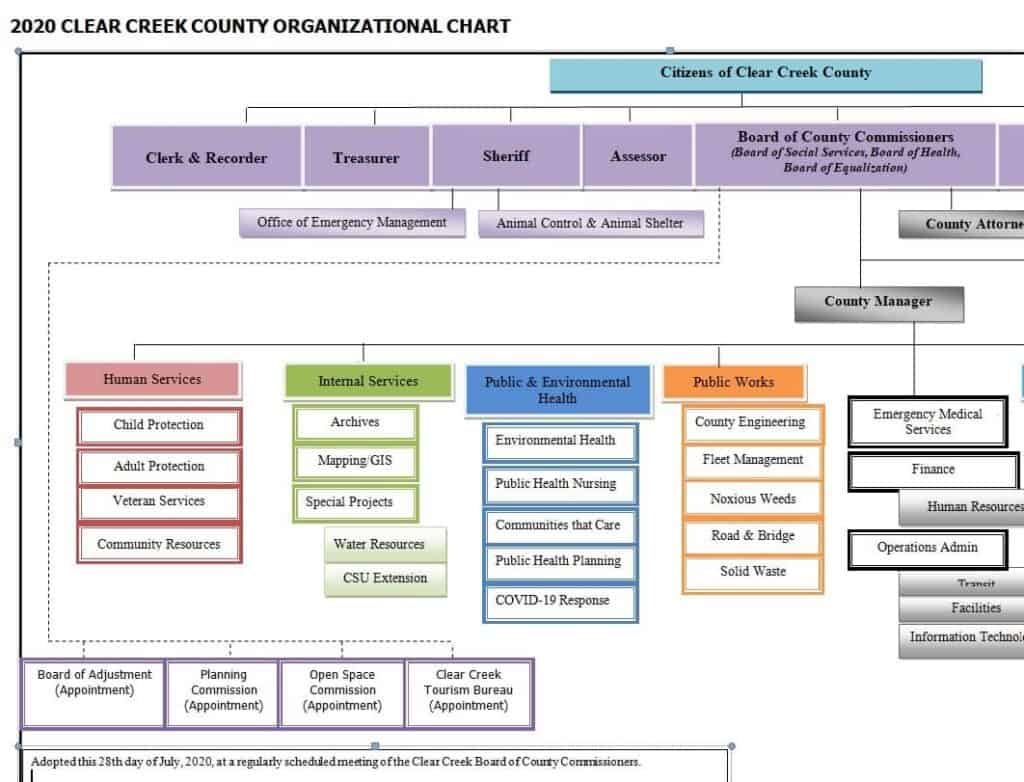
County Organizational Chart Template
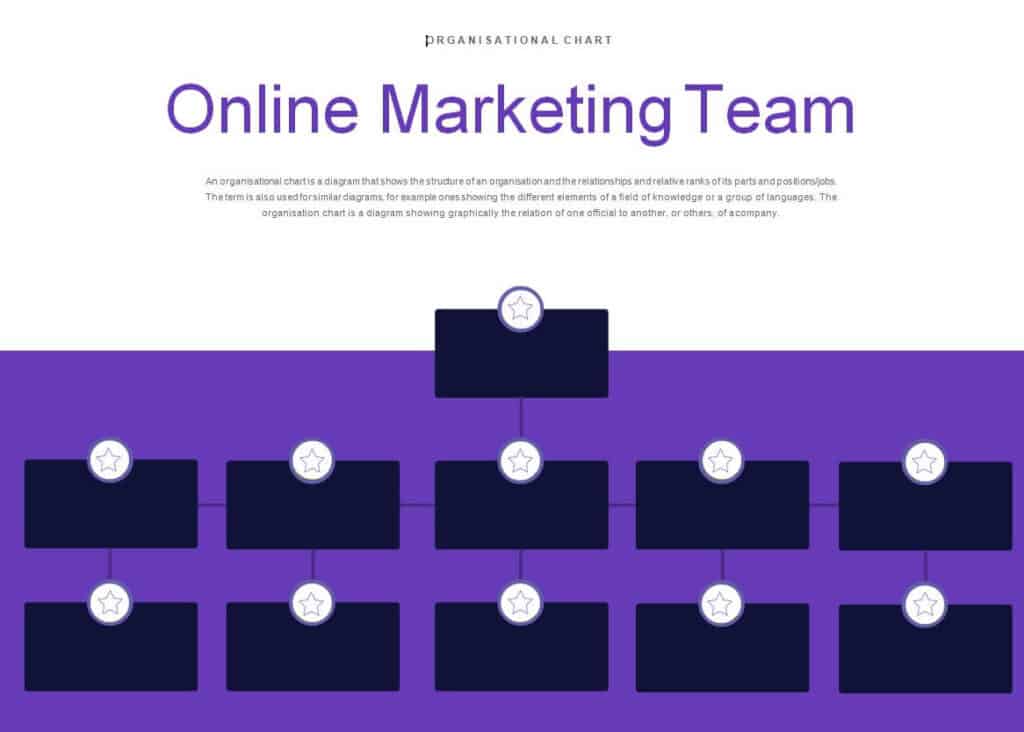
Organizational Chart for Online Marketing Team in DOC Format
Organizational Chart Template PowerPoint Presentation
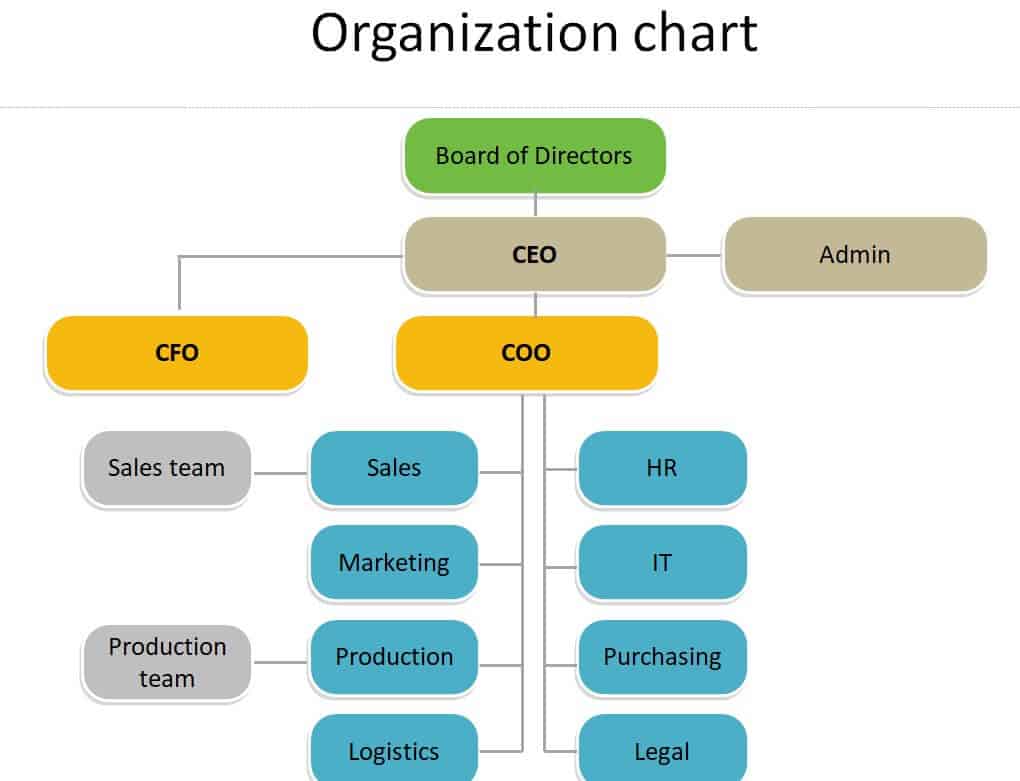
Business Organizational Chart Template (Word)
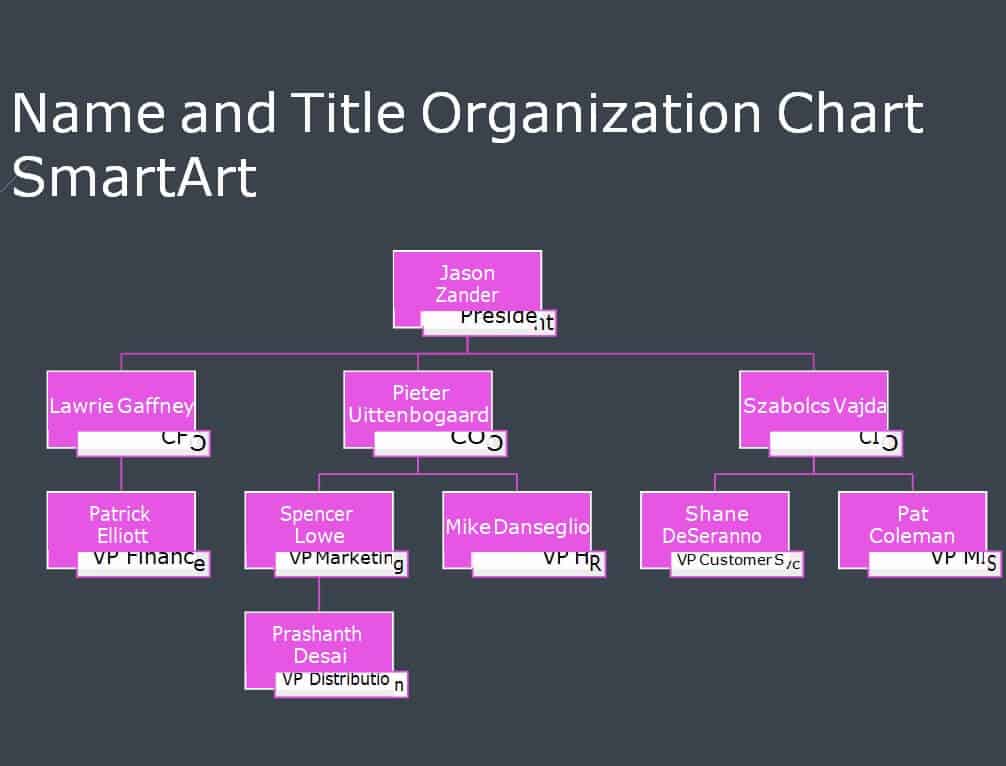
Basic Organizational Chart Excel Template
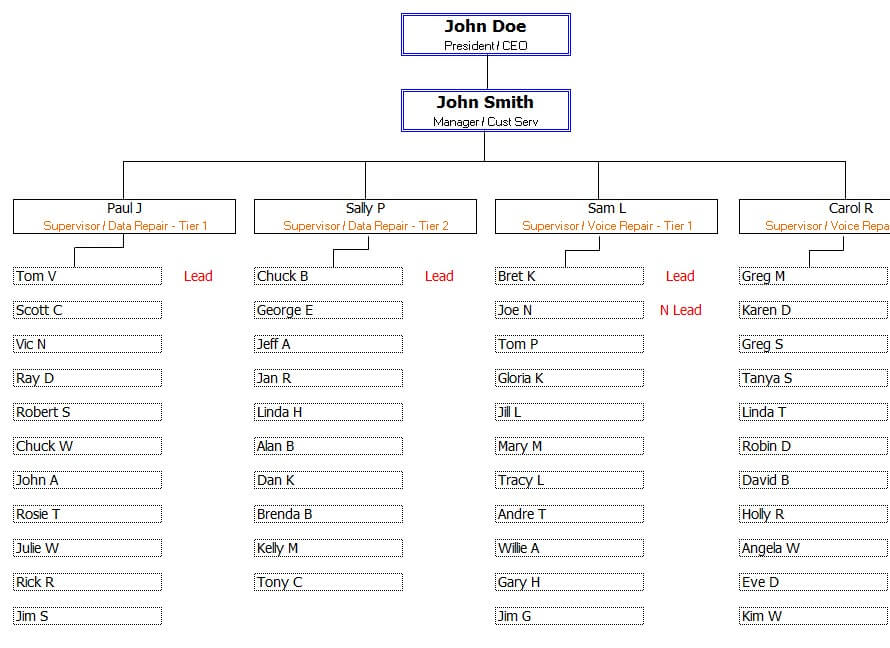
Special Organizational Chart Word Template

Organization Chart Sample in PowerPoint
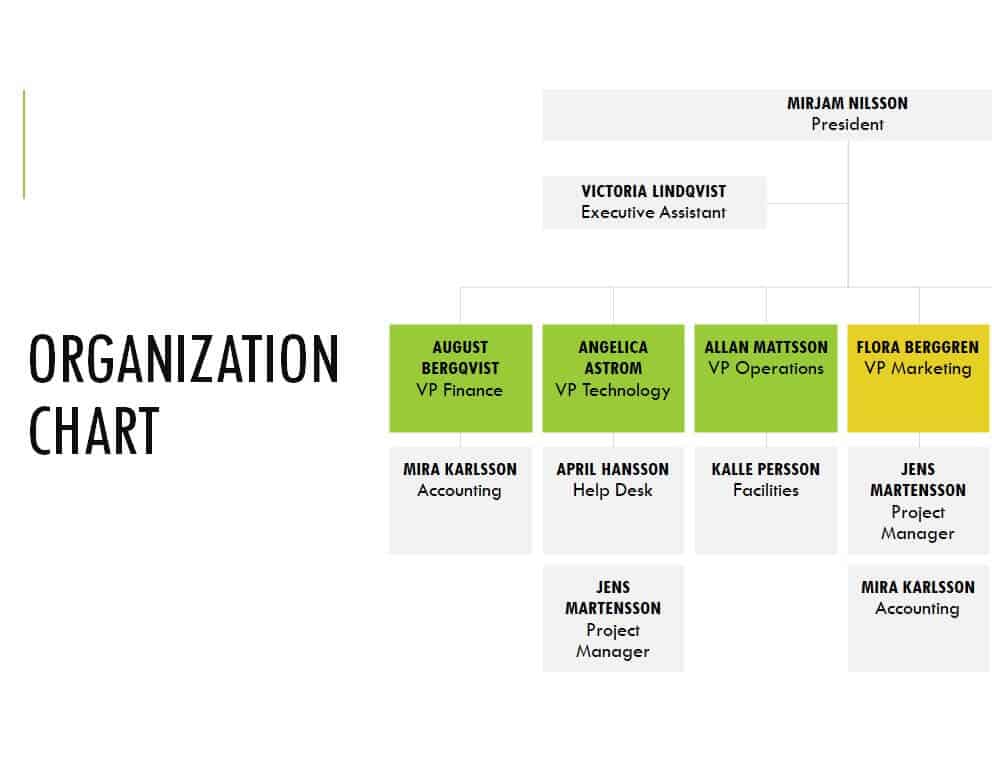
Simple Organizational Chart Layout in MS Word
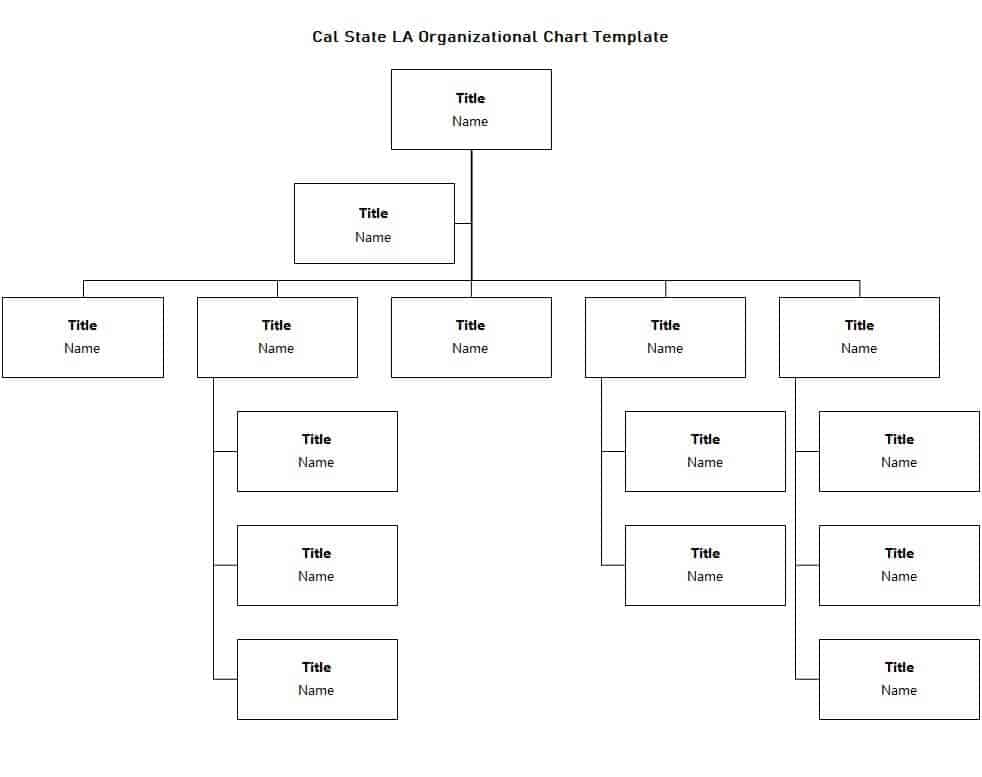
Hierarchical Organizational Chart Excel Template
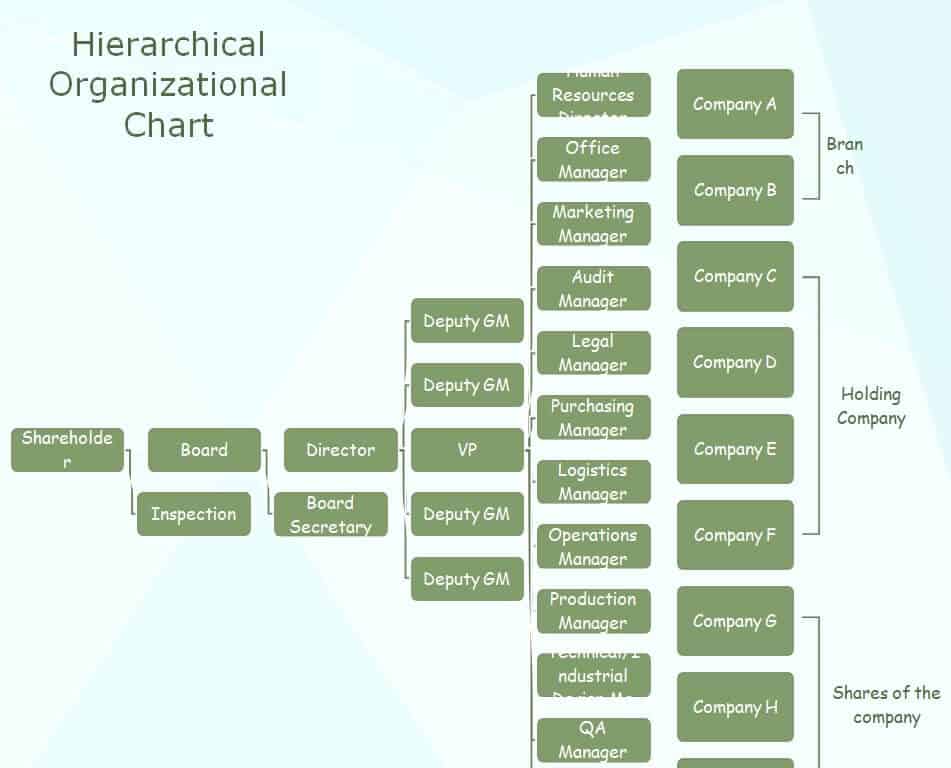
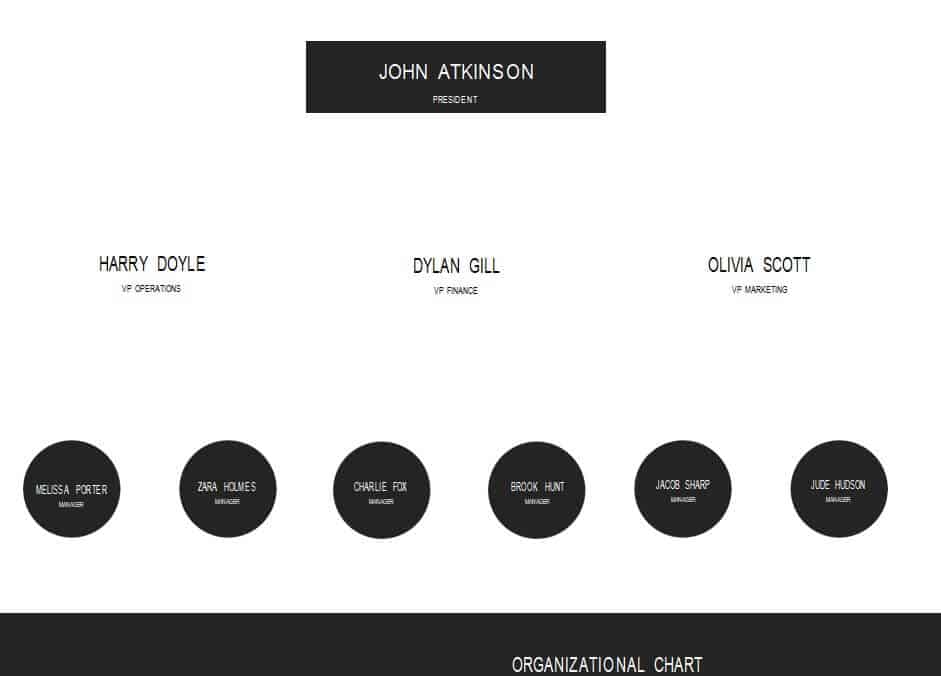
Free Editable Organizational Chart Example
Horizontal Hierarchy Organizational Chart in PPTX Format
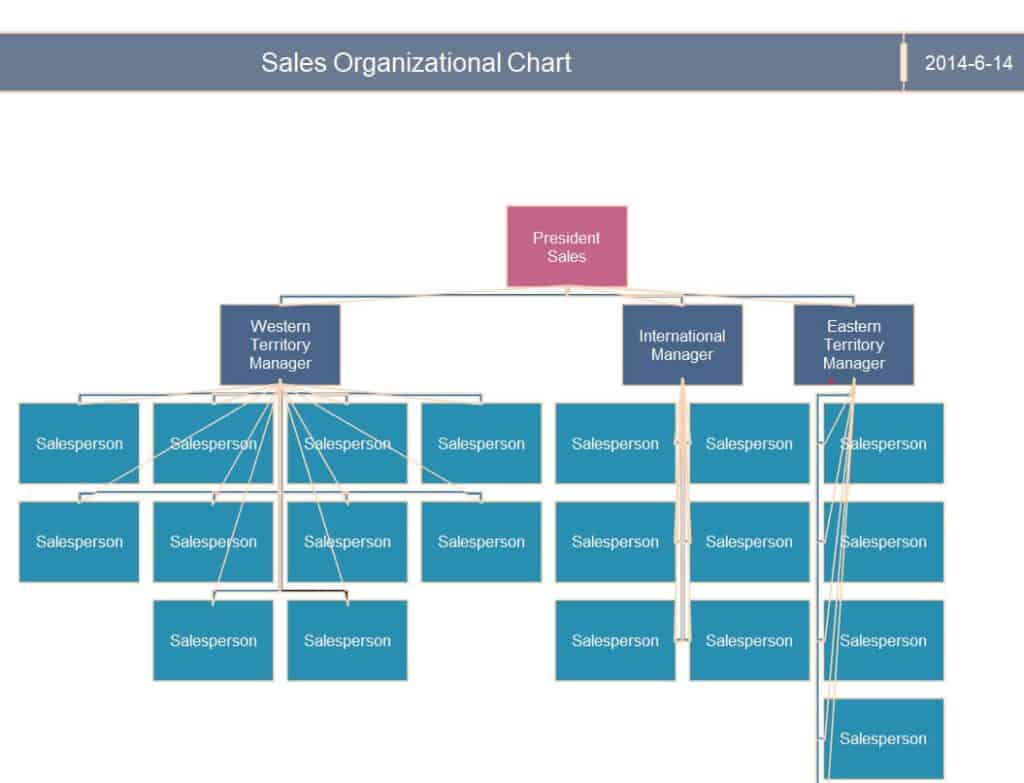
Company’s Sales Organizational Chart Template in XLSX Format
How to Create an Organizational Chart
- Define the scope. Decide whether the chart covers the whole company, one department, or a single project.
- Gather the information. List names, job titles, departments, and reporting relationships.
- Choose a format. Use Excel or Word for documents and PowerPoint for presentations.
- Start with leadership. Place the top role at the top or left of the chart and add levels below or to the right.
- Connect the boxes. Use lines to show who reports to whom, keeping the layout tidy.
- Add useful details. Include names, titles, and, if helpful, phone or email information.
- Review and share. Ask managers to confirm accuracy, then share the chart as a PDF or on your intranet.
- Keep it current. Update the chart whenever people join, leave, or change roles.
Tips for a Clear Org Chart
- Keep it simple; too many levels or boxes make a chart hard to read.
- Use consistent box sizes, fonts, and colors.
- Color-code departments to help people scan quickly.
- Use dotted lines to show secondary or project-based reporting relationships.
- Split large organizations into several charts, such as one per department.
Frequently Asked Questions (FAQs)
What is an organizational chart used for?
It shows how a company or group is structured, including roles, reporting lines, and departments. It helps with onboarding, planning, and communication.
Are these organizational chart templates free?
Yes. All twelve templates are free to download and edit.
Which format is best: Excel, Word or PowerPoint?
Use PowerPoint for presentations, Word for printed documents, and Excel if you want to keep staff details in the same file or update it often.
How do I make an org chart in Word?
Open the template, click a box, and type over the placeholder text. You can also use Insert, then SmartArt, then Hierarchy to add or rearrange boxes.
How often should I update my org chart?
Update it whenever there is a hiring, departure, promotion, or restructure, and review it at least once or twice a year.
Can I create a chart for one department only?
Yes. Departmental charts, such as the online marketing and sales templates above, work well for showing detailed team roles.
What is the difference between a hierarchical and a flat org chart?
A hierarchical chart has several management levels, while a flat chart has few or none and is common in small teams.
Final Thoughts
A clear organizational chart helps everyone understand their role and the bigger picture. Choose a template that fits your needs, add your team’s details, and keep the chart updated as your organization grows.


You must be logged in to post a comment.