Tracking working hours accurately is one of the most important parts of running any business, no matter how big or small. A timecard records when an employee starts and stops working each day, so you can pay people correctly, control labor costs, and keep clean records for payroll. The good news is that you do not need expensive software to do it.
The free timecard templates in Excel below include automatic formulas that calculate hours after each entry. Download one, add your business name and employee details, and you have a professional timecard ready to use or print.
What Is a Timecard?
A timecard is a document that records the hours an employee works during a specific period, such as a day, week, two weeks, or a month. It typically shows the employee’s name, the dates, the clock-in and clock-out times, breaks, total hours, and sometimes overtime. Managers and payroll staff use the totals to calculate wages. Many companies now use electronic or biometric timeclocks, but small businesses often prefer printable or Excel timecards because they are simple and free.
Why Use a Timecard Template in Excel?
- Automatic calculations: Excel formulas add hours, subtract breaks, and total the week for you.
- Saves money: No need to buy time-tracking software or hardware.
- Easy to customize: Add your company name, pay rate, or overtime rules.
- Accurate payroll: Reduce math errors when calculating wages.
- Legal recordkeeping: Keep accurate records of hours worked for audits and labor law compliance.
- Printable: Print copies for staff who prefer paper.
Find Free Timecard Templates Excel
Click “Download” under a preview to save the editable Excel template.
1. Company’s Employee Timesheet Template

2. Employee Timecard Excel Sheet Template
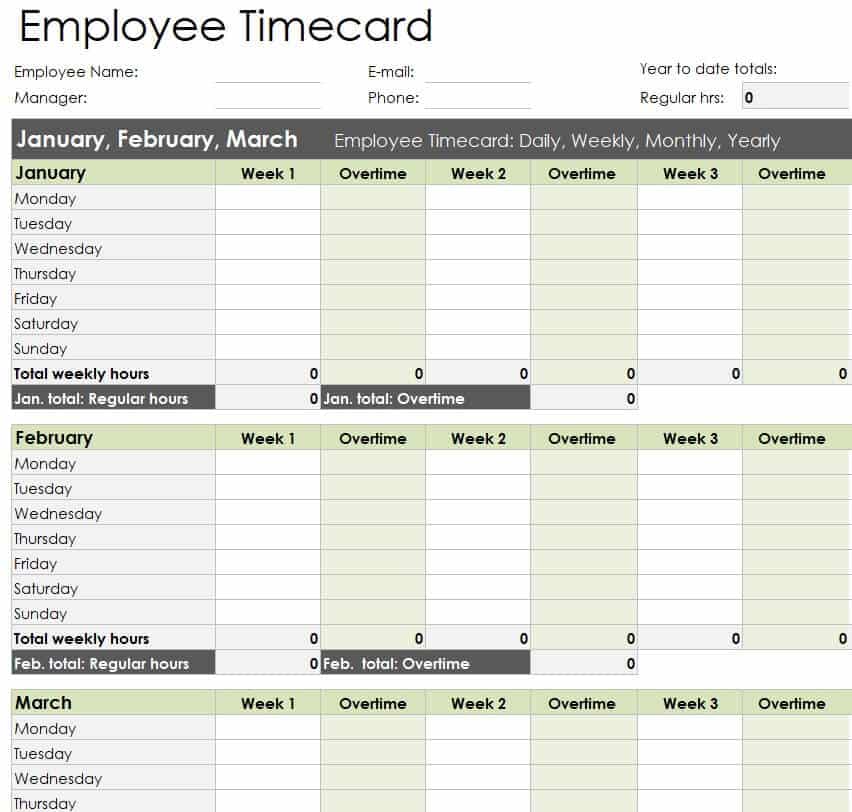
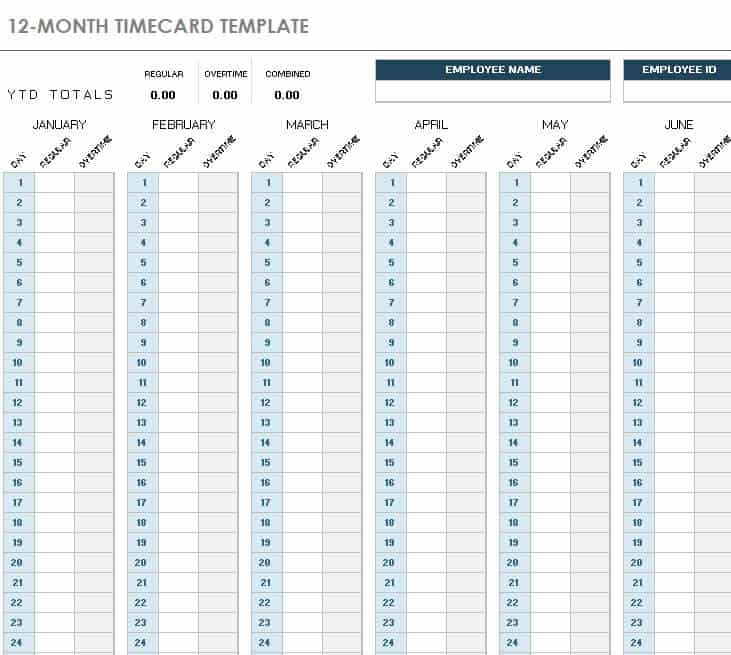
3. 12 Month Timecard Template Excel
4. Simple Employee Timecard Template in XLSX Format

5. Free Editable Consultant Timesheet Template
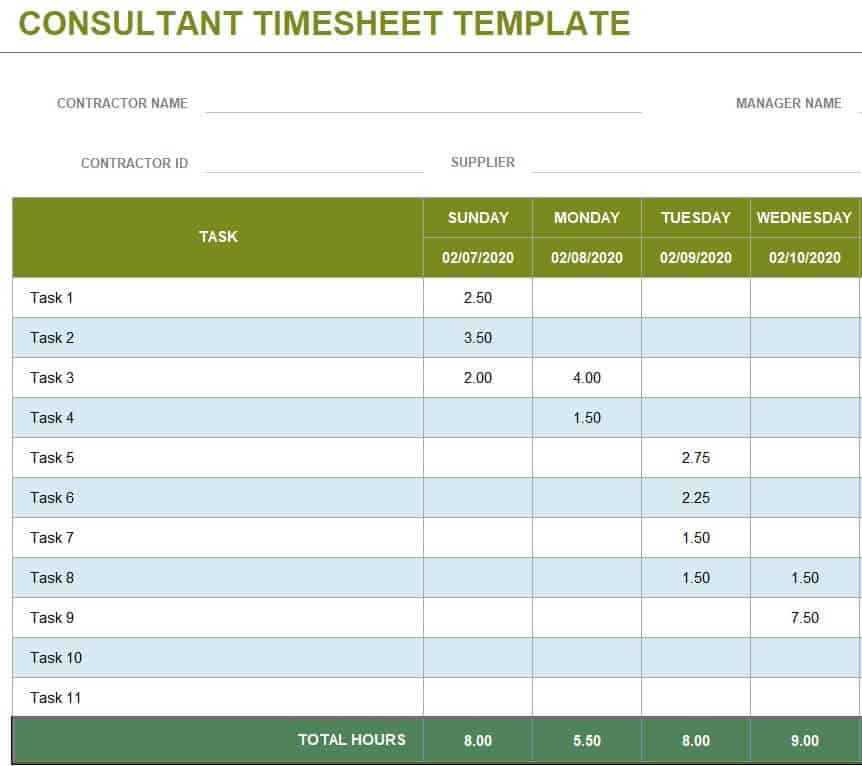
6. Sample Timecard Excel Sheet Layout
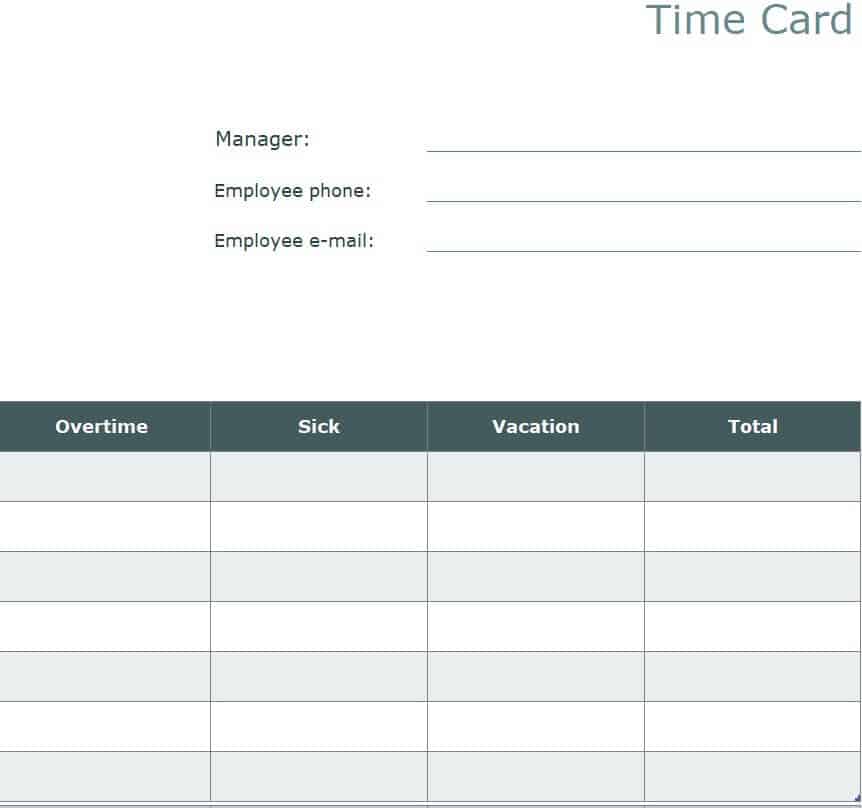
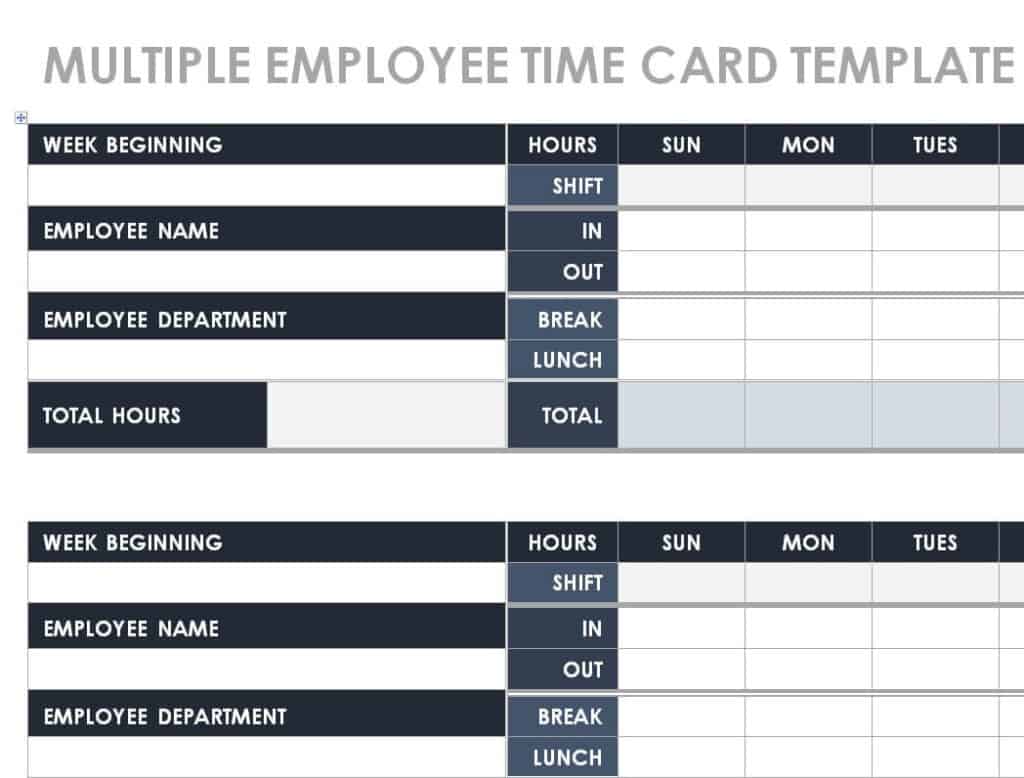
7. Multiple Employee Timecard Template in DOC Format
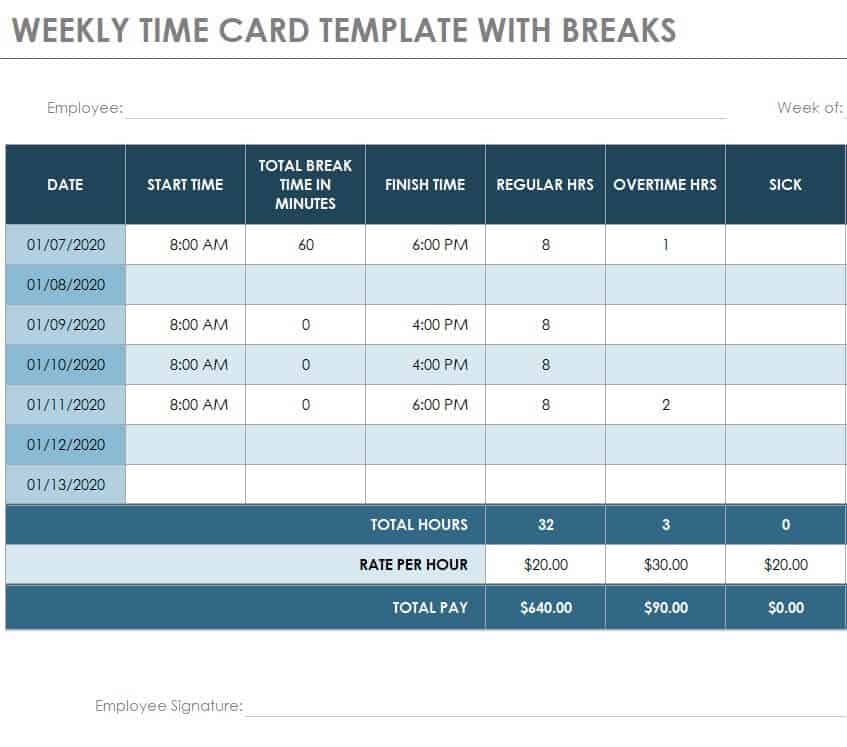
8. Free Online Weekly Timecard Template with Breaks
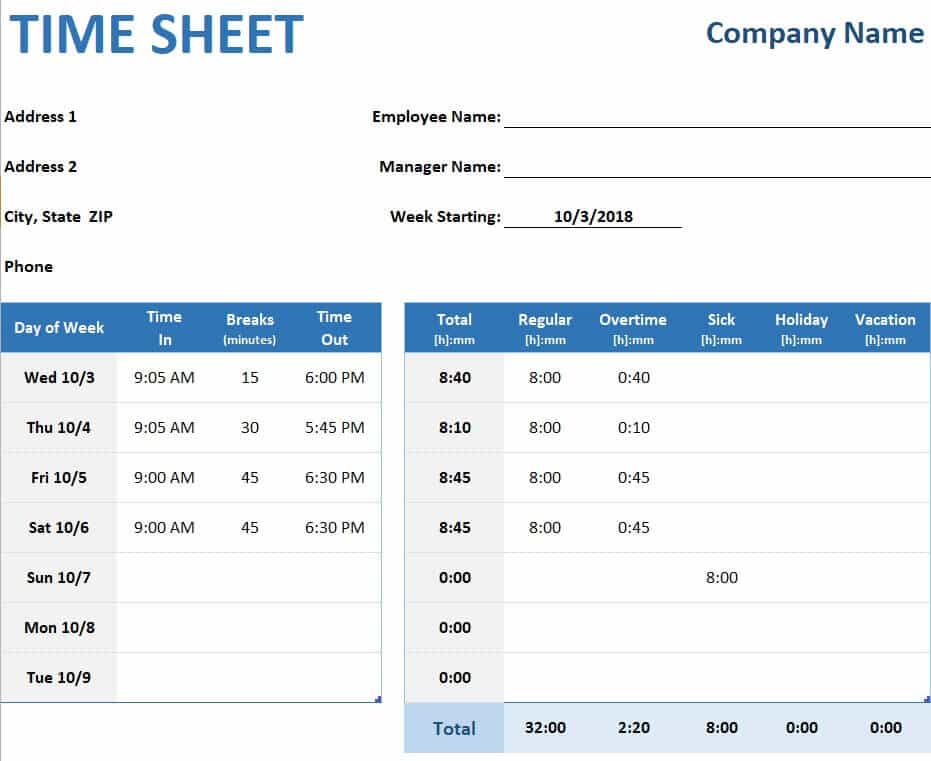
9. Executive Time Sheet Example
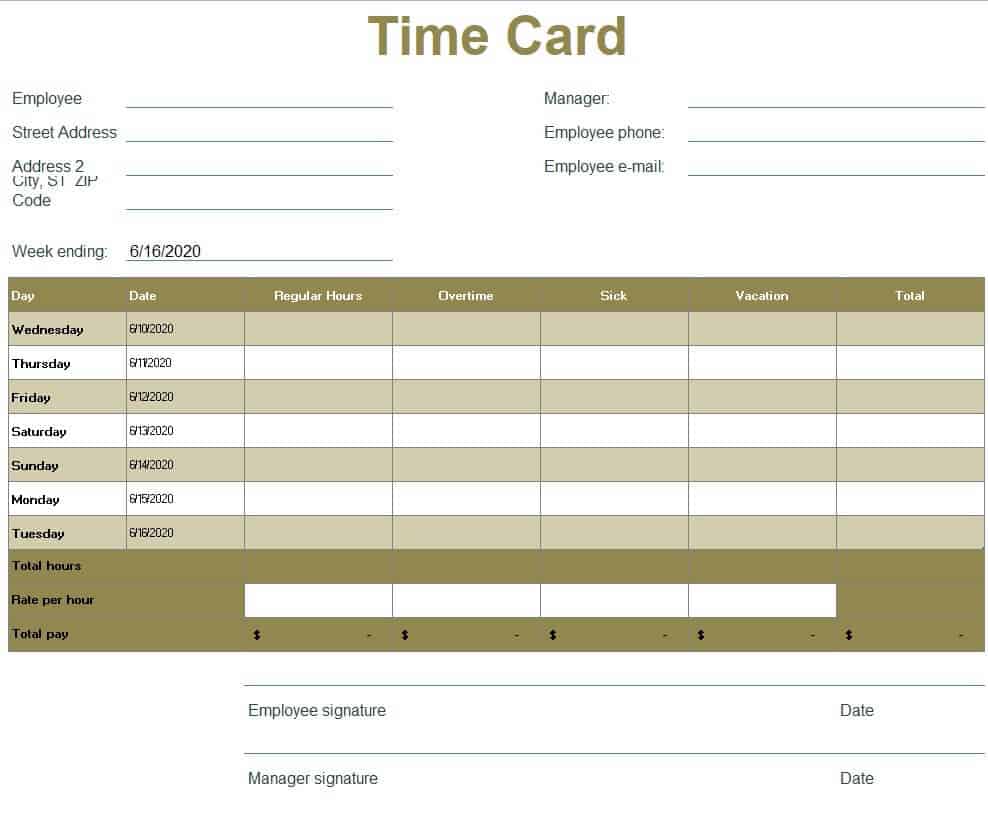
10. Standard Timecard Sample Excel
What to Include on a Timecard
- Employee name and ID so each card is matched to the right person.
- Company name and department or manager.
- Pay period dates: The start and end of the week, two weeks, or month.
- Daily clock-in and clock-out times.
- Break and lunch times that should be deducted.
- Total hours per day and per period.
- Regular and overtime hours, if you pay overtime.
- Hourly rate and gross pay for payroll.
- Signatures of the employee and supervisor to confirm accuracy.
How to Create a Timecard in Excel Step by Step
Step 1: Set Up the Columns
Create columns for Date, Time In, Lunch Out, Lunch In, Time Out, and Total Hours. Add rows for each day of the pay period.
Step 2: Format Cells as Time
Select the time cells and format them as Time (for example, 8:00 AM) so Excel can calculate correctly.
Step 3: Add the Hours Formula
In the Total Hours cell, use a formula such as =(TimeOut-TimeIn)-(LunchIn-LunchOut) and format the result as a number with two decimals by multiplying by 24, for example =((E2-B2)-(D2-C2))*24.
Step 4: Total the Week
Use =SUM() to add all daily totals into a weekly total. Add a cell for hourly rate and multiply to get gross pay.
Step 5: Add Overtime Rules
If overtime applies, use a formula like =MAX(0, WeeklyTotal-40) for overtime hours, and pay them at the overtime rate required by your local labor laws.
Step 6: Save as a Template
Save the file as an Excel template so you can reuse it every pay period, or simply download one of the ready-made timecards above.
How to Calculate Hours and Pay from a Timecard
Suppose an employee clocks in at 8:30 AM and out at 5:00 PM with a 30-minute lunch. Total time is 8 hours 30 minutes minus 30 minutes, equals 8 hours worked. At $18 per hour, daily pay is $144. Multiply by the days worked and add overtime pay to get the gross pay for the period.
Tips for Better Time Tracking
- Have employees fill in times daily rather than at the end of the week.
- Ask managers to review and sign every timecard before payroll.
- Round time consistently and follow your local rounding rules.
- Protect the Excel file with a password to prevent accidental changes.
- Keep timecards for at least three years, or as required in your region.
- Back up files and store them securely because they contain personal information.
Frequently Asked Questions (FAQs)
What is a timecard template?
It is a pre-made sheet for recording employee work hours, usually with built-in formulas for totals and pay.
Are these timecard templates free?
Yes. All 10 templates on this page are free to download, edit, and print.
What is the difference between a timecard and a timesheet?
The terms are often used interchangeably. A timecard usually records clock-in and clock-out times, while a timesheet may list hours by project or task.
Do these templates calculate overtime?
Some include overtime columns. You can also add a formula that treats hours above 40 per week as overtime, following your local labor laws.
How do I calculate hours worked in Excel?
Subtract the start time from the end time, subtract unpaid breaks, and multiply by 24 to convert to decimal hours.
Can I use these for contractors and consultants?
Yes. The consultant timesheet template is designed for billable hours and can be used for invoicing clients.
How long should I keep timecard records?
Many regions require employers to keep time records for at least three years. Check your local labor and tax rules.


You must be logged in to post a comment.