Choose a dog tag template according to its purpose before choosing its shape. A pet identification tag needs contact details that remain readable at a small size; a military-style novelty tag may instead be a costume accessory, event keepsake, or personalized gift.
2 New Editable Templates with Previews
Choose a layout for the task you need to complete. Each preview shows the actual editable Word file. Download the template and replace the placeholders or example inputs with your own details.
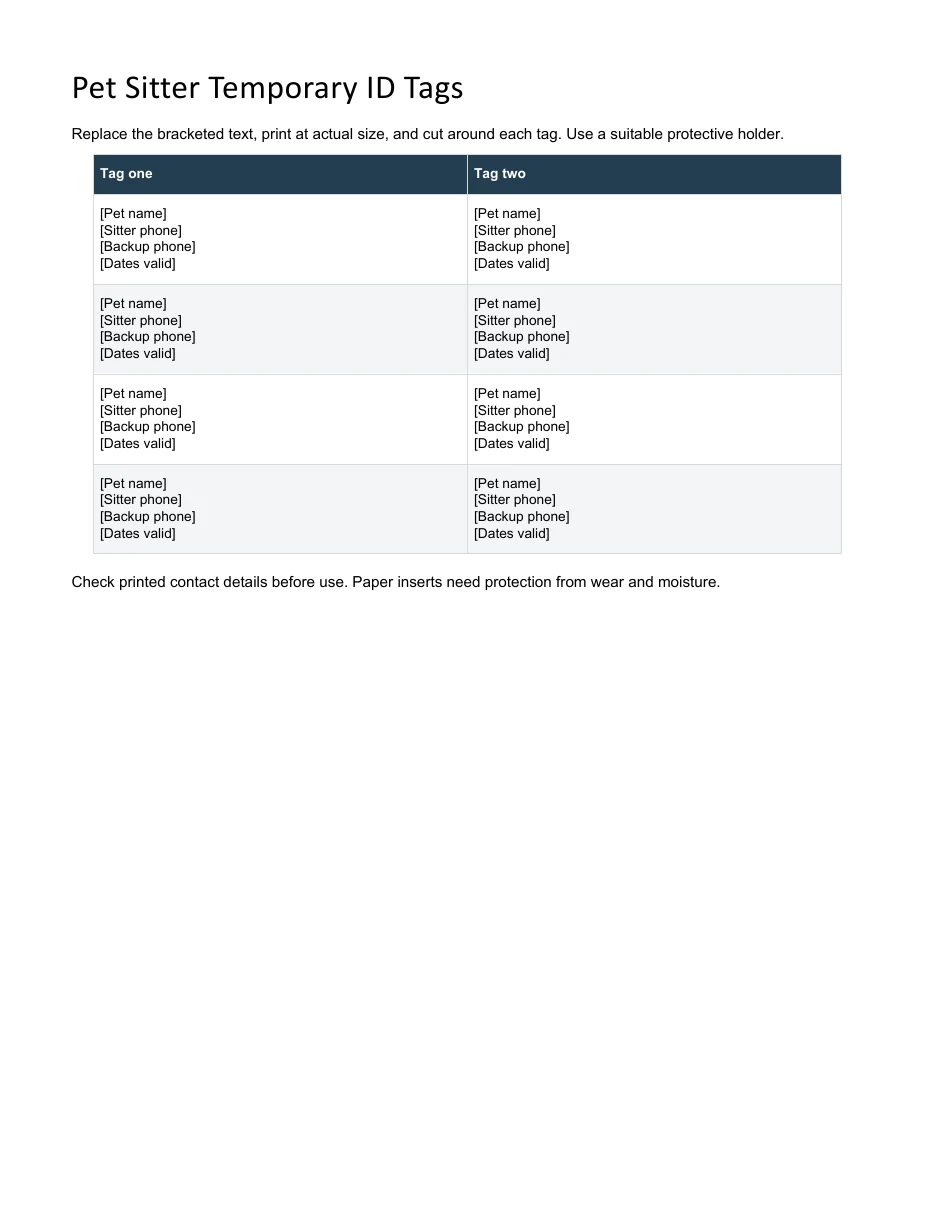
Pet Sitter Temporary ID Tags
Create temporary paper inserts showing the sitter’s contact during a pet’s stay.
Download Editable Word Template
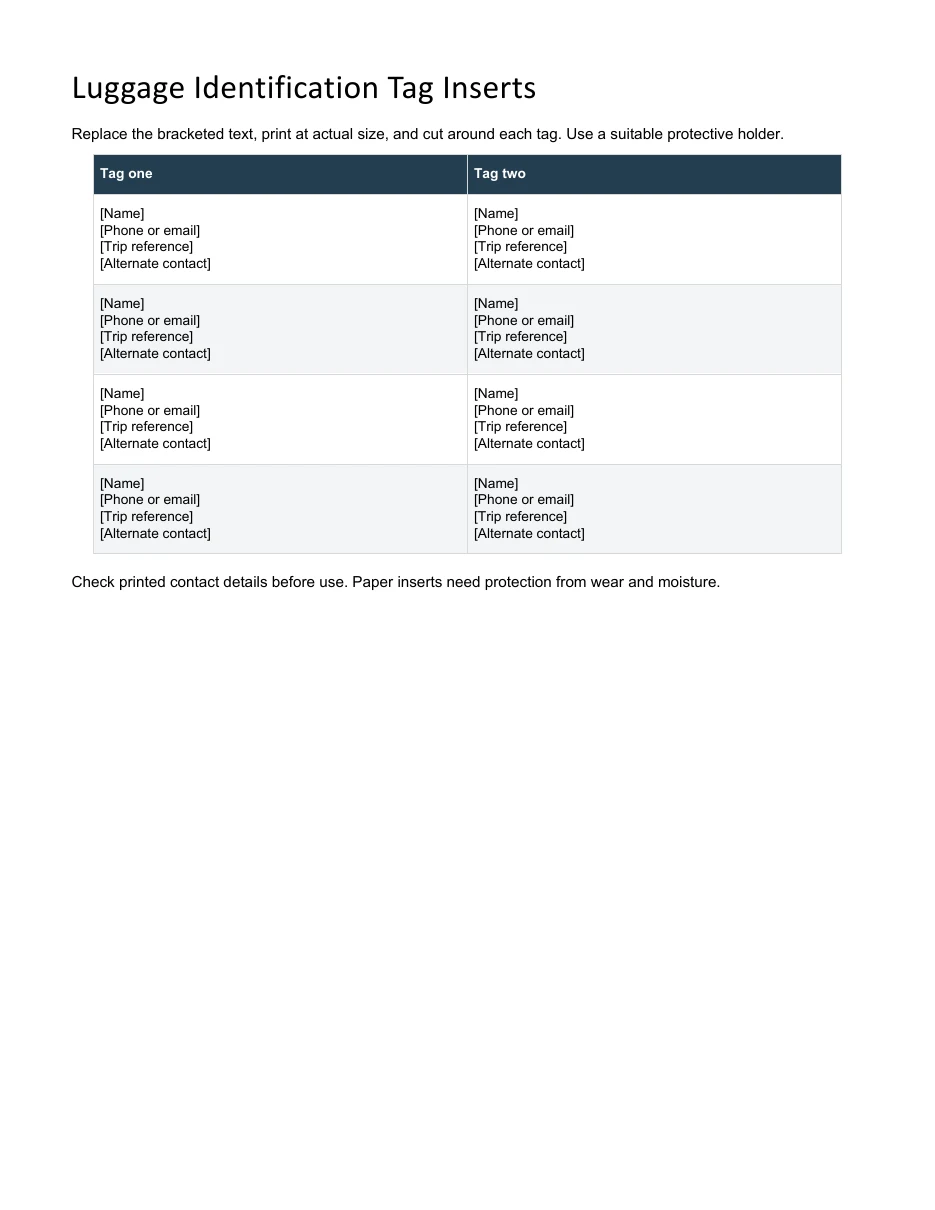
Luggage Identification Tag Inserts
Make editable luggage inserts with a contact method and optional trip reference.
Two editable designs are available as direct downloads below, followed by examples from other sources. Check the final dimensions and text size before printing or sending artwork to an engraver. Keep essential contact information prominent, and use a suitable durable tag for everyday wear rather than assuming a paper mockup will withstand outdoor use.
Go to the two editable templates and preview images and read the practical guidance below.
What Is a Dog Tag?
A dog tag is a small identification tag, usually made of metal, that carries personal details about the person or animal wearing it. The name comes from the resemblance to the tags that pet owners attach to a dog’s collar. Soldiers wear them around the neck so they can be identified quickly in an emergency, and pet owners use them so a lost animal can be returned home.
A military-style dog tag typically shows the wearer’s name, identification number, blood type, and sometimes religious preference. A pet tag usually shows the animal’s name and the owner’s phone number. Both types are small, so the layout needs to be simple and easy to read.
Why Use a Dog Tag Template?
Starting from a template is faster and gives cleaner results than building a design from scratch. Here is why many people prefer one:
- Correct proportions. A template is already sized like a real tag, so your text fits without guesswork.
- Easy customization. You can swap in your own name, number, or message in a few minutes.
- Free to print at home. Print on cardstock or sticker paper for costumes, props, school projects, or events.
- Ready for engraving. Many tag makers accept a finished design file, so a template helps you plan the layout before you order.
If making novelty tags for an event, a registration form can collect the names to print without overcrowding the tag.
What to Include on a Dog Tag
Space is tight, so choose your details carefully. For a military-style or novelty tag, common lines include:
- Full name or last name and first initial
- An identification or service number (use a fictional one for costumes and props)
- Blood type
- Religious preference, if desired
- Branch of service or organization name
For a pet tag, keep it even shorter: the pet’s name, your phone number, and optionally your city or a note such as “needs medication.” Avoid putting your full home address on a tag if you are concerned about privacy.
Keep the full owner and backup contact details in a contact list, while keeping the tag itself brief.
2 Editable Templates with Direct Downloads
Choose one of the two layouts below to suit your needs. Each preview shows the actual editable file, which you can download directly.
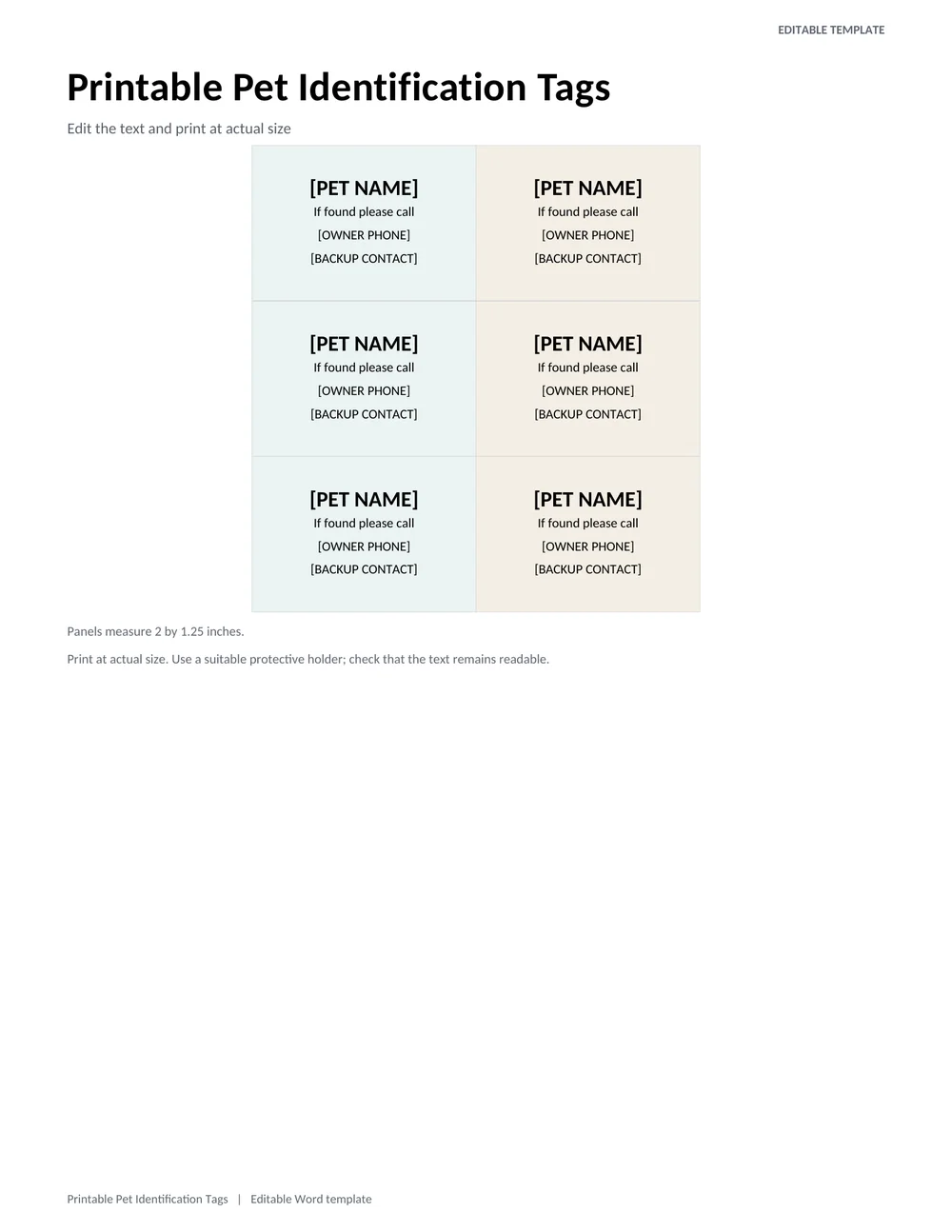
Printable Pet Identification Tags
Edit the pet name, owner phone number, and backup contact on a set of small print-and-cut identification labels.
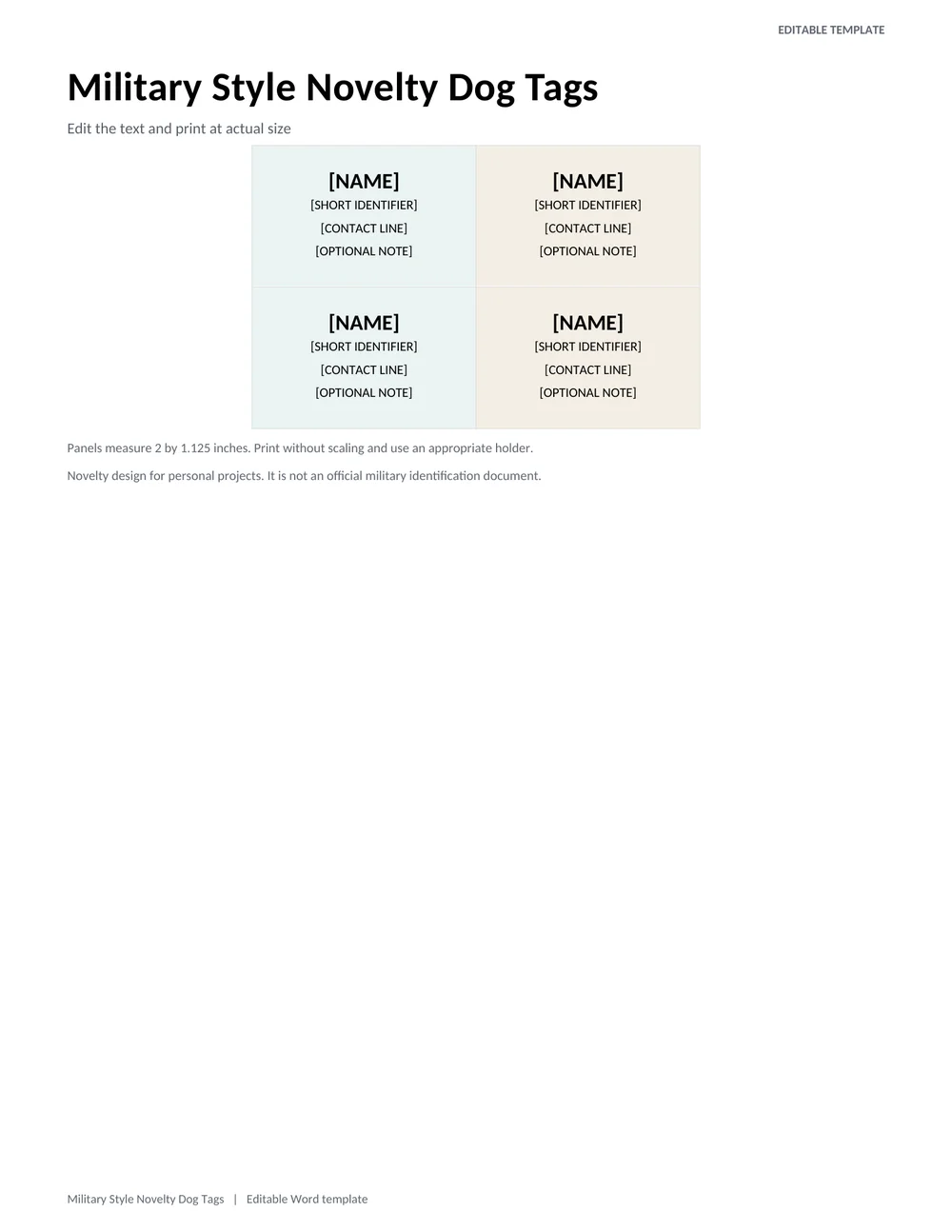
Military Style Novelty Dog Tags
A paired rectangular tag layout for costumes, classroom activities, or keepsakes, with short editable identification lines.
Types of Dog Tags
Different situations call for different styles, so it helps to know the main options:
- Military dog tags: Rectangular with rounded corners and a notch, often stamped with service details.
- Pet ID tags: Round, bone, heart, or custom shapes that clip onto a collar.
- Medical ID tags: Focus on allergies, conditions, or emergency contacts, and sometimes come as necklaces or bracelets.
- Novelty and costume tags: Printable versions for cosplay, school plays, and themed parties.
For a military-themed classroom activity, military alphabet charts can accompany a clearly fictional identification tag.
How to Make Your Own Dog Tag
- Pick a template above and open it from the source link.
- Edit the text with your own name, number, or contact details.
- Check spelling and phone numbers carefully before printing or ordering.
- Print on heavy cardstock, sticker paper, or printable shrink film, or send the design to an engraver.
- Cut along the edge, punch a small hole, and attach a ball chain or key ring.
Choosing Between Pet Identification and Novelty Tags
A pet identification tag needs to work when someone is holding a nervous animal and trying to contact its owner. A novelty military-style dog tag is usually a personal design or party accessory. These uses call for different information. Keep a pet tag focused on the animal’s name and a usable contact number. A novelty tag can carry a nickname, event name, or short message without imitating an official identity document.
The two editable Word layouts above reflect that distinction. The pet identification file provides repeated panels for a pet name and contact details. The military-style file offers a different arrangement for a name, short identifier, and optional note. Neither is a replacement for an issued military tag. If you are creating a costume or themed gift, use fictional or personal details instead of another person’s service information.
For a pet tag, think about the finder rather than only the design. Include a number someone is likely to answer and, if useful, a backup contact who has agreed to receive calls. Add a country code when the animal may travel across borders. A full home address can expose more information than necessary on a publicly visible tag; consider whether a reliable phone number achieves the purpose with less disclosure.
A large name and smaller contact line usually work better than making every line equally prominent. Long names may need a shorter display version so the phone number remains readable. Do not shrink the entire layout merely to fit one extra sentence. Print a test and ask someone to read it at the intended size before producing several copies.
Testing Print Size, Readability, and Everyday Use
The pet panels in the direct-download file measure 2 by 1.25 inches; the novelty panels measure 2 by 1.125 inches. Print at actual size rather than choosing “fit to page,” which can change those measurements. Check one panel with a ruler before cutting the full sheet. If a printer cannot reproduce the outer area cleanly, adjust the print setup or use a larger protective holder instead of trimming away important text.
Paper templates are useful for mock-ups, temporary inserts, and appropriately protected holders. They do not have the durability of professionally engraved identification. Check whether the holder closes securely and whether moisture or rubbing could make the text unreadable. Avoid leaving sharp edges or loose decorative pieces after cutting. For a pet, the finished attachment should be suitable for the animal and checked regularly for damage.
Proofread every digit of the phone number from the printed copy, then place a test call to the displayed number. This catches mistakes that are easy to overlook on screen. Save the editable master with the date of the latest contact check. When a number changes, replace every spare tag as well as the one currently attached, so an old copy is not accidentally reused.
Keep an uncluttered version even if you also make a decorative design. High contrast, clear lettering, and enough space around the contact details matter more than a complicated background. A successful printable dog tag template lets the intended reader understand the essential information quickly, without needing to decode abbreviations or search among several competing lines.
Tips for a Better Dog Tag
- Use a bold, sans-serif font so letters stay readable at a small size.
- Keep to four or five short lines at most.
- Choose durable materials such as stainless steel or aluminum for tags you will wear daily.
- For pet tags, update the phone number whenever it changes.
- Laminate paper tags if they will be handled often.
A good dog tag template makes it easy to create a clear, professional-looking ID tag in minutes. Browse the 2 designs above, choose the one that fits your purpose, and personalize it with the details that matter. Whether it is for a pet, a costume, or a keepsake, keep the text short and readable and you will end up with a tag that looks great and works well.
Frequently Asked Questions (FAQs)
What information goes on a military dog tag?
Traditionally it lists the wearer’s name, identification number, blood type, and religious preference. Exact formats vary by country and era, so check official guidance if you need an accurate reproduction.
Can I print a dog tag template at home?
Yes. Download or open the template, edit the text, and print on cardstock or sticker paper. For a durable tag, send the design to an engraving service instead.
What size is a standard dog tag?
A military-style tag is about 2 inches by 1.125 inches (roughly 51 by 29 mm). Pet tags are often smaller, around 1 to 1.5 inches across.
What should I write on a pet’s dog tag?
Include your pet’s name and a reliable phone number. A short note such as “needs medication” can also help if your pet gets lost.
Are these dog tag templates really free?
Yes. The two Word layouts at the top are free to download directly and customize. The other examples link to their original sources; check those sites for their terms of use.
Can I use a template for a costume or prop?
Absolutely. Templates are popular for cosplay, school plays, and movie props. Use a fictional service number rather than a real one.
What is the best material for a dog tag?
Stainless steel is a popular choice because it resists rust and scratches. Aluminum is lighter and cheaper, while brass gives a classic look but can tarnish.
Can I use the same artwork for printing and engraving?
Treat the printed design as a draft until the engraver confirms its requirements. Ask about usable area, line limits, accepted file types, and minimum text size. A detailed color design may need to be simplified before engraving.