A fax cover sheet is the first page of a fax. It tells the recipient who the message is from, who it is for, how many pages are included and what the fax is about. Without it, a fax can end up on the wrong desk, get lost in a busy office or leave the recipient wondering whether all the pages arrived.
This page provides 20 free fax cover sheet templates in MS Word format. They include basic, business, academic, confidential, urgent and creative designs, so you can pick the one that suits your message, fill in your details and send your fax with a professional first page.
What Is a Fax Cover Sheet?
A fax cover sheet is a document sent with a fax that alerts the recipient to who should receive it and what it contains. It is generally used for official and business faxes to make sure the message reaches the right person. It also helps the receiver confirm that all pages arrived and know who to contact with questions.
Why Use a Fax Cover Sheet Template?
- Correct delivery: the recipient’s name, department and fax number make it easy to route the message.
- Professional impression: a neat cover page shows care and attention to detail.
- Page count check: the total number of pages lets the receiver verify nothing is missing.
- Confidentiality: privacy notices remind unintended readers not to read or share the content.
- Quick contact details: phone and email lines help the receiver respond fast.
- Time savings: a ready-made template means you do not have to design a page each time.
What to Include on a Fax Cover Sheet
- Date: when the fax is sent.
- To: the recipient’s name, company or department, and fax number.
- From: your name, company, phone number and fax number.
- Number of pages: including the cover sheet, or stating that it is excluded.
- Subject or reference: a short description of the topic.
- Message or comments: a line or two of instructions, such as “Please review and sign.”
- Priority markers: options such as urgent, please reply, for review or please comment.
- Confidentiality notice: a statement that the fax is intended only for the named recipient.
Please note: confidentiality wording varies by industry and region. For faxes containing medical, legal or financial data, check the rules that apply to your organization.
Free Fax Cover Sheet Word Templates
Basic Fax Cover Sheet Template
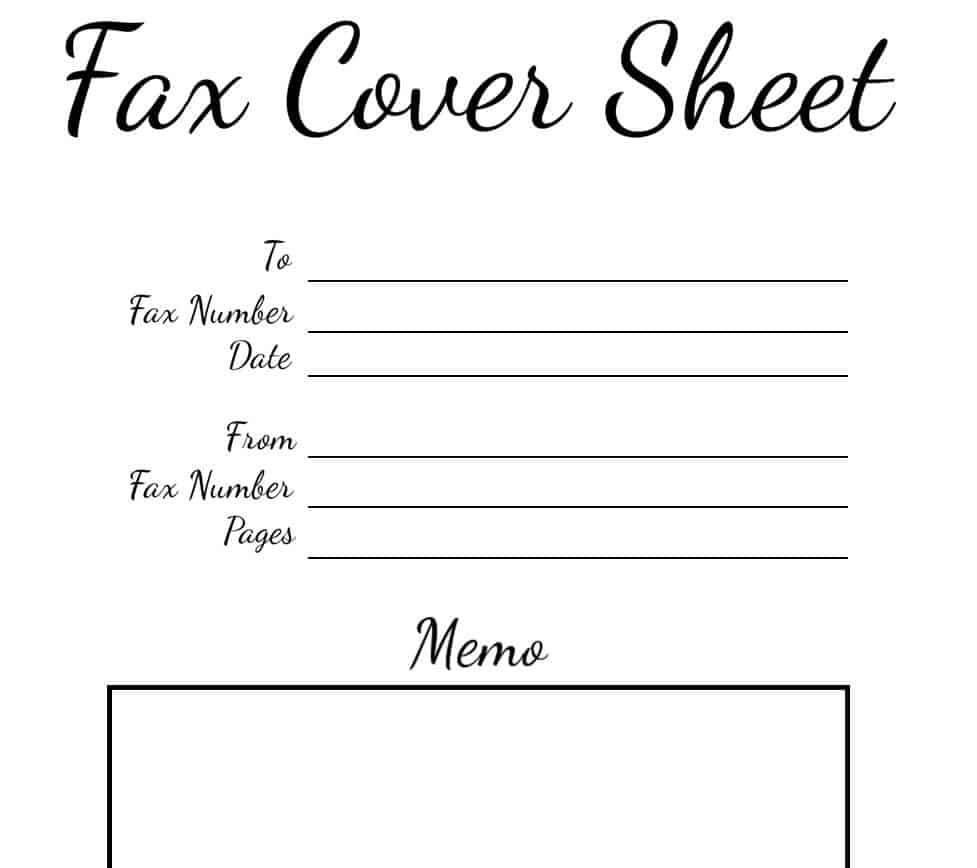
Download Basic Fax Cover Sheet Template
Special Design Fax Cover Sheet Template
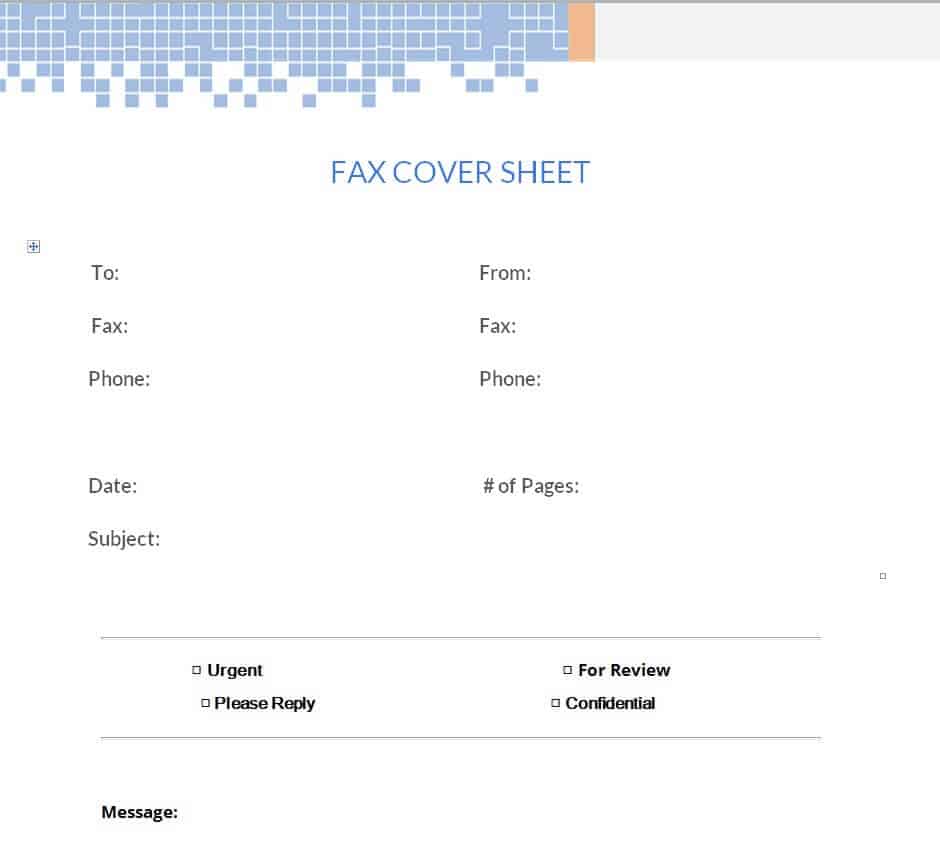
Download Special Design Fax Cover Sheet
Official Fax Cover Sheet Word Template
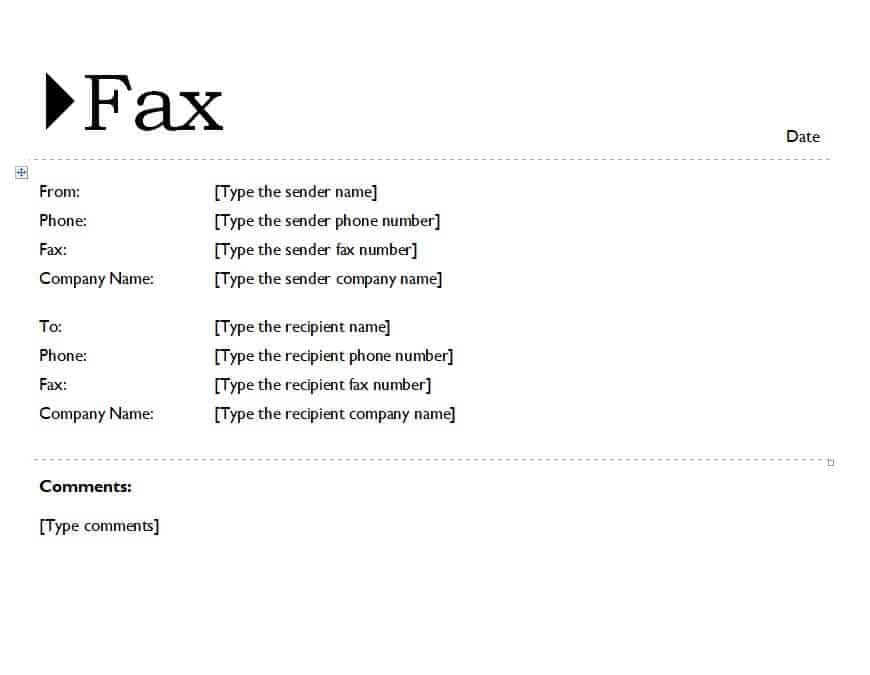
Download Official Fax Cover Sheet Template
Elemental Fax Cover Sheet Sample
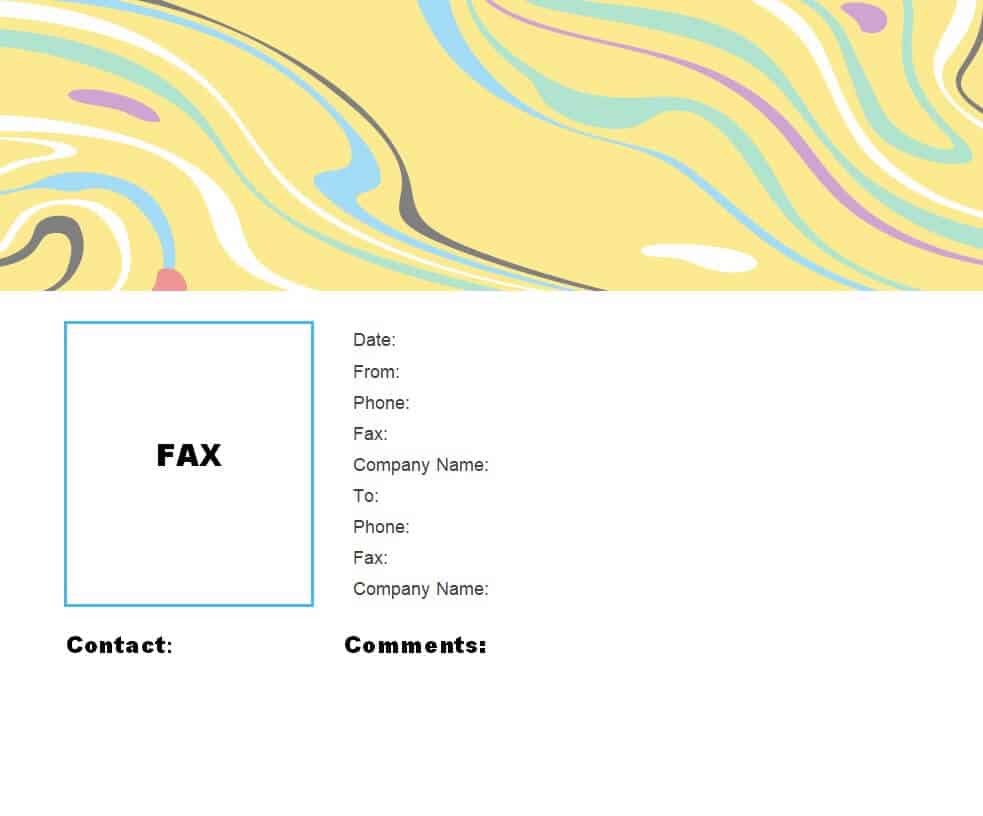
Download Elemental Fax Cover Sheet Sample
Editable Company’s Fax Cover Sheet Design
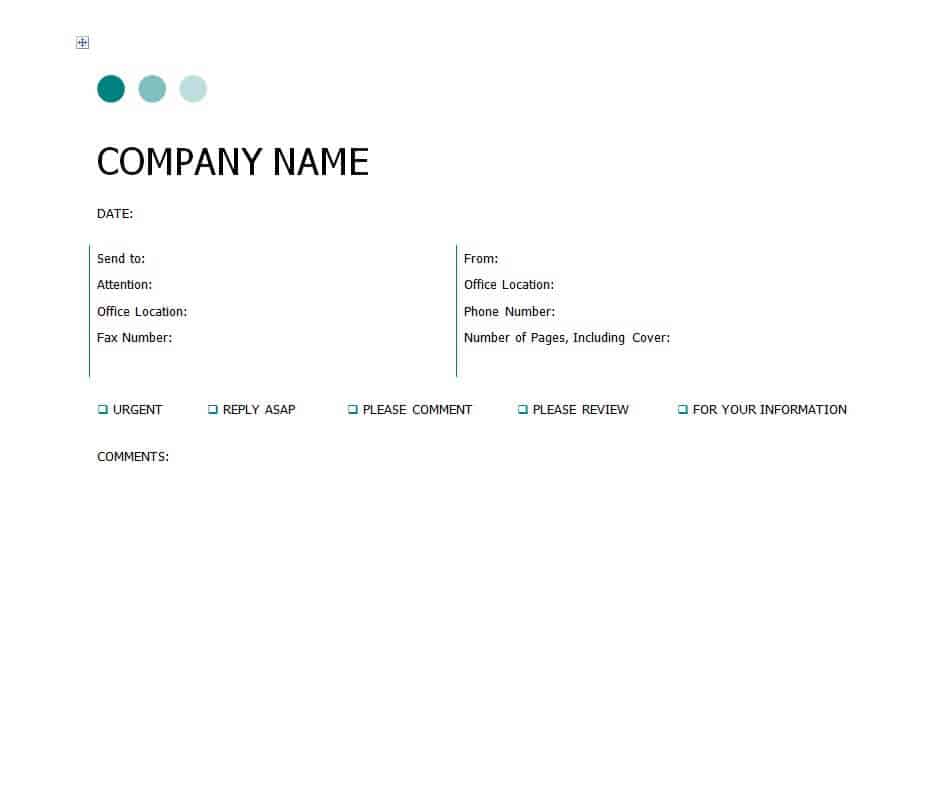
Download Company Fax Cover Sheet Design
Business Fax Cover Sheet Template
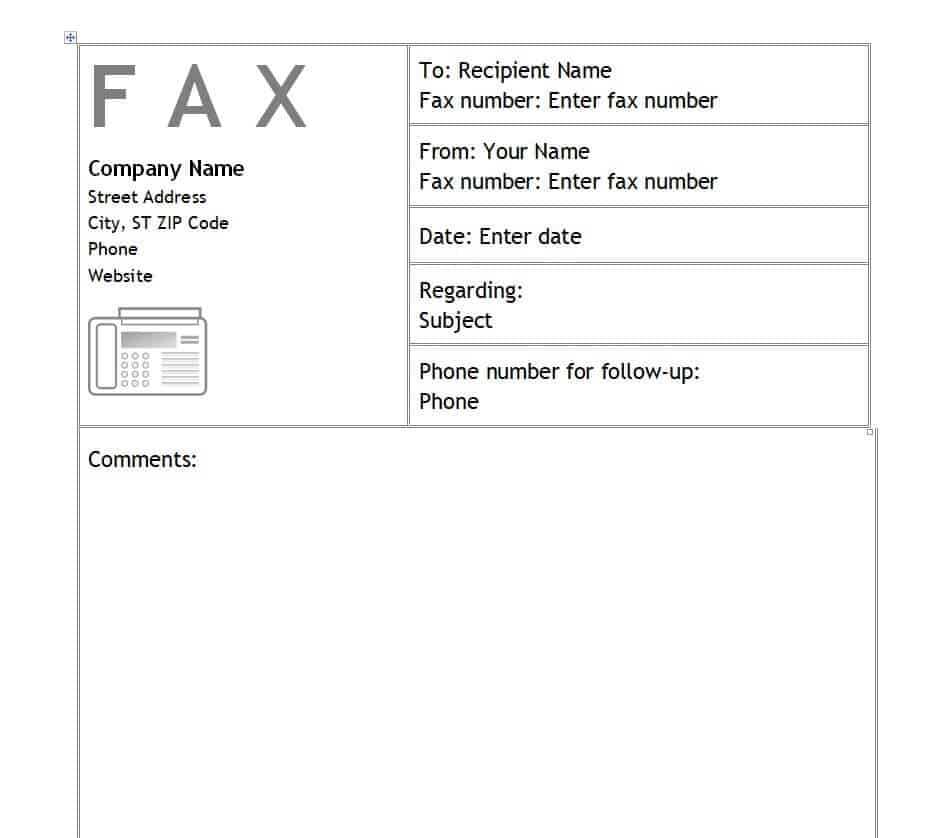
Download Business Fax Cover Sheet Template
Fax Cover Sheet Example Bird Design
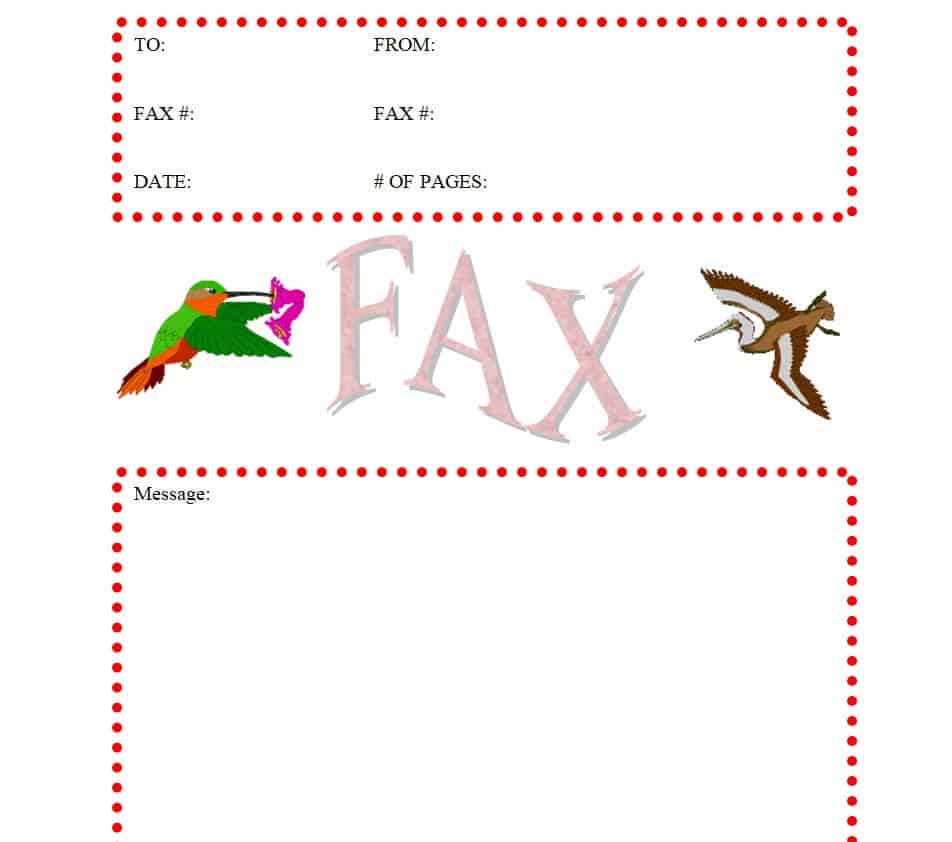
Download Bird Design Fax Cover Sheet
Fillable Fax Cover Sheet Example Word
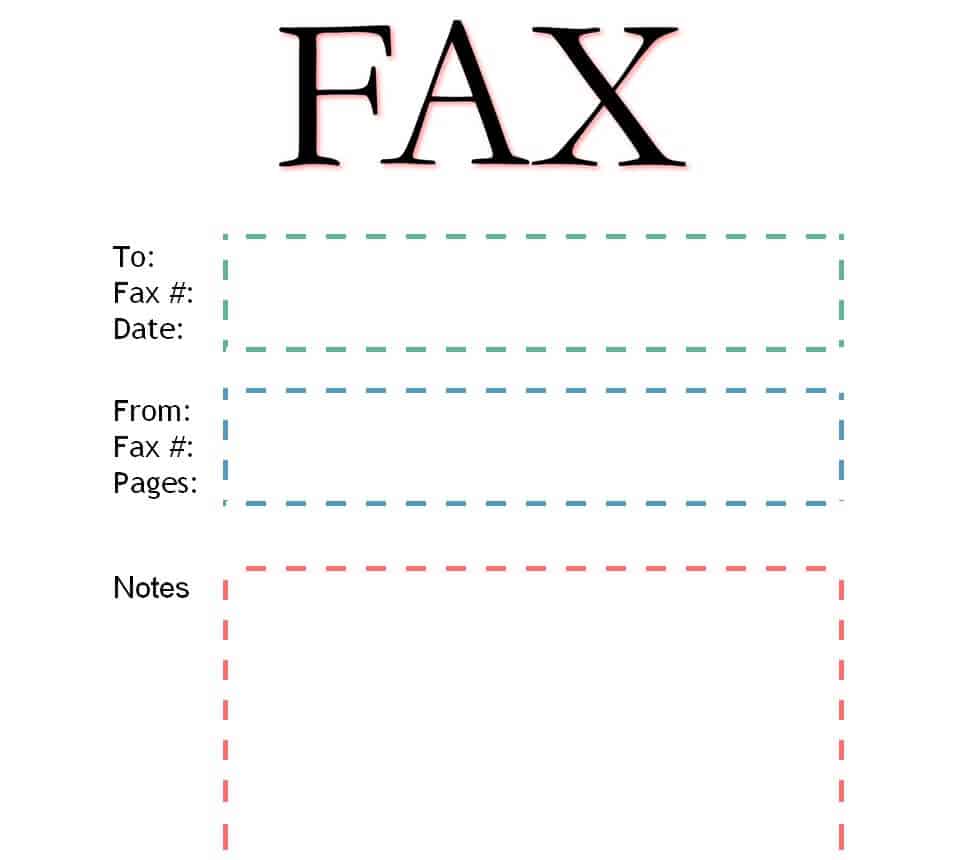
Download Fillable Fax Cover Sheet Example
Minimalistic Fax Cover Sheet Sample
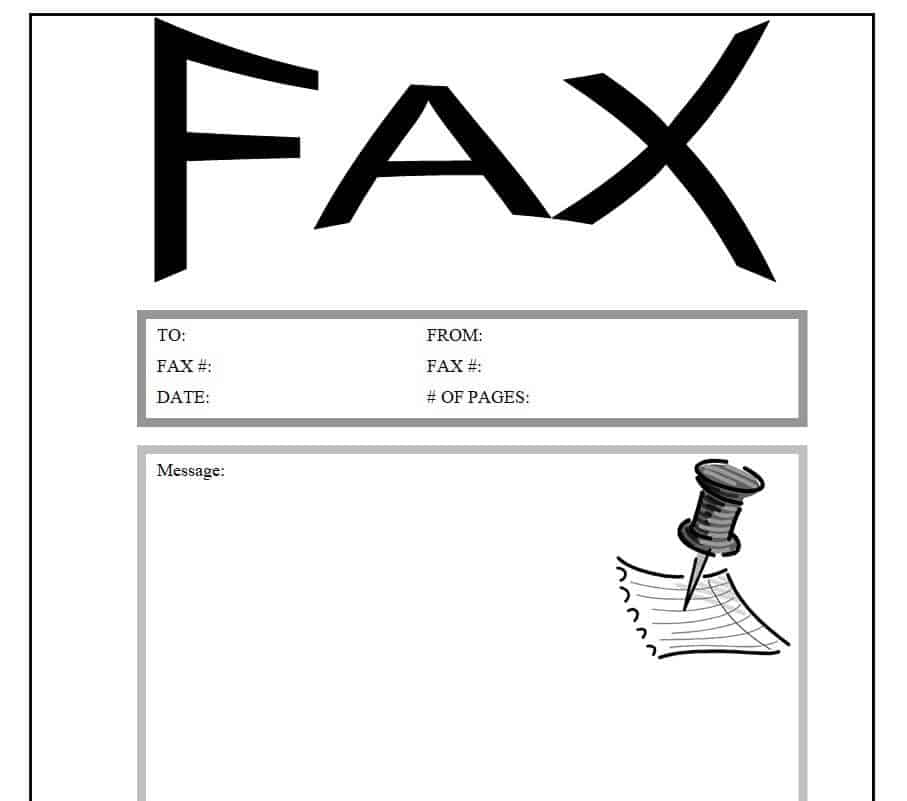
Download Minimalistic Fax Cover Sheet Sample
Private Marked Fax Cover Sheet Template
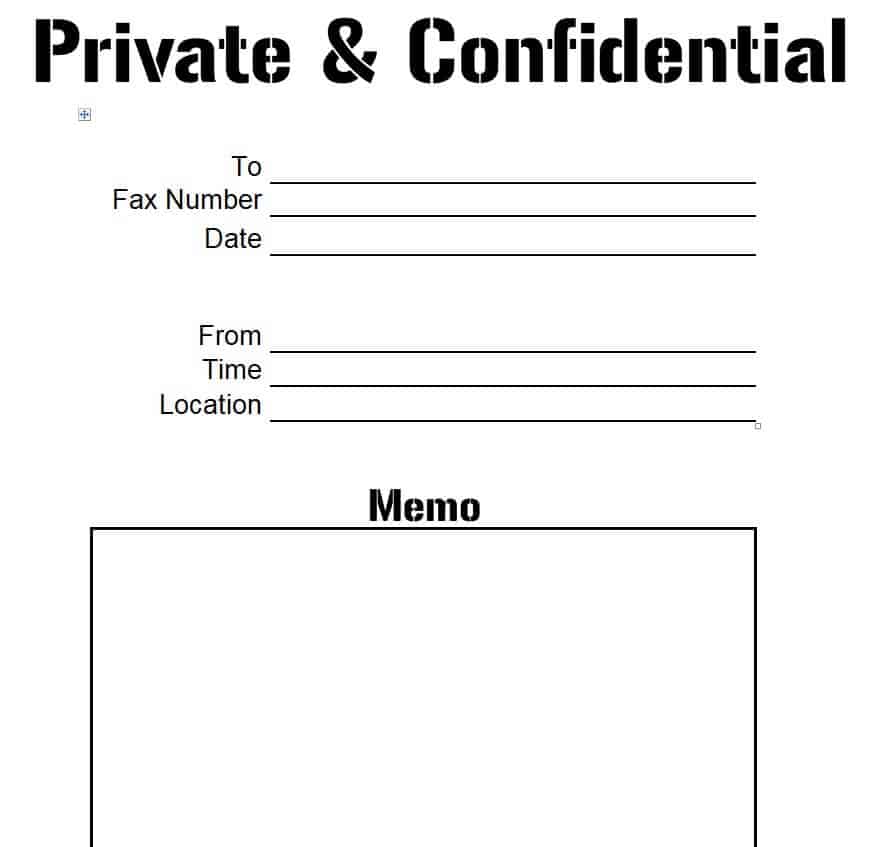
Download Private Fax Cover Sheet Template
Beautiful Design Fax Cover Sheet
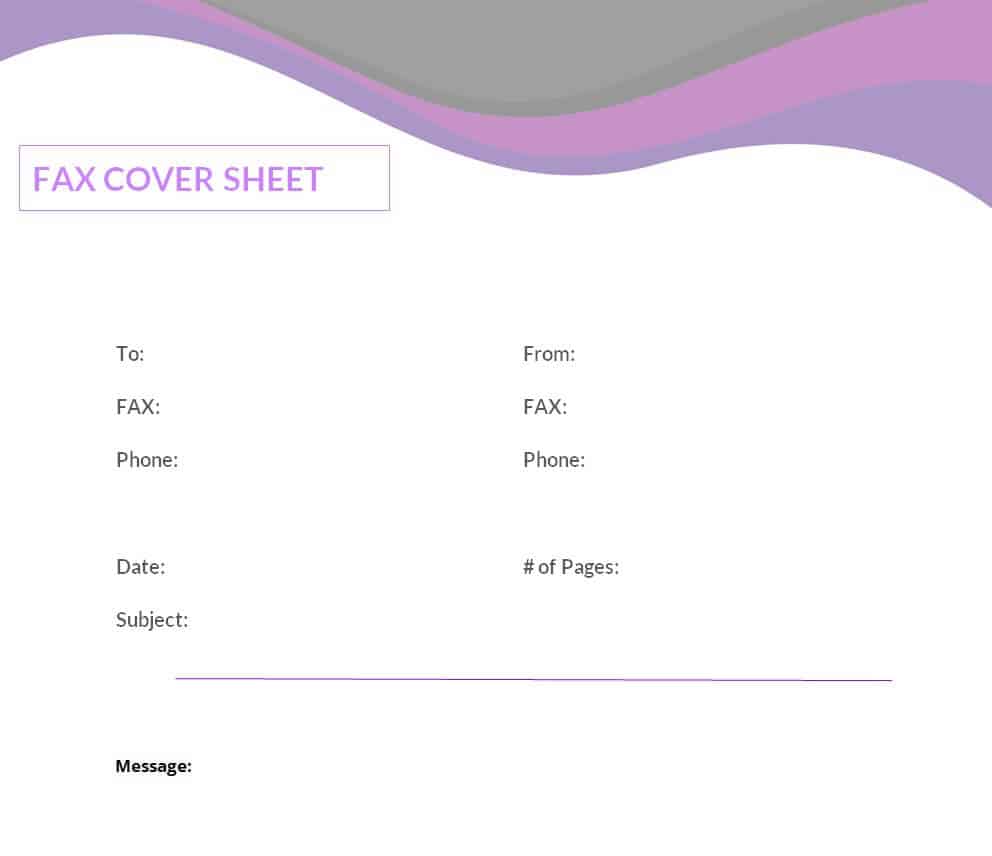
Download Beautiful Design Fax Cover Sheet
Academic Style Fax Cover Sheet Template
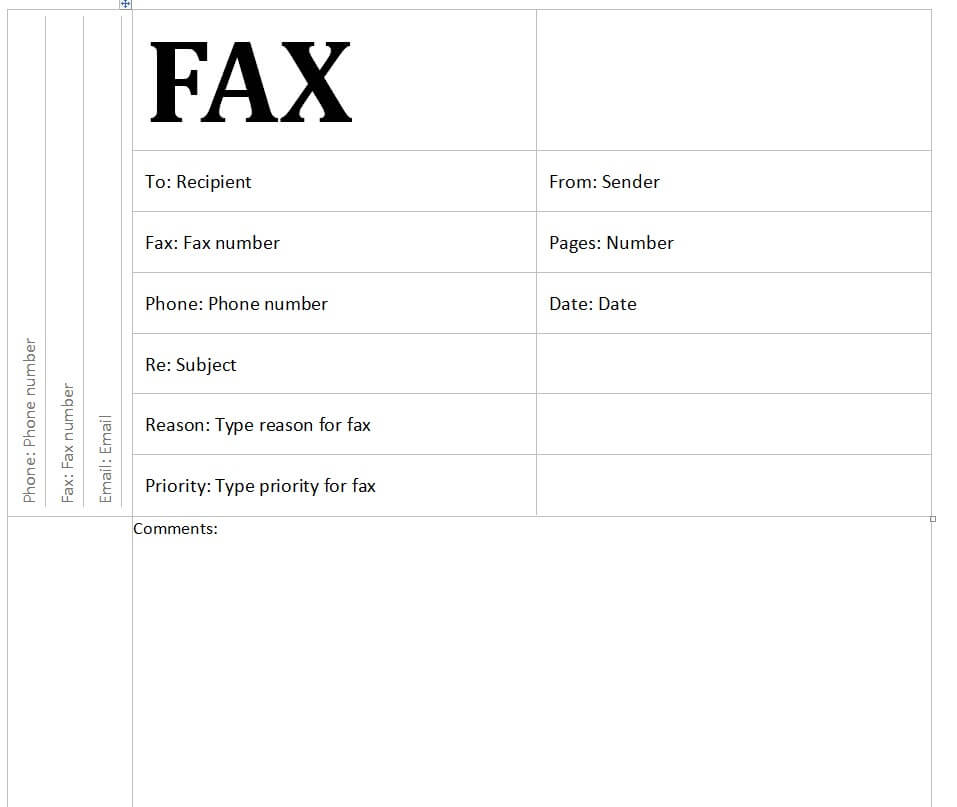
Download Academic Fax Cover Sheet Template
Practical Fax Cover Sheet Sample DOC Format
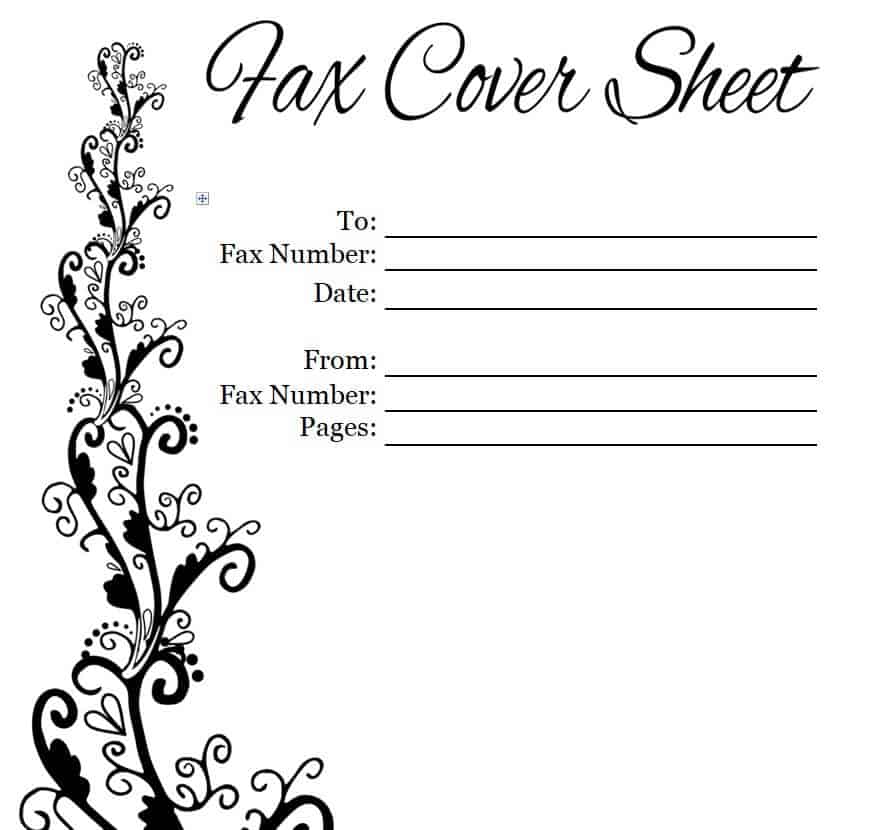
Download Practical Fax Cover Sheet Sample
Confidential Marked Fax Cover Sheet Template
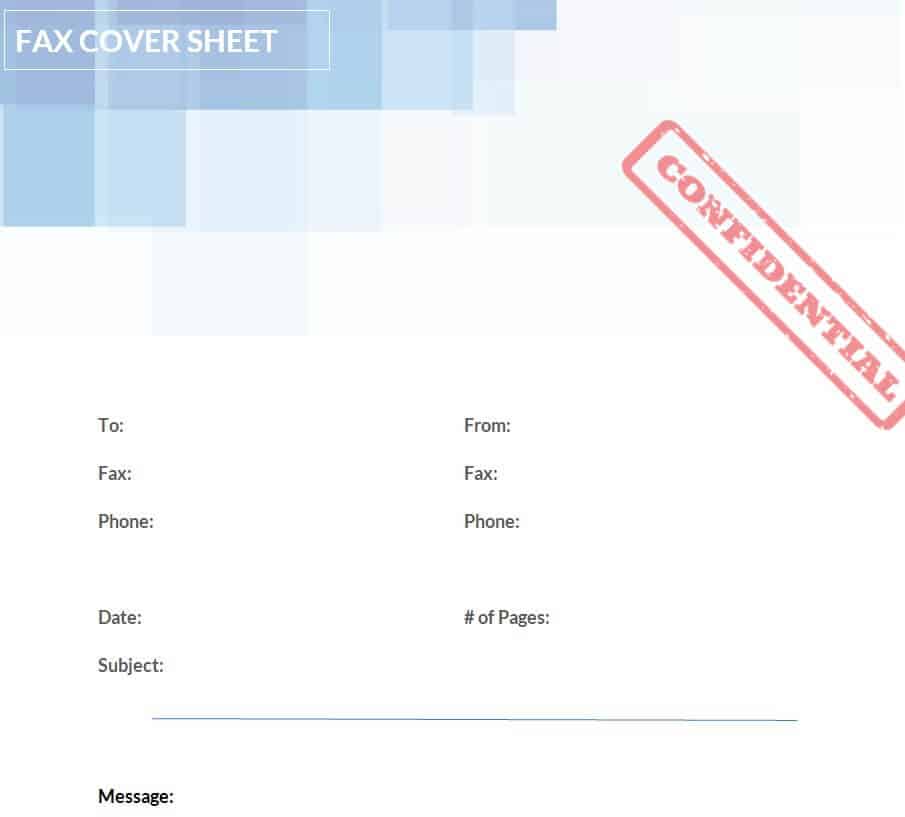
Download Confidential Fax Cover Sheet Template
Urgent Marked Fax Cover Sheet Template MS WORD
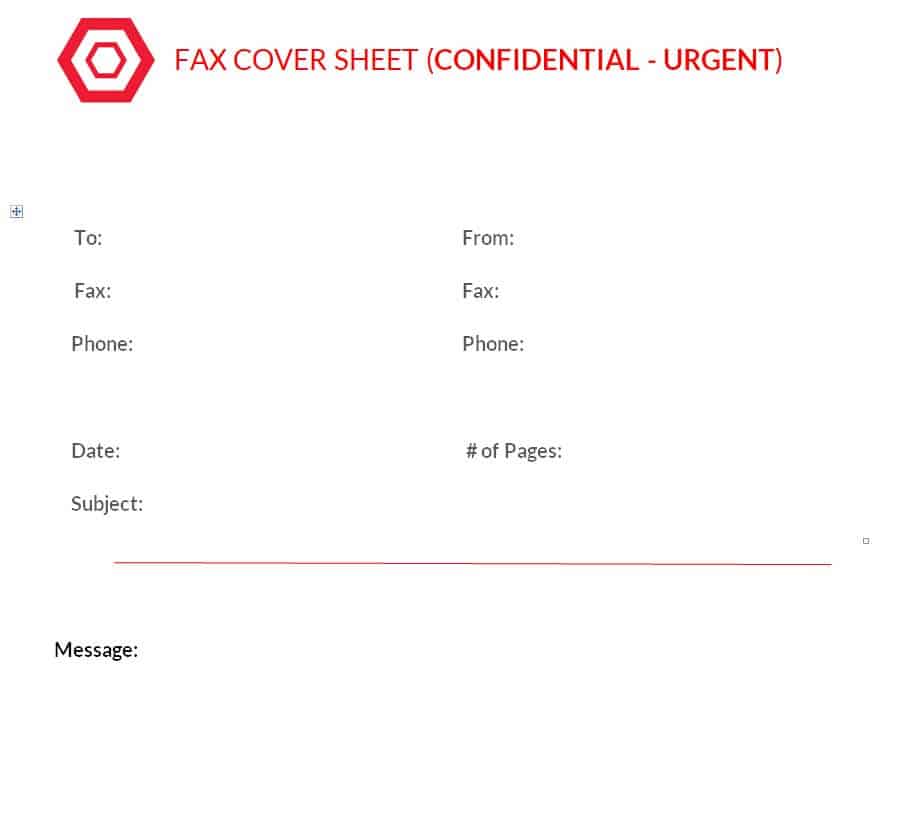
Download Urgent Fax Cover Sheet Template
Free Printable Office Use Fax Cover Sheet
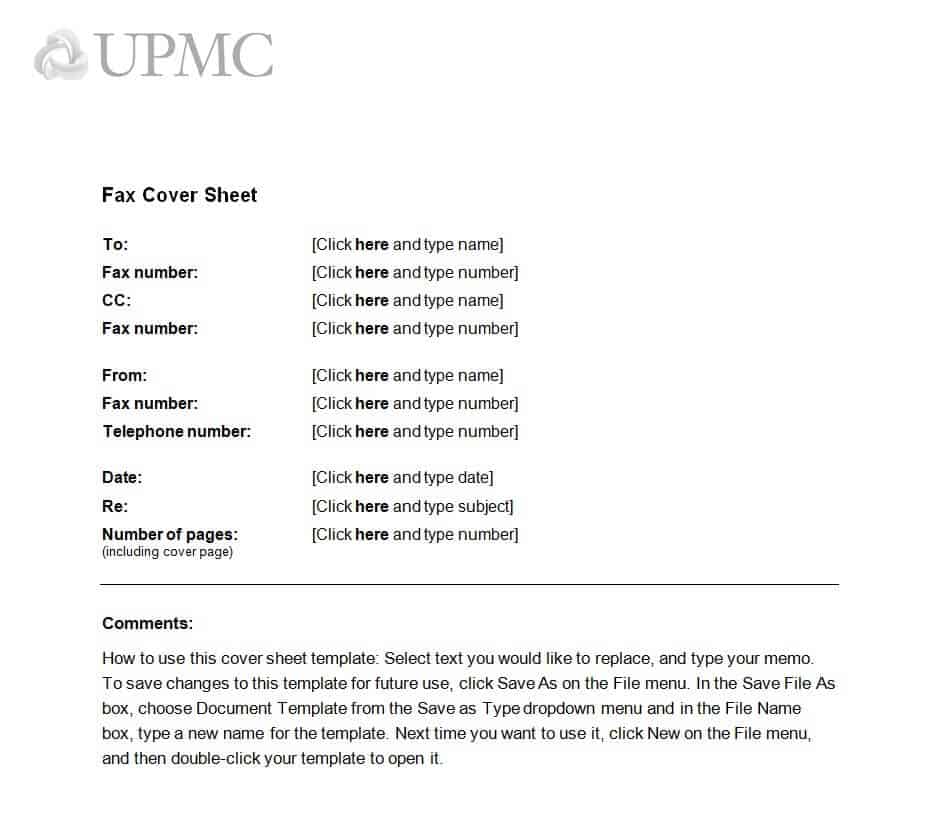
Download Printable Office Fax Cover Sheet
Mail Merge Fax Cover Sheet Template
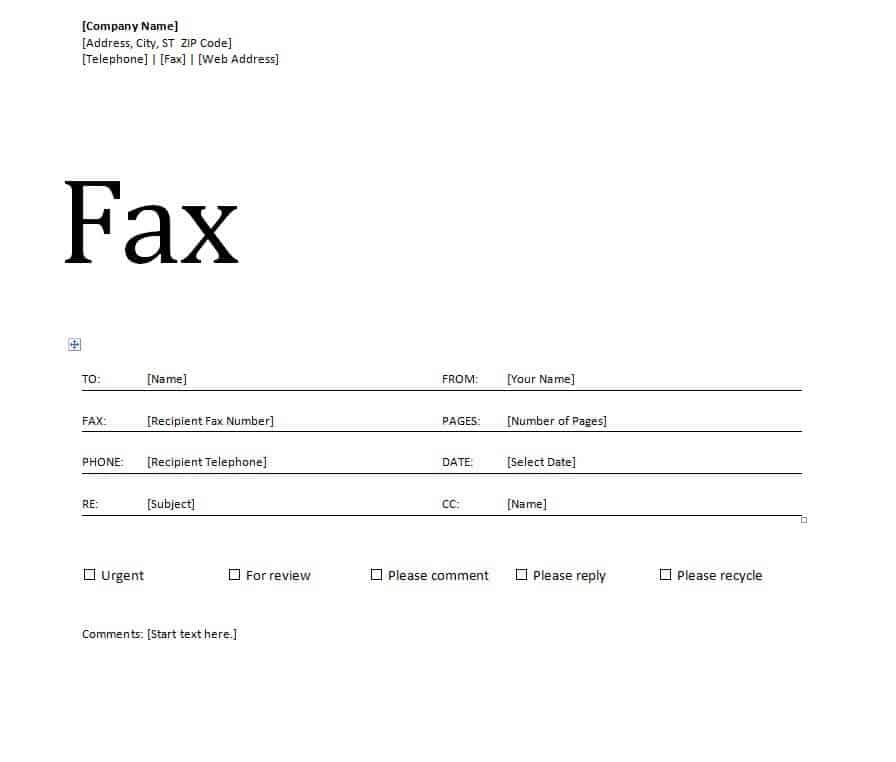
Download Mail Merge Fax Cover Sheet Template
Stylish Fax Cover Sheet Design in MS WORD
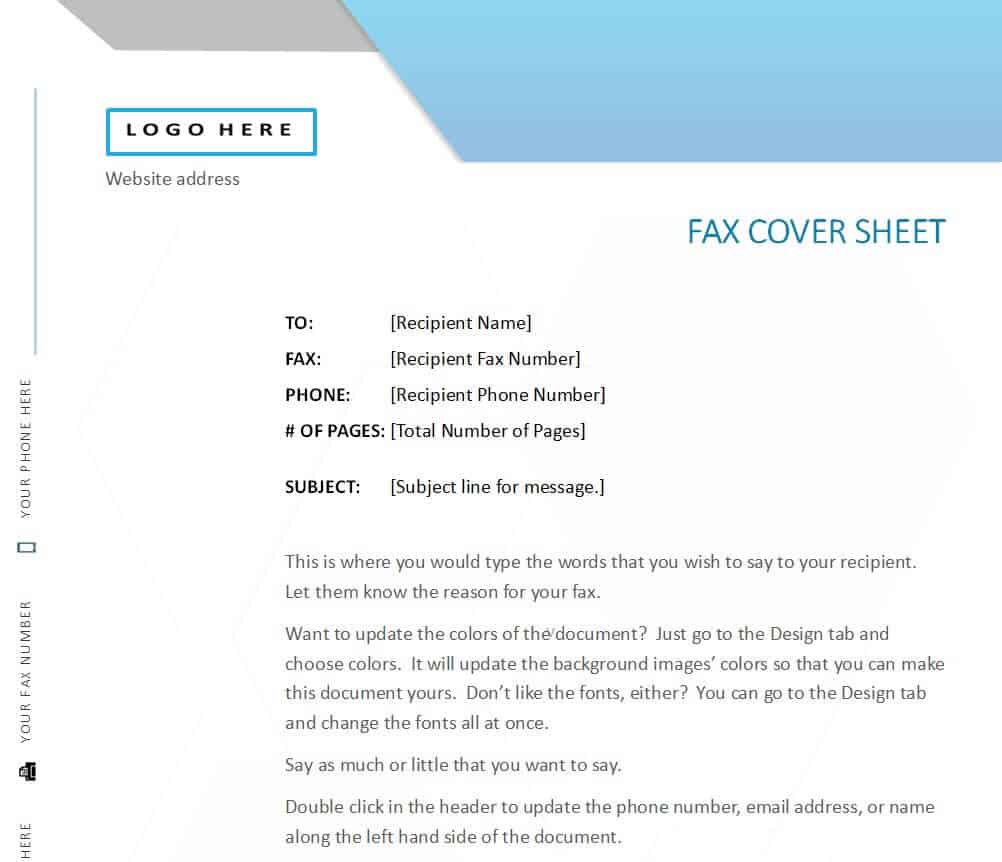
Download Stylish Fax Cover Sheet Design
Modern Style Fax Cover Sheet Template
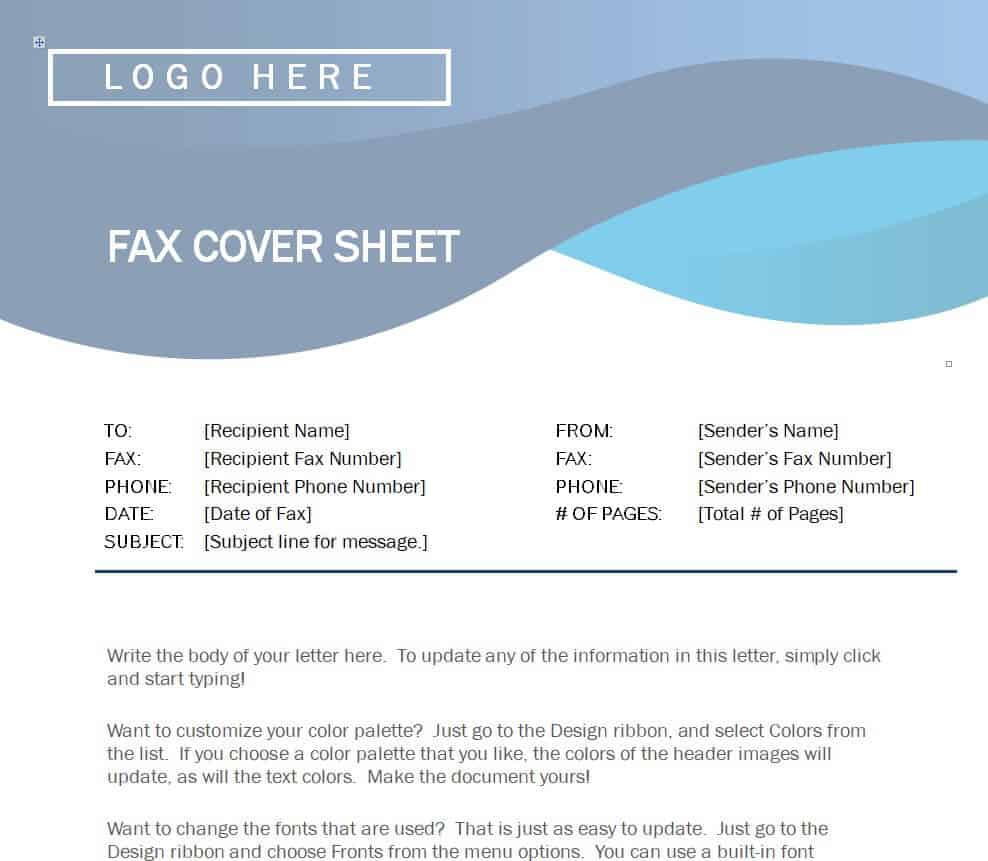
Download Modern Fax Cover Sheet Template
Example Tech Fax Cover Sheet Template
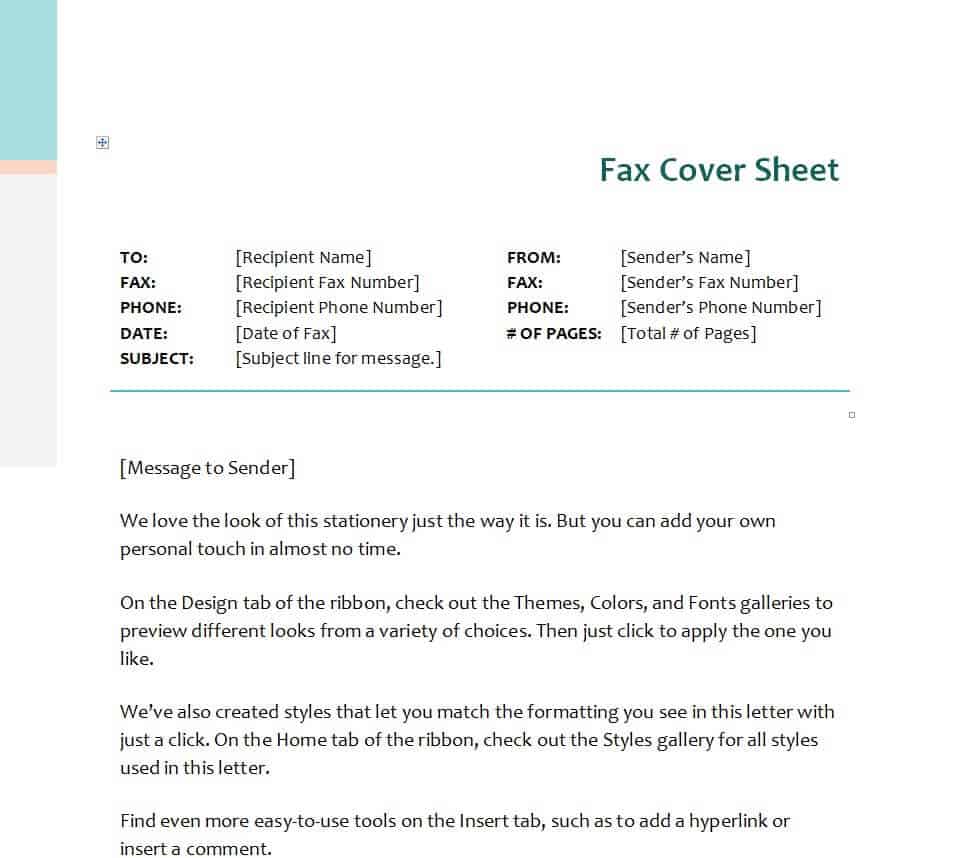
Download Tech Fax Cover Sheet Template
How to Fill Out a Fax Cover Sheet Step by Step
- Choose a template. Pick a design that fits your message, such as business, confidential or urgent.
- Download and open it in Word. Extract the zip file and open the document.
- Enter the date. Use the day you are sending the fax.
- Add recipient details. Write the name, company and fax number of the person or department.
- Add your details. Include your name, phone number and return fax number.
- Count the pages. Enter the total number of pages, and say whether the cover sheet is included.
- Write a short subject and message. Keep it clear, for example “Signed contract for review.”
- Mark priority or confidentiality. Tick the right boxes or leave the notice in place.
- Print and send. Put the cover sheet on top of your documents and fax them together.
Tips for Better Fax Cover Sheets
- Keep it to one page and avoid heavy graphics that can slow transmission or come out unclear on a fax.
- Use black text on a white or light background, since fax machines do not reproduce colors well.
- Double-check the recipient’s fax number before you send.
- Call the recipient to confirm they received all pages if the fax is important.
- For sensitive information, consider a secure alternative such as encrypted email if your policy allows it.
- Save a blank template so you can reuse it quickly.
Frequently Asked Questions (FAQs)
What is a fax cover sheet?
A fax cover sheet is the first page of a fax. It shows who the fax is from, who it is for, the date, page count and a short note about the contents.
Is a fax cover sheet required?
It is not always required, but it is strongly recommended for business and official faxes. It makes sure the message gets to the right person and looks professional.
Are these fax cover sheet templates free?
Yes. All of them can be downloaded for free and edited in Microsoft Word.
Should the cover sheet count as a page?
Either approach is fine as long as you say which one you use. Many people write “including cover sheet” next to the page count to avoid confusion.
What does a confidential fax cover sheet say?
It usually includes a notice that the fax is intended only for the named recipient, may contain private information, and should be destroyed and reported to the sender if received in error.
Can I send a fax cover sheet by email or online fax?
Yes. Many online fax services let you attach a cover page. You can save your Word template as a PDF and upload it as the first page.
What size is a fax cover sheet?
Standard letter size, 8.5 by 11 inches, is common in the United States. In many other countries, A4 is used. Keep your margins wide enough so nothing is cut off.
Final Thoughts
A clear fax cover sheet helps your message reach the right person and shows that you take your communication seriously. With 20 free Word templates to choose from, you can find a style for any situation, from routine business faxes to confidential or urgent documents. Download one, fill in your details and send your fax with confidence.



You must be logged in to post a comment.