Getting out of debt is easier when you can see the finish line. A debt reduction calculator in Excel shows exactly how long it will take to pay off your credit cards, personal loans, car loan or mortgage, how much interest you will pay, and how much faster you can be debt-free by adding even a small extra payment each month. This page offers 12 free, ready-to-use debt reduction calculators, including debt snowball payment schedules, that you can download and start using in minutes.
Note: These templates are for planning and education only and are not financial advice. For decisions about your own situation, consider speaking with a qualified financial professional.
What Is a Debt Reduction Calculator?
A debt reduction calculator is a spreadsheet tool that helps you build a plan for repaying what you owe. You enter each debt’s balance, interest rate and minimum payment, then decide how much extra you can pay each month. The sheet calculates a payoff schedule that shows how each payment reduces your balance, how much interest you save, and the date each debt will be cleared. Because it is built in Excel, you can change any number and instantly see the new result.
Debt Snowball vs. Debt Avalanche
Most debt payoff calculators use one of two popular strategies. The debt snowball method lists your debts from the smallest balance to the largest. You pay the minimum on everything, put all extra money toward the smallest debt, and when it is paid off you roll that payment into the next one. The quick wins keep you motivated. The debt avalanche method targets the highest interest rate first, which usually saves the most money over time. Either approach works when you stay consistent, and the rollover effect is what makes both so powerful: each cleared debt frees up cash that speeds up the next payment.
Benefits of Using a Debt Reduction Calculator
- Clear timeline: see the exact month you can expect to be debt-free.
- Interest savings: compare paying only the minimum with paying extra and see how much interest you avoid.
- Motivation: watching balances shrink on a schedule keeps you committed to your plan.
- Better decisions: test what happens if you add $50 or $200 per month, or if you receive a bonus or tax refund.
- Improved credit health: paying down balances on time can support a stronger credit profile over the long run.
Download Debt Reduction Calculators in Excel
Choose the layout that fits your situation. All files are free and include the zip download below each preview.
Debt Reduction Calculator Excel Sheet
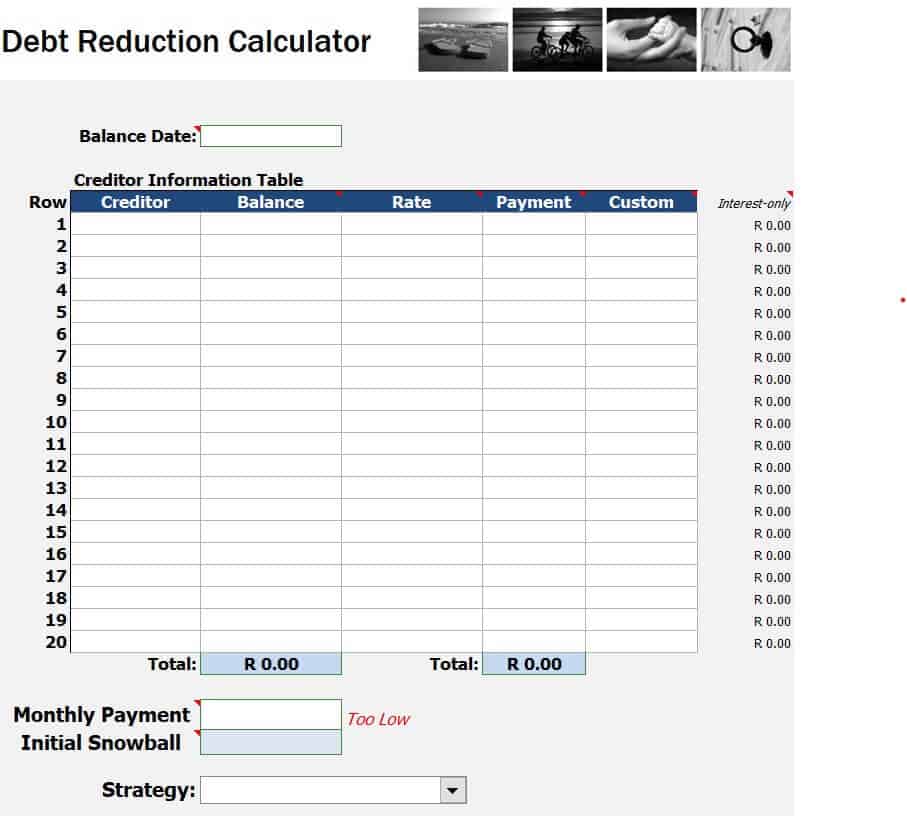
Detailed Debt Reduction Calculator Excel
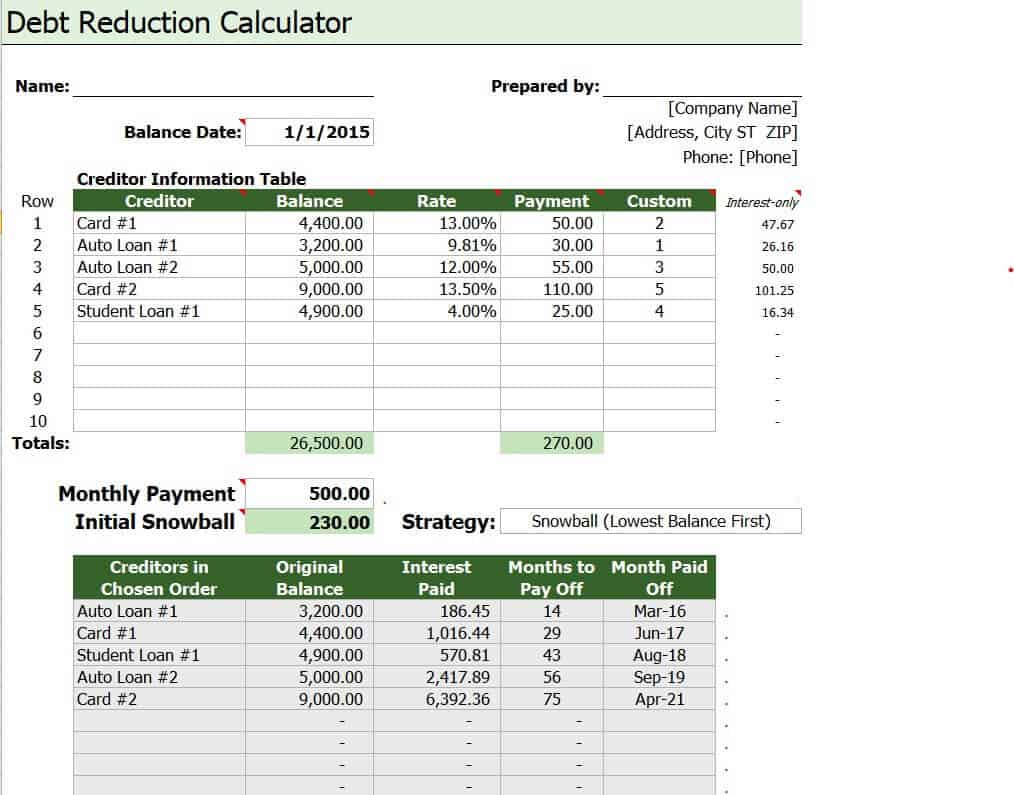
Sample Debt Reduction Calculator Spreadsheet
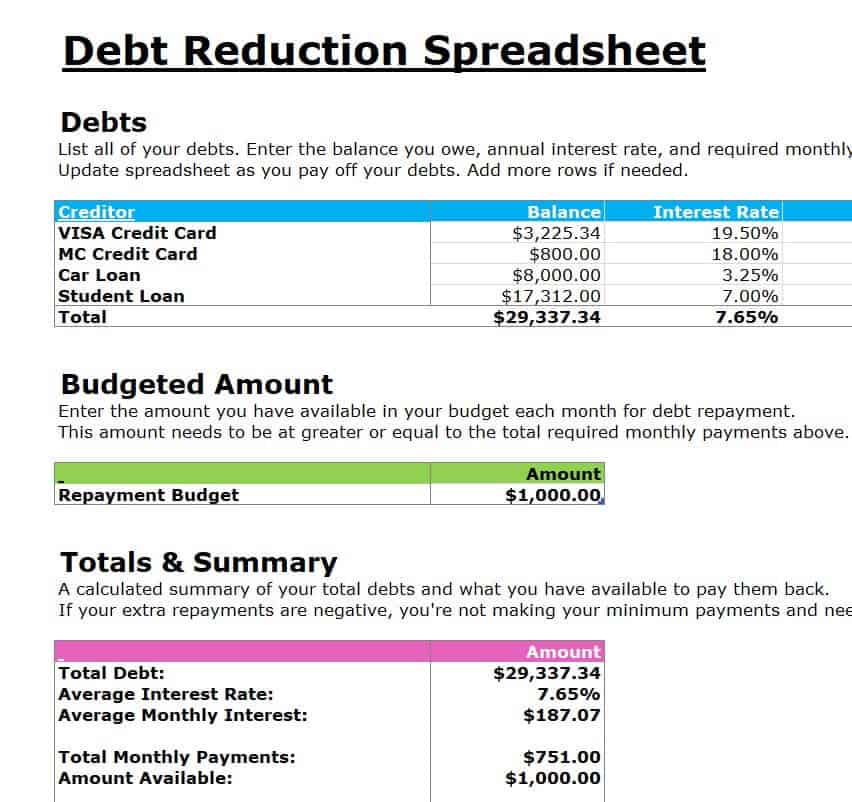
Simple Debt Reduction Calculator in XLSX Format
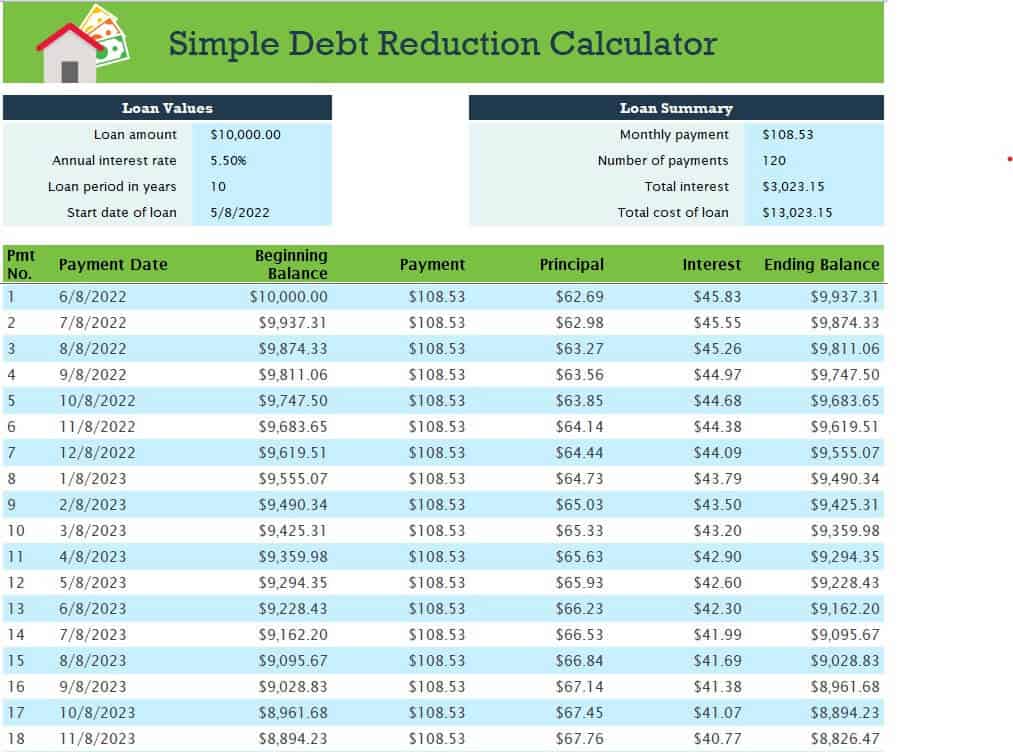
Accumulated Debt Management Excel Sheet
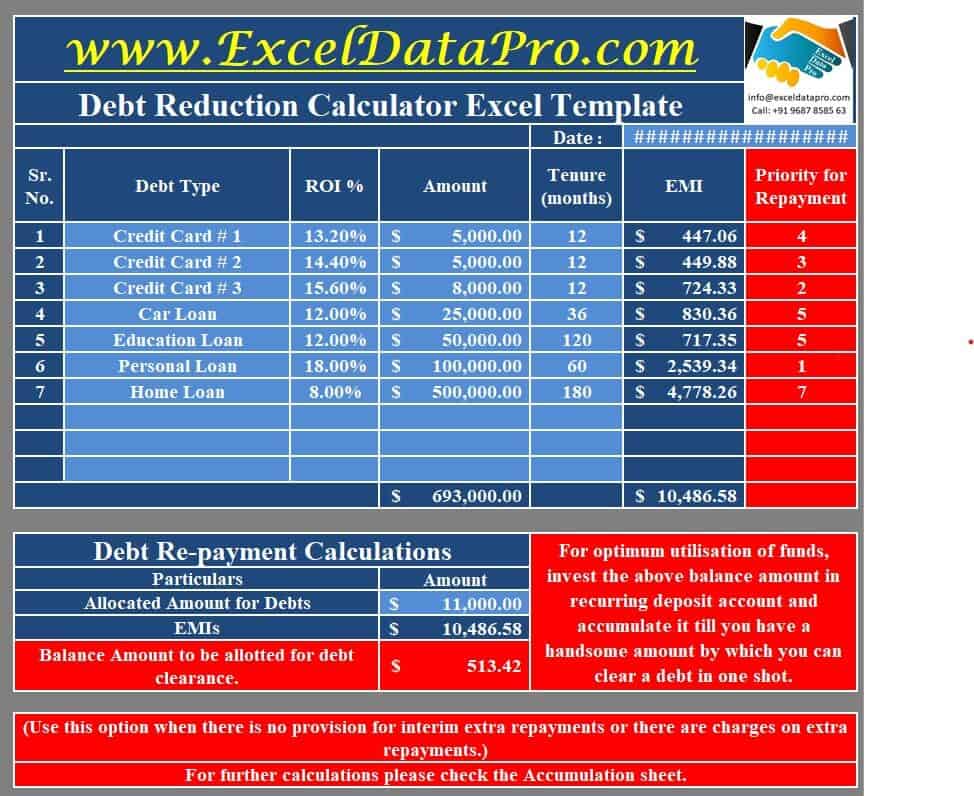
Debt Reduction Calculator Excel Template
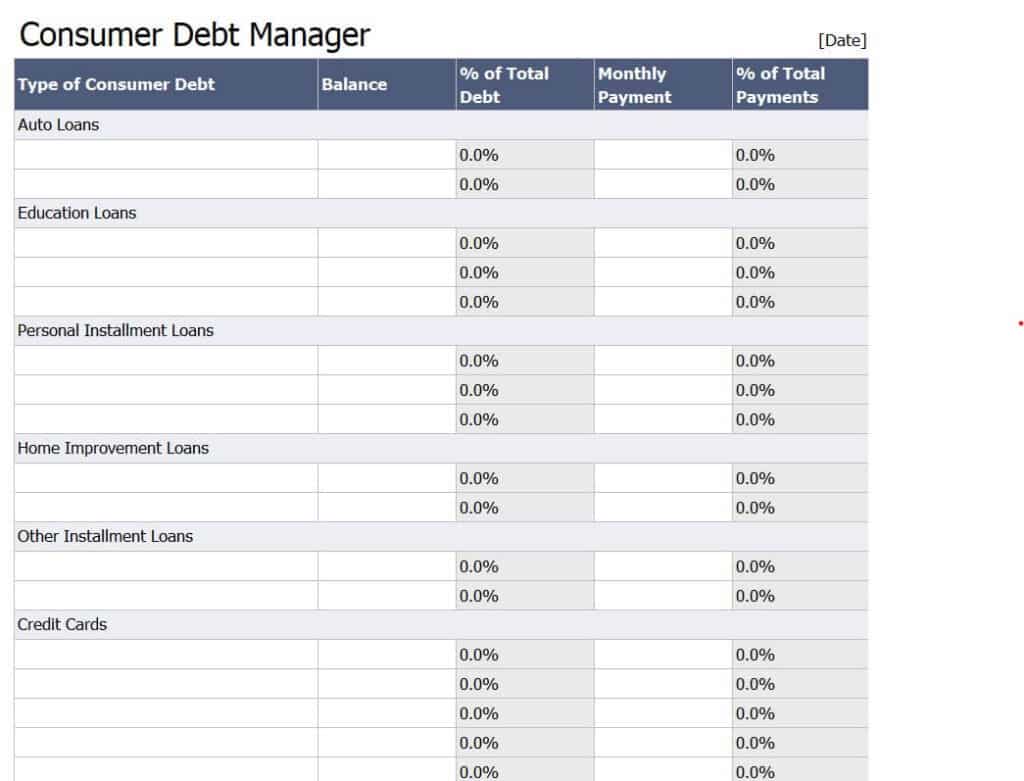
Sample Consumer Debt Manager Excel Worksheet
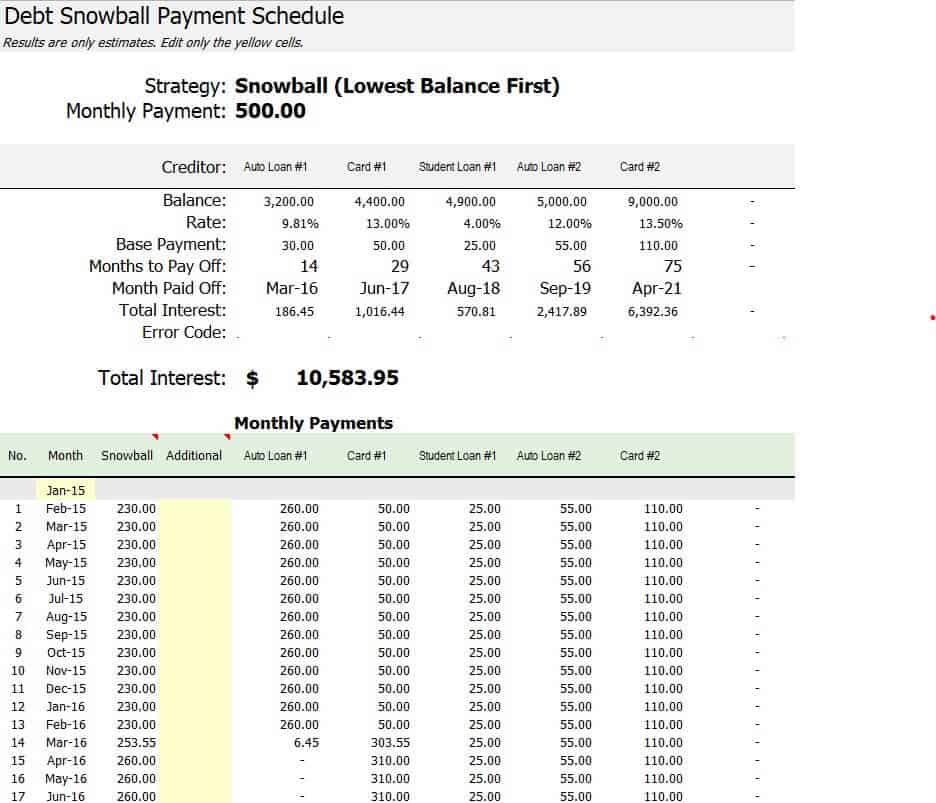
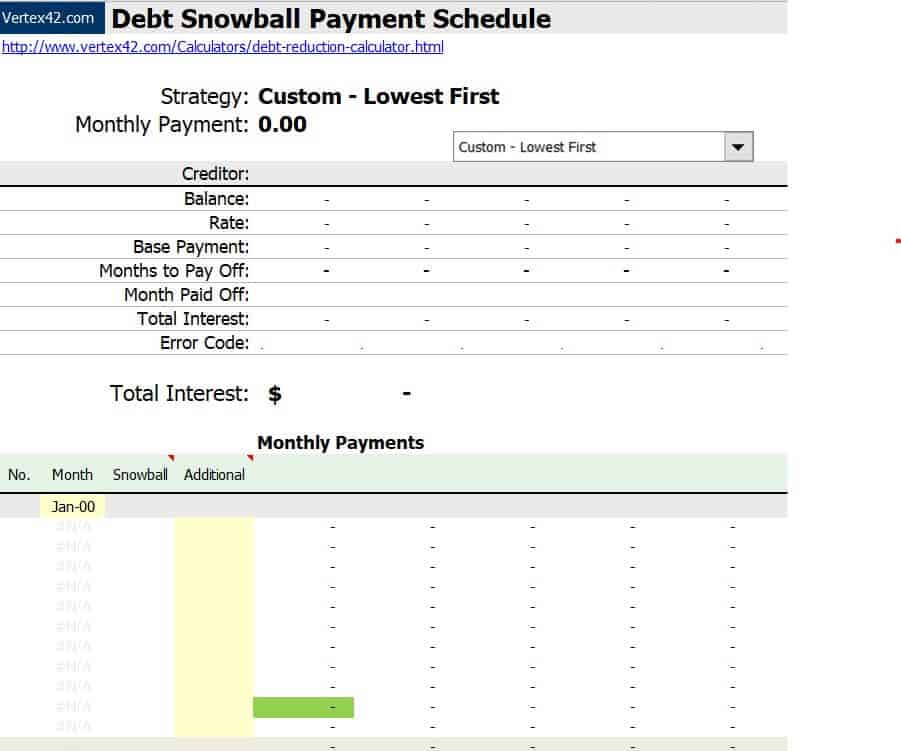
Debt Snowball Payment Calculation Schedule
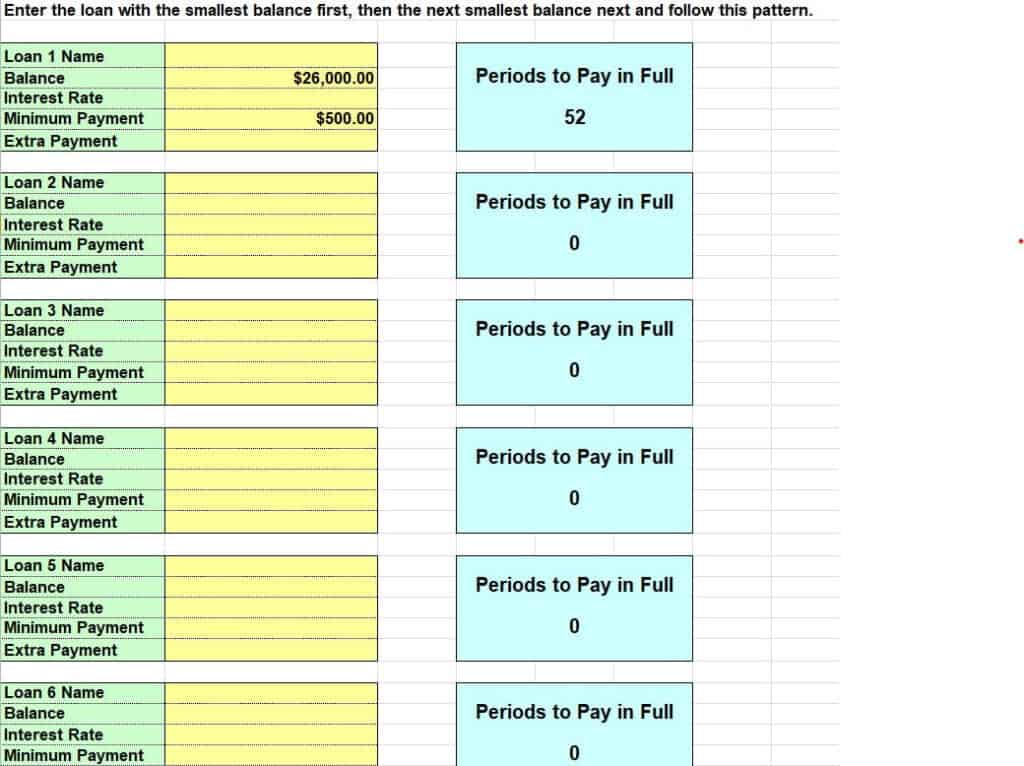
Free Editable Debt Reduction Calculator in Excel

Practical Debt Reduction Calculator Example

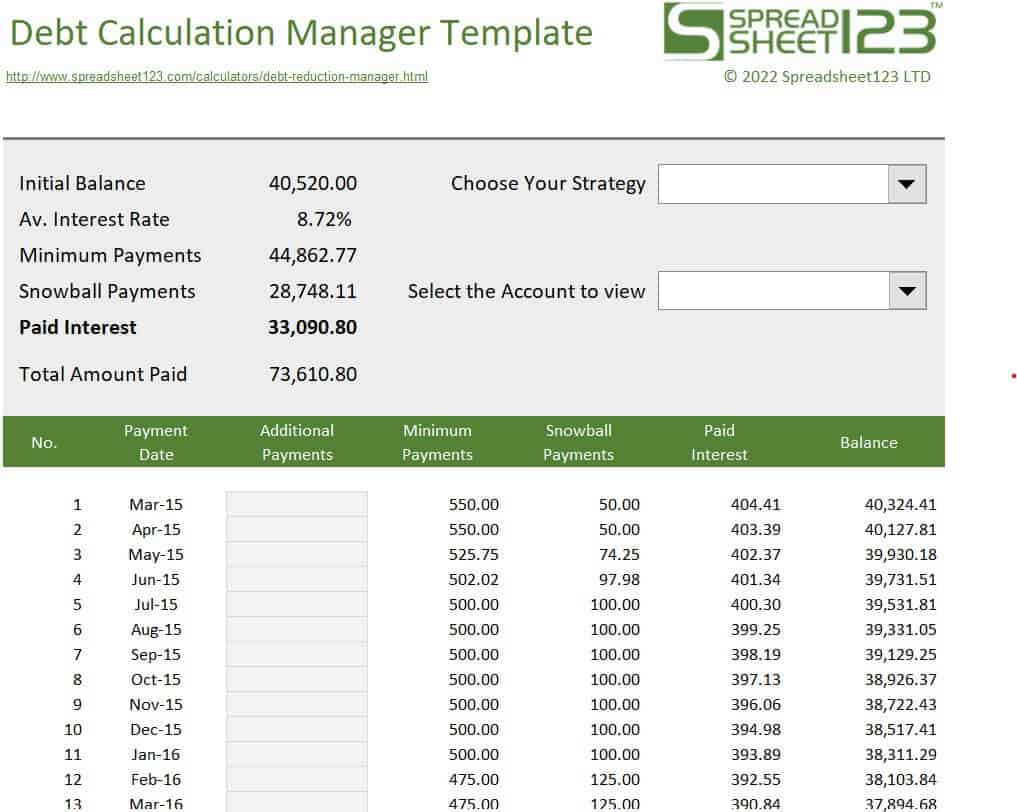
Official Debt Calculation Manager Template
Debt Snowball Payment Schedule in MS Excel
What Information You Need to Get Started
Before you open a calculator, gather a few details for every debt you owe. Having accurate numbers is the difference between a helpful plan and a misleading one:
- Creditor name: such as a credit card issuer, bank, auto lender or student loan servicer.
- Current balance: the exact amount owed today.
- Interest rate (APR): the annual percentage rate shown on your statement.
- Minimum monthly payment: the least you must pay to stay current.
- Extra payment amount: how much more than the minimum you can afford each month.
How to Use a Debt Reduction Calculator Step by Step
- List every debt. Include credit cards, store cards, personal loans, medical bills, car loans and student loans.
- Enter balances, rates and minimums in the input columns of the template.
- Choose your order. Sort smallest to largest balance for the snowball method, or highest to lowest interest rate for the avalanche method.
- Add your extra monthly payment. Even $25 to $50 extra can shorten the timeline noticeably.
- Review the payoff schedule. Check the payoff dates, total interest and total months to become debt-free.
- Update every month. Enter your actual payments so the sheet stays accurate and shows real progress.
A Simple Debt Snowball Example
Imagine you owe $500 on a store card, $2,000 on a credit card and $8,000 on a car loan, and you can pay $300 per month in total toward debt beyond your regular expenses. You pay the minimum on the two larger debts and send all the remaining money to the $500 card. Once it is gone, its full payment rolls to the $2,000 card, and after that, to the car loan. Each step frees up more cash, so the snowball grows larger and faster. Your Excel calculator shows every one of these steps in a schedule so you can see the impact before you begin.
Tips to Pay Off Debt Faster
- Stop adding new balances to cards you are trying to pay off.
- Put windfalls such as tax refunds, bonuses and gifts directly on your smallest or highest-rate debt.
- Ask lenders about lower interest rates or consolidation options.
- Cut a few non-essential expenses and redirect the savings to your debt payment.
- Automate payments so you never pay late fees or miss a due date.
- Keep a small emergency fund so an unexpected bill does not push you back into debt.
- Update your calculator monthly and celebrate each debt you clear.
Frequently Asked Questions (FAQs)
What is a debt reduction calculator?
It is a spreadsheet or online tool that estimates how long it will take to pay off your debts and how much interest you will pay, based on your balances, interest rates and monthly payments. It also shows how extra payments speed up your payoff date.
What is the difference between the debt snowball and debt avalanche methods?
The snowball method pays the smallest balance first for quick wins and motivation, while the avalanche method pays the highest interest rate first to reduce total interest. Both roll each freed-up payment into the next debt.
Are these debt reduction calculators free?
Yes. Every template on this page is free to download and use for personal budgeting. Click the Download button below the design you prefer, unzip the file and open it in Microsoft Excel.
Can I use these templates for credit card debt and mortgages?
Yes. You can enter credit cards, personal loans, auto loans, student loans and home loans. Mortgage payoff estimates work best when you enter the correct balance, rate and remaining term, then test the effect of extra principal payments.
How do I make a debt reduction spreadsheet myself?
Create columns for debt name, balance, interest rate and minimum payment. Add a monthly interest formula (balance times rate divided by 12), subtract each payment from the balance, and copy the rows down until the balance reaches zero. The templates above already contain these formulas, so you can save time by downloading one.
How much extra should I pay toward debt each month?
Pay as much as your budget comfortably allows after covering essentials and a small emergency buffer. Even a modest extra payment reduces interest and shortens your timeline, and you can test different amounts in the calculator before deciding.
Will paying off debt improve my credit score?
Paying down balances, especially on revolving accounts like credit cards, and making payments on time can help your credit over time. Results vary from person to person, so treat a calculator as a planning aid rather than a credit score guarantee.
Final Thoughts
Debt can feel overwhelming, but a clear, written plan makes it manageable. Pick a debt reduction calculator that matches your comfort with Excel, enter your real numbers, and commit to your monthly payment. Track your progress each month, and you will be surprised how quickly the balances start to fall.




You must be logged in to post a comment.