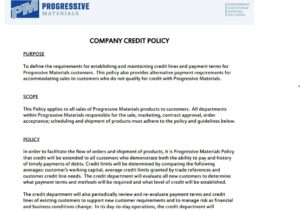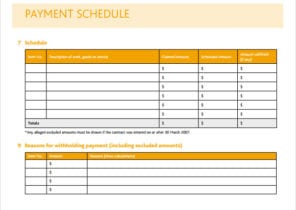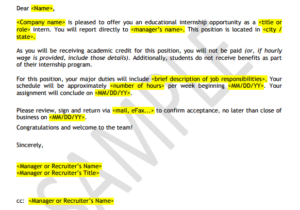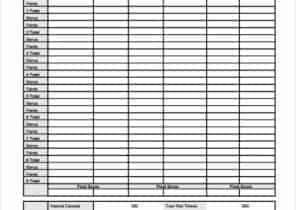
A useful time off request form tells a manager exactly which working hours need cover. Record the first and last dates, any partial-day absence, the leave category, and the person who will handle urgent work while you are away.
2 New Editable Templates with Previews
Choose a layout for the task you need to complete. Each preview shows the actual editable Word file. Download the template and replace the placeholders or example inputs with your own details.
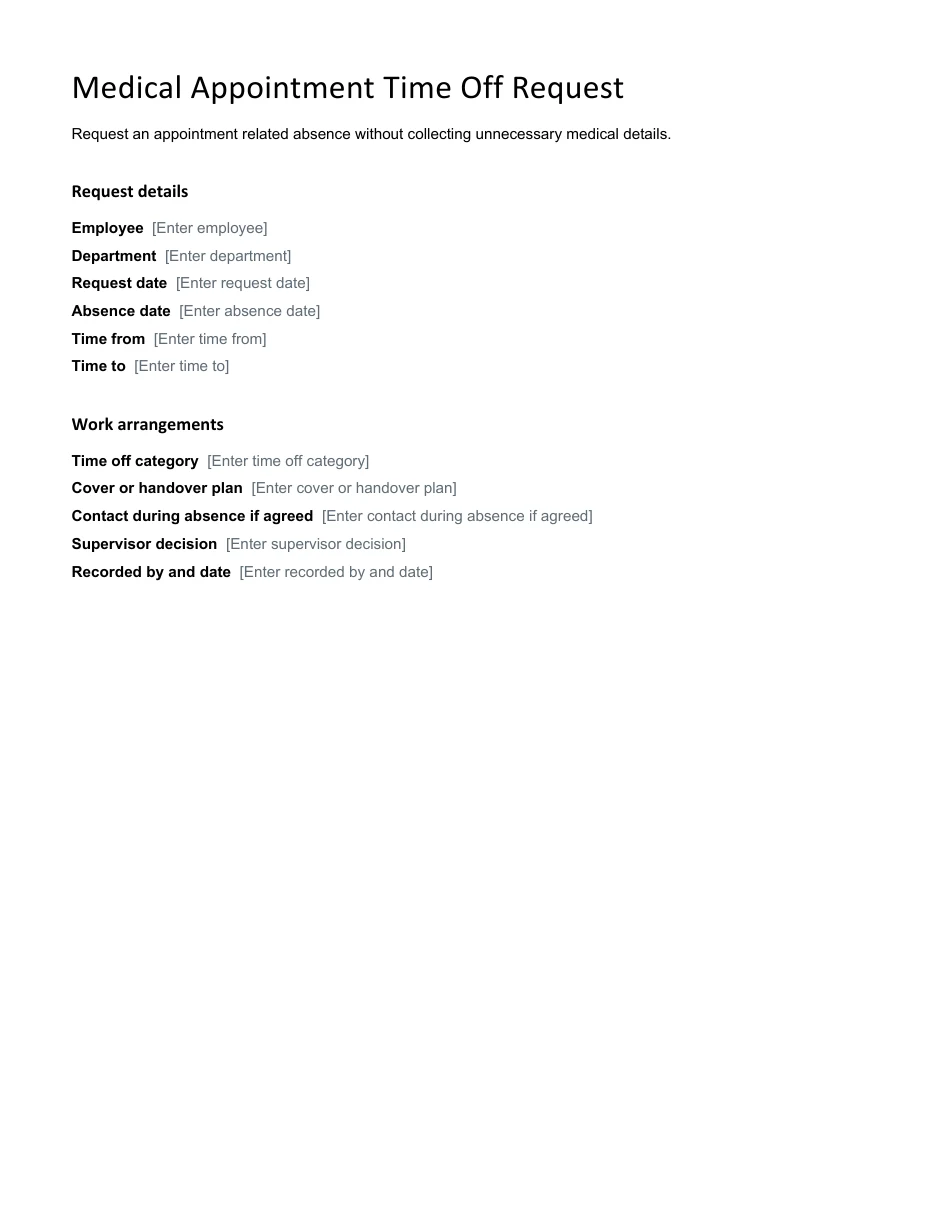
Medical Appointment Time Off Request
Request an appointment related absence without collecting unnecessary medical details.
Download Editable Word Template
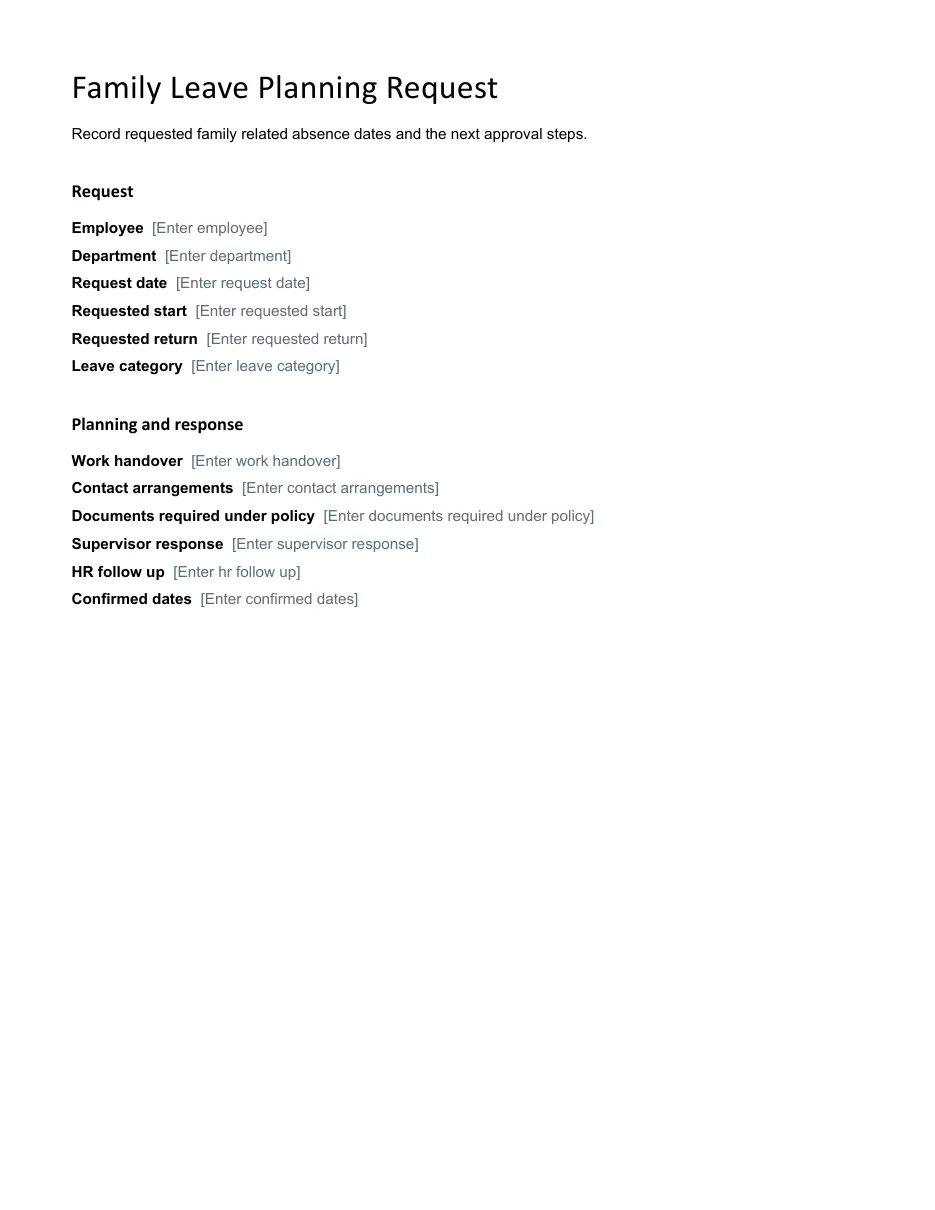
Family Leave Planning Request
Record requested family related absence dates and the next approval steps.
Choose a simple request layout for one absence or a tracker when you need to monitor several decisions. A submission is still a request until the appropriate person records approval. The examples below help you distinguish calendar dates from scheduled workdays and write a practical handover without including unnecessary personal details.
Go to the two editable templates and preview images and read the practical guidance below.
What Is a Time Off Request Form?
A time off request form is a document filled out and submitted by an employee or student who wants to be away from work or school. It gives the responsible department the details it needs: who is asking, when the absence will start and end, and why. Once approved, the signed form becomes part of the employee’s or student’s record.
Employers often provide their own forms so that every request is handled the same way. If your organization does not have one, you can use a ready-made form and add your company name and logo.
Why Use a Time Off Request Form?
- It is professional: A written request shows respect for your employer and helps you stay organized.
- It prevents misunderstandings: Dates, leave type and reason are all recorded, so there is less room for confusion later.
- It helps with planning: Managers can see who will be away and arrange coverage in advance.
- It supports payroll: The accounting team can use approved forms to calculate paid and unpaid leave correctly.
- It creates a record: Both employee and employer can refer to the form if questions come up about balances or approvals.
Check the team’s work schedule before proposing leave dates so you can discuss coverage with your manager.
What to Include in a Time Off Request Form
Most time off request forms contain these fields:
- Employee or student full name, ID or employee code, and department.
- Date of the request.
- Type of leave: vacation, sick leave, personal leave, bereavement, parental leave or unpaid leave.
- First and last day of absence, and the date of return.
- Total number of days or hours requested.
- Reason for absence, when appropriate.
- Contact details during the absence.
- Employee signature and date.
- Supervisor or HR approval section, with approved or denied options and comments.
- Remaining leave balance, if your company tracks it.
Types of Time Off Requests
- Vacation request: Planned time away for rest and travel, usually requested well in advance.
- Sick leave request: Time off for illness or medical treatment, often needing a doctor’s note for longer absences.
- Personal leave request: Time for personal or family matters that cannot be handled outside working hours.
- Half-day or hourly request: A shorter absence, such as leaving early for an appointment.
- Student absence request: A form used by parents or students to explain a missed school day.
For a longer holiday, use a travel itinerary to organize the trip after your time off has been approved.
2 Editable Templates with Direct Downloads
Choose one of the two layouts below to suit your needs. Each preview shows the actual editable file, which you can download directly.
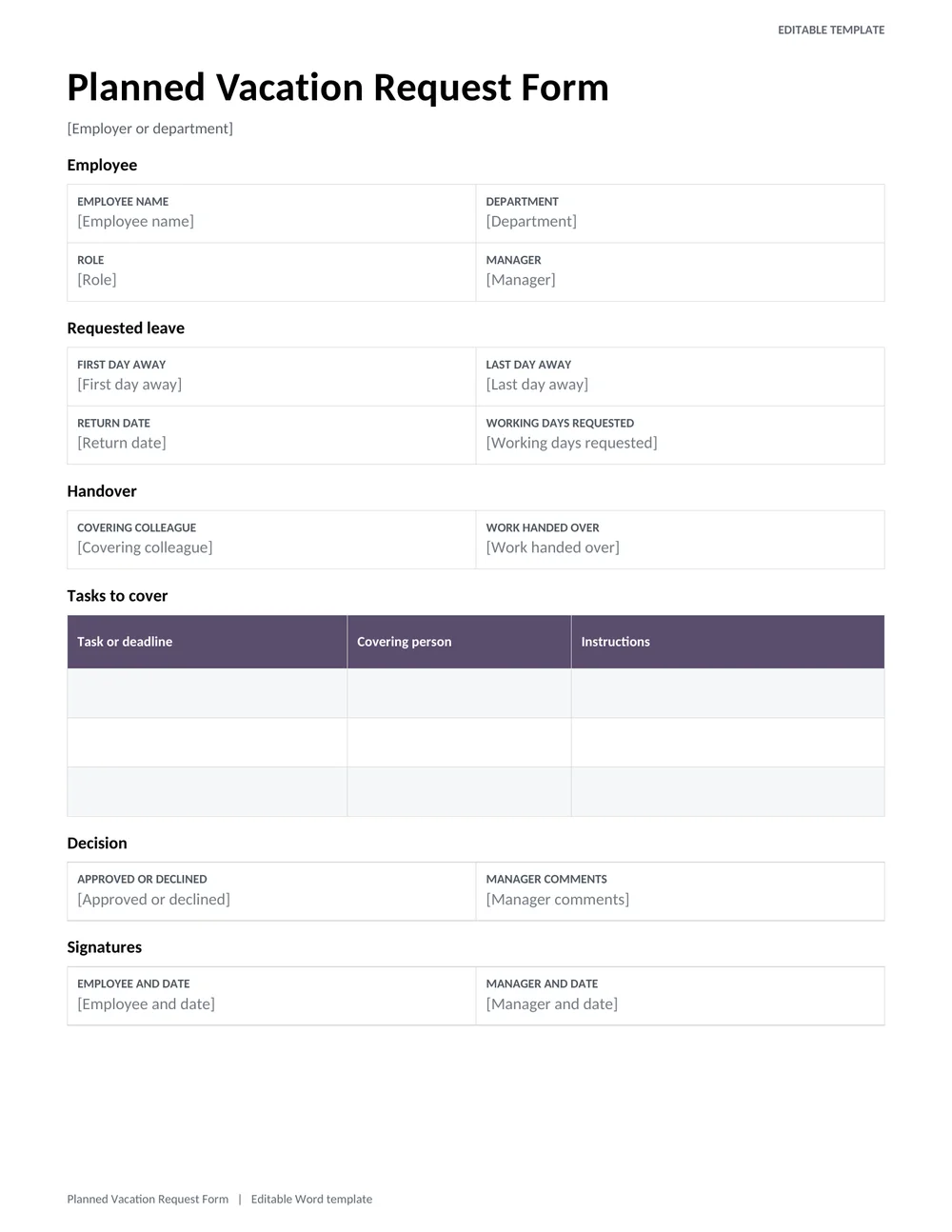
Planned Vacation Request Form
Request several days of leave with a clear date range, handover plan, cover arrangements, and a manager decision.
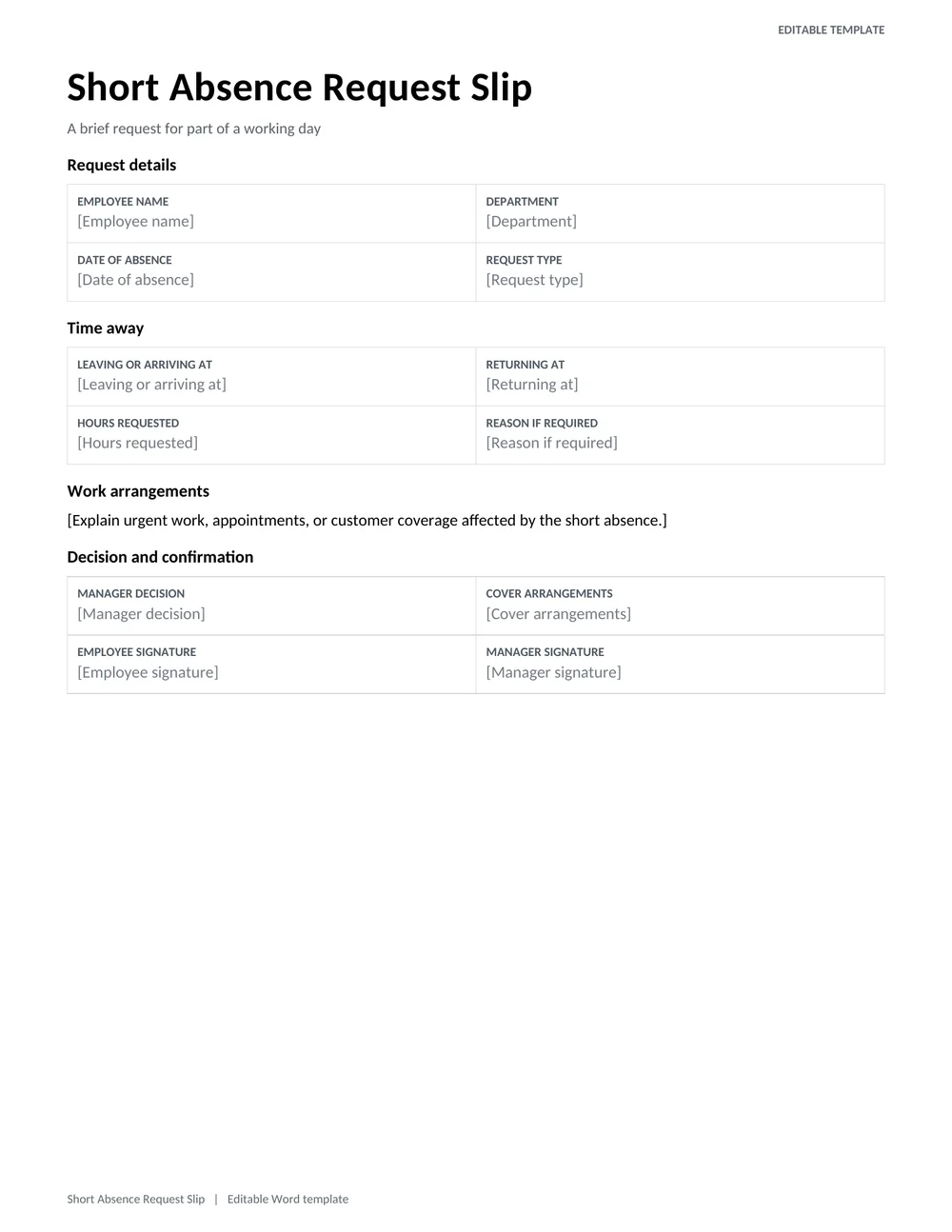
Short Absence Request Slip
A compact request for a late arrival, early departure, or short appointment, with requested hours and cover confirmation.
How to Request Time Off
- Check your company’s leave policy so you know the notice period and how much leave you have.
- Choose a time off request form, or use the one your employer provides.
- Fill in your name, ID and department.
- Select the type of leave and enter the exact start date, end date and return date.
- Give a brief reason if the form asks for one.
- Add contact details in case something urgent comes up.
- Sign and date the form, and submit it to your supervisor or HR as early as possible.
- Wait for written approval before you finalize any travel plans, and keep a copy of the approved form.
Planning Leave Around Actual Working Hours
A time off request becomes easier to process when it identifies the hours that would otherwise be worked. For a Monday-to-Friday employee, a request from Friday through Monday may involve two working days rather than four calendar days. For a rotating shift worker, the answer may be different. List the affected shifts or scheduled hours and ask the reviewer to confirm the amount charged against the relevant leave balance. Avoid relying on the date range alone.
The planned-vacation form is useful when several days of work need handing over. The short-absence slip suits a late start, appointment, or early departure. For example, an employee leaving at 2 p.m. from a shift ending at 5 p.m. can specify a three-hour request instead of marking an entire day. Include the expected return time and the best way to reach the team about urgent work, without adding unnecessary personal information.
Writing a Useful Handover and Tracking the Decision
A handover does not need to reproduce an employee’s entire job description. Identify the tasks that fall due during the absence, their current status, and the person who has agreed to cover them. A practical entry might read: “Tuesday customer report: draft saved in the shared folder; Sara to review the figures and send by noon.” This gives the manager a concrete coverage plan. Confirm the colleague’s availability before putting their name on the leave request.
Keep the request status clear throughout the process. Submitted, awaiting information, approved, declined, and withdrawn describe different stages. An employee who has submitted a vacation request should not have to guess whether silence means approval. Add the reviewer’s name and decision date, then send a copy of the decision through the normal workplace channel. Use the employer’s established process for urgent or protected leave; a general template does not replace applicable policy or rights.
If dates change after approval, create an amendment rather than quietly changing the original form. Reference the earlier request, identify the revised dates or hours, and obtain the required confirmation. When the employee returns, reconcile the approved request with the attendance record and actual absence. Keeping the request, decision, and any amendment together helps prevent duplicate deductions and makes later questions about leave balances much easier to resolve.
Tips for Getting Your Request Approved
- Submit requests early, especially for peak seasons and holidays.
- Avoid dates when your team has major deadlines, if you can.
- Offer a plan for covering your tasks while you are away.
- Be clear and polite, and provide accurate dates.
- Follow up if you have not received a reply within a reasonable time.
- Keep your own record of the leave you have taken and your remaining balance.
Leave entitlements vary by employer, location and contract. These forms are general examples, not legal advice, so check your company policy and local employment rules.
Record approved leave consistently in the attendance sheet used by your workplace.
A clear time off request form makes leave easier for everyone. It keeps your dates on record, helps your manager plan and protects you from misunderstandings. Choose one of these 4 free time off request forms, fill it in carefully and submit it early.
Frequently Asked Questions (FAQs)
What is a time off request form?
It is a document an employee or student uses to formally ask for time away from work or school. It lists the dates, type of leave and reason, and it includes a place for approval.
How far in advance should I submit a time off request?
It depends on your employer’s policy. Two to four weeks is common for vacation, and longer for busy seasons. For sudden illness or emergencies, notify your supervisor as soon as possible and complete the form afterward.
Do I have to give a reason for time off?
Many forms include a reason field, but not every type of leave requires a detailed explanation. For medical leave, you may only need to state that it is for health reasons. Check your company policy.
Are these time off request forms free?
Yes. The two Word forms at the top are free to download, edit, and print. Buttons beneath the remaining samples open their original sources.
Can I customize a time off request form?
Yes. Employers can add their company name, logo and specific policy notes. Some forms are spreadsheet or document files, which can be edited directly. PDF forms can be printed and filled out by hand.
What happens after I submit the form?
Your supervisor or HR reviews it, checks staffing and your leave balance, and then approves or declines it. You should receive a signed copy or written confirmation. Keep it for your records.
Can a student use a time off request form?
Yes. Schools often use similar absence request forms. A parent or guardian can fill out the dates and reason and submit it to the school office.
What if my requested dates change after approval?
Submit the revised dates through the same approval process and identify the earlier request. Update the leave tracker and handover only after the revised decision is recorded, so the team does not rely on two different versions.