
Missing a payment is easy when bills, loans, and invoices arrive on different dates. A payment schedule solves that by listing every amount you owe, when it is due, and whether it has been paid. With a clear schedule, you can plan cash flow, avoid late fees, and keep your budget under control.
This page offers 16 free payment schedule templates in Excel for personal and business use, including bill pay schedules, rent, loan, mortgage, chore, and project payment sheets. Below the gallery, you will find what a payment schedule is, what to include, how to create one in Excel, tips for staying on track, and answers to common questions.
What Is a Payment Schedule?
A payment schedule is a financial tool that shows what payments must be made and when. It lists each obligation, such as a loan installment, rent, utility bill, or contractor payment, along with the due date and amount. Individuals use payment schedules to manage household bills and debts, while businesses use them to track supplier payments, loan repayments, and project milestones.
Because everything is in one place, a payment schedule helps you see upcoming costs, prioritize payments, and confirm which ones have been completed. It works for weekly, monthly, quarterly, or one-time payments.
For a loan, an amortization schedule shows the principal and interest behind each installment.
Benefits of Using Payment Schedule Templates in Excel
- Fewer late payments: Due dates are visible, so nothing gets forgotten.
- Better cash flow planning: Seeing all payments together helps you plan for busy months.
- Automatic totals: Excel formulas can add up amounts owed and paid.
- Easy to customize: Add rows, change columns, or adjust dates in seconds.
- Useful for negotiations: A written schedule helps you agree on installments with creditors, clients, or contractors.
- Personal or business use: The same layout works for household bills or company obligations.
Check upcoming installments against your budget before committing to the payment timetable.
What to Include in a Payment Schedule
- Payee name, such as lender, landlord, supplier, or contractor
- Description of the payment, like rent, loan installment, or invoice number
- Payment due date
- Amount due, and any interest or late fee
- Payment method, such as bank transfer, card, or check
- Amount paid and date paid
- Remaining balance
- Status column, such as pending, paid, or overdue
- Notes for reminders or special terms
Free Payment Schedule Templates Gallery
Choose a layout that matches what you need to track. Each template can be downloaded and edited in Microsoft Excel.
Weekly Payment Schedule Template Excel
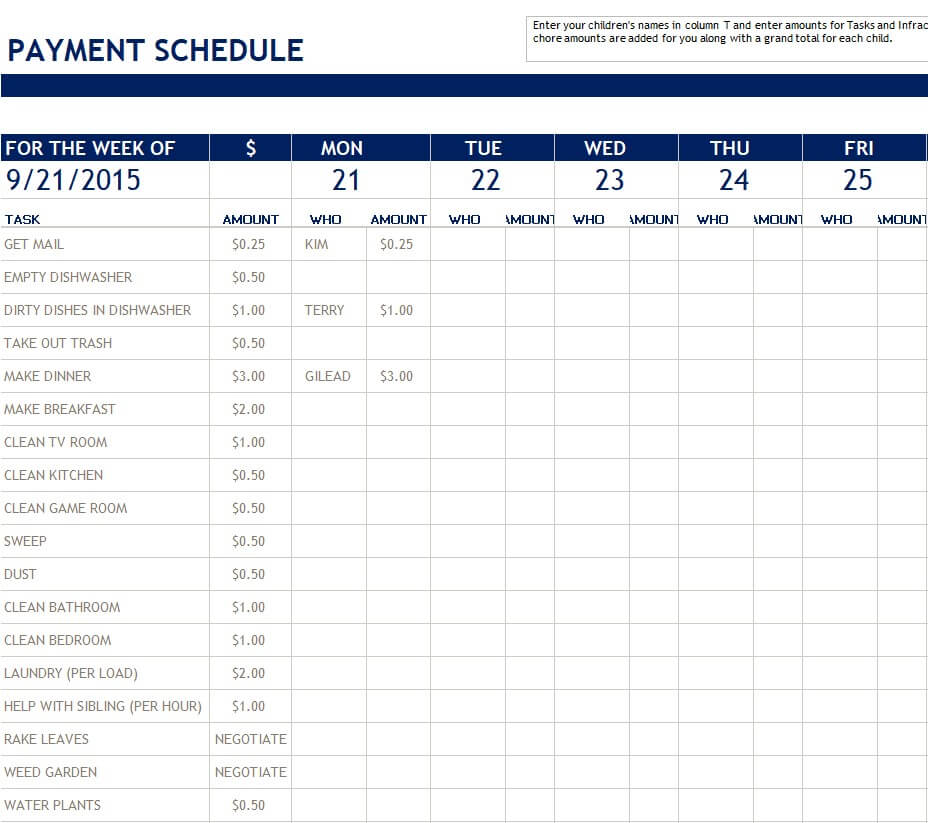
Download Weekly Payment Schedule Template
Bill Pay Schedule Sample
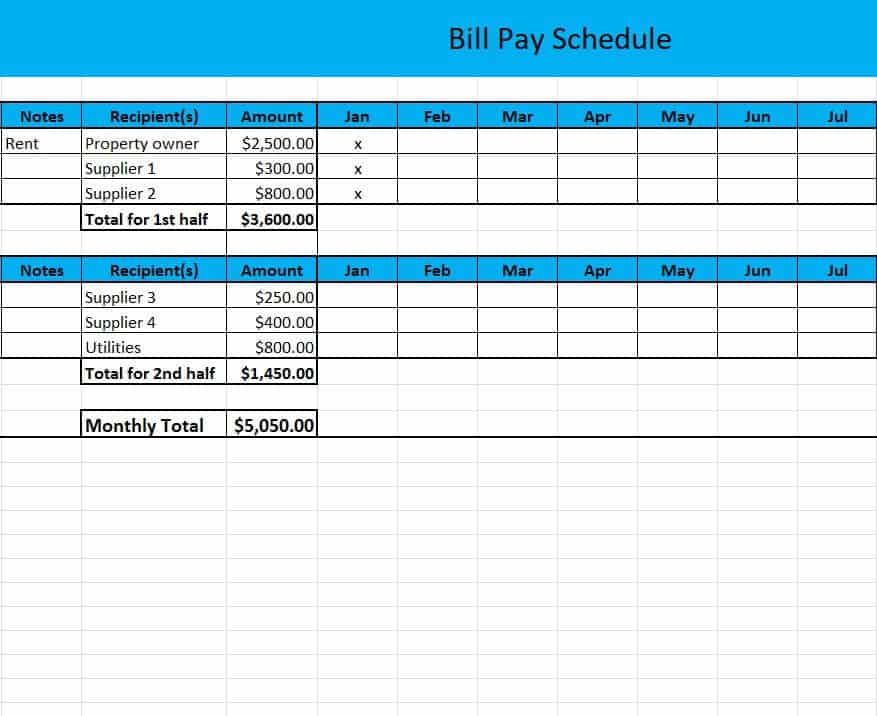
Download Bill Pay Schedule Sample
Simple Payment Schedule with Graph
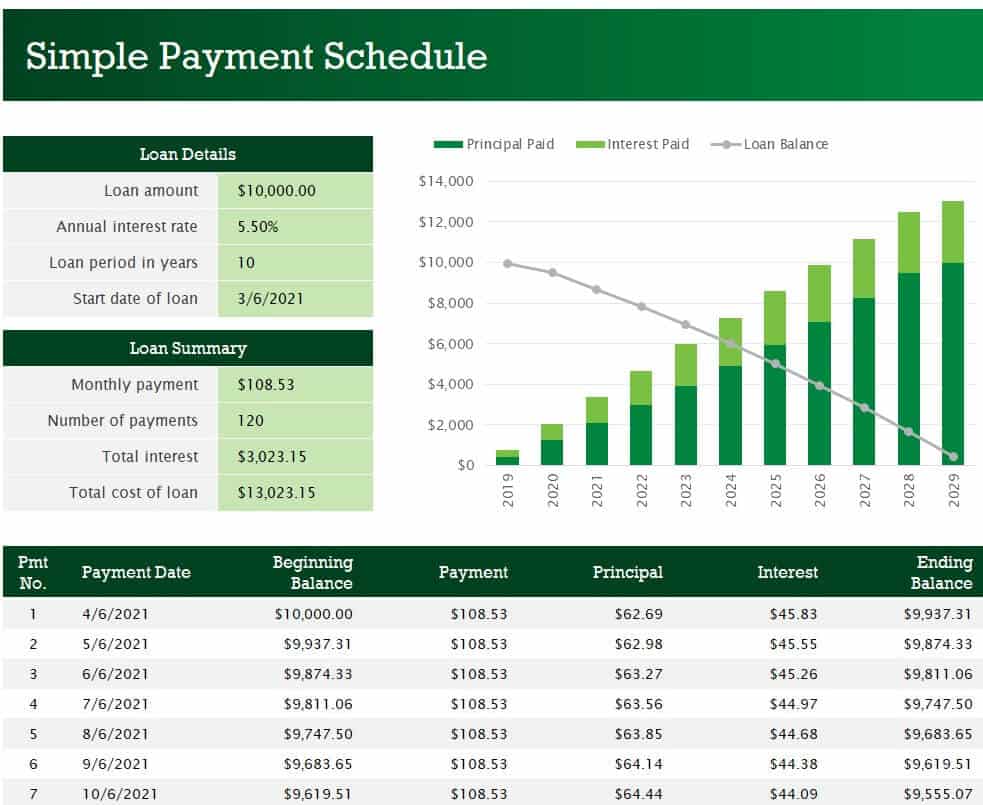
Download Payment Schedule with Graph
Weekly Bill Payment Organizer Template
Download Weekly Bill Payment Organizer
Chore Payment Schedule Excel Template
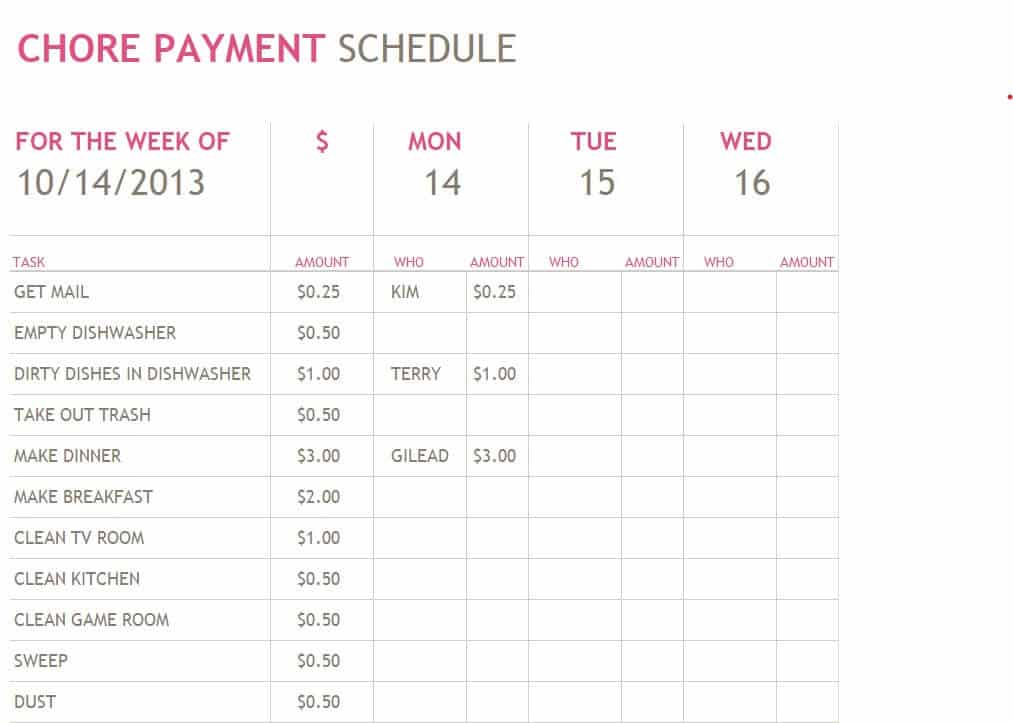
Download Chore Payment Schedule Template
Bill Payment Schedule Excel Sheet
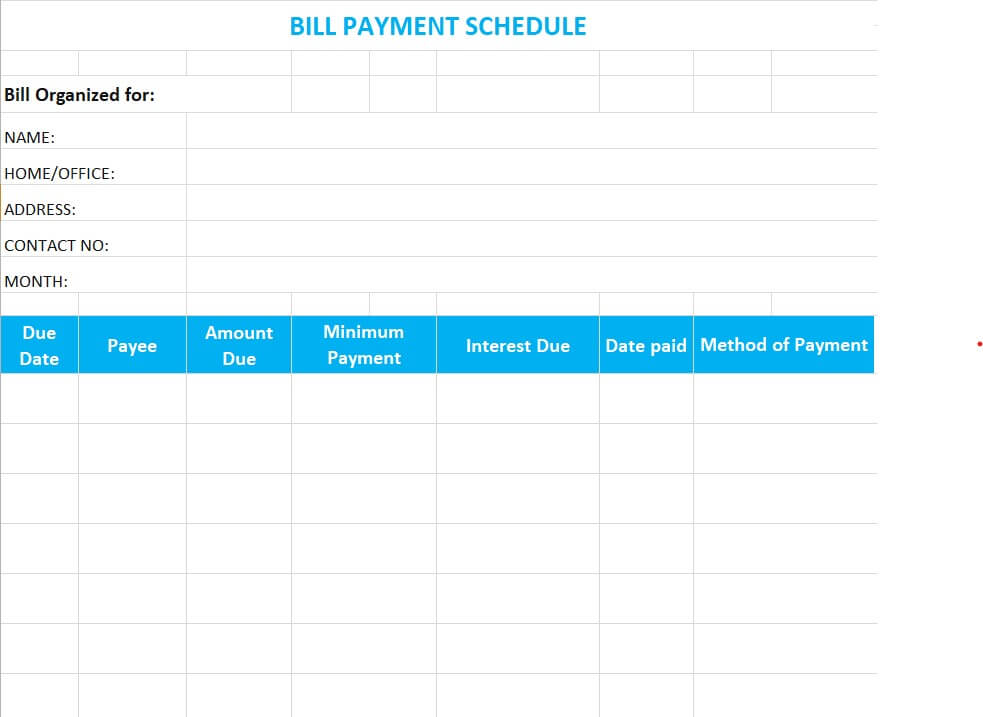
Download Bill Payment Schedule Excel Sheet
Rent Payment Schedule Excel Sheet Template
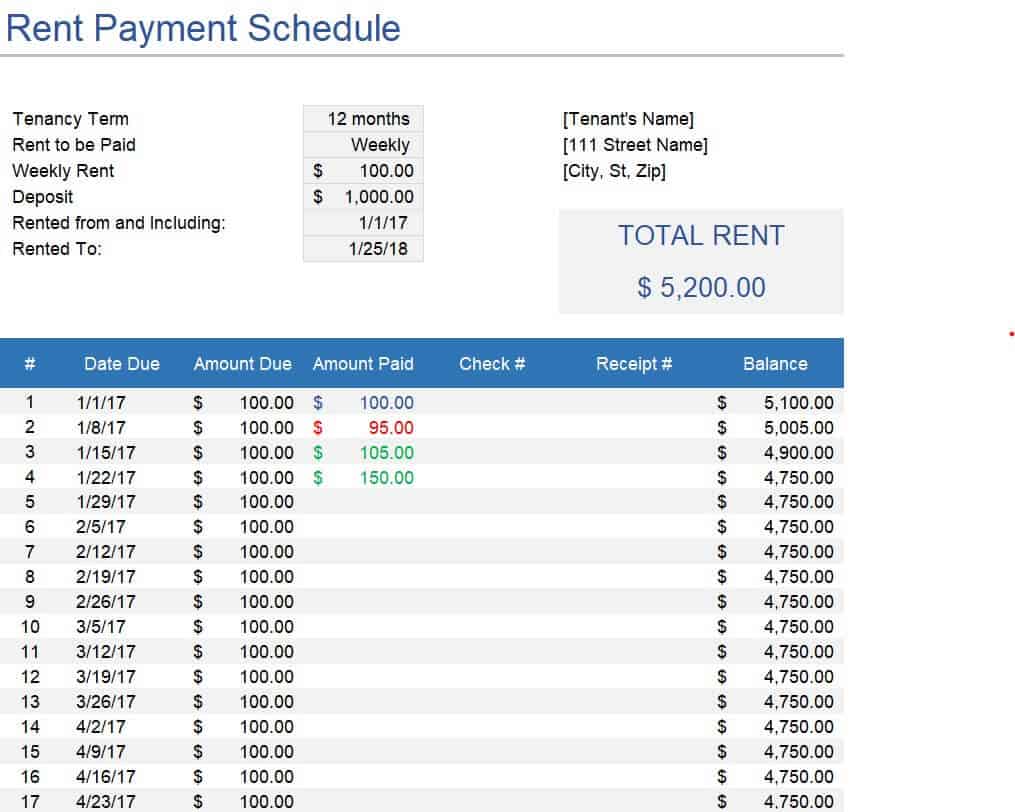
Download Rent Payment Schedule Template
Monthly Bill Pay Schedule Example
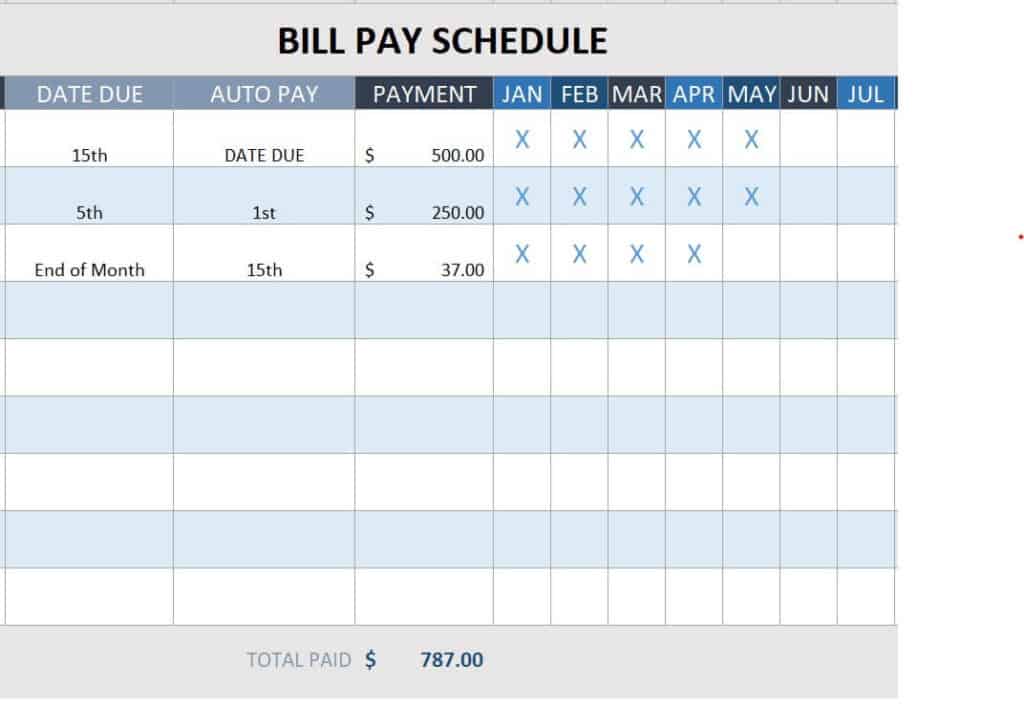
Download Monthly Bill Pay Schedule Example
Detailed Month Wise Payment Schedule Sample
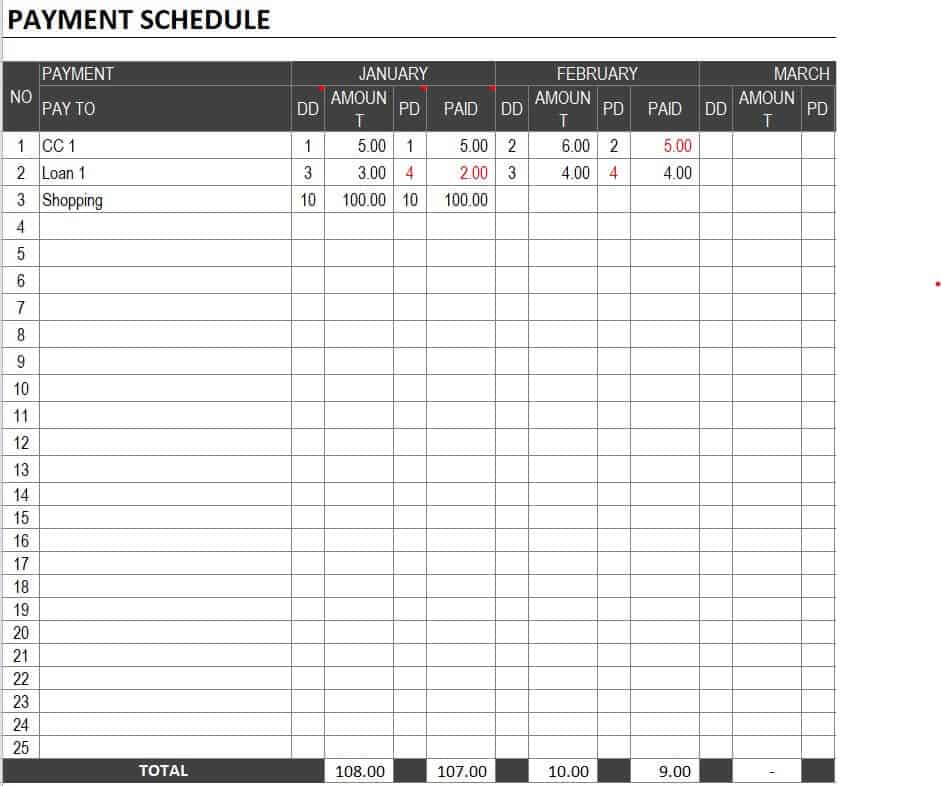
Download Month Wise Payment Schedule Sample
Free Editable Bill Payment Schedule Template
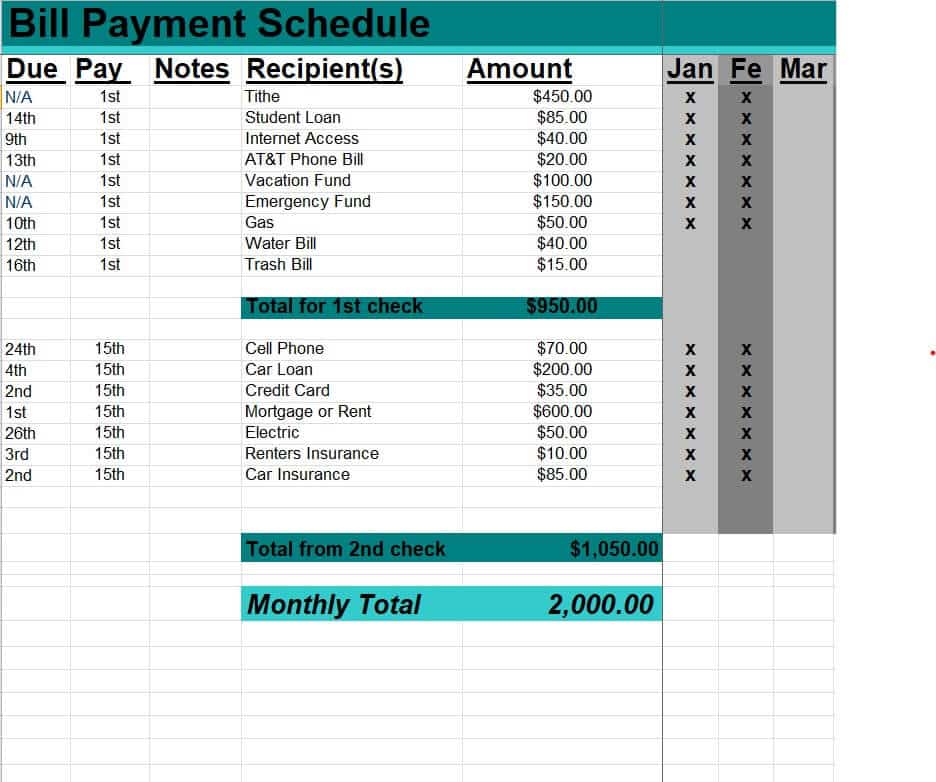
Download Editable Bill Payment Schedule
Project Payment Schedule Template
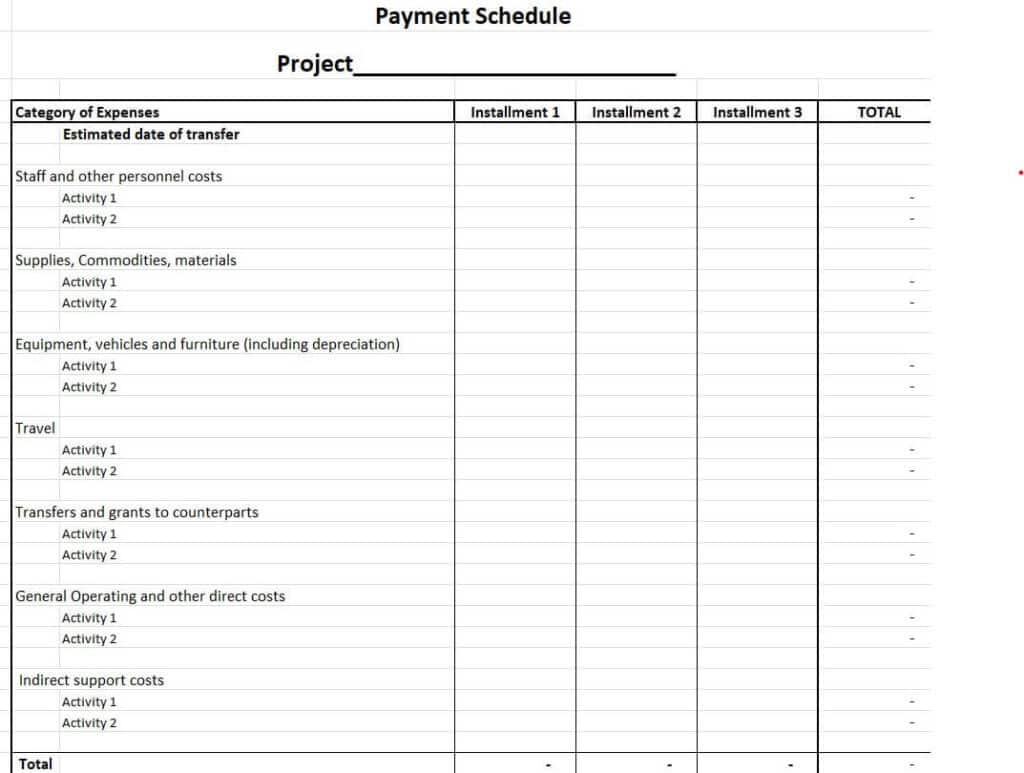
Download Project Payment Schedule Template
Loan Payment Schedule Sample
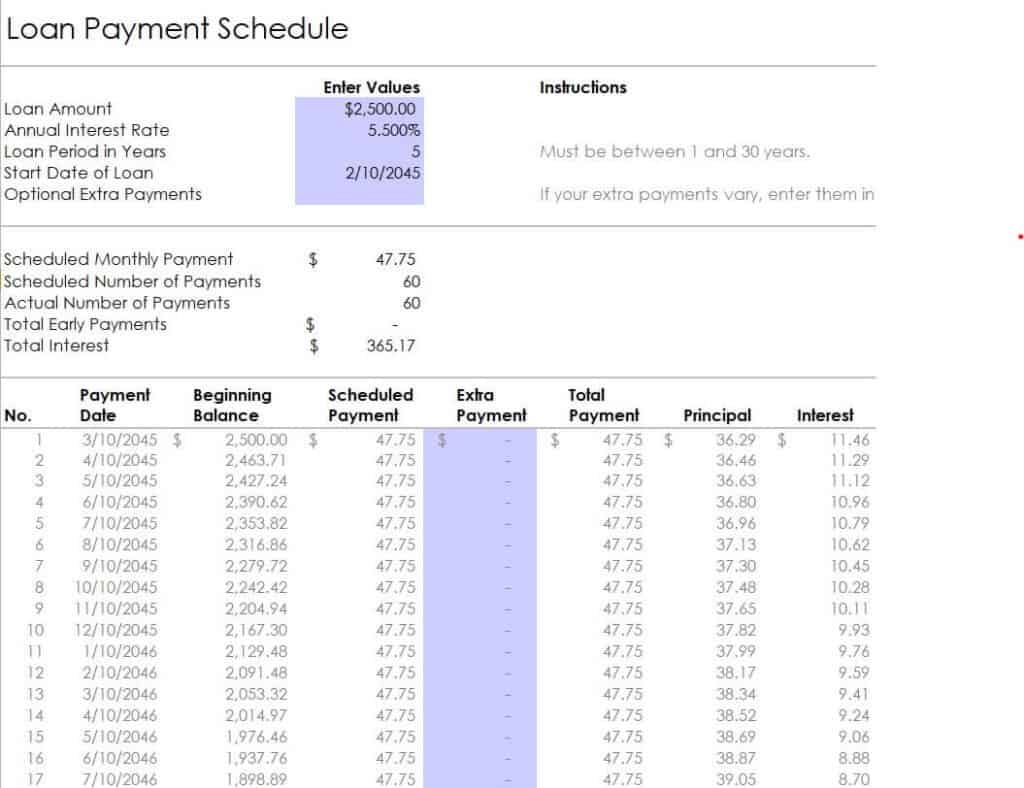
Download Loan Payment Schedule Sample
Special Payment Schedule Excel Template
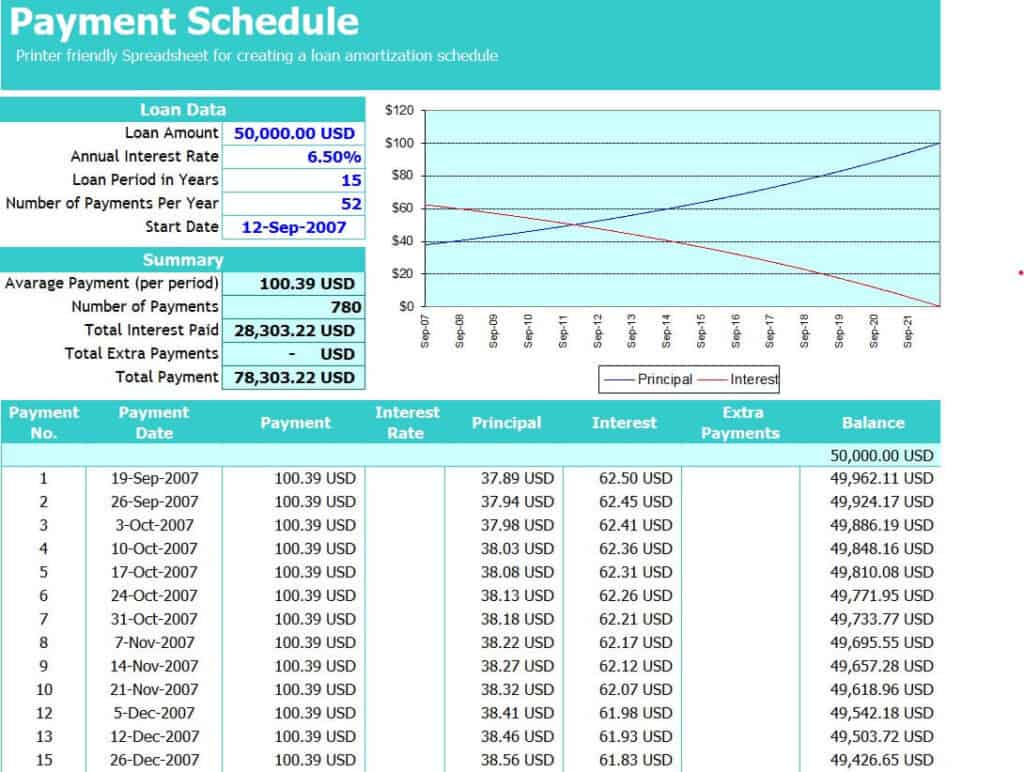
Download Special Payment Schedule Template
Bill Payment Schedule Template in XLSX Format
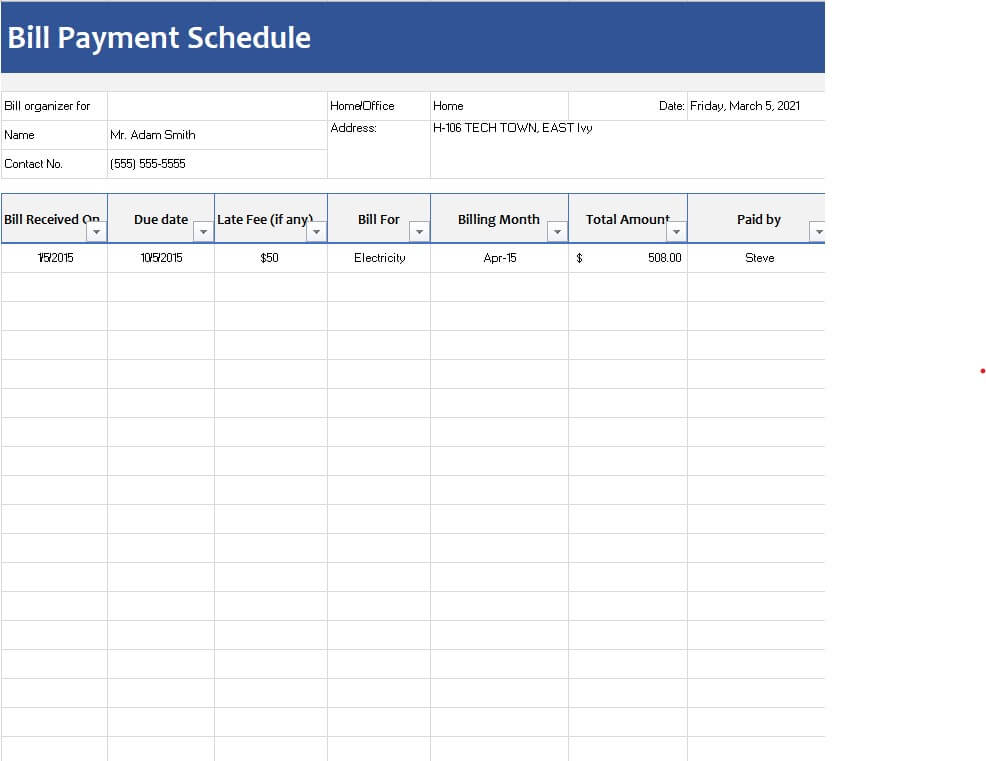
Download Bill Payment Schedule XLSX
Printable Bill Payment Schedule Template
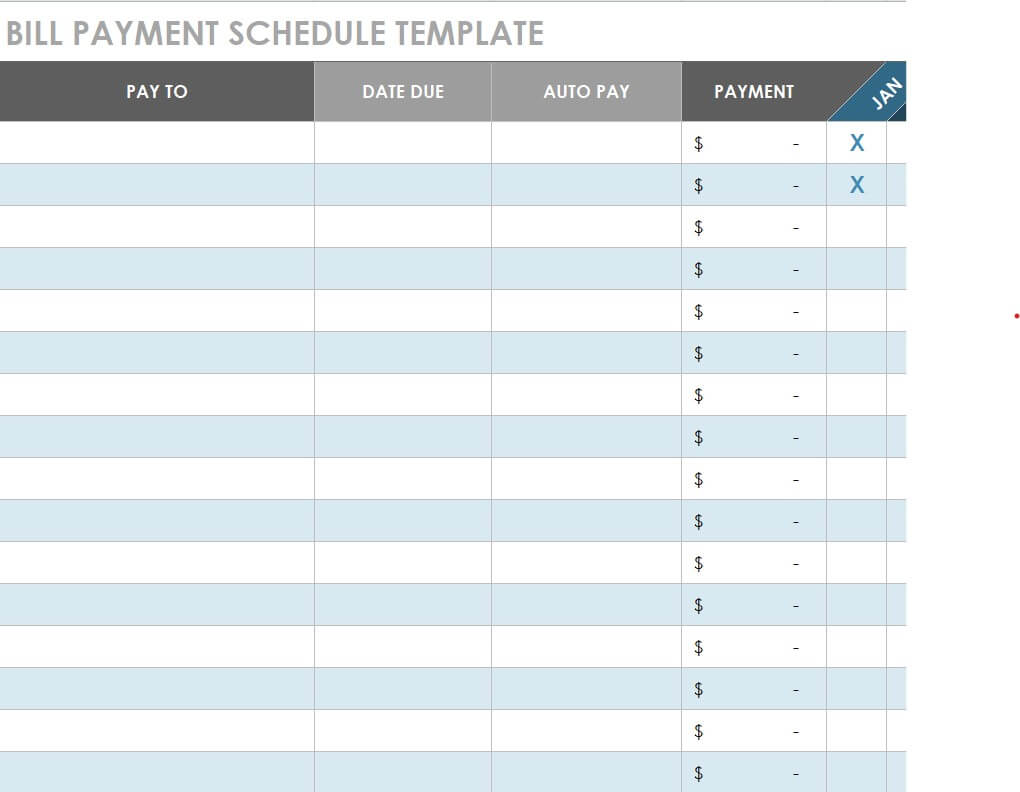
Download Printable Bill Payment Schedule
Mortgage Loan Payment Schedule Template
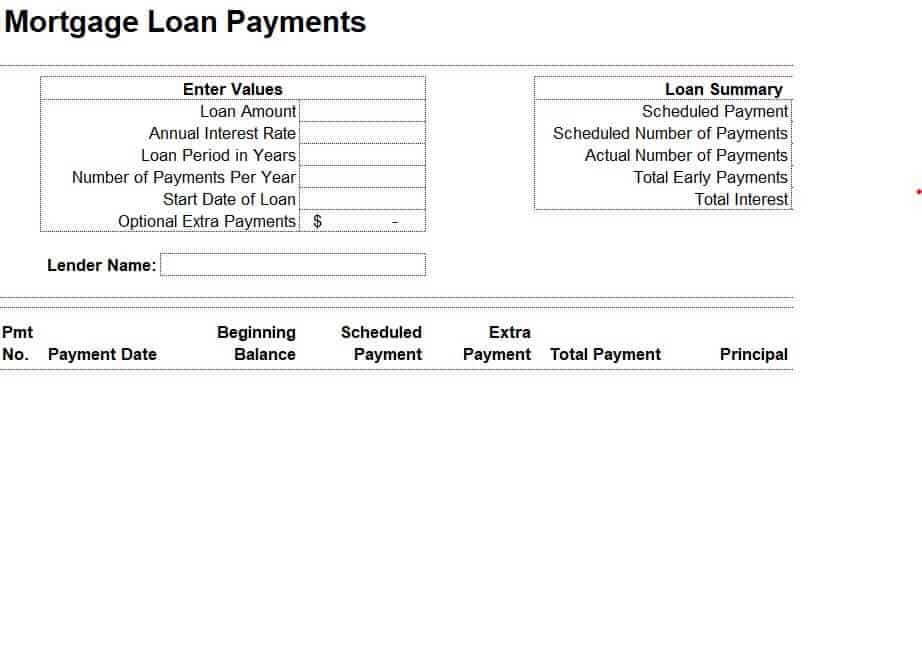
Download Mortgage Loan Payment Schedule
How to Create a Payment Schedule in Excel
- List every payment. Gather bills, loans, rent, invoices, and any other obligations.
- Download a template. Pick a weekly, monthly, loan, or project layout that fits your needs.
- Enter payee details. Add the name of each person or company you must pay.
- Add due dates and amounts. Fill in exact dates and the amount due for each item.
- Include interest and fees. For loans, note the interest rate and any penalties for late payment.
- Use formulas for totals. Add a SUM formula to total the amounts due each week or month, and subtract payments made to see the balance.
- Add a status column. Mark items as paid, pending, or overdue, and consider using conditional formatting to color-code them.
- Update regularly. Review the schedule at least once a week and record payments as you make them.
Tips for Staying on Top of Payments
- Set calendar reminders a few days before each due date.
- Pay high-interest debts and penalties first if you cannot cover everything.
- Automate recurring payments when you are confident about the amounts.
- Keep a small emergency buffer so an unexpected cost does not derail your schedule.
- Match your due dates to your paydays when your lender or landlord allows it.
- Save receipts or confirmations for every payment made.
- For business projects, tie payments to clear milestones so both sides know what triggers each payment.
Note: These templates are general tools for organizing payments. They are not financial, legal, or tax advice. For loans, mortgages, and contracts, review the actual terms with your lender or a qualified professional.
Record completed payments with payment receipts so planned dates can be reconciled with actual transactions.
A payment schedule turns scattered due dates into a clear plan, helping you avoid late fees and manage money with confidence. Pick one of these 16 free payment schedule templates in Excel, enter your payments, and stay in control of what you owe.
Frequently Asked Questions (FAQs)
What is a payment schedule template?
It is a pre-formatted spreadsheet that lists payments, due dates, amounts, and status. You fill in your details and use it to track what you owe and when.
Are these payment schedule templates free?
Yes. All the Excel templates on this page are free to download and edit.
What is the difference between a payment schedule and a budget?
A budget plans income and spending over a period. A payment schedule focuses on specific due dates and amounts for obligations like bills, loans, and invoices. They work well together.
Can I use these for loans and mortgages?
Yes. Several templates include principal, interest, and balance columns. Confirm the figures with your lender’s official amortization schedule.
How do I calculate the remaining balance in Excel?
Subtract the total payments made from the total amount owed using a simple formula, such as =Total-SUM(Payments). The templates can be edited to add this column.
Can businesses use a payment schedule for projects and suppliers?
Yes. Businesses use them to plan supplier payments, contractor milestone payments, and loan repayments, which helps manage cash flow.
How often should I update my payment schedule?
Update it whenever you make a payment or receive a new bill, and review it weekly so you can catch any upcoming due dates.

You must be logged in to post a comment.