A family tree is a chart that shows how the members of a family are connected across generations. It records parents, children, grandparents, aunts, uncles and cousins in a simple, visual way. People make family trees for many reasons: to learn about their heritage, to explore genealogy, to decorate a family reunion, or to complete a school project.
Building a tree from a blank page can be confusing, especially if you are not sure how to lay out the branches. This page offers 12 free family tree templates in Word, Excel and PDF formats. Choose a layout, fill in the names and dates, and you will have a clear record of your family history in no time.
What Is a Family Tree?
A family tree, also called a genealogical chart or pedigree chart, is a diagram that lists family members and shows the relationships between them. It is usually shaped like a tree, with the oldest ancestors at the top or the roots, and younger generations branching out below or above.
Family trees are useful for kids who want to learn about great-grandparents and distant relatives. Medical professionals sometimes use a similar chart, called a genogram, to understand a patient’s family health history.
Benefits of Using Family Tree Templates
- Easy to start: ready-made boxes and lines show you where each relative goes.
- Fully editable: you can change colors, fonts and backgrounds to fit your taste.
- Flexible formats: choose Word for design freedom, Excel for tables or PDF for printing.
- Great for reunions: a large printed tree can be a lovely display at a family gathering.
- Educational: children can learn about their roots by filling in the tree.
- Useful for records: you can store dates and details in one place for future generations.
What to Include in a Family Tree
- Full names: including maiden names for married women where known.
- Birth and death dates: so each person is easy to place in time.
- Relationships: lines connecting parents, spouses and children.
- Places: birthplace, marriage location or places where the family lived.
- Marriage details: dates and spouses, plus any previous marriages in a blended family.
- Photos or notes: optional, but they make the tree more personal.
Types of Family Trees
There are several common layouts. An ancestor chart starts with you and moves back through parents, grandparents and great-grandparents. A descendant chart starts with one ancestor and lists all their children, grandchildren and so on. A blended family tree shows step-relationships and second marriages. A simple family tree may cover only three generations, which works well for school projects. The templates below include options for each of these needs.
Free Family Tree Templates
Sample Family Tree Excel Template
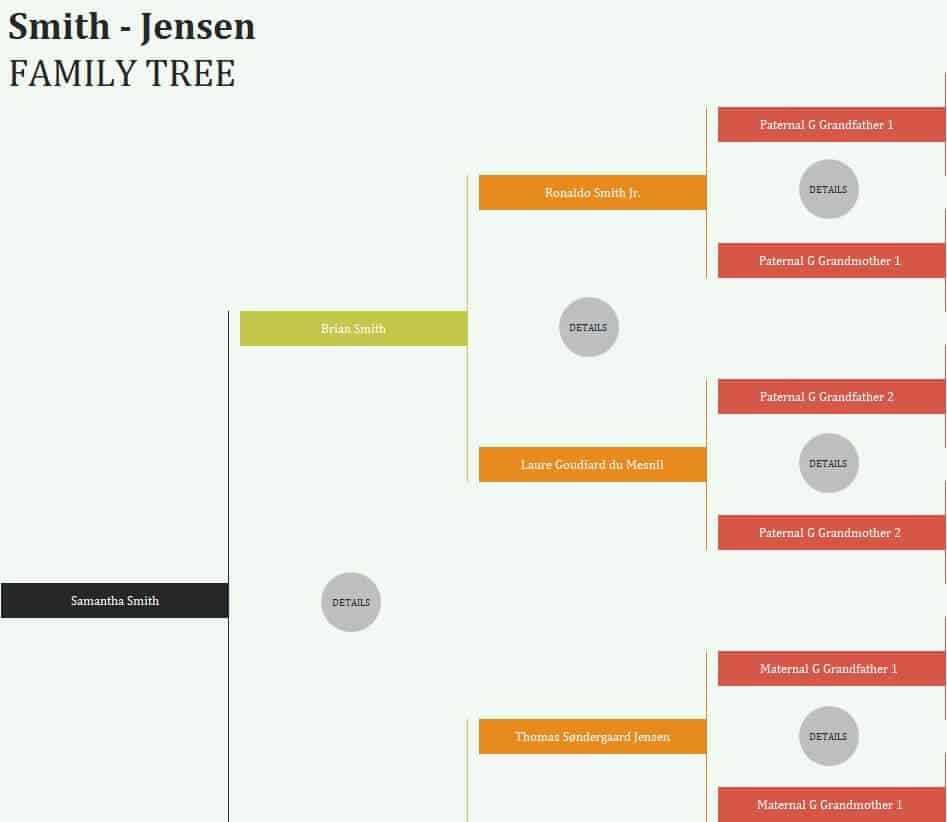
Download Sample Family Tree Excel Template
Detailed Family Tree Word Template
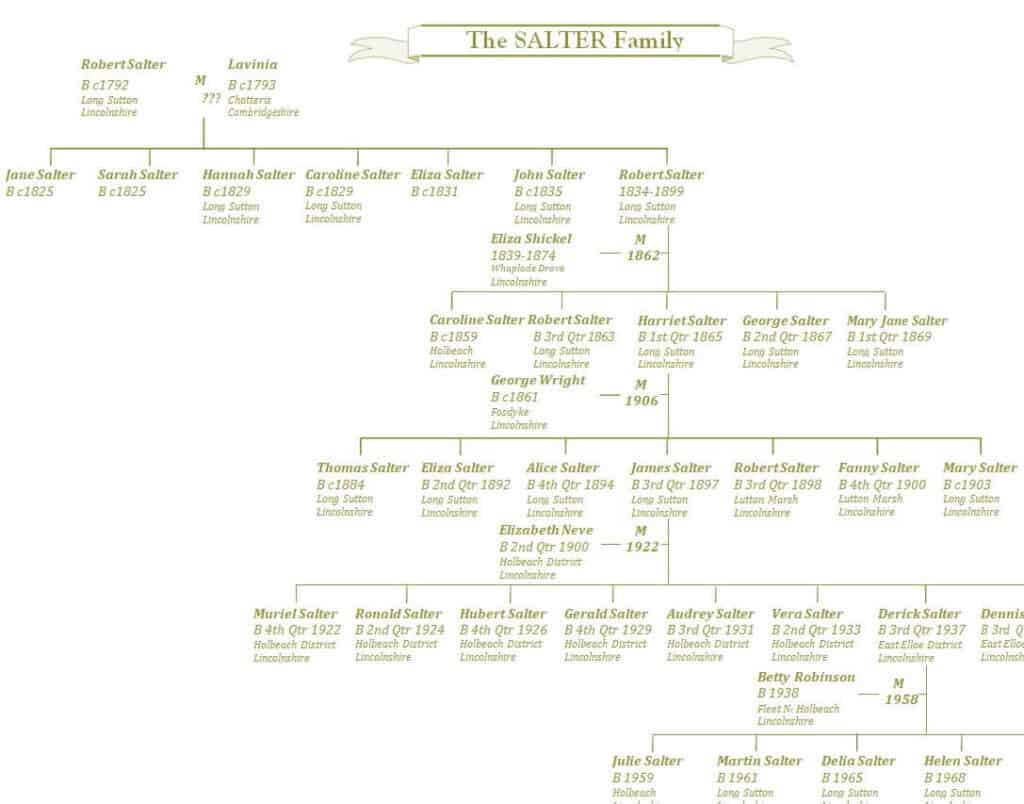
Download Detailed Family Tree Word Template
Blank Family Tree PDF Template
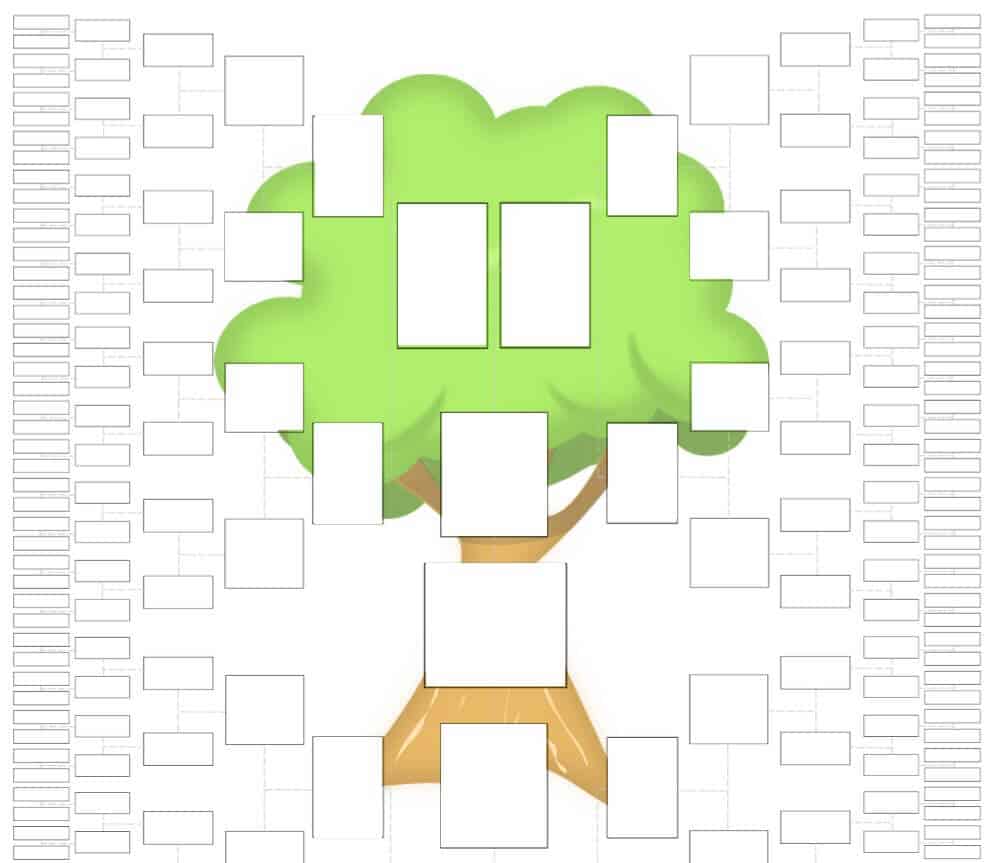
Download Blank Family Tree PDF Template
Free Editable Family Tree Sample
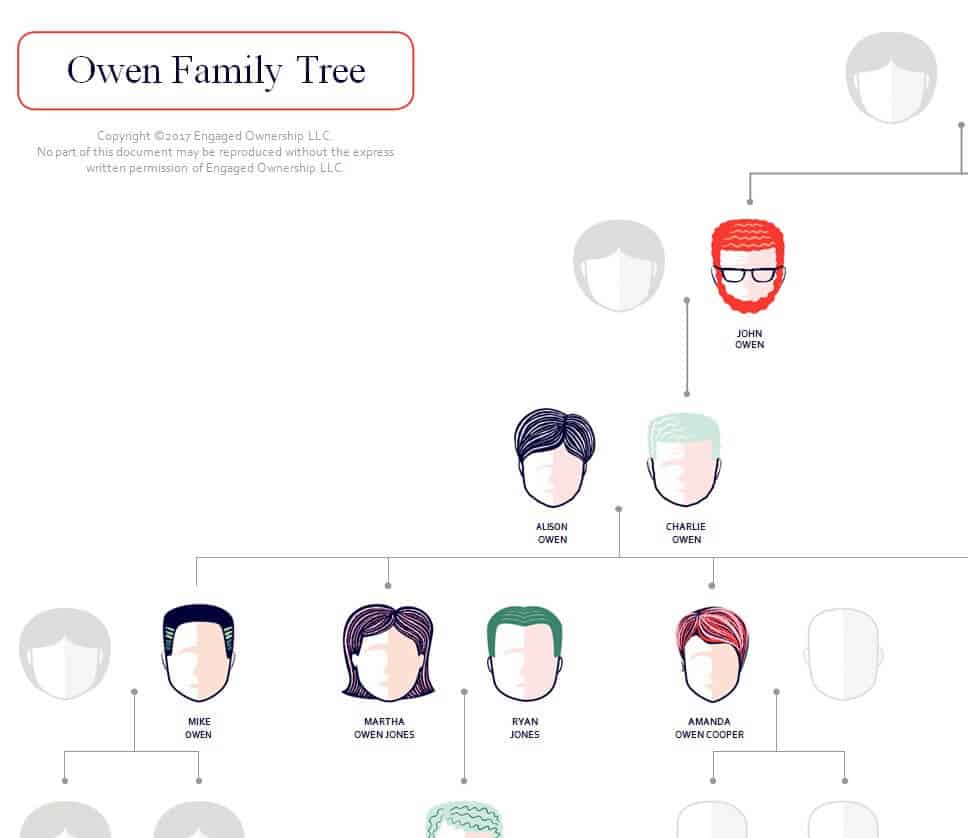
Download Free Editable Family Tree Sample
Free Printable Family Tree Template
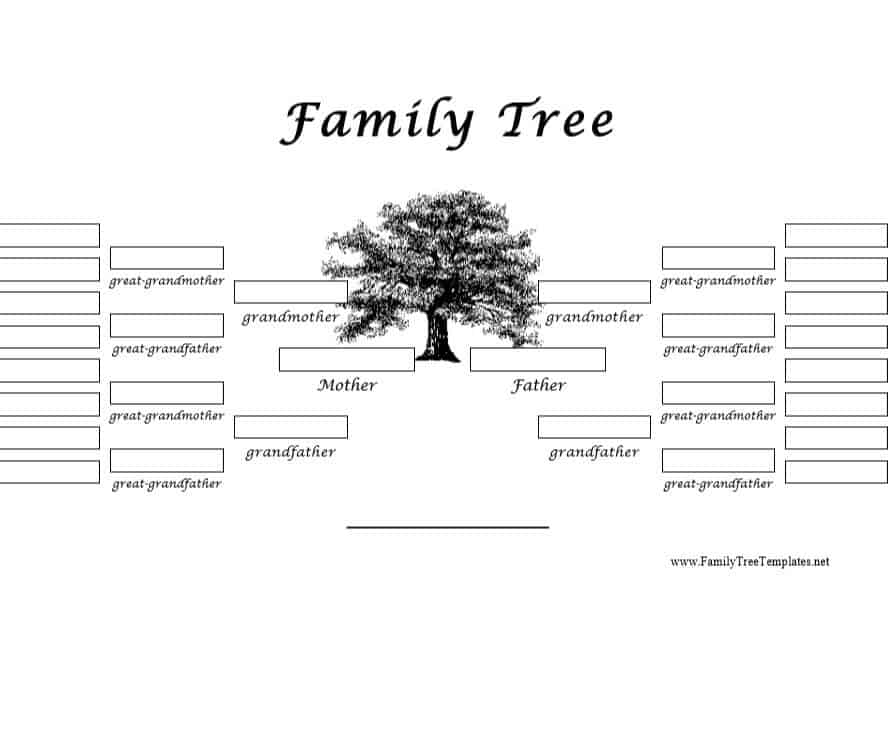
Download Free Printable Family Tree Template
Blended Family Tree Example in DOC Format
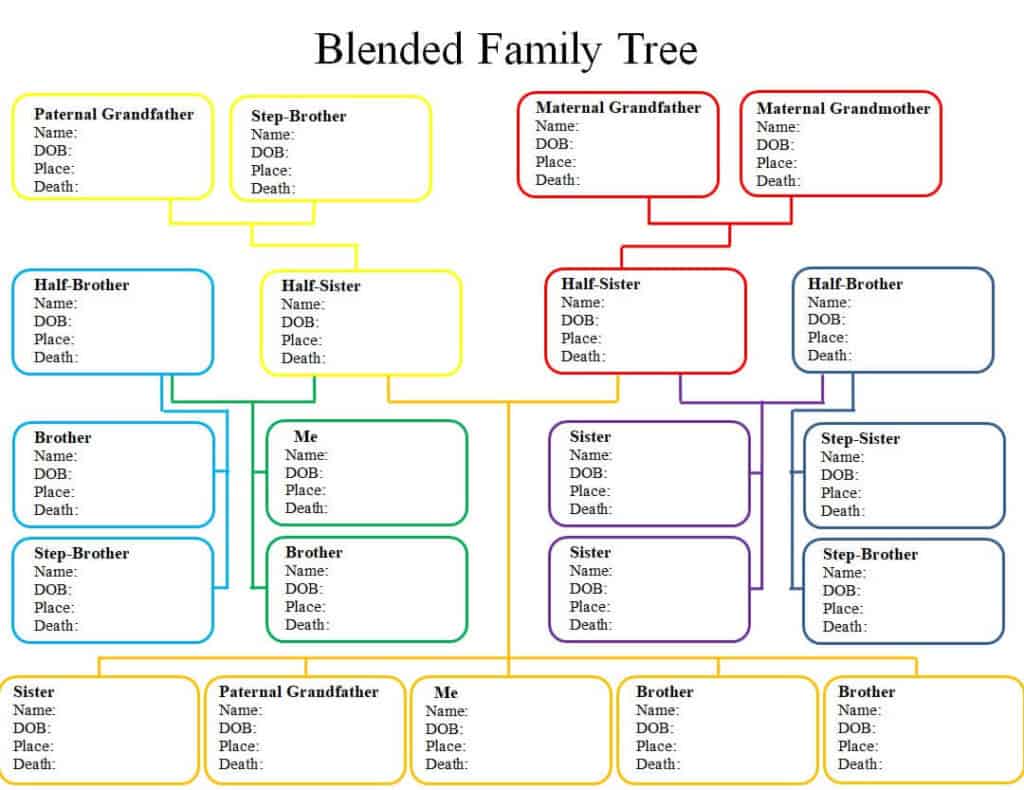
Download Blended Family Tree Example
Personal Family Tree Template in XLSX Format
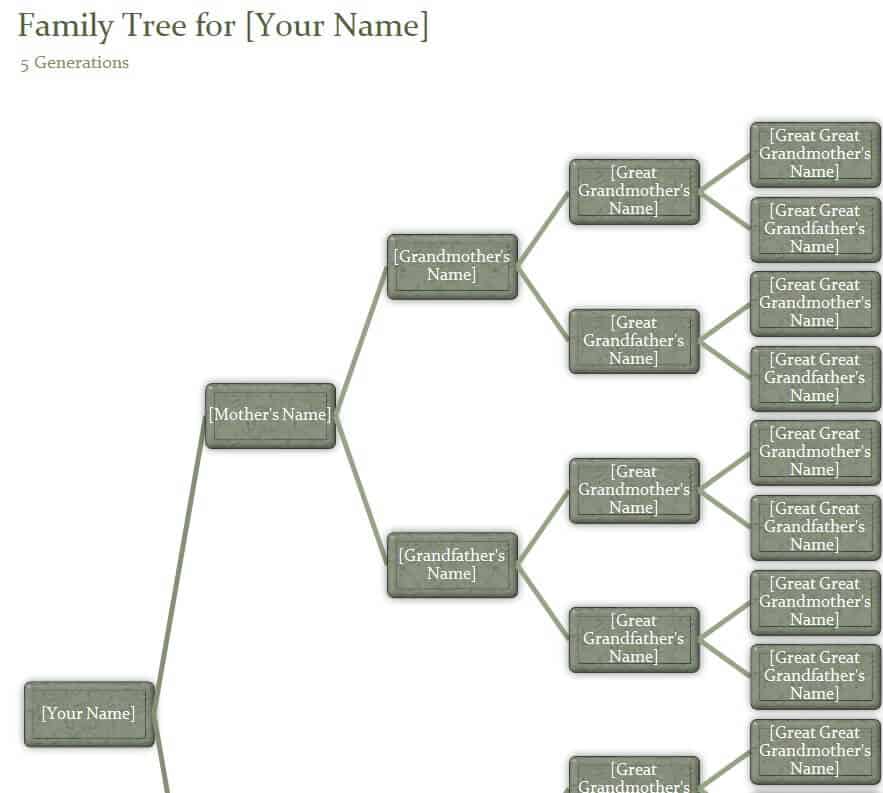
Download Personal Family Tree Template XLSX
Family Tree Practical Layout
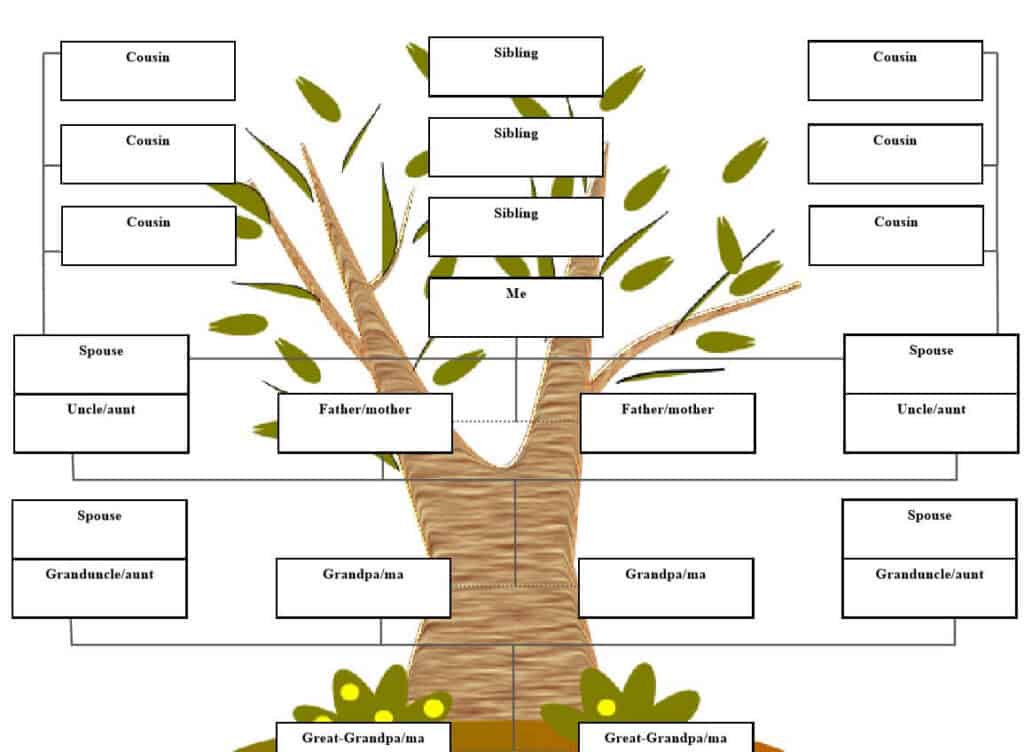
Download Family Tree Practical Layout
Special Family Tree Template MS WORD
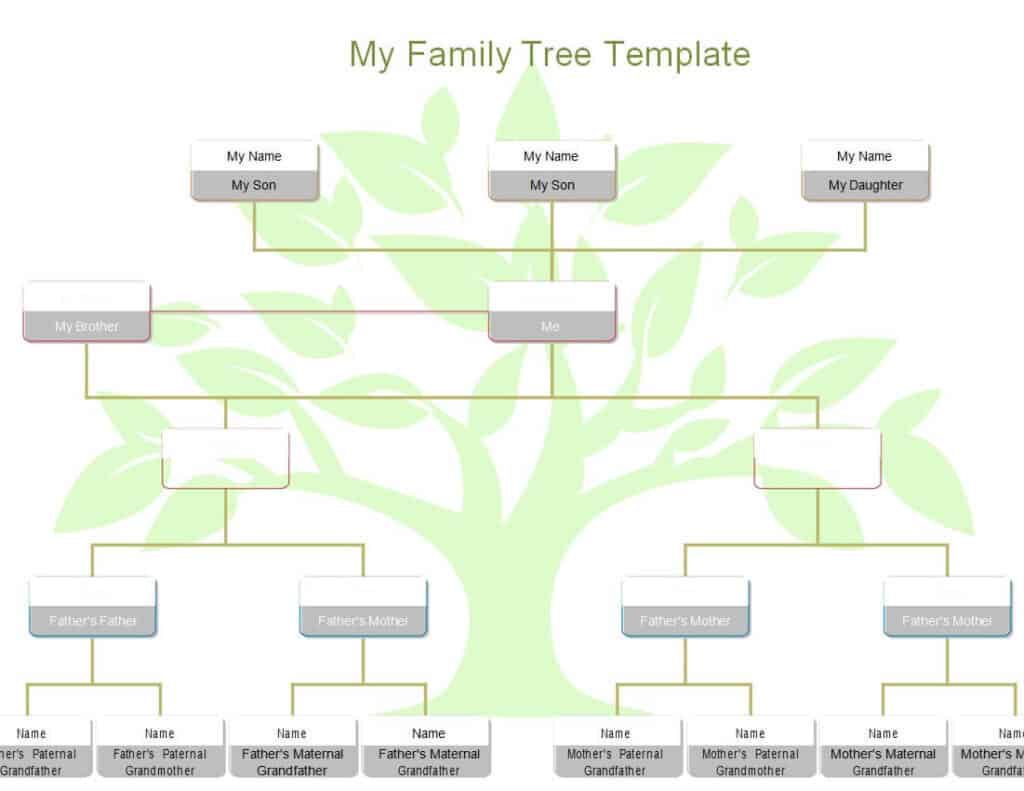
Download Special Family Tree Template
Simple Family Tree Example PDF
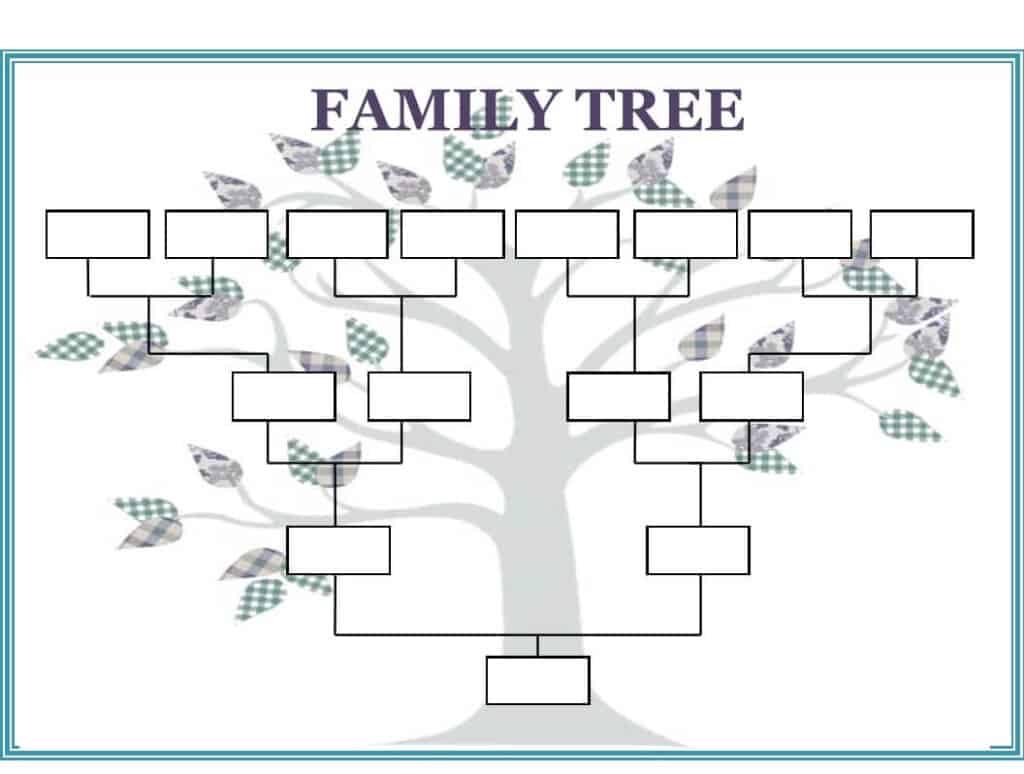
Download Simple Family Tree Example PDF
Basic Family Tree Sample WORD
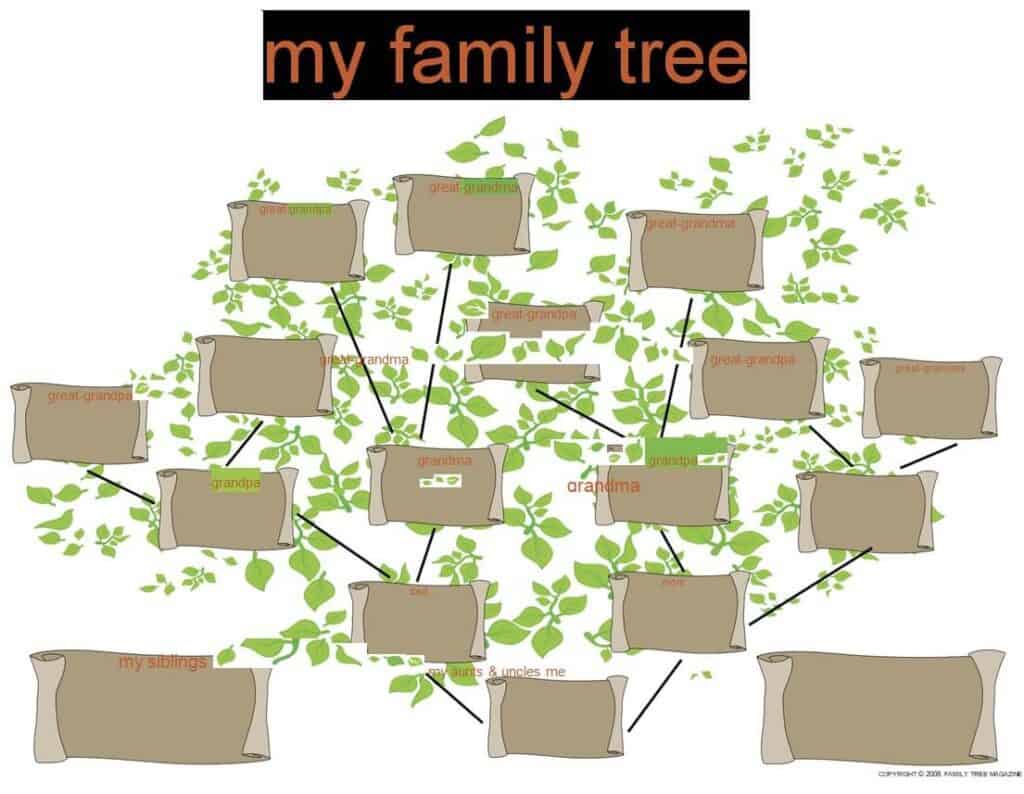
Download Basic Family Tree Sample
Online Free Family Tree Template DOC
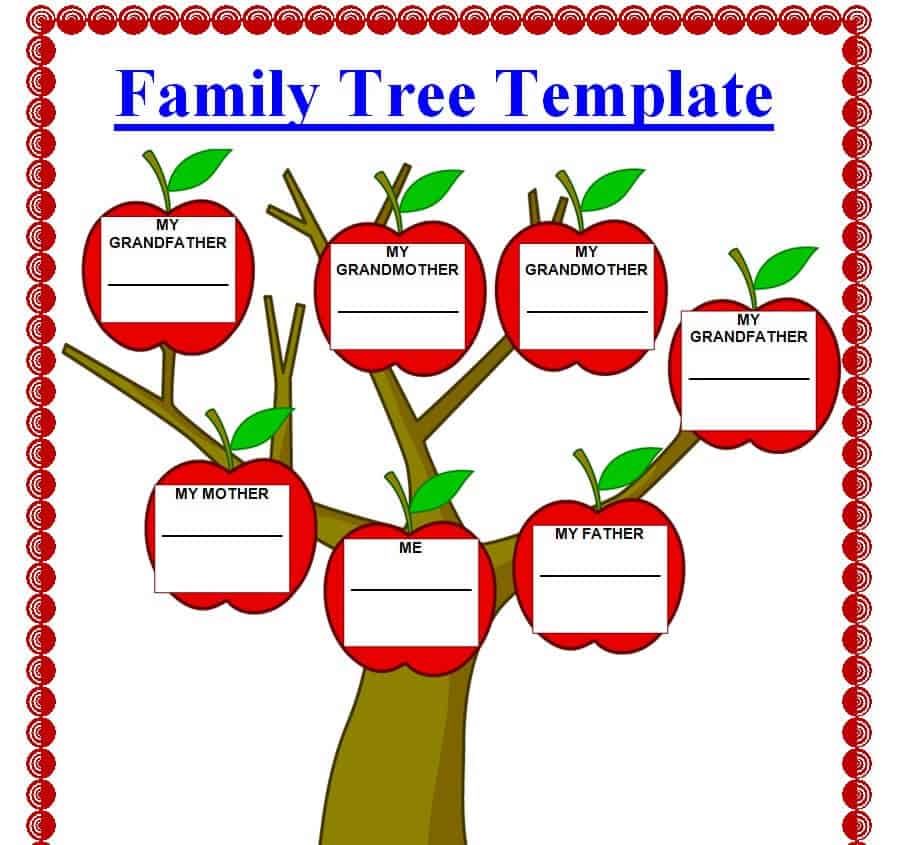
Download Free Family Tree Template DOC
How to Make a Family Tree Step by Step
- Start with yourself. Write your own name, birth date and place at the bottom or center of the chart.
- Add your parents. Include both sides of the family, with full names and dates.
- Work back through generations. Add grandparents, great-grandparents and beyond as far as you can.
- Interview relatives. Ask older family members for names, dates, stories and photos.
- Check records. Birth and marriage certificates, old letters, family Bibles and census records can help confirm details.
- Choose a template. Pick a layout above that fits the number of generations you plan to show.
- Fill in and connect. Type or write names into the boxes and draw lines to show relationships.
- Review and share. Ask relatives to check the chart for mistakes, then print or share it.
Tips for Building a Great Family Tree
- Use consistent date formats, such as day, month and year, throughout the chart.
- Mark uncertain details with a question mark until you can confirm them.
- Keep a separate notebook of sources so you can trace where each fact came from.
- Save a digital backup of your work and print a copy for safe keeping.
- Respect privacy. Consider leaving out details about living relatives when sharing your tree publicly.
- Update the tree when new babies, marriages or discoveries happen.
Frequently Asked Questions (FAQs)
What is a family tree template?
It is a ready-made chart with boxes and lines where you can add your relatives’ names and details. It saves you from having to design a diagram yourself.
Are these family tree templates free?
Yes. All of them are free to download and use, and you can edit them in Word, Excel or print the PDF versions.
How many generations should a family tree have?
It depends on your goal. A school project may need only three generations, while a genealogy chart might extend five or more. Choose a template that gives enough space for the generations you plan to include.
How do I show divorces or second marriages?
Use a blended family tree layout. Draw a line between each partner and their children, and label the relationship so it is clear who is a biological or step relative.
What is the difference between a family tree and a genogram?
A family tree records relationships and family history. A genogram adds details about medical conditions, behavior patterns or emotional relationships and is often used by health professionals.
Where can I find information about my ancestors?
Start with relatives, old photos, letters and family documents. Public records such as census data, birth and death certificates, and immigration lists can also help.
Can I make a family tree in Word or Excel?
Yes. Word works well for designed charts with text boxes, while Excel is great for tables and lists. Download the format you prefer from the templates above.
Final Thoughts
A family tree preserves your family’s story and helps younger generations understand where they come from. With 12 free templates in Word, Excel and PDF, you can pick a style that suits your family and start filling it in today. Gather names and dates, talk to relatives and build a tree you will be proud to share.

You must be logged in to post a comment.