A timeline turns a long list of tasks into a picture you can understand in seconds. It shows what needs to happen, in what order, and by when, which makes it one of the most useful tools for planning projects, launching products, organizing events and even telling a story. On this page you will find 18 free timeline templates in Excel and PowerPoint that you can download, edit and use right away, plus a guide on how to create a timeline that actually works.
What Is a Timeline?
A timeline is a visual representation of events or tasks arranged in chronological order along a line or bar. It typically includes dates or time periods, milestones, task names and sometimes the people responsible. Timelines can cover a few days, such as an event schedule, or many years, such as a company history or a long-term strategic plan.
Where Are Timelines Used?
- Project management: project managers use timelines to plan phases, track progress and communicate deadlines to teams and stakeholders.
- Event planning: weddings, conferences and parties depend on timelines to show what happens at each hour of the day.
- Marketing and product launches: teams map campaigns, content releases and product roadmaps across the year.
- Business and strategic planning: leaders outline goals, quarterly milestones and long-term strategies.
- Education and history: students and teachers create historical, biographical and scientific timelines, from ancient history to human evolution.
- Personal planning: individuals map life events, career plans, fitness goals or savings targets.
Benefits of Using Timeline Templates
- Save hours of design and formatting time with ready-made layouts.
- Keep projects on track by seeing deadlines and dependencies clearly.
- Improve teamwork because everyone can see the same schedule.
- Spot delays, overlaps and gaps early, before they become problems.
- Present plans professionally to clients, managers and investors.
- Easily update dates and details as plans change.
Timeline Templates in Excel
Excel timelines are ideal for detailed schedules with dates, durations and status columns. Use them when you need to calculate, filter or update data frequently.
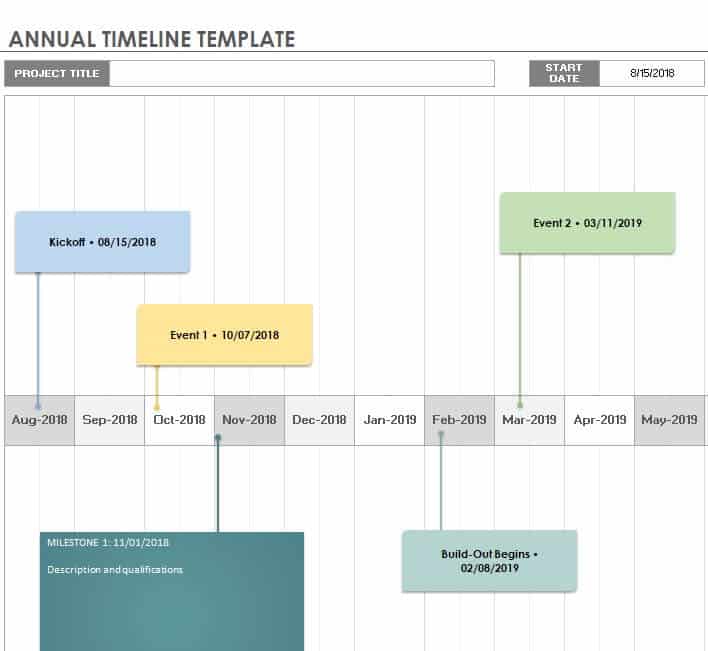
Annual Timeline Template Excel Sheet
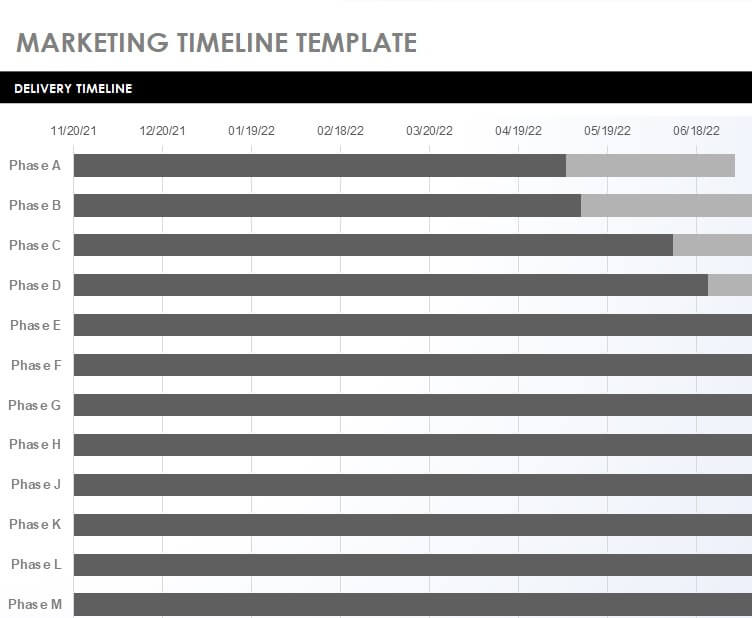
Marketing Timeline Template Excel
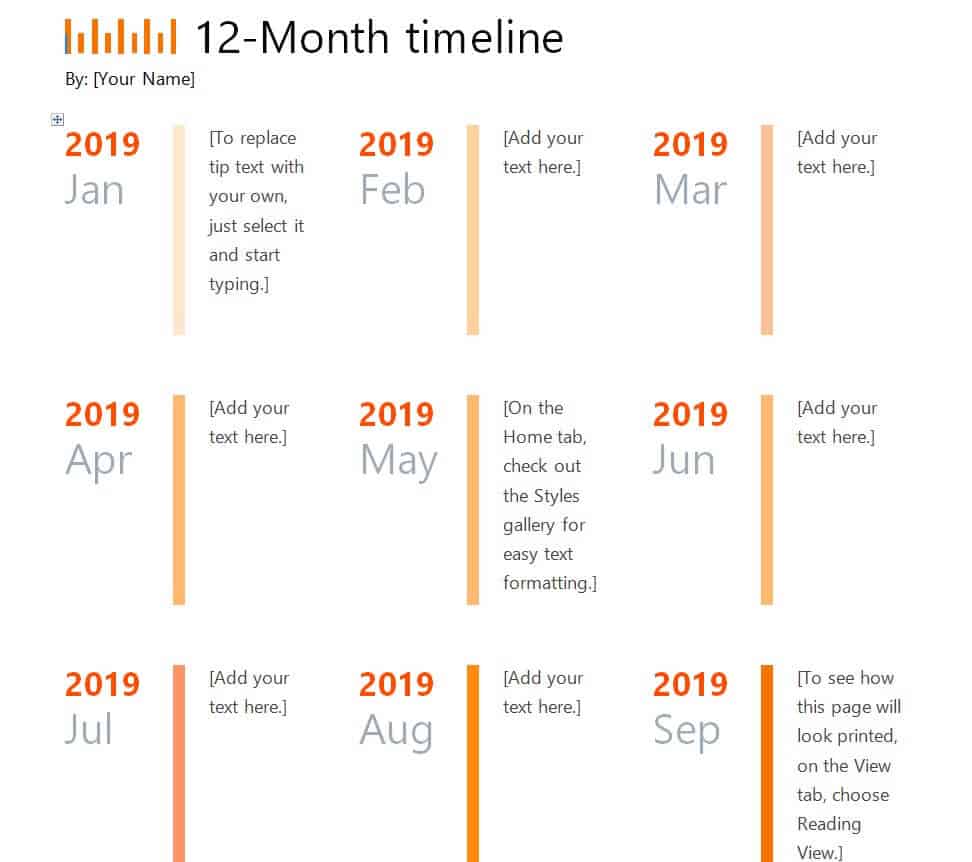
12-Month Timeline Sample
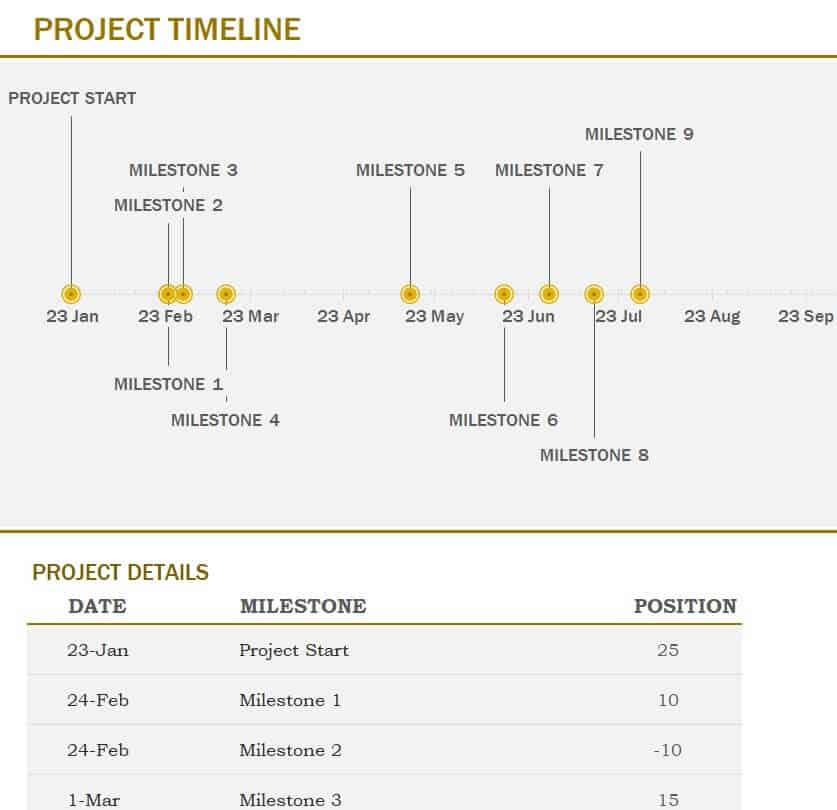
Free Editable Project Timeline Template
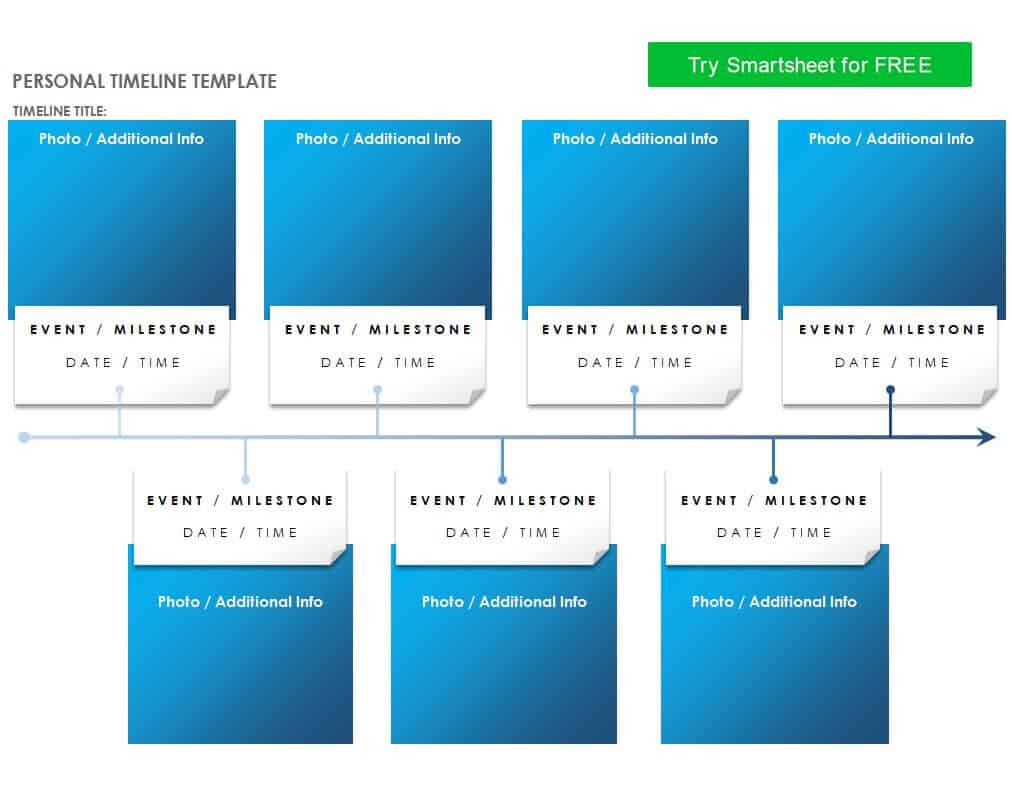
Online Personal Timeline Template
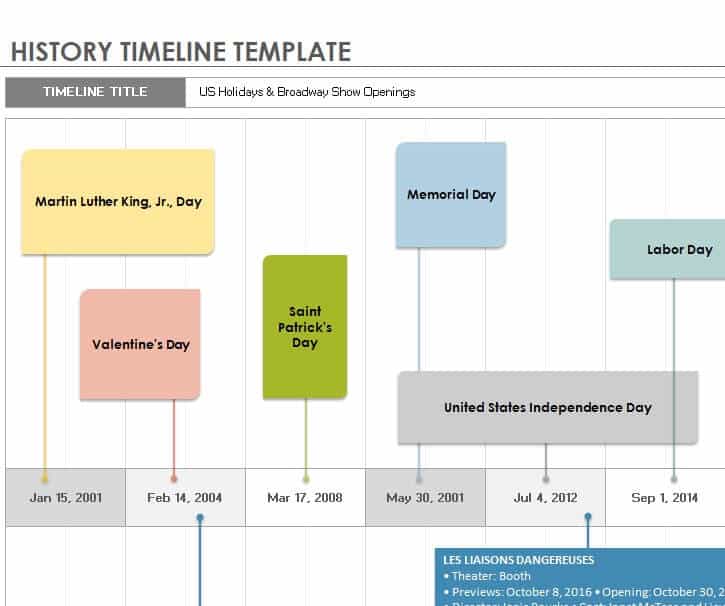
History Timeline Template in XLSX Format
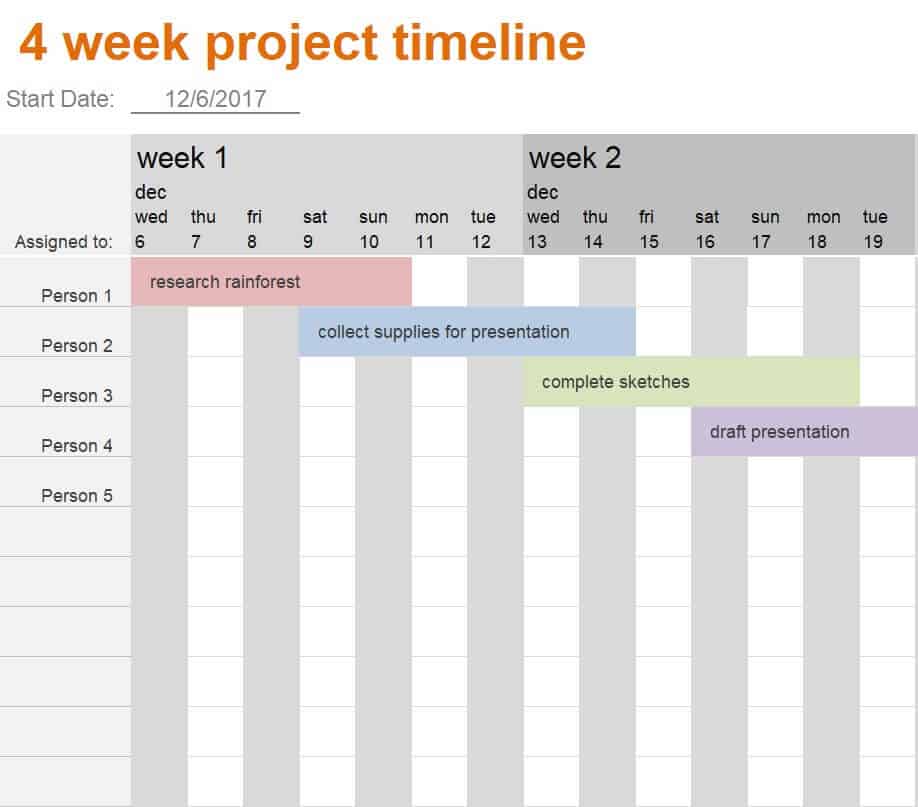
4 Week Project Timeline Layout
Blank Project Timeline Example in Excel
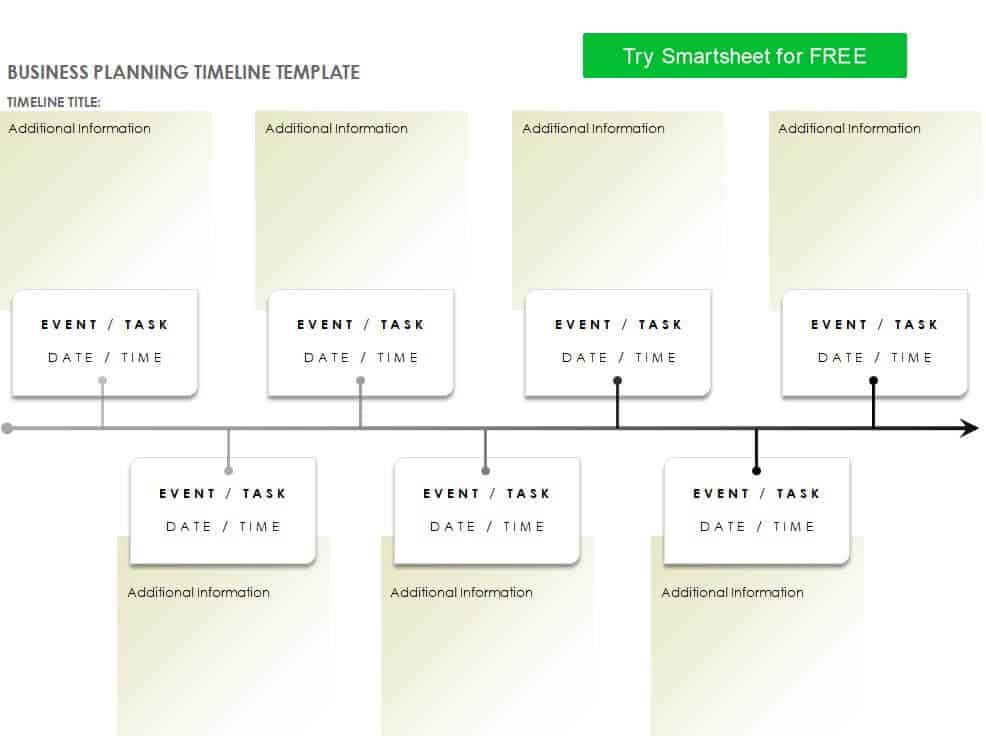
Business Planning Timeline Template
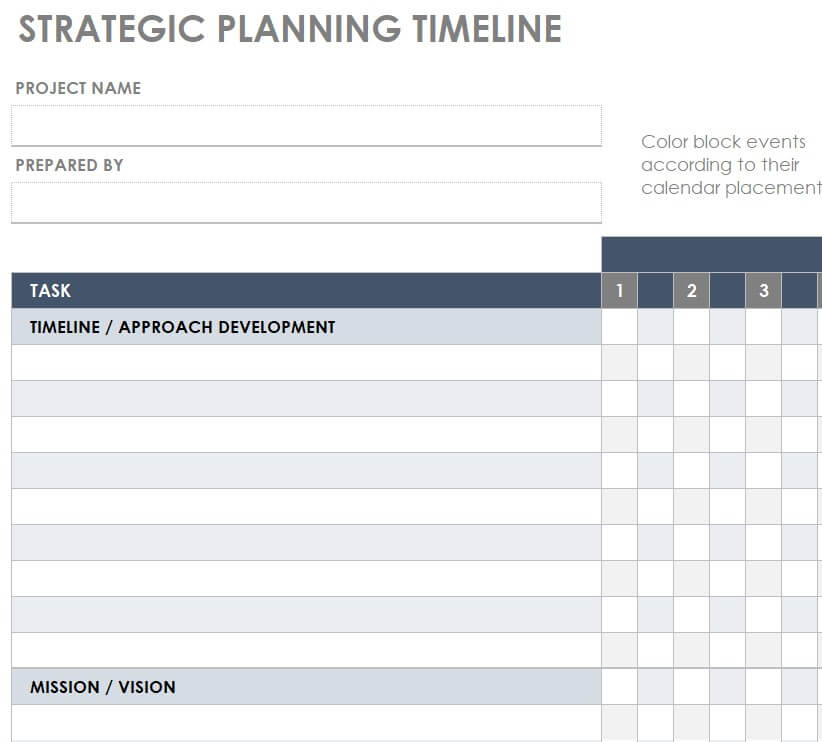
Sample Strategic Planning Timeline Excel Sheet
Timeline Templates in PowerPoint
PowerPoint timelines are perfect for presentations, proposals and reports where visual impact matters. Their graphics and shapes are easy to resize, recolor and animate.
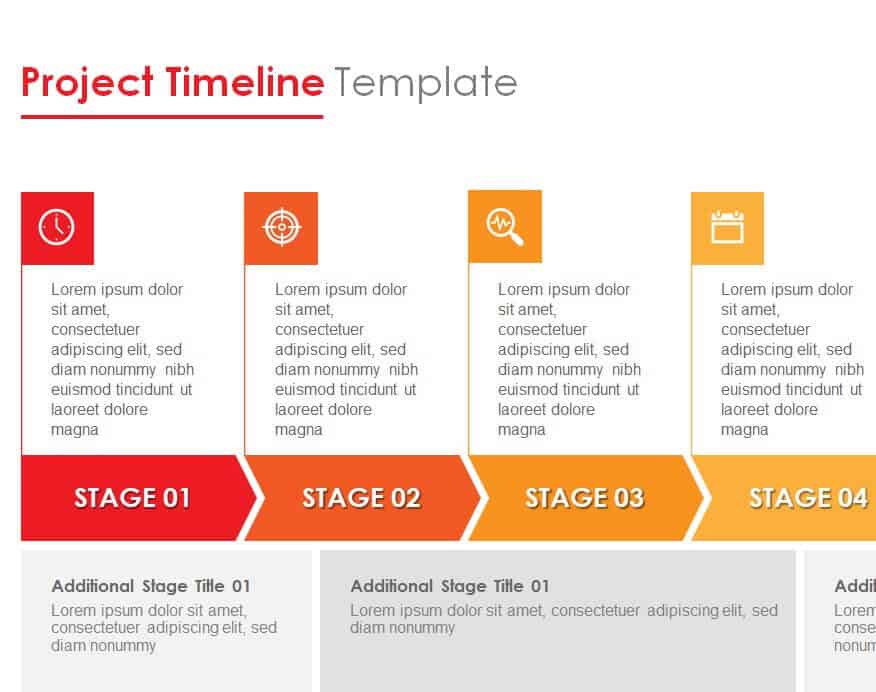
Project Timeline PowerPoint Template
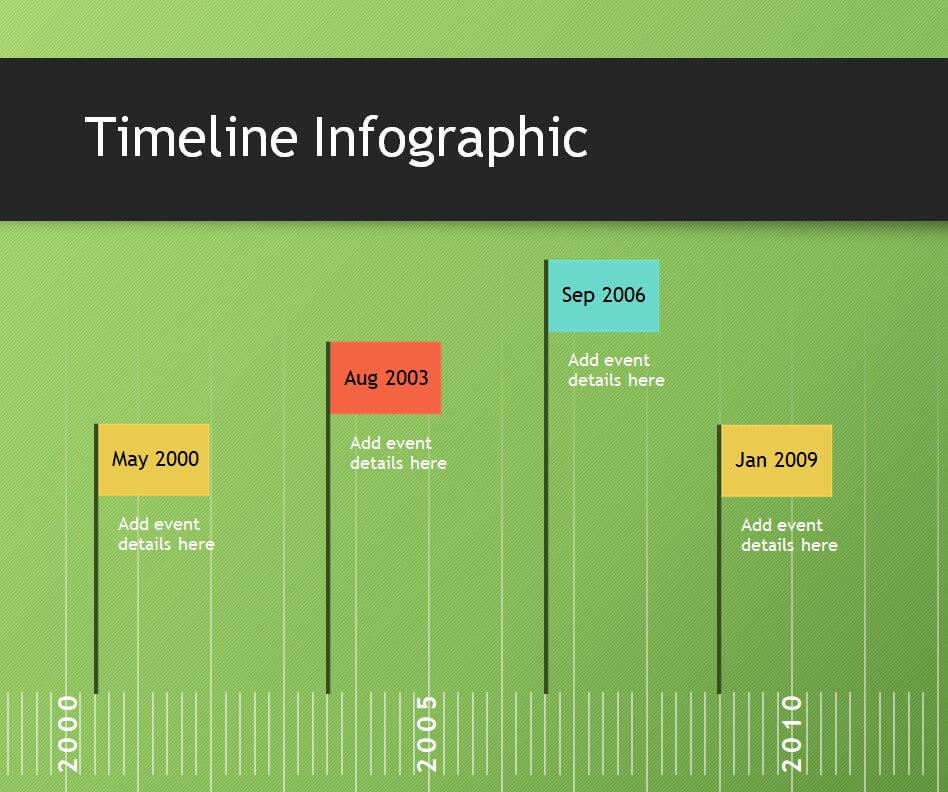
Practical Infographic Timeline Template
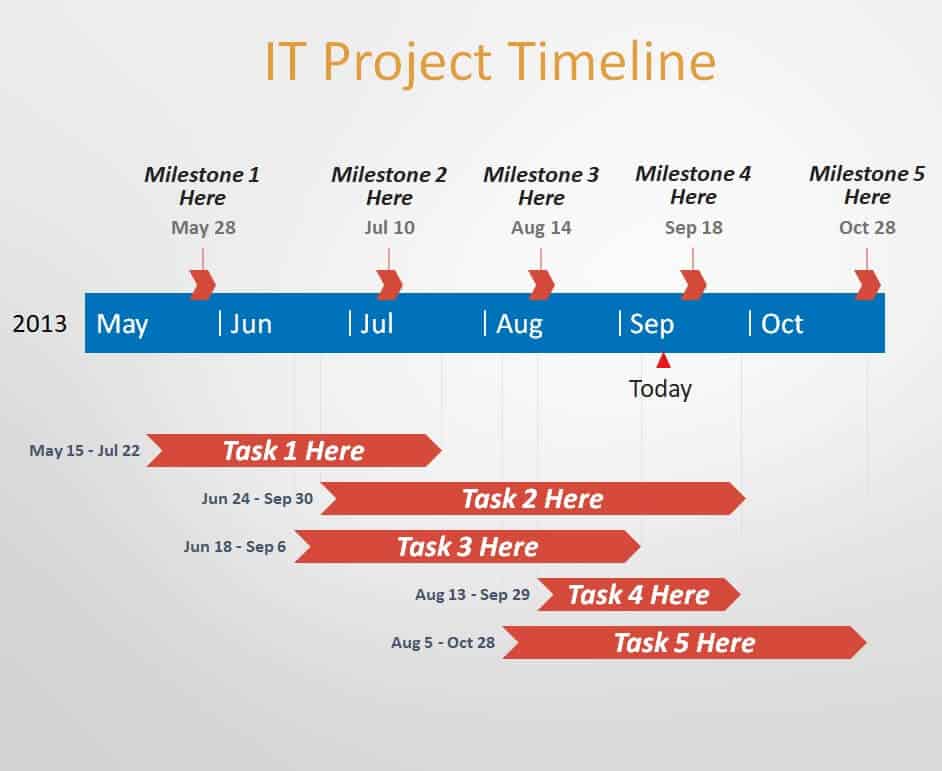
IT Project Timeline Template
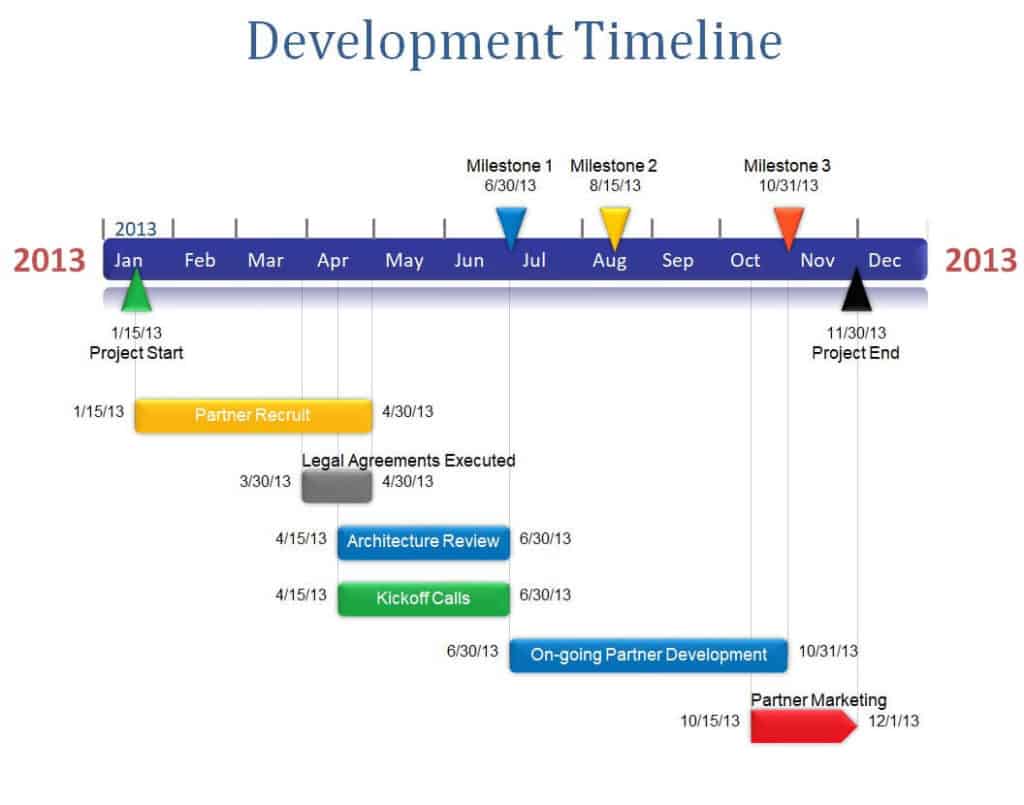
Development Timeline Sample PPTX Format
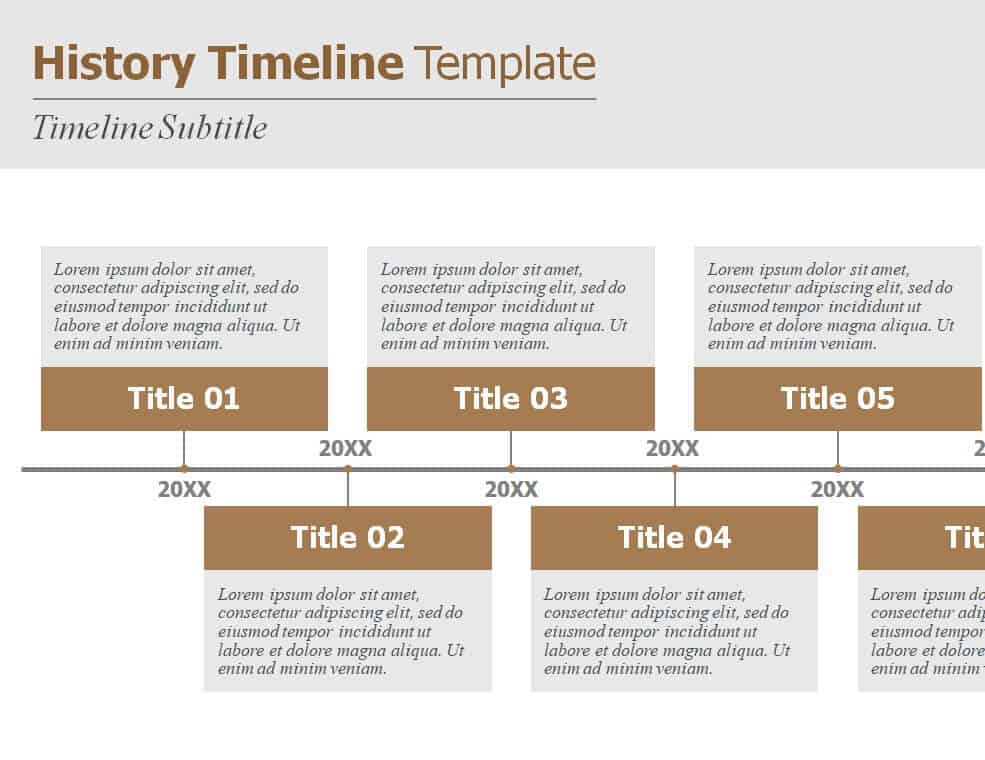
History Timeline Template PowerPoint Presentation
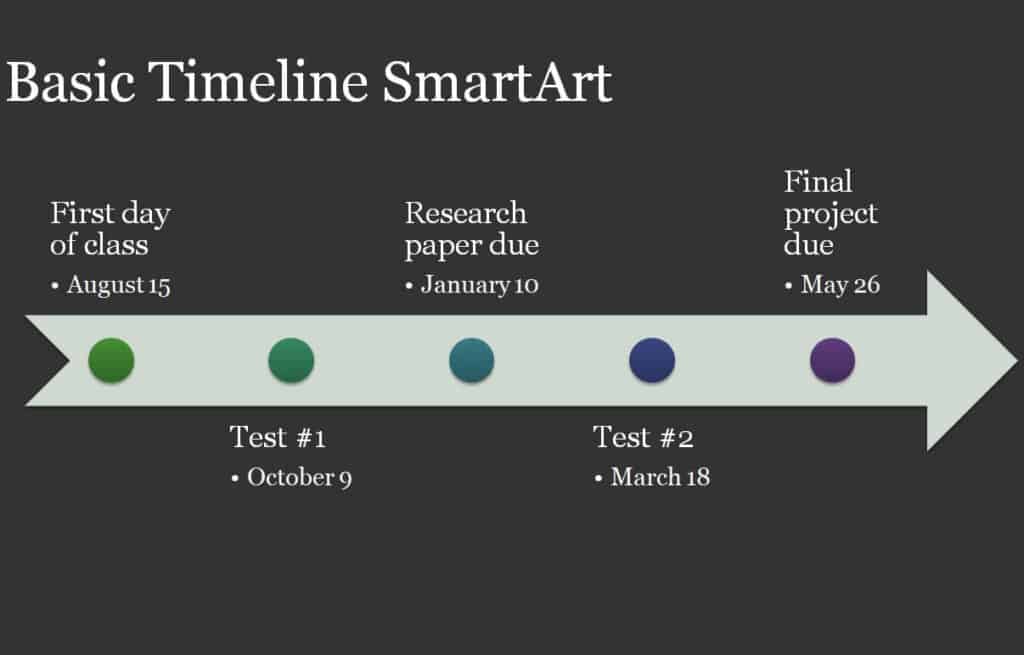
Online Editable Basic Timeline Example
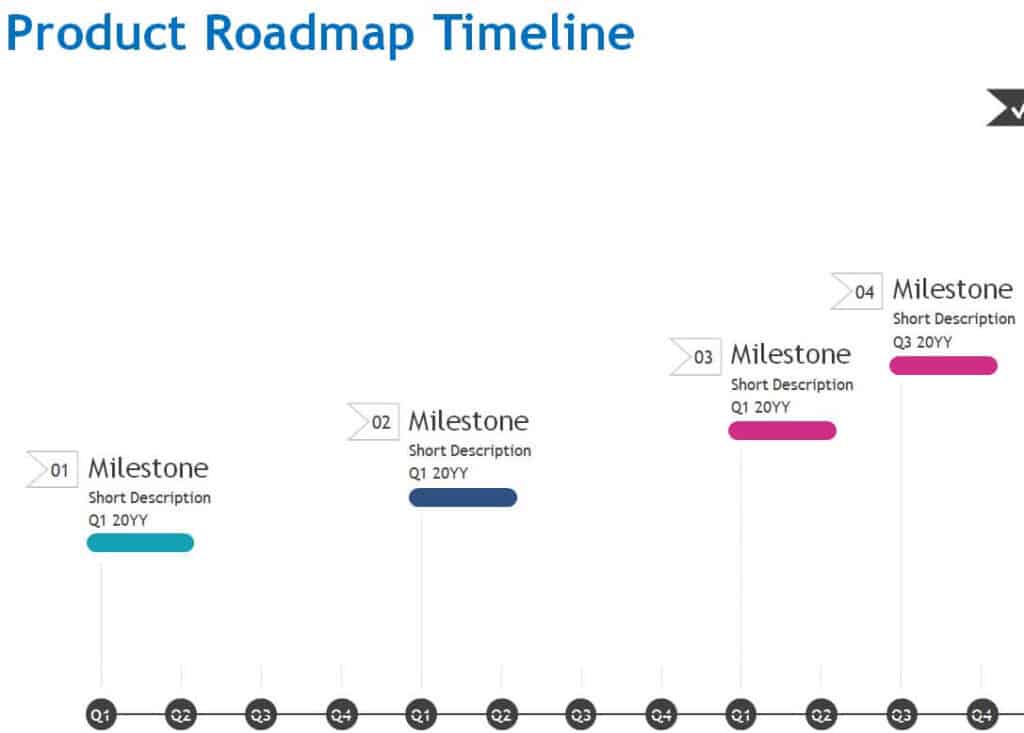
Product Roadmap Timeline Printable
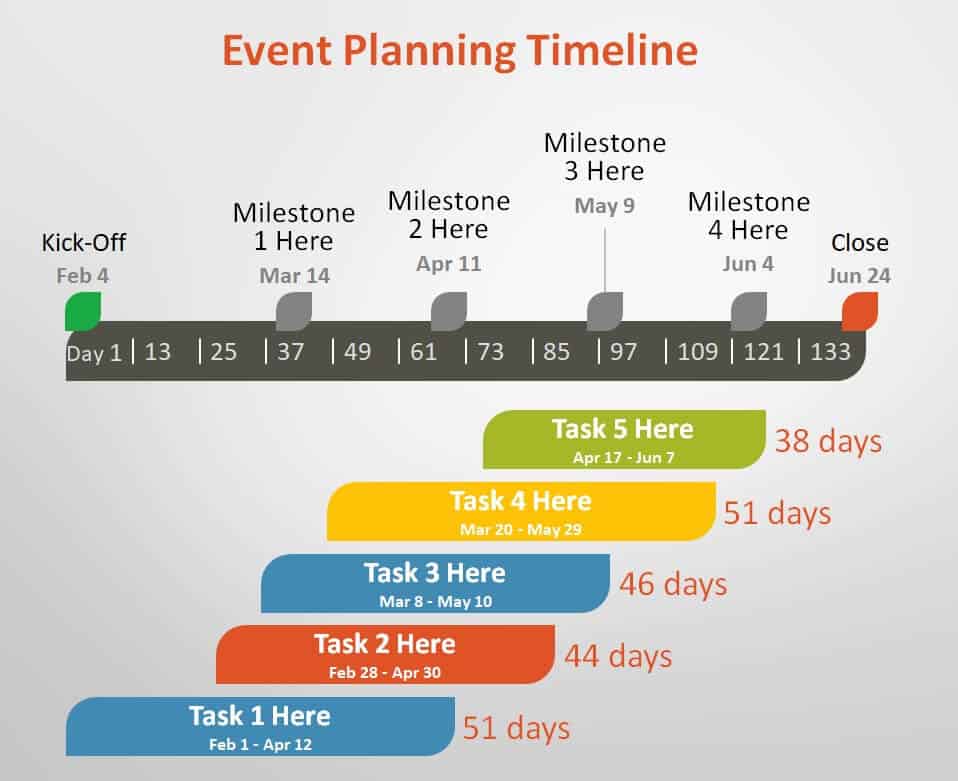
Event Planning Timeline Template in PowerPoint
How to Make a Timeline Step by Step
- Define the purpose and scope. Decide what the timeline covers and who will use it, such as a project team, a client or a class.
- List all tasks and events. Brainstorm everything that needs to happen, from major milestones to small tasks.
- Estimate dates and durations. Assign a start and end date to each item, and note dependencies such as tasks that cannot begin until another finishes.
- Put items in chronological order. Arrange them from first to last and group related tasks into phases.
- Choose a template. Pick an Excel template for detailed tracking or a PowerPoint template for presentations.
- Enter the information. Fill in dates, task names, owners and notes, and adjust colors so phases are easy to tell apart.
- Review with your team. Confirm that dates are realistic and everyone agrees on responsibilities.
- Update regularly. Mark completed tasks and adjust the plan whenever schedules change.
How to Create a Timeline in Excel or PowerPoint
In Excel, list tasks in the first column with start dates and durations in the next columns, then insert a stacked bar chart and format it as a Gantt-style timeline. You can also use conditional formatting to shade cells across date columns. In PowerPoint, use the SmartArt graphics library and choose a Process or Timeline layout, or draw a line with shapes and add text boxes for each milestone. The templates above already include these structures, so you only need to replace the sample text and dates.
Types of Timelines
- Project timeline: shows tasks, phases and deadlines for a specific project.
- Roadmap timeline: outlines high-level goals and releases for a product or strategy.
- Historical timeline: presents events in the order they happened.
- Personal timeline: records important life or career events.
- Event timeline: lays out the schedule of a wedding, conference or launch day hour by hour.
Tips for an Effective Timeline
- Keep text short and focus on key milestones rather than every detail.
- Use color coding to distinguish teams, phases or priorities.
- Add buffer time for tasks that are likely to be delayed.
- Make sure dates are in a consistent format throughout the timeline.
- Share the file where everyone can access it and agree on who updates it.
- Review it weekly for active projects to keep it accurate.
Frequently Asked Questions (FAQs)
What is a timeline template?
A timeline template is a pre-designed layout for displaying events, tasks or milestones in chronological order. You replace the sample text and dates with your own information instead of building the timeline from scratch.
Are these timeline templates free?
Yes. All templates on this page are free to download and use. Click Download under any preview, unzip the file and open it in Excel or PowerPoint.
Should I use Excel or PowerPoint for my timeline?
Use Excel when you need detailed tracking with dates, durations and formulas, especially for ongoing projects. Use PowerPoint when your main goal is to present the timeline visually to an audience.
How do I make a timeline in Excel?
List your tasks with start dates and durations, then insert a stacked bar chart and format it to look like a Gantt chart. Alternatively, download one of our Excel timeline templates and enter your data.
How do I make a timeline on PowerPoint?
Go to Insert, choose SmartArt, and select a Process or Timeline graphic. Then add your milestones and dates in the text pane. You can also start from one of the PowerPoint templates above for a more polished look.
What is the difference between a timeline and a Gantt chart?
A timeline gives a simple overview of events or milestones along a single line. A Gantt chart is a more detailed project tool that shows each task as a bar, along with duration and dependencies. Both are useful, and many timelines in Excel use Gantt-style bars.
Can I use these timelines for school or history projects?
Yes. The history timeline templates in Excel and PowerPoint are ideal for classroom presentations, family history, biographies and any topic that follows a sequence of events.
Final Thoughts
A clear timeline keeps everyone aligned and helps you turn big goals into manageable steps. Choose the template that fits your project, customize it with your dates and milestones, and keep it updated. Whether you are running a business project, planning an event or teaching history, a well-made timeline makes your plan easier to understand and easier to achieve.



You must be logged in to post a comment.