Tired of calculating salaries by hand? These free, editable payroll templates in Excel and Word help you calculate wages, overtime, deductions, and net pay quickly and accurately. Below you will find more than 16 downloadable payroll templates, including payroll registers, weekly and monthly worksheets, deduction forms, payroll statements, and check templates. You will also find a plain-English guide to how payroll works, what to include, and how to set up your own payroll spreadsheet.
These templates are ideal for small businesses, startups, freelancers with a few employees, nonprofits, and household employers who want a simple alternative to expensive payroll software. Tax rates and legal requirements vary by country and state, so always confirm the rules that apply to you or consult a qualified accountant.
What Is Payroll?
Payroll is the process of calculating and paying employees for the work they do. It covers gross pay (the total earned before deductions), deductions such as income tax, social security or pension contributions, and health insurance, and net pay (the amount that goes into the employee’s account). A payroll document, often called a payroll register or payroll sheet, records these figures for every pay period. Businesses may pay weekly, biweekly, semi-monthly, or monthly, and each schedule affects how the numbers are calculated.
What Does a Payroll Template Include?
A good payroll template usually contains these fields so that every payment can be traced and audited later:
- Employee details: name, ID number, job title, and department.
- Pay period: start date, end date, and payment date.
- Earnings: basic salary or hourly rate, hours worked, overtime, bonuses, commissions, and allowances.
- Deductions: taxes, retirement contributions, insurance premiums, loan repayments, and any advances.
- Totals: gross pay, total deductions, net pay, and grand totals for all employees.
- Approval lines: spaces for the preparer’s and manager’s signatures.
Checkout the Payroll Templates in EXCEL Format
Excel payroll templates include built-in formulas, so totals and net pay update automatically as you type. Click the download button under each preview.
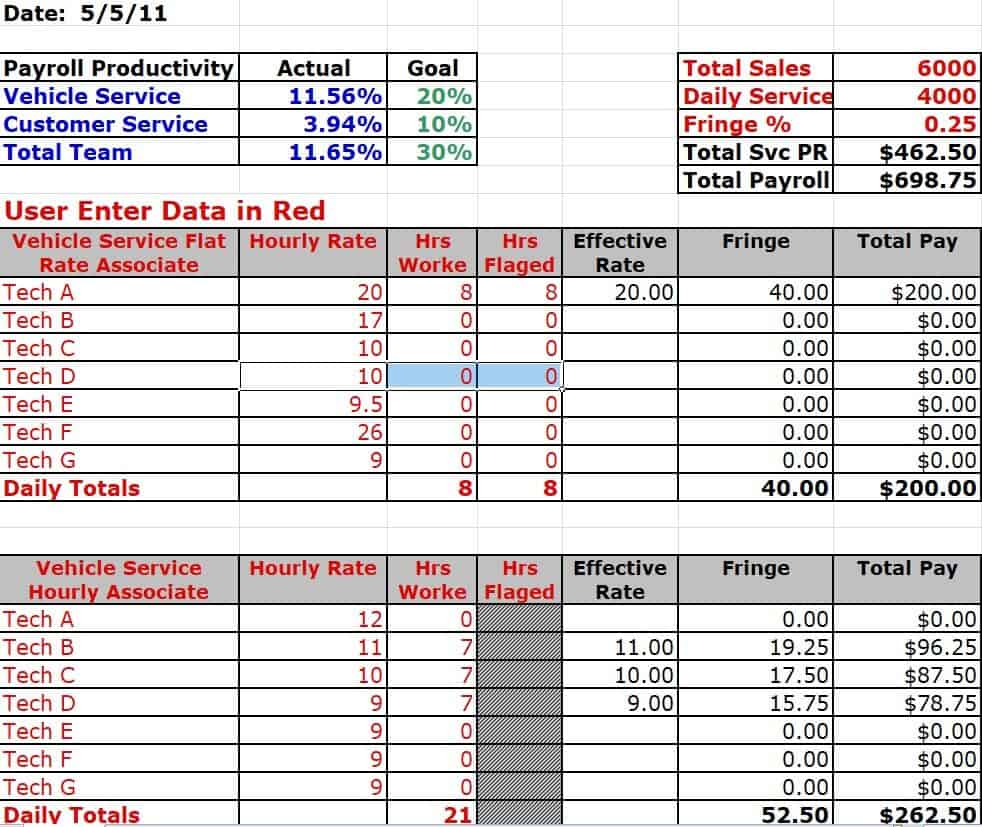
Detailed Payroll Productivity Sheet Template
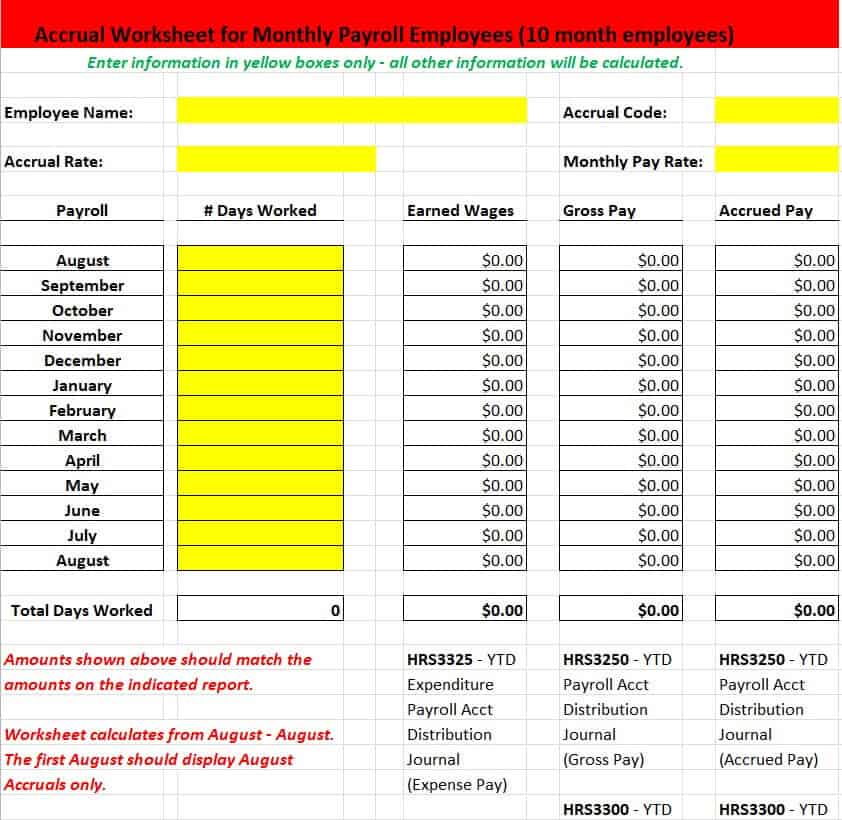
Accrued Monthly Payroll Template
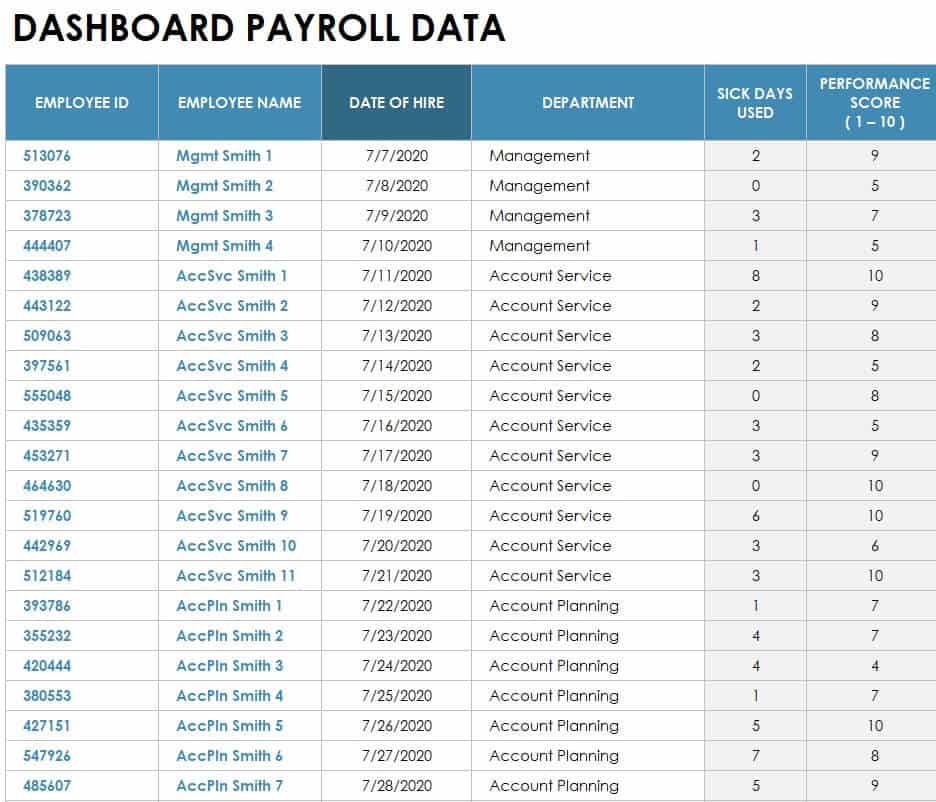
Payroll Dashboard Data Sample Excel
Blank Payroll Register Excel Sheet
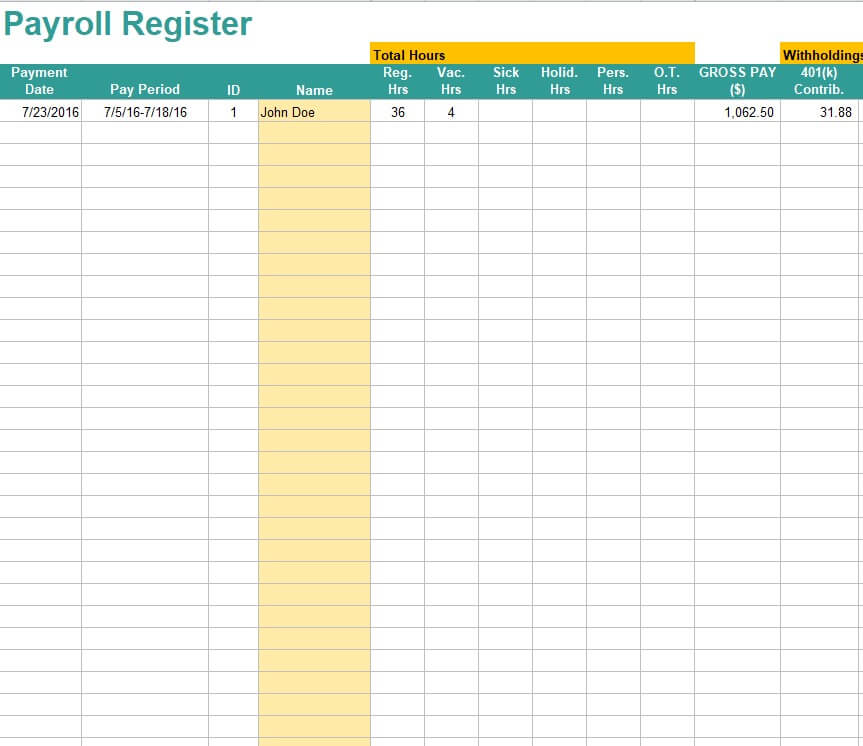
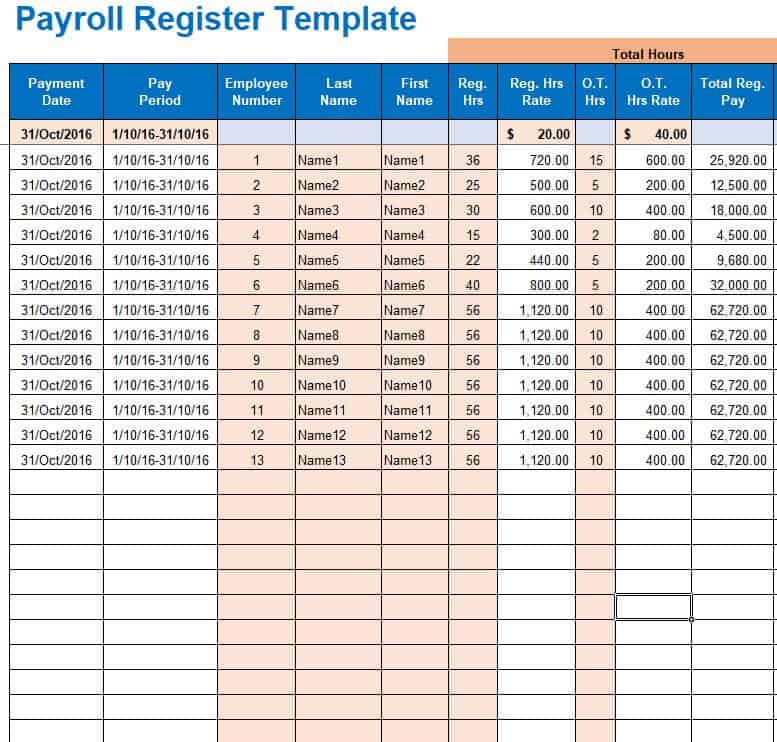
Free Editable Payroll Register Template
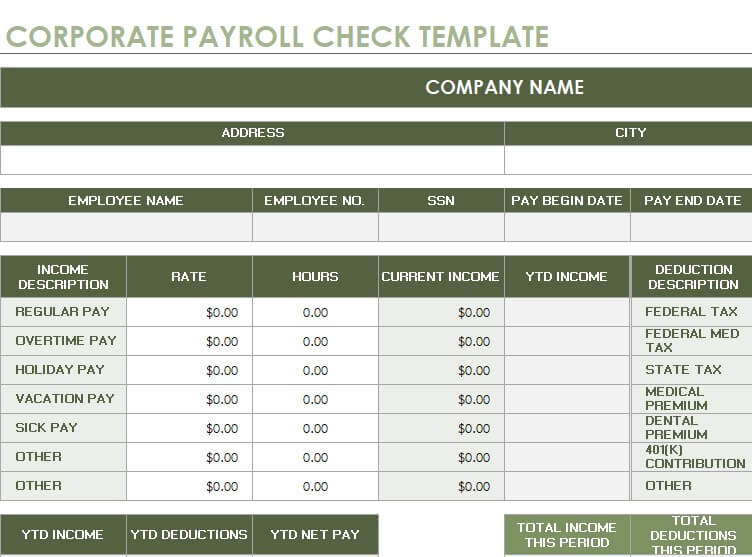
Corporate Payroll Check Template
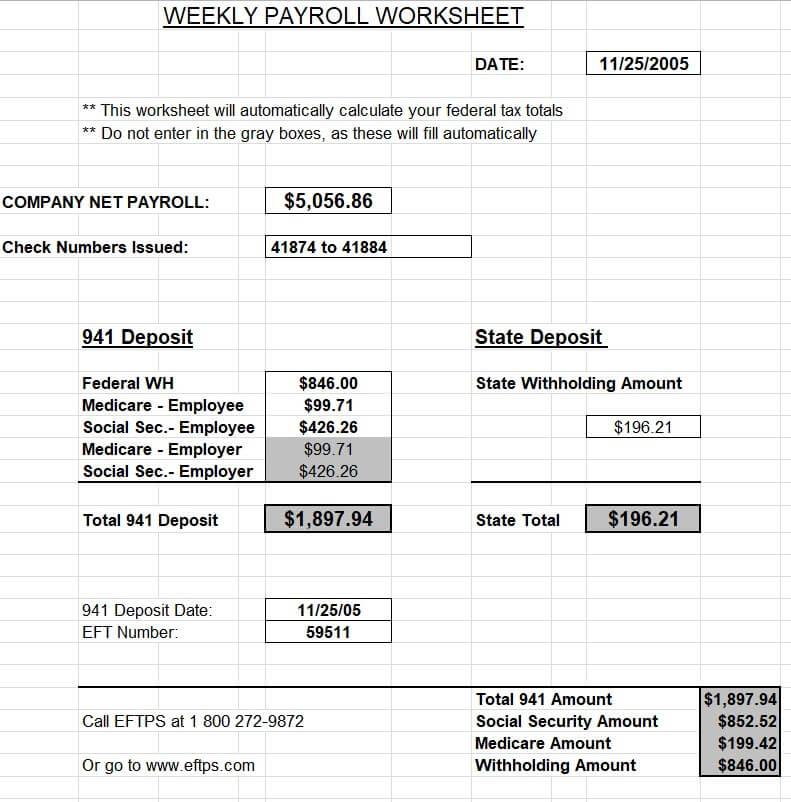
Simple Weekly Payroll Worksheet
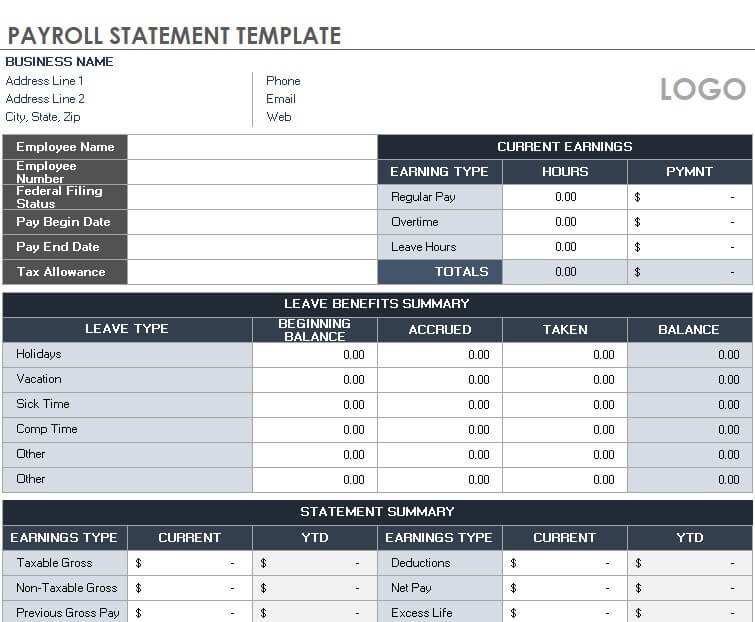
Official Payroll Statement Template
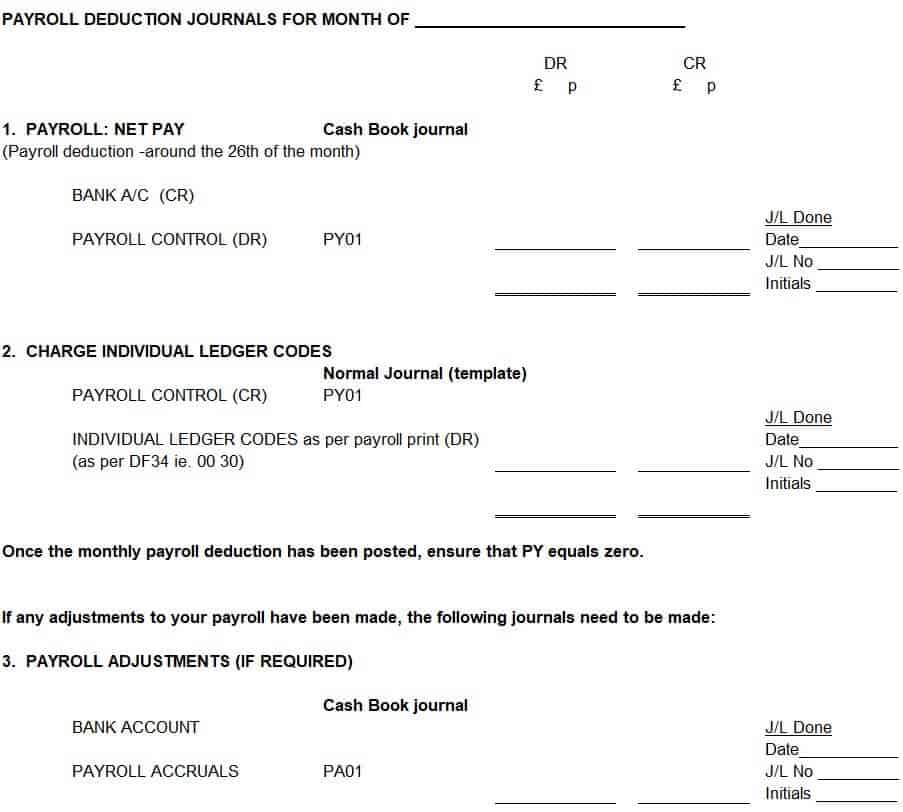
Monthly Payroll Deduction Journal
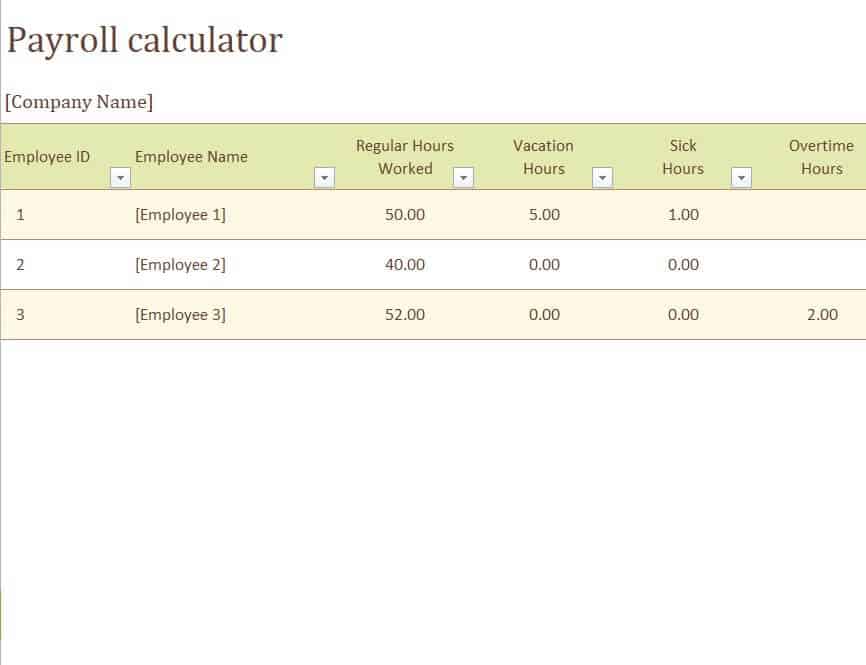
Payroll Calculation Sample in XLSX Format
Checkout the Payroll Templates in WORD Format
Word payroll templates are useful for printable payroll forms, change notices, deduction forms, and check stubs that you fill in by hand or type before printing.
Free Online Payroll Worksheet Template
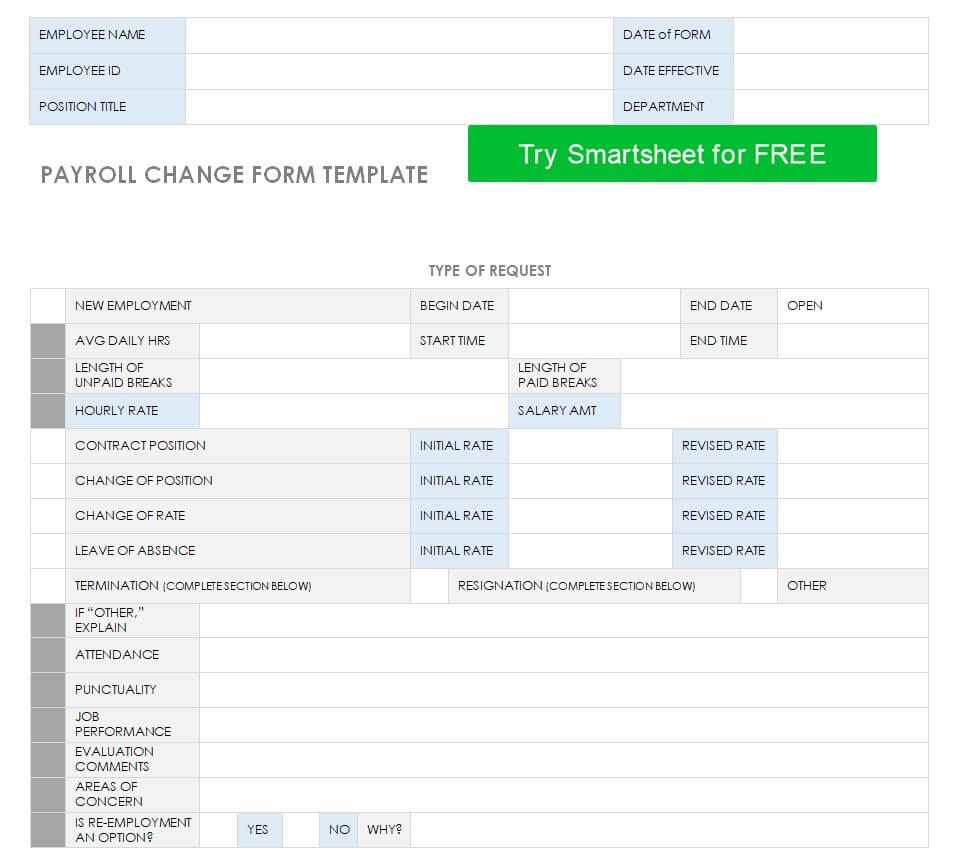
Payroll Change Form Template
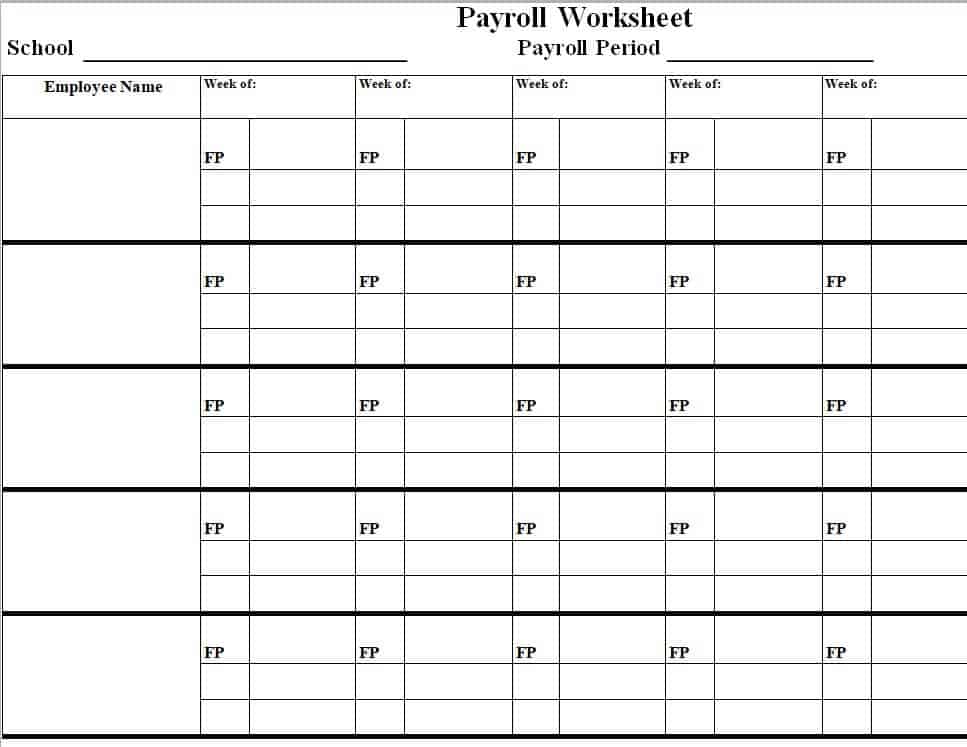
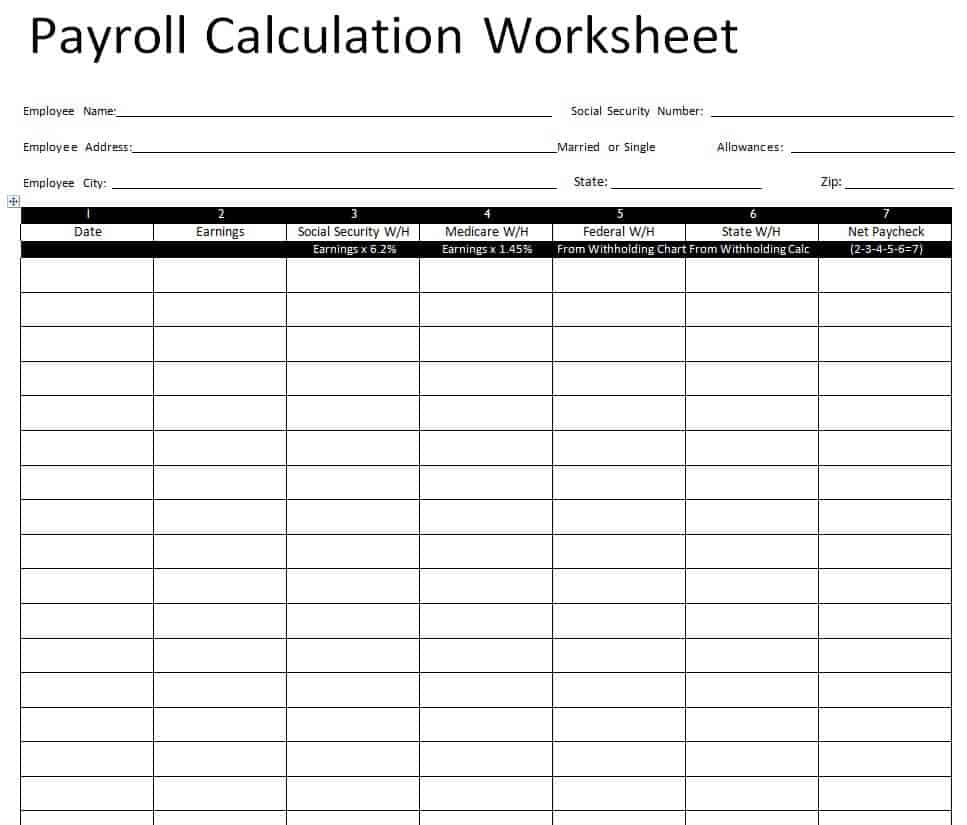
Payroll Calculation Worksheet in DOC Format
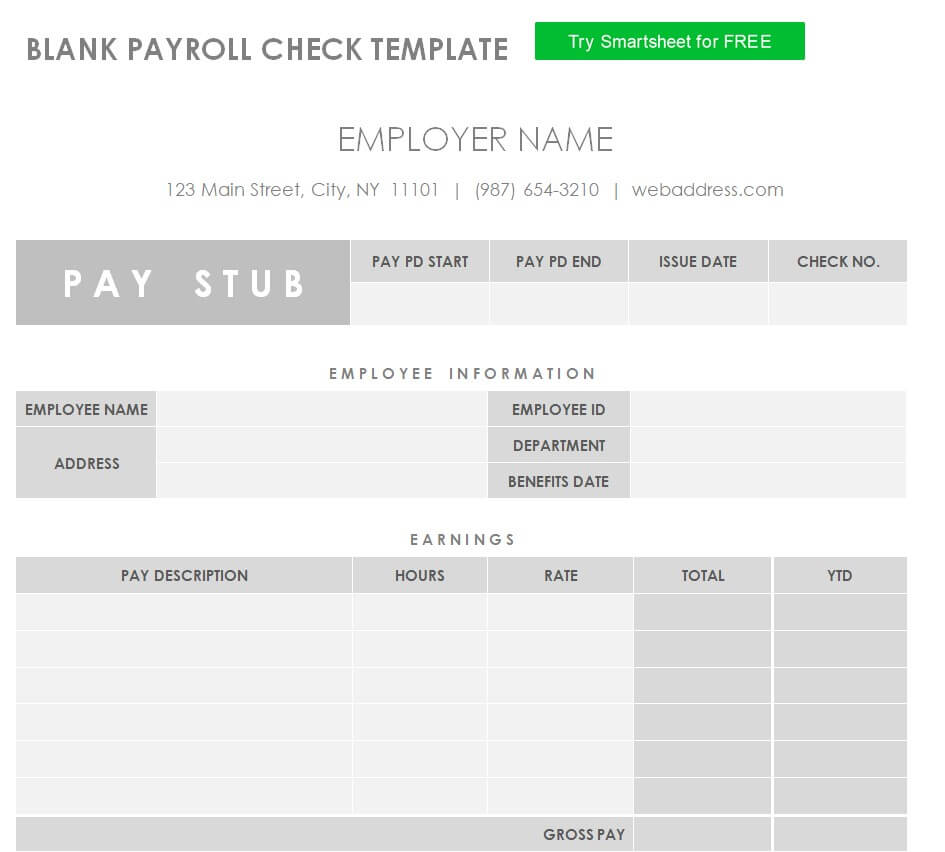
Blank Payroll Check Template
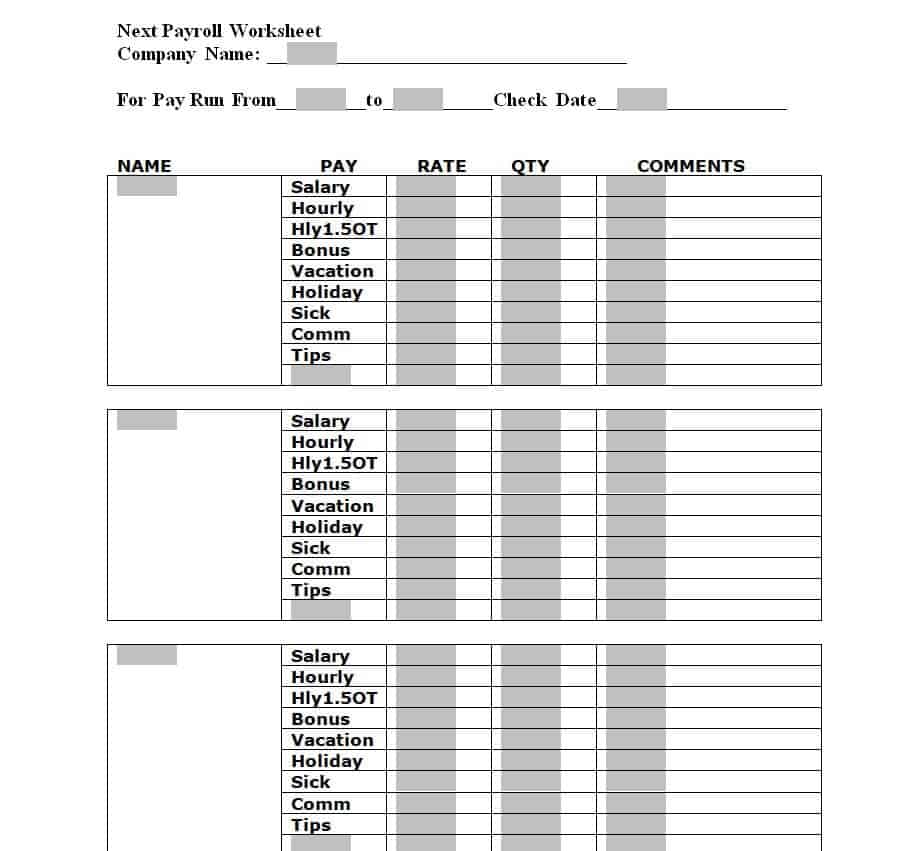
Next Payroll Worksheet Example
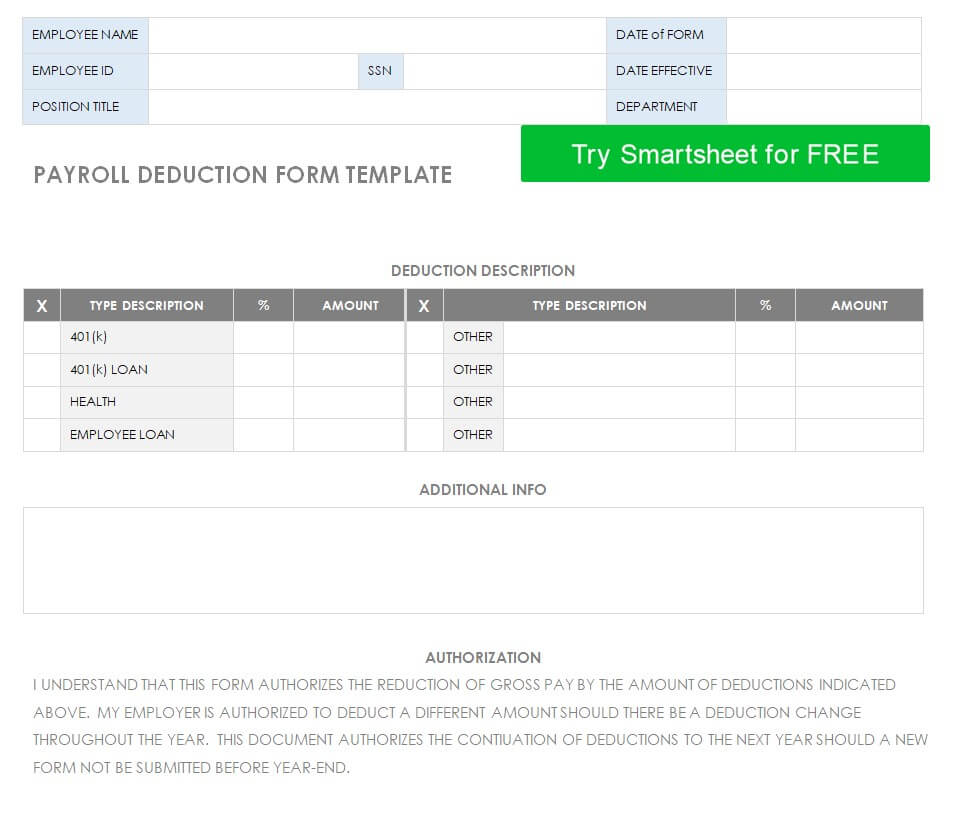
Payroll Deduction Form Template in MS WORD
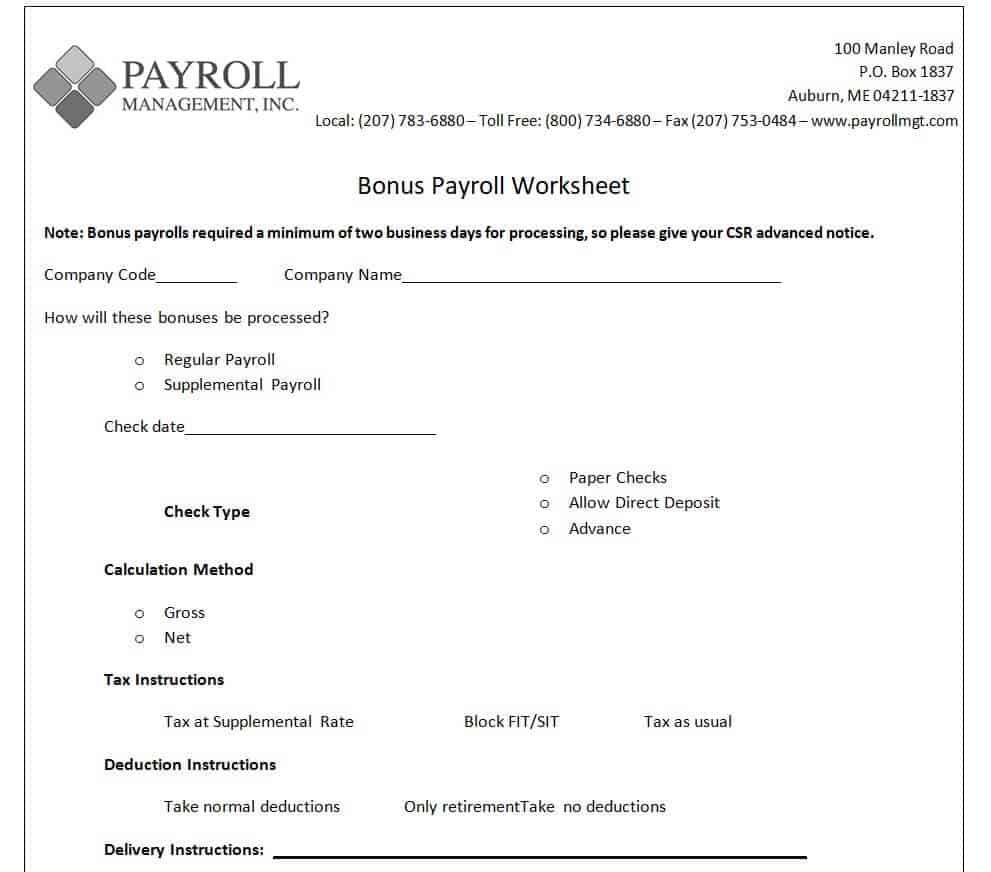
Bonus Payroll Worksheet WORD Sample
How to Calculate Payroll Step by Step
- Collect employee data. Confirm each employee’s pay rate, tax status, and hours worked from a timesheet or time card.
- Calculate gross pay. For hourly staff, multiply regular hours by the hourly rate and add overtime at the overtime rate. For salaried staff, divide the annual salary by the number of pay periods.
- Add extras. Include bonuses, commissions, and allowances.
- Subtract deductions. Deduct taxes, insurance, retirement contributions, and other withholdings.
- Find net pay. Net pay equals gross pay minus total deductions.
- Record and pay. Save the payroll register, issue payments, and provide pay slips.
For example, an employee who earns $20 per hour and works 40 regular hours plus 5 overtime hours at 1.5 times the rate earns $800 in regular pay and $150 in overtime, for gross pay of $950 before deductions.
How to Use a Payroll Template in Excel
Download the template, open it in Microsoft Excel, and enter your company name and pay period. Add each employee’s name and pay rate, then input hours or salary. Check that the built-in formulas for gross pay, deductions, and net pay are correct for your location, and adjust tax percentages if needed. Save a fresh copy every pay period, and keep files in a secure, password-protected folder because payroll data is sensitive.
Payroll Best Practices for Small Businesses
Pay on a consistent schedule, keep accurate time records, and document every change to pay rates. Back up your files regularly and limit access to people who need it. Review each payroll for errors before payment, reconcile totals with your bank statement, and keep records for the period required by your local law. If your team grows or your tax situation becomes complicated, consider moving to dedicated payroll software or a payroll service.
Payroll Template FAQs
Are these payroll templates really free?
Yes. You can download and edit them for free for personal and business use.
Can I edit the payroll templates in Excel and Word?
Yes. The Excel files include editable formulas, and the Word files can be typed in or printed and filled by hand.
What is the difference between a payroll register and a pay stub?
A payroll register lists pay details for all employees in a period. A pay stub, or payslip, shows one employee’s earnings and deductions.
How often should I run payroll?
Weekly, biweekly, semi-monthly, and monthly schedules are all common. Some regions have legal minimum requirements, so check local rules.
Do these templates calculate taxes automatically?
Some include basic formulas, but tax rates differ by location and change over time, so verify the rates or ask an accountant.
How long should I keep payroll records?
Retention rules vary by country and state, but keeping records for several years is common. Confirm your local requirement.
Is an Excel payroll template enough for my business?
It works well for small teams with simple pay structures. Larger or more complex businesses may benefit from payroll software.




You must be logged in to post a comment.