Your wedding guest list is the foundation of your entire wedding plan. It decides your budget, your venue size, your seating chart, your catering order, and even the number of invitations you print. A well-organized guest list also lets you track RSVPs, meal choices, addresses, and gifts in one place, so nothing gets lost in the excitement.
The free wedding guest list templates below are available in Word, Excel, and PDF formats. Choose a layout, download it in one click, and start adding names today.
Why a Wedding Guest List Comes First
Before you book a venue, choose a menu, or send out invitations, you need to know roughly how many people are coming. Most wedding costs are per person, so the guest count directly affects your budget. A guest list also helps you:
- Estimate the total budget for food, drinks, favors, and rentals.
- Select a venue with the right capacity.
- Plan seating and tables in advance.
- Track wedding invitations and RSVP responses.
- Record wedding gifts so thank-you notes go out on time.
Download Free Wedding Guest List Templates
Each template below has a preview and a download button. Pick the format that suits you: Excel for sorting and counting, Word for editing text, or PDF for printing.
1. Wedding Guest List WORD Template
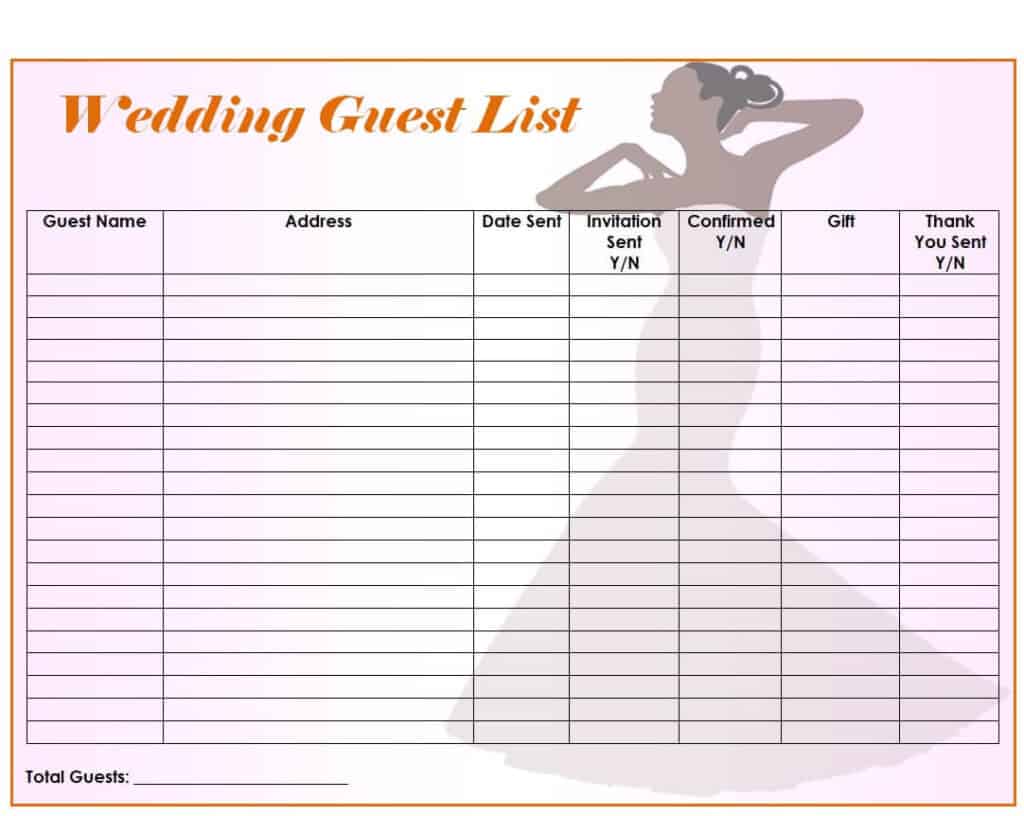
2. Ultimate Wedding Guest List Excel Template
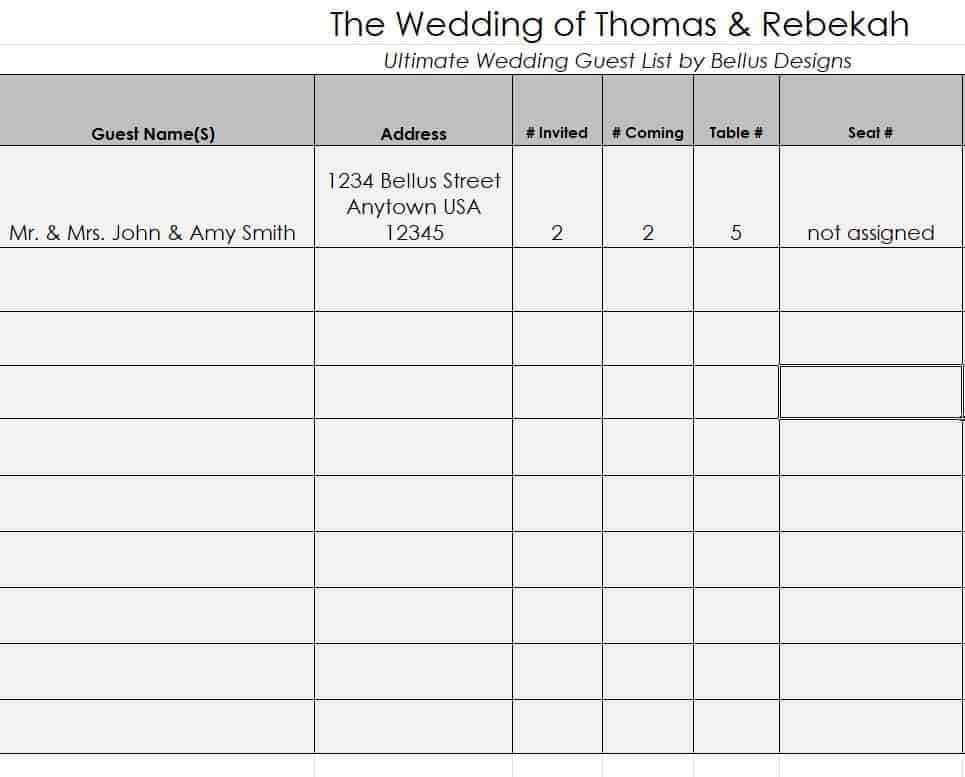
3. Online Wedding Guest List Tracker
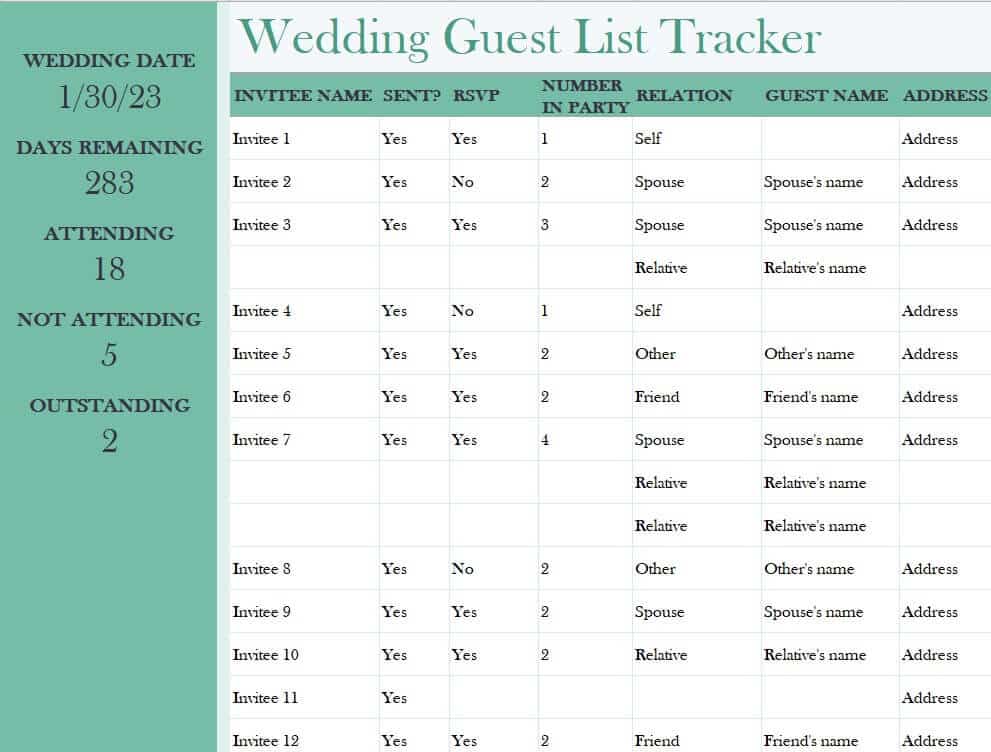
4. Free Printable Wedding Guest List Template
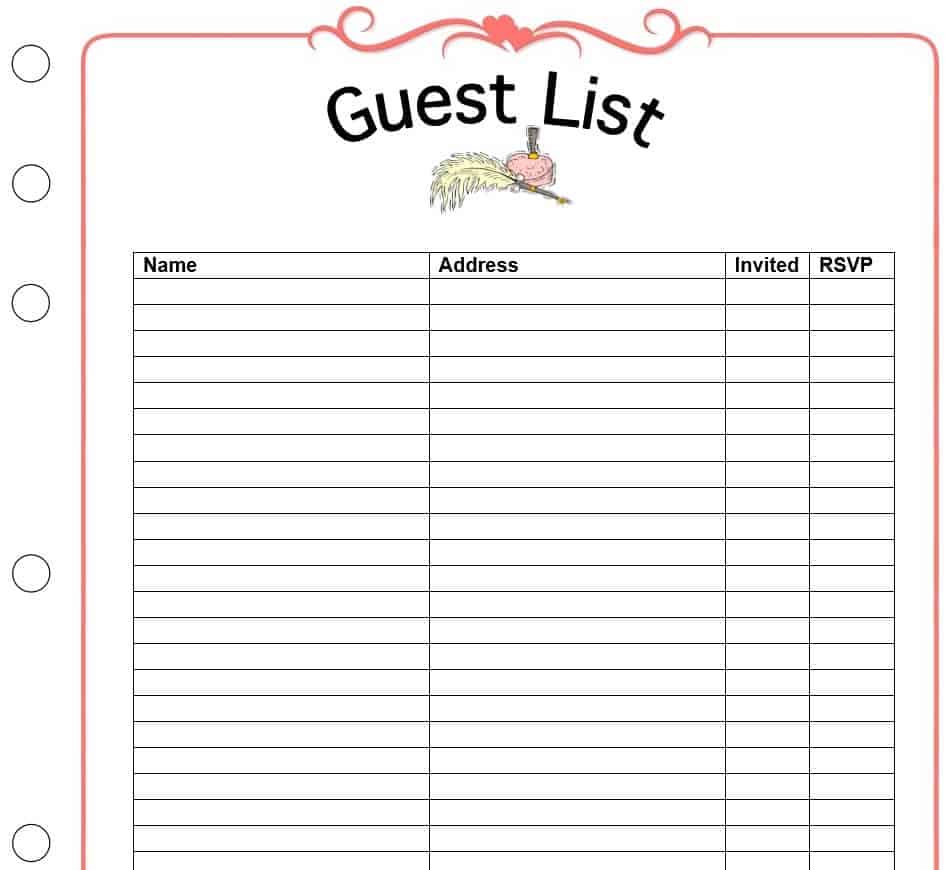
5. Blank Wedding Guest List Example
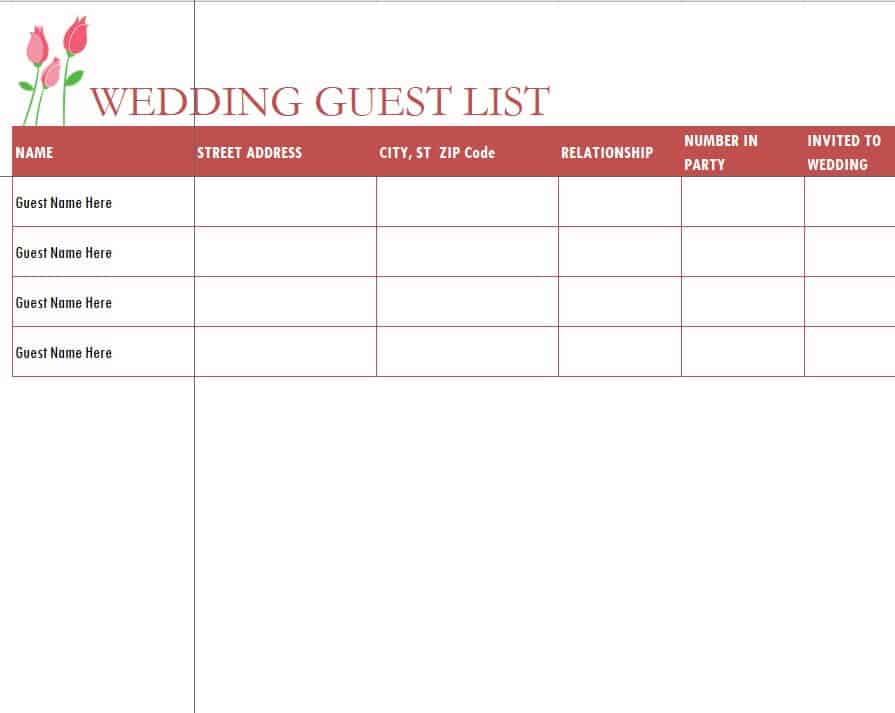
6. Fillable Wedding Guest List Sheet Sample
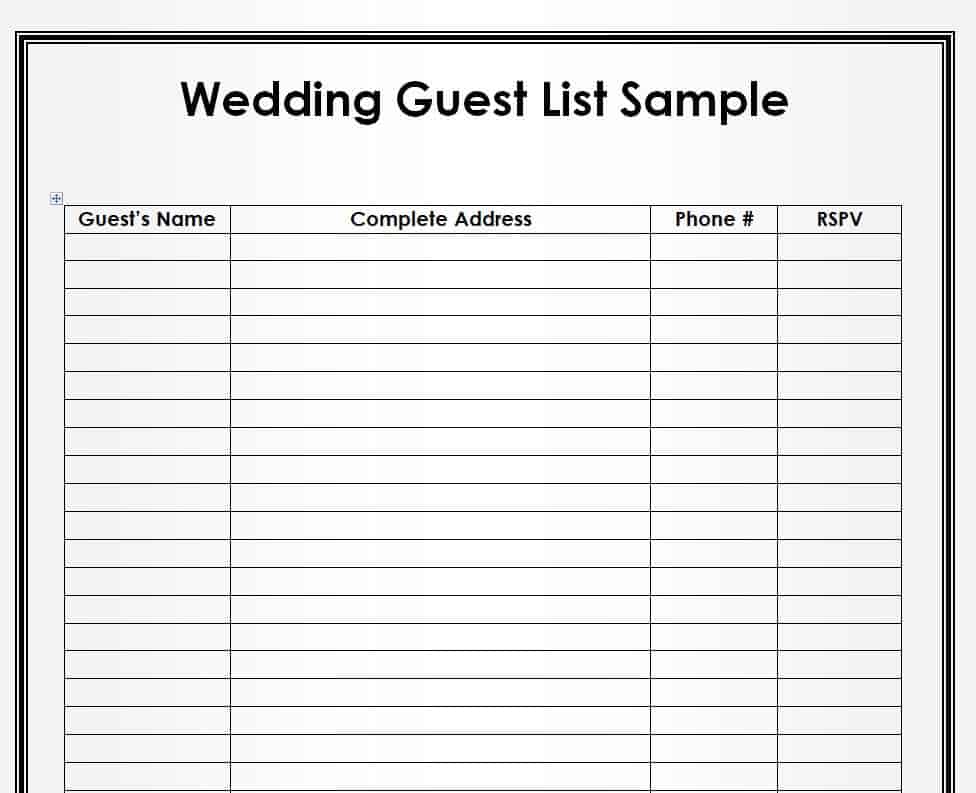
7. Official Wedding Guest List Template
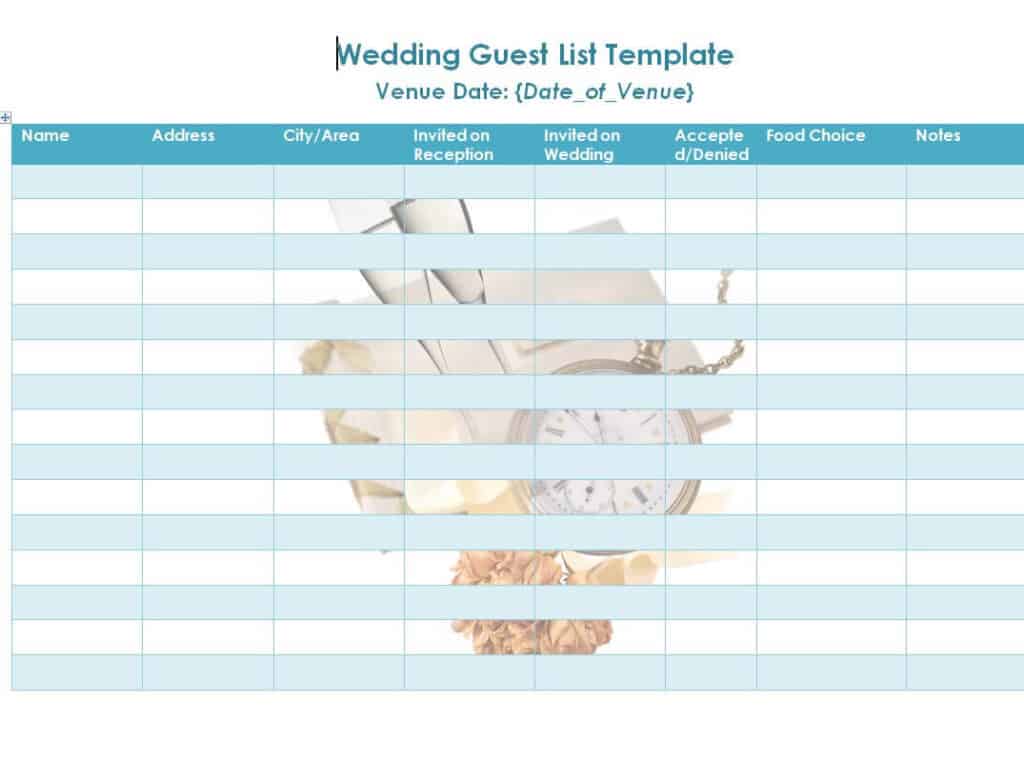
8. Wedding Invitation List Sample
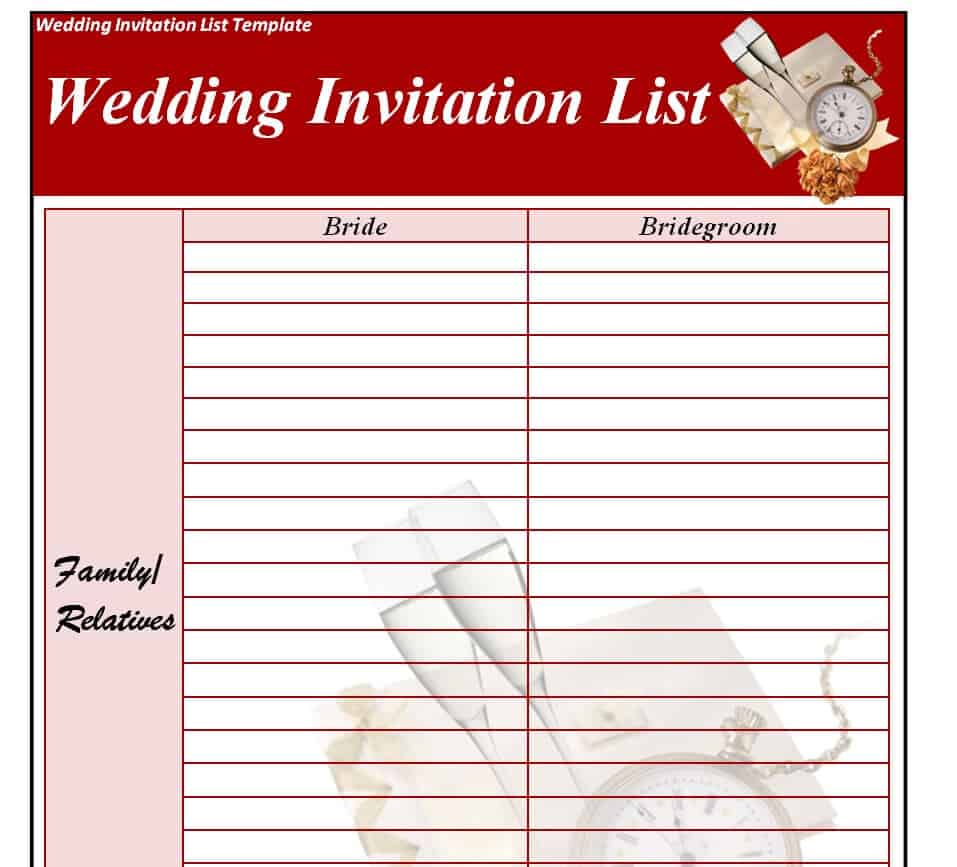
9. Free Editable Blank Wedding Guest List
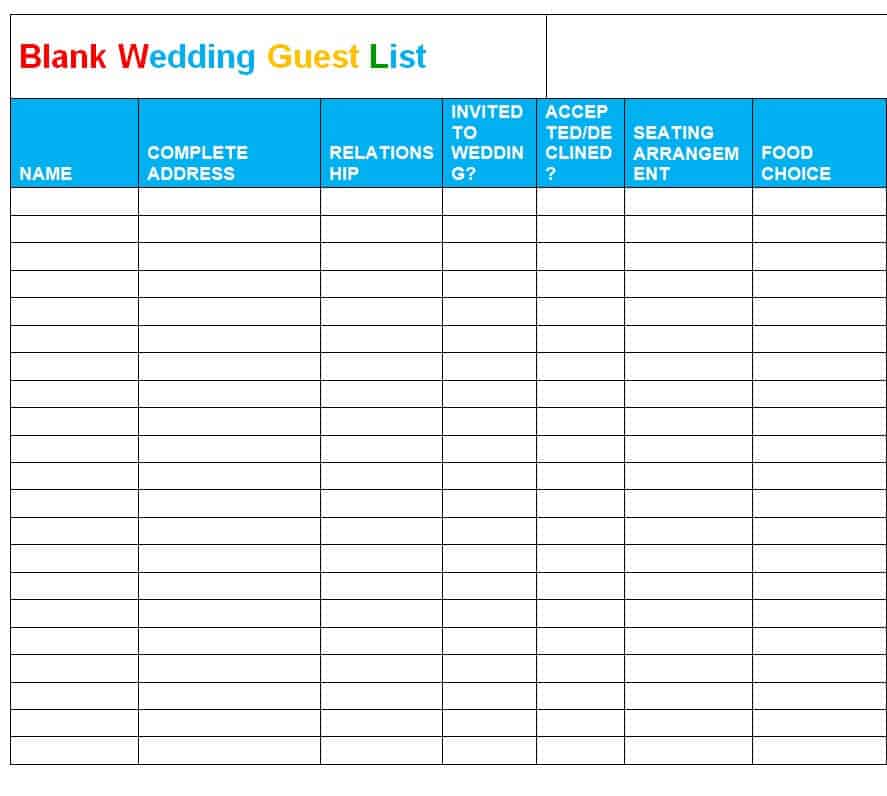
10. Wedding Guest List Template PDF Format
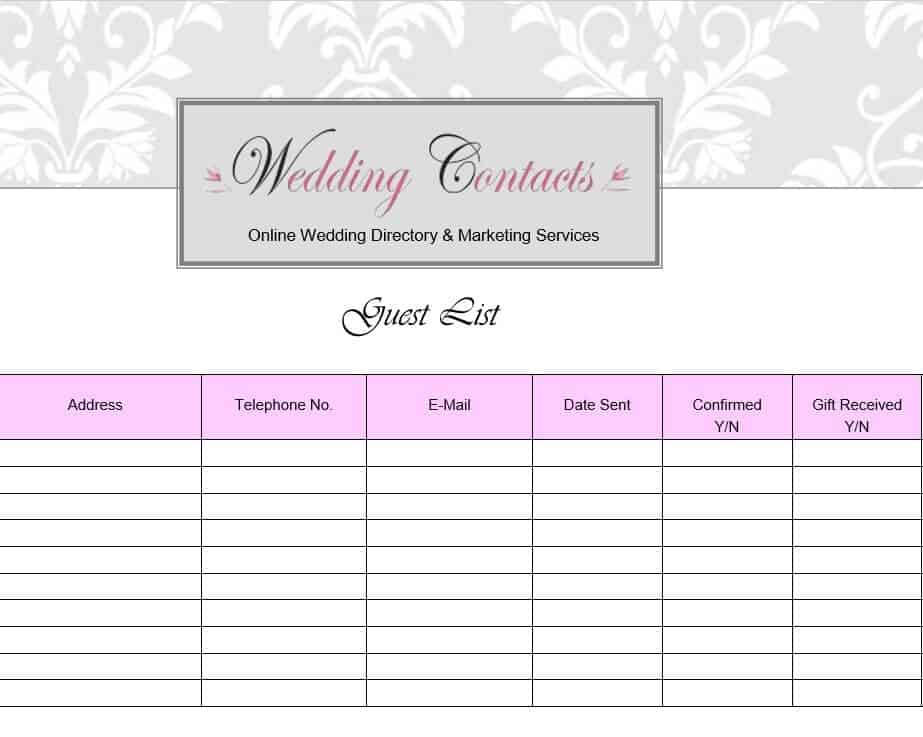
11. Practical Wedding Guest List Template in XLSX Format
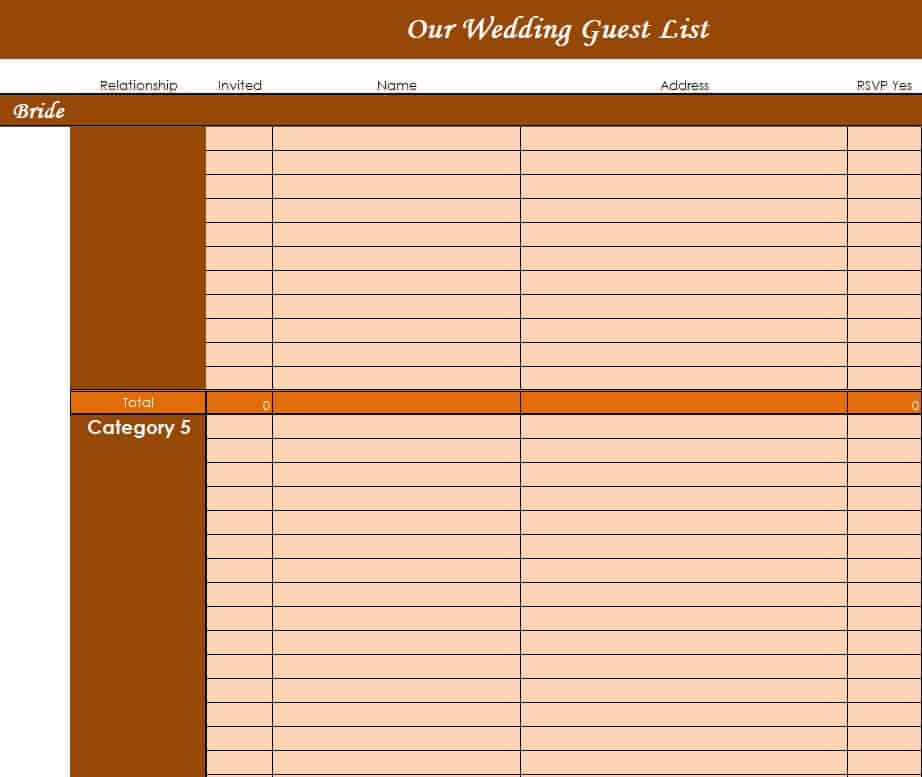
12. Basic Wedding Guest List Sheet
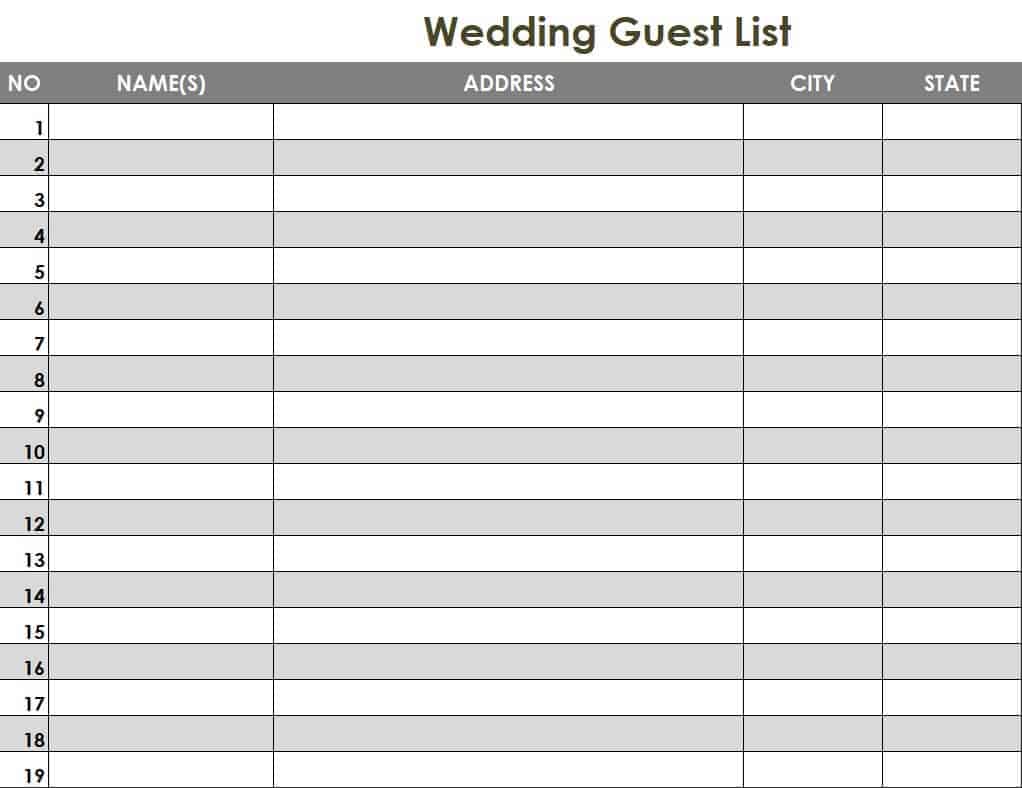
13. Wedding Guest List Tracker Sample
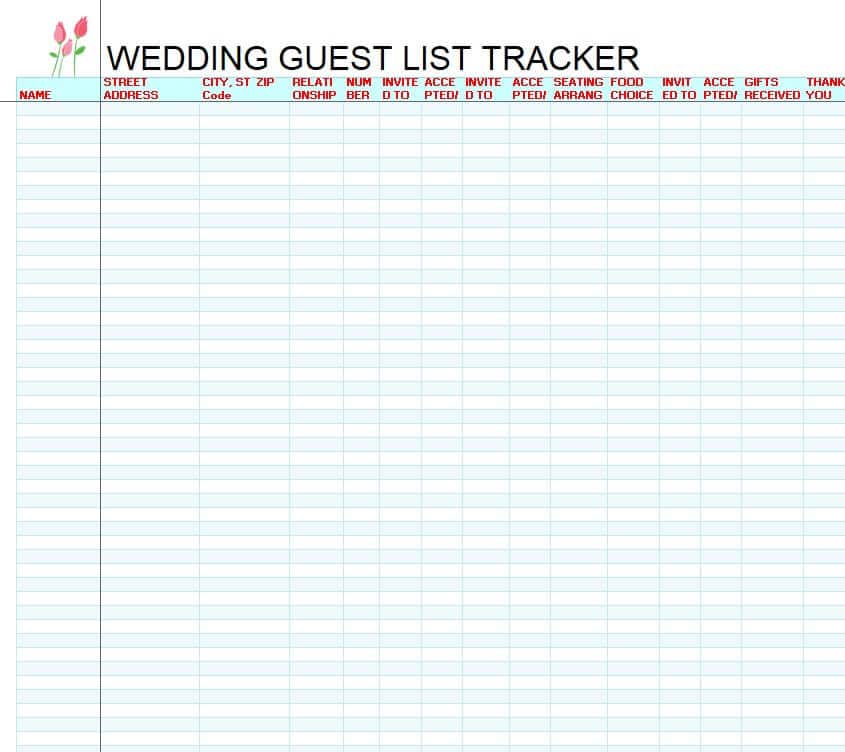
14. Wedding Guest List Planner Free
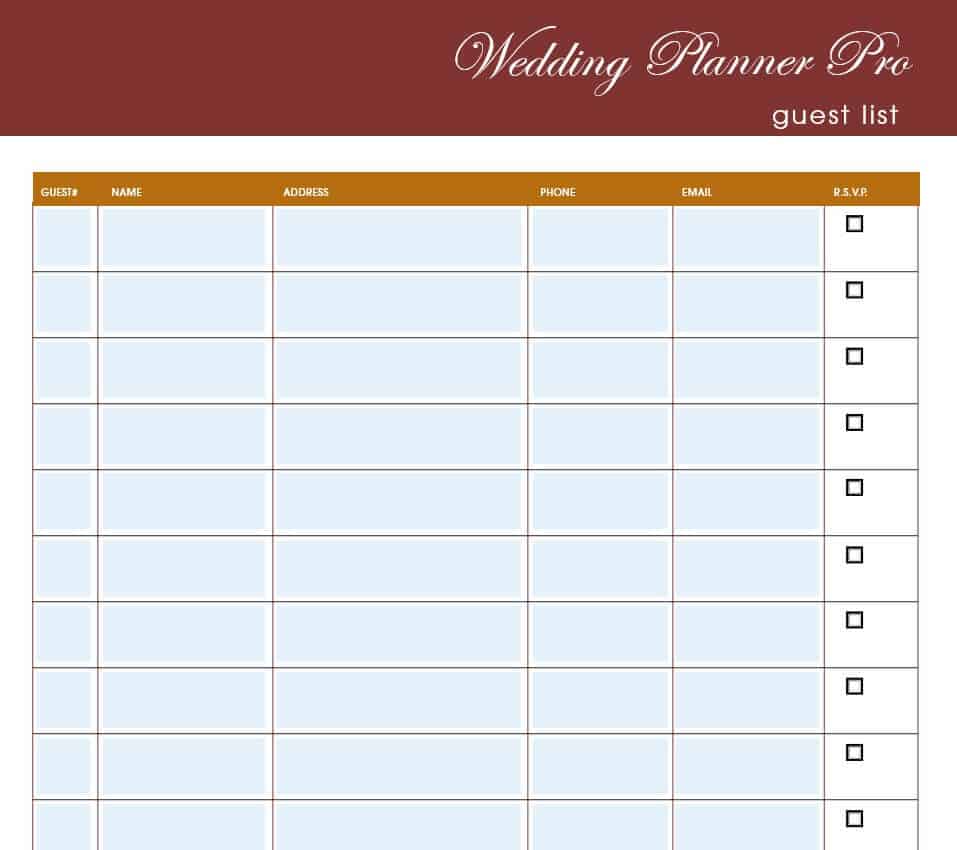
What to Include in a Wedding Guest List
A useful wedding guest list usually contains these fields. Add or remove columns to suit your plans:
- Names of the couple and the wedding date at the top of the sheet.
- Guest full name and any plus-one or family members.
- Side or group: bride’s side, groom’s side, friends, coworkers, or family.
- Contact details: postal address, phone number, and email.
- Invitation status: sent, delivered, or pending.
- RSVP status: yes, no, or maybe, plus number attending.
- Meal choice and dietary needs: vegetarian, allergies, or kids’ meals.
- Table number for seating arrangements.
- Gift received and thank-you sent so you can keep track.
How to Make a Wedding Guest List Step by Step
Step 1: Set Your Budget and Maximum Headcount
Decide how much you can spend and estimate the cost per guest. This gives you a realistic upper limit on the guest count before you start writing names.
Step 2: Brainstorm Everyone You Would Like to Invite
Each partner, and any parents who are contributing, should write a wish list. Start with immediate family, then close friends, extended family, coworkers, and neighbors.
Step 3: Sort Guests into A, B, and C Lists
Place must-invite guests on the A list, nice-to-have guests on the B list, and optional guests on the C list. If some A-list guests decline, you can invite B-list guests.
Step 4: Add Contact Details
Collect addresses and emails early. Accurate details save time when addressing envelopes or sending a digital invitation.
Step 5: Send Invitations and Track RSVPs
Send save-the-dates several months ahead and formal invitations six to eight weeks before the wedding. Update the tracker whenever a reply comes in.
Step 6: Finalize the Count
Give your caterer and venue the final headcount by their deadline. Use your template to build the seating chart from the confirmed list.
Tips for Managing Your Guest List
- Agree on rules for children, plus-ones, and coworkers before you start.
- Expect around 10 to 20 percent of invited guests to decline.
- Keep one master list to avoid duplicate invitations.
- Use Excel filters to sort by side, table, or RSVP status.
- Back up your file and share it with your partner or planner.
Frequently Asked Questions (FAQs)
How do I make a wedding guest list in Excel?
Create columns for name, side, address, RSVP, meal choice, and table. Use a count formula to total confirmed guests. Or download one of the Excel templates above and start typing.
Who should be on a wedding guest list?
Start with close family and friends, then add extended family, coworkers, and neighbors as your budget and venue allow.
How many guests should I invite to my wedding?
It depends on your budget and venue. Small weddings have under 50 guests and average weddings run 100 to 150. Plan for some invited guests to decline.
Are these wedding guest list templates free?
Yes. Every template on this page is free to download and edit in Word, Excel, or PDF.
Can I print the guest list templates?
Yes, all templates print on standard letter or A4 paper, so you can fill them in by hand if you prefer.
Should I include children on the guest list?
That is up to you. Decide early, and add an “adults only” note on the invitations if needed. You can add an age column to your template to track children.
How do I track RSVPs?
Add an RSVP column with yes, no, or pending, and a column for the number attending. The tracker templates above include these fields.




You must be logged in to post a comment.