A well-designed business card is still one of the simplest and most effective ways to introduce yourself. It puts your name, role, phone number, email and company details in someone’s hand, and it helps people remember you long after a meeting is over. Even in a digital world, a physical card makes a strong first impression.
If you do not want to pay a designer or printing agency, free business card templates are a great option. This page offers 10 free business card templates in Word and PowerPoint formats. Download one, add your details, and print professional-looking cards from your own computer.
Why Business Cards Still Matter
Business cards are a direct marketing tool that fits in a pocket. When someone asks for your contact details, handing over a card is faster and more polished than writing them down. It also shows that you are prepared and serious about your work.
- Easy networking: cards make it simple to exchange details at meetings, events and conferences.
- Brand visibility: your logo, colors and tagline stay in front of prospects.
- Sales support: customers have your contact details ready when they want to buy or ask a question.
- Professional image: a neat, consistent card reflects the quality of your business.
- Low cost: printing your own cards from a template costs only paper and ink.
What to Include on a Business Card
A business card has very little space, so include only what matters:
- Your name: in a larger, clear font.
- Job title or profession: such as sales representative, photographer or financial consultant.
- Company name and logo: for brand recognition.
- Phone number: a number where you can be reached directly.
- Email address: preferably a professional address using your business domain.
- Website or social profile: where people can see your work or services.
- Business address: if customers visit your location.
- Tagline or short service list: optional, if space allows.
Business Card Design Tips
- Choose a readable font of at least 8 to 10 points for contact details.
- Limit yourself to two fonts and a small set of colors that match your brand.
- Leave some white space so the card does not look crowded.
- Use high-contrast text, such as dark text on a light background, so it is easy to read.
- Use a high-resolution logo to avoid a blurry print.
- Check spelling, phone numbers and email addresses before printing.
- Match the style to your profession. A creative photographer can use a bold layout, while a financial consultant may prefer a clean, classic look.
Free Business Card Templates
Choose from the templates below. Each download comes as a zip file that you can open in Word or PowerPoint and edit with your own details.
Free Editable Business Card Template
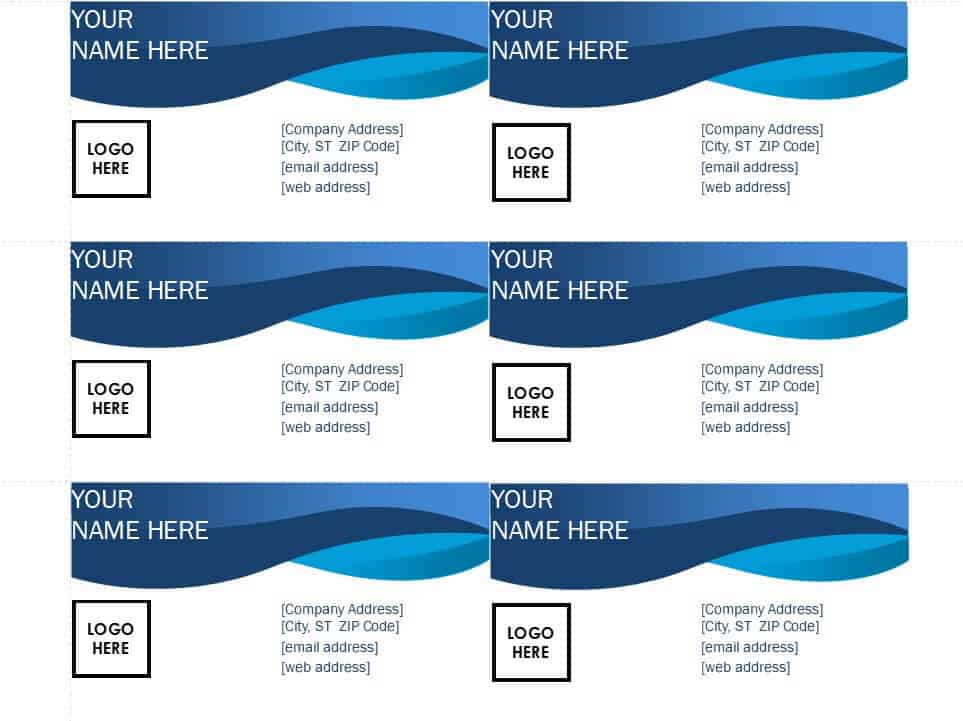
Download Free Editable Business Card Template
Executive Business Card Template WORD
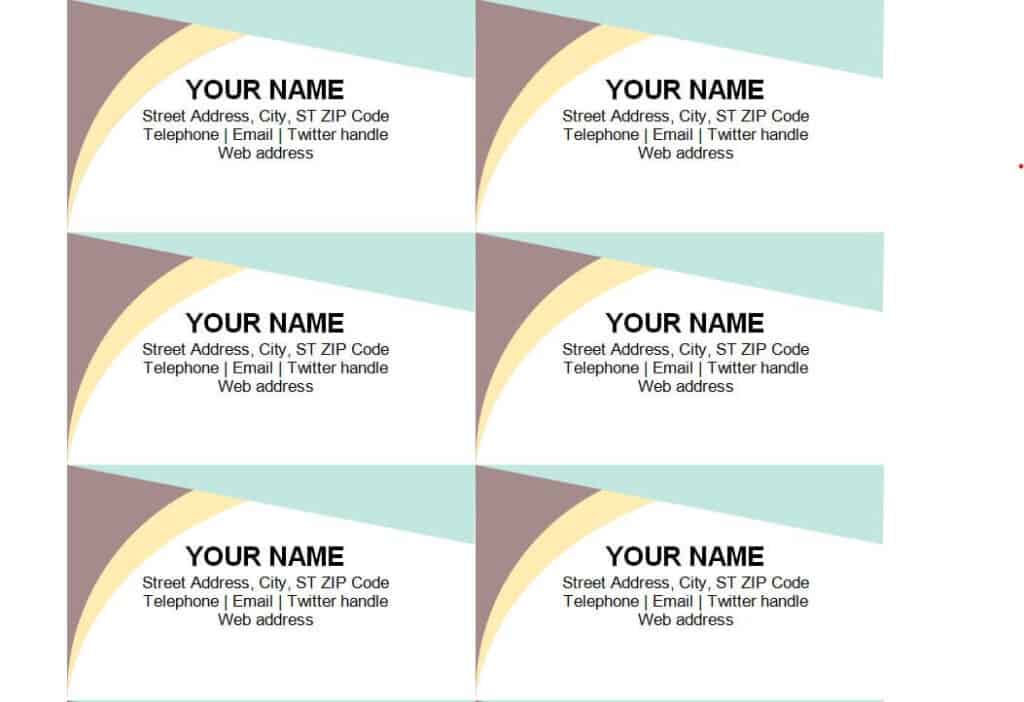
Download Executive Business Card Template
Professional Business Card Template in DOC Format
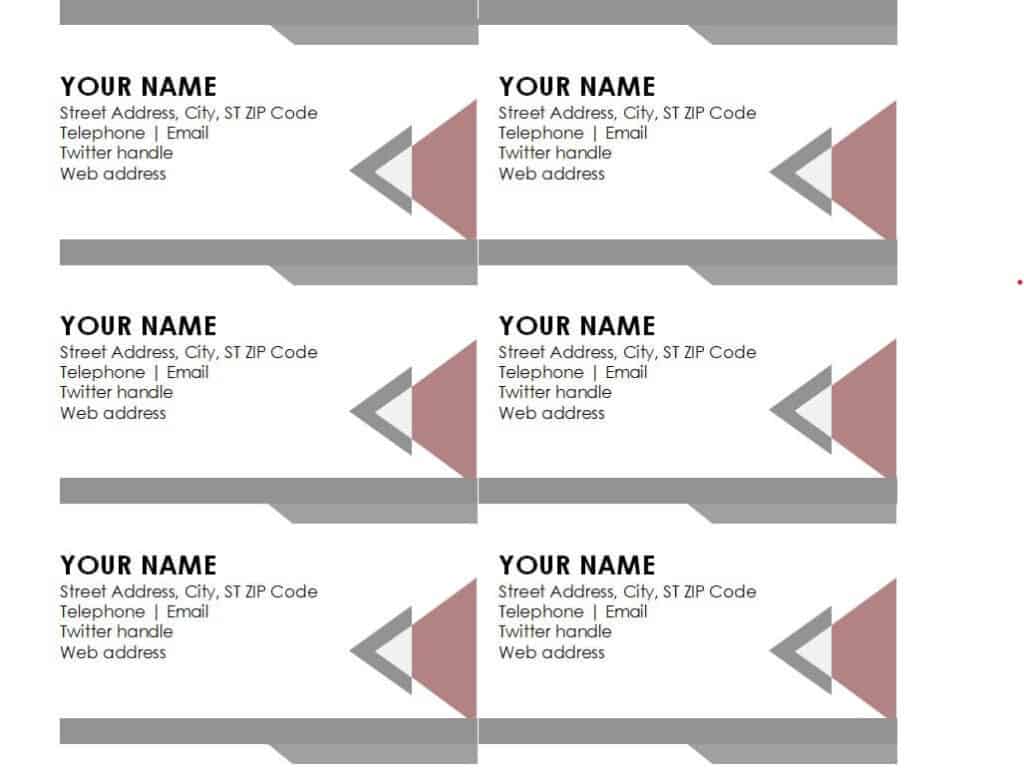
Download Professional Business Card Template
Photographer’s Business Card Template in PowerPoint
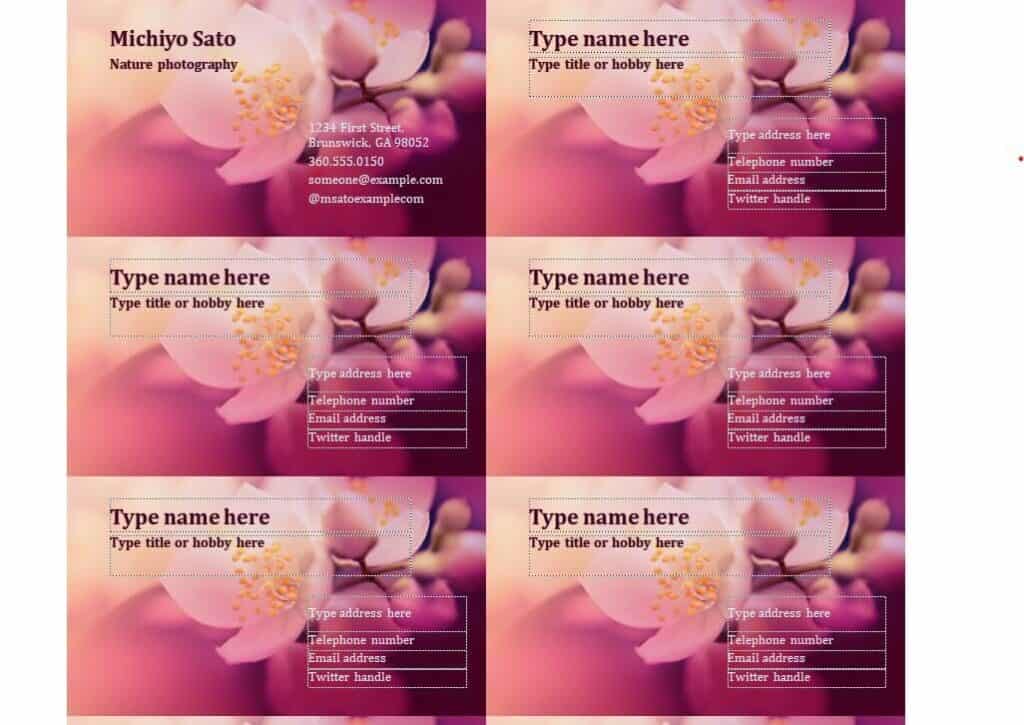
Download Photographer’s Business Card Template
Financial Consultant’s Business Card Template
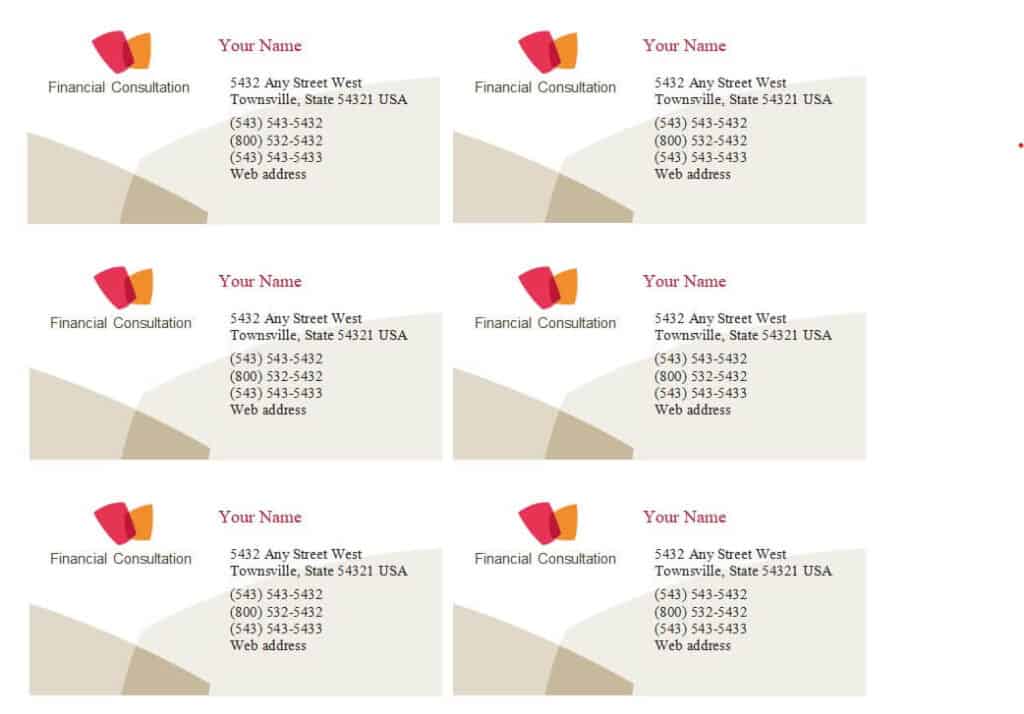
Download Financial Consultant’s Business Card Template
Sales Representative Business Card Example
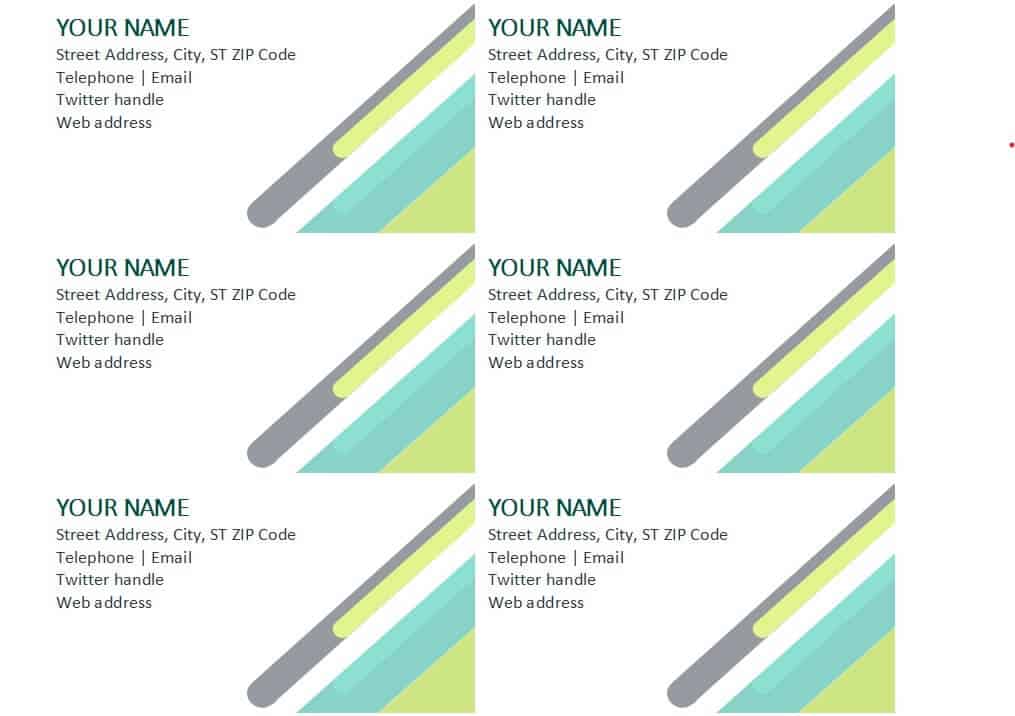
Download Sales Representative Business Card
Official Business Card Word Template
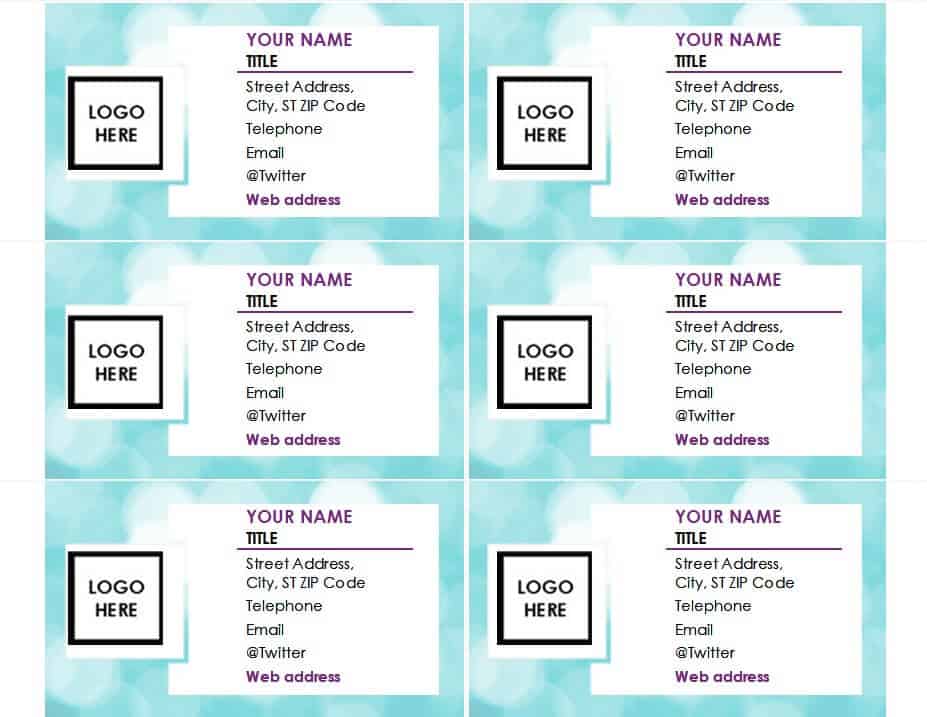
Download Official Business Card Template
Free Printable Business Card Template
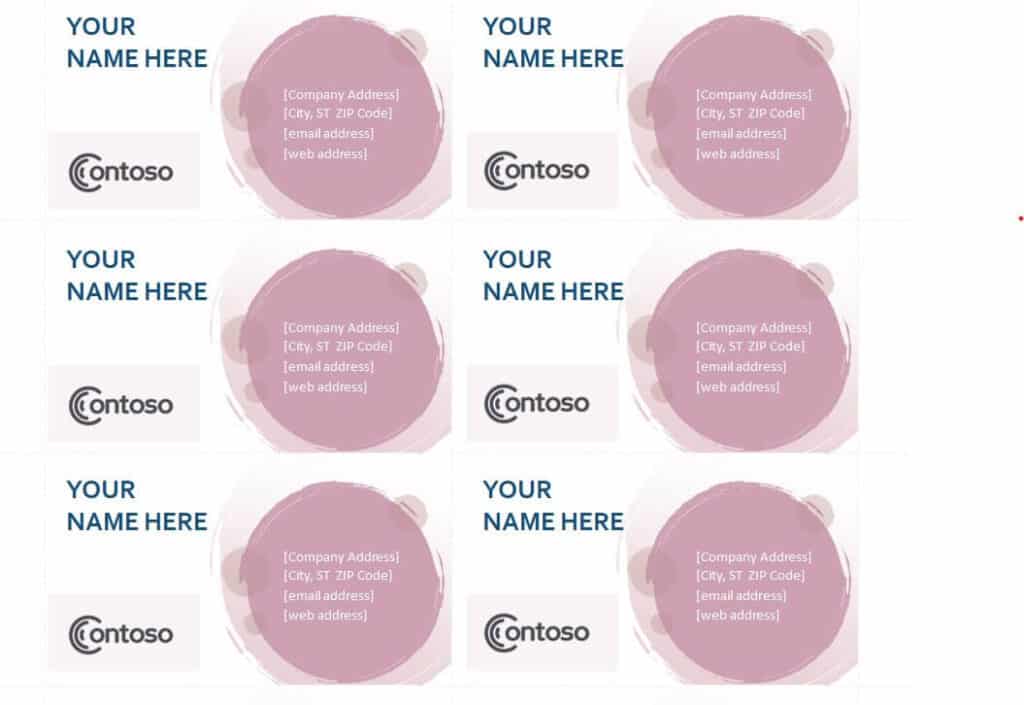
Download Free Printable Business Card Template
Business Card Template in PPT Format
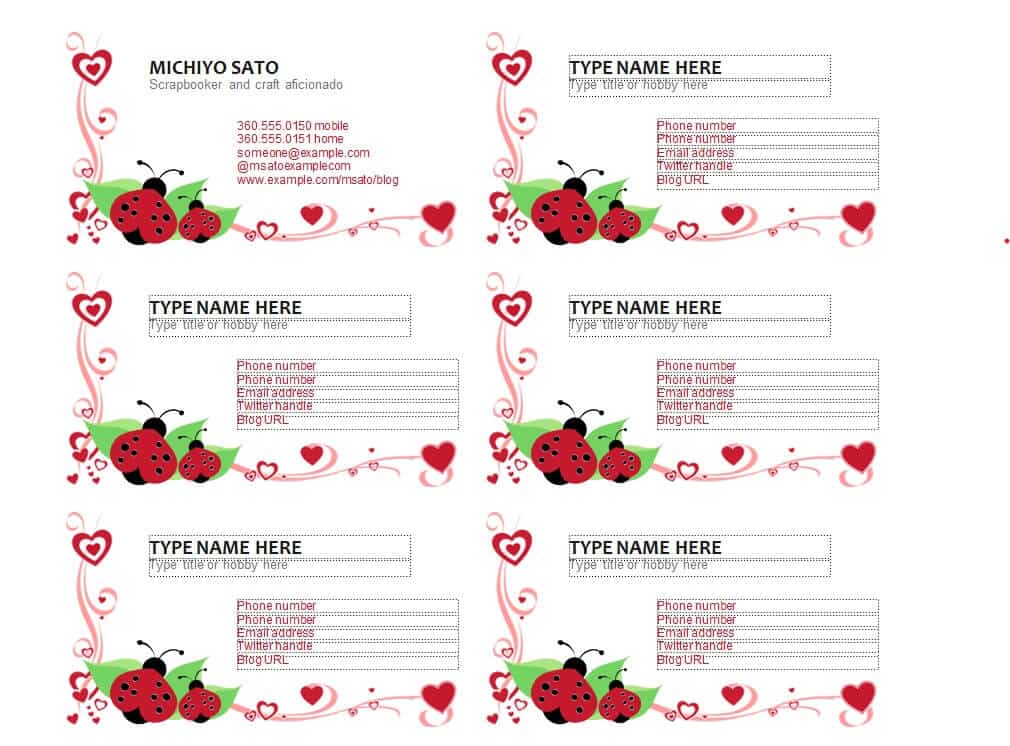
Download Business Card Template in PPT
Company Employee’s Business Card Word Template
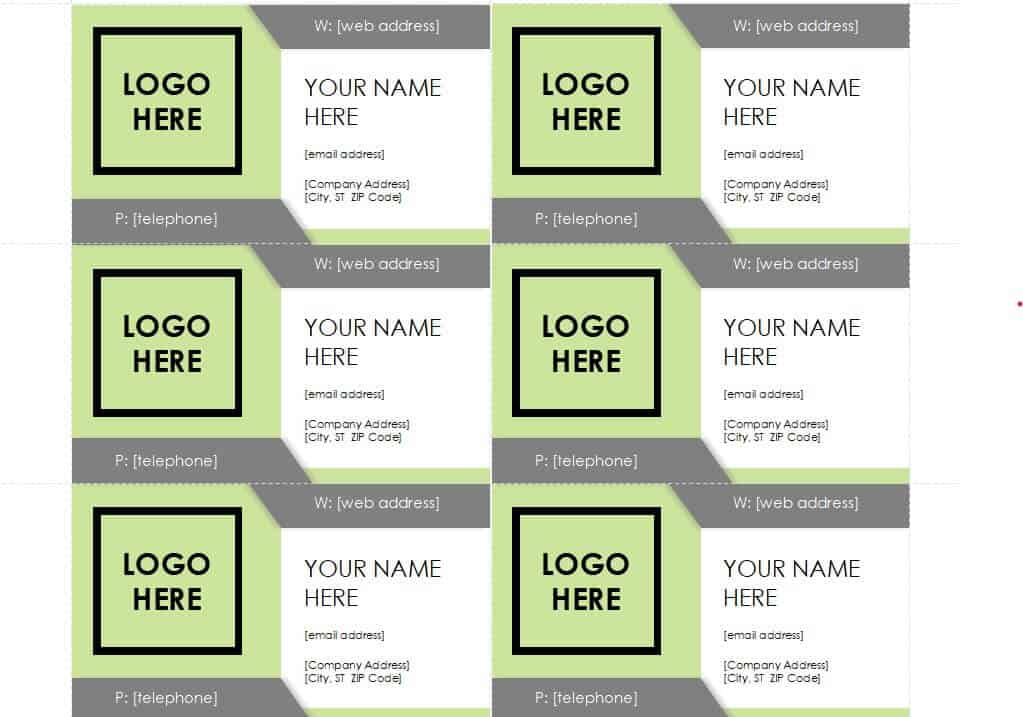
Download Company Employee’s Business Card Template
How to Make Business Cards from a Template
- Pick a design. Choose a template that fits your industry and personality.
- Download and open the file. Extract the zip file and open the template in Word or PowerPoint.
- Replace the placeholder text. Type your name, title, company and contact details.
- Add your logo. Insert your logo and place it where the template suggests.
- Adjust colors and fonts. Match your brand while keeping the text easy to read.
- Proofread. Check every letter and number, especially your phone number and email address.
- Print a test. Print one page on plain paper to check the size and alignment.
- Print on cardstock. Use thick card or perforated business card sheets, then cut neatly if needed.
Standard Business Card Sizes
In the United States and Canada, the standard business card size is 3.5 by 2 inches. Other regions often use slightly different sizes, such as 85 by 55 millimeters in much of Europe. Check the page size of the template you use, and choose card paper that matches so your printing lines up.
Frequently Asked Questions (FAQs)
Are these business card templates free?
Yes. Every template on this page is free to download and edit for your personal or business use.
Can I edit the templates in Microsoft Word?
Yes. Most of the templates are in Word format, and some are available for PowerPoint. Open the file, replace the sample text with your own details and save.
What size should a business card be?
The standard size in the United States is 3.5 x 2 inches. Other regions may use 85 x 55 mm or similar sizes. Match your paper and template to the size you need.
What information should I put on a business card?
Include your name, job title, company name, phone number, email address and website. Add a logo and address if they are useful for your business.
Can I print business cards at home?
Yes. Use a printer with good quality and cardstock or pre-cut business card sheets. Print a test page first to check alignment.
Should I use both sides of the card?
You can. Many people keep the front simple with contact details and use the back for a logo, a short list of services or a QR code linking to their website.
How many business cards should I print?
Start with a small batch, such as 50 to 100 cards. That gives you enough for events and meetings, and it is easy to update your design if your details change.
Final Thoughts
A clean, professional business card helps you stand out and gives people an easy way to reach you. With 10 free templates to choose from, you can create a card that fits your profession and personality in just a few minutes. Download a design, add your details and print your cards with confidence.


You must be logged in to post a comment.