Whether you need a handyman to fix damage at home, a technician to repair a computer or help from a customer service team, the first step is usually the same: filling out a service request form. It gives the provider a clear, written description of the problem so they can respond quickly and correctly. For businesses, a good form turns scattered phone calls and emails into an organized, trackable process.
This page offers 11 free service request form templates in Word format. They cover general service requests, computer and material requests, customer service requests and more. Download one, add your company name and fields, and start collecting requests in a professional way.
What Is a Service Request Form?
A service request form is a document that a customer, client or employee fills out to ask for a service. It captures who is asking, what they need, where and when the service is needed, and how urgent it is. The service provider uses the details to understand the issue, plan the work and follow up.
It is used in many industries, including home repair, IT support, facilities management, healthcare, education and customer service departments. Whenever service needs to be requested and tracked, a form makes the process more consistent.
Why Use a Service Request Form?
- Clear communication: The customer explains the problem in detail, so the provider can understand it and suggest suitable solutions.
- Faster response: Contact details and problem descriptions are already on the form, so nobody has to chase missing information.
- Organized workflow: Each request becomes a record you can assign, prioritize and close.
- Better tracking: A form number or date helps you check the status and see how long requests take.
- Accountability: A written request shows exactly what was asked for and when.
- Professional image: A neat form shows customers that your business is organized and reliable.
What to Include in a Service Request Form
- Company name, logo and contact information of the service provider.
- Request number and date submitted.
- Requester’s name, phone number, email and address or department.
- Type of service requested, such as repair, installation, maintenance or support.
- A detailed description of the problem or need.
- Location of the service and any access instructions.
- Preferred date and time.
- Priority level: low, medium, high or urgent.
- Any equipment, model numbers or materials involved.
- Approval, signature and date fields.
- Office use section for assigned technician, status, cost estimate and completion date.
Types of Service Request Forms
- General service request form: A simple form that works for most industries.
- IT or computer service request form: Records device details, error messages and urgency.
- Maintenance or facility request form: Used by tenants, staff or residents to request repairs.
- Customer service request form: Used to log questions, complaints or account changes.
- Material or goods request form: Used to request supplies, equipment or materials.
- Laboratory or specialist service form: Used to request specialized analysis or services from a lab or department.
11 Free Service Request Form Templates
Click any preview to open the full-size image, or use the download button under it to get the Word file.
Printable Service Request Form
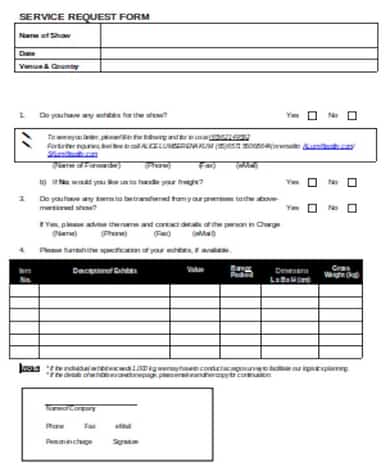

Basic Service Request Form
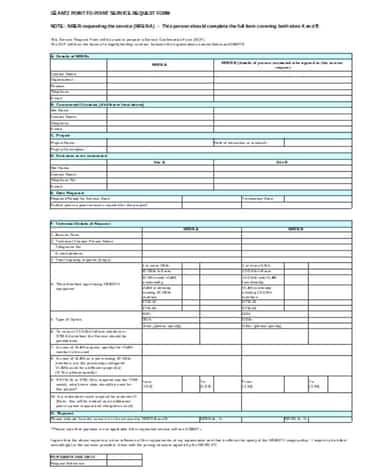
Service Request Form Sample
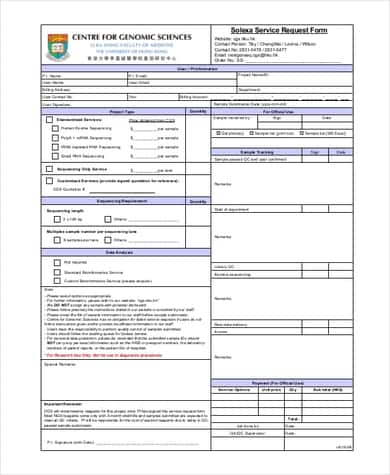
Specialist Analysis Service Request Form
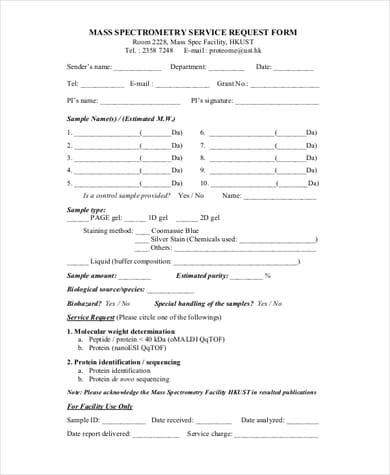
Medicine Service Request Form
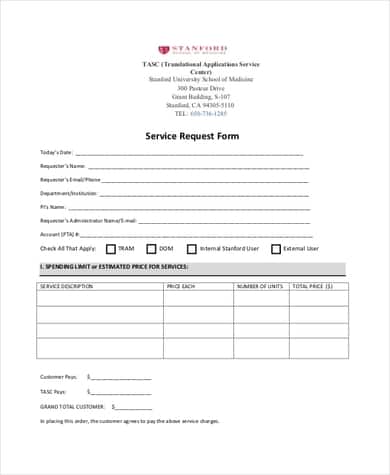
Material Service Request Form
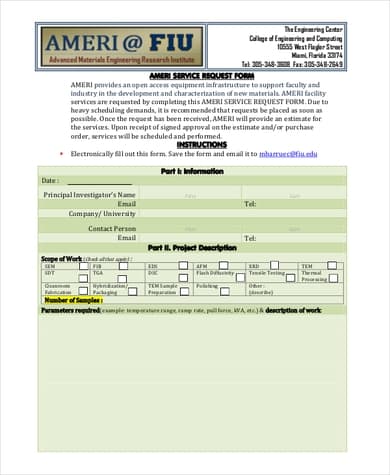
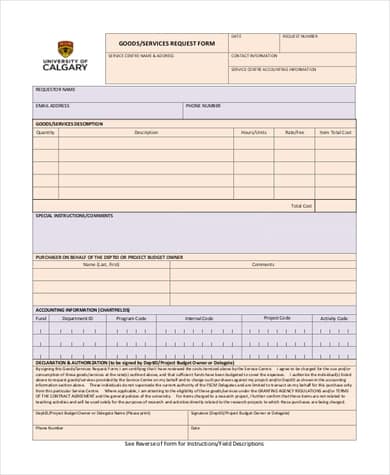
Goods and Services Request Form
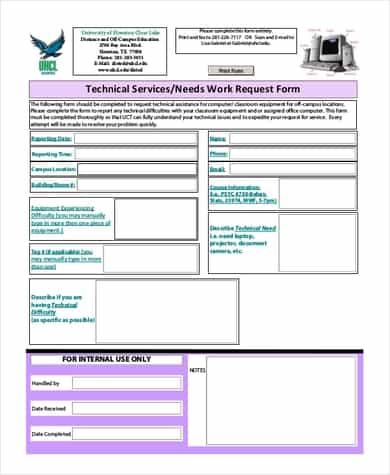
Computer Service Request Form
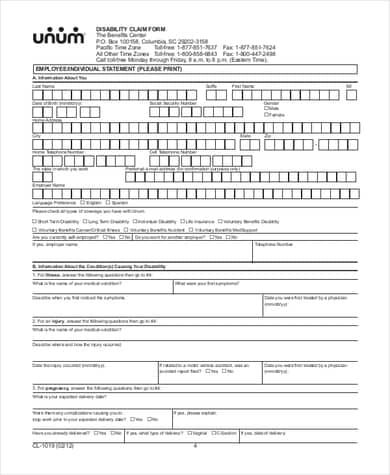
Customer Service Request Form Example 1
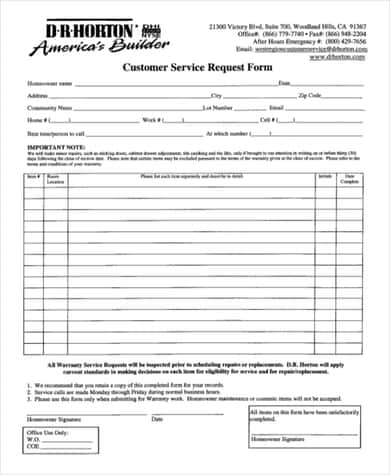
Customer Service Request Form Example 2
Customer Service Request Form
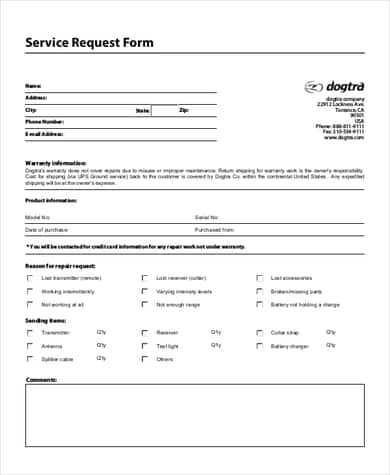
How to Use a Service Request Form
- Choose a template that suits your type of service and download it.
- Open it in Microsoft Word and add your company name, logo and contact details.
- Edit the fields so they match the information you need from customers.
- Add an office-use section for status, technician and completion date.
- Share the form by email, print it, or place it on your website.
- When a request arrives, review it, assign it and confirm receipt with the requester.
- Update the status and record the completion date and any notes.
- Keep completed forms on file, so you can track trends and improve service.
Tips for Better Service Requests
- Keep the form short. Ask only for what you truly need.
- Use clear labels and checkboxes for request types to save time.
- Ask for a specific description, such as when the problem started and any error messages.
- Include an urgency field so critical issues are handled first.
- Confirm every request with a reply that includes the request number.
- Protect customers’ personal information when storing forms.
Frequently Asked Questions (FAQs)
What is a service request form?
It is a document that a customer or employee fills in to request a service. It records who is asking, what is needed, where and when, and how urgent it is.
Who uses service request forms?
Service providers in many fields use them, including repair companies, IT departments, property managers, healthcare providers, schools and customer service teams.
Are these service request form templates free?
Yes. All the templates on this page are free to download and customize for your own business or organization.
Can I edit the templates in Word?
Yes. The downloadable templates are designed to be edited in Microsoft Word, so you can change the wording, add fields and insert your logo.
What is the difference between a service request and a work order?
A service request is what the customer submits to ask for help. A work order is the internal document that assigns and tracks the work needed to complete that request. One service request may lead to one or more work orders.
How do I track service requests?
Give each form a request number, record it in a simple spreadsheet or help desk tool, and update the status as work progresses. Include the date received, assigned person and completion date.
Should I offer an online version of my form?
An online form is convenient for customers and helps keep requests organized, but a printable version is still useful for on-site visits, paper-based offices and customers who prefer paper.
Final Thoughts
A good service request form saves time for both customers and providers. Choose one of these 11 free service request form templates, tailor it to your business, and make it easy for people to ask for help and get a fast, clear response.