A project overview gives everyone involved a clear, quick picture of what the project is, why it matters, and how it will be delivered. Executives, clients, investors, and team members rarely have time to read long documents, so a concise overview helps them understand the goals, scope, timeline, and expected results in a few minutes.
This page offers 13 free project overview templates in Word and PowerPoint formats, including one-page overview sheets, project overview statements, and project management layouts. Below the gallery you will find what to include, how to write a project overview step by step, tips for making it persuasive, and answers to common questions.
What Is a Project Overview?
A project overview is a short document that summarizes the essential facts about a project. It explains the purpose, objectives, scope, deliverables, timeline, budget, team, and expected benefits. It is often the first document stakeholders read, so it needs to be clear, concise, and easy to scan.
A project overview is closely related to a project overview statement, which is used to get approval or funding before the full plan is written. In many organizations the overview also serves as a funding request, so it needs to paint a complete picture of the project and its positive outcomes.
Why Use a Project Overview Template?
- Saves time: A ready structure lets you focus on the content instead of formatting.
- Improves communication: Managers, clients, and investors can see key details at a glance.
- Keeps you concise: Fixed sections stop the document from becoming too long.
- Helps secure approval: A well-organized overview makes a stronger case for funding or sign-off.
- Ensures nothing is missed: Sections prompt you to cover scope, risks, and timeline.
- Easy to update: Edit the file in Word or PowerPoint as the project changes.
What to Include in a Project Overview
- Project name, manager, sponsor, and date
- Background and problem statement
- Project purpose and objectives
- Scope, including what is and is not included
- Key deliverables and milestones
- Timeline with start and end dates
- Budget or estimated cost
- Project team and stakeholders
- Risks, assumptions, and constraints
- Success measures and expected benefits
Project Overview Templates Gallery
Choose the format that fits your audience. Word templates are ideal for written statements and proposals, while PowerPoint templates work well for presentations to executives and clients.
Executive Project Overview Template
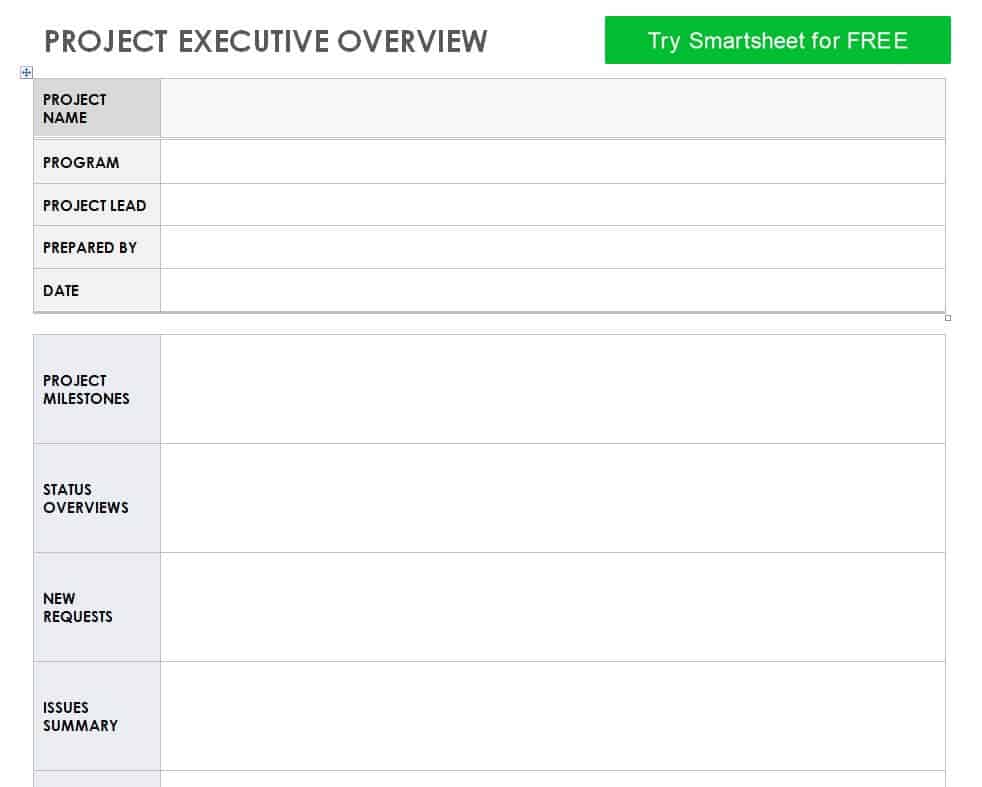
Download Executive Project Overview Template
Project Overview Statement Template
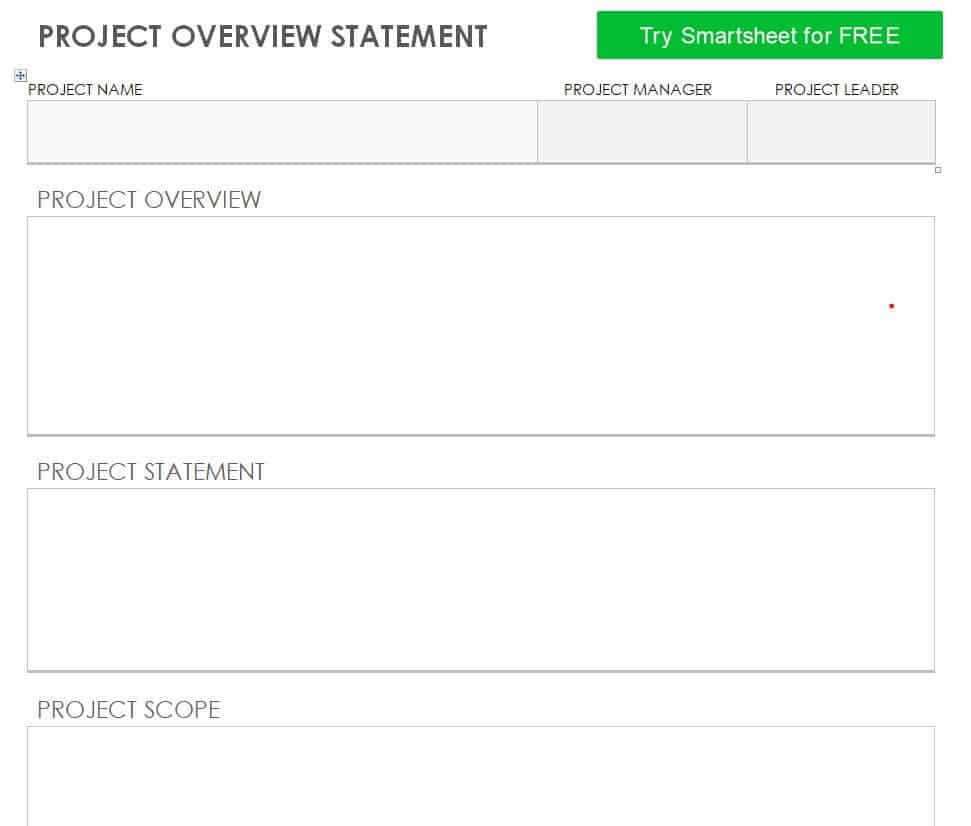
Download Project Overview Statement Template
Project Proposal Overview Template WORD
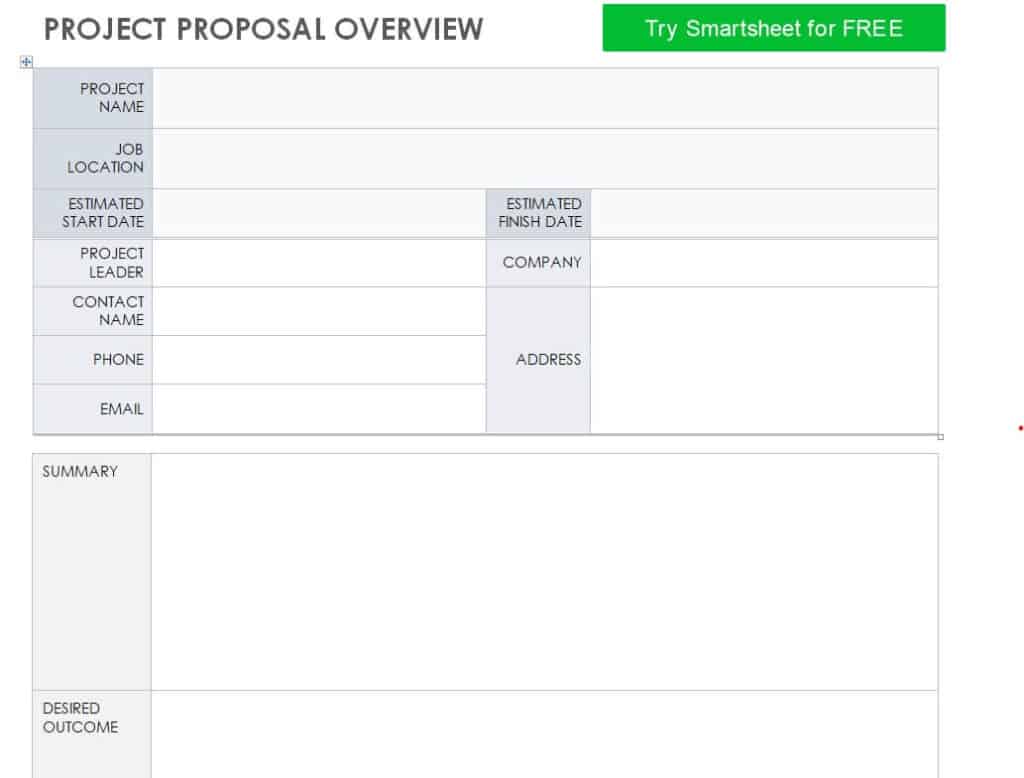
Download Project Proposal Overview Template
Free Printable Project Overview in MS WORD
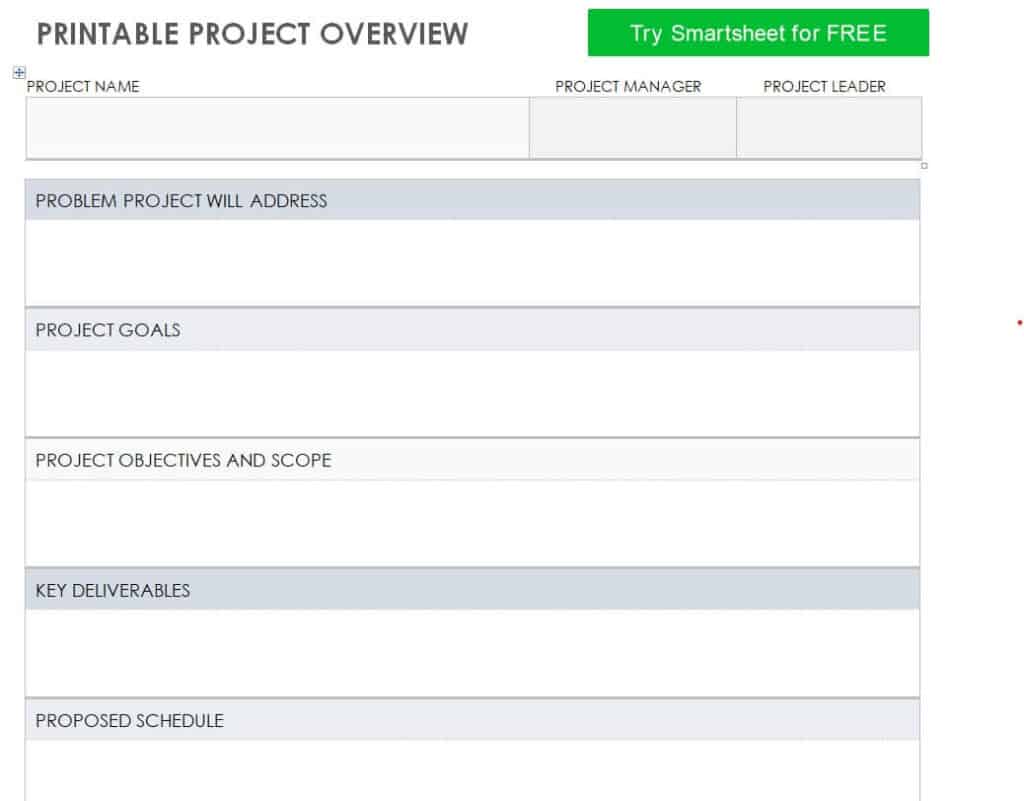
Download Free Printable Project Overview
Project Overview Template PowerPoint Presentation
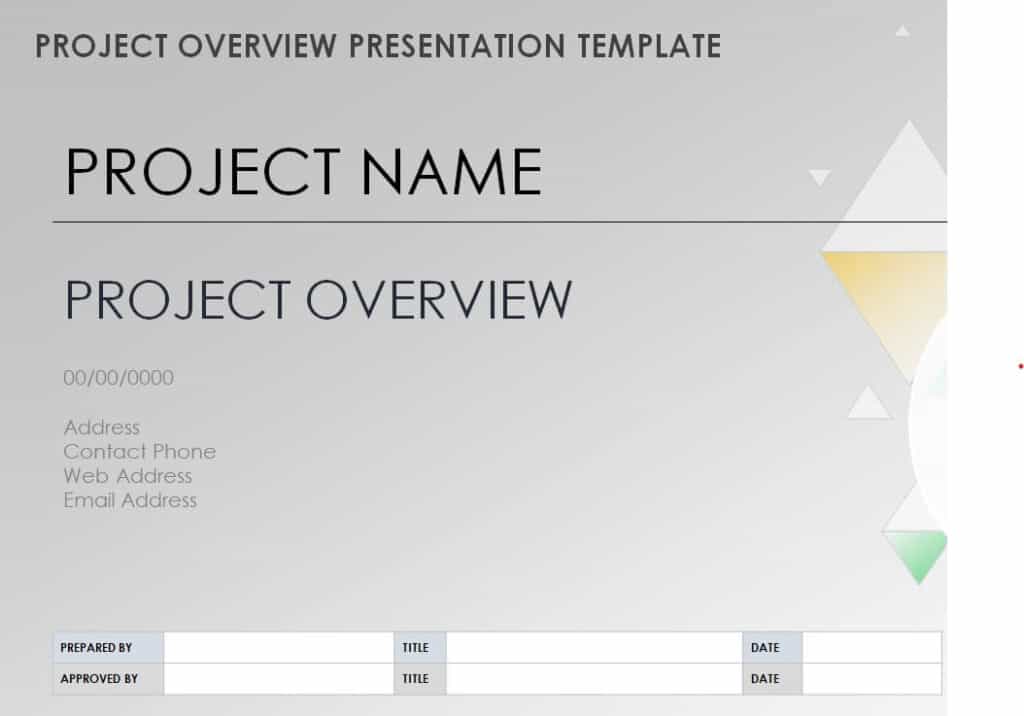
Download Project Overview PowerPoint Template
Project Management Overview Layout
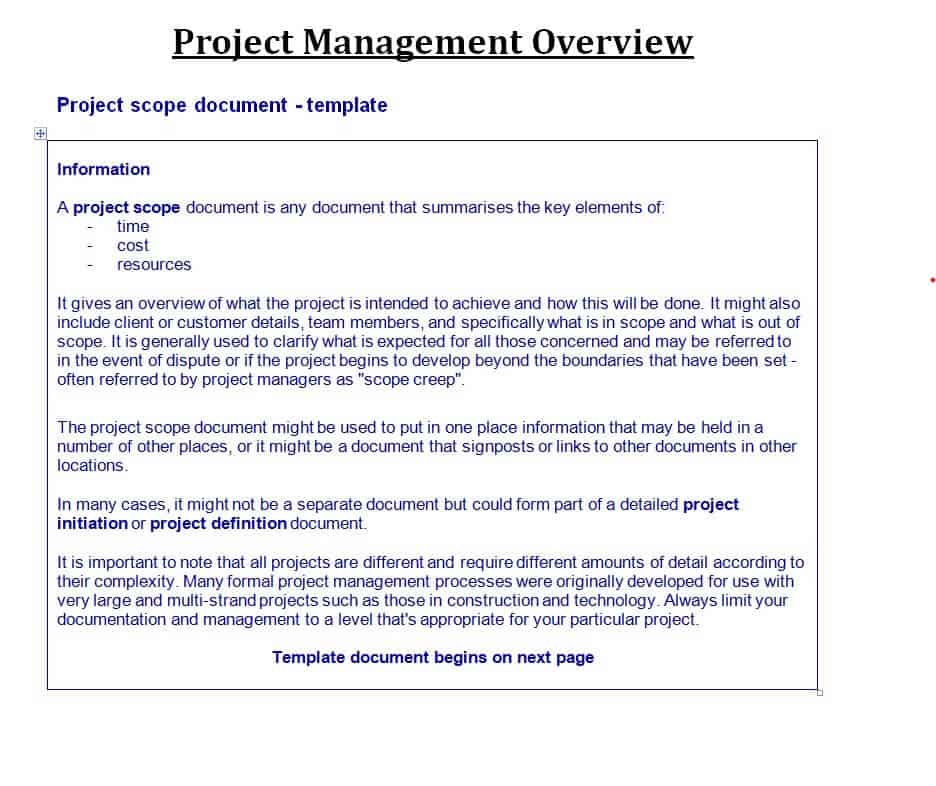
Download Project Management Overview Layout
Organization’s Project Management Overview Example
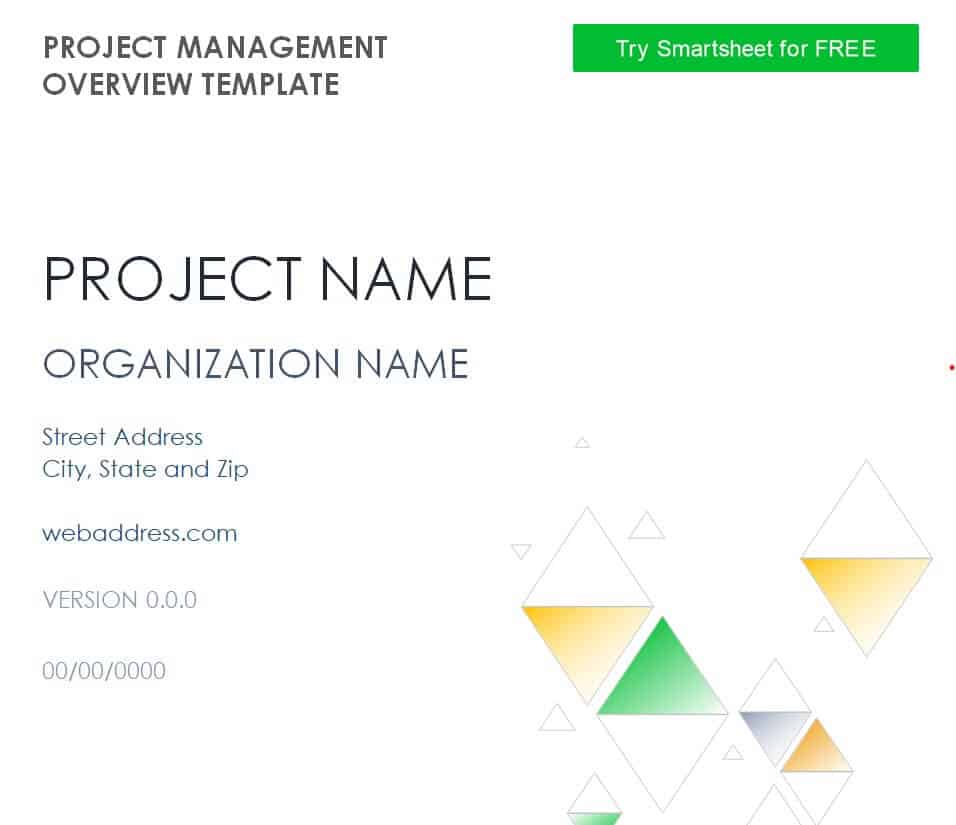
Download Organization’s Project Management Overview
Blank Project Overview Statement Example in DOC Format
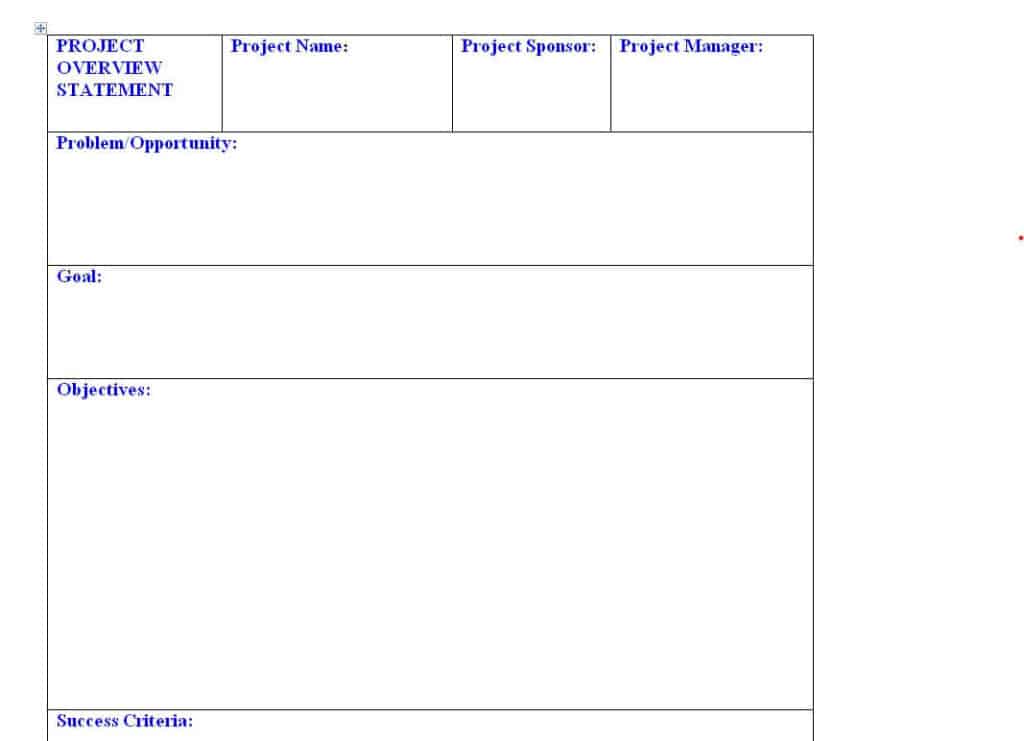
Download Blank Project Overview Statement
Free Editable Project Overview Sample
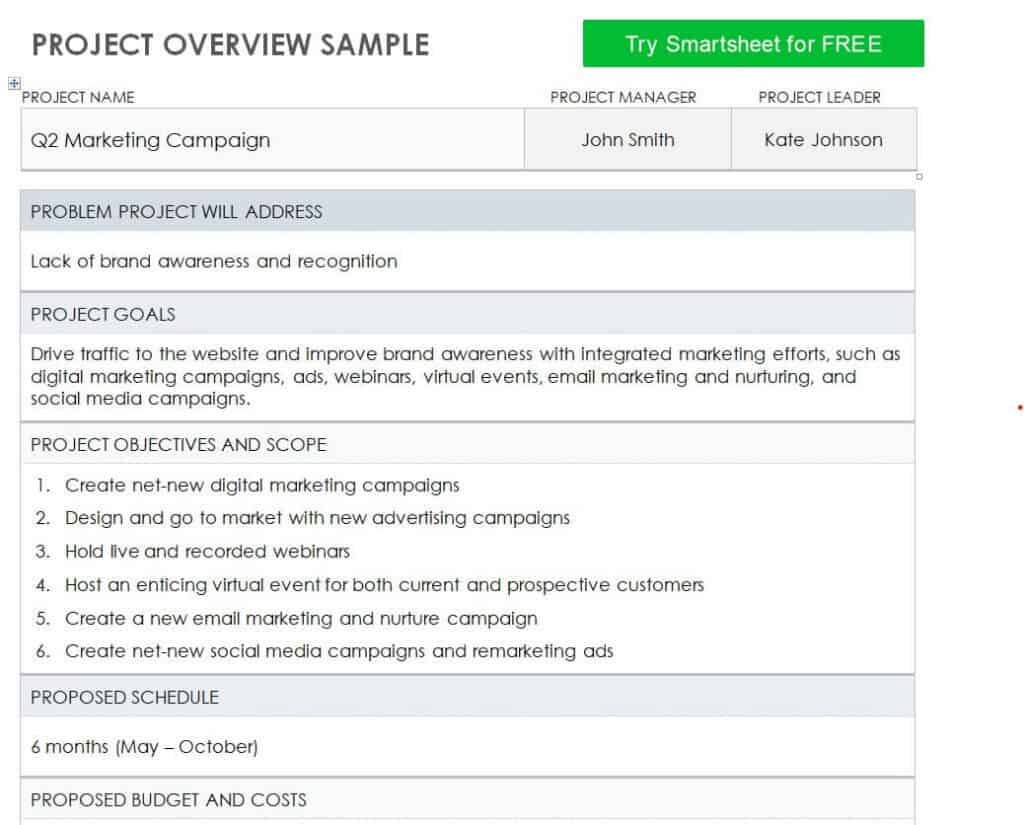
Download Free Editable Project Overview Sample
Project Overview Chart Template in PowerPoint
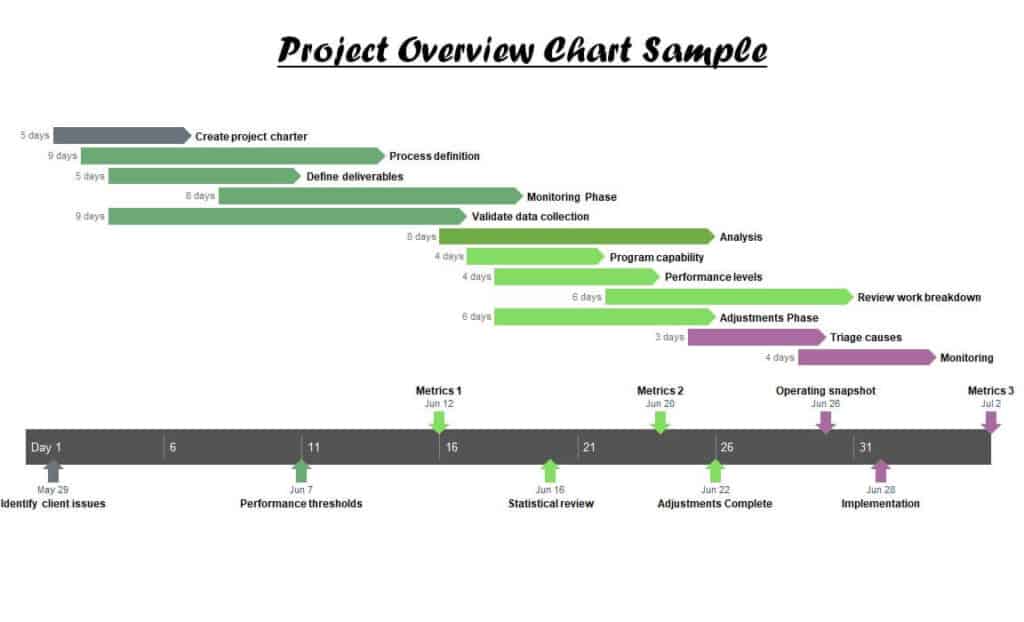
Download Project Overview Chart Template
One Page Project Overview Sheet
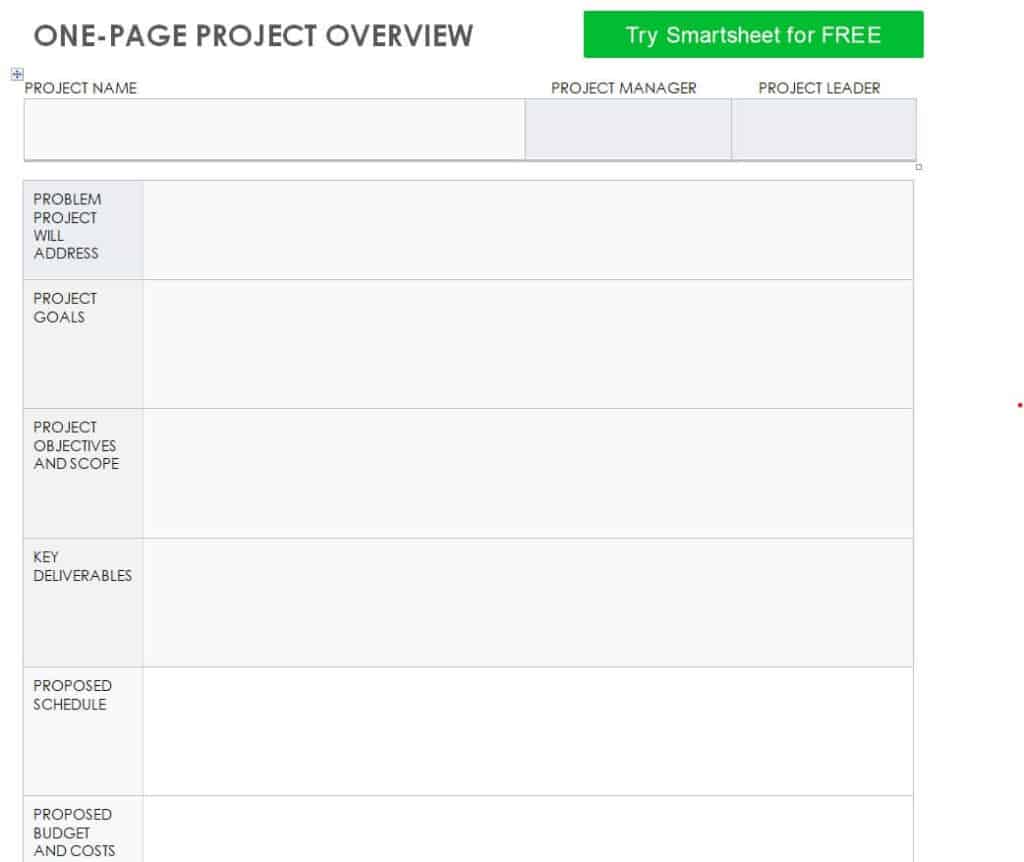
Download One Page Project Overview Sheet
Online Simple Project Overview Template
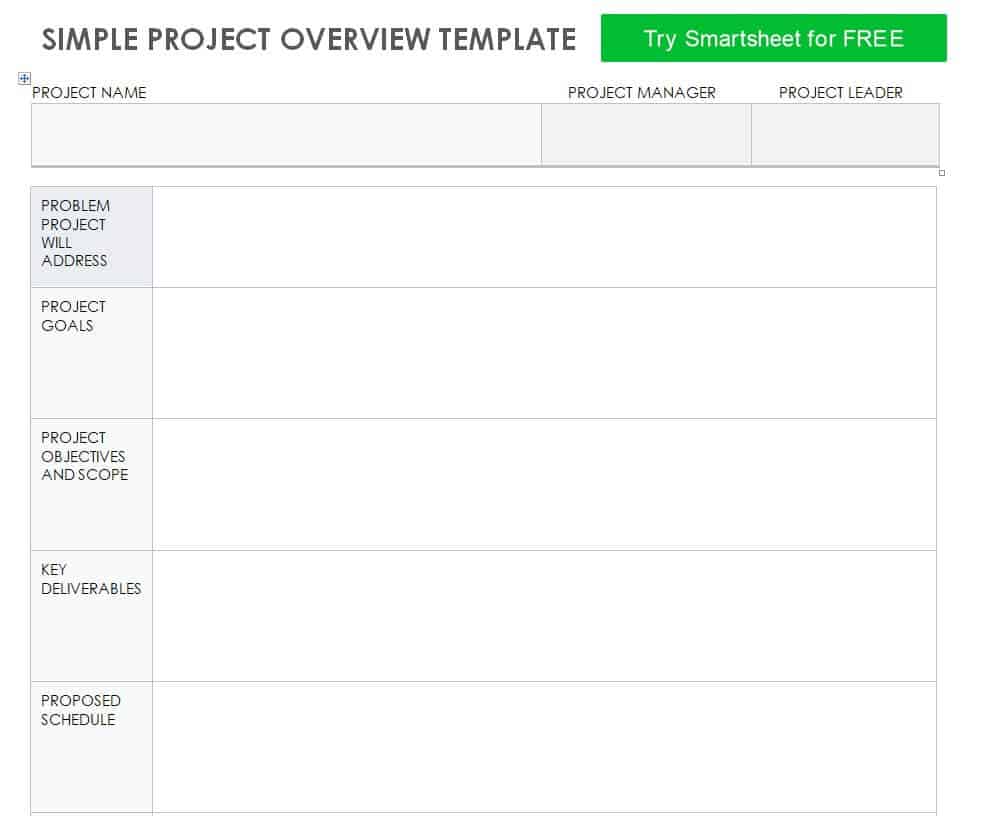
Download Simple Project Overview Template
Organization’s Project Overview Plan Template
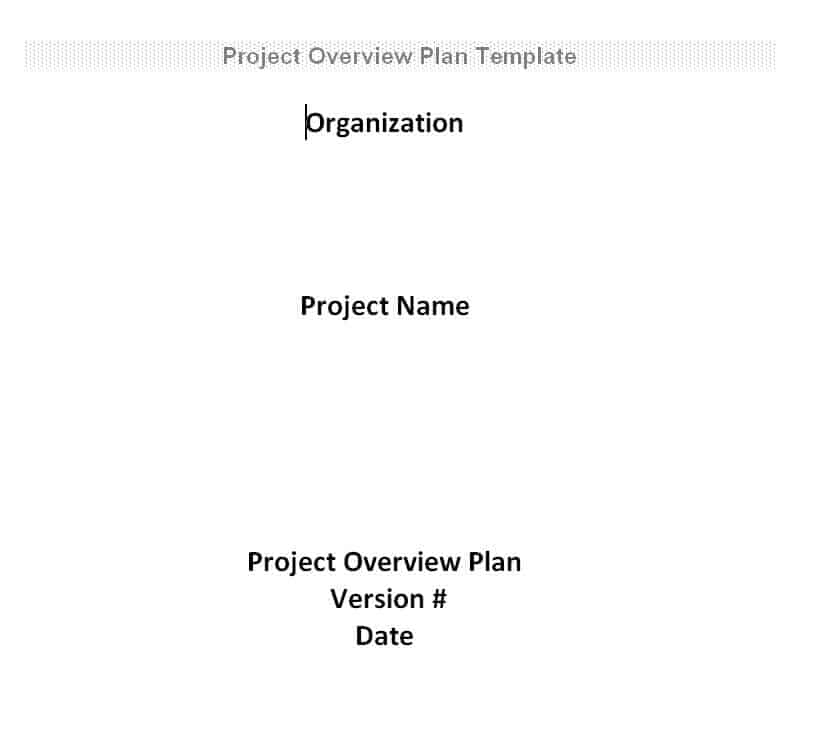
Download Organization’s Project Overview Plan
How to Write a Project Overview
- Know your audience. Decide whether you are writing for executives, clients, investors, or the project team.
- State the purpose. Explain in one or two sentences why the project exists and what problem it solves.
- Define the objectives. List clear, measurable goals the project must achieve.
- Describe the scope. Say what is included and what is not, to prevent scope creep.
- List deliverables and milestones. Show what will be produced and when.
- Add timeline and budget. Provide key dates and an estimated cost.
- Identify the team and risks. Name the people responsible and list the main risks with a plan to manage them.
- Review and simplify. Cut jargon and repeat text, then proofread before sharing.
Tips for a Strong Project Overview
- Keep it short. One to two pages is usually enough for most projects.
- Use plain language, so any reader can follow it without technical knowledge.
- Put the most important information at the top, since leaders may not read the whole document.
- Use bullet points and tables to make key facts easy to scan.
- Support claims with numbers, such as expected savings or timeline targets.
- Highlight benefits, not only tasks, to show the value of the project.
- Update the overview whenever scope, timeline, or budget changes.
Note: These templates are general samples. For projects involving legal, financial, or regulated work such as construction or real estate, add sections that meet your organization’s and local requirements.
Frequently Asked Questions (FAQs)
What is a project overview?
A project overview is a brief summary of a project’s purpose, objectives, scope, deliverables, timeline, budget, and team. It helps stakeholders understand the project quickly.
What is the difference between a project overview and a project plan?
The overview is a short summary meant for quick understanding. A project plan is a detailed document covering tasks, resources, schedules, risks, and communication in depth.
What is a project overview statement?
It is a concise document that explains the problem, goal, objectives, and success measures of a project. It is often used to obtain approval before detailed planning begins.
How long should a project overview be?
Typically one to two pages. A one-page overview sheet works well for small projects or executive summaries.
Are these project overview templates free?
Yes. All the templates on this page are free to download and edit in Word or PowerPoint.
Can I use a project overview for a funding request?
Yes. Many teams use it to present the project’s goals, costs, and benefits to sponsors or investors. Add a budget summary and clear expected outcomes to make it more convincing.
Who writes the project overview?
Usually the project manager or project sponsor writes it, often with input from team leads and key stakeholders.
Final Thoughts
A clear project overview keeps everyone aligned and helps your project earn support from decision makers. Choose one of these 13 free project overview templates, fill in your details, and share a professional summary of your project today.