A project without a schedule is a guess. A Gantt chart turns the guess into a visual plan, showing every task, who owns it, when it starts, and when it must finish, all on one timeline.
This page offers 15 free Gantt chart templates for Excel and PowerPoint, covering project management, construction, agile work, weddings, school assignments, and more. You will also learn what a Gantt chart is, what it includes, and how to make one step by step.
What Is a Gantt Chart?
A Gantt chart is a horizontal bar chart that displays a project schedule. Tasks are listed down the left side, and a timeline runs across the top. Each task appears as a bar whose start, length, and end show its planned duration. The chart is named after Henry L. Gantt, an American engineer who popularized the format in the early 20th century.
Benefits of Using Gantt Chart Templates
- Clear overview: See the whole project and its timeline at a glance.
- Better planning: Break work into tasks and set realistic durations.
- Dependency tracking: Spot which tasks must finish before others can begin.
- Progress monitoring: Compare planned and actual progress over time.
- Team alignment: Everyone sees deadlines and responsibilities.
- Easy client updates: A visual chart is simple to present to stakeholders.
Key Elements of a Gantt Chart
- Task list, often grouped into phases
- Start dates, end dates, and durations
- Timeline in days, weeks, or months
- Task bars showing scheduled work
- Dependencies between tasks
- Milestones for major deliverables
- Percent complete or status indicators
- Owners or assigned team members
Free Gantt Chart Templates
Wedding Gantt Chart Template
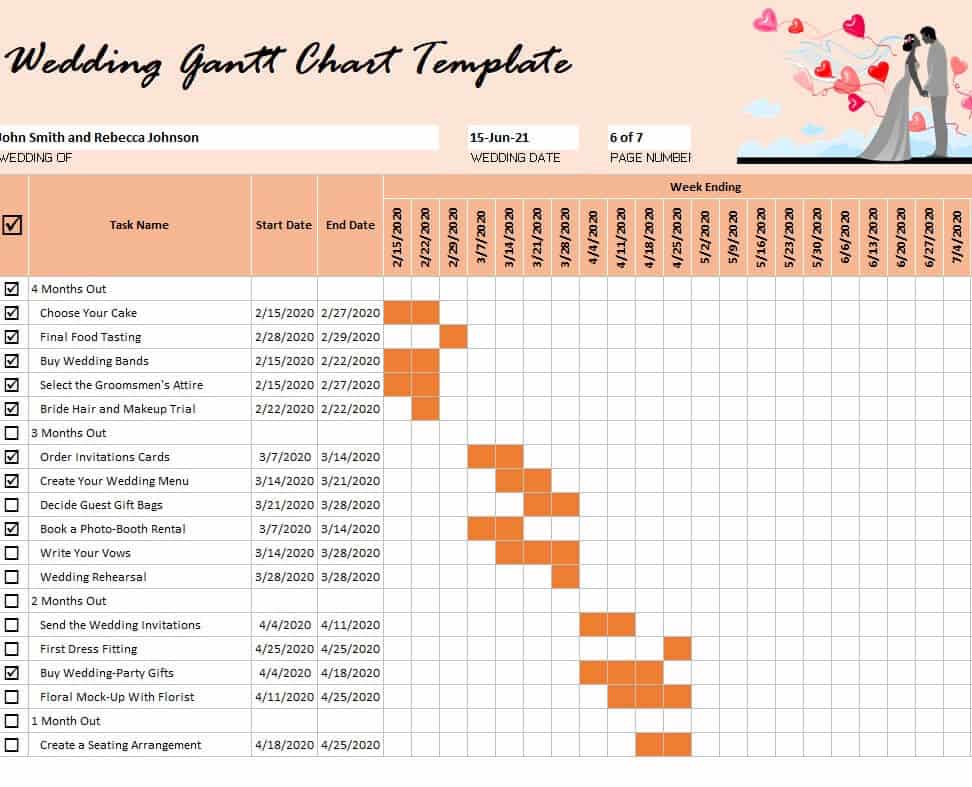
Download Wedding Gantt Chart Template
Project Management Gantt Chart Template
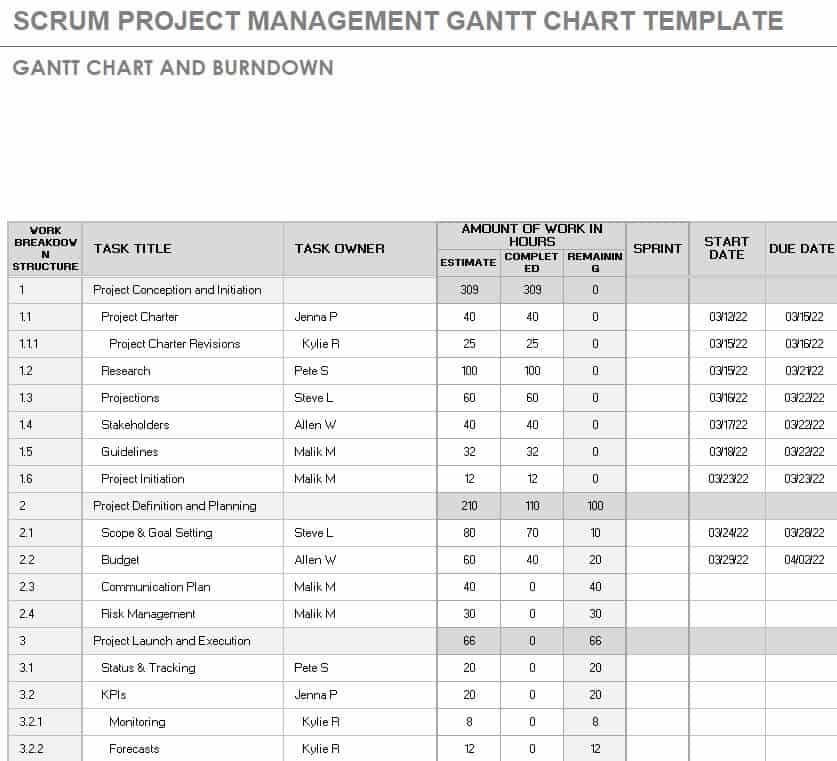
Download Project Management Gantt Chart Template
Two Month Gantt Chart Template in PowerPoint
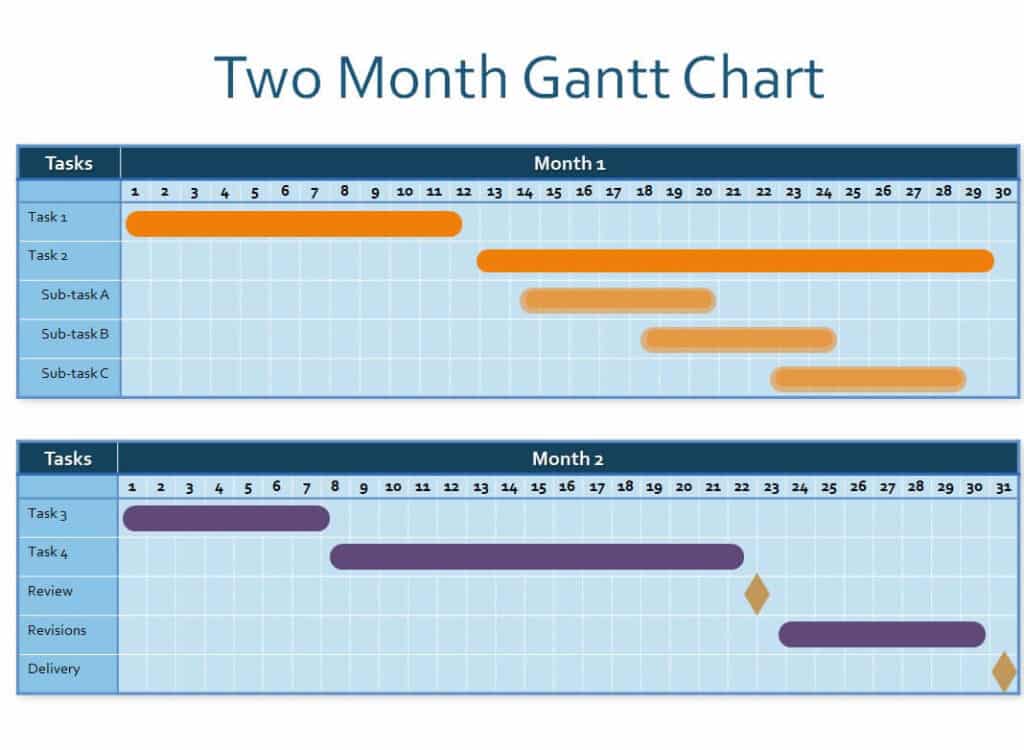
Download Two Month Gantt Chart PowerPoint
Simple Gantt Chart Excel Template
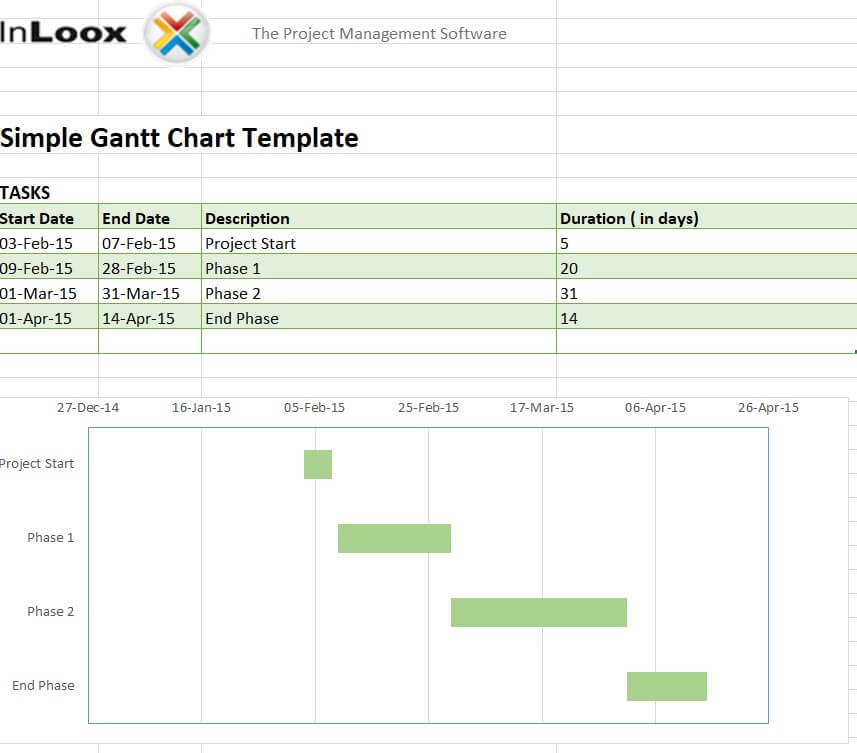
Download Simple Gantt Chart Excel Template
School Assignment Gantt Chart Excel Sheet
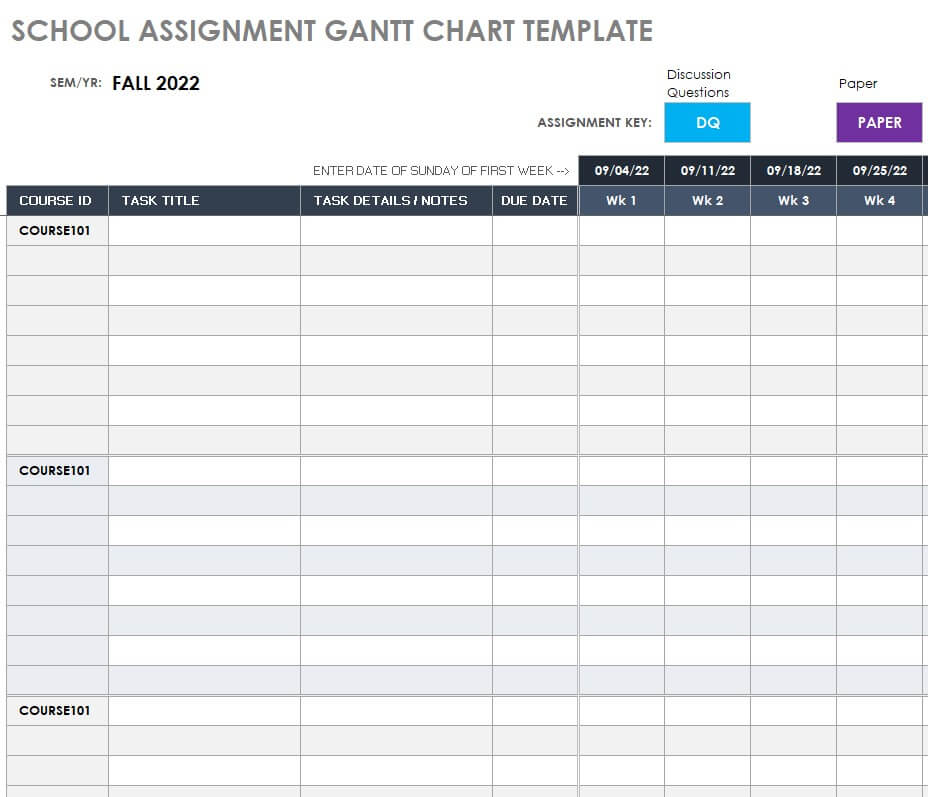
Download School Assignment Gantt Chart
Sample Gantt Chart in XLSX Format

Download Sample Gantt Chart XLSX
Official Complex Gantt Chart Layout
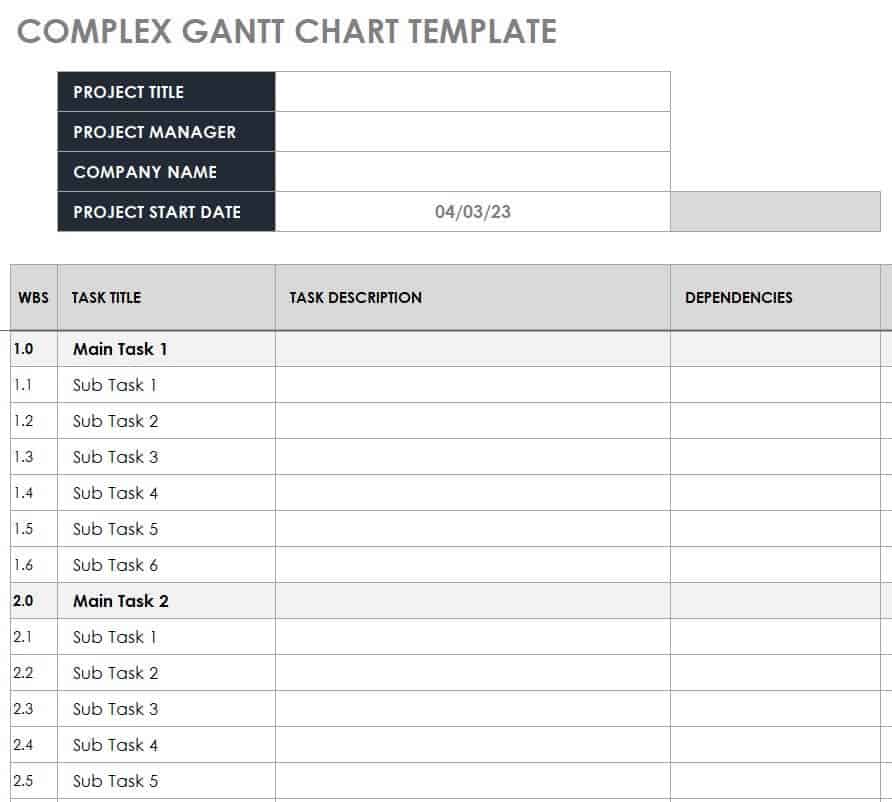
Download Complex Gantt Chart Layout
Networking Gantt Chart Planning Template
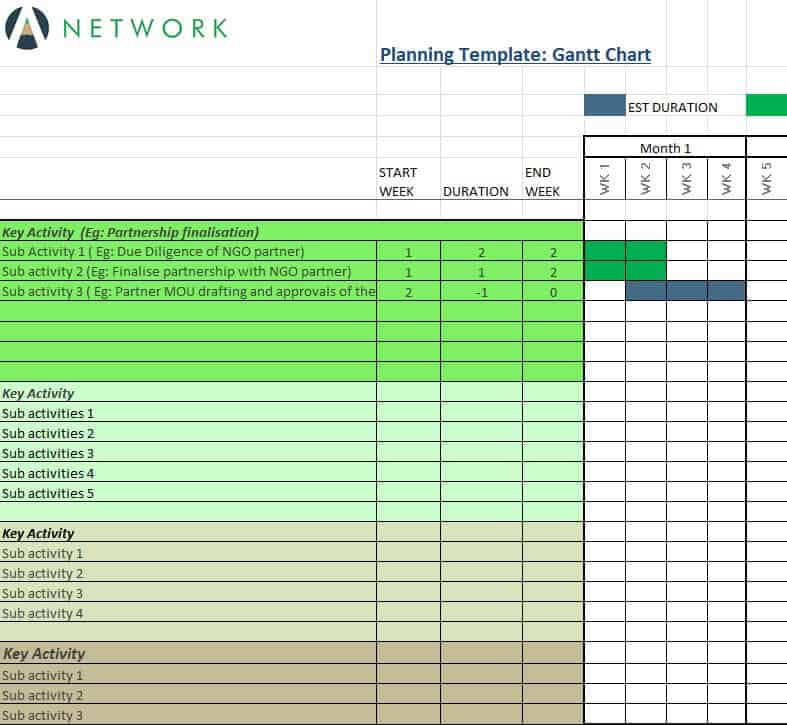
Download Networking Gantt Chart Template
Free Editable Construction Gantt Chart Template

Download Construction Gantt Chart Template
Two Year Gantt Chart PowerPoint Presentation
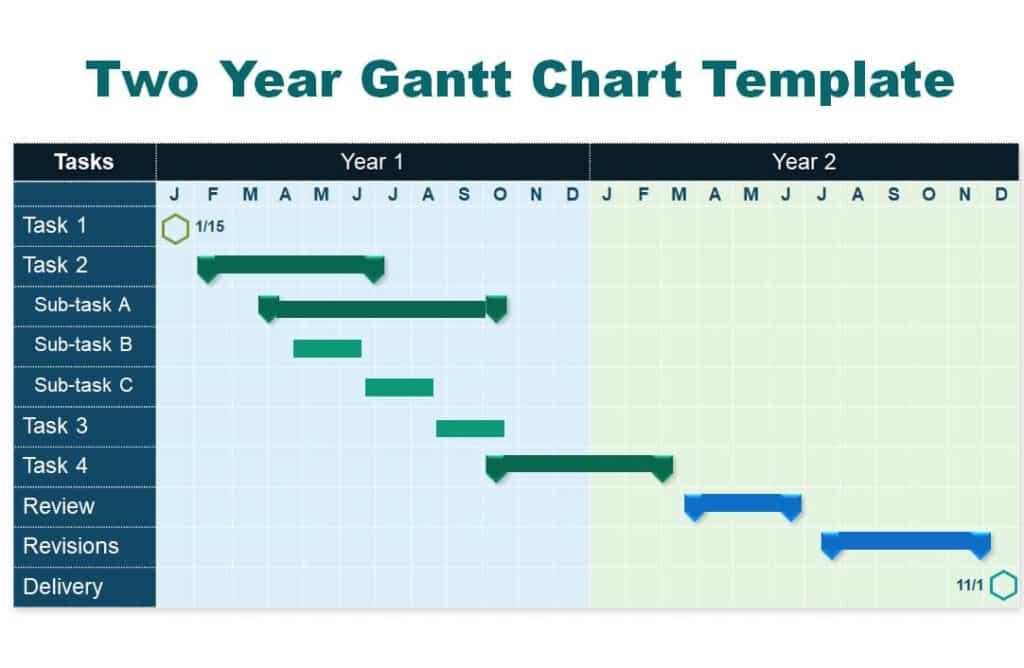
Download Two Year Gantt Chart PowerPoint
Project Planner Gantt Chart Excel Sheet
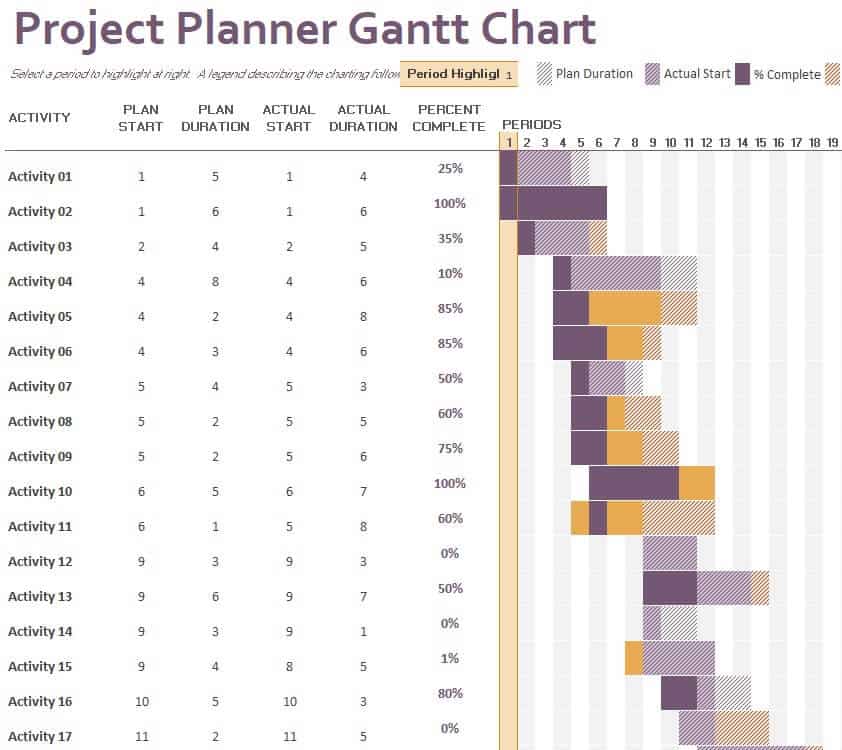
Download Project Planner Gantt Chart
Agile Project with Gantt Chart Template
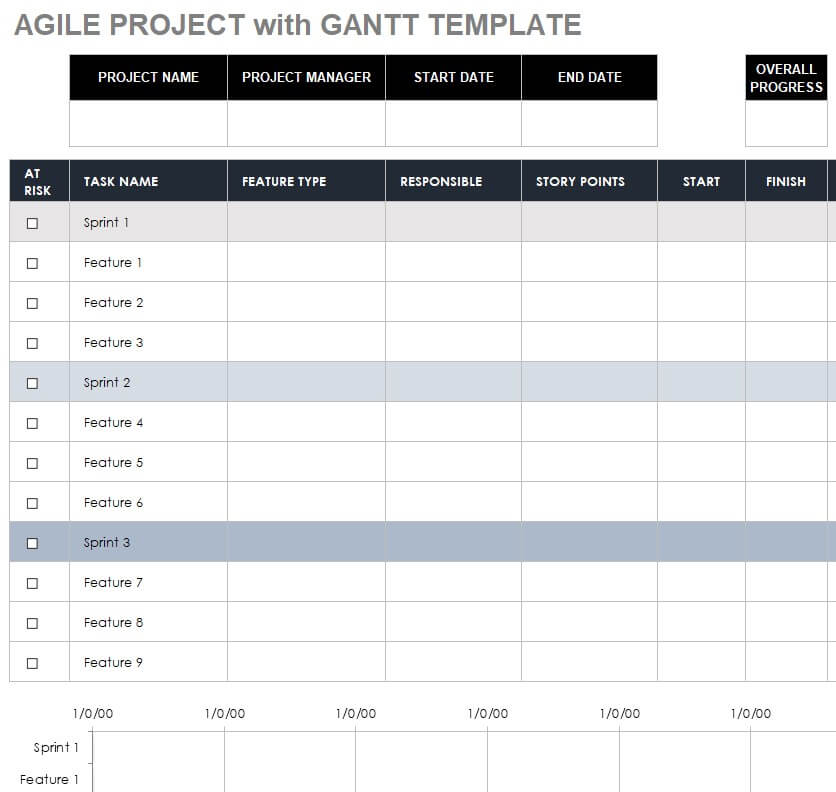
Download Agile Gantt Chart Template
Free Printable Project Gantt Chart Sample
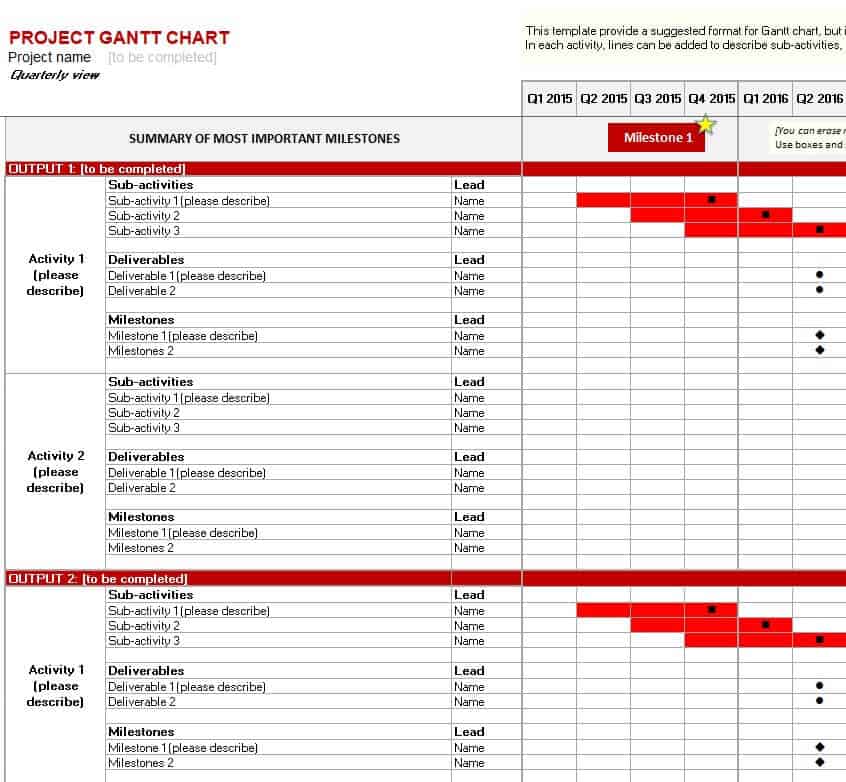
Download Printable Project Gantt Chart
Example Task Schedule Gantt Chart in PowerPoint
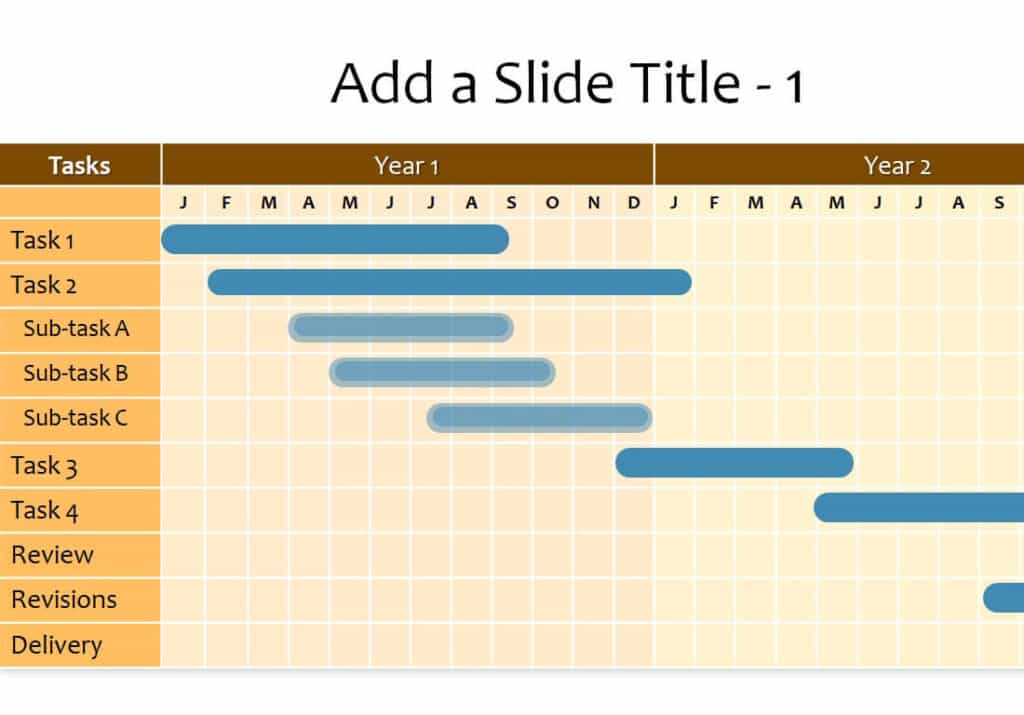
Download Task Schedule Gantt Chart PowerPoint
Basic Gantt Chart Excel Template

Download Basic Gantt Chart Excel Template
How to Make a Gantt Chart in Excel
- List the tasks. Put every task in rows, with columns for start date, duration, and end date.
- Insert a stacked bar chart. Select start dates and durations, then insert a stacked bar chart.
- Hide the start series. Format the first series with no fill so only the duration bars show.
- Reverse the order. Set the vertical axis to categories in reverse order so the first task is on top.
- Adjust the timeline. Set date axis limits to match your project window.
- Add milestones and progress. Use different colors for milestones and completed work.
Using a ready-made template saves these steps, since the formatting and formulas are already built in.
How to Use a Gantt Chart Template
- Define the scope. List all deliverables and major phases.
- Break down tasks. Split each phase into tasks small enough to estimate.
- Estimate durations. Ask the people doing the work.
- Set dependencies. Note tasks that cannot start until others end.
- Assign owners. Every task should have one responsible person.
- Update regularly. Review the chart weekly and record real progress.
Tips for Better Gantt Charts
- Keep task names short and action-based.
- Group tasks under phases to prevent clutter.
- Add buffer time for risks and delays.
- Highlight the critical path, the sequence that determines the end date.
- Use PowerPoint templates for presentations and Excel for day-to-day tracking.
Frequently Asked Questions (FAQs)
What is a Gantt chart used for?
It is used to plan, schedule, and track the tasks in a project over time.
Who invented the Gantt chart?
Henry L. Gantt, an American mechanical engineer, popularized it in the early 1900s, and it is named after him.
What is the difference between a Gantt chart and a project timeline?
A timeline shows key events in order, while a Gantt chart shows every task with durations, overlaps, and dependencies.
Are these Gantt chart templates free?
Yes. All 15 templates are free to download and edit.
Can I use these templates in Excel and PowerPoint?
Yes. Several are Excel or XLSX files for tracking, and others are PowerPoint slides for presenting schedules.
How do I show progress on a Gantt chart?
Add a percent-complete column and shade a portion of each bar, or use a separate color for finished work.
Is a Gantt chart good for agile projects?
It can be. Many teams use it for high-level roadmaps and release planning while tracking sprints in a board or backlog.
Final Thoughts
A Gantt chart brings order to complex projects. Choose a template above, list your tasks, and share a clear schedule with your team from day one.



You must be logged in to post a comment.