People’s circumstances at work change all the time. An employee may receive a raise, change departments, move from part-time to full-time, update an address or change a legal name. Each of these changes needs to be recorded accurately, and an employee status change form is the standard way to do it. It gives managers, HR and payroll one clear document to approve, process and file.
This page offers 12 free employee status change forms in Word format. They cover general status changes as well as pay rate, address, name, shift, payroll and personal details. Download the ones you need, add your company information and start managing changes in an organized way.
What Is an Employee Status Change Form?
An employee status change form is a document completed by a manager, supervisor or the human resources department to record a change in an employee’s status or information. A change of status may involve a promotion, transfer, change in job title, change in employment type, change in pay, or moving from one benefits category to another because of length of service or performance. Some forms also cover personal information updates such as a new name or address.
Once the form is approved by HR, the employee’s records are updated, and payroll and benefits are adjusted from the effective date on the form.
Why Use a Status Change Form?
- Accurate records: Every change is written down, dated and signed, which prevents confusion.
- Correct payroll: Pay, tax and benefits are updated on the right date, which helps to avoid overpayments or underpayments.
- Clear approvals: The form shows who requested, reviewed and approved the change.
- Compliance: A written record can help demonstrate that changes were handled consistently and fairly.
- Easier audits: HR can quickly find the paperwork behind any change.
- Time savings: A ready-made form is faster than creating a new document each time.
What to Include in an Employee Status Change Form
- Employee full name, ID number, job title and department.
- Manager or supervisor name.
- Type of change: promotion, transfer, pay change, change of hours, change of name or address, or another update.
- Previous information and new information, side by side.
- Effective date of the change.
- Reason for the change.
- New pay rate, salary, hours or benefit category, where applicable.
- Employee acknowledgement and signature, if required.
- Manager, HR and payroll approval signatures and dates.
- Office use section for date processed and processed by.
Types of Employee Change Forms
- Status change form: Records a change in employment type, job title, department or benefit eligibility.
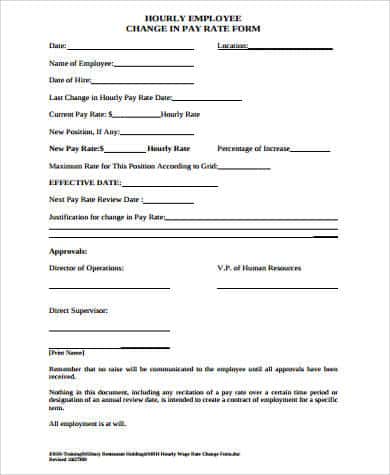
- Pay rate change form: Records a raise, adjustment or other change in compensation.
- Payroll change form: Updates tax, deductions or bank details.
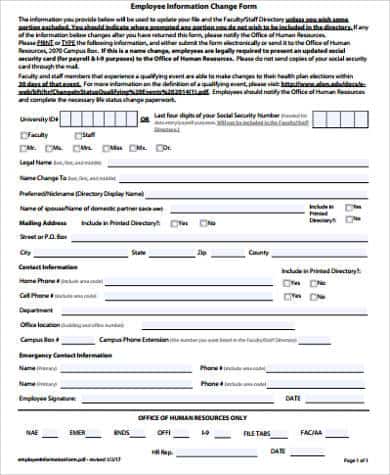
- Personal information change form: Updates an address, name or contact details.
- Shift change or exchange form: Records a change in schedule or a shift swap between employees.
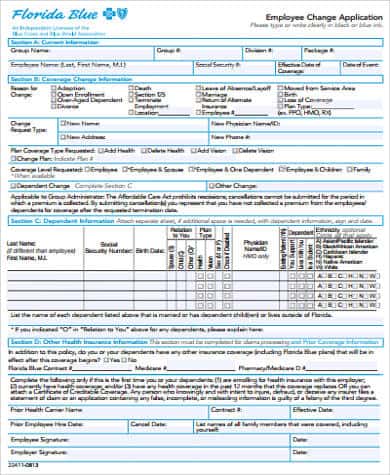
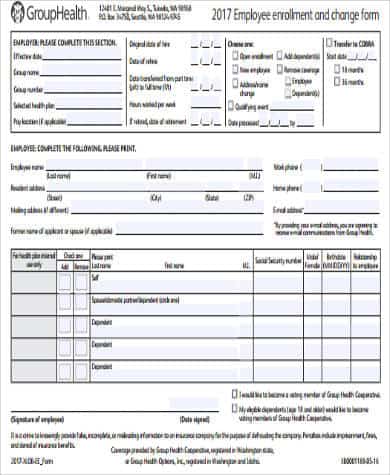
- Enrollment and change form: Used to add, remove or change benefit selections.
12 Free Employee Status Change Forms
Click any preview to open the full-size image, or use the button under it to download the file.
Employee Information Change Form

Employee Change Application Form
Employee Enrollment and Change Form
Employee Change in Pay Rate Form
Employee Status Change Form Example
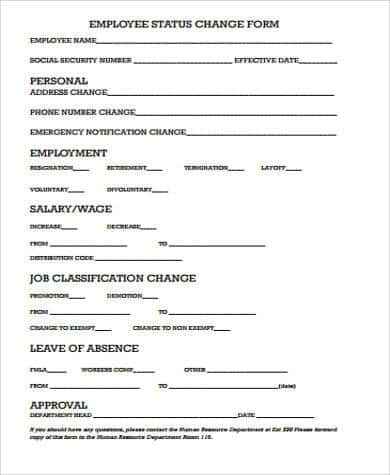
Employee Change of Details Form
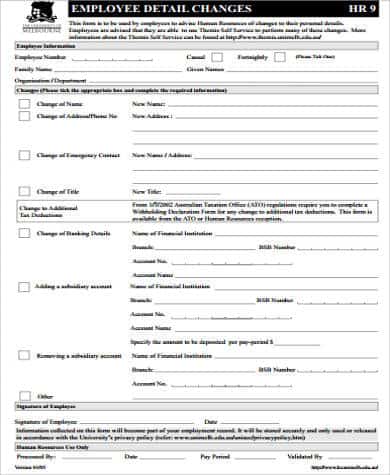
Employee Data Change Form
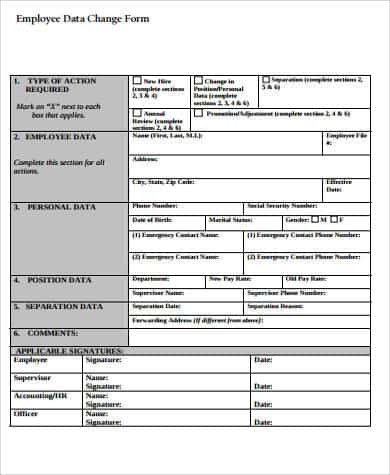
Employee Payroll Change Form Example
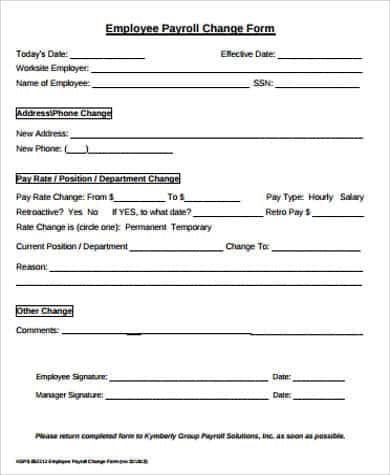
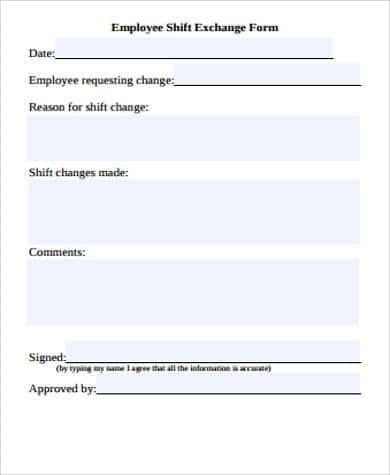
Employee Shift Exchange Form
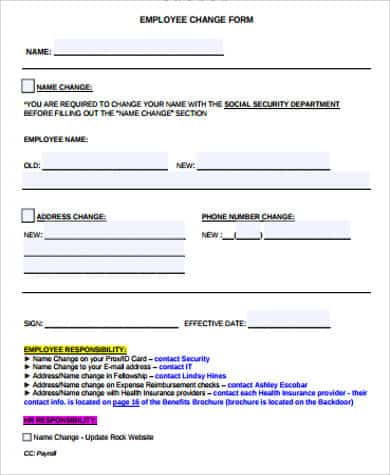
Employee Name Change Form
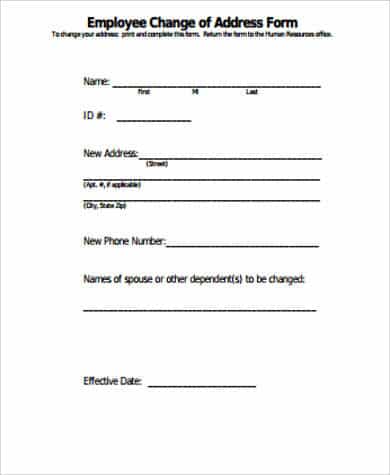
Employee Change of Address Form
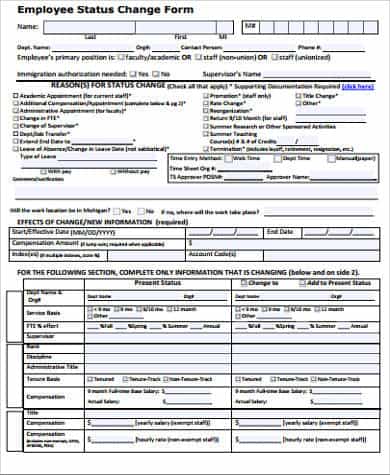
Sample Employee Status Change Form
How to Use an Employee Status Change Form
- Pick the form that matches the type of change, such as pay, address or status.
- Open it in Microsoft Word and add your company name and logo.
- Fill in the employee’s name, ID, job title and department.
- Write the current information and the new information clearly.
- Enter the effective date and the reason for the change.
- Have the manager review and sign the form, and get the employee’s signature when required.
- Send the form to HR, and then to payroll for approval and processing.
- Update the employee’s record and file the signed form in their personnel file.
Tips for HR Teams and Managers
- Submit forms before the payroll cutoff so that changes take effect on time.
- Include the effective date, not just the date the form was signed.
- Keep employee records confidential and stored securely.
- Use a consistent approval process for every change.
- Make sure that pay changes follow your company’s policy and any applicable employment laws.
- Give employees a copy of the completed form when appropriate.
These forms are general templates and are not legal advice. Employment and payroll rules vary by location, so review changes with your HR or legal team.
Frequently Asked Questions (FAQs)
What is an employee status change form?
It is a document used to record and approve a change to an employee’s job status, pay, benefits or personal information. It is usually completed by a manager or HR and used to update payroll and personnel records.
Who fills out an employee status change form?
Usually a manager or supervisor completes it, and HR reviews and approves it. For personal changes such as an address or name, the employee may fill in the details.
Are these forms free?
Yes. All 12 forms on this page are free to download and customize.
Can I edit the forms in Word?
Yes. The templates are designed to be edited in Microsoft Word, so you can add your company name, change the wording and adjust the fields.
What is the effective date on a status change form?
It is the date the change takes effect, for example, the first day of a new pay rate. It is different from the date the form is signed.
How long should status change forms be kept?
Keep them as part of the employee’s personnel or payroll file for as long as your policy and local law require. Many organizations keep them for several years after employment ends.
Do I need a status change form for a promotion?
Yes. A form documents the new job title, pay and effective date, and it gives HR and payroll the approval they need to update the employee’s record.
Final Thoughts
Clear paperwork keeps HR and payroll running smoothly. Use these 12 free employee status change forms to record every change accurately, get the right approvals and keep your personnel files organized.





You must be logged in to post a comment.