A timesheet is the simplest way to record the hours your team works, calculate pay correctly, and see where time actually goes. Instead of building one from scratch, you can start with a ready-made timesheet template in Excel, type in the hours, and let the formulas handle the totals.
This page offers 16 free timesheet templates covering weekly, biweekly, monthly, daily, and project-based tracking. Read on for what a timesheet is, what it should include, how to fill one in, and answers to common questions about time tracking.
What Is a Timesheet?
A timesheet is a record of the time an employee, contractor, or freelancer spends working. It usually lists dates, start and end times, breaks, total hours, and sometimes the project or task worked on. Employers use timesheets to calculate wages, bill clients, monitor productivity, and keep records for payroll and audits.
Timesheets can cover different periods: a single day, a week, two weeks, or a full month. They can be completed by each employee individually or by supervisors for a department or team. For small businesses, an Excel timesheet template is an affordable alternative to expensive time-tracking software.
Benefits of Using Timesheet Templates
- Accurate payroll: Hours are recorded clearly, so wages and overtime are calculated correctly.
- Better project costing: You can see how much time each task or client actually takes.
- Attendance visibility: Managers can spot late arrivals, absences, or schedule gaps.
- Legal record keeping: Time records help support wage and hour compliance.
- Time savings: Built-in formulas add up hours automatically and reduce math errors.
- Fully customizable: Edit the columns, add your logo, and change rates to fit your business.
What to Include in a Timesheet
- Employee name, ID, and department
- Pay period start and end dates
- Date and day of the week
- Clock-in and clock-out times
- Unpaid break or lunch time
- Regular hours and overtime hours
- Project, client, or task code (if needed)
- Total hours and hourly rate
- Employee and supervisor signature lines
Which Timesheet Type Should You Choose?
A daily timesheet works well for detailed tracking of shifts or tasks. A weekly timesheet is the most common choice for hourly employees. A biweekly timesheet matches pay cycles that run every two weeks. A monthly timesheet suits salaried staff or long-term contractors. If you bill clients by the hour, pick a project timesheet with a task or activity column.
Free Timesheet Templates Gallery
Every template below is an editable Excel file. Click the download button under a sample to save it, then customize it on your computer.
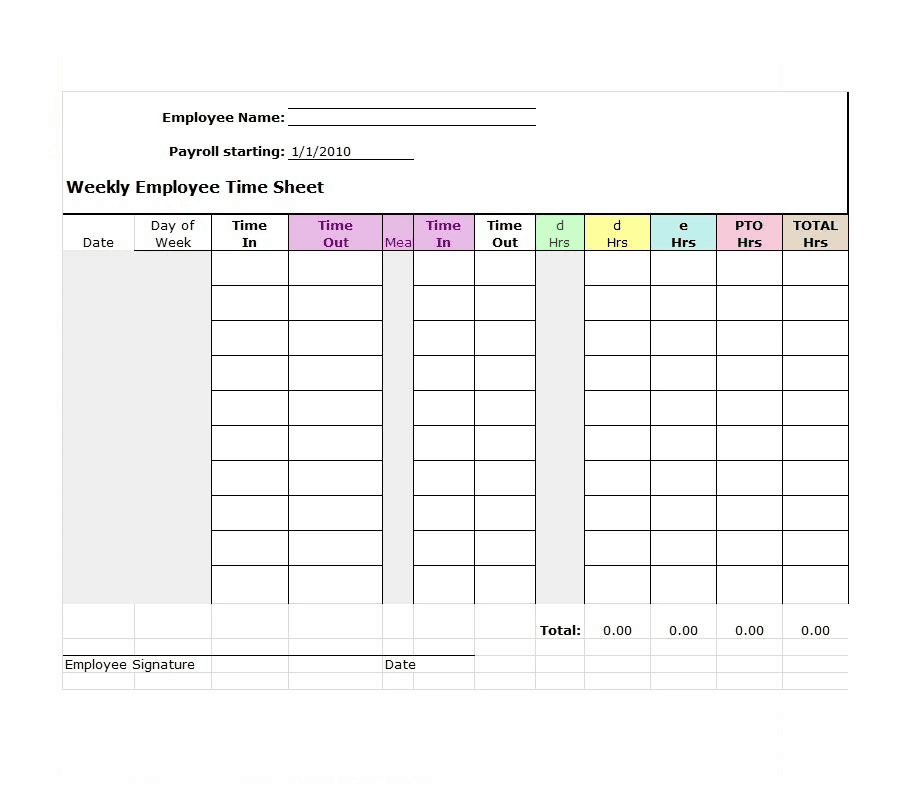
Weekly Employee Time Sheet

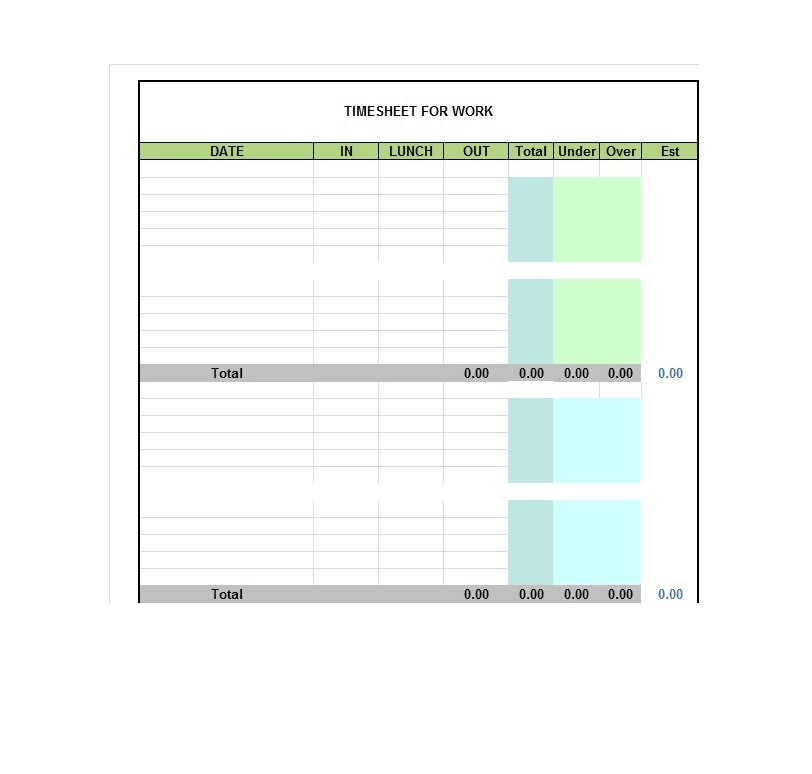
Time Sheet for Work
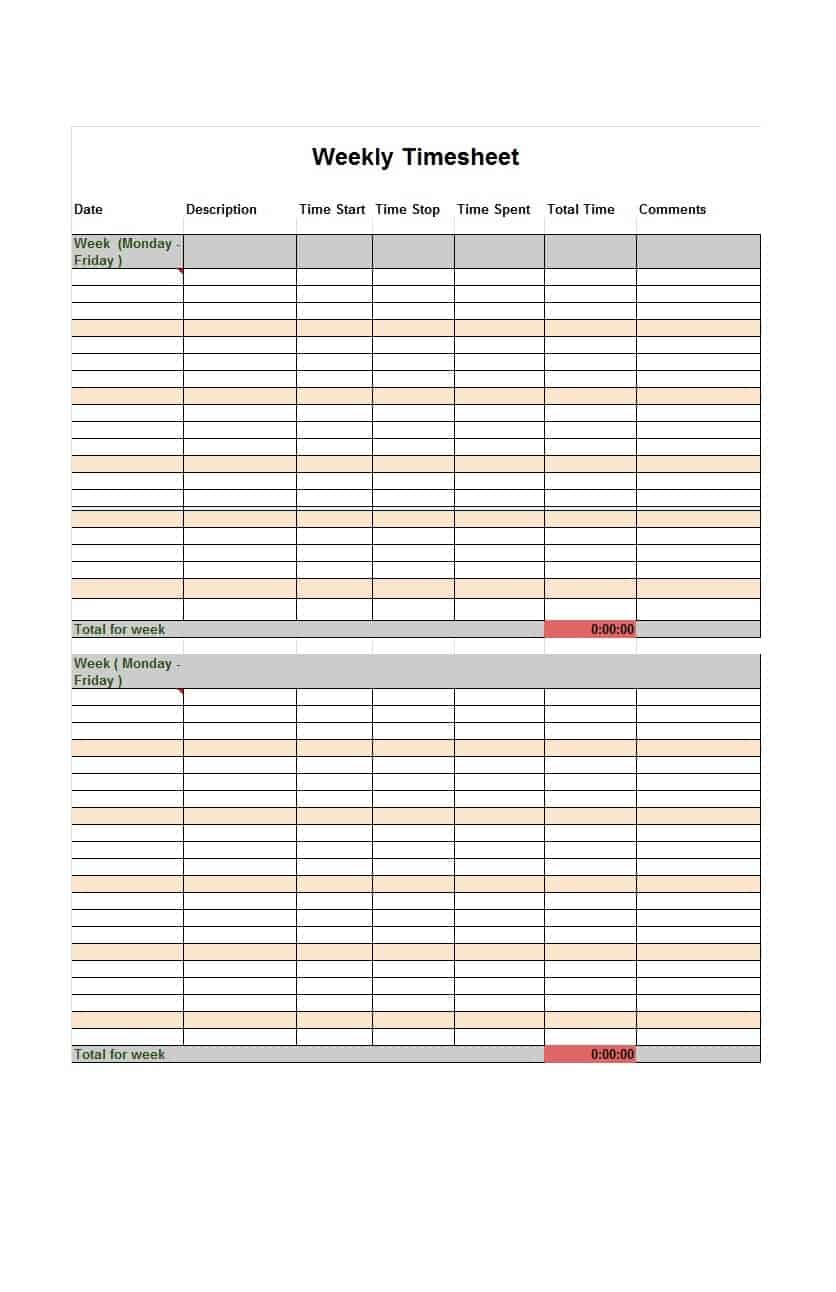
Weekly Timesheet Template
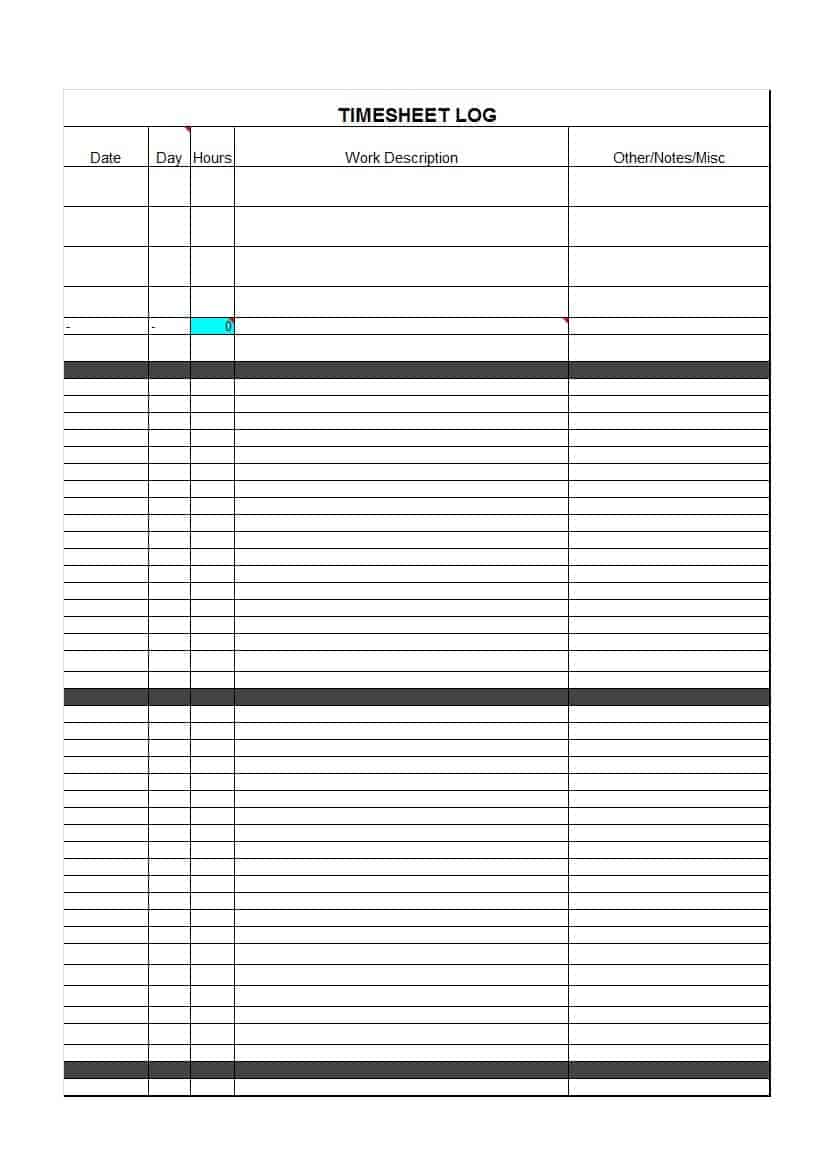
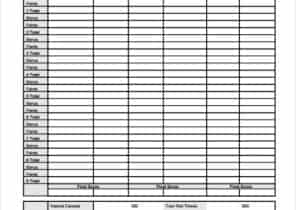
Timesheet Log Template
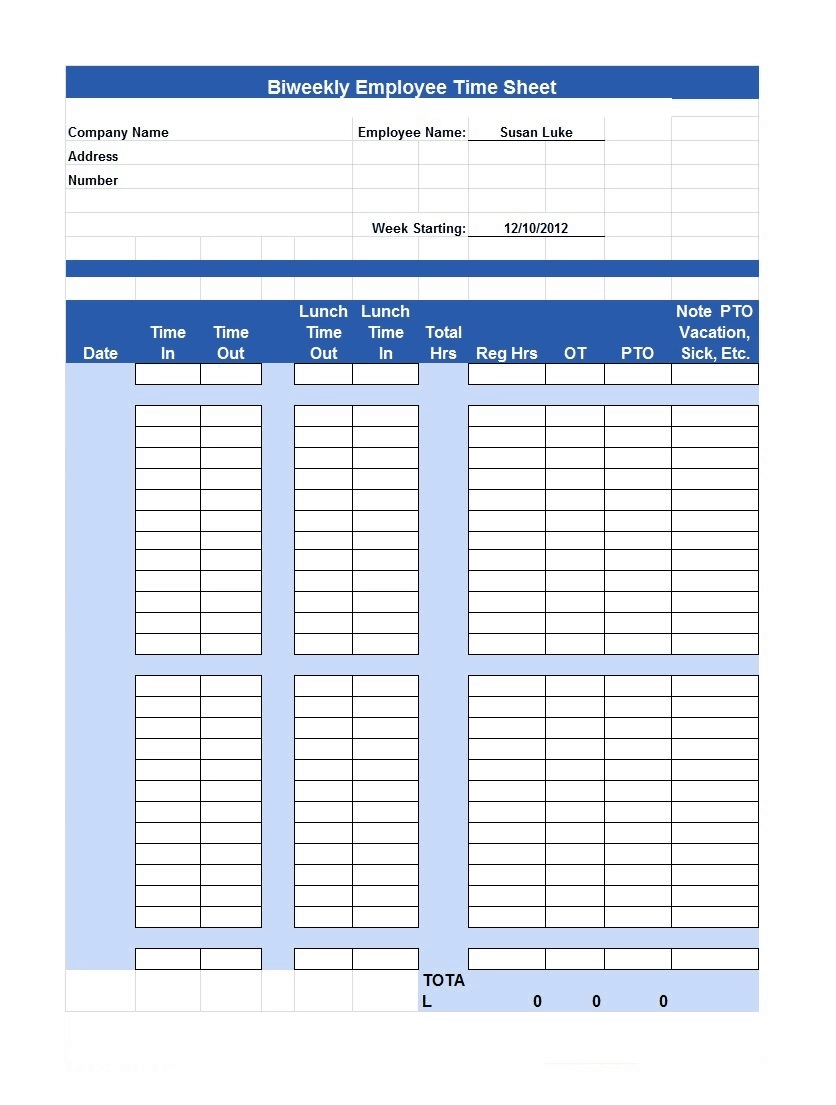
Biweekly Employee Time Sheet Template
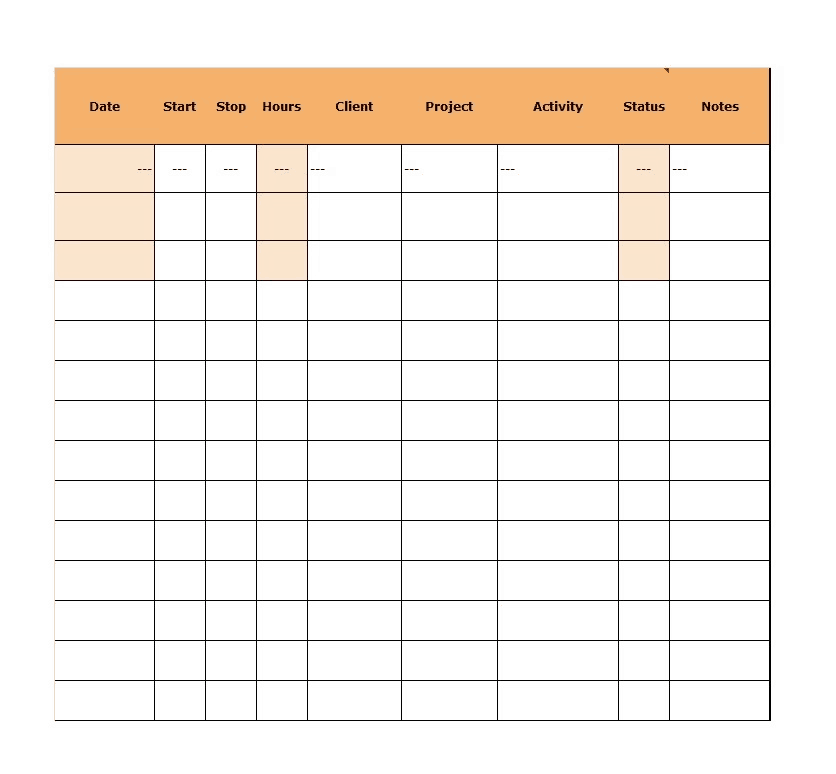
Colorful Timesheet Template with Project Activity
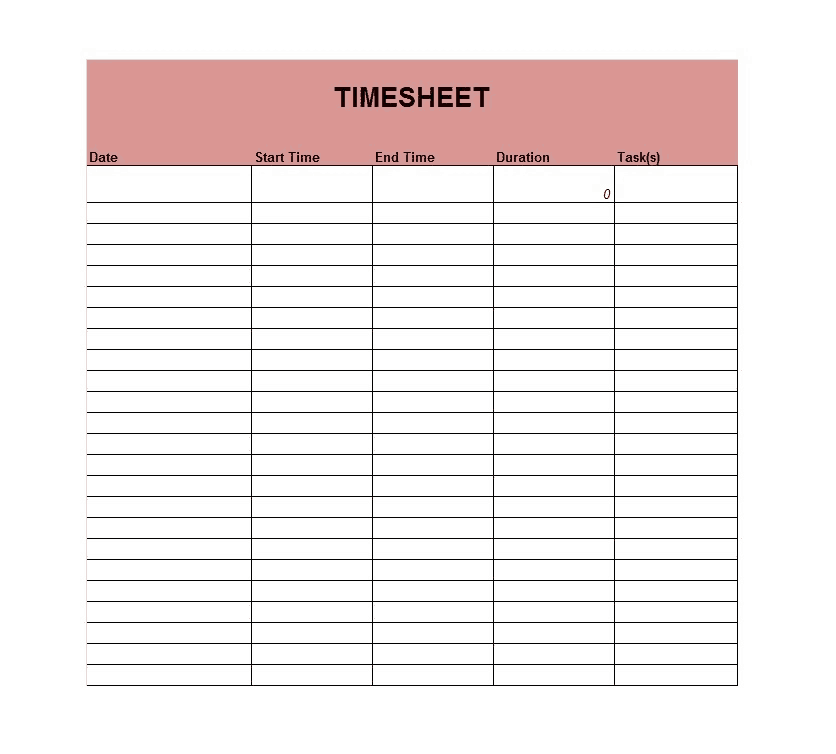
Duration Timesheet Template
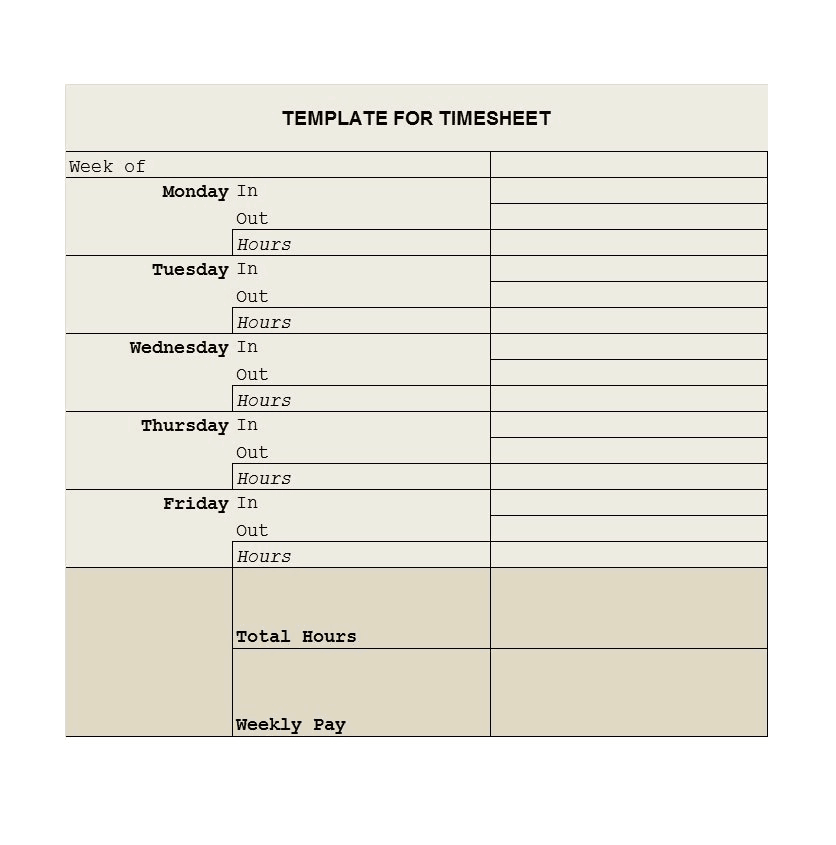
Day-wise Template for Timesheet
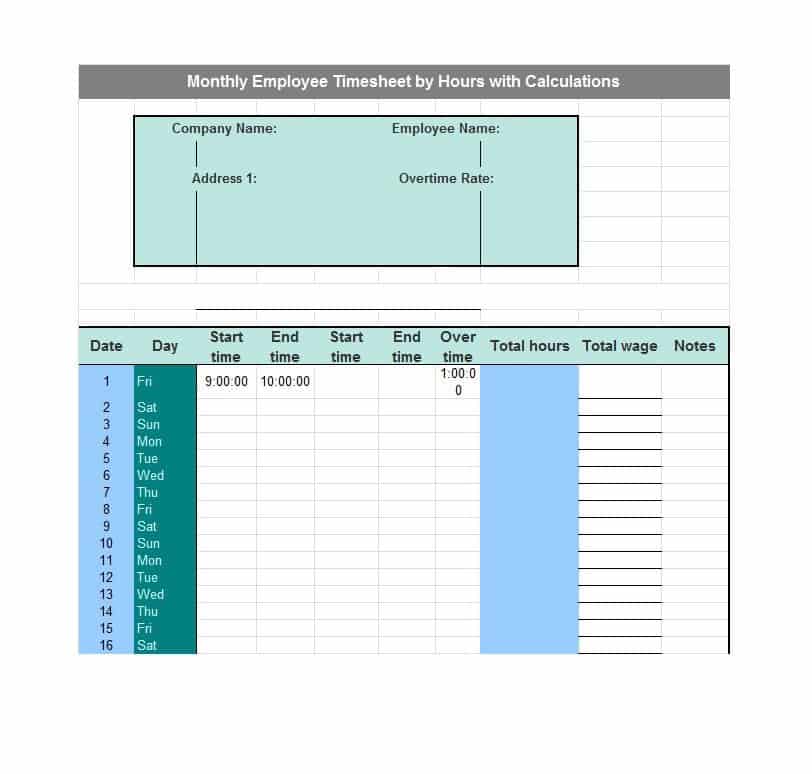
Monthly Employee Timesheet by Hours and Calculations
Employee Work Timesheet Template

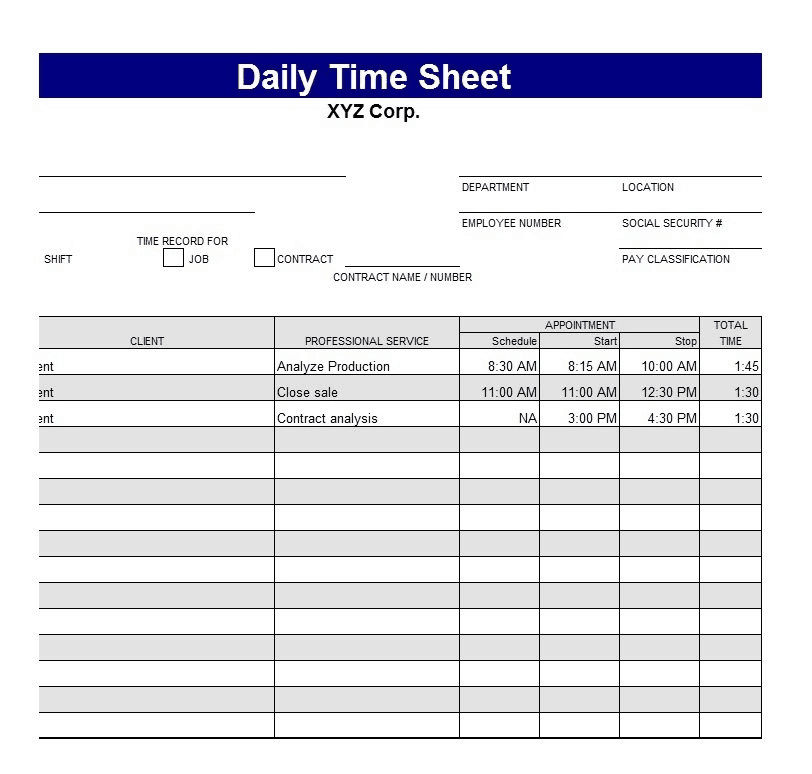
Daily Timesheet Template
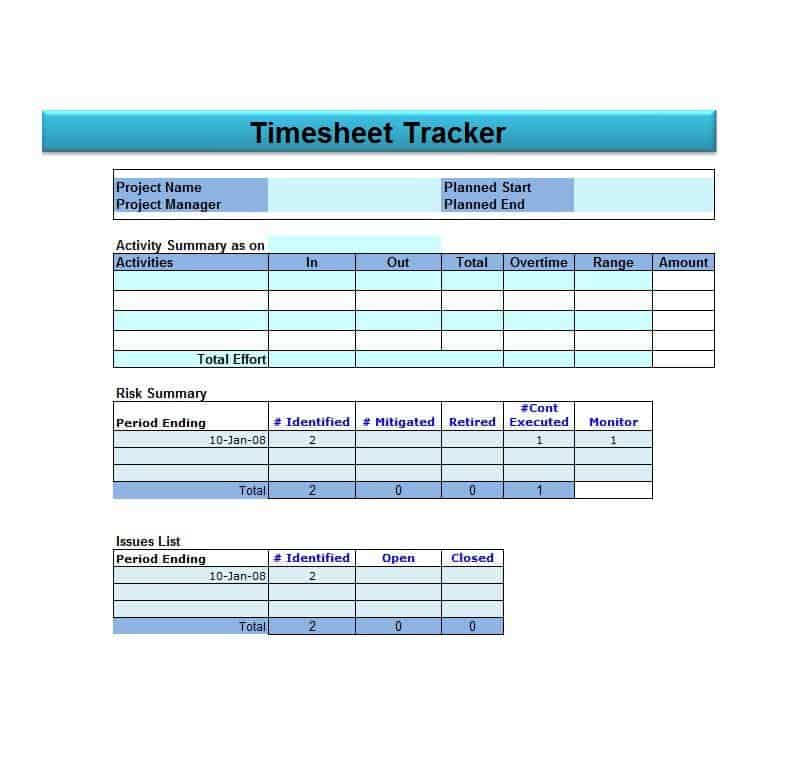
Timesheet Tracker Template
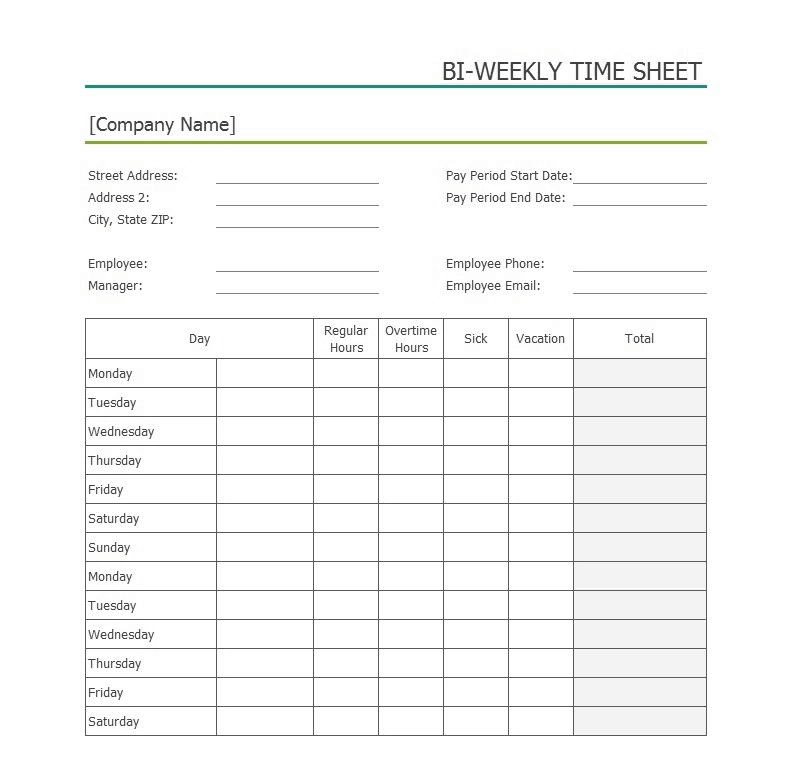
Biweekly Time Sheet Sample
Work Time Sheet Template
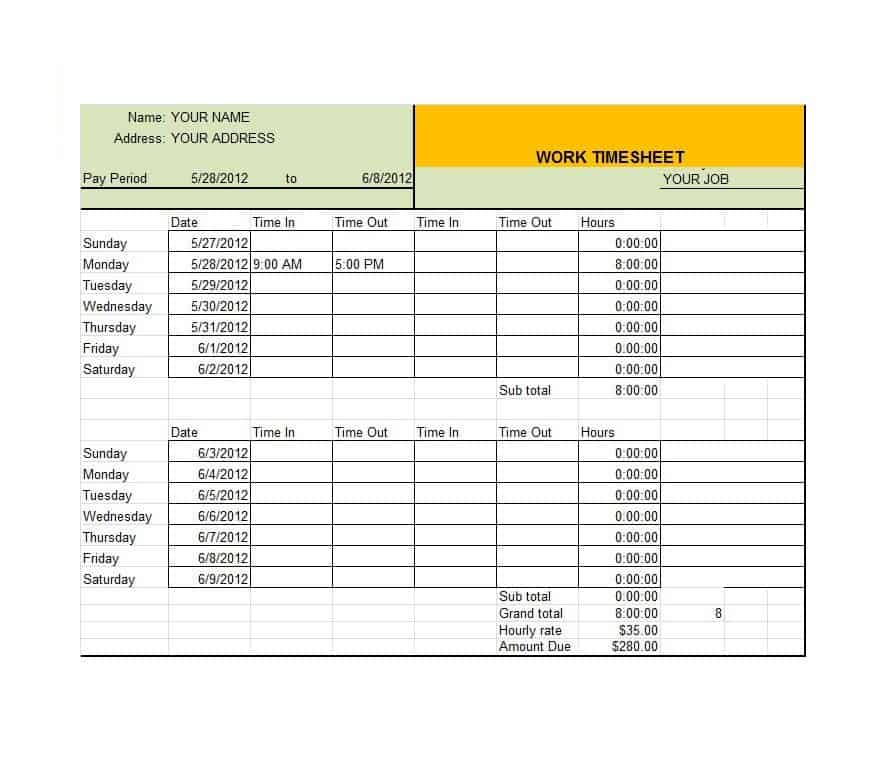
Timesheet with Value Template

Time Sheet Log Template

How to Fill Out a Timesheet
- Download a template. Choose weekly, biweekly, monthly, or daily to match your pay period.
- Enter employee details. Add the name, ID, department, and pay period dates.
- Record start and end times. Fill in clock-in and clock-out times for each work day.
- Subtract unpaid breaks. Enter lunch or break time so total hours stay accurate.
- Add project or task details. If you bill by project, note the task worked on.
- Check the totals. Review regular hours, overtime, and the final total.
- Sign and submit. Have the employee and supervisor sign, then send it to payroll.
Timesheet Tips for Employers
- Choose one pay period format and stick with it so payroll stays predictable.
- Set a clear deadline for submitting timesheets each period.
- Round time consistently, and follow local labor rules on rounding.
- Keep completed timesheets for the period required by your local regulations.
- Lock formula cells so employees only edit the hour fields.
- Review timesheets for missing entries before running payroll.
Note: These templates are general samples for everyday use. They are not legal or payroll advice, so check your local labor and record-keeping rules for overtime, breaks, and retention.
Frequently Asked Questions (FAQs)
What is a timesheet template?
A timesheet template is a pre-built spreadsheet for recording hours worked. It includes columns for dates, times, breaks, and totals, with formulas that add up hours automatically.
Are these timesheet templates free?
Yes. Every timesheet on this page is a free Excel download that you can edit and print.
How do I calculate hours worked in Excel?
Subtract the start time from the end time, then subtract unpaid breaks. Format the result as a number or [h]:mm to see the total hours. The templates above do this for you automatically.
What is the difference between a weekly and a biweekly timesheet?
A weekly timesheet covers seven days, while a biweekly timesheet covers two weeks and matches pay periods that run every 14 days.
Can I use a timesheet for project billing?
Yes. Choose a template with a project or activity column, then multiply total hours by your hourly rate to invoice clients.
Should employees or managers fill out the timesheet?
Usually each employee fills out their own timesheet, and a supervisor reviews and signs it. Some companies have managers complete timesheets for whole teams.
How long should I keep timesheets?
Retention rules vary by country and state, so check your local labor regulations or ask a payroll professional. Many employers keep records for several years.
Final Thoughts
Accurate time records lead to accurate paychecks and better decisions. Pick one of these 16 free timesheet templates, customize it for your team, and start tracking hours with less effort today.

You must be logged in to post a comment.