A shooting schedule is the backbone of any film or video production. It tells the cast and crew where to be, when to be there, and what will be filmed each day. Without one, shoots run over budget, locations get double-booked, and important scenes get missed.
This page gives you 12 free shooting schedule templates in Word, Excel, and PDF formats. Whether you are planning a short film, a commercial, a music video, or a feature, you can download a layout, fill in your details, and start organizing your production today. Below the gallery you will find a guide to what a shooting schedule includes, how to create one, and answers to common questions.
What Is a Shooting Schedule?
A shooting schedule, also called a production schedule, is a detailed plan that lists every scene to be filmed, the shooting dates, locations, cast members, crew needs, props, and equipment. It is usually prepared by the assistant director (AD) or production manager after the script has been broken down scene by scene.
The schedule keeps everyone on the same page. Actors know their call times, the crew knows which gear to bring, and producers can track progress against the budget. It is normally created before filming begins, but it can be updated as the shoot moves forward and conditions change.
Benefits of Using a Shooting Schedule Template
- Saves planning time: A ready layout lets you focus on scenes and logistics instead of formatting.
- Keeps the crew aligned: Everyone sees the same dates, times, and locations.
- Controls costs: Grouping scenes by location or actor reduces travel and idle time.
- Reduces mistakes: Fixed columns remind you to list props, wardrobe, and special requirements.
- Easy to update: Weather or availability changes are simple to edit in Word or Excel.
- Printable: Print copies for the set or share a PDF with the team.
What to Include in a Shooting Schedule
- Project title, director, producer, and production company
- Shooting date and day number
- Scene numbers and short scene descriptions
- Interior or exterior and day or night designation
- Location name, address, and contact person
- Cast members and their character names
- Crew call time and estimated wrap time
- Props, wardrobe, makeup, and special effects
- Equipment, vehicles, and transportation notes
- Weather backup plan and meal breaks
Shooting Schedule Templates Gallery
Choose a layout that fits your production. Templates with a download button can be saved directly. The image-only examples at the end are useful for inspiration when designing your own schedule.
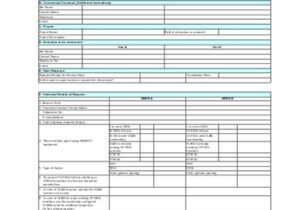
Shooting Schedule Breakdown Sheet
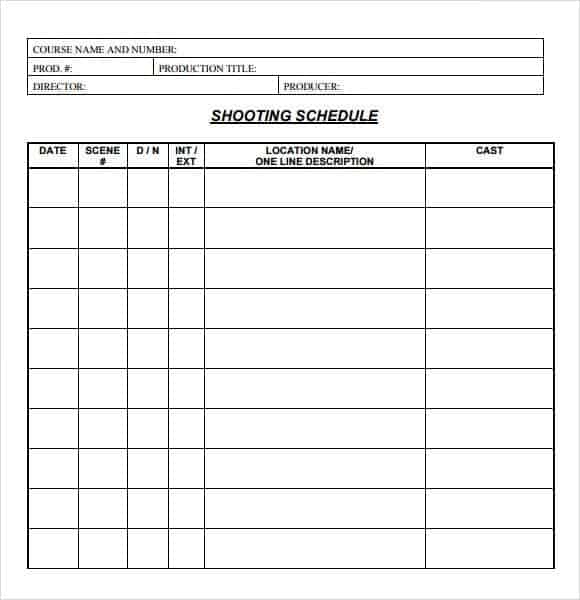

Production Schedule Template
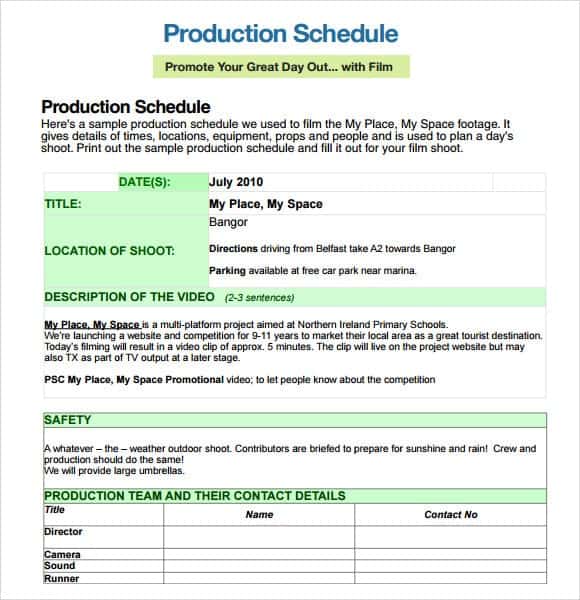
Film Production Schedule Template
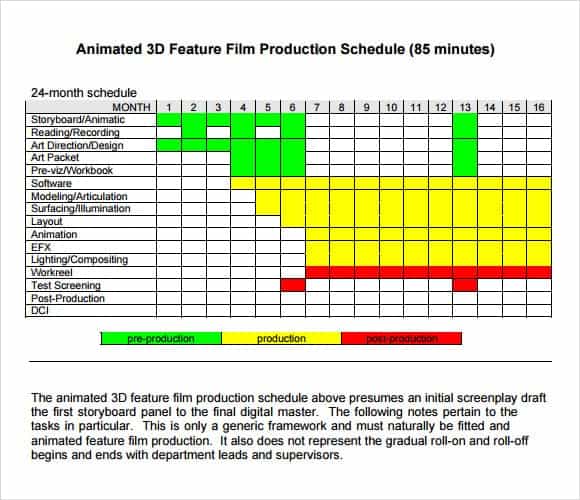
Shooting Schedule Template
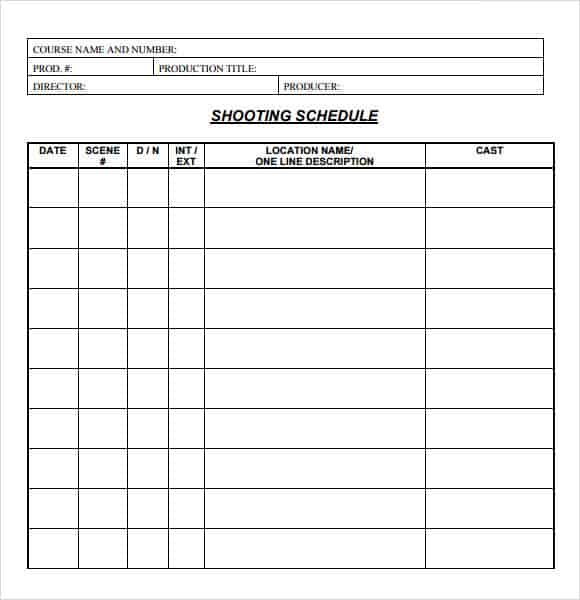
Shooting Schedule Template in Excel
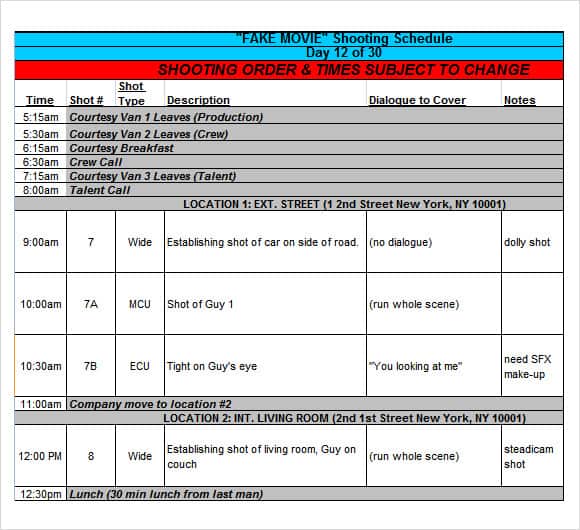
Production Schedule Template with Locations
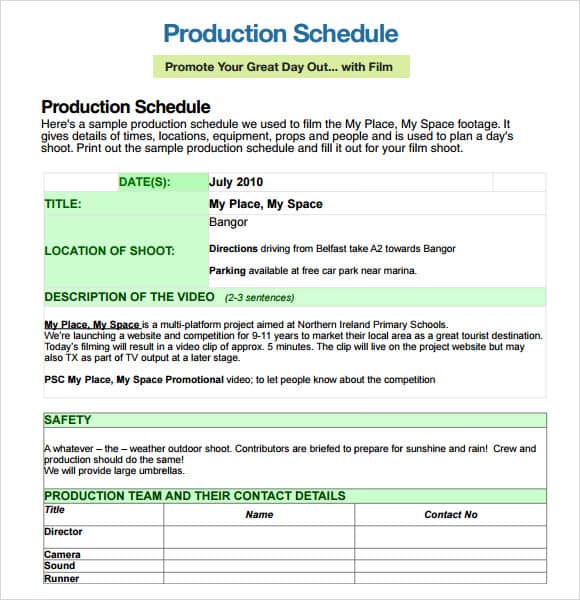
Film Shooting Schedule Template
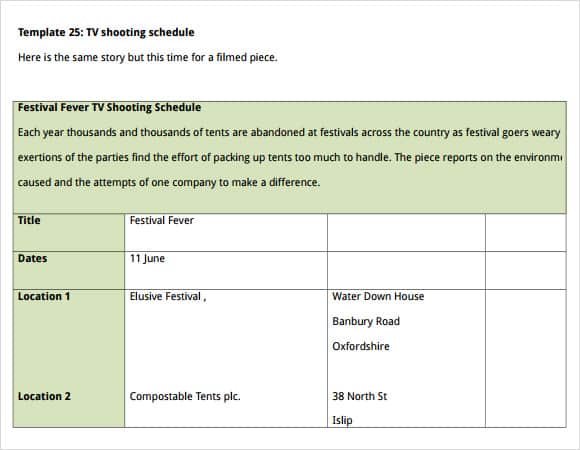
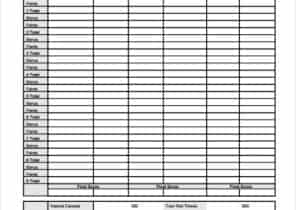
Image Examples of Shooting Schedule Templates
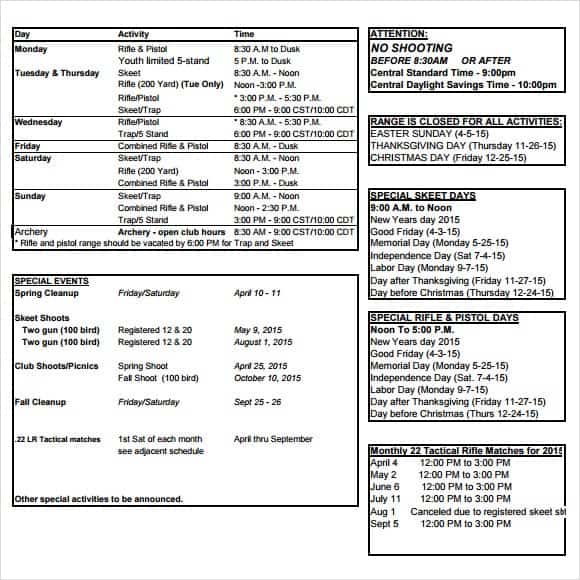
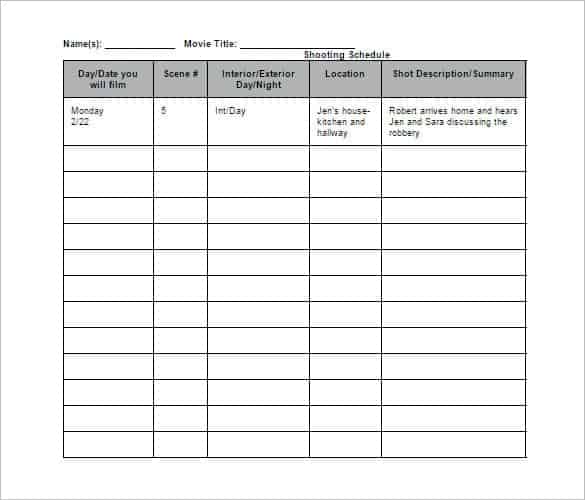
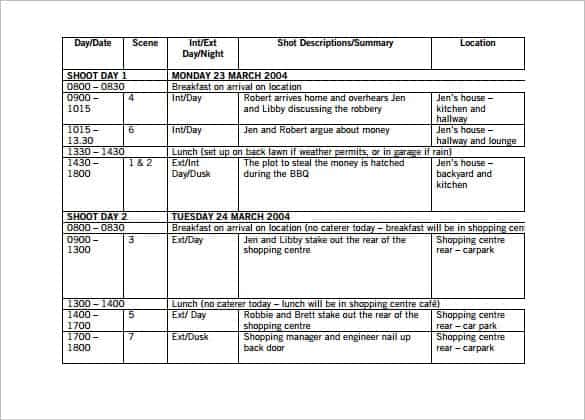
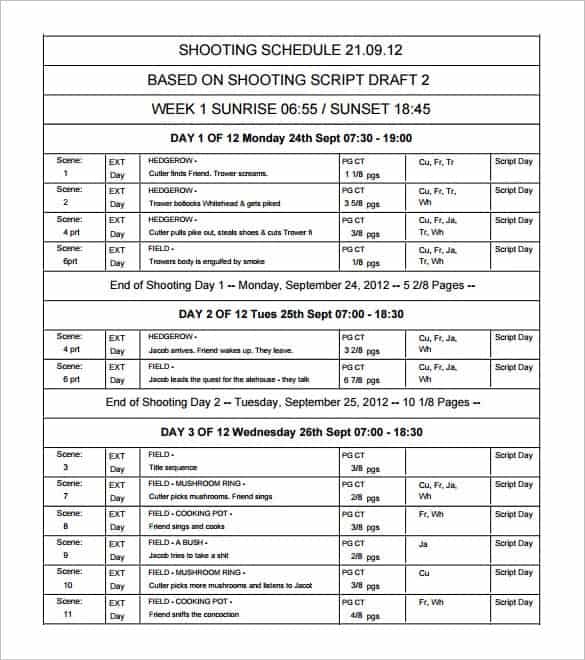
These five samples show additional layouts you can use as inspiration when building your own schedule.
How to Create a Shooting Schedule
- Break down the script. List every scene with its location, cast, props, and special requirements.
- Group scenes. Combine scenes that share a location or actor to save travel and setup time.
- Check availability. Confirm dates for cast, crew, locations, and equipment rentals.
- Estimate time per scene. Complex scenes and stunts need more time than simple dialogue.
- Fill in the template. Add each day with scene numbers, call times, and locations.
- Add buffers. Leave room for delays, weather, and technical problems.
- Share and revise. Send the schedule to everyone and update it as plans change.
Tips for a Better Production Schedule
- Shoot out of order when it saves money, and track continuity carefully.
- Schedule the most difficult scenes early in the day when the crew is fresh.
- Plan indoor backup scenes for outdoor days in case of bad weather.
- Include meal breaks and turnaround time so the crew stays productive.
- Keep a one-page call sheet for each shooting day, based on the master schedule.
- Number every version of the schedule so no one works from an outdated copy.
Note: These templates are general samples. Permits, insurance, union rules, and safety requirements vary by location and production, so check the rules that apply to your shoot.
Frequently Asked Questions (FAQs)
What is a shooting schedule?
A shooting schedule is a plan that lists which scenes will be filmed on each day, along with locations, cast, crew, and equipment. It is also called a production schedule.
Who creates the shooting schedule?
The first assistant director usually prepares it with the production manager and director, based on the script breakdown and the budget.
What is the difference between a shooting schedule and a call sheet?
The shooting schedule covers the whole production. A call sheet is a one-day document created from the schedule that lists exact call times, scenes, and contact details for that day.
Are these shooting schedule templates free?
Yes. All the templates on this page are free to download and edit for personal or professional projects.
Can I use these templates for video projects other than films?
Yes. They work for commercials, music videos, corporate videos, documentaries, and student projects.
Should I use Excel or Word for a production schedule?
Excel is better for sorting and updating many scenes, while Word or PDF layouts are simpler for printing and sharing. Choose the format that suits your team.
How far in advance should I make a shooting schedule?
Start as soon as the script is locked and cast and locations are confirmed. Finishing the schedule before pre-production ends gives you time to adjust it.
Final Thoughts
A clear shooting schedule keeps your production on time and on budget. Pick one of these 12 free shooting schedule templates, customize it with your scenes and locations, and give your cast and crew the roadmap they need for a smooth shoot.