
When a brainstorm leaves you with dozens of sticky notes and no clear direction, an affinity diagram can bring order to the chaos. It groups related ideas together so patterns become obvious and decisions get easier. These free affinity diagram templates give you a head start, so you can spend your time on ideas instead of layout.
Below are 8 affinity diagram templates and examples in Word, Excel, and PDF formats. Download one, add your team’s ideas, and start sorting.
What Is an Affinity Diagram?
An affinity diagram, also known as the KJ method, is a tool for organizing large amounts of ideas, opinions, or data into groups based on natural relationships. Teams write each idea on a separate note, then sort the notes into themed clusters and give each cluster a clear heading.
It is widely used in brainstorming sessions, project planning, quality improvement, product design, and customer research. It also works well for personal decisions, since it helps you see which ideas belong together.
Why Use an Affinity Diagram Template?
You can draw one on a whiteboard, but a digital template offers several advantages:
- Quick setup. Headings and boxes are already in place, so you can start adding ideas right away.
- Easy to edit. Move ideas between groups and rename categories without redrawing.
- Shareable. Send the file to remote team members or attach it to a project report.
- Printable. Print it for workshops, or use it as a reference during meetings.
- Clear results. A tidy layout makes it easier to present findings to stakeholders.
Record the selected problem, goals, and next steps in a project overview so the workshop leads to a clear brief.
Key Parts of an Affinity Diagram
Most affinity diagrams include these elements:
- A central problem statement or question
- Individual idea cards or cells
- Group headings that describe each theme
- Space for sub-groups or priorities
- Notes on next steps or owners
After grouping ideas, a fishbone diagram can help investigate possible causes behind a selected problem.
Free Affinity Diagram Templates
Pick a template below and use the download button under each one.
Affinity Diagram PDF Template
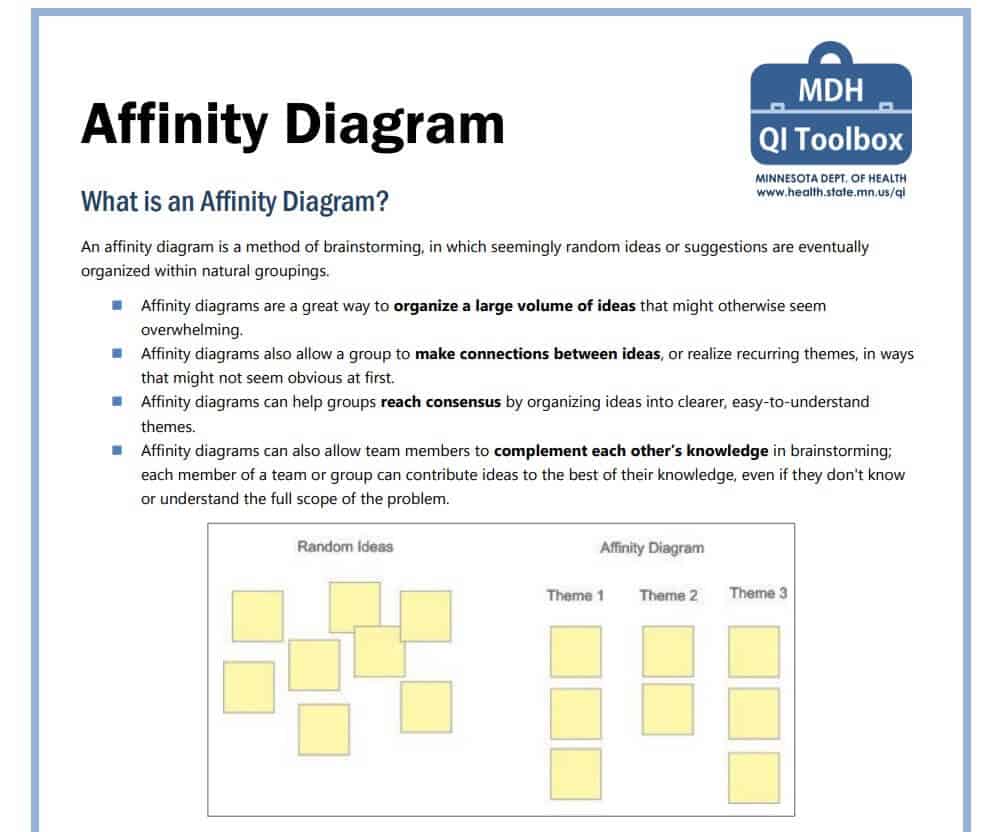
Download Affinity Diagram PDF Template
Partial Affinity Diagram Example in DOC Format
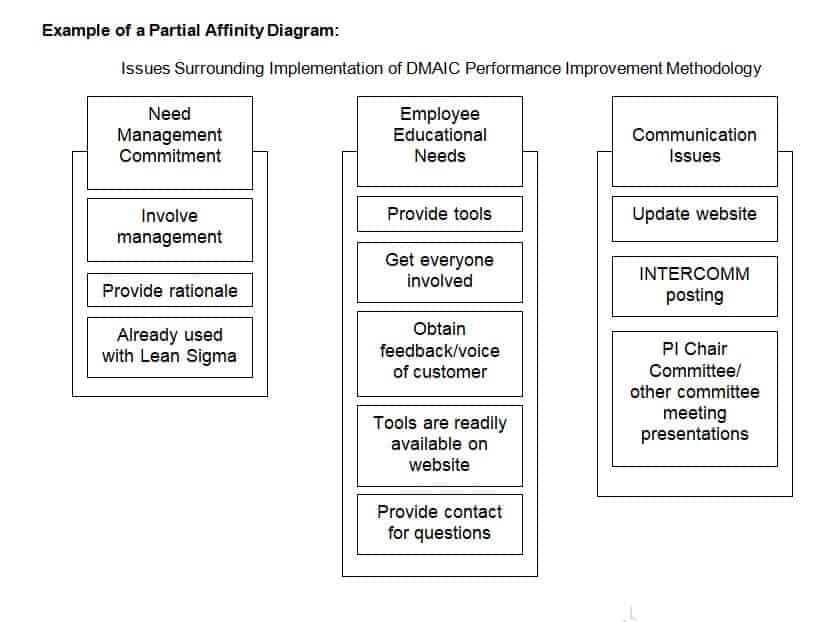
Download Partial Affinity Diagram Example (DOC)
Affinity Diagram Guide & Instructions in PDF Format
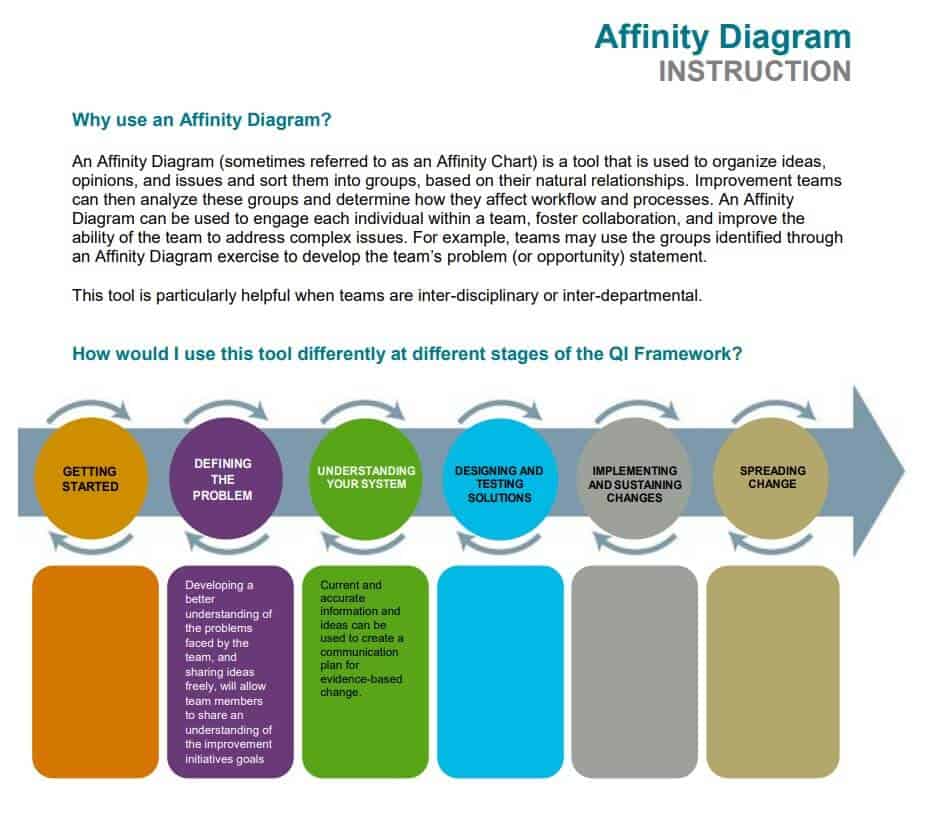
Download Affinity Diagram Guide (PDF)
Free Online Affinity Diagram Example
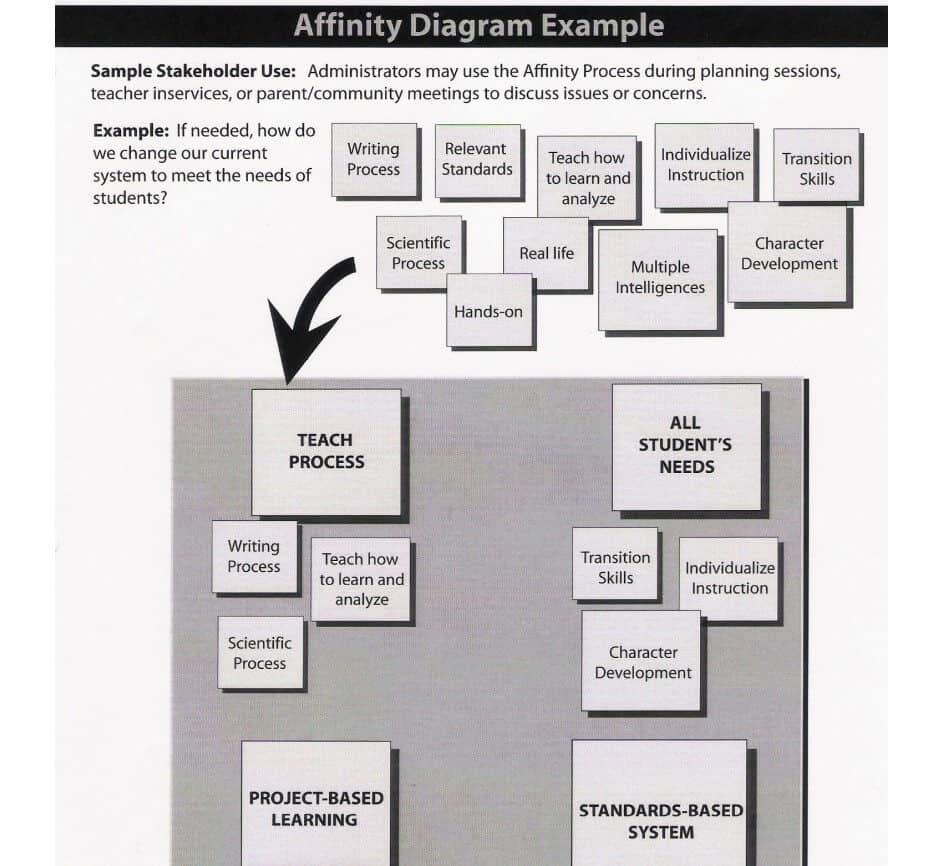
Download Online Affinity Diagram Example
Blank Affinity Diagram Excel Template
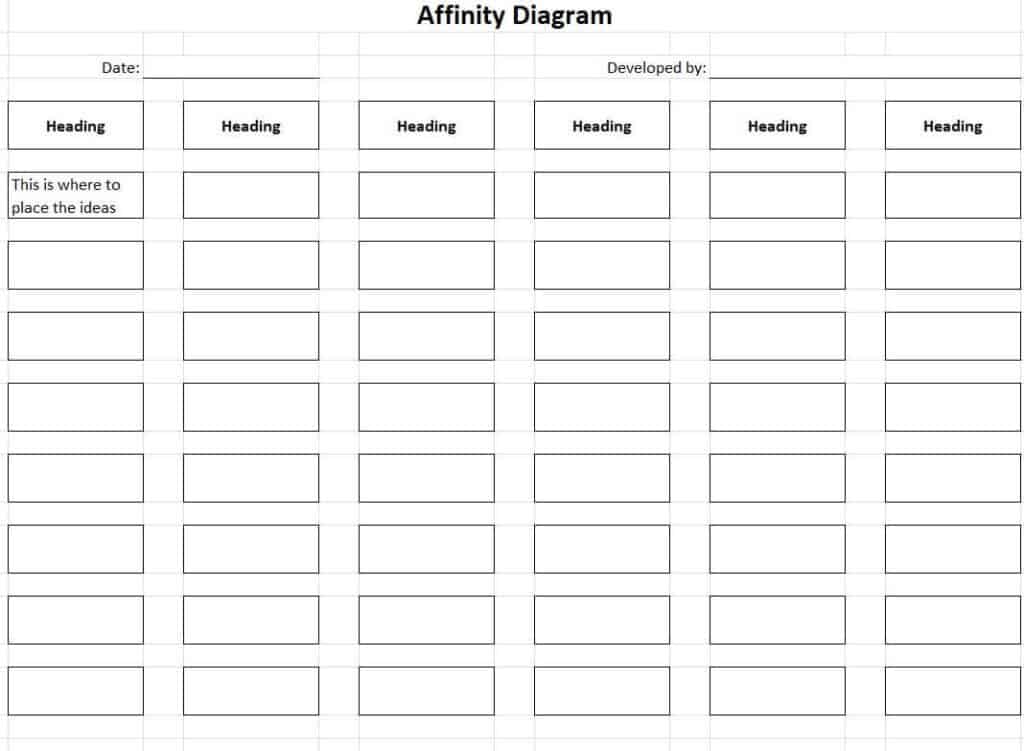
Download Blank Affinity Diagram Excel Template
Free Printable Affinity Diagram Template
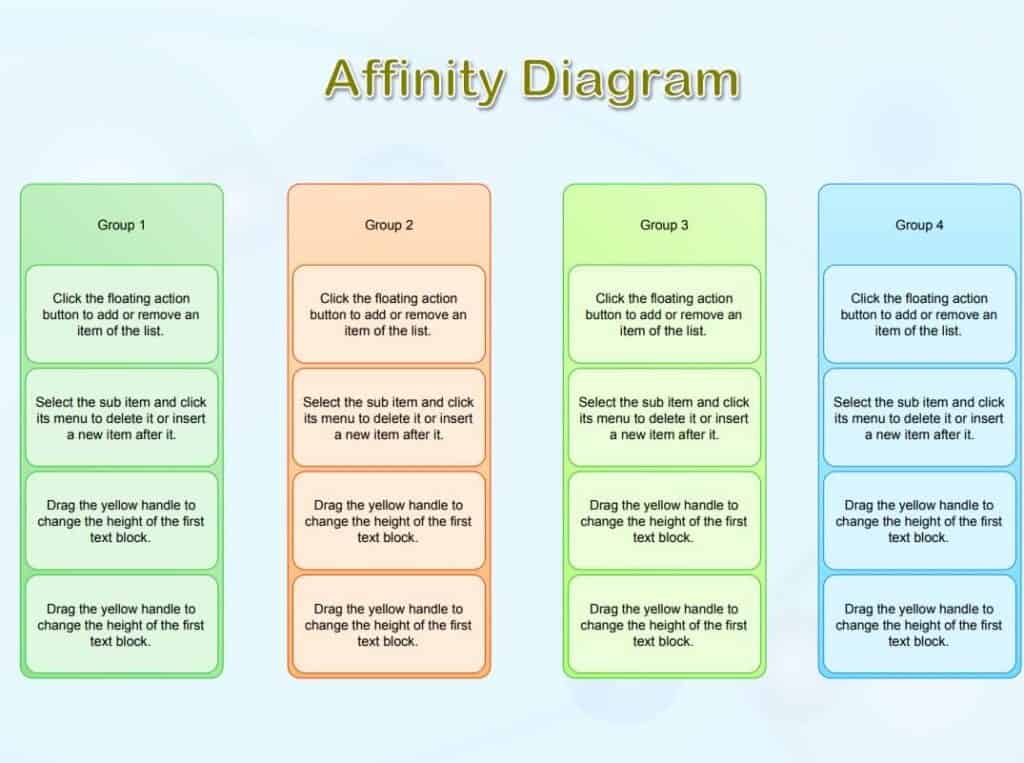
Download Printable Affinity Diagram Template
Free Editable Affinity Diagram WORD Template
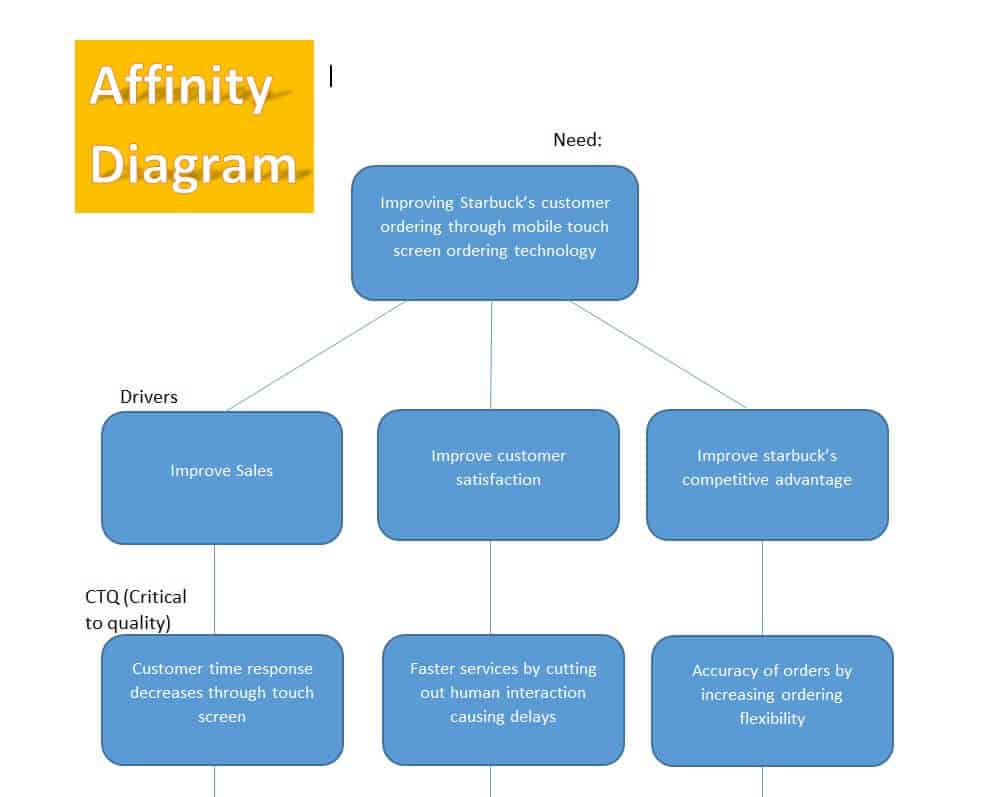
Download Editable Affinity Diagram Word Template
Finished Affinity Diagram Sample PDF
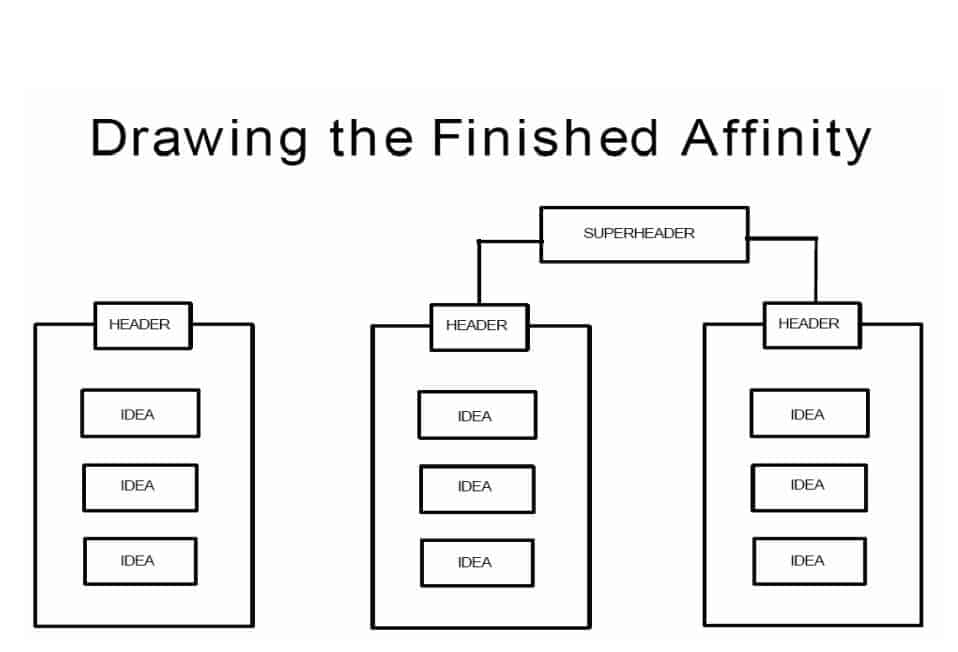
Download Finished Affinity Diagram Sample (PDF)
When to Use an Affinity Diagram
An affinity diagram is most helpful when:
- You have many ideas or facts that seem unrelated.
- The problem is complex or unclear.
- Team members hold different opinions and need to find common ground.
- You are analyzing survey responses, interviews, or customer feedback.
- You want to build consensus before making a decision.
How to Create an Affinity Diagram
- Define the problem or question you want to explore.
- Have everyone write ideas on separate notes or in separate cells, one idea per note.
- Place all ideas in front of the group, on a wall or in a template.
- Silently sort ideas that seem related into clusters.
- Discuss and adjust groups until the team agrees.
- Write a short header for each cluster that captures its theme.
- Rank or vote on the groups to decide priorities and next steps.
Benefits of Affinity Diagrams
- Turn messy brainstorming into a clear structure.
- Give every team member an equal voice.
- Reveal patterns and root causes that are easy to miss.
- Support project management, quality improvement, and education.
- Reduce the time needed to reach a decision.
Tips for Better Results
- Write ideas as short phrases that anyone can understand.
- Do not decide group names before sorting; let themes emerge naturally.
- Limit group size, and split large clusters into sub-groups.
- Include all perspectives, from managers to front-line staff.
- Save a copy of the final diagram for future reference.
Use force field analysis to examine factors helping or resisting a proposed change that emerges from the discussion.
An affinity diagram turns a pile of ideas into clear, actionable themes. Download one of the eight templates above, gather your team, and sort your ideas together. You will end up with a shared understanding and a solid foundation for your next decision.
Frequently Asked Questions (FAQs)
What is an affinity diagram used for?
It is used to organize large numbers of ideas or data points into related groups so a team can find patterns and make decisions.
What is the KJ method?
The KJ method is another name for the affinity diagram. It was developed by Japanese anthropologist Jiro Kawakita and is a popular tool in quality management and design.
Can I make an affinity diagram in Word or Excel?
Yes. You can use a table or text boxes in Word, or cells in Excel, to create groups. The templates above are set up for that purpose.
How many ideas should an affinity diagram contain?
There is no fixed number. It works best when you have at least 15 to 20 ideas, but larger workshops can handle hundreds.
What is the difference between an affinity diagram and a mind map?
A mind map branches out from a central idea in a hierarchy, while an affinity diagram groups independent ideas into themes after brainstorming.
Who should take part in building one?
Include people who understand the problem from different angles. A team of five to ten usually works well.
Are these templates free to use?
Yes, all templates on this page are free to download and use for personal or business purposes.



You must be logged in to post a comment.