A purchase order keeps buying organized. Whether you run a small shop or manage procurement for a large company, a clear written order protects both you and your supplier. These free purchase order templates in Excel and Word let you create a professional document in minutes instead of building one from scratch.
Below you will find 14 editable purchase order samples, from simple blank forms to formal business layouts. Each one comes with a free download link, plus a practical guide on what to include, how a purchase order differs from an invoice, and answers to common questions.
What Is a Purchase Order?
A purchase order (PO) is a commercial document a buyer sends to a seller to request goods or services. It lists what is being ordered, the quantity, the agreed price, delivery details, and payment terms. Once the seller accepts it, the PO becomes a legally binding agreement in most cases, which is why accuracy matters.
Companies use purchase orders to track spending, control budgets, and keep a clean paper trail for accounting and audits. A well-made purchase order form template also reduces mistakes such as wrong quantities, missing prices, or unclear delivery dates.
Purchase Order vs. Invoice: What Is the Difference?
People often mix up these two documents. A purchase order is created by the buyer before the sale to request items. An invoice is created by the seller after the goods or services are delivered to ask for payment. In short, the PO says “this is what we want to buy,” while the invoice says “this is what you owe us.” Matching the two is a common way to catch billing errors.
Benefits of Using Purchase Order Templates
- Saves time: A ready-made layout means you only fill in the details.
- Looks professional: Consistent formatting builds trust with vendors.
- Reduces errors: Predefined fields prevent forgotten information.
- Improves tracking: Numbered orders make it easy to match deliveries and payments.
- Controls spending: Approval lines help you stay within budget.
Key Elements of a Good Purchase Order
Before you pick a design, make sure the template has space for these essentials:
- Your company name, address, phone, and email
- Vendor name and contact information
- Unique PO number and order date
- Item descriptions, SKU or part numbers
- Quantity, unit price, and line totals
- Subtotal, taxes, shipping, and grand total
- Delivery date and shipping address
- Payment terms, such as Net 30
- Authorized signature and approval line
Purchase Order Excel Templates
Excel templates are ideal when you want automatic calculations. Totals, taxes, and subtotals update as you type, so you avoid math mistakes. Here are eight Excel samples you can download free.
1. Purchase Order Excel Template
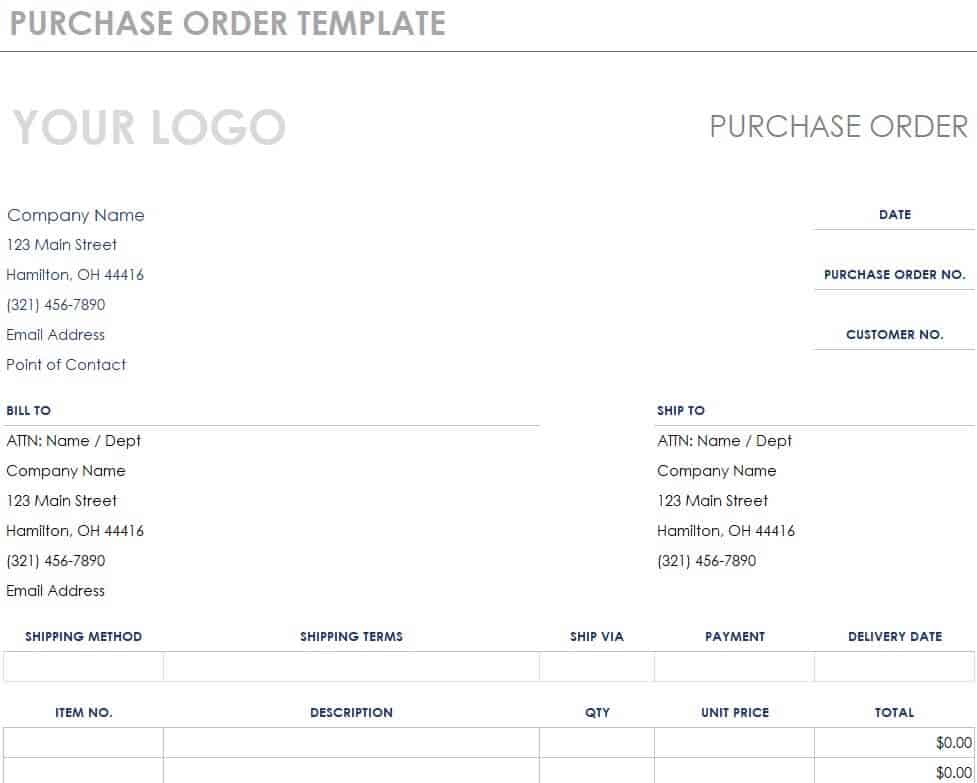
Download Purchase Order Excel Template
2. Formal Purchase Order Template

Download Formal Purchase Order Template
3. Purchase Order Form with Images Sample
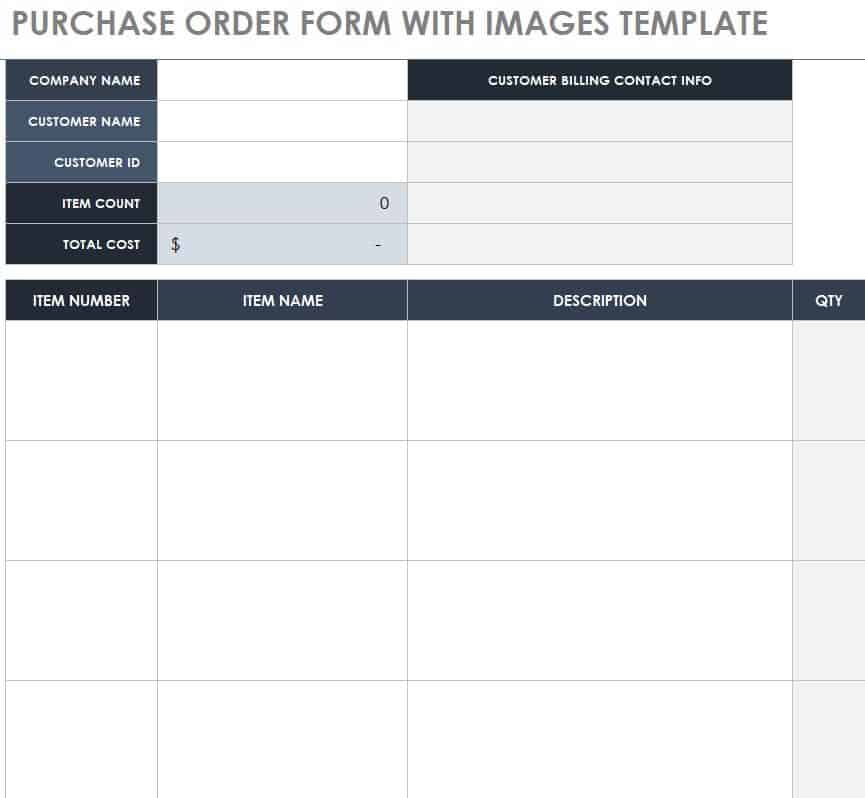
Download Purchase Order Form with Images Sample
4. Business Purchase Order Template Excel
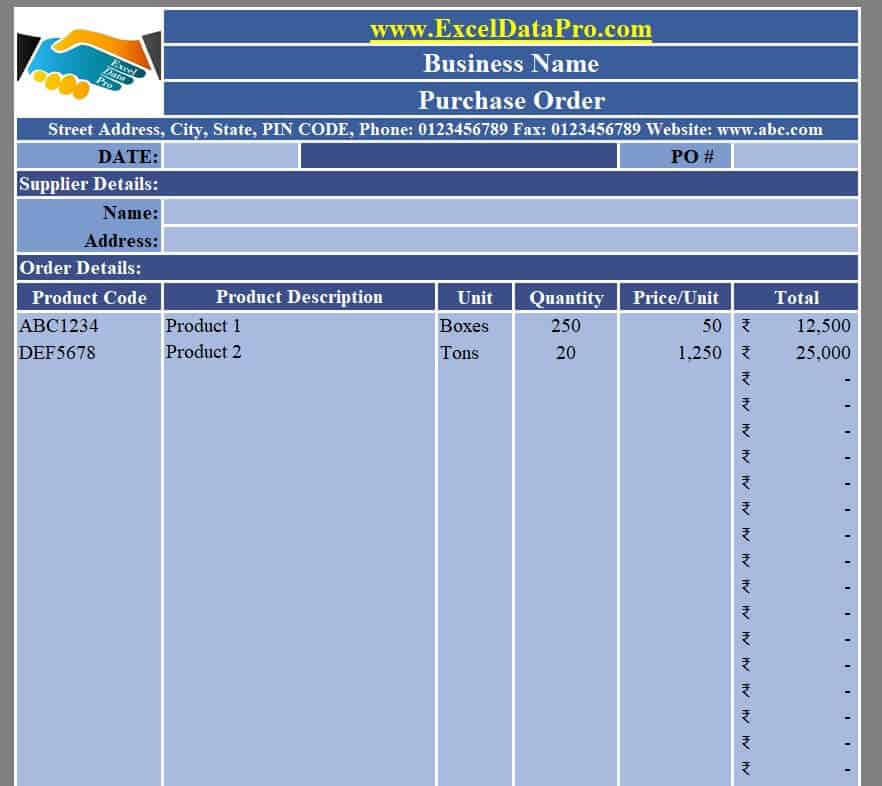
Download Business Purchase Order Template Excel
5. Blank Purchase Order Form Example
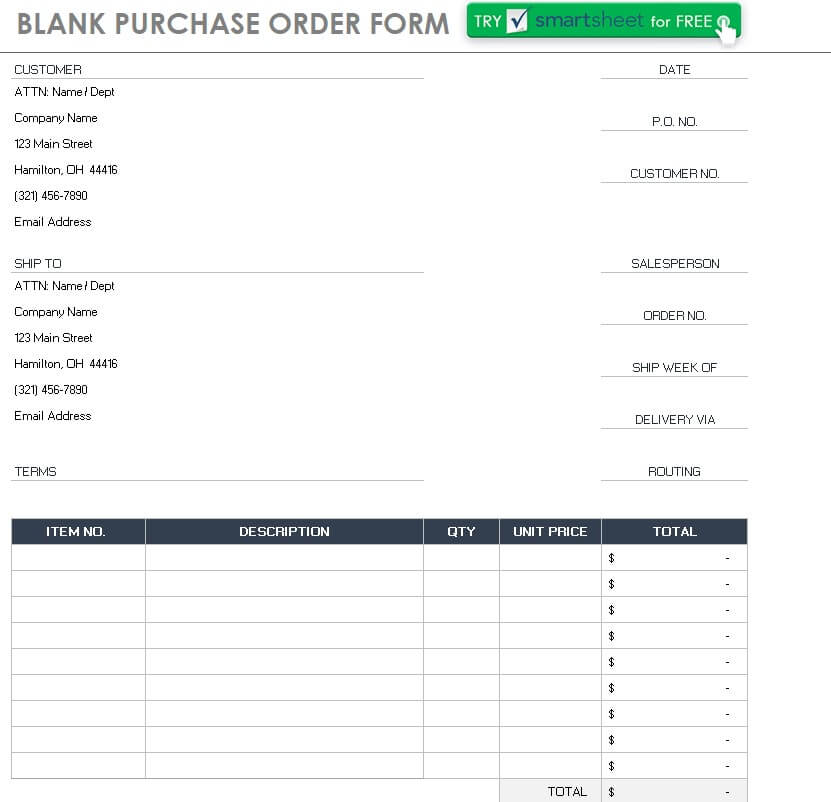
Download Blank Purchase Order Form Example
6. Company’s Purchase Order Template
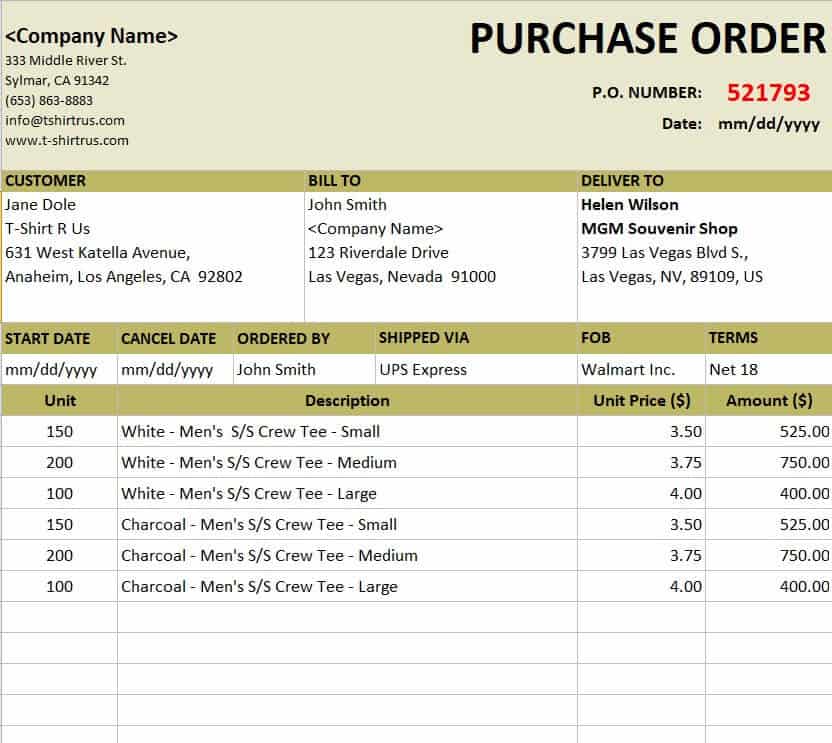
Download Company’s Purchase Order Template
7. Free Online Purchase Requisition Template in XLSX Format
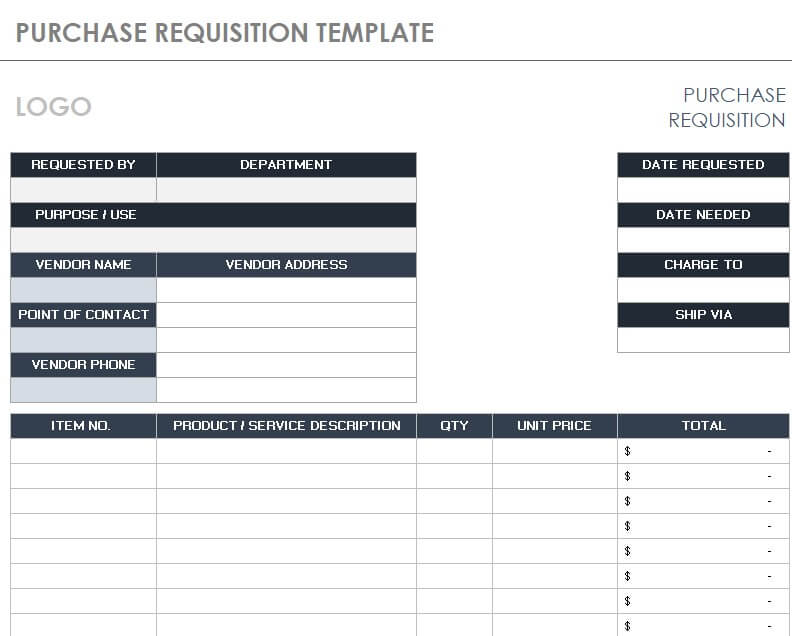
Download Purchase Requisition Template XLSX
8. Professional Purchase Order Example
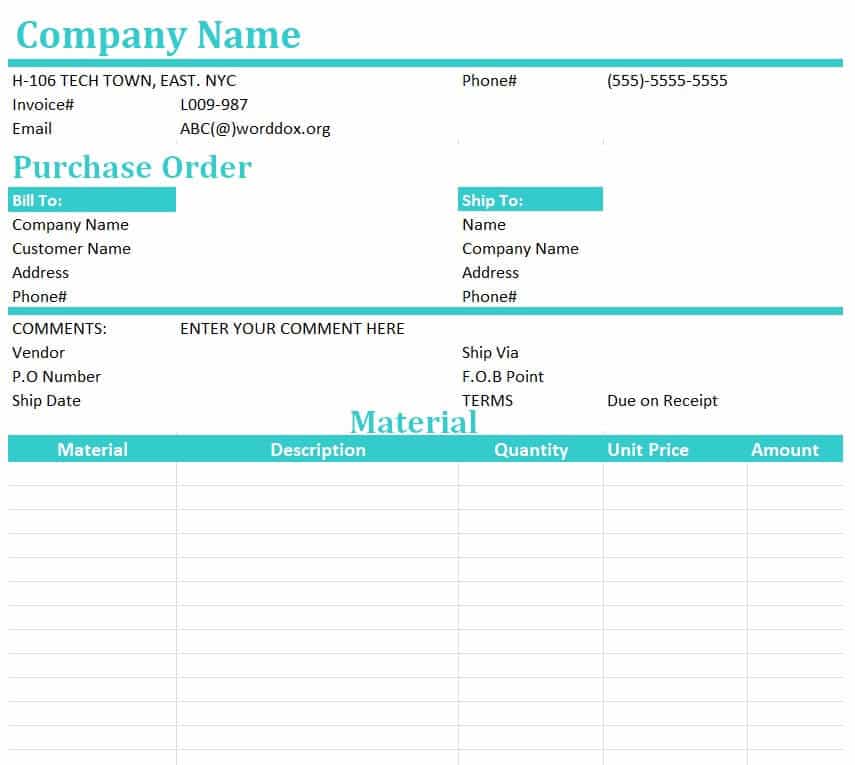
Download Professional Purchase Order Example
Purchase Order Word (DOC) Templates
Word templates are great for a clean printable layout or when you need to add notes and custom terms. Here are six DOC samples that are easy to edit in Microsoft Word or Google Docs.
9. Company’s Blank Purchase Order Template
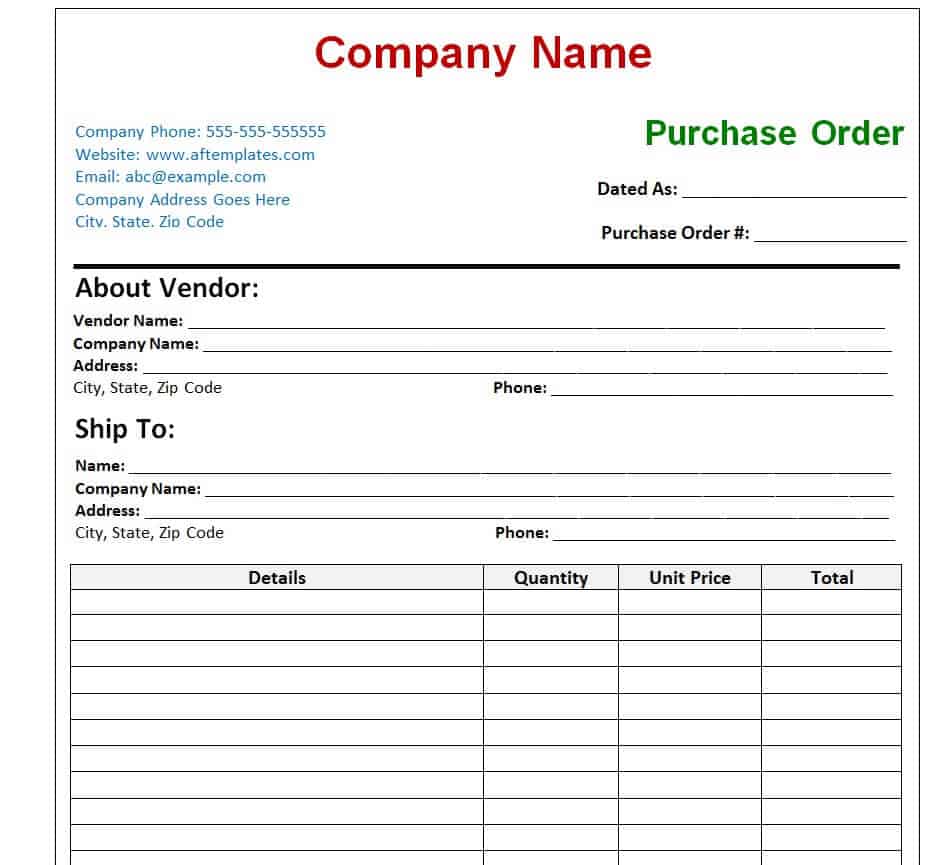
Download Company’s Blank Purchase Order Template
10. Official Purchase Order Template in DOC Format
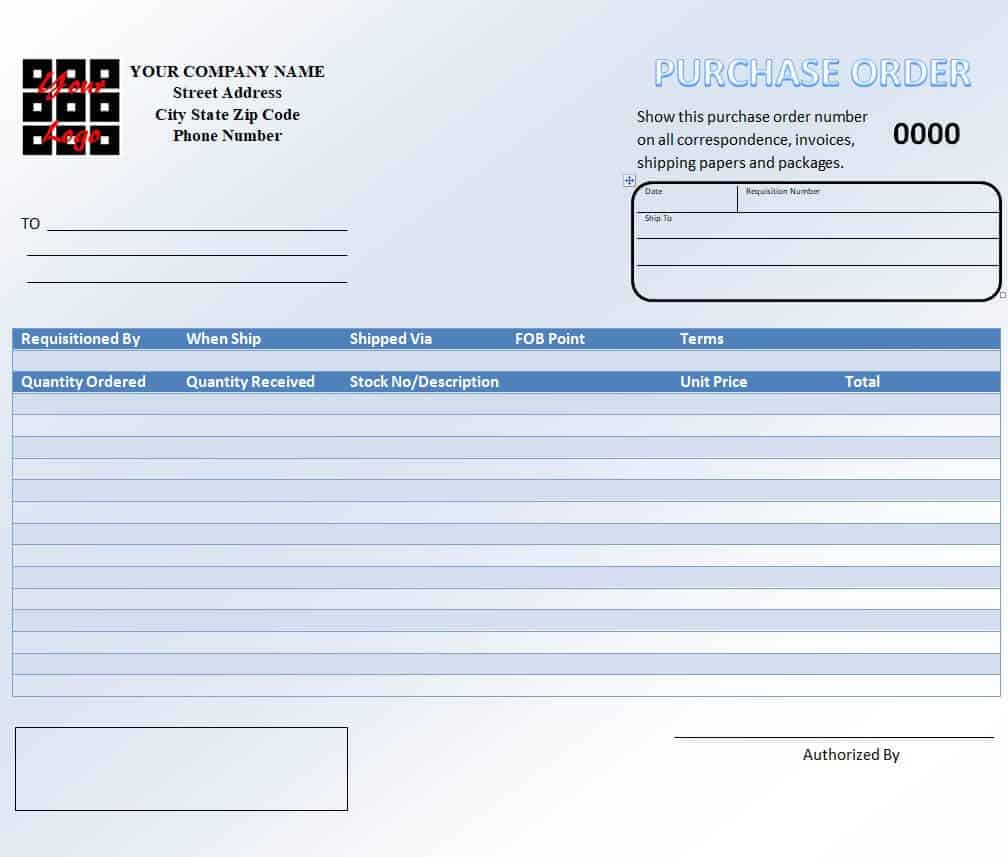
Download Official Purchase Order Template DOC
11. Special Purchase Order Layout in MS WORD
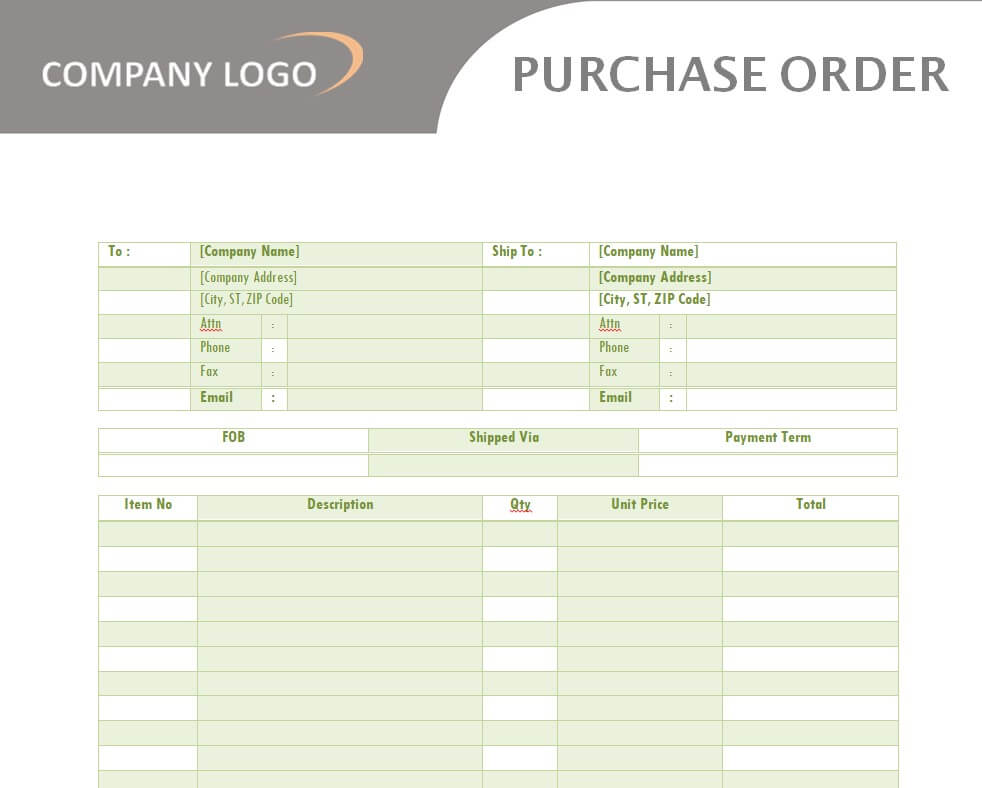
Download Special Purchase Order Layout in MS Word
12. Practical Purchase Order Form WORD
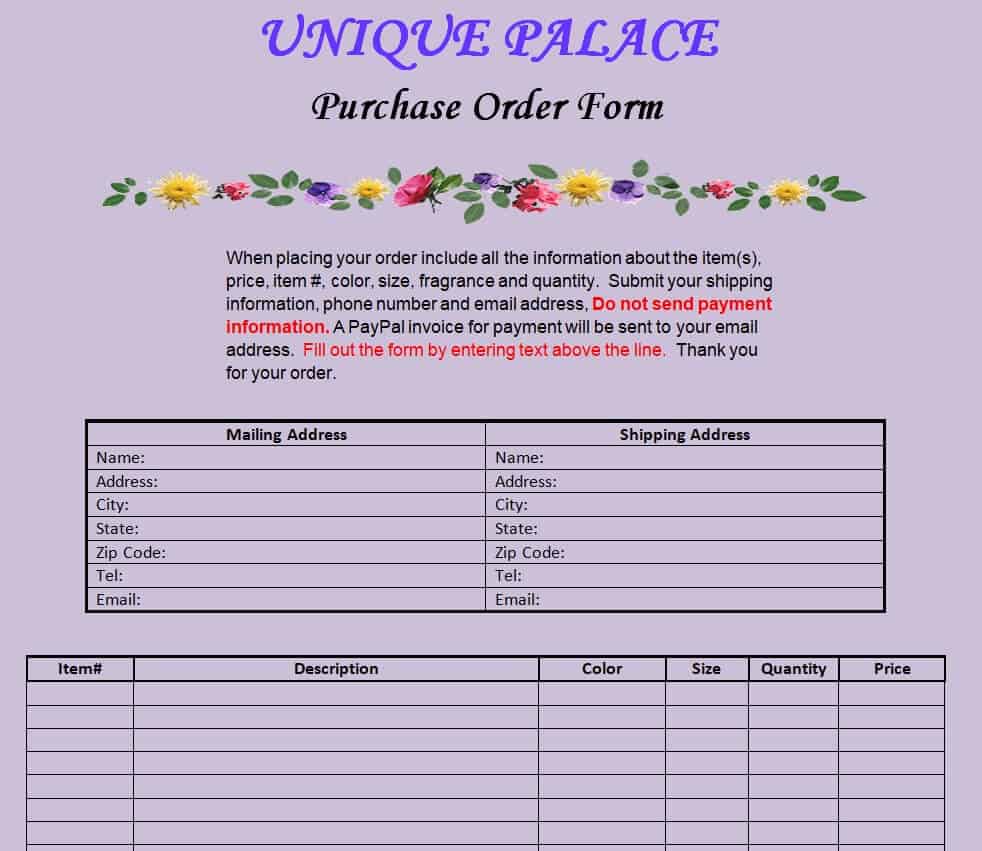
Download Practical Purchase Order Form WORD
13. Free Editable Purchase Order WORD Template
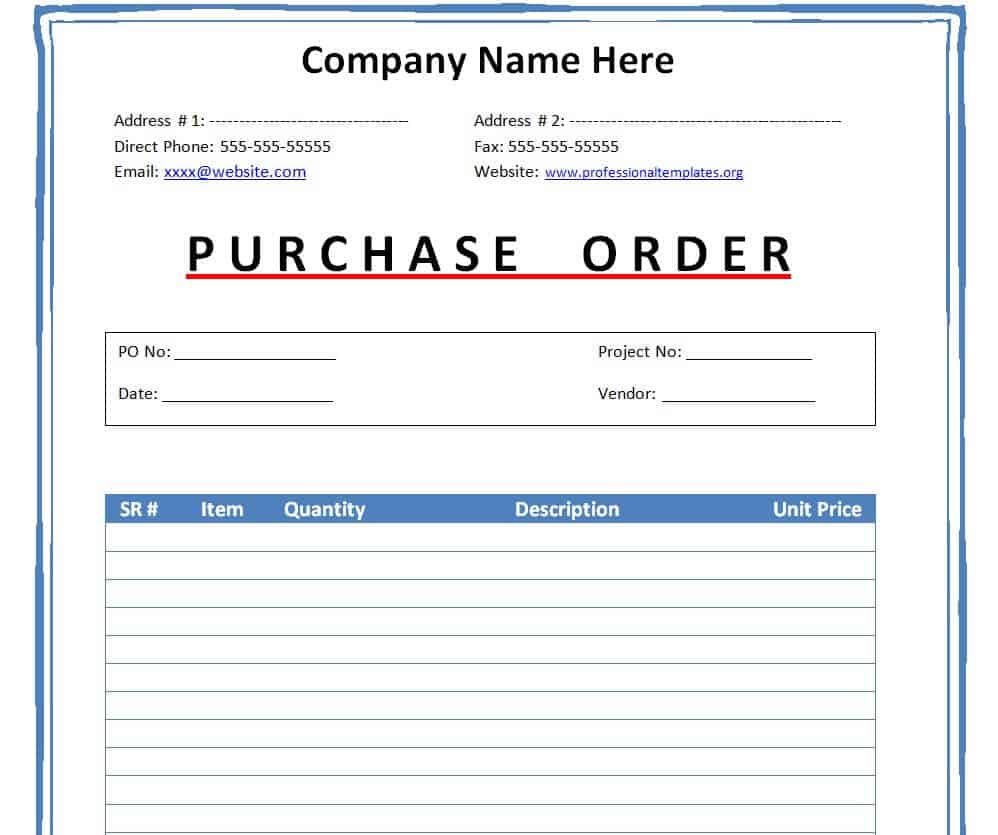
Download Free Editable Purchase Order WORD Template
14. Authorized Purchase Order Template Printable

Download Authorized Purchase Order Template Printable
How to Create a Purchase Order Step by Step
- Choose a template. Pick Excel if you want automatic totals, or Word if you prefer a printable form.
- Add your company details. Include your name, logo, address, and contact information at the top.
- Assign a PO number. Use a simple sequence such as PO-0001 so every order is easy to find later.
- Enter vendor information. Add the supplier name, address, and contact person.
- List the items. Write clear descriptions, quantities, and unit prices for each product or service.
- Calculate totals. Add taxes, shipping, and discounts to reach the grand total.
- State delivery and payment terms. Include the delivery date, shipping address, and payment terms.
- Get approval and send. Have an authorized person sign, then send it to the vendor and keep a copy.
Tips for Better Purchase Orders
- Be specific in item descriptions so the vendor ships exactly what you need.
- Always confirm prices before sending the order.
- Number every PO and keep a log in a spreadsheet.
- Set approval limits so large purchases need a second signature.
- Match the PO, delivery receipt, and invoice before paying.
- Save a PDF copy of every sent order for your records.
Note: These templates are general samples for everyday business use. They are not legal or accounting advice, so review terms with a professional if your purchase is large or complex.
Frequently Asked Questions (FAQs)
What is a purchase order template?
A purchase order template is a pre-formatted document with fields for vendor details, items, quantities, prices, and terms. You fill it in and send it to a supplier to place an order.
Are these purchase order templates really free?
Yes. Every template on this page can be downloaded for free and edited to fit your business needs.
Should I use Excel or Word for a purchase order?
Excel is better if you want formulas that calculate totals automatically. Word is better for a printable, text-friendly layout with room for notes and terms.
What is the difference between a purchase order and an invoice?
The buyer issues a purchase order before the sale to request goods or services. The seller issues an invoice after delivery to request payment.
Is a purchase order a legal contract?
Once the seller accepts it, a purchase order generally forms a binding agreement. Terms and enforceability can vary, so consult a professional for high-value orders.
What is a PO number and why does it matter?
A PO number is a unique identifier for each order. It helps both sides track deliveries, match invoices, and avoid duplicate payments.
Can I add my company logo to these templates?
Yes. Open the file in Excel or Word, then insert your logo in the header area and adjust colors or fonts to match your brand.
Final Thoughts
A solid purchase order saves time, prevents disputes, and keeps your spending under control. Pick one of these 14 free purchase order templates, customize it with your details, and you will have a professional document ready to send to your supplier today.


You must be logged in to post a comment.