When employees pay for business costs out of their own pockets, they need a simple and reliable way to get their money back. An expense reimbursement form gives them a clear place to list each expense, attach receipts, and submit a request for repayment. For employers, it creates a consistent record of what was spent and why. The free expense reimbursement form templates below are available in Excel and Word, so you can download one, customize it, and start using it right away. This guide also explains what to include, how to fill out a form, and answers to common questions.
Whether you run a small team, manage a nonprofit, organize a club, or work in a large company finance department, a well-designed form makes reimbursement faster and reduces errors. It also helps ensure that expenses follow company policy and are properly documented for accounting and tax purposes.
What Is an Expense Reimbursement Form?
An expense reimbursement form is a document that an employee or member completes to request repayment for money spent on behalf of a business or organization. It lists each expense with the date, description, category, and amount, and usually includes a total, the requester’s details, and space for an approver’s signature. Receipts are typically attached as proof of purchase.
Benefits of Using a Reimbursement Form Template
- Consistent records: every claim follows the same format, making review and approval easier.
- Faster payments: complete forms with clear totals are processed more quickly.
- Fewer mistakes: Excel templates can total amounts automatically, reducing math errors.
- Better policy control: categories and approval lines help managers check expenses against company rules.
- Audit ready: organized forms and receipts make accounting and tax reviews simpler.
- Time saving: no need to design a form from scratch.
What to Include in an Expense Reimbursement Form
- Employee or claimant name, department, and contact information
- Reporting period or trip dates and purpose of the expenses
- Date of each expense
- Description and category, such as travel, meals, lodging, or supplies
- Amount for each item and a grand total
- Payment method and, if needed, account details for reimbursement
- Receipt reference or attachment note
- Signatures or approval lines for the employee and manager
Free Expense Reimbursement Form Templates
Preview each form below and use the Download button to save the file.
Blank Expense Reimbursement Form Template
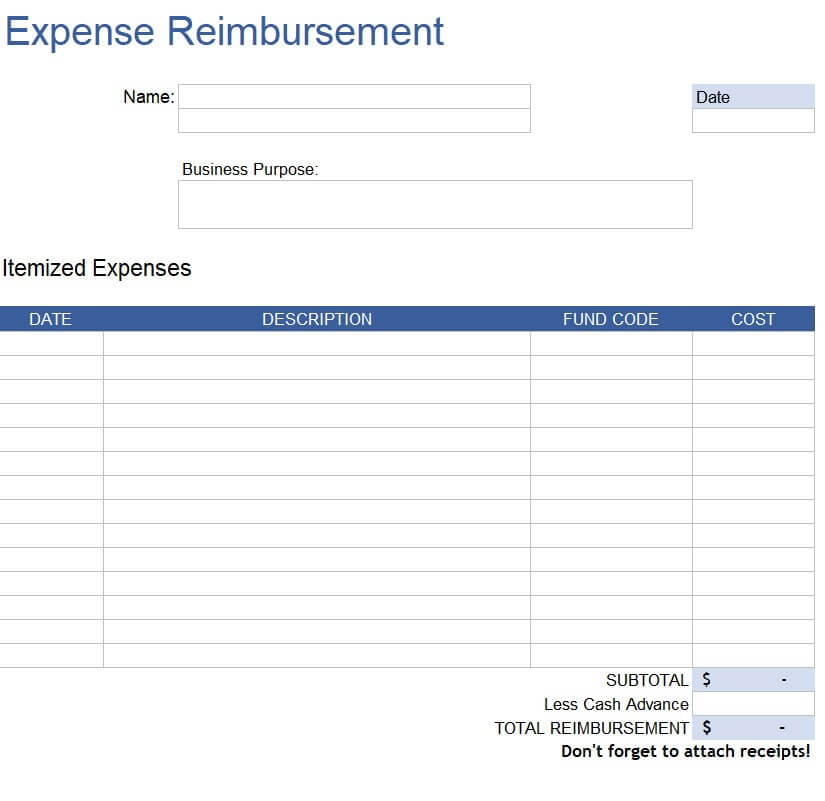
Simple Expense Reimbursement Form Template (Word)
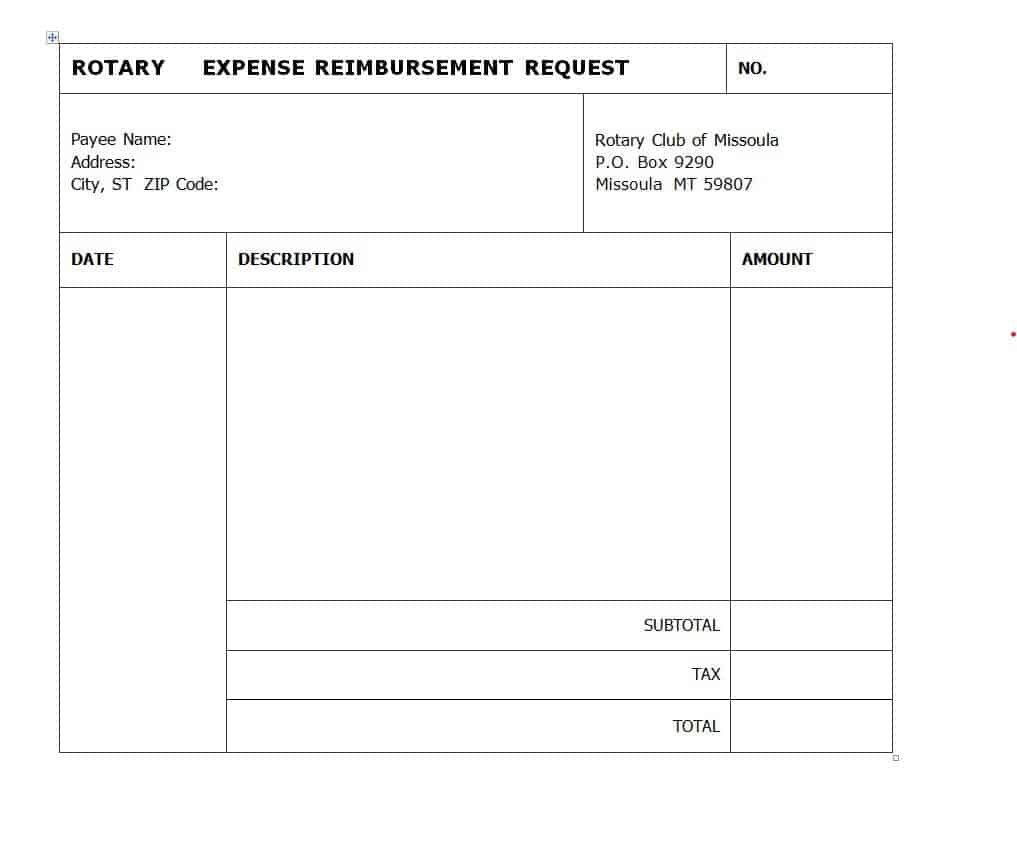
Travel Expense Reimbursement Form Excel Template
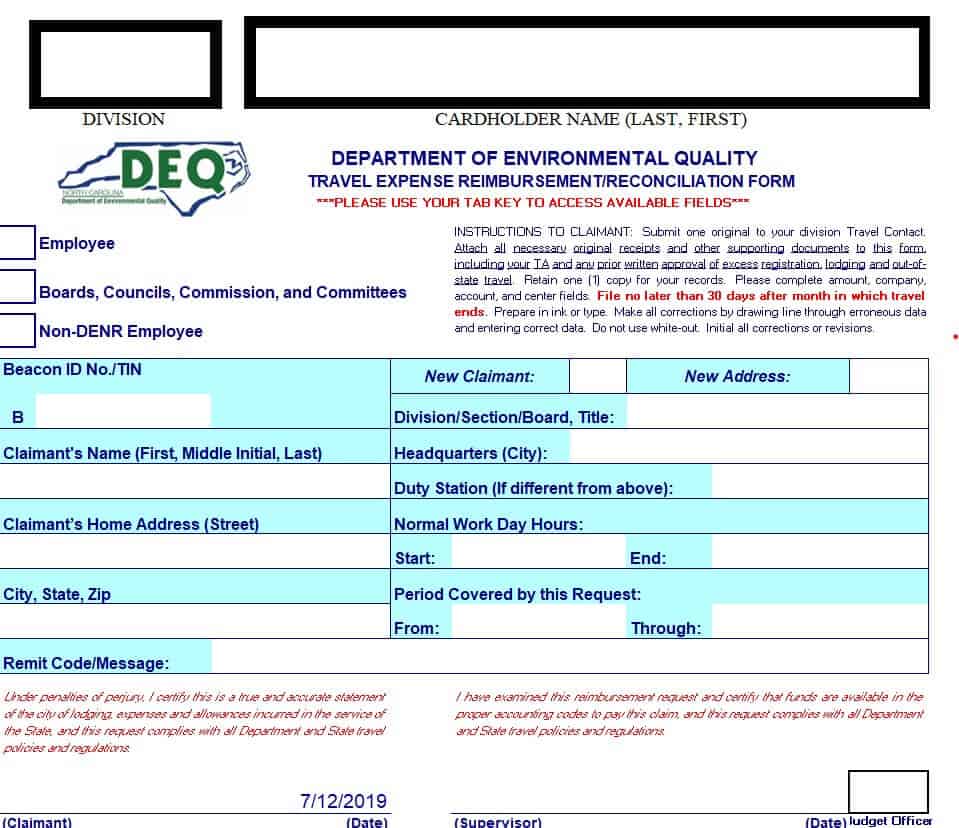
Business Expense Reimbursement Form Sample
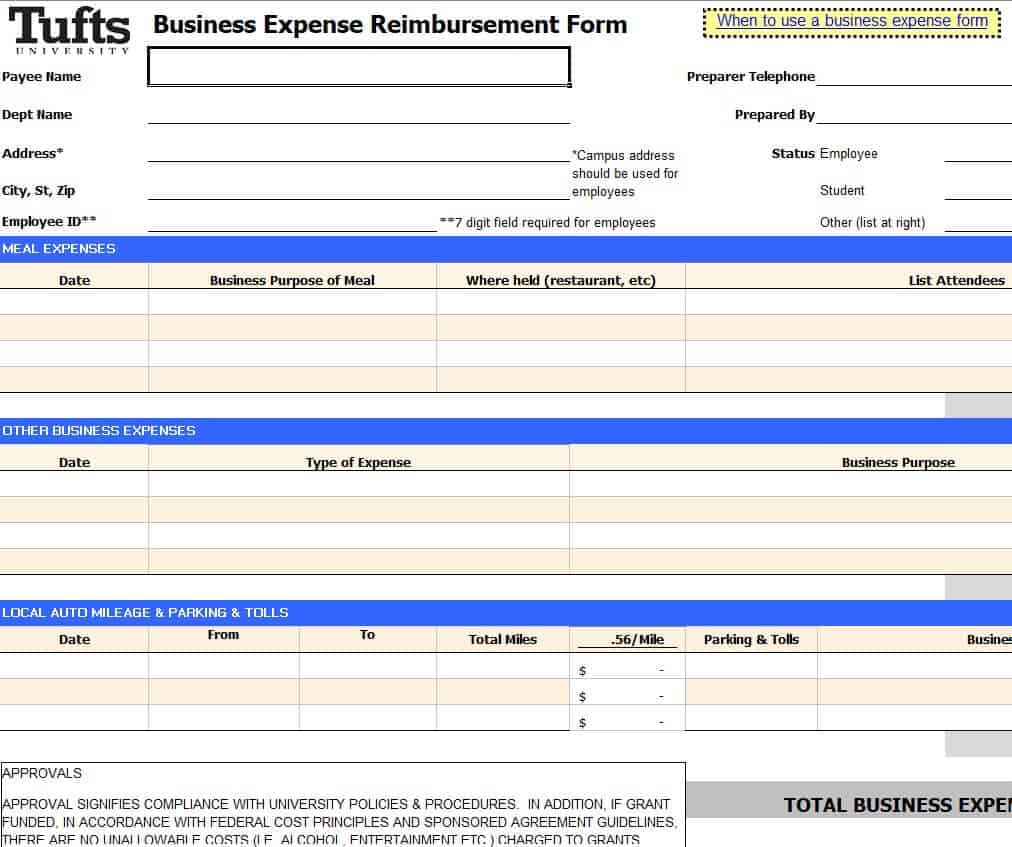
Free Editable Expense Reimbursement Form Template (DOC Format)
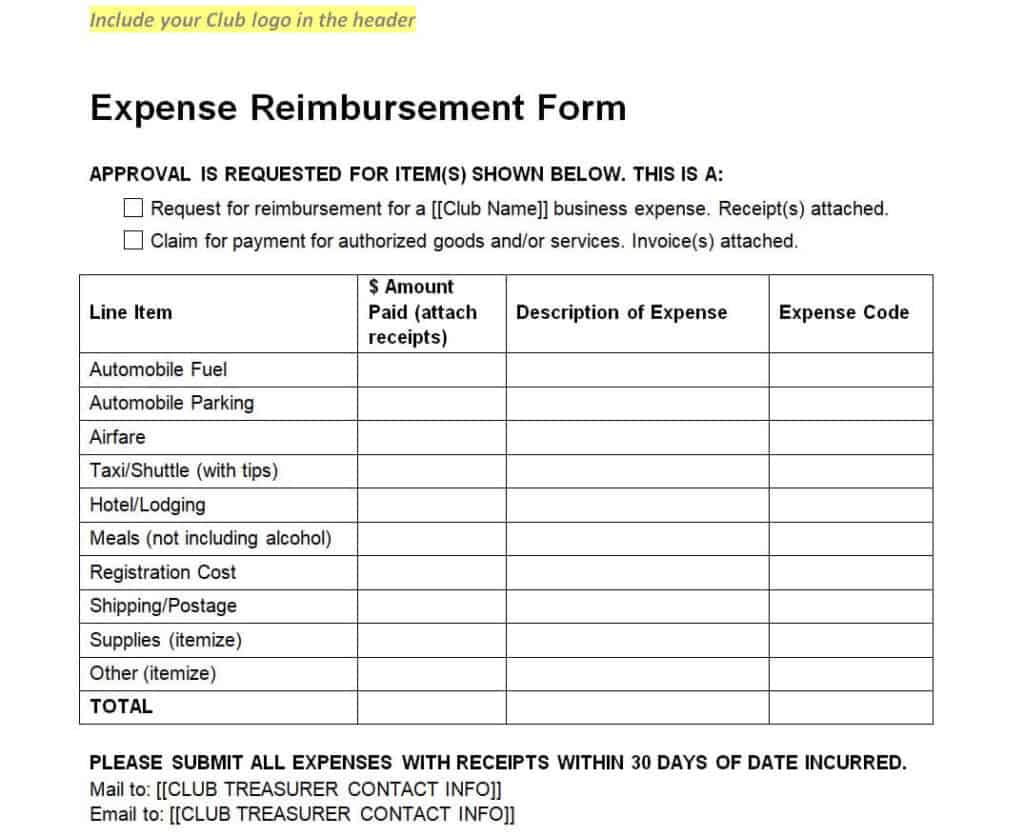
Company’s Expense Reimbursement Form Excel
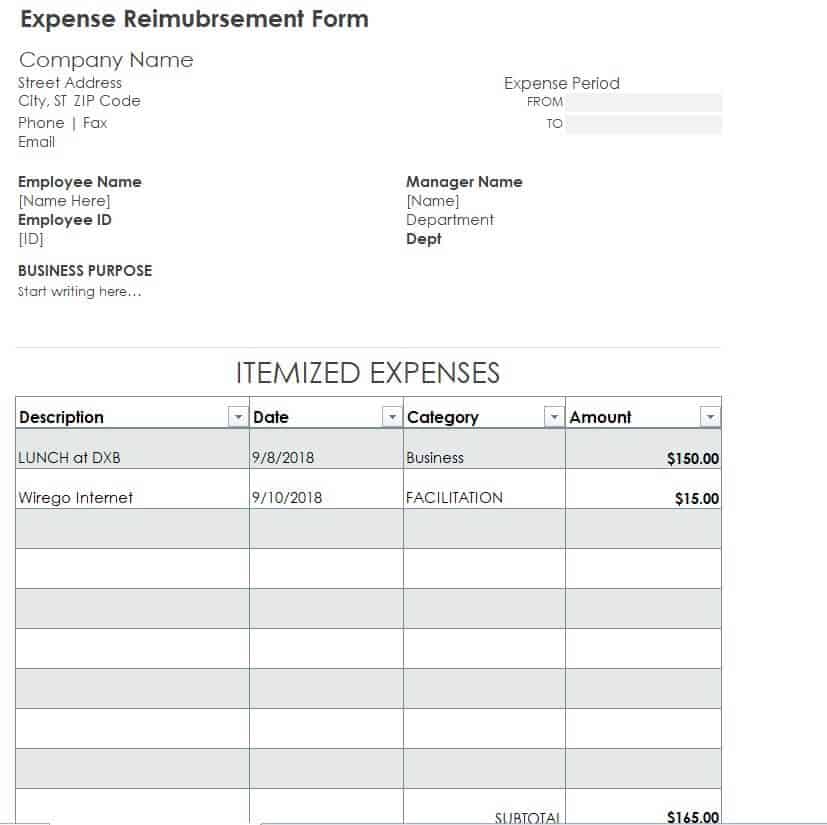
Business Expense Reimbursement Form Example
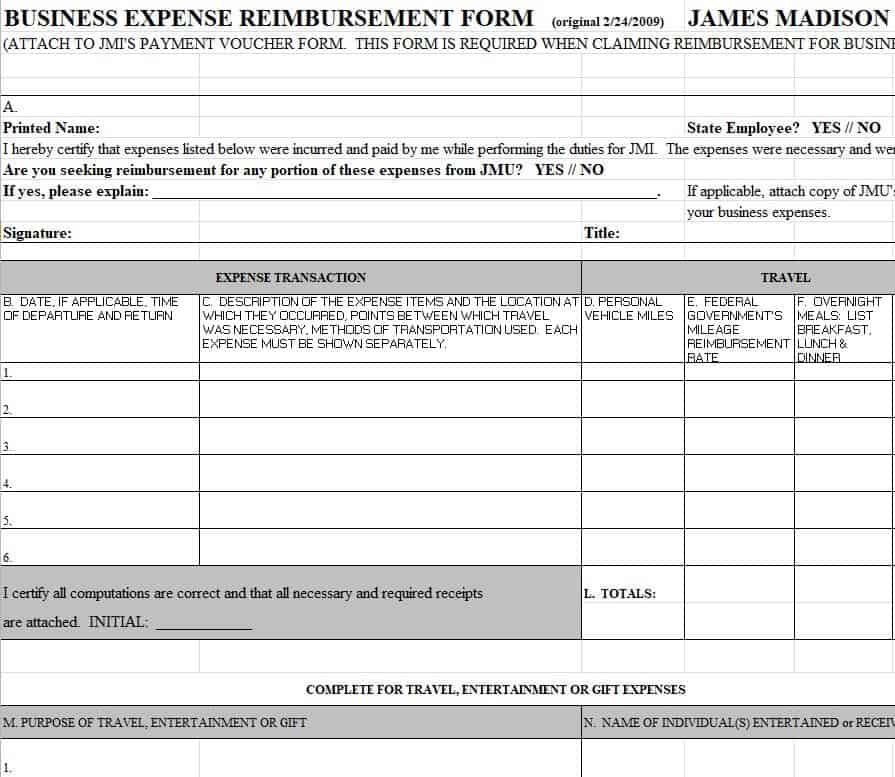
Printable Expense Reimbursement Form Word Template
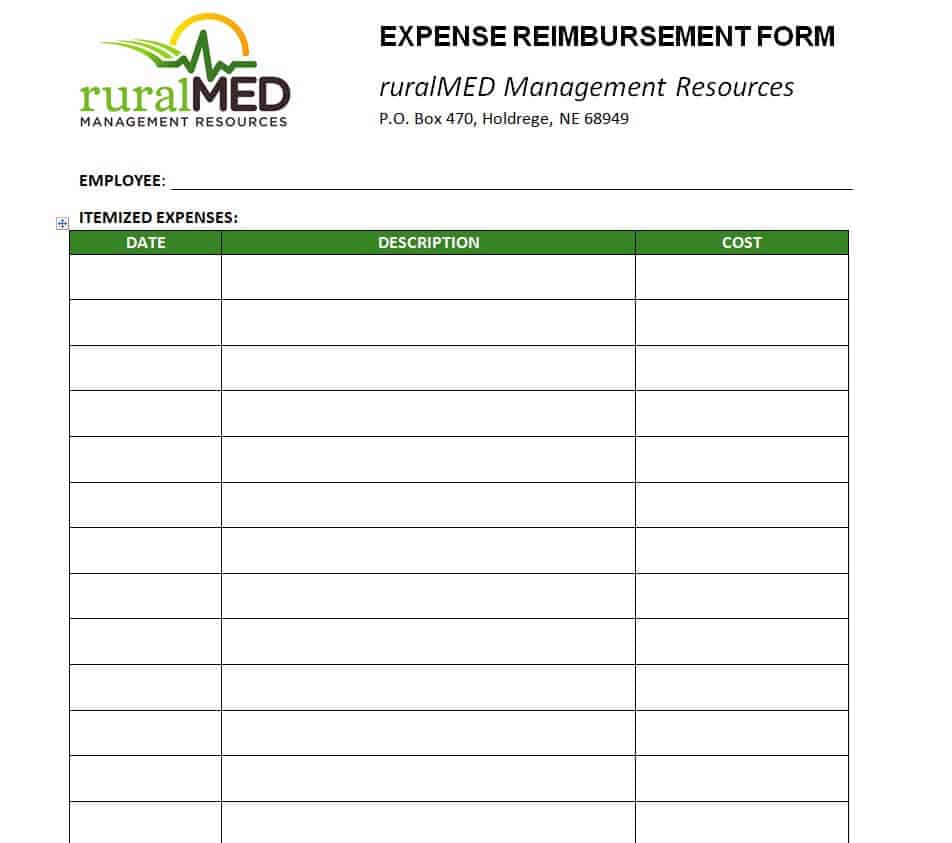
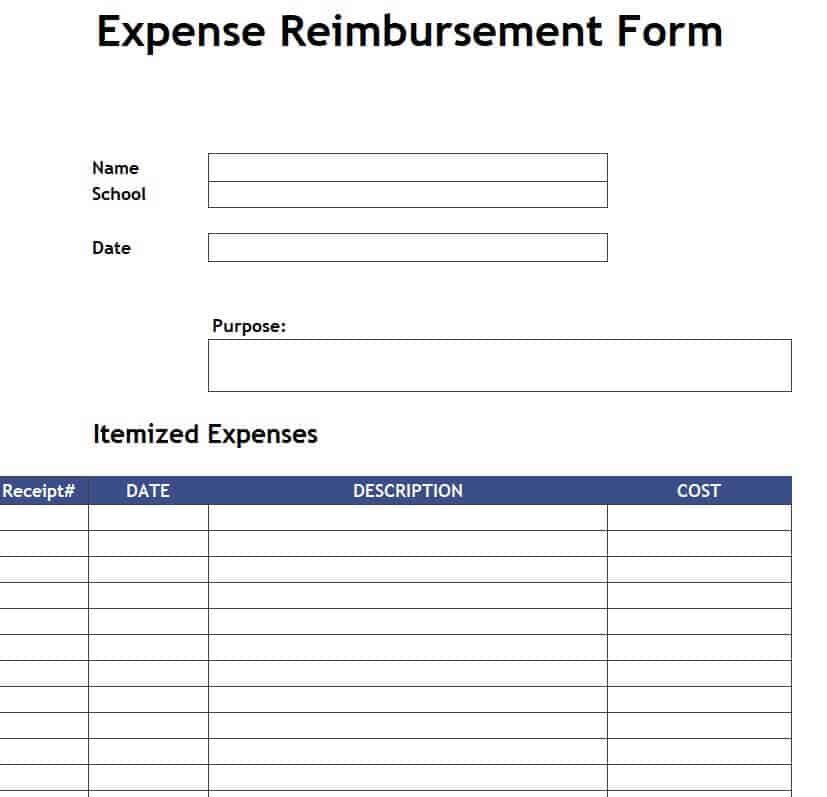
Fillable Itemized Expense Reimbursement Form
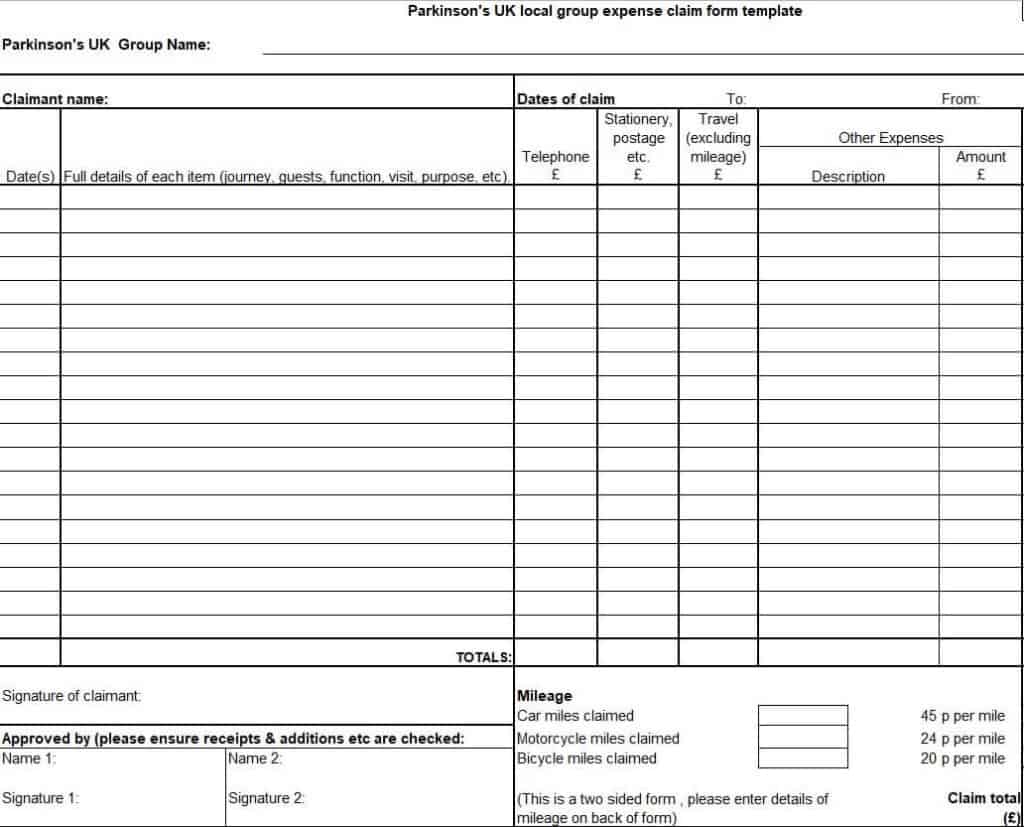
Group Expense Claim Form Template (XLSX Format)
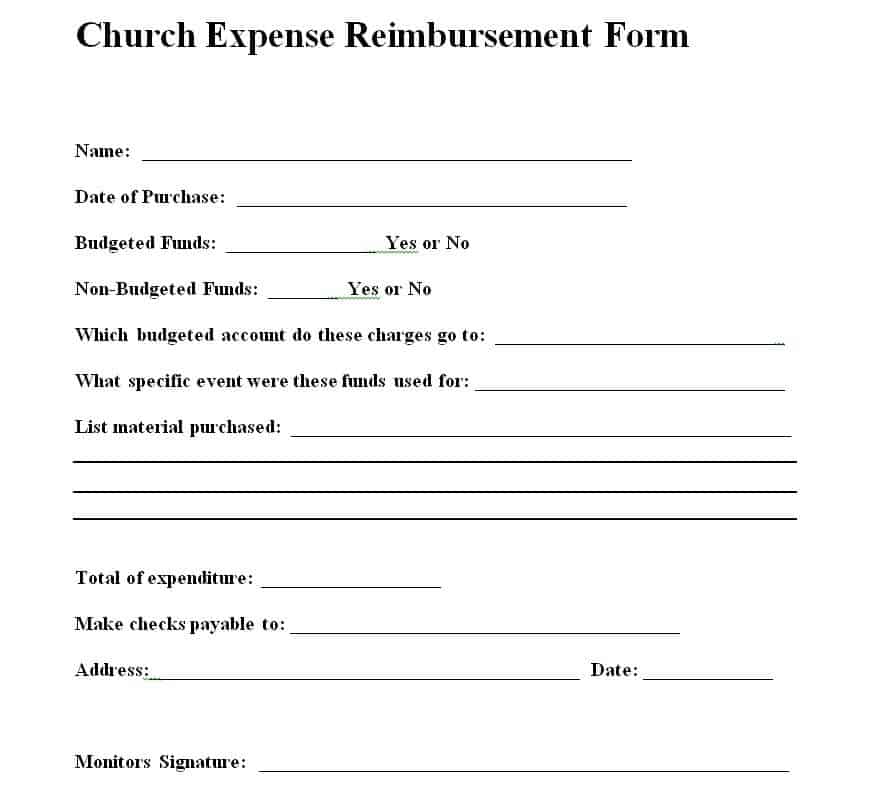
Church Expense Reimbursement Form Template (MS Word)
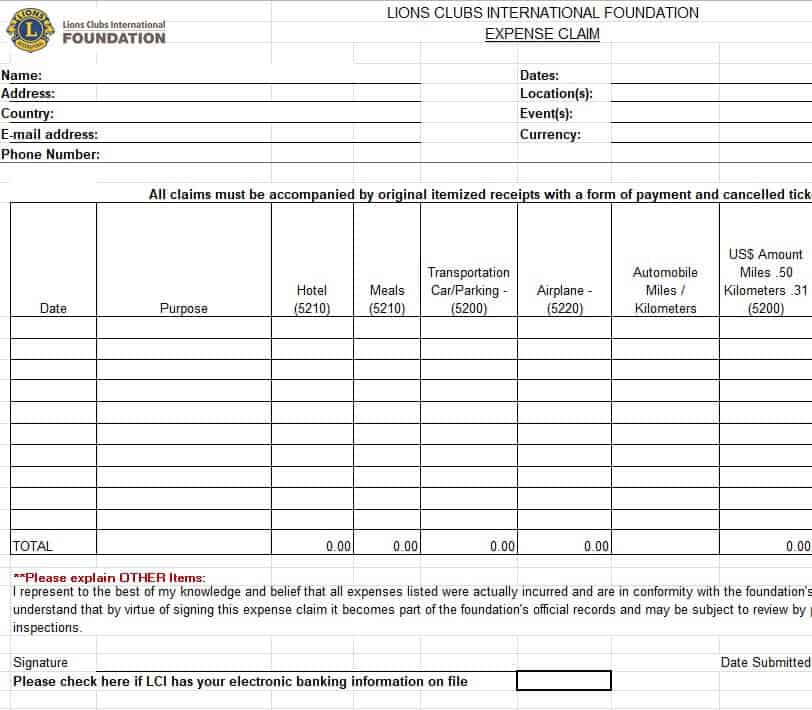
Club Expense Claim Form Layout
How to Fill Out an Expense Reimbursement Form
- Enter your details. Add your name, department, and contact information.
- State the purpose. Briefly describe the business reason for the expenses, such as a client visit or conference.
- List each expense. Record the date, description, category, and amount for every item.
- Attach receipts. Include a receipt or proof for each expense and note them on the form.
- Check the total. Confirm the amounts add up correctly.
- Sign and submit. Sign the form and send it to your manager or finance team within the deadline.
- Follow up. Keep a copy for your records and confirm when payment is issued.
Tips for Employers and Managers
- Publish a clear expense policy that explains what is reimbursable and the submission deadline.
- Ask employees to attach original or digital receipts for all expenses.
- Set spending limits and approval levels for larger amounts.
- Process approved claims on a regular schedule so employees are paid on time.
- Store forms and receipts securely for accounting and audit purposes.
Note: Tax and accounting rules for reimbursements differ by location. These templates are general tools and not tax, legal, or accounting advice. Check with a qualified professional for your situation.
Frequently Asked Questions (FAQs)
Are these expense reimbursement form templates free?
Yes. All twelve templates are free to download, edit, and print.
Should I use Excel or Word for my expense form?
Use Excel if you want automatic totals and the ability to list many items. Use Word for a simple printable form that you fill out by hand or type into.
Do I need receipts for every expense?
Most companies require receipts for all or most expenses. Check your organization’s policy for any small-amount exceptions.
How long does reimbursement usually take?
It depends on the company. Many pay within a few days to a few weeks after approval, so it helps to submit forms promptly.
What expenses can usually be reimbursed?
Common examples include travel, lodging, meals during business trips, client entertainment, office supplies, and training costs, as long as they follow company policy.
Can I use these forms for a club or church?
Yes. The club, church, and group claim templates are designed for volunteers and members who pay for organization expenses.
What is the difference between an expense report and a reimbursement form?
The two terms are often used interchangeably. An expense report lists expenses, while a reimbursement form is the request to be paid back for them.
Final Thoughts
A clear expense reimbursement form saves time for everyone involved and keeps your records tidy. Choose a template that fits your organization, customize it, and start processing claims quickly and accurately.



You must be logged in to post a comment.