When something goes wrong at work, every minute counts. An employee emergency contact form makes sure your team knows exactly who to call and what medical details matter if an employee is hurt, ill, or cannot be reached. It is a small piece of paperwork that can make a big difference.
Below you will find 8 free employee emergency contact form samples. Use them as-is or as inspiration to build your own, and add your company name and logo for a polished look.
What Is an Employee Emergency Contact Form?
An employee emergency contact form is a document that records who should be contacted if something happens to an employee at work. Human resources departments collect it from new hires and update it for existing staff. It usually includes personal contact details, one or more emergency contacts, and sometimes basic medical information.
The form is also useful in non-medical situations, such as reaching an employee who is on vacation when an urgent issue comes up, or informing family after a workplace incident.
Why Every Workplace Needs One
Even small teams benefit from keeping emergency details on file. Here is why:
- Faster response. Managers and first aiders know who to call without searching through records.
- Better medical care. Information such as allergies or conditions helps responders act correctly.
- Legal and safety readiness. Many organizations include the form as part of their onboarding and safety programs.
- Peace of mind. Employees feel cared for when the company has a plan for emergencies.
What to Include on the Form
Keep the form short enough to fill out in a few minutes, but detailed enough to be useful. Common sections include:
- Employee name, job title, department, and employee ID
- Home address and phone numbers
- Primary and secondary emergency contacts, with their relationship to the employee
- Each contact’s phone number and email address
- Optional medical information such as blood type, allergies, and medications
- Family doctor’s name and phone number
- Employee signature and date
Note: Medical information should be voluntary and stored securely. Check your local privacy and employment rules before collecting health details.
Free Employee Emergency Contact Forms
Choose a form below. Use the download button under each preview where one is available.
Employee Emergency Contact Form 1
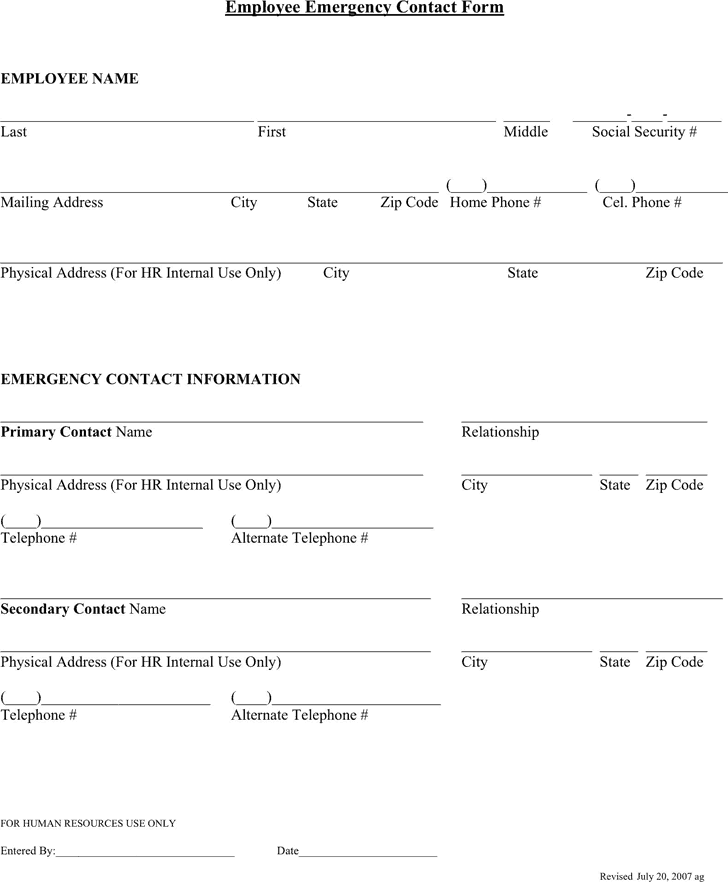

Employee Emergency Contact Form 2
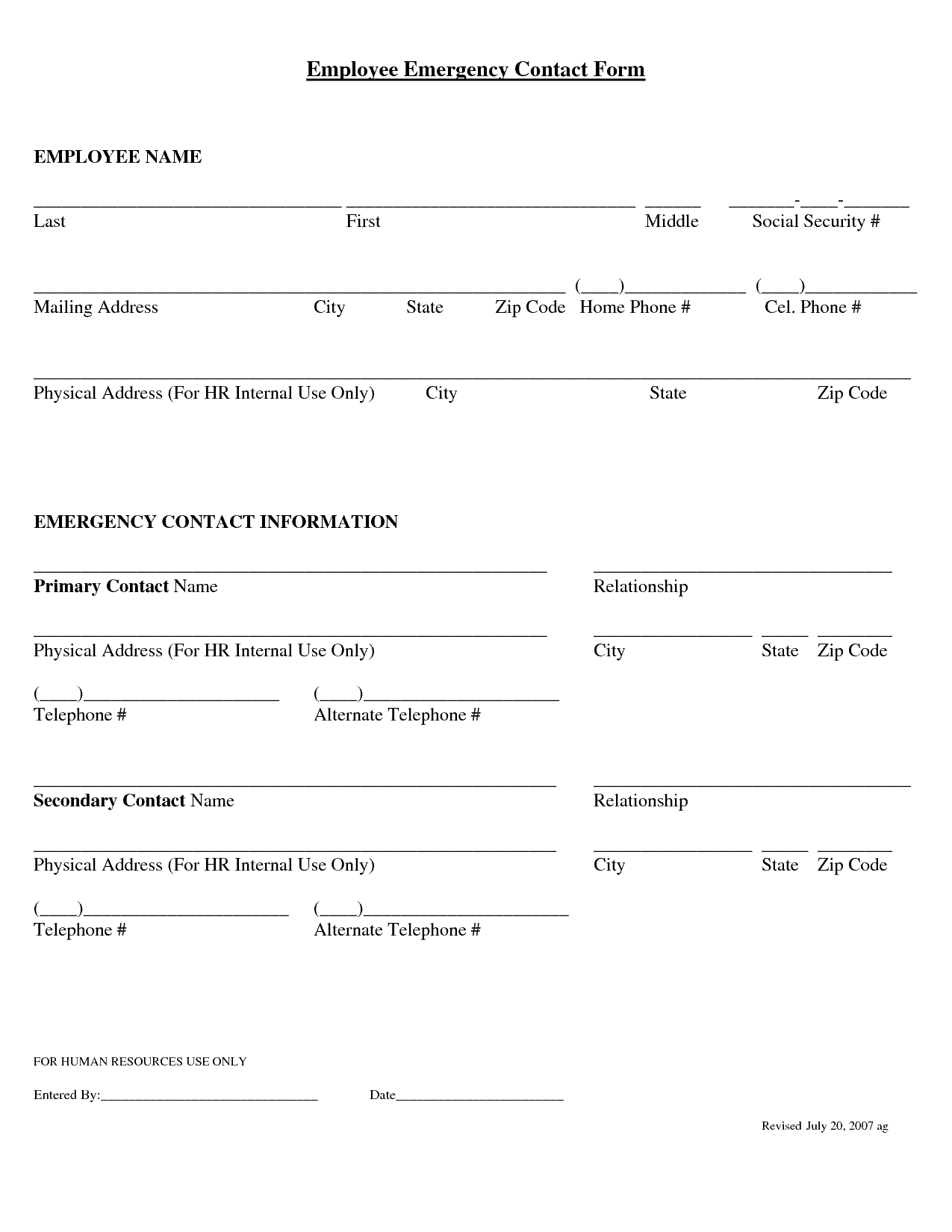
Employee Emergency Contact Form 3
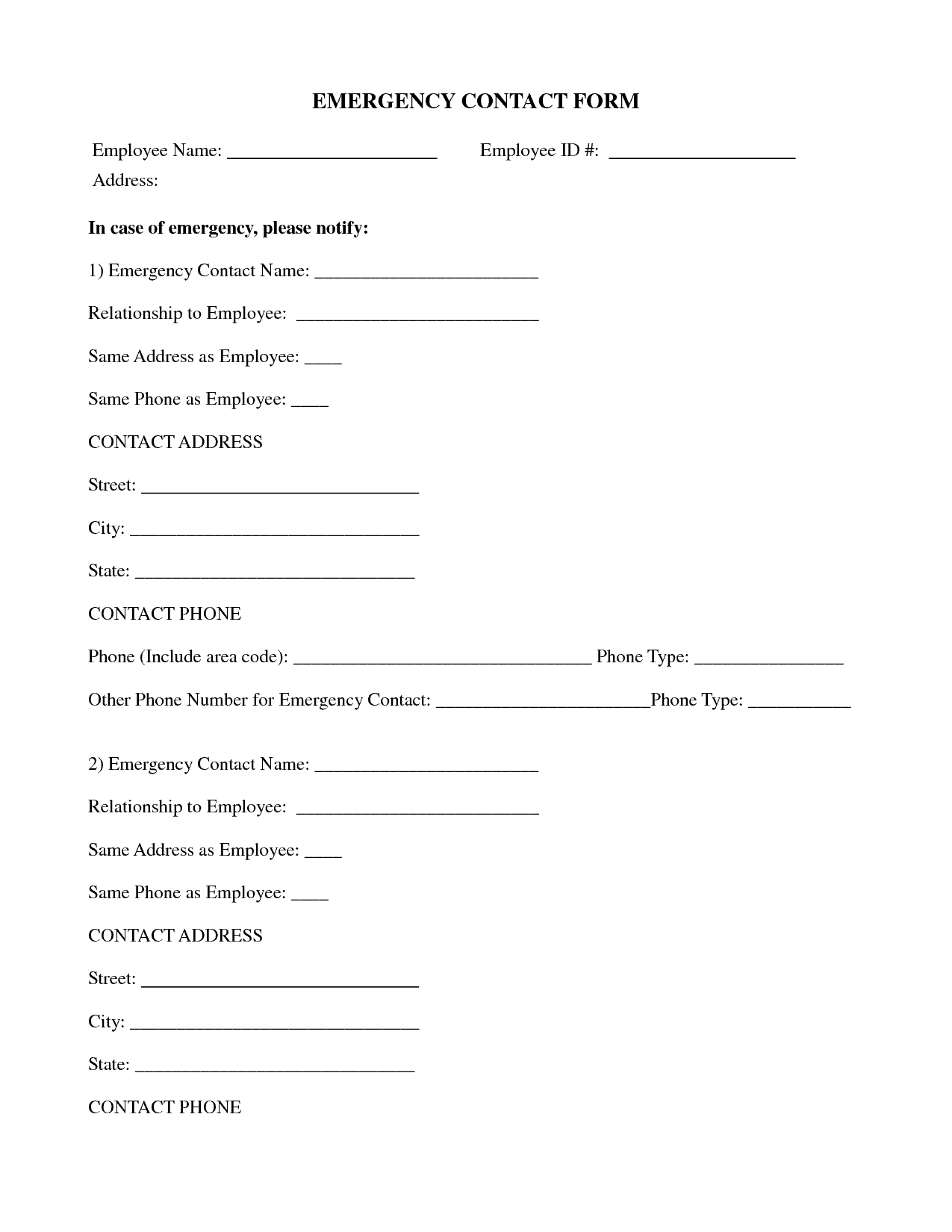
Employee Emergency Contact Form 4
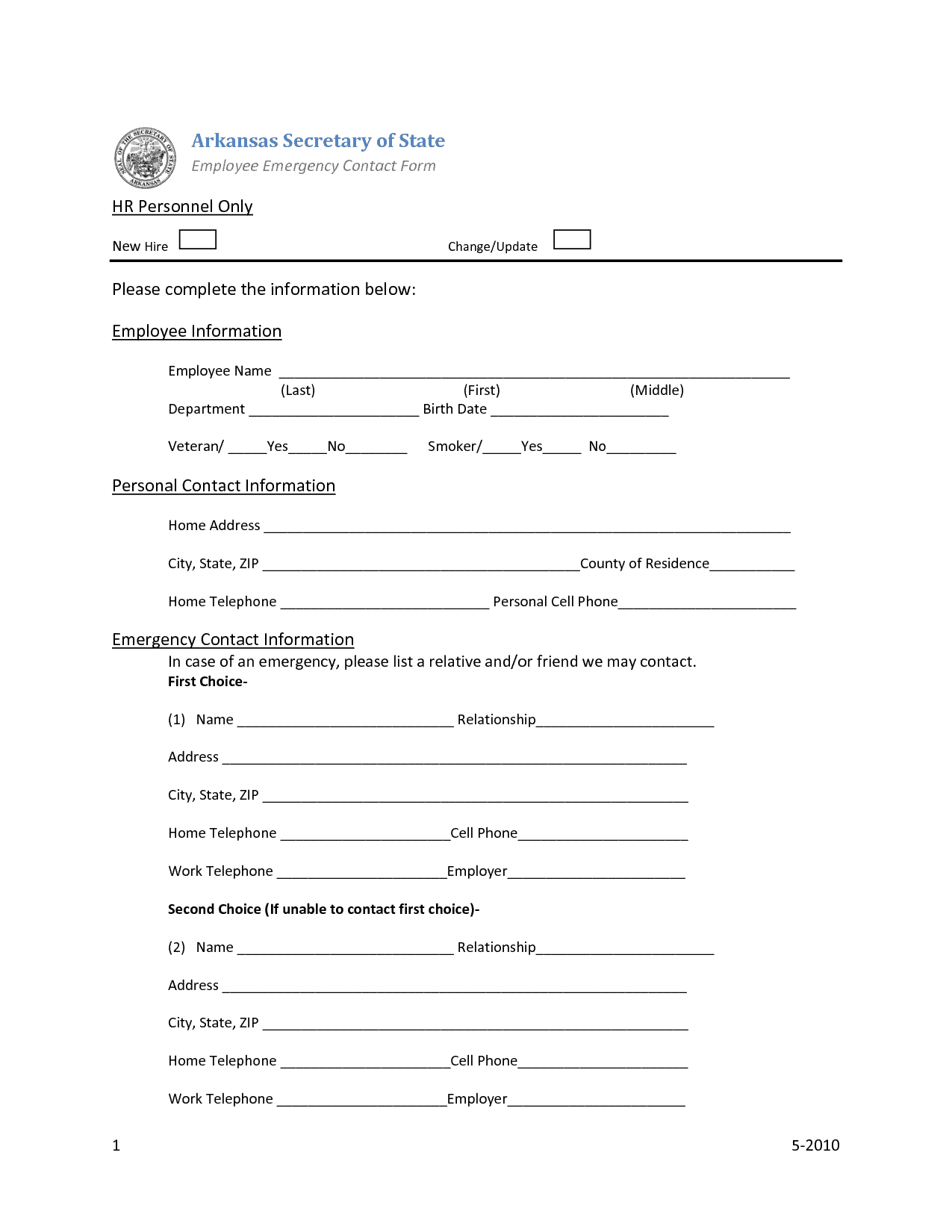
Employee Emergency Contact Form 5
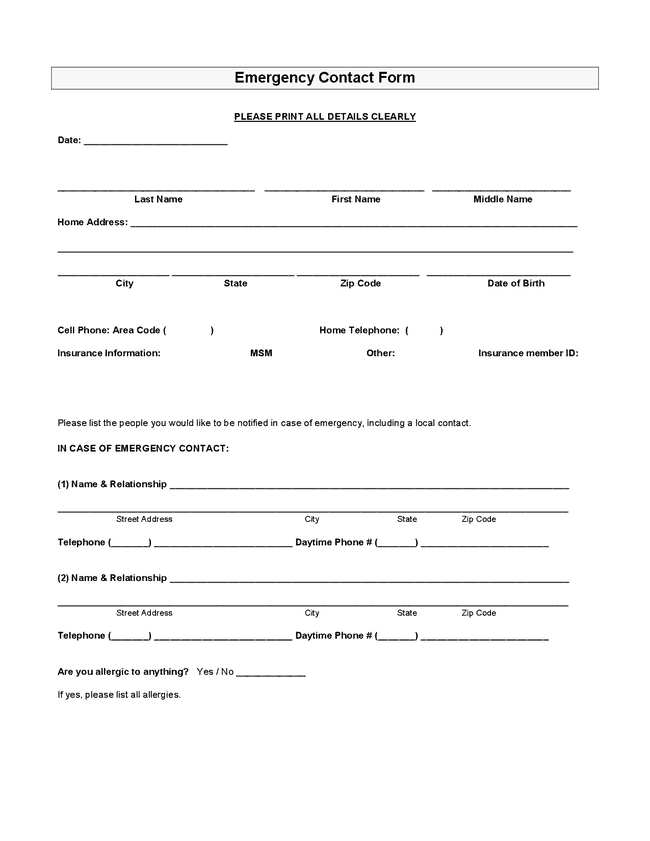
Employee Emergency Contact Form 6
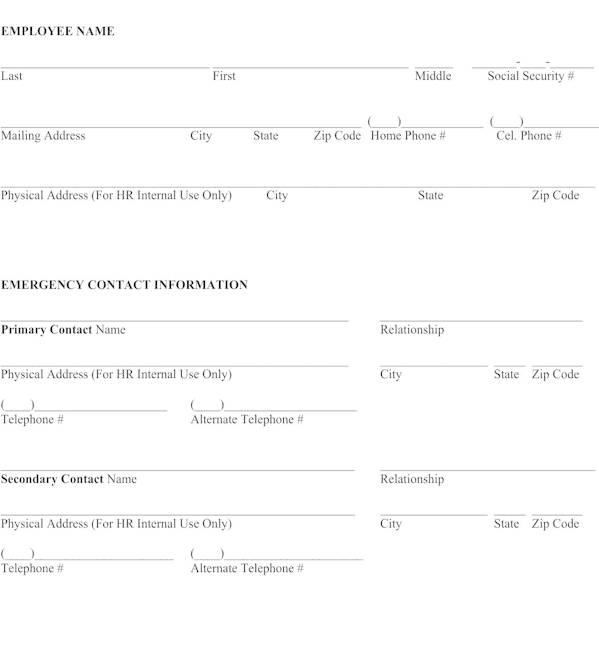
Employee Emergency Contact Form 7
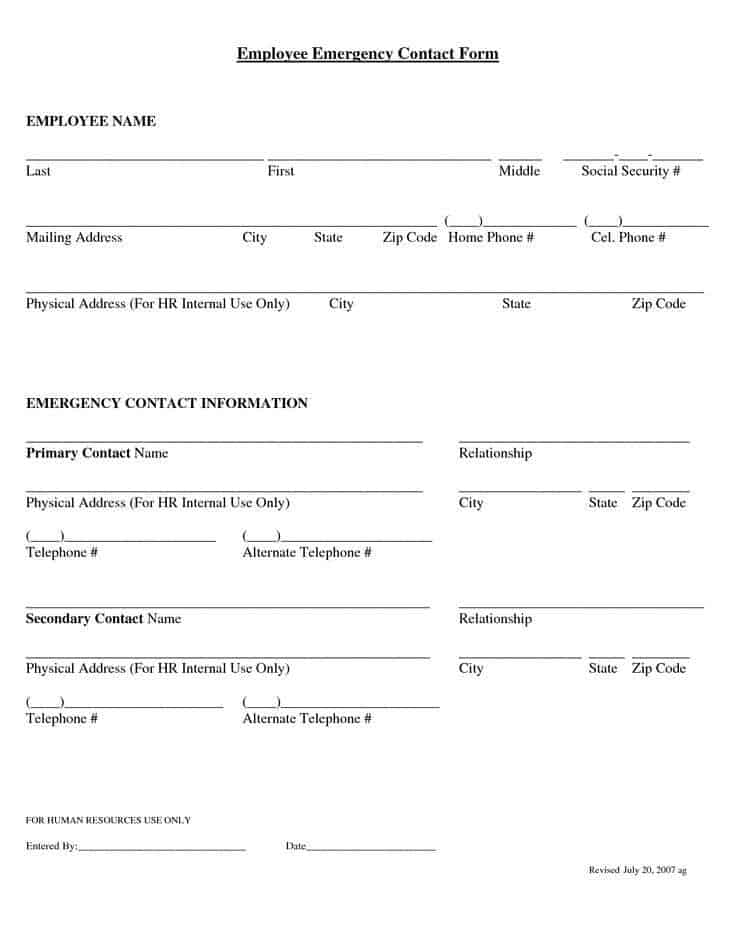
Employee Emergency Contact Form 8
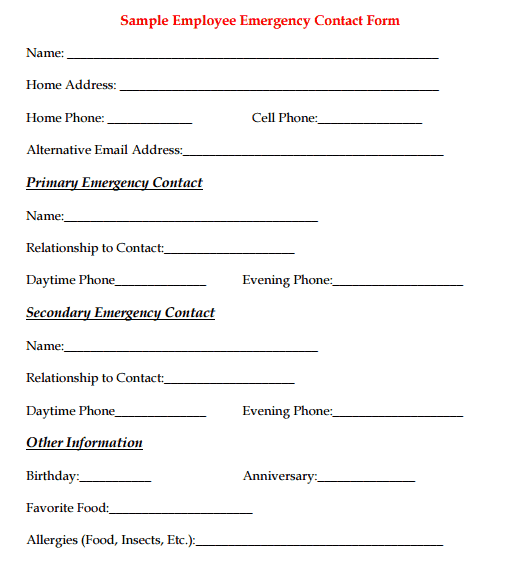
Types of Emergency Contact Forms
Different workplaces need different levels of detail:
- Basic contact form: Lists only the employee and one or two emergency contacts.
- Contact and medical form: Adds allergies, conditions, medications, and doctor information.
- Onboarding packet form: Part of the new-hire paperwork, often combined with tax and benefits forms.
- Online form: A digital version on the company intranet that employees update themselves.
How to Use an Employee Emergency Contact Form
- Pick a form from the samples above, or edit one to add your logo and company name.
- Give the form to every new hire on their first day and to existing staff for a yearly update.
- Ask employees to list at least two contacts who can be reached at different times of day.
- Have each employee review and sign the completed form.
- Store the forms securely and limit access to HR and authorized managers.
- Ask employees to update the form whenever a phone number or contact changes.
Tips for Better Emergency Contact Records
- Explain why the information is collected and who can see it.
- Make medical fields optional to respect employee privacy.
- Ask for a contact who is not at the same location as the employee.
- Review all forms at least once a year.
- Keep a quick-access list for supervisors and safety officers.
- Shred outdated paper copies to protect personal data.
Frequently Asked Questions (FAQs)
What is an employee emergency contact form?
It is a document where an employee lists the people to call in an emergency, along with optional medical details. HR keeps it on file so the company can act quickly when needed.
Is an emergency contact form required by law?
Requirements vary by country, state, and industry. Many employers collect the form as a best practice even when it is not legally required. Check local regulations or ask an HR professional.
Who should be listed as an emergency contact?
Choose someone who is reliable, reachable, and knows the employee well, such as a spouse, parent, sibling, or close friend. Listing two contacts is a good idea.
Do employees have to share medical information?
No. Medical details should be voluntary. Employees can share only what they are comfortable with, such as allergies or a preferred doctor.
How often should the form be updated?
Once a year is a good rule, plus any time an employee’s phone number, address, or emergency contact changes.
How should the forms be stored?
Keep paper forms in a locked cabinet and digital forms in a password-protected system. Only authorized people should have access.
Can I customize these forms?
Yes. Open a sample, add your company name and logo, and change the fields to fit your workplace before printing.
Final Thoughts
An employee emergency contact form is simple, inexpensive, and extremely useful when things go wrong. Choose one of the eight samples above, tailor it to your business, and collect updated forms from every employee. Store them safely, review them regularly, and you will be ready to respond quickly and respectfully in an emergency.