When you need a contractor, handyman, technician or service provider to complete a job, a written work order keeps everyone on the same page. It states what work is needed, where and when it should be done, and how much it will cost. That clarity prevents misunderstandings, missed details and disputes over payment.
This page provides 11 free work order templates in Word and Excel formats. They cover maintenance, automotive, IT, graphic design, laboratory and general service work, so you can pick the one that fits your job, edit it and send it out quickly.
What Is a Work Order?
A work order is a document that describes a task or set of tasks to be performed by a person, team or company. It is usually created by the client, property owner or manager and given to the service provider. Just as an order form is used to buy products, a work order is used to request work.
A good work order includes the scope of work, timelines, materials, costs and approvals. Once accepted, it acts as a record of what was agreed, which helps both sides if questions come up later.
Why Use a Work Order Template?
- Saves time: you fill in a ready layout instead of writing a new document each time.
- Reduces errors: standard fields remind you to include every important detail.
- Improves communication: the service provider knows exactly what to do.
- Supports tracking: numbered orders make it easier to monitor progress and costs.
- Creates a paper trail: completed orders serve as records for budgeting, warranty and audits.
- Looks professional: clean forms show that you take the job seriously.
What to Include in a Work Order
- Work order number and date: a unique number for easy reference.
- Requester details: name, department or company, and contact information.
- Service provider details: the contractor, technician or vendor assigned.
- Location: the address, building, room or equipment where the work will happen.
- Description of work: a clear list of tasks to be done.
- Priority level: low, medium, high or urgent.
- Schedule: requested start date, expected completion date and any deadlines.
- Materials and parts: items needed and who provides them.
- Cost estimate: labor and material costs, or an agreed price.
- Approval and signatures: authorization from the requester and acceptance by the provider.
- Completion notes: space to record what was done, the date and final sign-off.
Types of Work Orders
Work orders are used in many fields. Maintenance work orders cover repairs and preventive care for buildings and equipment. Service work orders are used by companies that visit customers. Automotive work orders list repairs on a vehicle. IT work orders track computer and network requests. Construction work orders authorize extra or changed work on a project. The templates below include examples of several of these.
Free Work Order Templates and Formats
Maintenance Work Order Template
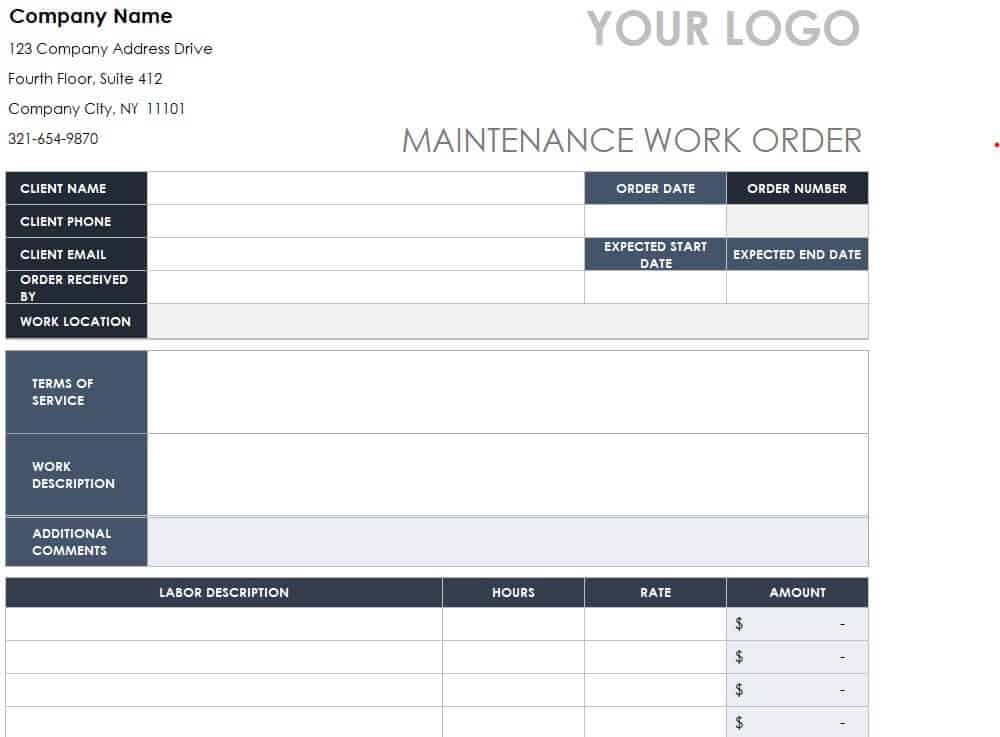
Download Maintenance Work Order Template
Automotive Work Order Template Excel
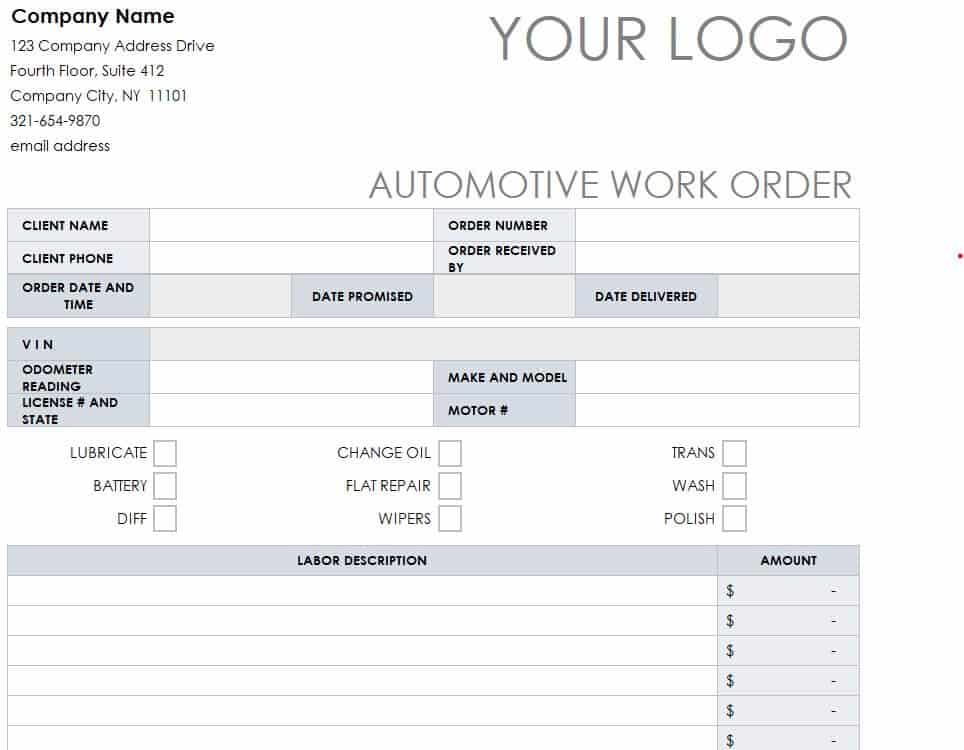
Download Automotive Work Order Template
Work Order Request Form Template
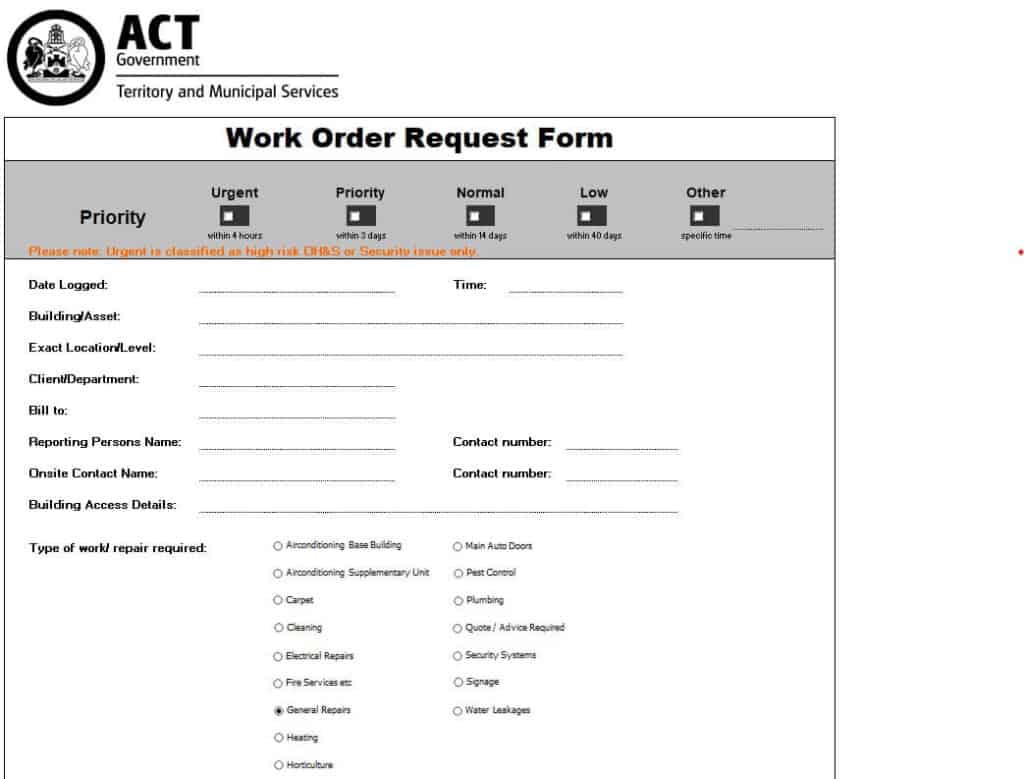
Download Work Order Request Form Template
Professional Work Order Sample in XLSX Format
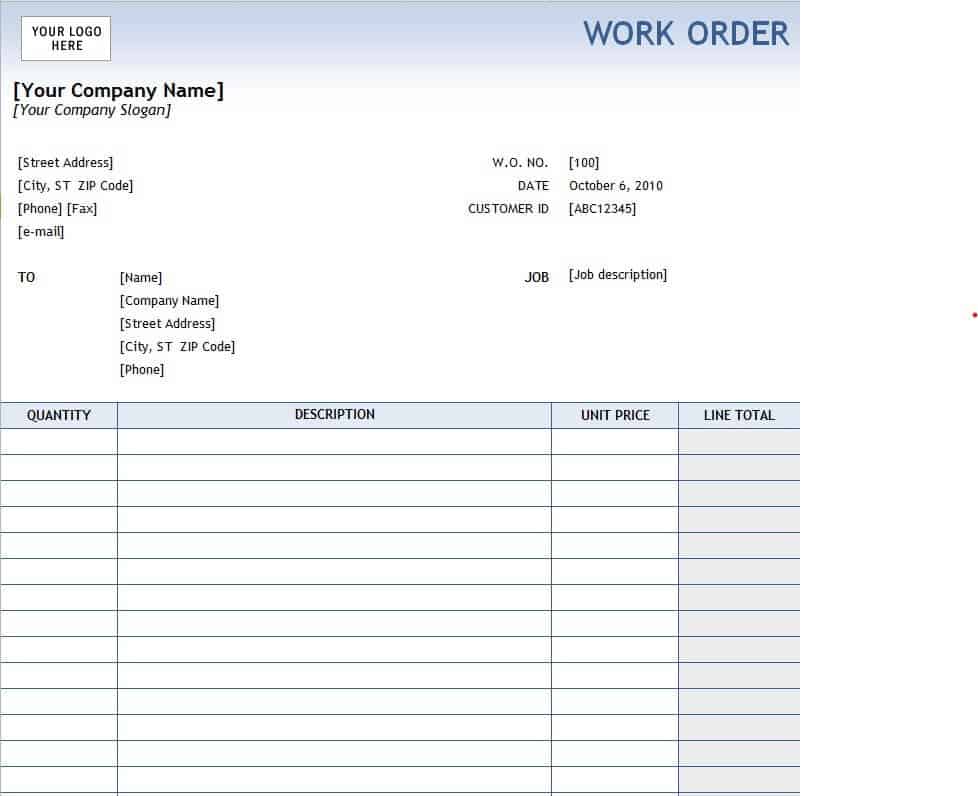
Download Professional Work Order Sample
Free Editable Work Order Template WORD
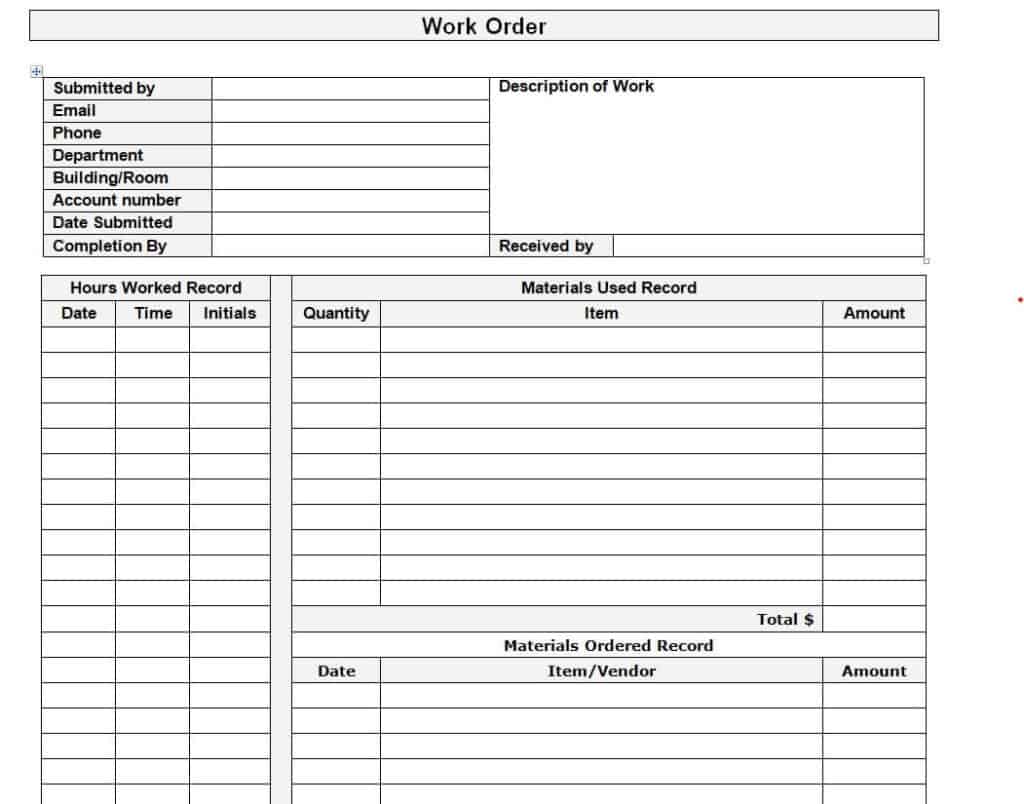
Download Free Editable Work Order Template
Sample IT Work Order Template
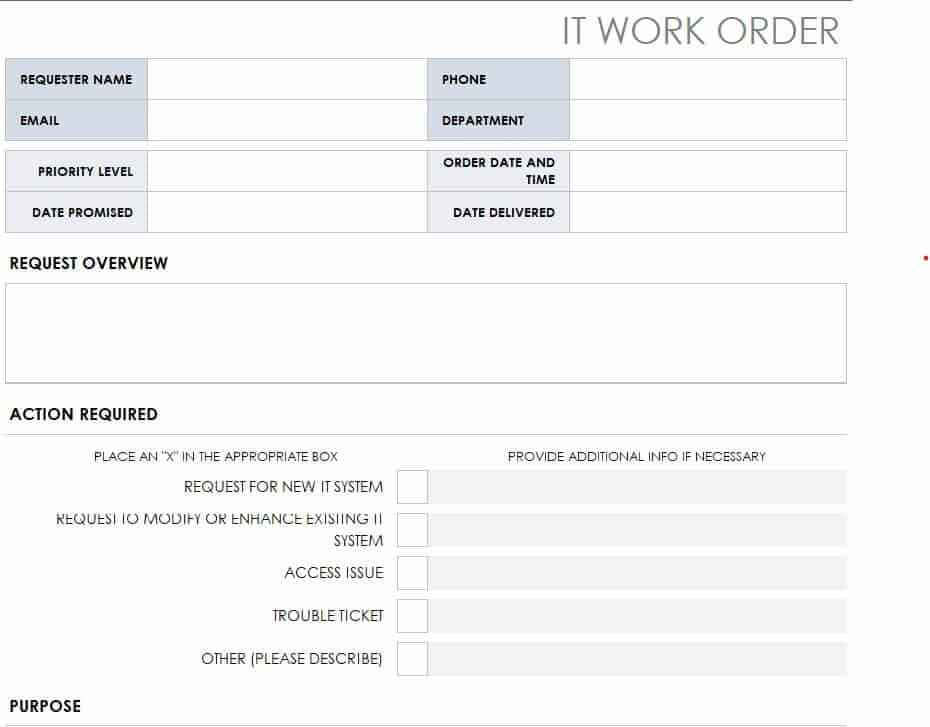
Download Sample IT Work Order Template
Graphic Design Work Order Example
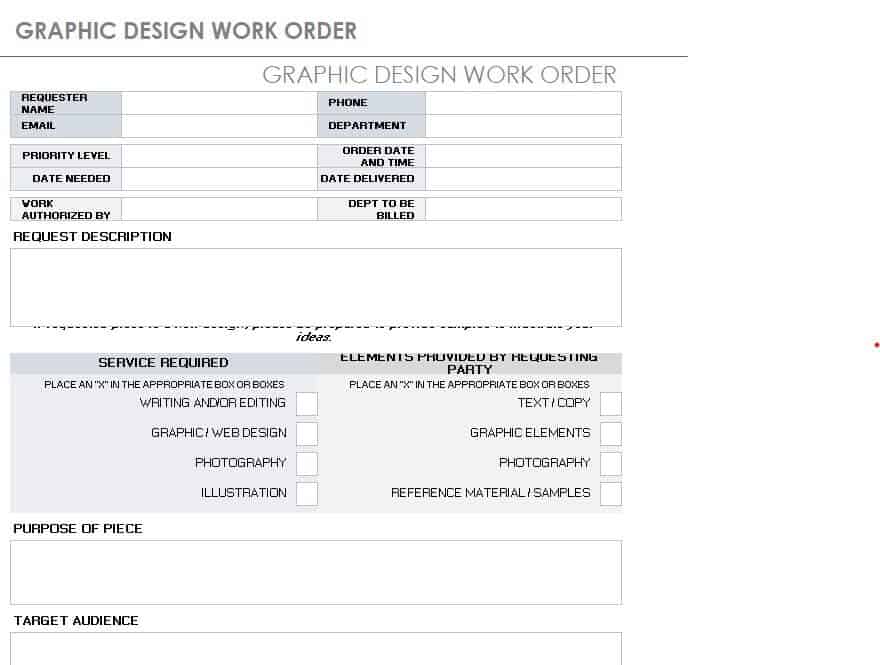
Download Graphic Design Work Order Example
Chemistry Department Work Order Template Excel
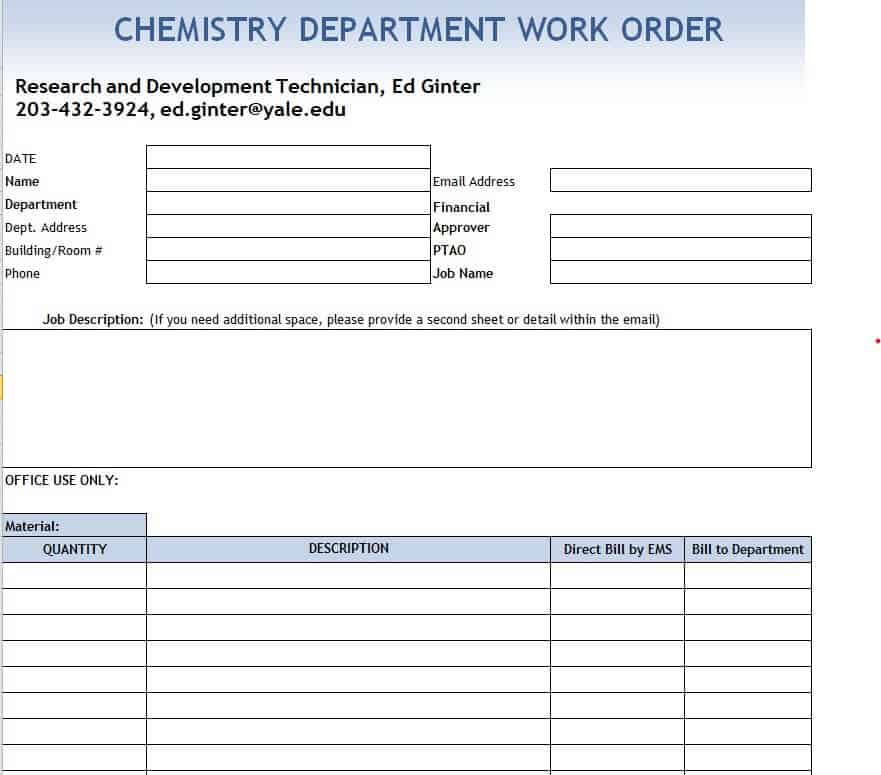
Download Chemistry Department Work Order Template
Work Order Request Form in DOC Format
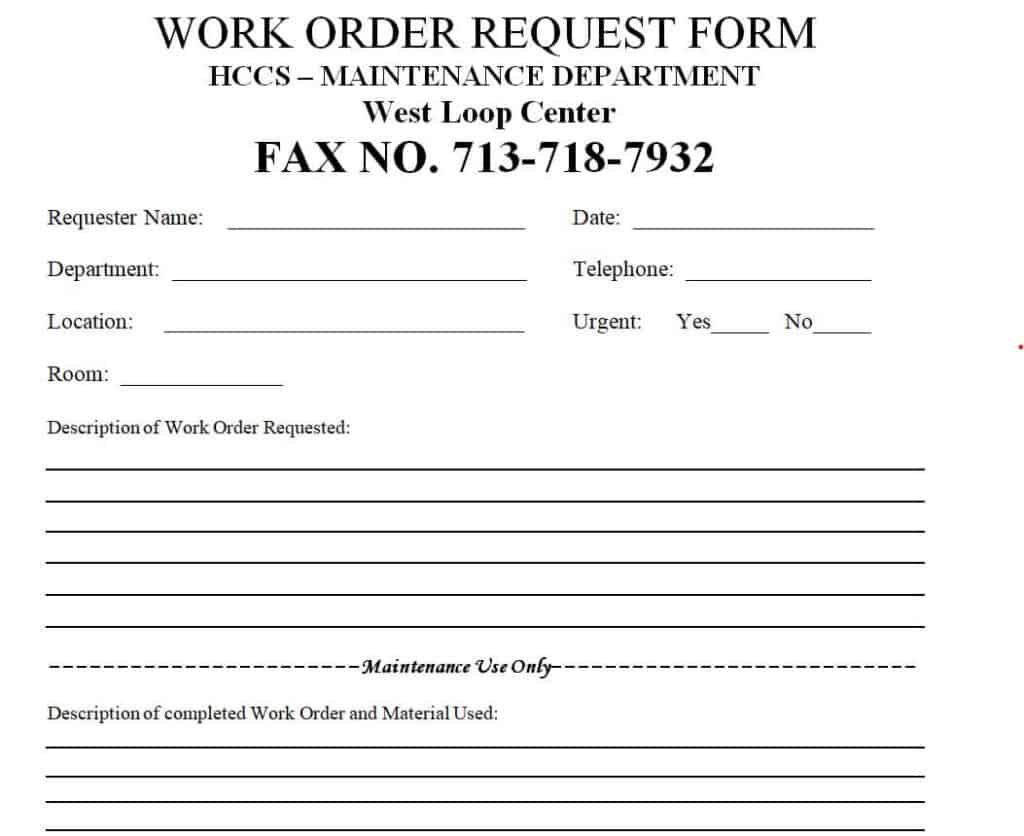
Download Work Order Request Form in DOC
Service Work Order Excel Template
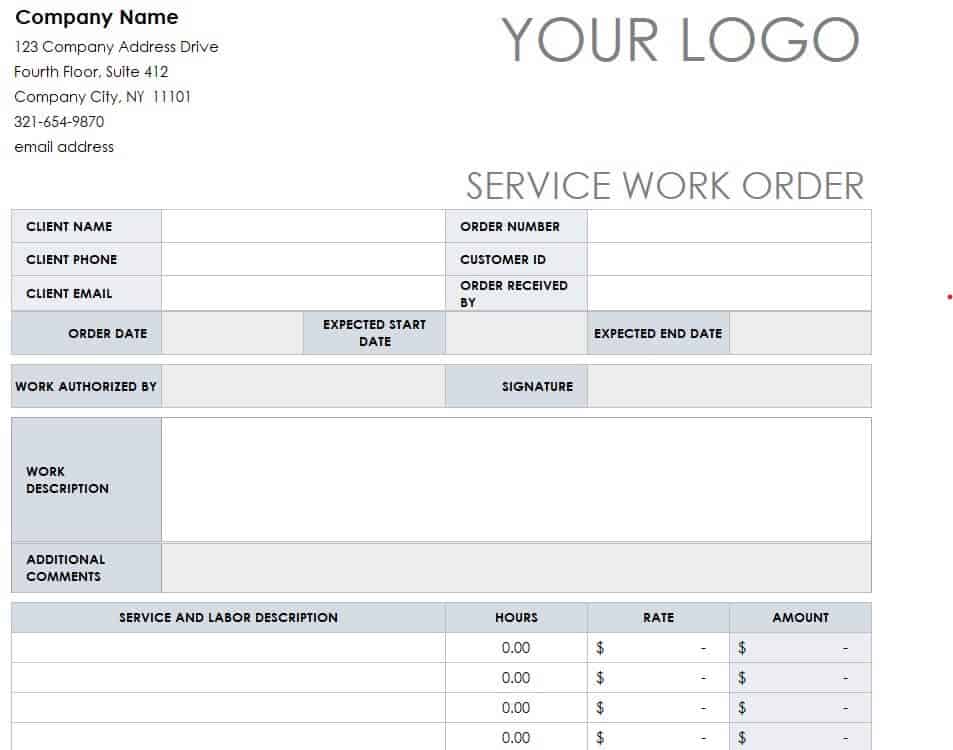
Download Service Work Order Excel Template
Sample Work Order Tracker Excel Sheet
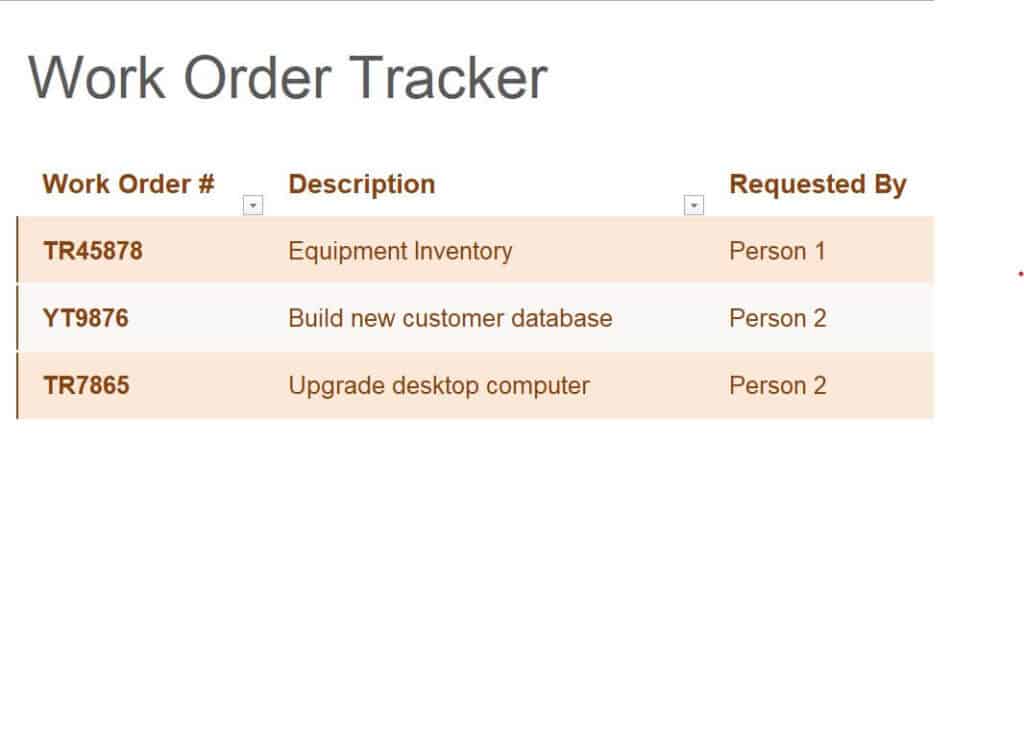
Download Work Order Tracker Excel Sheet
How to Write a Work Order Step by Step
- Choose a template. Pick the Word or Excel format that matches your job type.
- Add the basics. Enter the order number, date, requester and service provider details.
- Describe the work. List each task in plain, specific language. For example, write “Replace kitchen faucet” instead of “Fix plumbing.”
- Set the location and schedule. Include the address, room or equipment plus start and finish dates.
- List materials and costs. Note what parts are needed, who buys them and the estimated price.
- Set the priority. Mark urgent jobs clearly so they are handled first.
- Get approval. Have the responsible person sign, and ask the provider to accept.
- Track and close. Update the order when work is complete, record final costs and file the document.
Tips for Better Work Orders
- Be specific about what you want done, and what is not included.
- Attach photos or drawings if they help explain the problem.
- Agree on how changes will be handled, such as extra work or added costs.
- Use consistent numbering so you can search past orders easily.
- Keep both a digital and a printed copy for your records.
- Review completed work against the order before signing off and paying.
Frequently Asked Questions (FAQs)
What is a work order?
A work order is a written request that tells a contractor or service provider what work to do, where, when and at what cost.
What is the difference between a work order and a purchase order?
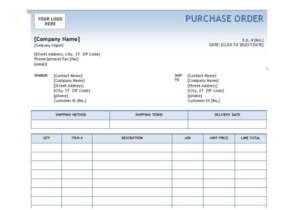
A purchase order is used to buy goods or services from a vendor and focuses on items, quantities and prices. A work order describes a specific job or task to be performed and often includes scheduling and completion details.
What is the difference between a work order and an invoice?
A work order is created before the work starts to authorize and describe the job. An invoice is sent after the work is done to request payment.
Are these work order templates free?
Yes. All of the templates on this page can be downloaded for free and edited in Word or Excel.
Who creates a work order?
Usually the client, property manager, facility supervisor or department head who needs the work done. In some companies, service teams create orders after receiving a customer request.
Can I use a work order for maintenance tracking?
Yes. The Excel tracker template lets you log job numbers, dates, status and costs so you can see which jobs are open or finished.
Is a signed work order legally binding?
A signed work order can serve as written evidence of what was agreed, but its legal effect depends on your local laws and the wording of the document. For large or complex jobs, consider asking a lawyer to review your terms.
Final Thoughts
A clear work order helps jobs get done on time and within budget. With 11 free templates to choose from, you can find the right format for maintenance, service, IT or design work, fill in your details and share it with your provider. Download one today and keep every job organized from request to completion.


You must be logged in to post a comment.