A fishbone diagram is one of the simplest and most effective tools for finding the root cause of a problem. Also called an Ishikawa diagram or a cause and effect diagram, it lets a team sort many possible causes into clear categories so nothing important is overlooked. This page gives you 15 free, editable fishbone diagram templates in Excel, Word, and PowerPoint formats, plus a step-by-step guide, common category sets, a worked example, and answers to frequently asked questions.
Whether you work in manufacturing, healthcare, education, customer service, marketing, or project management, a fishbone diagram template gives you a ready-made structure so you can focus on the thinking instead of the drawing.
What Is a Fishbone Diagram?
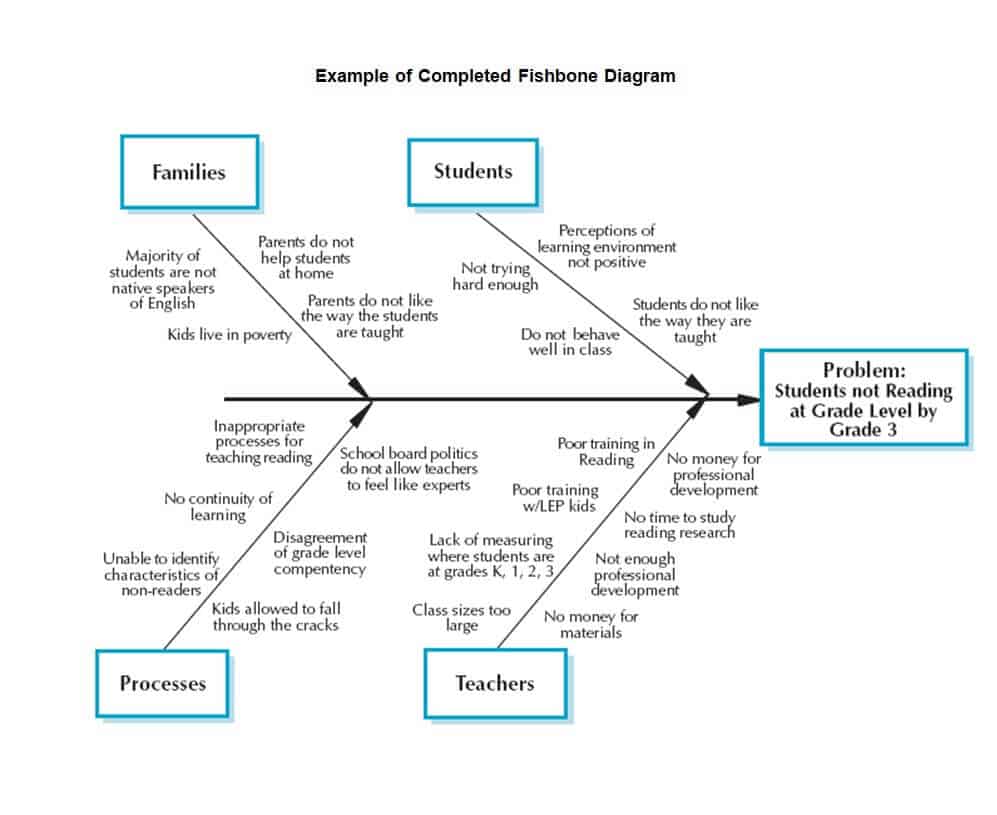
A fishbone diagram is a visual brainstorming tool that shows the possible causes of a specific problem. The problem, or effect, is written in the “head” of the fish on the right. A long horizontal line, the “spine,” runs to the left, and angled lines, the “bones,” branch off it. Each bone represents a category of causes, and smaller lines attached to each bone list the specific causes within that category. The finished sketch looks like the skeleton of a fish, which is how it got its name.
The method was developed by Japanese quality expert Kaoru Ishikawa and is widely used in quality management, Six Sigma, lean, and continuous improvement. Its main strength is that it pushes a group to consider many angles instead of jumping to the first obvious explanation.
Fishbone Diagram Excel Templates
Excel templates are handy when you want to type inside text boxes, resize the diagram, or keep it alongside data and action plans. Click the download button under each preview.
Simple Fishbone Diagram Template Excel
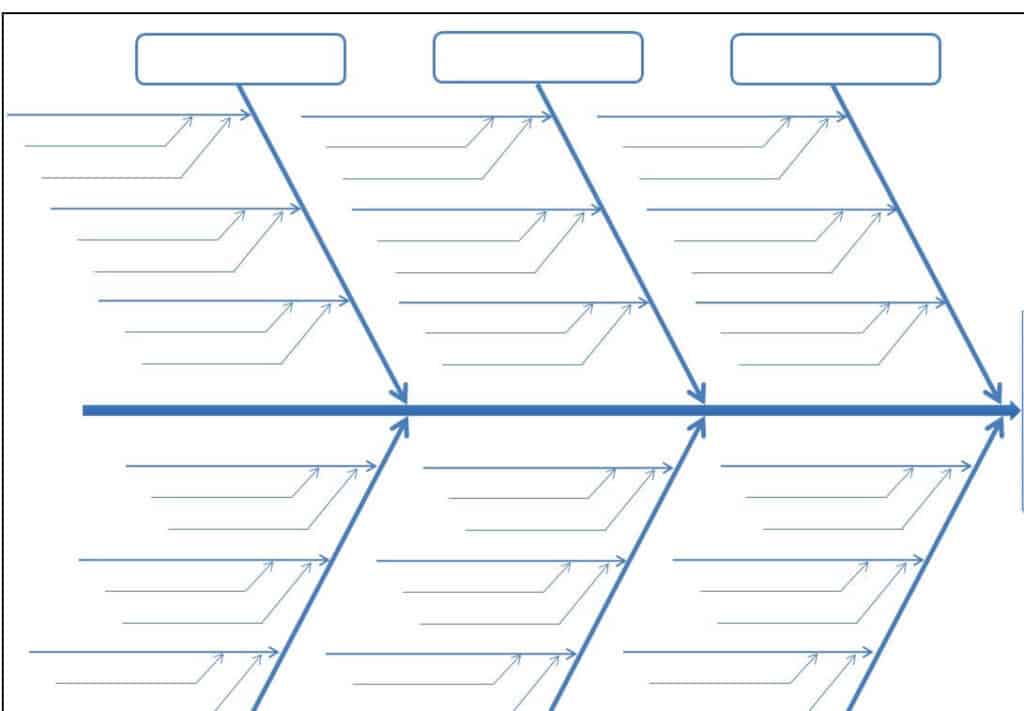
Manufacturing Facility Fishbone Diagram Template
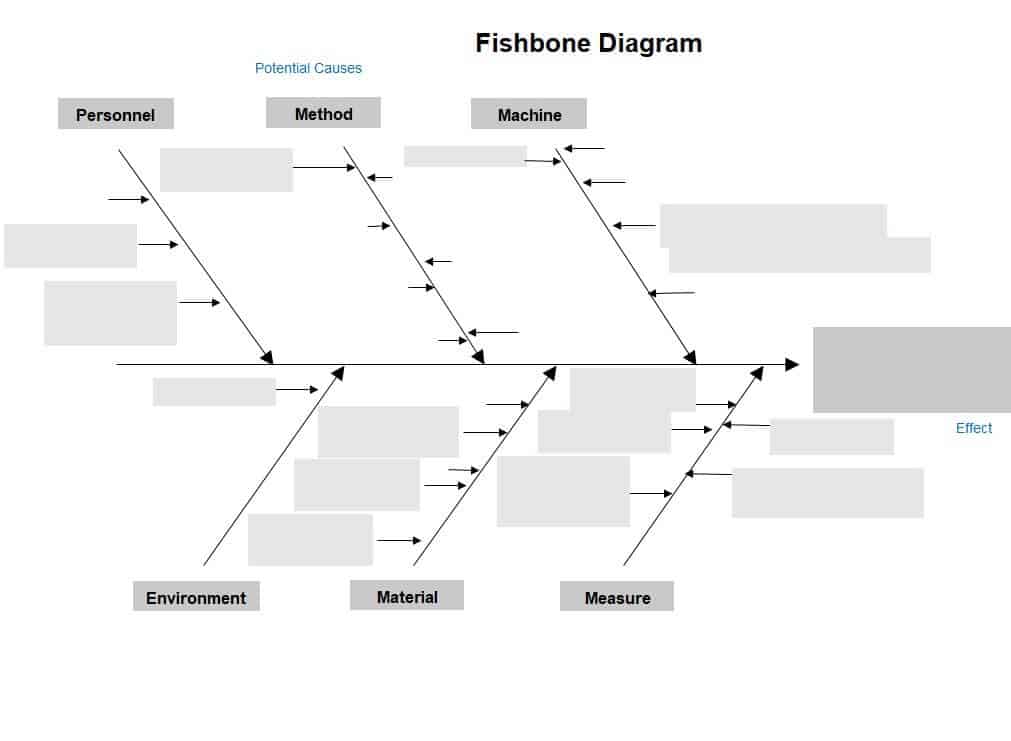
Cause and Effect Fishbone Diagram Sample in XLSX Format
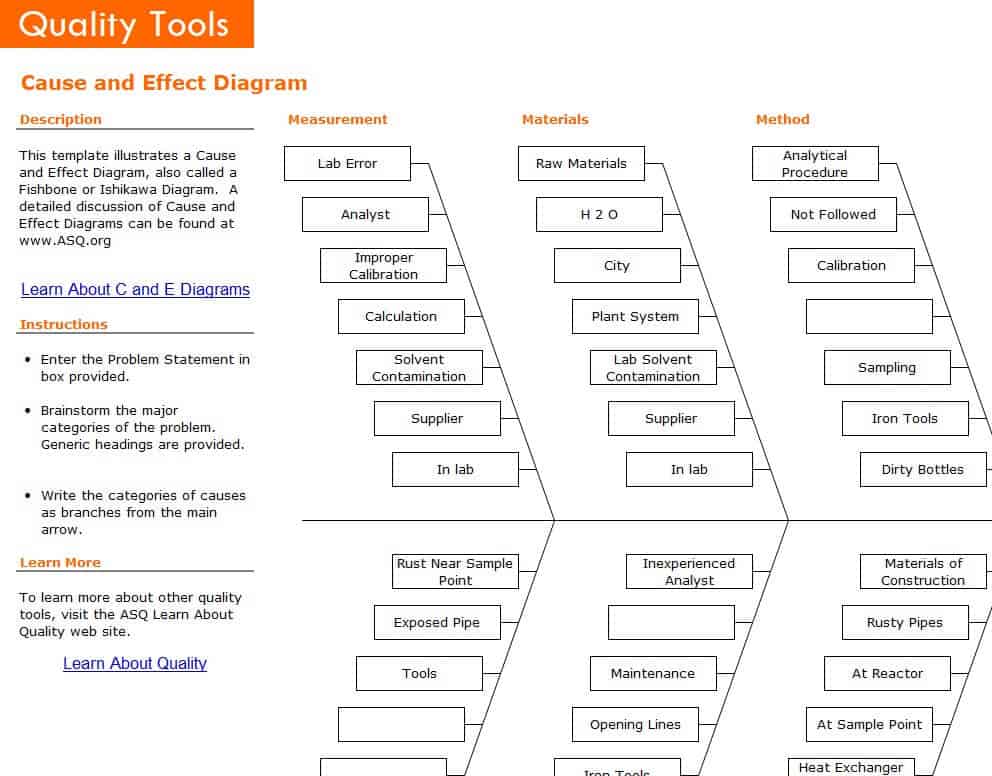
Official Fishbone Diagram Template
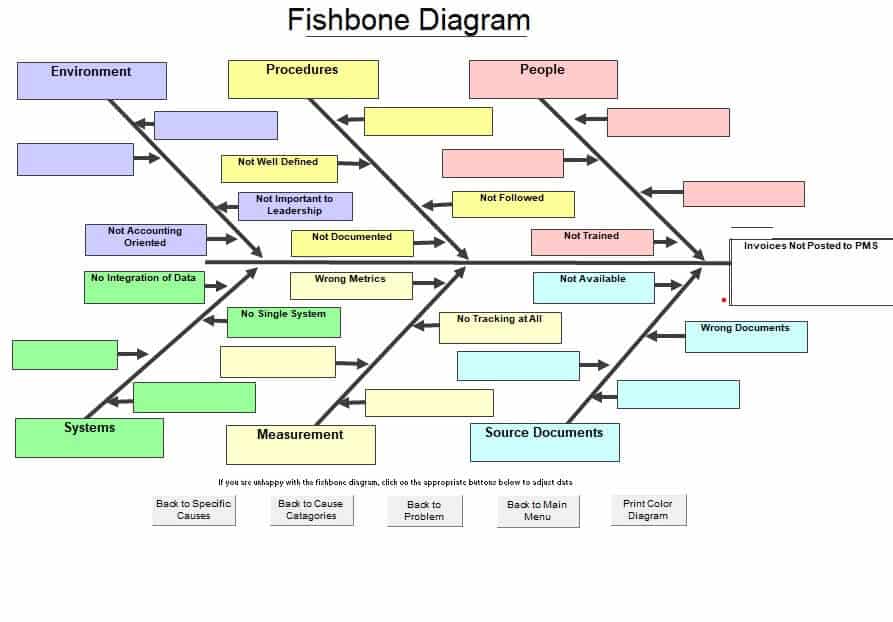
Free Editable Fishbone Diagram Excel Template
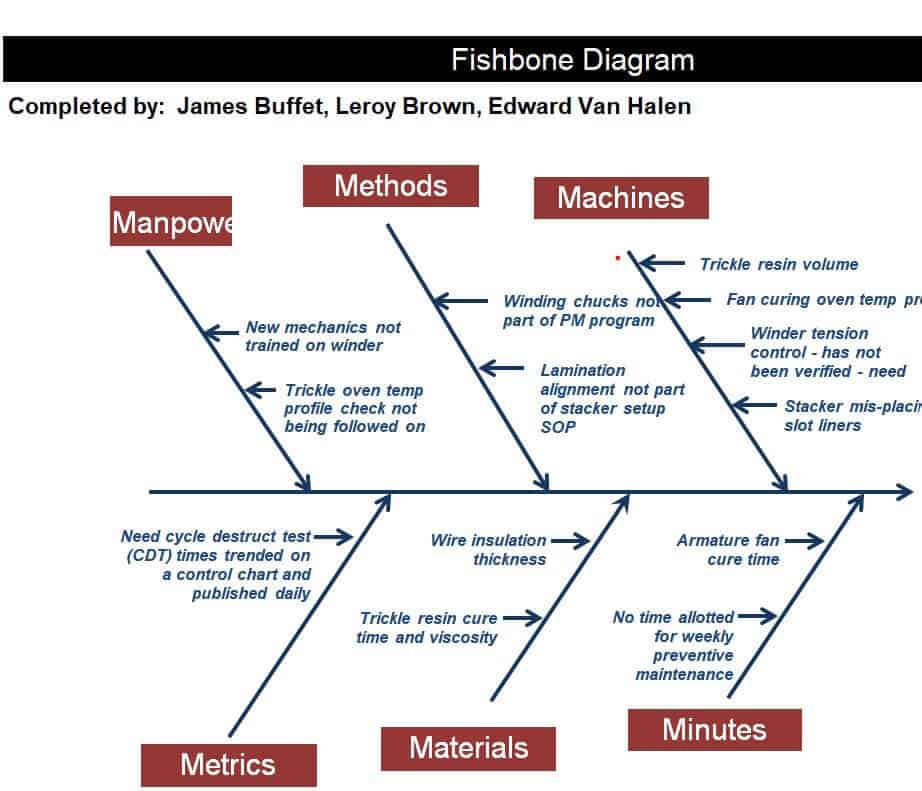
Systematic Fishbone Diagram Template
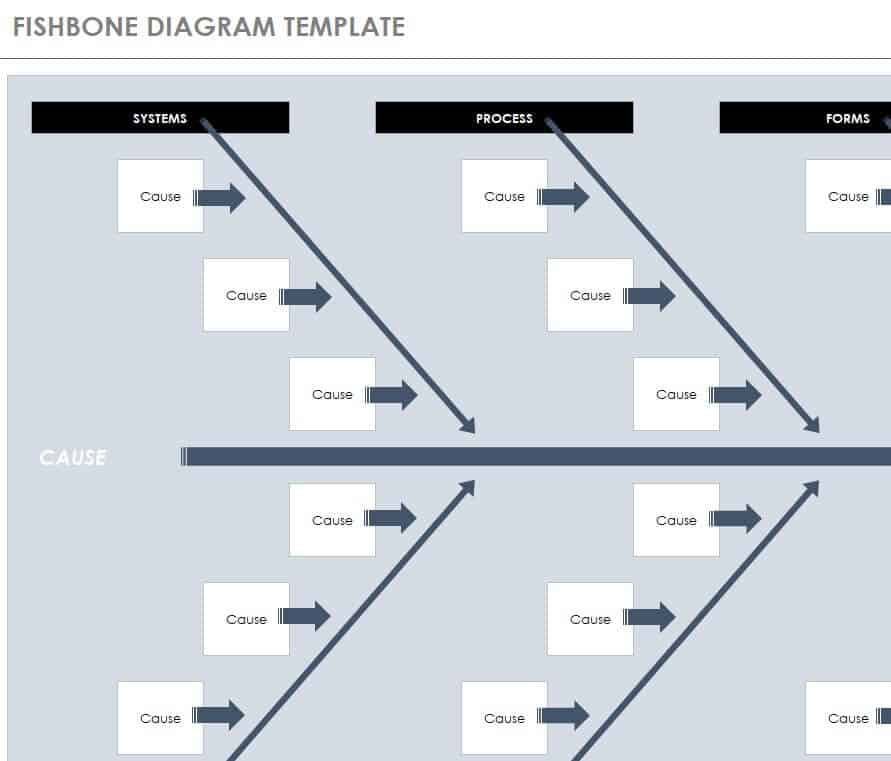
Project Manager’s Fishbone Diagram Sample in Excel
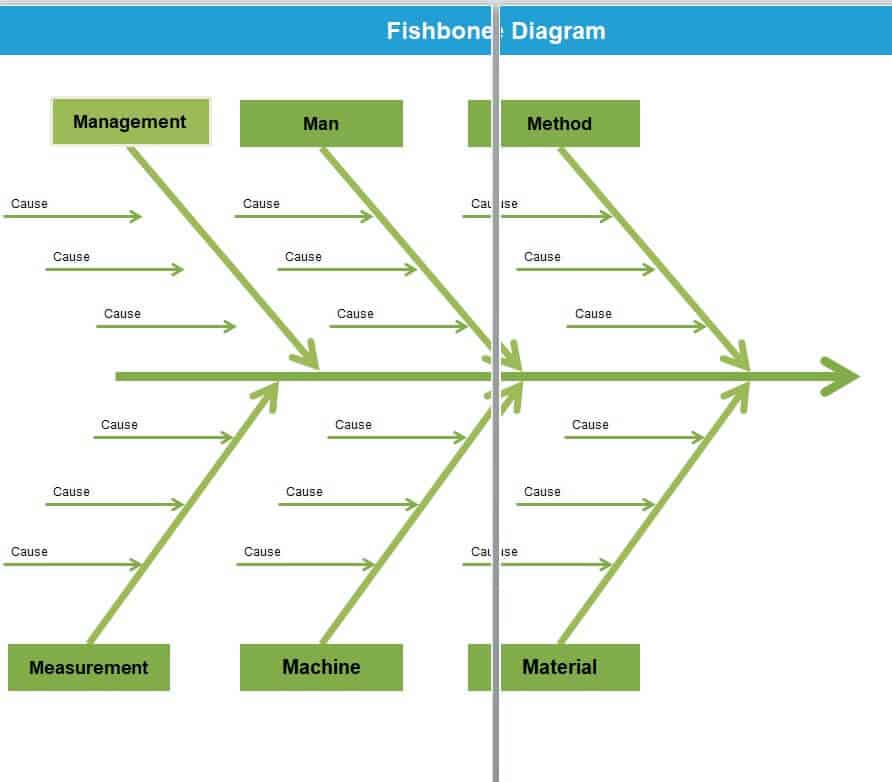
Fishbone Diagram Word Templates
Word and PowerPoint versions are useful for reports, workshop handouts, and presentations.
Free Online Fishbone Template WORD
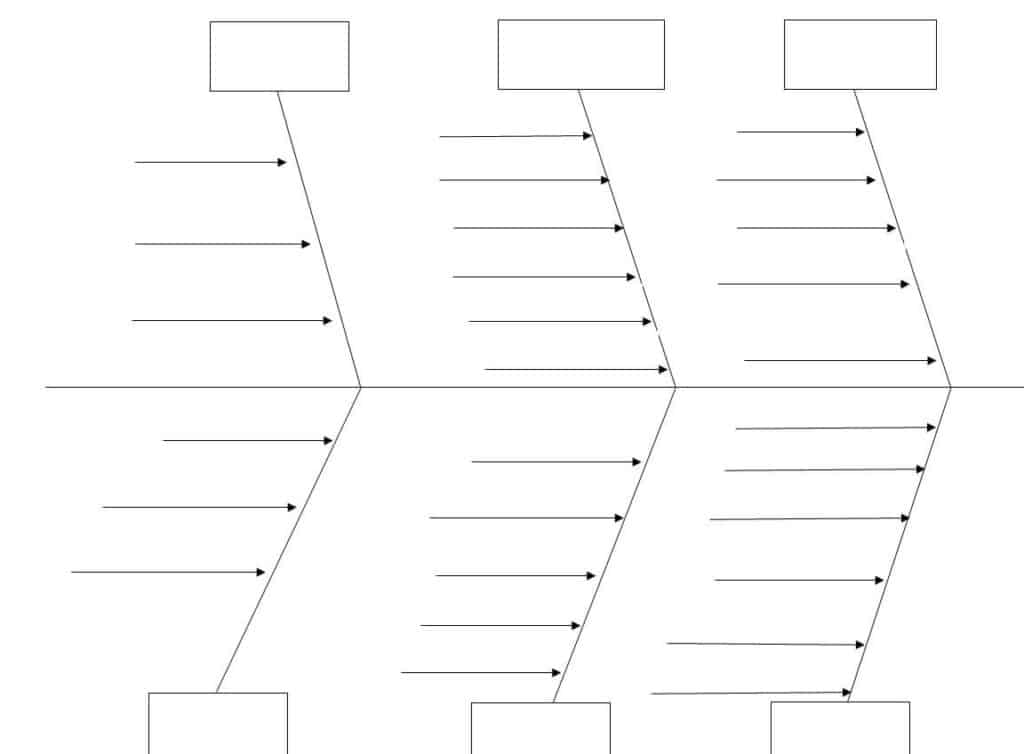
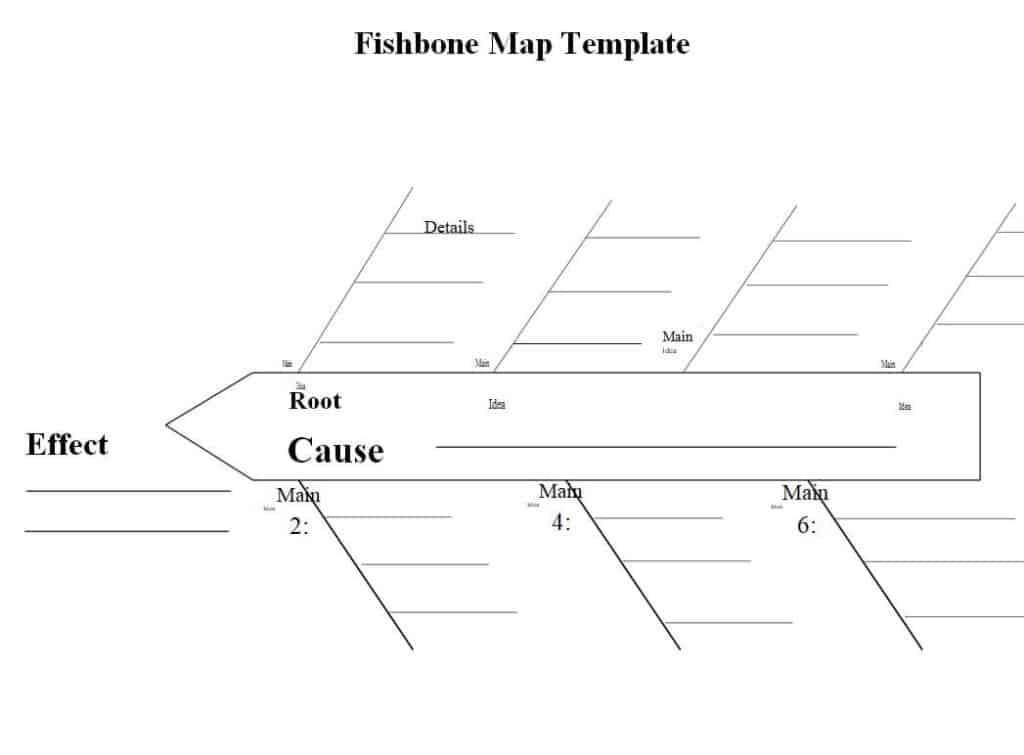
Editable Cause and Effect Fishbone Map Template
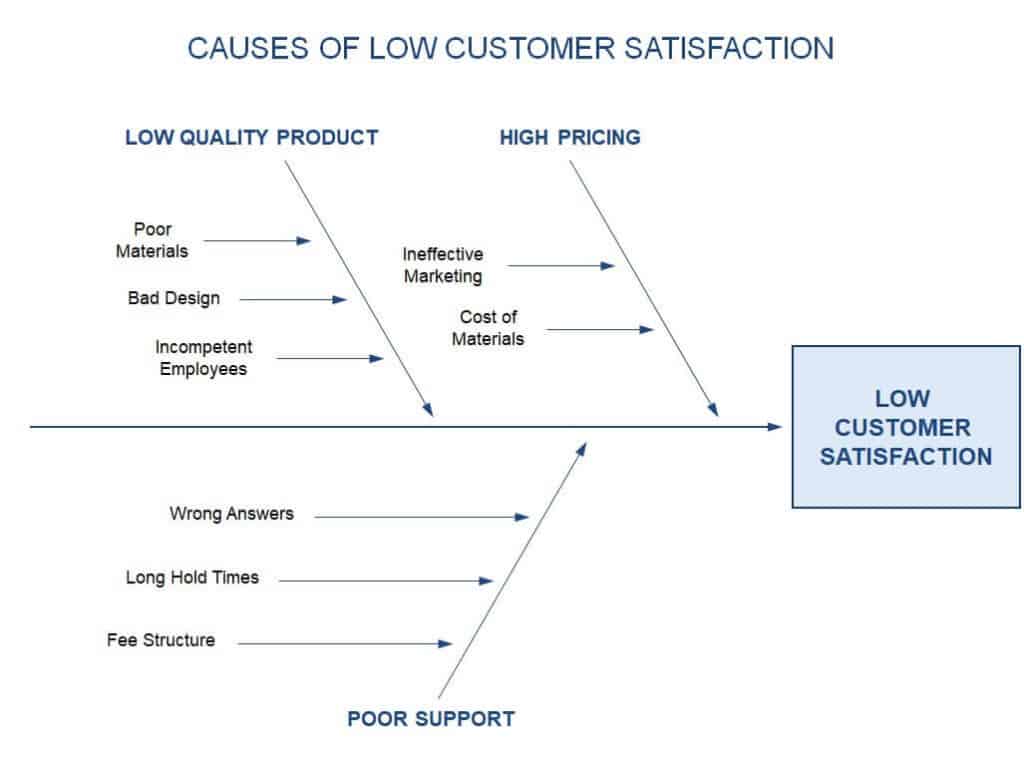
Low Customer Satisfaction Fishbone PowerPoint Presentation
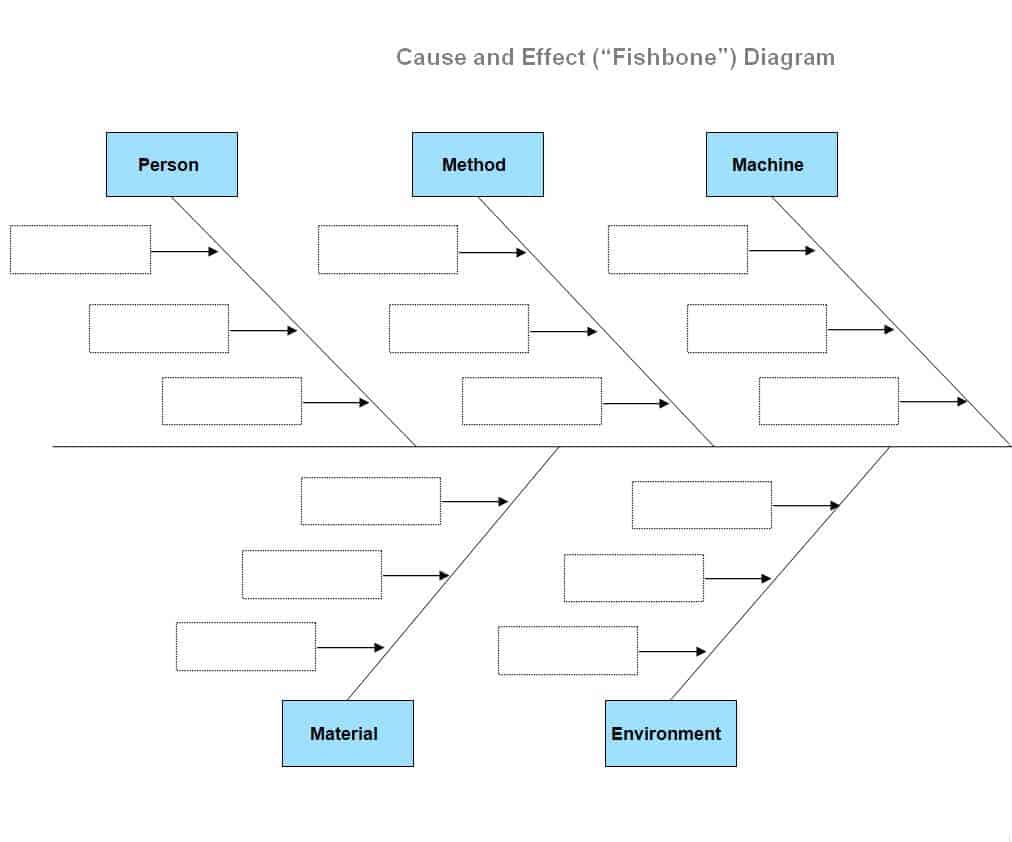
Cause and Effect Fishbone Diagram Example MS WORD
Blank Fishbone Diagram Template
Completed Fishbone Diagram Example
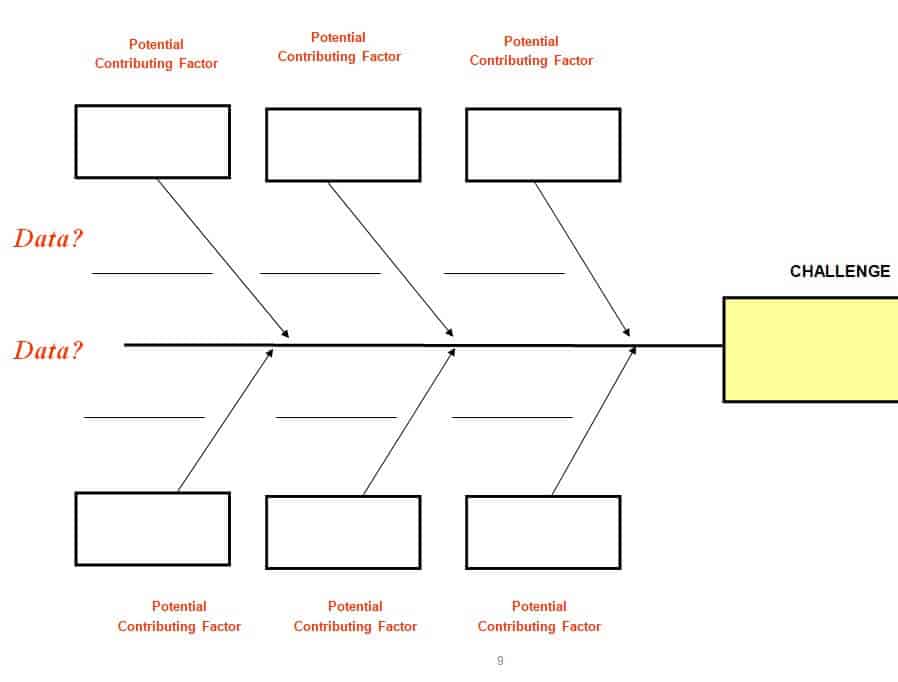
Fishbone Diagram Sample Layout in DOC Format
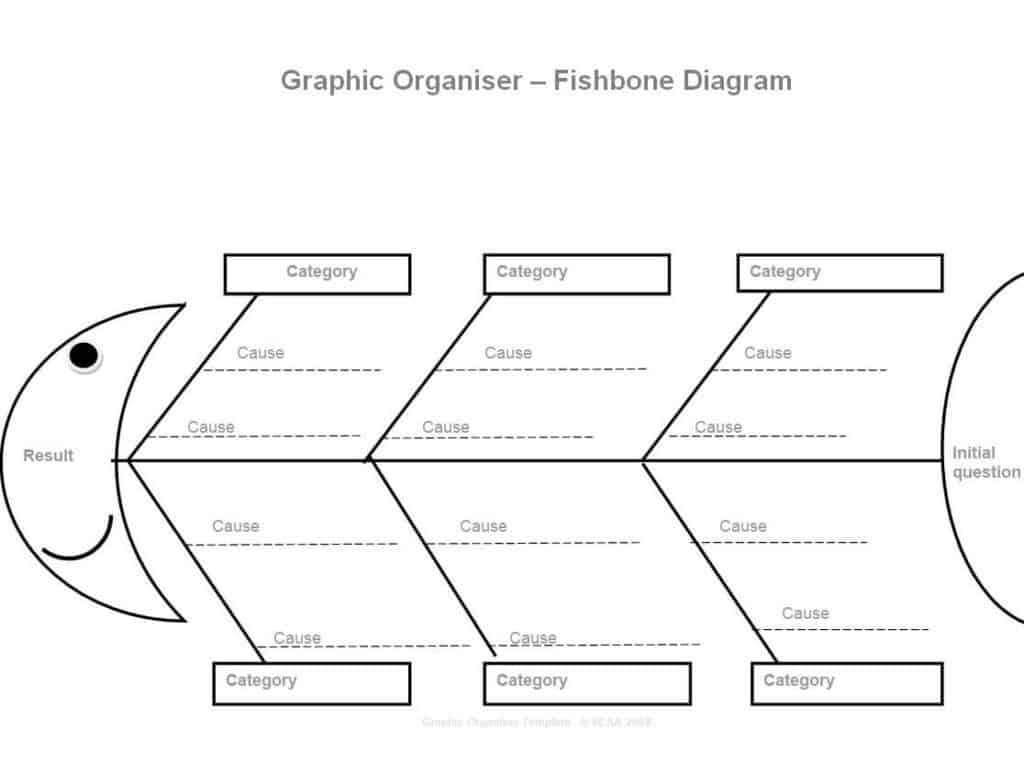
Graphic Organizer Fishbone Diagram Template
How to Make a Fishbone Diagram Step by Step
- Define the problem. Write a clear, specific problem statement in the head of the fish, such as “Late deliveries increased by 20 percent in March.”
- Choose categories. Draw the main bones and label them with categories that fit your situation.
- Brainstorm causes. Ask the team why the problem happens, and write each idea on a small line branching from the right category.
- Ask “why” again. For each cause, ask why it happens to reach deeper sub-causes. This is similar to the “5 Whys” technique.
- Analyze the diagram. Look for causes that appear more than once or that the team believes have the biggest impact.
- Verify with data. Test the top suspects with facts, measurements, or experiments before making changes.
- Act and follow up. Assign owners, fix the root causes, and check whether the problem goes away.
Common Fishbone Diagram Categories
The best-known set is the 6Ms used in manufacturing: Machine, Method, Material, Manpower (people), Measurement, and Mother Nature (environment). Service industries often use the 8Ps: Product, Price, Place, Promotion, People, Process, Physical evidence, and Performance. A simpler set for offices is People, Process, Equipment, Environment, Management, and Materials. You can rename categories freely so they match the problem you are solving.
Fishbone Diagram Example: Low Customer Satisfaction
Suppose a support team wants to explain falling satisfaction scores. Under People, the team might list “new agents lack training” and “high turnover.” Under Process, they might list “long approval steps” and “no standard scripts.” Under Technology, they might note “slow ticketing system” and “no customer history view.” Under Environment, they might list “noisy call center.” After reviewing the diagram, the team sees that training and a slow system show up repeatedly, so they gather data on both and prioritize improvements.
Tips for a Better Fishbone Diagram
Invite people from different roles, since fresh viewpoints reveal hidden causes. Keep the problem statement specific and measurable. Do not criticize ideas during brainstorming. Use one diagram per problem to avoid clutter. Remember that the diagram lists possible causes, not proven ones, so always confirm with evidence.
Fishbone Diagram Template FAQs
What is a fishbone diagram used for?
It is used to identify and organize the possible causes of a problem so a team can find the root cause and fix it.
Is a fishbone diagram the same as an Ishikawa diagram?
Yes. Fishbone, Ishikawa, and cause and effect diagram are different names for the same tool.
Can I edit these fishbone diagram templates?
Yes. The Excel, Word, and PowerPoint templates can be edited on your computer after you download them.
How many categories should a fishbone diagram have?
Most have four to eight. The 6Ms model uses six, but you can use fewer or more.
How many people should join the brainstorming?
Four to eight people from different functions usually works well.
What is the difference between a fishbone diagram and the 5 Whys?
A fishbone diagram maps many possible causes across categories, while the 5 Whys drills down one chain of causes. They work well together.
Can I make a fishbone diagram in Word or PowerPoint?
Yes. You can use the templates above, or draw one with shapes and text boxes in either program.


You must be logged in to post a comment.