A budget is a simple plan for your money. It shows how much you expect to earn, how much you plan to spend and how much you can save, so you are not surprised when the month runs out before your money does. Businesses use budgets to control costs and reach profit goals, while families and students use them to cover bills and save for what matters.
Excel is one of the best tools for budgeting because it can add up columns and calculate differences automatically. This page provides 11 free Excel budget templates for personal, family, college, wedding, home construction, project and business use. Each template is ready to use, so you only need to type in your own numbers.
What Is a Budget?
A budget is a systematic method of allocating available financial resources to reach personal or professional goals. It lets you see your income and expenses side by side, decide what is essential, and cut back where needed. A good budget keeps you focused and helps you avoid unnecessary spending.
Why Use an Excel Budget Template?
- Automatic calculations: formulas total your income, expenses and remaining balance for you.
- Easy to customize: add or remove categories to fit your life or business.
- Time saving: the layout is already built, so you can start right away.
- Weekly, monthly or yearly planning: the same template can be adapted for different periods.
- Visual clarity: tables and totals show where your money goes at a glance.
- Reusable: save a copy each month and update it as your situation changes.
What to Include in a Budget
- Income: salary, business earnings, side jobs, benefits and any other regular money coming in.
- Fixed expenses: rent or mortgage, loan payments, insurance and subscriptions.
- Variable expenses: groceries, utilities, fuel, dining out and entertainment.
- Savings and debt payments: emergency funds, retirement contributions and extra payments.
- Planned versus actual: a column for what you expected to spend and another for what you really spent.
- Totals and balance: total income, total expenses and the difference.
Please note: these templates are general tools for organizing your finances. They are not financial advice. For decisions about investments, taxes or debt, speak with a qualified financial professional.
Free Excel Budget Templates
Excel Personal Budget Template
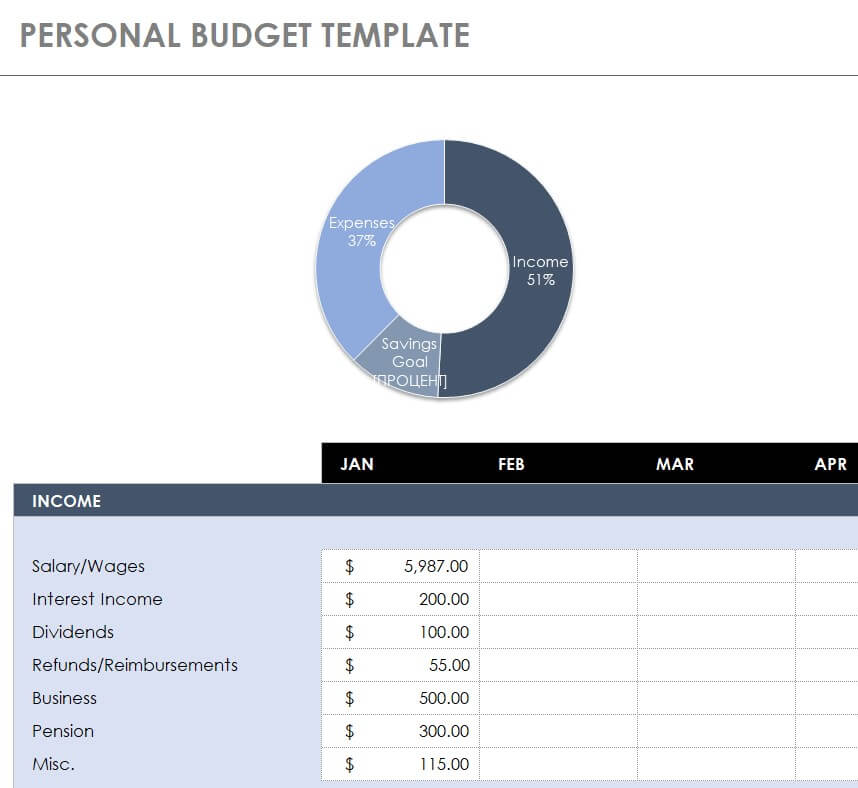
Download Excel Personal Budget Template
Excel Project Budget Template
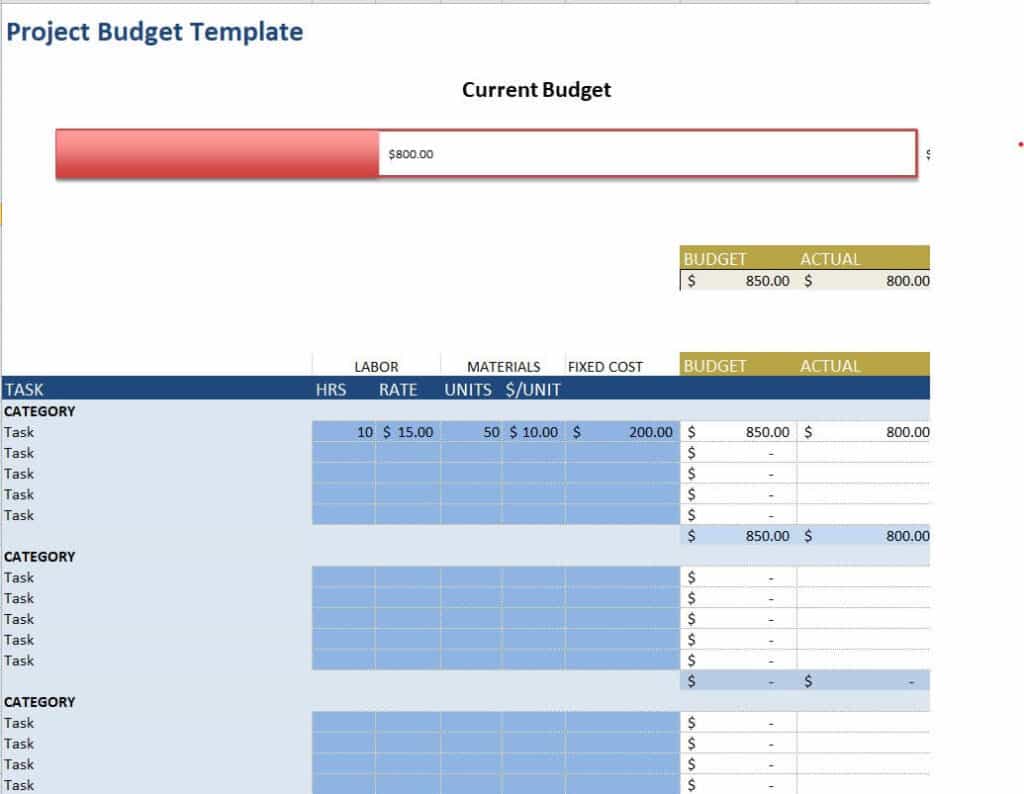
Download Excel Project Budget Template
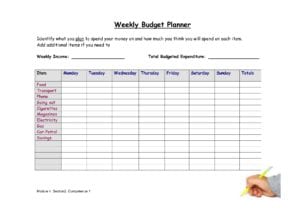
Simple Budget Excel Sheet Printable
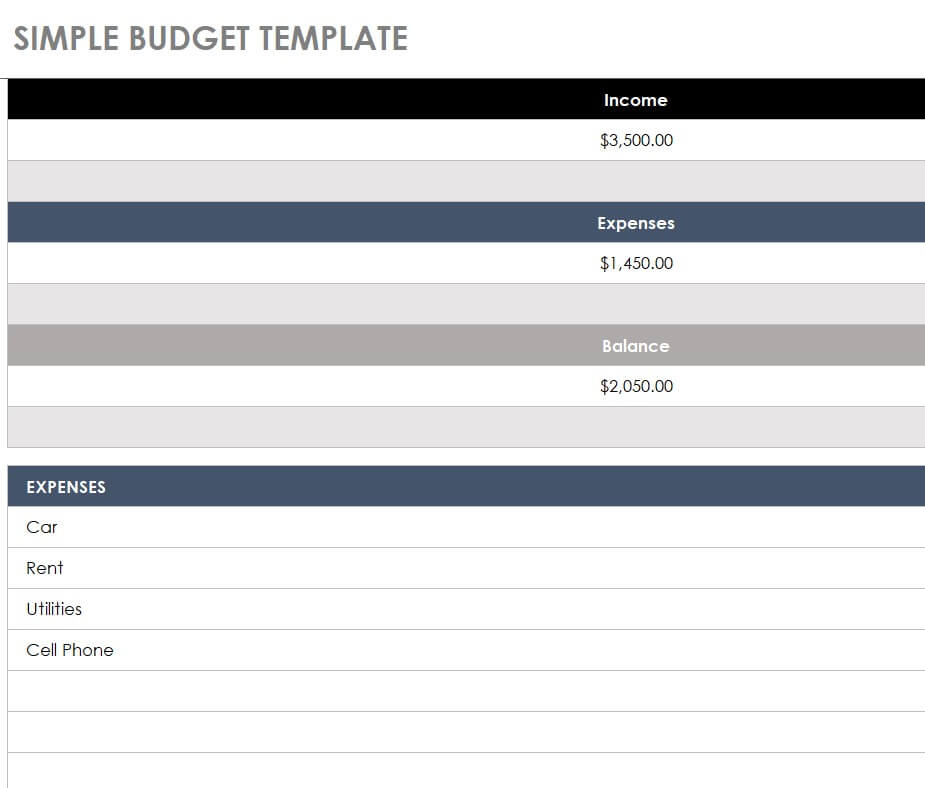
Download Simple Budget Excel Sheet
Detailed Excel Budget Template for the Family
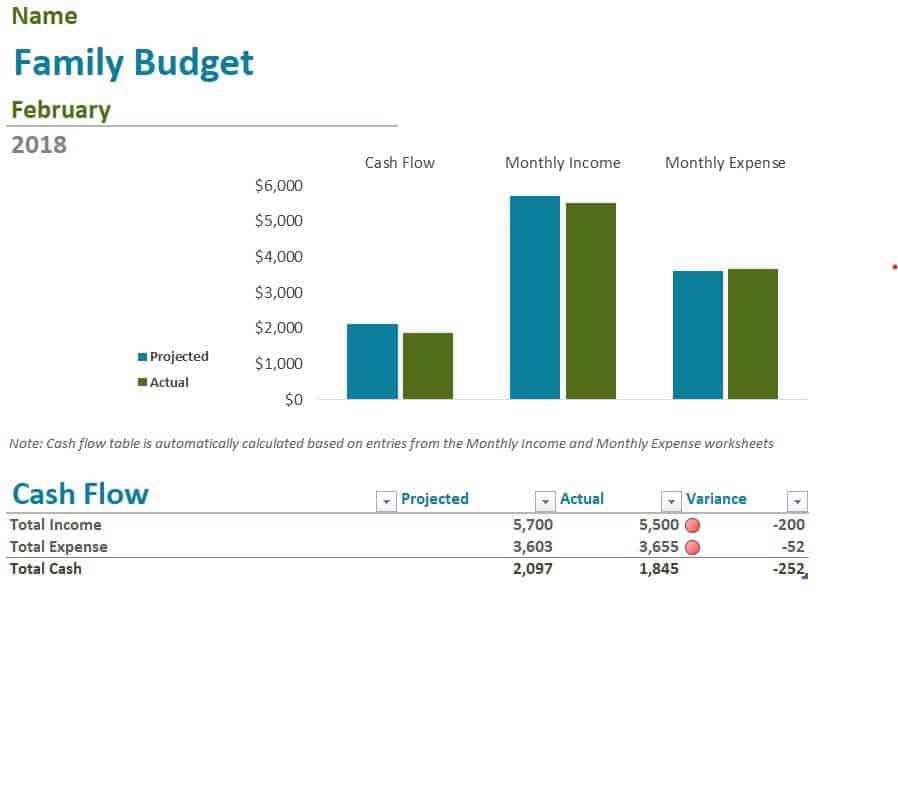
Download Family Excel Budget Template
Home Construction Excel Budget Template
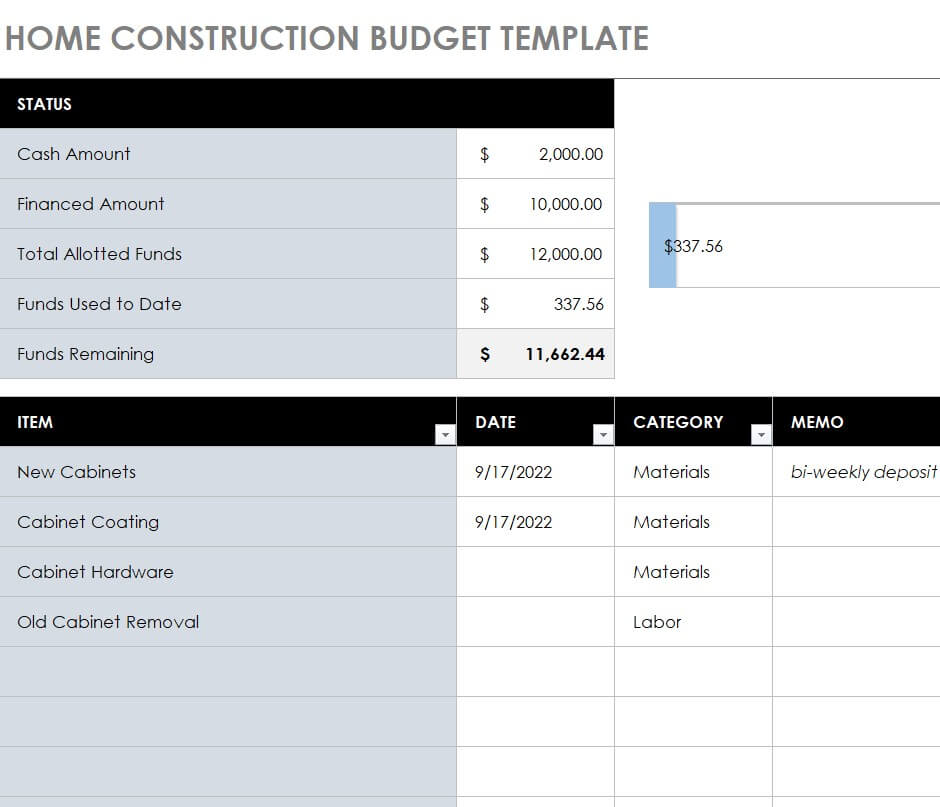
Download Home Construction Budget Template
Basic Monthly Expenses Excel Budget Sample
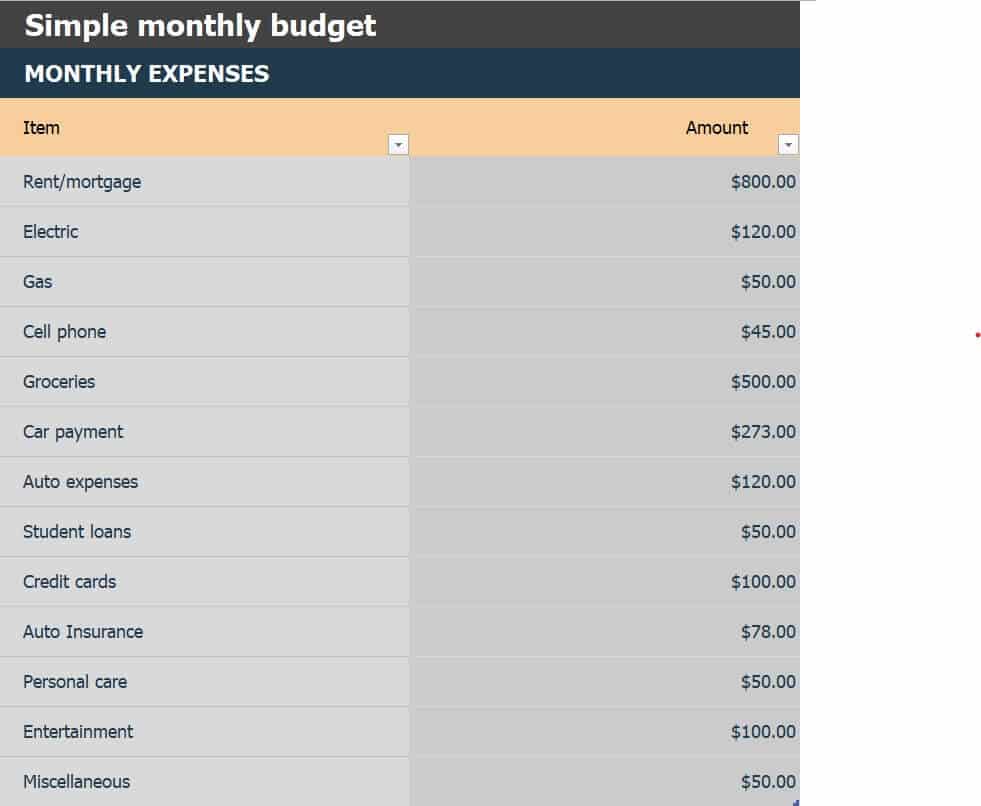
Download Monthly Expenses Budget Sample
Free Editable College Budget Template in XLSX Format
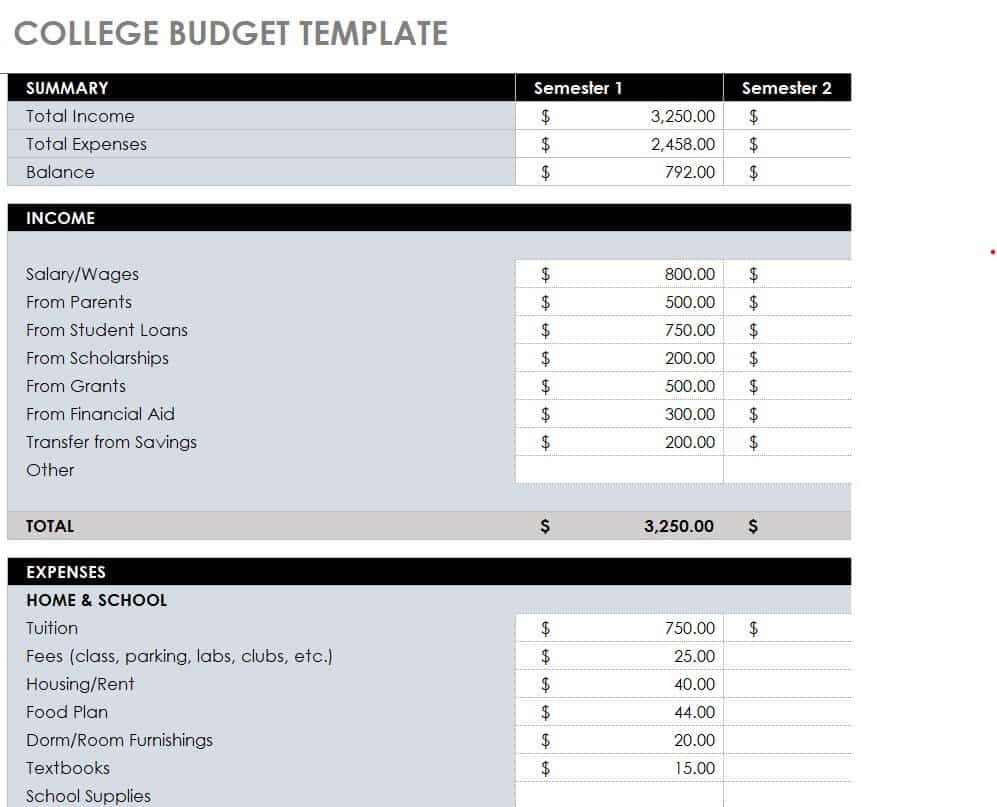
Download Editable College Budget Template
Practical Wedding Budget Excel Sheet
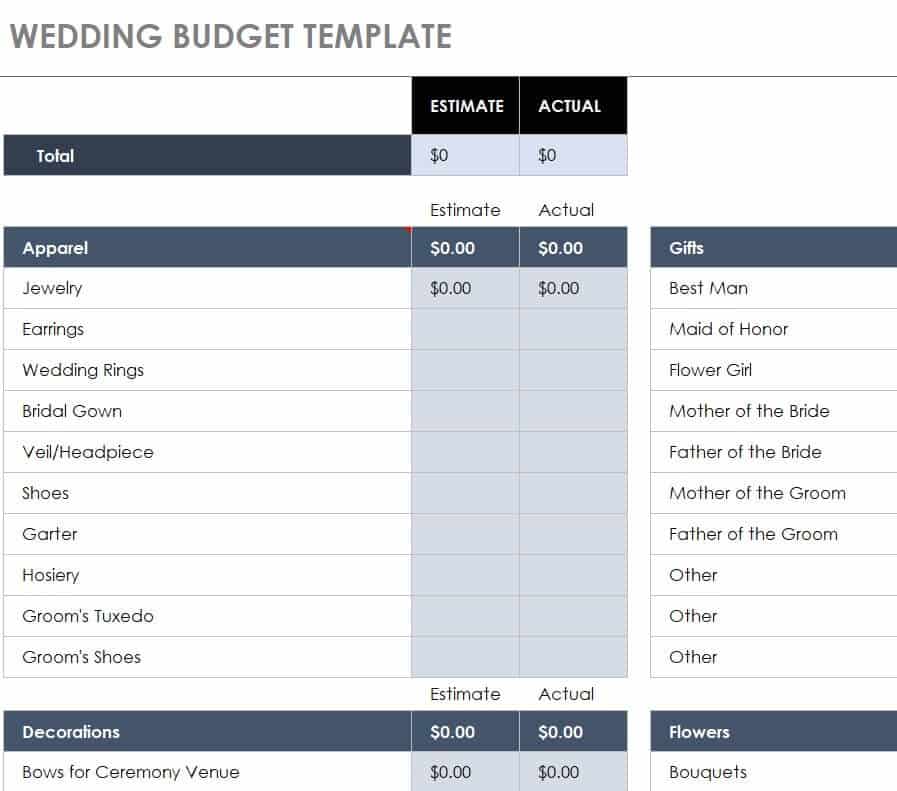
Download Wedding Budget Excel Sheet
College Budget Template Excel
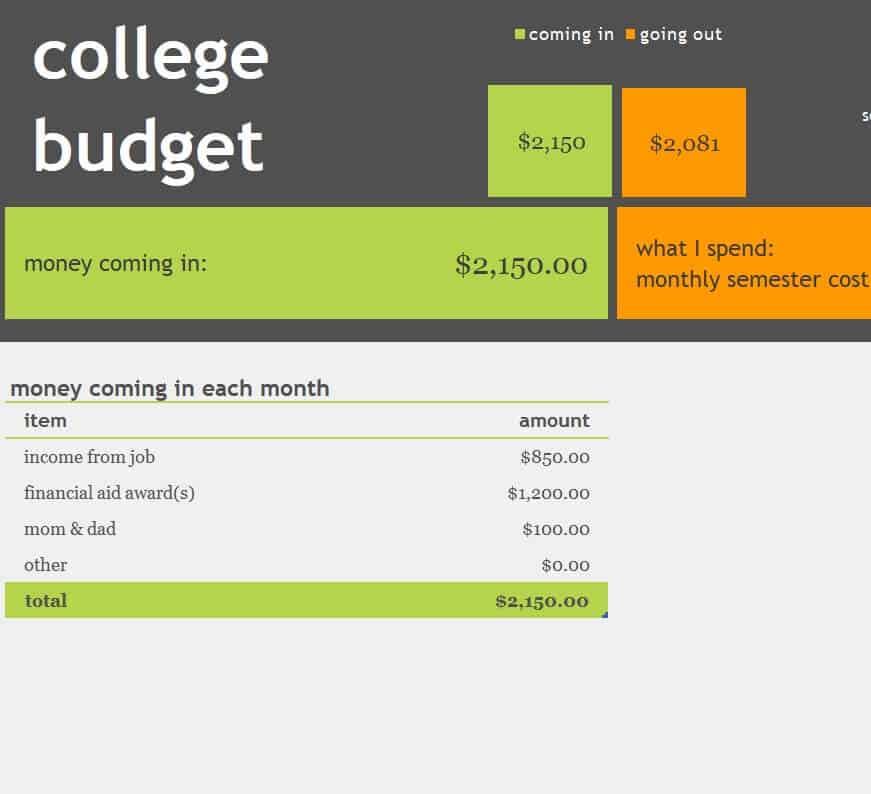
Download College Budget Template Excel
Sample Business Budget Excel Spreadsheet
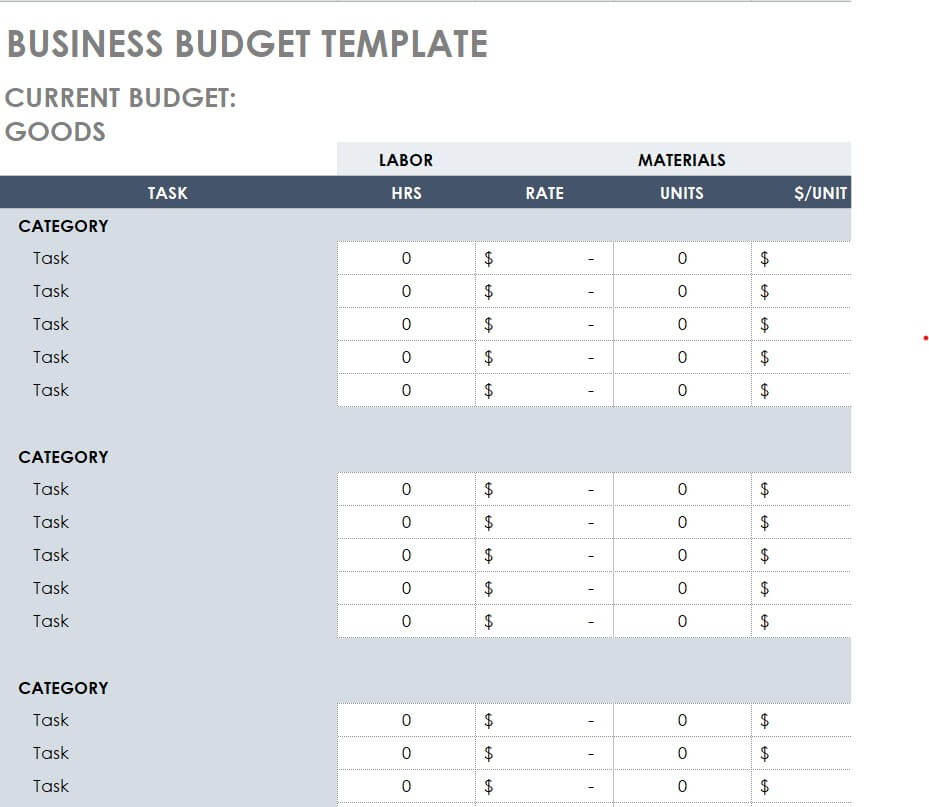
Download Business Budget Excel Spreadsheet
Excel Personal Monthly Budget Template
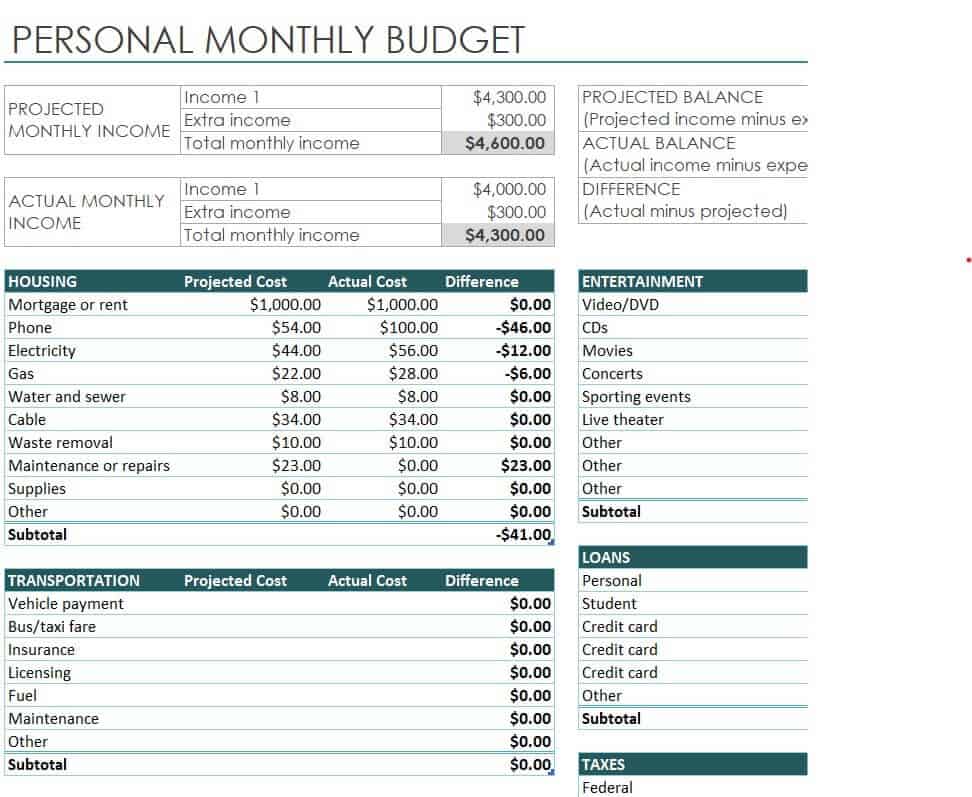
Download Personal Monthly Budget Template
How to Make a Budget in Excel Step by Step
- Choose a template. Pick the one that matches your goal, such as personal, family, college or business.
- List your income. Enter all regular income for the period, using a conservative estimate for irregular pay.
- Add fixed expenses. Write in rent or mortgage, loan payments, insurance and other bills that stay the same.
- Add variable expenses. Estimate groceries, utilities, transport and fun spending based on past months.
- Set savings goals. Treat savings like a bill by adding a specific amount for each period.
- Check the totals. Make sure the formulas subtract expenses from income and show what is left.
- Compare planned and actual. At the end of the period, enter what you really spent and see where you were over or under.
- Adjust and repeat. Update your numbers each month based on what you learned.
Budgeting Tips
- Start with realistic numbers. A budget that is too tight is hard to follow.
- Review your spending weekly so small overspends do not add up.
- Build an emergency fund, even if you start with a small amount.
- Use categories that make sense for you, not just default ones.
- Track irregular costs such as annual insurance by dividing them into monthly amounts.
- For projects and weddings, add a contingency line of about 5 to 10 percent for surprise costs.
- Back up your budget file so you do not lose your records.
Frequently Asked Questions (FAQs)
What is an Excel budget template?
It is a ready-made spreadsheet with categories for income and expenses and formulas that calculate totals. You just fill in your own numbers.
Are these Excel budget templates free?
Yes. All the templates on this page are free to download and use.
Can I use these templates for a weekly or yearly budget?
Yes. You can adapt the columns to cover a week, month or year. Many people keep one workbook with a sheet for each month.
What is the 50/30/20 budget rule?
It is a simple guideline that puts about 50 percent of after-tax income toward needs, 30 percent toward wants and 20 percent toward savings and debt payments. Adjust the percentages to suit your situation.
How do I add formulas in Excel?
Most templates already include them. To add your own, click a cell, type an equals sign and use SUM to add cells, such as =SUM(B2:B10), or subtract totals to find your balance.
How often should I update my budget?
Update it at least once a month, and review your actual spending weekly. Change the plan whenever your income or expenses change.
Can a business use these templates?
Yes. The business and project templates track revenue, costs and margins, and you can add categories for payroll, marketing or equipment.
Final Thoughts
A budget puts you in control of your money and helps you reach your goals. With 11 free Excel budget templates, you can choose the layout that suits your life, enter your numbers and let Excel do the math. Download one today, set your plan and start tracking your progress.


You must be logged in to post a comment.