Whether you run a business, travel for work or just want to understand where your money goes, an expense report gives you a clear picture of what was spent, when and why. Employees use it to request reimbursement, managers use it to control costs, and individuals use it to build better budgets.
This page offers 15 free expense report templates in Excel and Word formats. They cover weekly, monthly, quarterly and annual periods as well as travel, credit card, mileage and sales expenses. Most Excel versions include formulas that add up totals automatically, which saves time and reduces mistakes.
What Is an Expense Report?
An expense report is a document that lists money spent by a person, department or company over a specific period. Each entry usually shows the date, a description, a category and the amount. The report ends with totals so you can see the full cost at a glance.
Companies use expense reports to reimburse employees, track spending against budgets and prepare for taxes and audits. Individuals use them to monitor personal or household spending and spot areas where they can save.
Types of Expense Reports
- Travel expense report: records flights, hotels, meals and ground transport during a business trip.
- Monthly expense report: summarizes all costs over a month for a business or household.
- Weekly expense report: tracks short-term spending for tighter control.
- Annual expense report: gives a yearly overview, useful for tax preparation and planning.
- Quarterly expense report: reviews costs every three months for business reporting.
- Credit card expense report: lists charges made on a company or personal card.
- Mileage log and expense report: tracks miles driven and related costs.
- Sales expense report: records costs related to selling, such as client meals and samples.
Benefits of Using Expense Report Templates
- Automatic calculations: Excel formulas total your columns for you.
- Consistency: every report has the same layout, which makes reviewing and approving easier.
- Better budgeting: comparing expenses with planned amounts helps you control unnecessary spending.
- Faster reimbursement: complete, well-organized reports are approved sooner.
- Tax readiness: organized records make it easier to find deductible costs.
- Time savings: you avoid building a spreadsheet from scratch.
What to Include in an Expense Report
- Name and department: who is submitting the report.
- Reporting period: the start and end date.
- Purpose: the reason for the expenses, such as a client visit or conference.
- Date of each expense: when the money was spent.
- Description and category: what was bought and its type, such as meals, lodging or supplies.
- Amount: the cost of each item, and the currency if needed.
- Receipts: attach or reference receipts for each claim.
- Totals: subtotals per category and a grand total.
- Approval: signatures or approval lines for the employee and manager.
Free Expense Report Templates
Weekly Expense Report Template
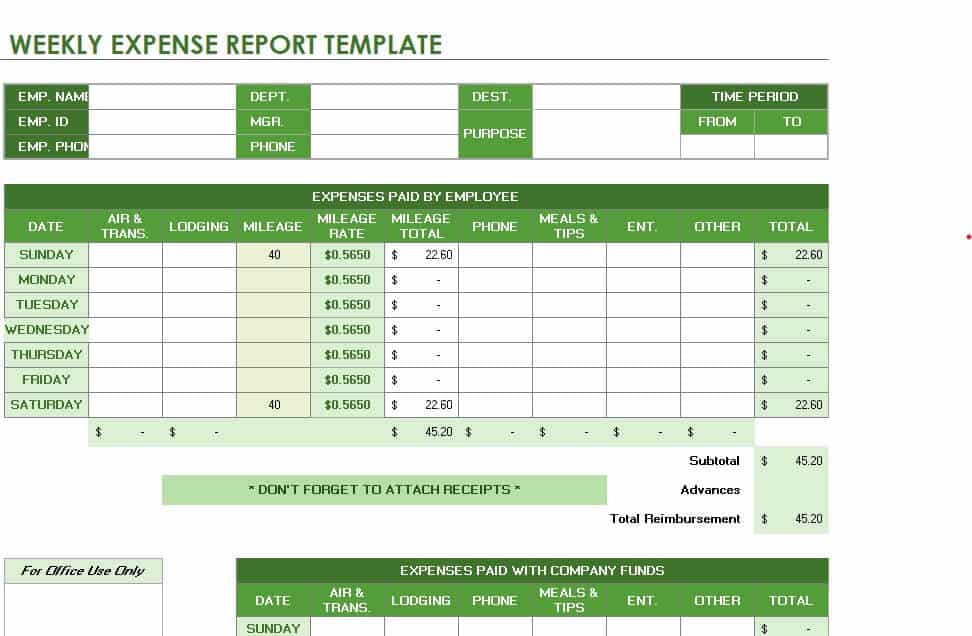
Download Weekly Expense Report Template
Blank Expense Report Excel Sheet
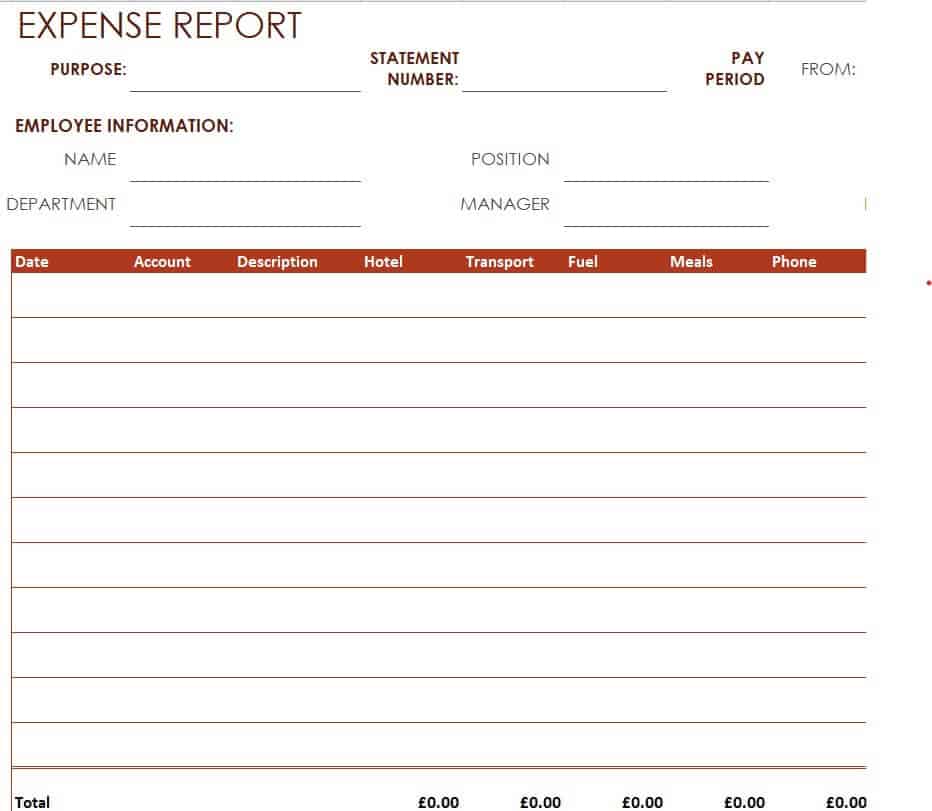
Download Blank Expense Report Excel Sheet
Monthly Expense Report Excel Template
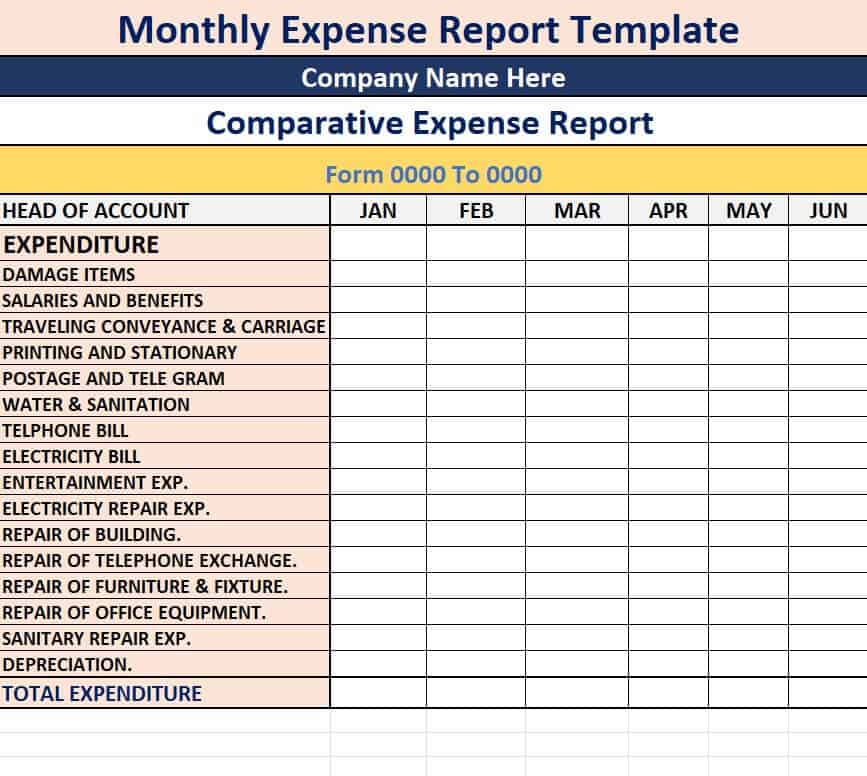
Download Monthly Expense Report Excel Template
Annual Expense Report Template WORD
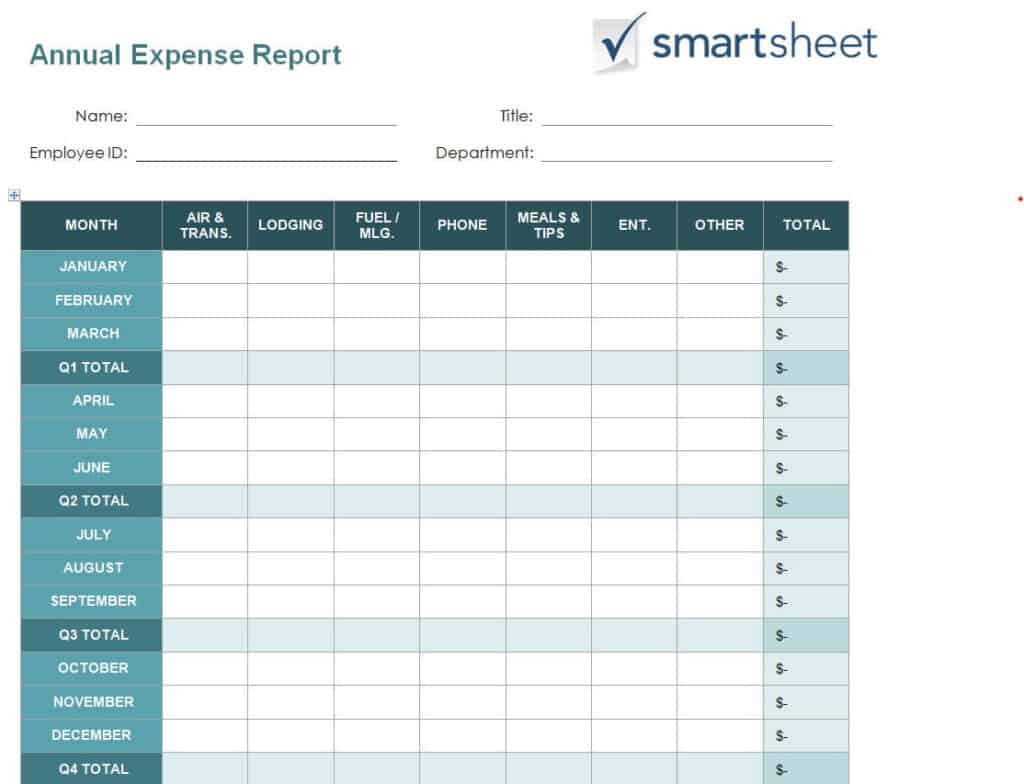
Download Annual Expense Report Template
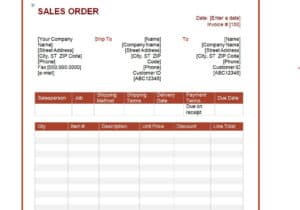
Company’s Sales Expenses Report Sample
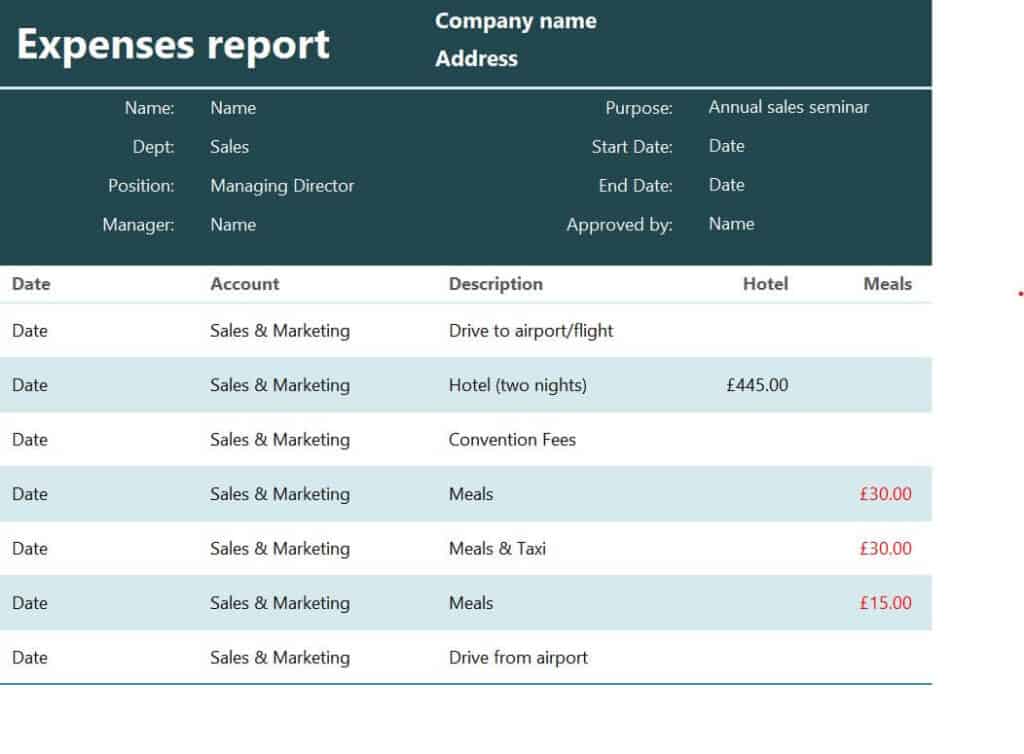
Download Sales Expenses Report Sample
Free Printable Expense Report Example
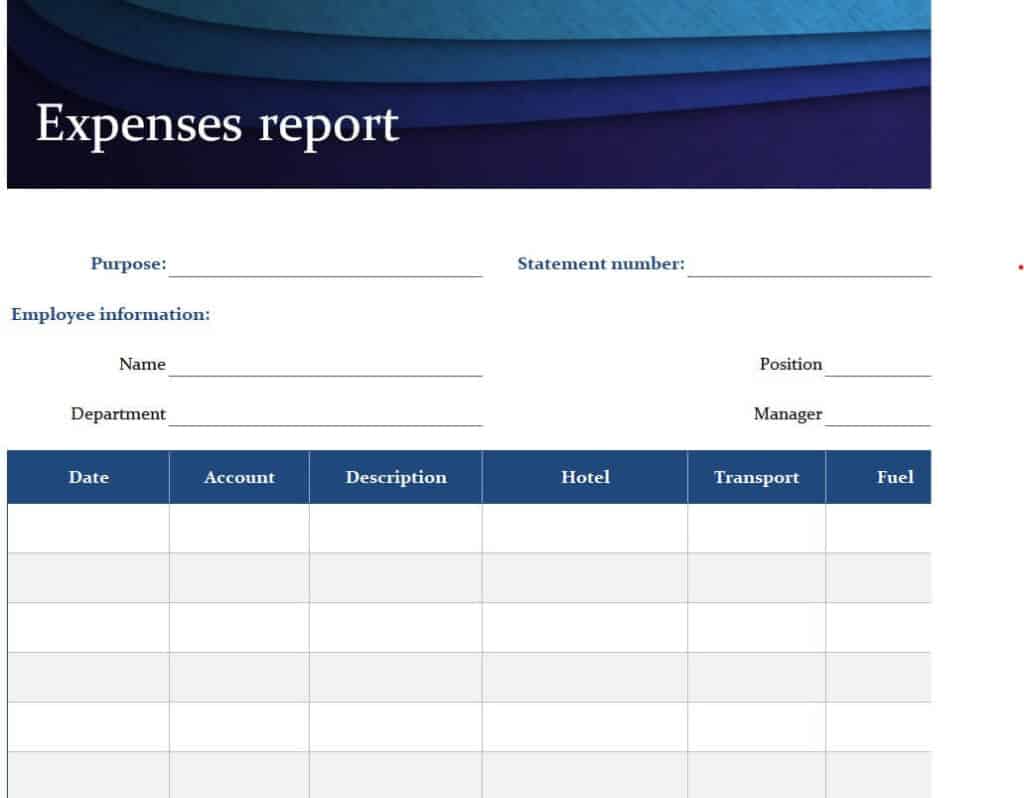
Download Printable Expense Report Example
Budgeted Expense Report Template in XLSX Format
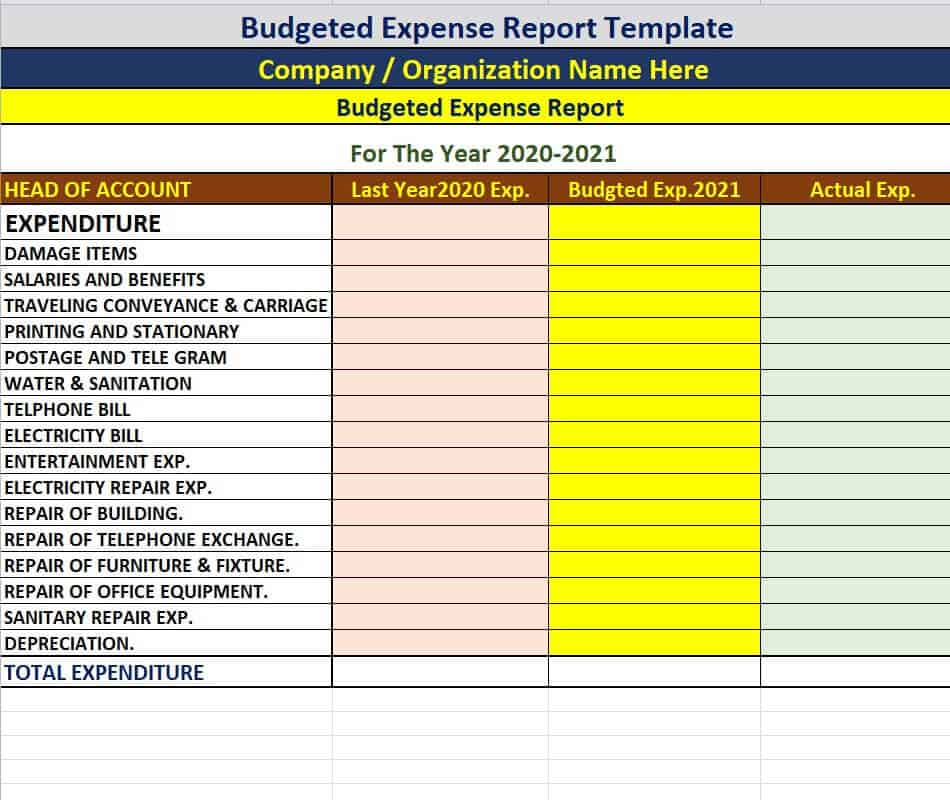
Download Budgeted Expense Report Template
Credit Card Expense Report Sheet in DOC Format
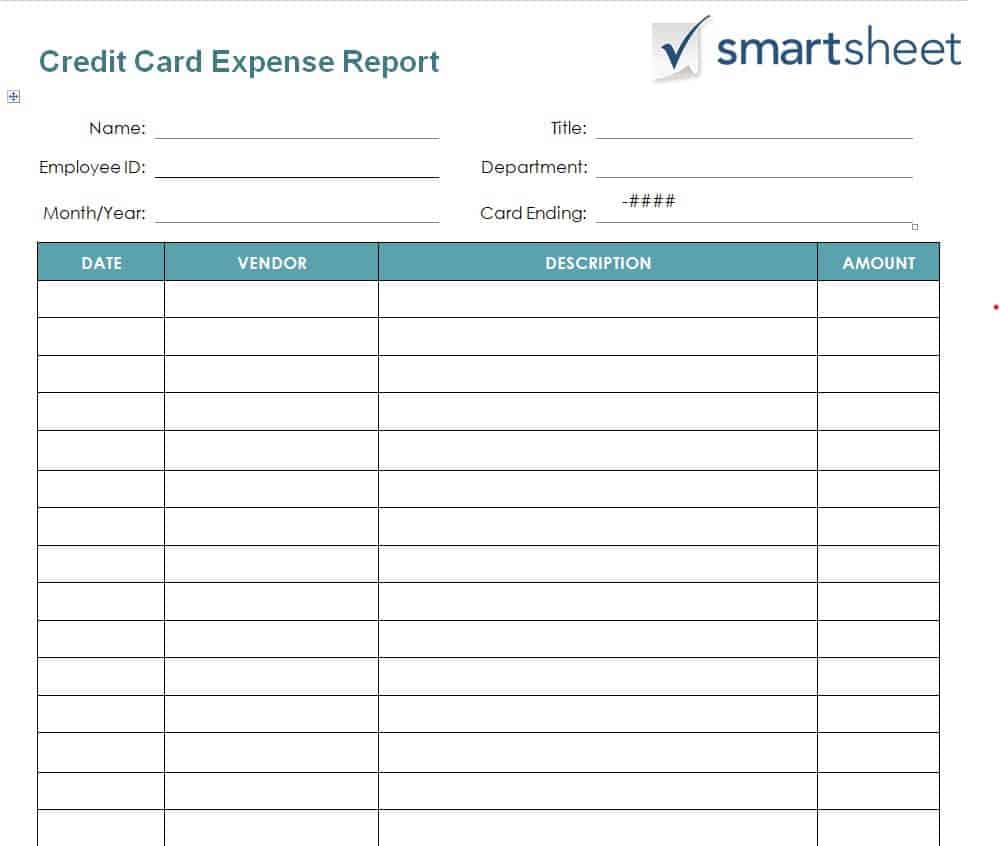
Download Credit Card Expense Report Sheet
Simple Expense Report Layout
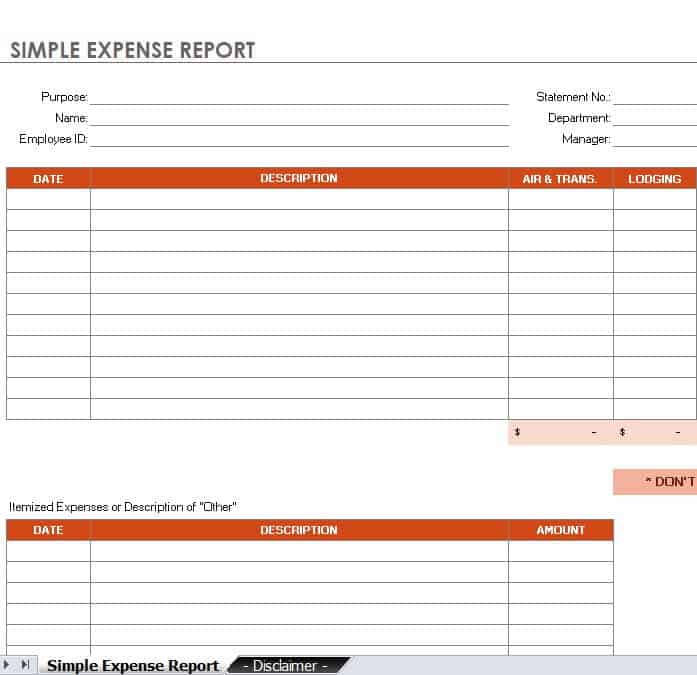
Download Simple Expense Report Layout
Bank’s Monthly Expense Report Spreadsheet
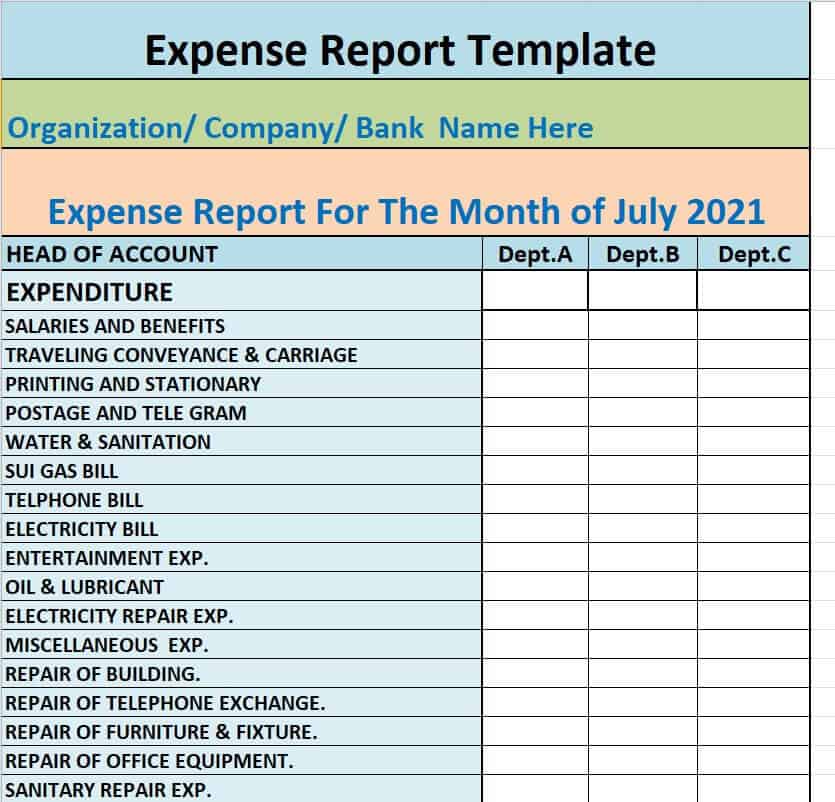
Download Bank’s Monthly Expense Report Spreadsheet
Sample Travel Expense Report Excel Sheet
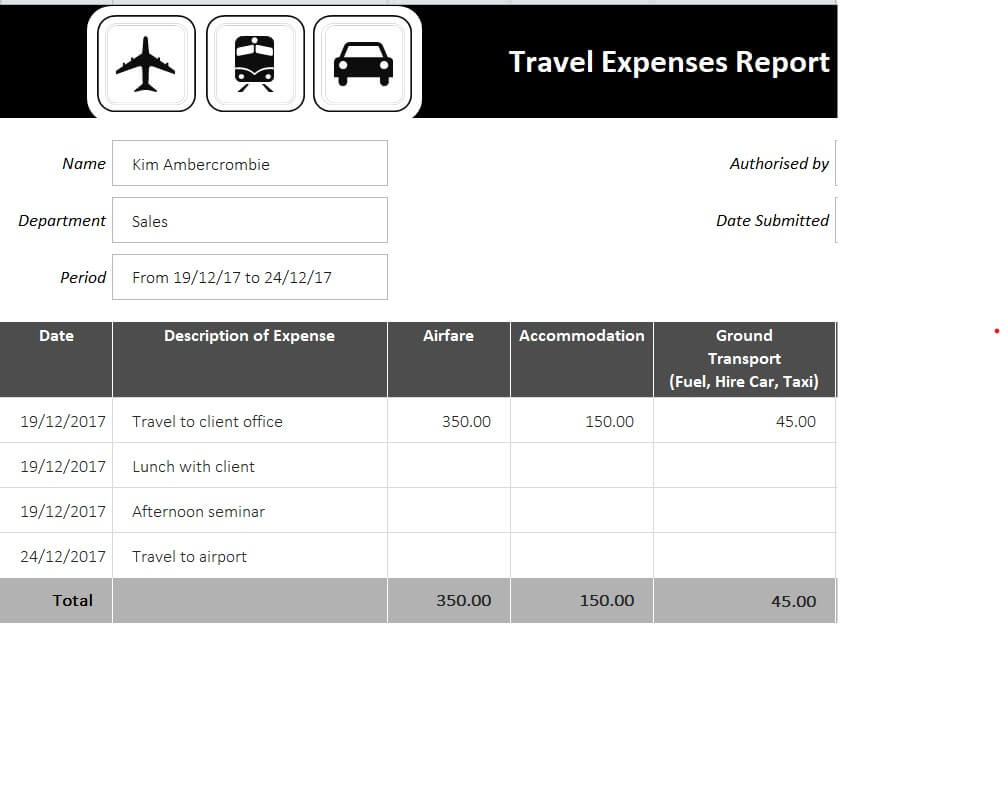
Download Travel Expense Report Excel Sheet
Free Editable Expense Sheet Template
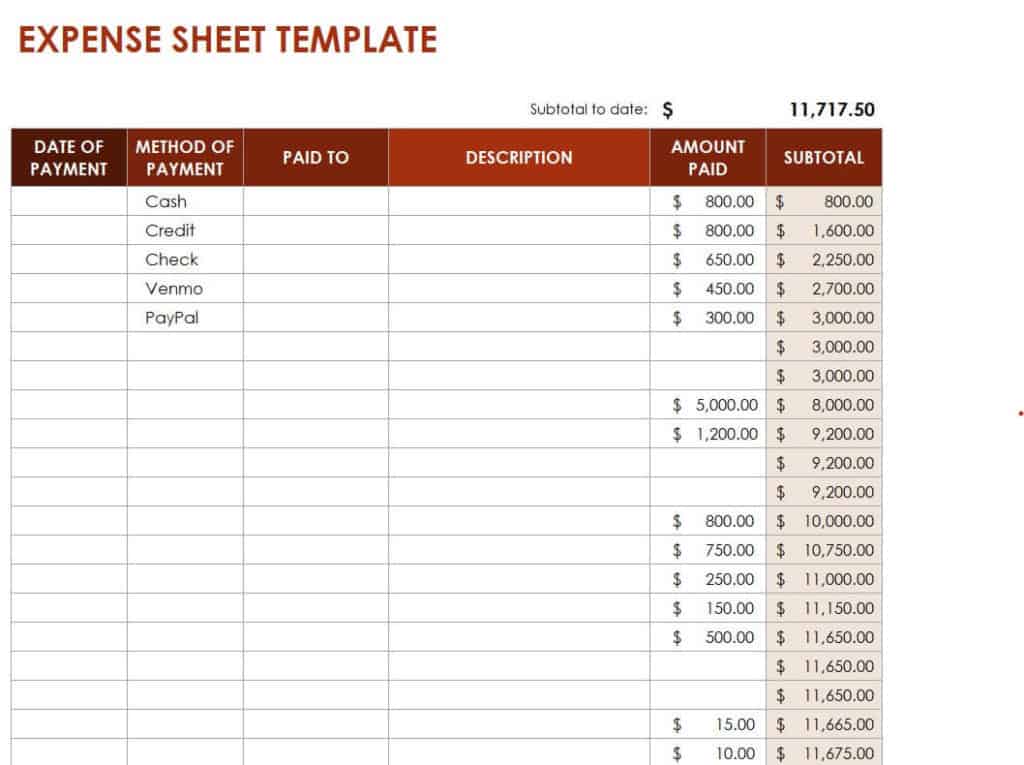
Download Free Editable Expense Sheet Template
Monthly Sales and Expense Worksheet WORD Example
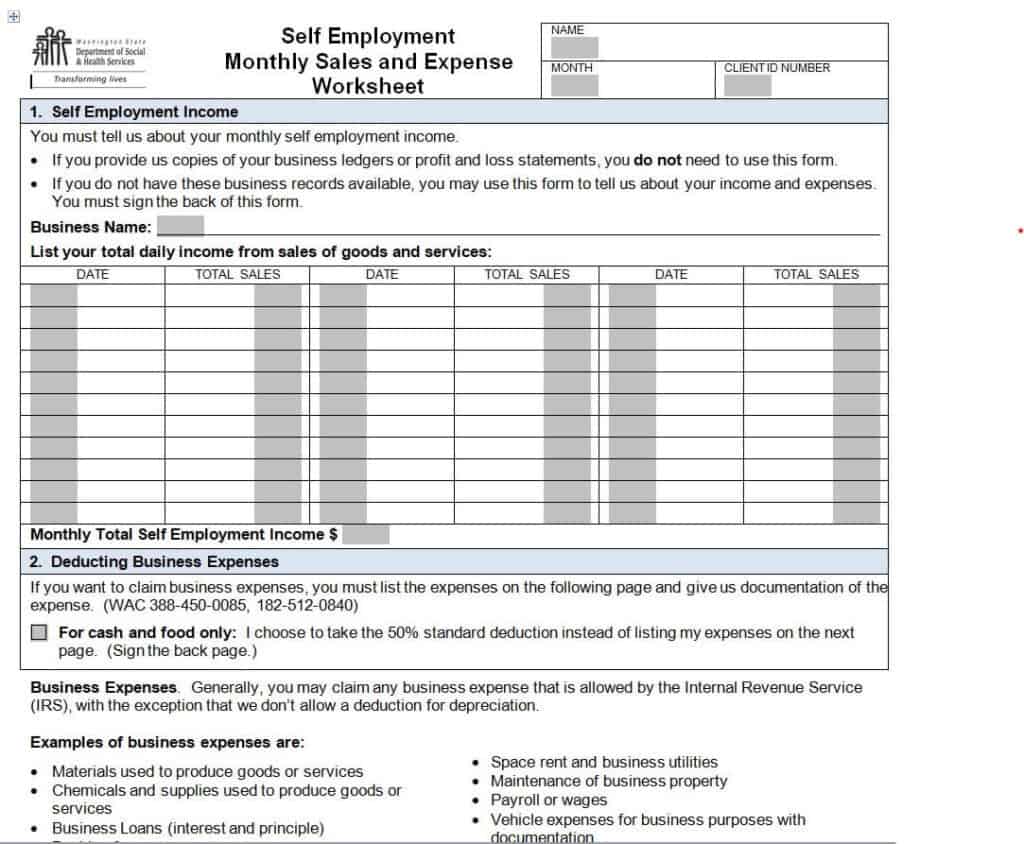
Download Monthly Sales and Expense Worksheet
Mileage Log and Expense Report Example
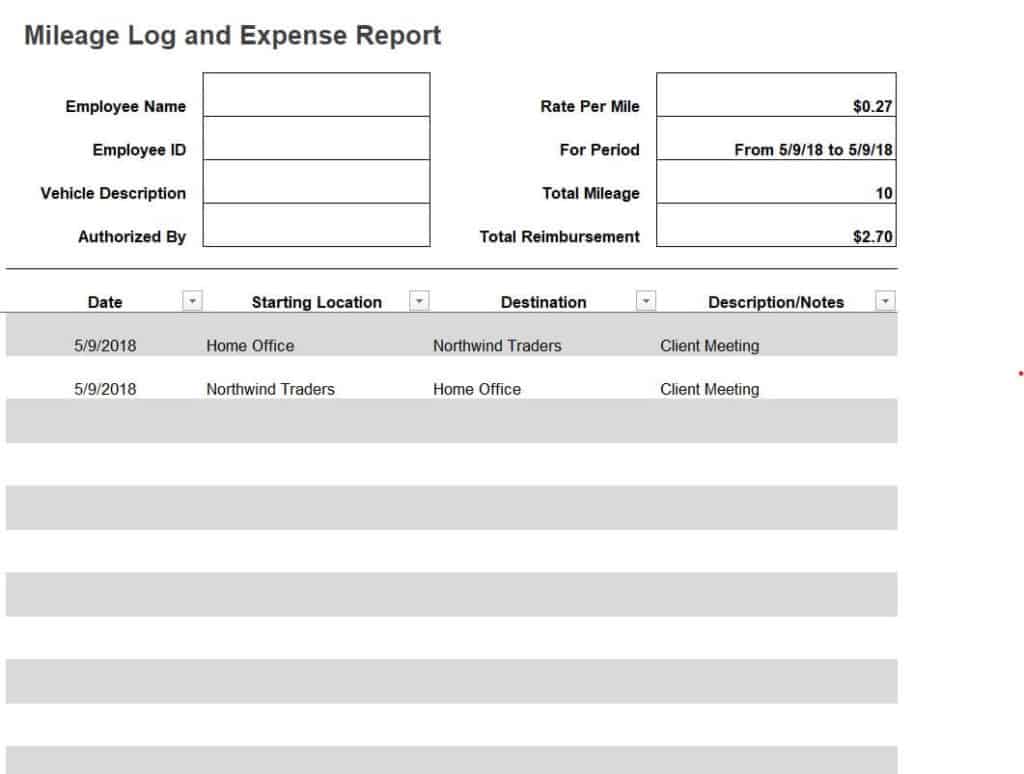
Download Mileage Log and Expense Report
Business Quarterly Expense Report Template in Excel
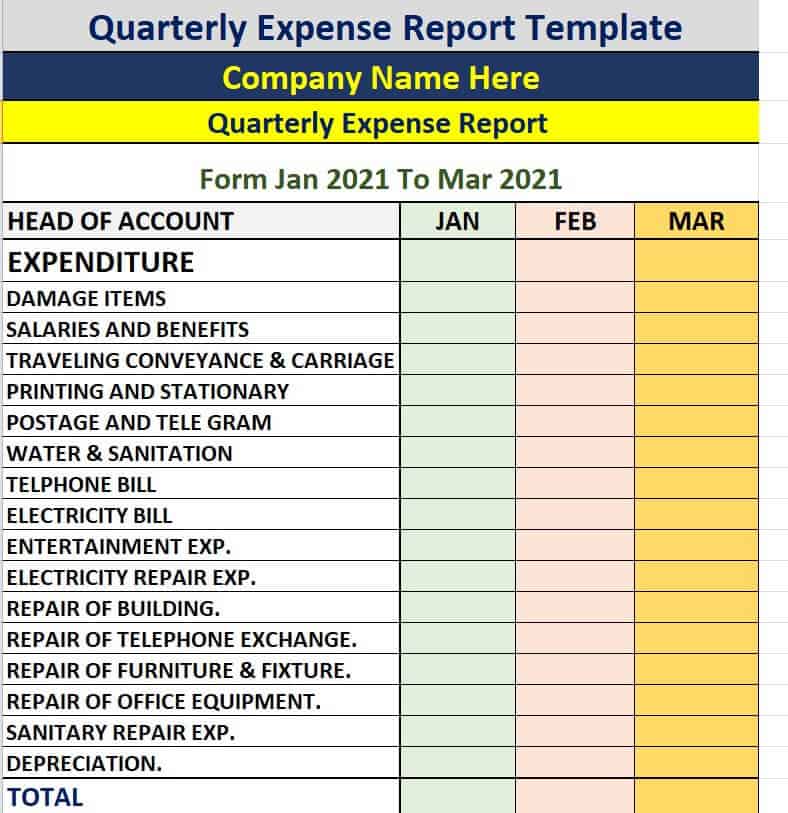
Download Quarterly Expense Report Template
How to Fill Out an Expense Report Step by Step
- Pick the right template. Choose weekly, monthly, travel or another type that matches your period and purpose.
- Enter your details. Add your name, department and the reporting dates.
- Collect receipts. Gather every receipt and invoice before you start.
- List each expense. Record the date, description, category and amount in the order they occurred.
- Check the formulas. In Excel, make sure totals update correctly when you enter numbers.
- Add totals and notes. Review subtotals by category and add short notes for unusual items.
- Attach proof. Include receipts as scans, photos or paper copies.
- Submit for approval. Send the report to your manager or accounting team before the deadline.
Tips for Better Expense Tracking
- Record expenses as they happen rather than at the end of the month.
- Use clear categories so you can analyze spending easily.
- Photograph receipts with your phone right away so they are not lost.
- Follow your company’s expense policy on limits and allowed items.
- Compare actual costs with your budget to catch overspending early.
- Keep records for as long as your tax rules require.
Frequently Asked Questions (FAQs)
What is an expense report template?
It is a ready-made spreadsheet or document with columns for dates, descriptions, categories and amounts. You fill it in with your own expenses instead of building a layout yourself.
Are these expense report templates free?
Yes. All of them are free to download and edit in Excel or Word.
Which format is best, Excel or Word?
Excel is best when you want automatic totals and calculations. Word is fine for simple, printable reports without many numbers.
How often should I submit an expense report?
It depends on your company. Many employees submit monthly, while travelers may submit after each trip. Follow your organization’s policy.
Do I need receipts for every expense?
Most companies require receipts, especially for larger amounts. Keeping receipts also helps with tax records and audits.
What is the difference between an expense report and a budget?
A budget is a plan for future spending. An expense report records what was actually spent. Comparing the two shows how well you are sticking to your plan.
Can I use these templates for personal expenses?
Yes. Individuals can use the weekly and monthly templates to track household costs and build a personal budget.
Final Thoughts
A good expense report saves time, speeds up reimbursement and gives you clear insight into your spending. With 15 free Excel and Word templates, you can pick the one that fits your business, trip or household. Download a template, add your expenses and keep your finances organized.


You must be logged in to post a comment.