
Create a classroom character profile, party prop, or themed event display with an editable wanted poster template. Start with a layout that leaves enough room for the name, image, and short description; decorative borders should support the message without making it difficult to read.
2 New Editable Templates with Previews
Choose a layout for the task you need to complete. Each preview shows the actual editable Word file. Download the template and replace the placeholders or example inputs with your own details.
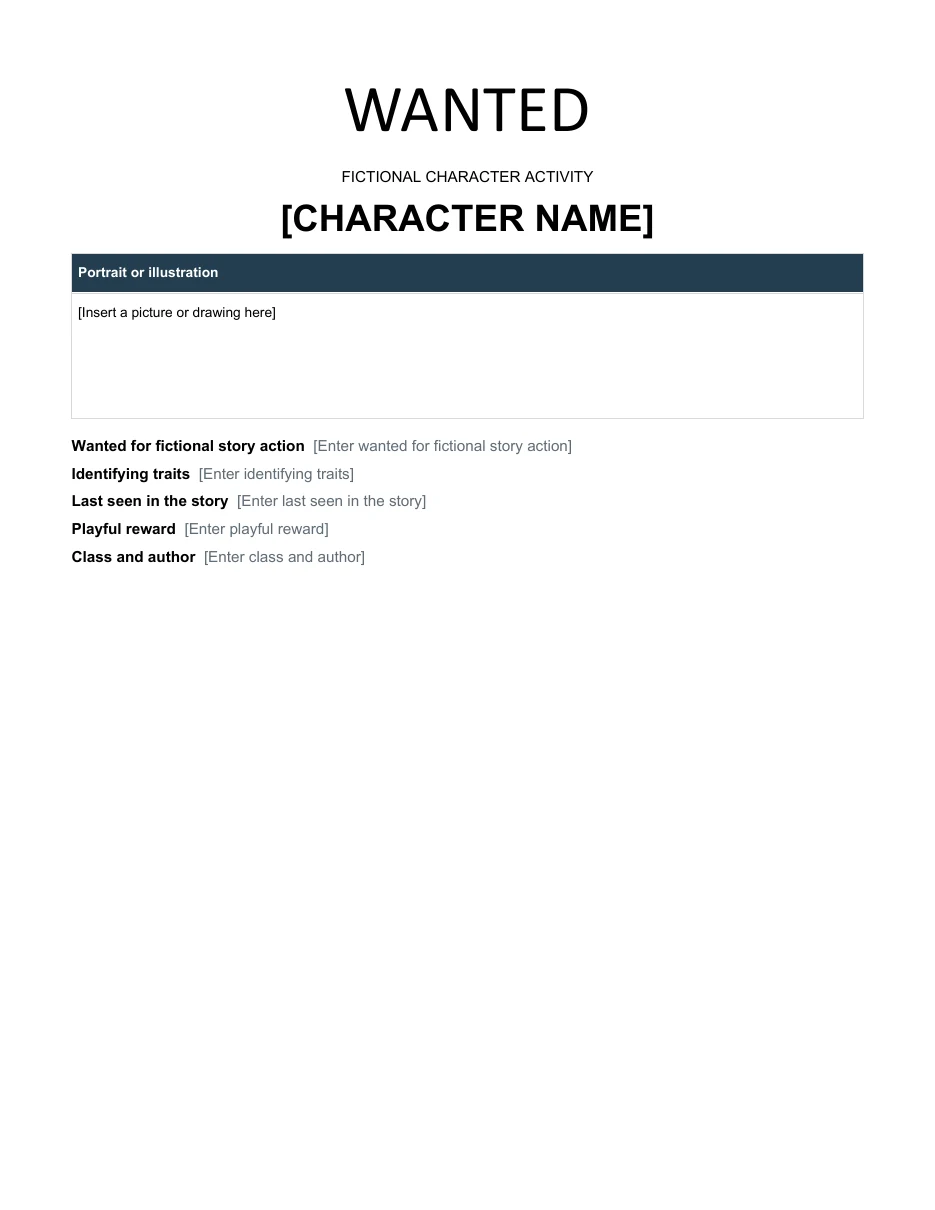
Classroom Character Wanted Poster
Create a fictional character poster with evidence drawn from a book or classroom story.
Download Editable Word Template
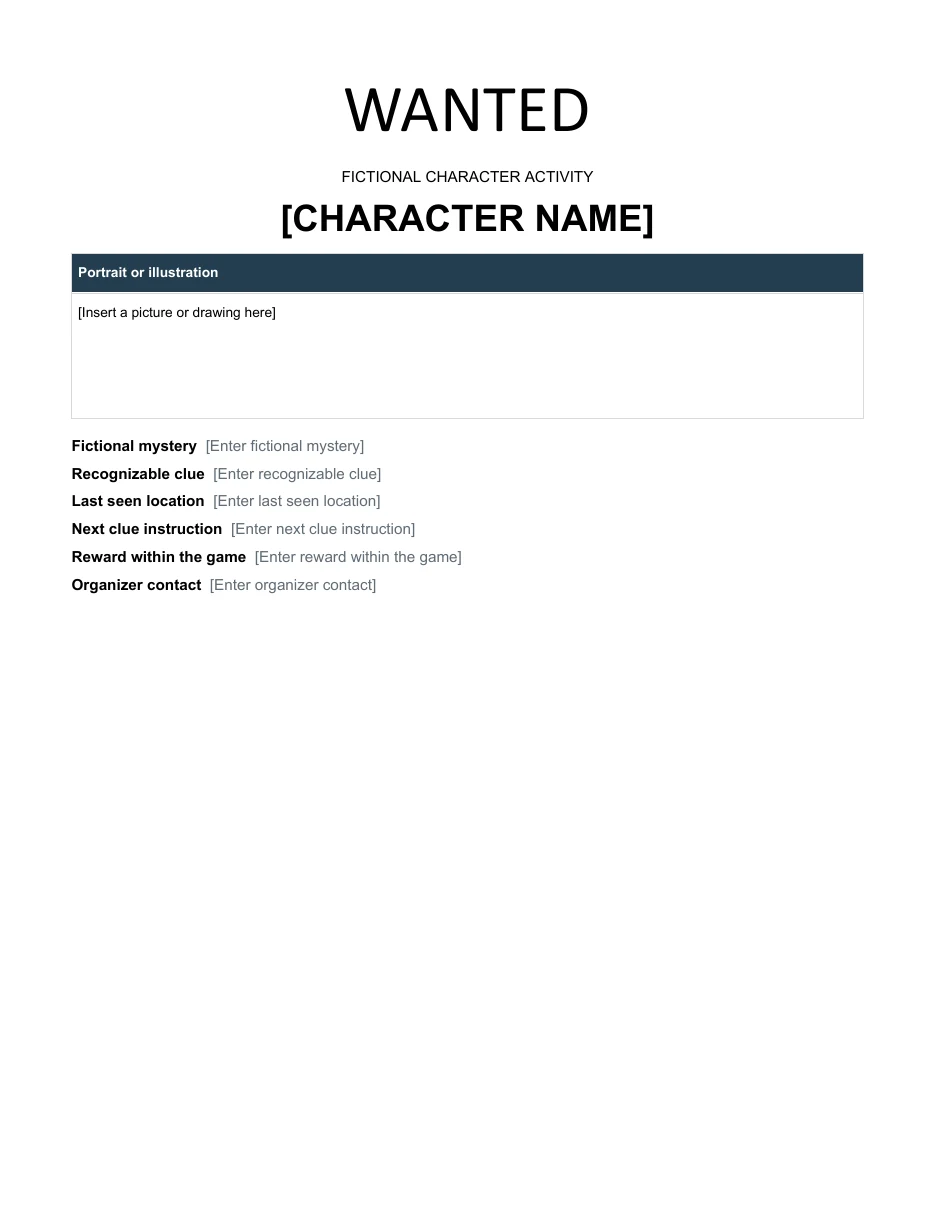
Mystery Game Wanted Poster
Build a clearly fictional clue poster for a party or classroom mystery game.
The collection below includes two direct-download designs. Adapt the copy to the occasion and make fictional or playful use clear. Before printing a large batch, check one copy at its intended size to see whether the photograph and smaller text remain recognizable from the viewing distance.
Go to the two editable templates and preview images and read the practical guidance below.
What Is a Wanted Poster?
A wanted poster is a printed notice that announces a person is being sought. Traditionally, police departments and security agencies used them to inform the public about suspects or missing persons and to ask for information. The typical layout features a large headline, a picture or sketch, the person’s name, a short description, and contact details or a reward.
Modern wanted posters are often made for entertainment. Friends make them as birthday jokes, teachers create them for classroom activities, and businesses use them for themed marketing and events.
Note: Use these templates only for fun, education, or props. Do not use a wanted poster to accuse, harass, or falsely label a real person, as this may be harmful and even unlawful.
For a themed party, pair the fictional poster with golden ticket templates used as invitations or admission props.
Why Use a Wanted Poster Template?
- Instant design. The fonts, borders, and layout are already set, so you only add your own text and image.
- Easy to edit. Templates work in programs like Word and PowerPoint, and you can paste in photos with a click.
- Multiple styles. Choose from vintage western looks, modern minimalist styles, and colorful party designs.
- Printable. Print on standard paper or cardstock, or use tea-stained paper for an aged effect.
Use menu templates to carry the same party theme through to the food table.
What to Include on a Wanted Poster
- A bold heading such as WANTED
- A clear photo or drawing
- The name or nickname of the subject
- A short, playful description or list of “crimes”
- A reward amount, real or pretend
- Contact details or event information
- Optional height, weight, and last-seen location for themed effect
2 Editable Templates with Direct Downloads
Choose one of the two layouts below to suit your needs. Each preview shows the actual editable file, which you can download directly.
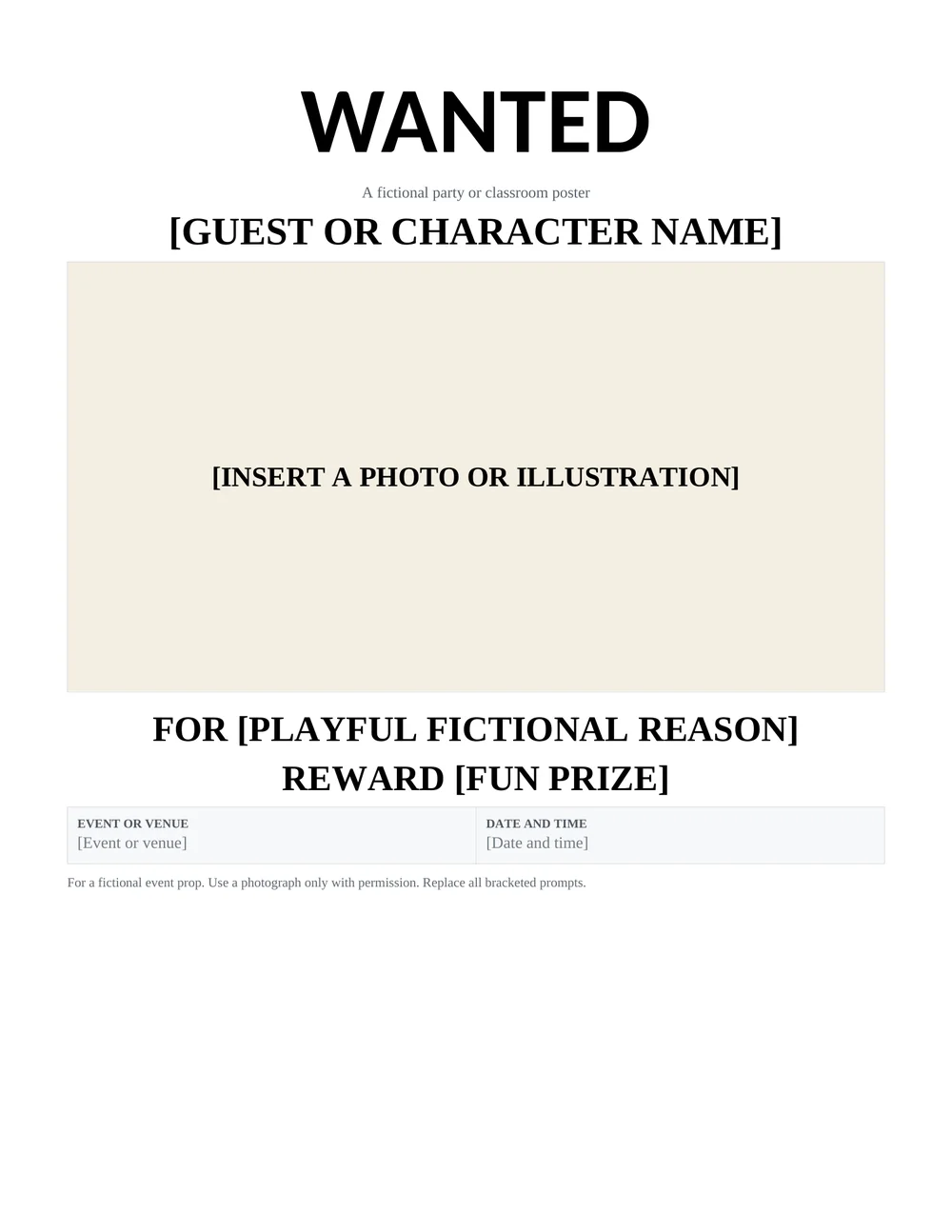
Western Party Wanted Poster
A vintage inspired novelty poster with a large photograph area, playful fictional description, event details, and a reward line.
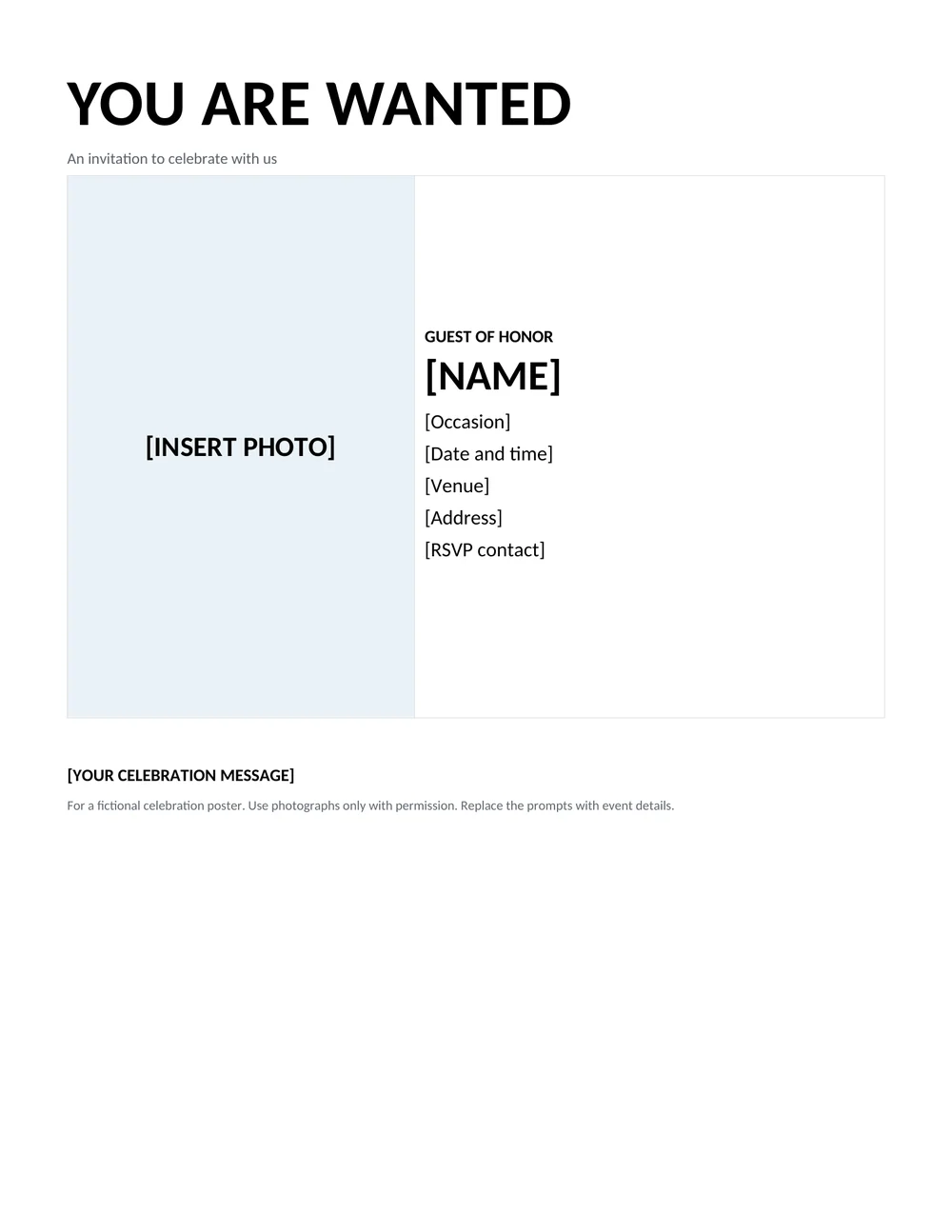
Guest of Honor Wanted Poster
A clean celebration poster for a birthday, team event, or classroom activity, with a photo, honoree name, venue, and RSVP details.
Popular Uses for Wanted Posters
- Birthday and themed parties: Cowboy, pirate, and detective parties are perfect matches.
- Classroom activities: Teachers use them for history lessons, book reports, and character studies.
- Pranks and gifts: A humorous poster of a friend, with a harmless “crime” like stealing all the pizza, is always a hit.
- Event decoration: Use them as props for escape rooms, fairs, and theater sets.
- Marketing: Businesses run playful promotions, such as a “wanted” ad for new employees or customers.
- Lost pet notices: A wanted-style poster can be an attention-getting way to find a missing pet.
For a storytelling lesson, a plot diagram can help students develop the fictional character and events behind their poster.
How to Make a Wanted Poster
- Pick a template that suits your theme and download it.
- Open it in Word, PowerPoint, or your preferred editor.
- Insert a photo and resize it to fit the picture frame.
- Type the name, description, and reward in the text areas.
- Choose fonts and colors that match your theme.
- Print on paper or cardstock and trim to size.
- For an aged look, lightly tint the paper or use a sepia filter on the photo.
Choosing a Wanted Poster Style for the Occasion
A printable wanted poster works best when the reader immediately understands that it belongs to an event, game, or celebration. A Western party design can use a large headline, a portrait area, and playful reward wording. A birthday or guest-of-honor design can use the same familiar idea while making the invitation details more prominent. Decide whether the poster is mainly decoration or whether it also needs to tell guests where and when to arrive.
The two Word files above take different approaches. The Western party layout follows a traditional centered poster arrangement. The guest-of-honor version places the photo and event details beside one another, leaving room for the occasion, venue, time, and RSVP contact. Use the second layout when the poster needs to function as an invitation. A large decorative portrait is less useful if the event address ends up too small to read.
Write the main message before choosing fonts. A poster for a child’s themed party might invite guests to “join the celebration” and make the date unmistakable. A game poster might identify a fictional character and direct players to the next clue. Keep references fictional or clearly playful, and obtain permission before using another person’s image. Avoid presenting a real person as being sought for an actual offence.
Use reward wording carefully. For a party decoration, a phrase such as “reward: birthday cake and good company” makes the fictional purpose clear. If a poster is part of a game, describe how the reward is earned and who is running the activity. Do not include a real phone number, address, or allegation merely to make the design resemble a law-enforcement notice.
Preparing Photos and Testing the Printed Poster
Choose a photo with one clear subject and enough space around the face to fit the picture area. Cropping is usually better than stretching, which can distort the image. Check the result after replacing the placeholder, because a photograph that looks fine as a small thumbnail may be blurry when printed. Use a source image with sufficient detail for the intended page size and avoid enlarging a tiny image beyond what it can support.
Keep the information hierarchy simple: headline first, person or character second, and event details next. Decorative lettering can work for a short title, but the address, time, and RSVP details should remain easy to read. Print a black-and-white test if guests are likely to use ordinary home printers. A design that depends on faint color differences can lose important information in grayscale.
For an A4 or Letter print, check the paper setting before printing. The printer may scale the document if the selected size does not match the file. Look at the preview for clipped borders, missing footer text, or a photo pushed onto a second page. Print one copy first, check it at a normal reading distance, and only then produce the remaining copies.
If you plan to email the poster, keep an editable Word master and export a separate PDF for sharing when appropriate. Reopen the shared version to confirm that the photo, fonts, and event details display correctly. Give the file a useful name containing the event and date, rather than sending several attachments called “final.” This makes it easier for guests or organizers to identify the current invitation.
Before displaying the finished poster, confirm the names, date, start time, venue, and contact details with the event organizer. Remove any unused placeholders, including optional reward or message lines. A short, accurate wanted poster is more effective than a crowded page of themed wording that leaves readers unsure what they are being invited to do.
Design Tips
- Keep the headline large and bold so it can be read at a distance.
- Use a high-contrast photo, and consider converting it to black and white.
- Limit the text to a few short lines.
- Choose a vintage typeface such as a slab serif for a western feel.
- Leave clean margins so the poster prints without cutting off text.
- Laminate posters that will be displayed outdoors.
A wanted poster is a fun and eye-catching way to add personality to any event or project. Pick a template from the 2 above, add your photo and text, and print it in minutes. Keep it lighthearted, and it will be a hit with everyone who sees it.
Frequently Asked Questions (FAQs)
What is a wanted poster?
It is a notice that announces someone is being sought, traditionally by authorities. Today it is also a popular design for parties, school projects, and props.
Can I edit these wanted poster templates?
Yes. Open a template in Word or a compatible program, replace the sample photo and text, and print your version.
What should I put in the reward section?
For real notices, follow authority guidelines. For fun posters, use a playful reward such as a pizza, a hug, or a pirate’s treasure.
Can I use a wanted poster for a real person?
Real wanted notices should be issued only by authorized agencies. Do not use a poster to accuse or harass someone.
What size should I print a wanted poster?
Standard letter or A4 paper works well for most templates. Use larger prints for displays and events.
Can I make one in PowerPoint?
The downloadable templates are in Word format. You can recreate a similar layout in PowerPoint using text boxes and pictures.
Are these templates free?
Yes, all the templates on this page are free to view and use.
What text works best on a classroom wanted poster?
Use a character name, a short identifying description, and a few details supported by the story or lesson. Label the poster as a classroom activity and keep invented reward language distinct from factual information about a real person.


You must be logged in to post a comment.