
If you get paid for your time and skills rather than for physical products, you need a clear way to ask for that payment. A service invoice lists the work you did, the rate or price, and the total due, so clients know exactly what they are paying for and when.
This page offers 17 free service invoice templates in Excel and Word for freelancers, consultants, contractors, cleaners, IT professionals, and other service providers. You will also learn what to include, how to write one, and how to get paid faster.
What Is a Service Invoice?
A service invoice is a bill issued by a service provider to a customer for work performed. Unlike a product invoice, it usually lists hours worked, hourly rates, flat fees, or descriptions of tasks completed. It works as a record of the transaction, a request for payment, and, in many cases, a document for tax and accounting purposes.
Reference the completed work order when describing the service being billed.
Benefits of Using Service Invoice Templates
- Save time: Fill in a ready layout instead of designing each invoice from scratch.
- Look professional: Clean, consistent invoices build client trust.
- Reduce errors: Excel templates can calculate subtotals, tax, and totals automatically.
- Get paid faster: Clear terms and due dates encourage prompt payment.
- No expensive software: Free templates work well when you invoice only a few clients each month.
For time-based work, keep approved timesheets as support for the labor charge.
What to Include on a Service Invoice
- The word “Invoice” and a unique invoice number
- Invoice date and payment due date
- Your business name, address, and contact details
- Customer name and billing address
- Description of each service provided
- Hours worked and rate, or the flat fee
- Subtotal, taxes, discounts, and total amount due
- Payment terms, accepted methods, and late fee policy
- Bank or payment details
Note: Invoice requirements and sales tax rules vary by location. Check with your accountant or local tax authority for what applies to you.
Provide a payment receipt when the customer settles the invoice.
Service Invoice Templates in Excel
These Excel templates can calculate totals automatically, which makes them ideal for recurring billing.
Company’s Service Invoice Template
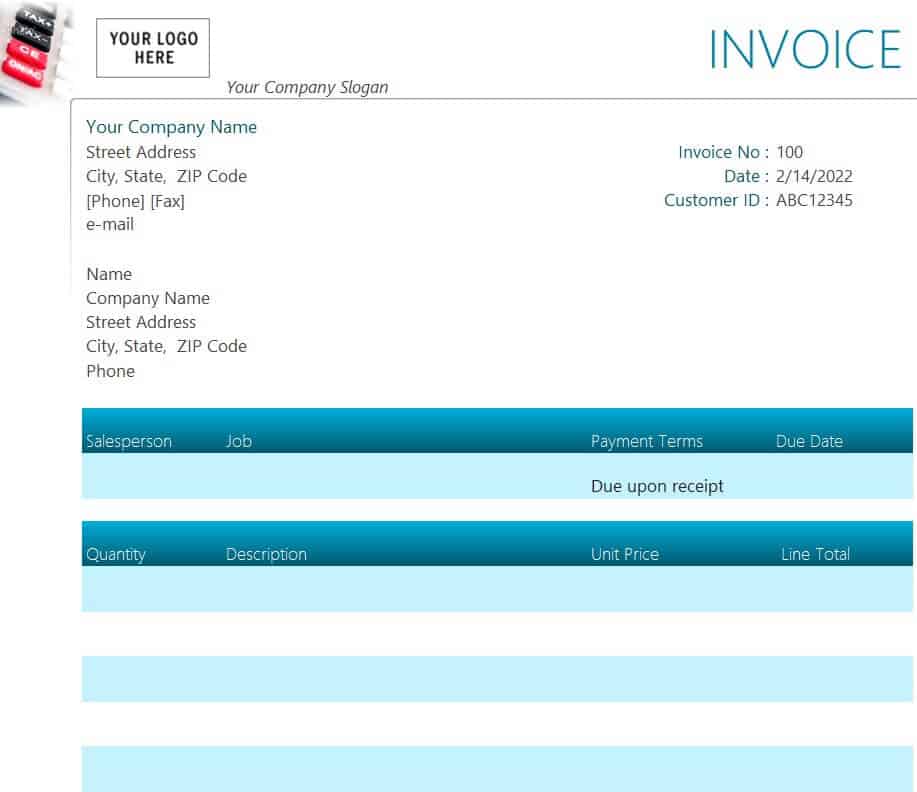
Download Company’s Service Invoice Template
Blank Service Invoice Template
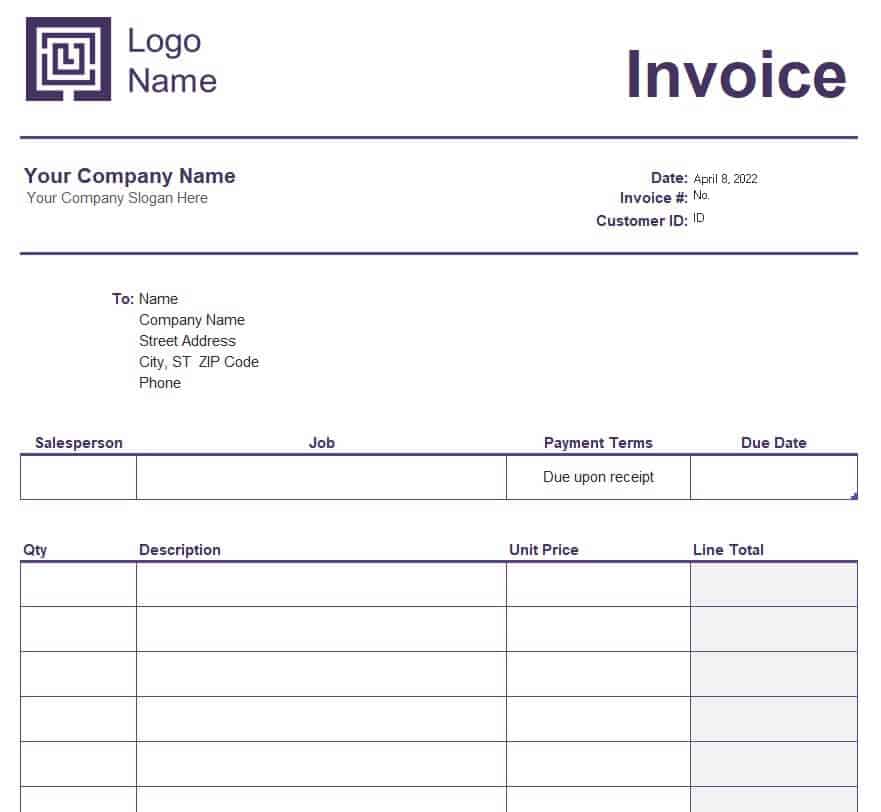
Download Blank Service Invoice Template
Service Provider Company’s Invoice Sample
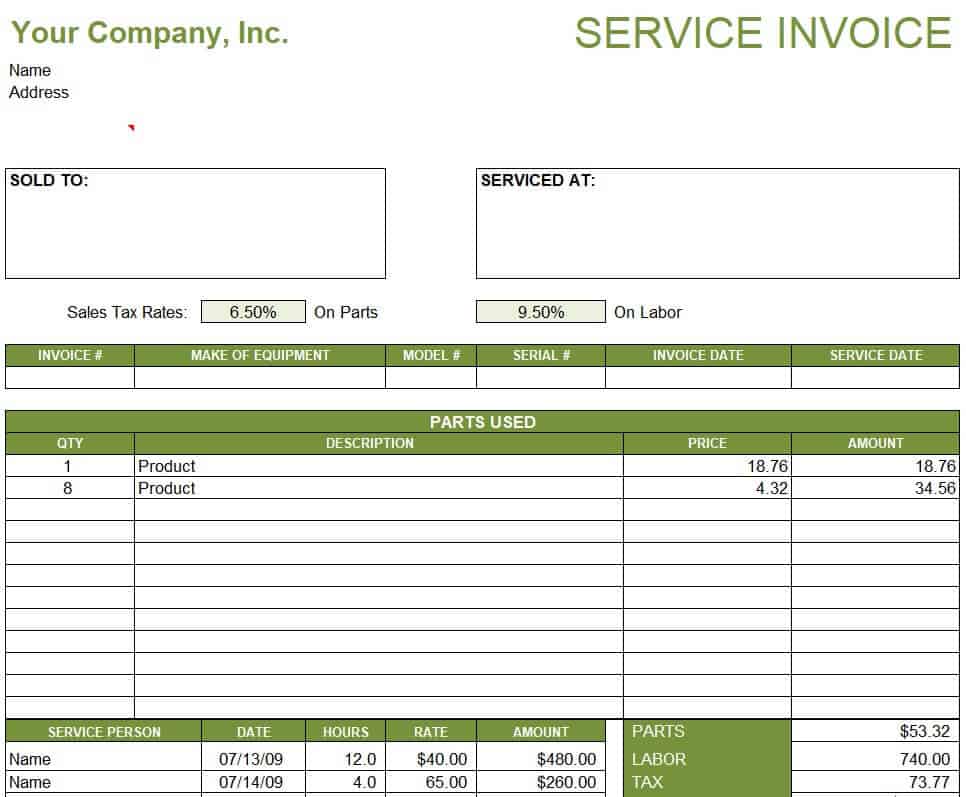
Download Service Provider Invoice Sample
Professional Service Invoice Excel Template
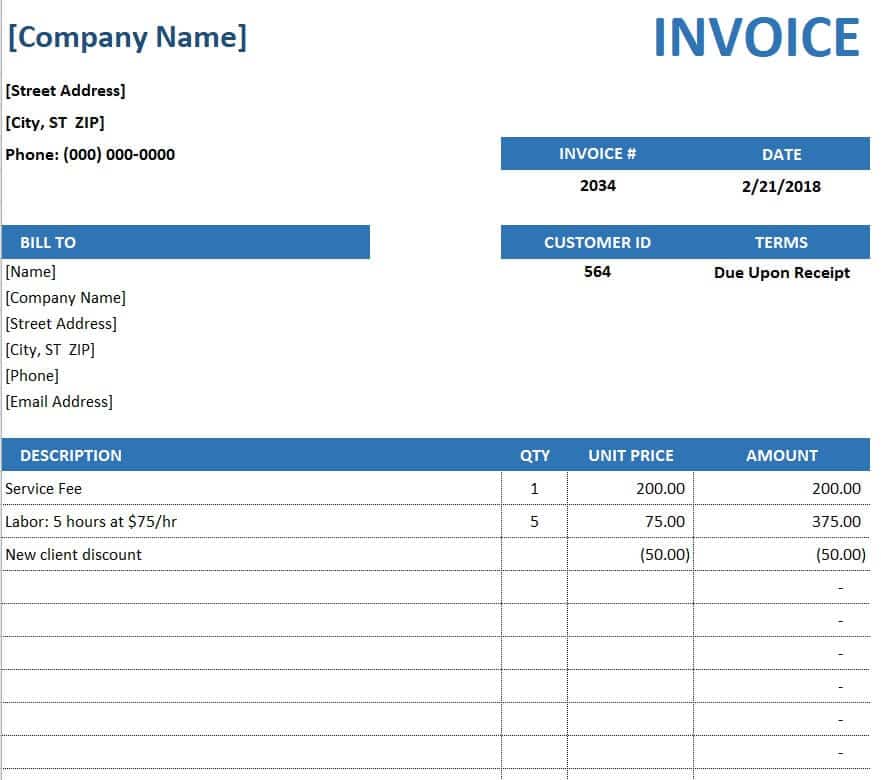
Download Professional Service Invoice Excel Template
Online Service Invoice Example
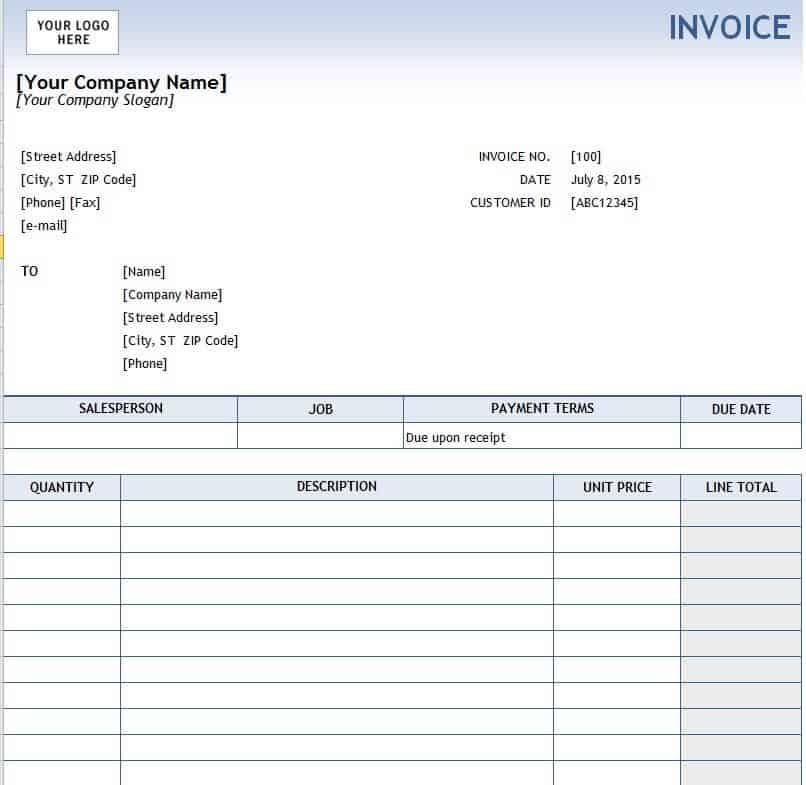
Download Online Service Invoice Example
Pool Service Invoice Template
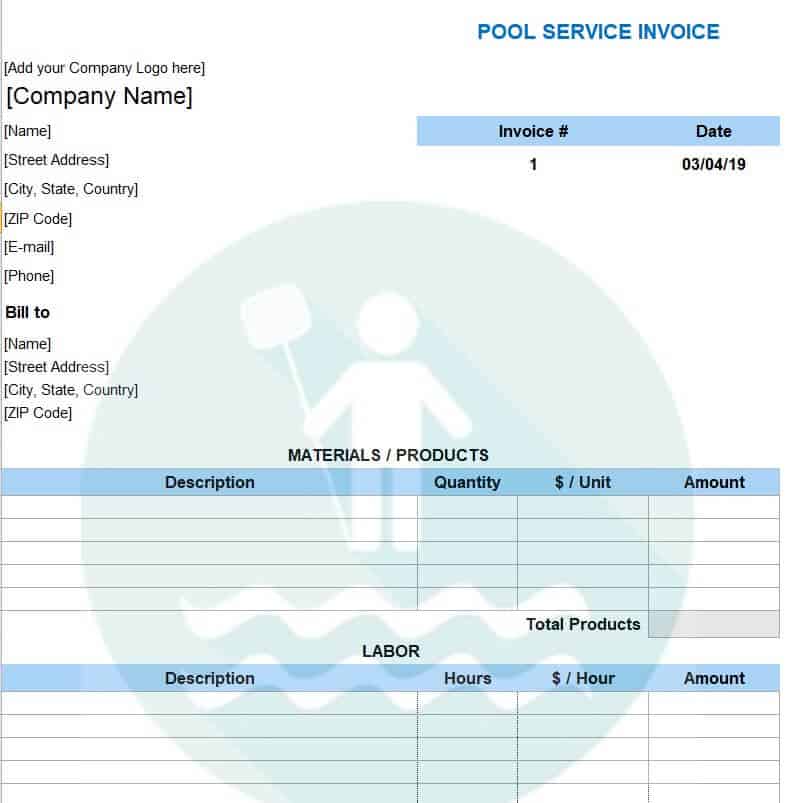
Download Pool Service Invoice Template
Taxi Service Invoice Template
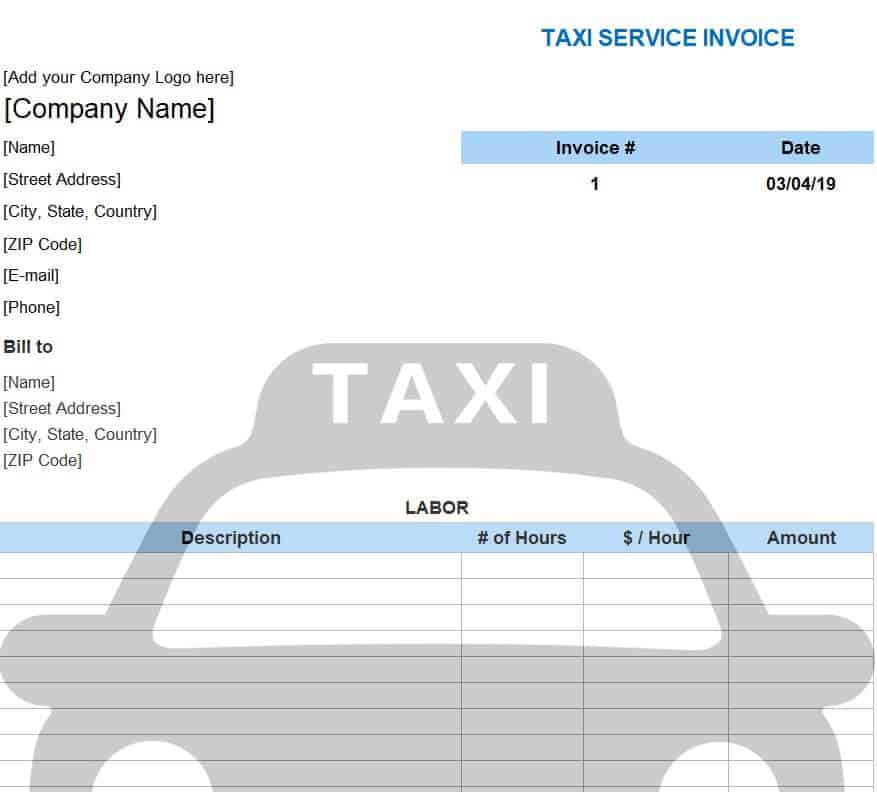
Download Taxi Service Invoice Template
Company’s Official Service Invoice Sample
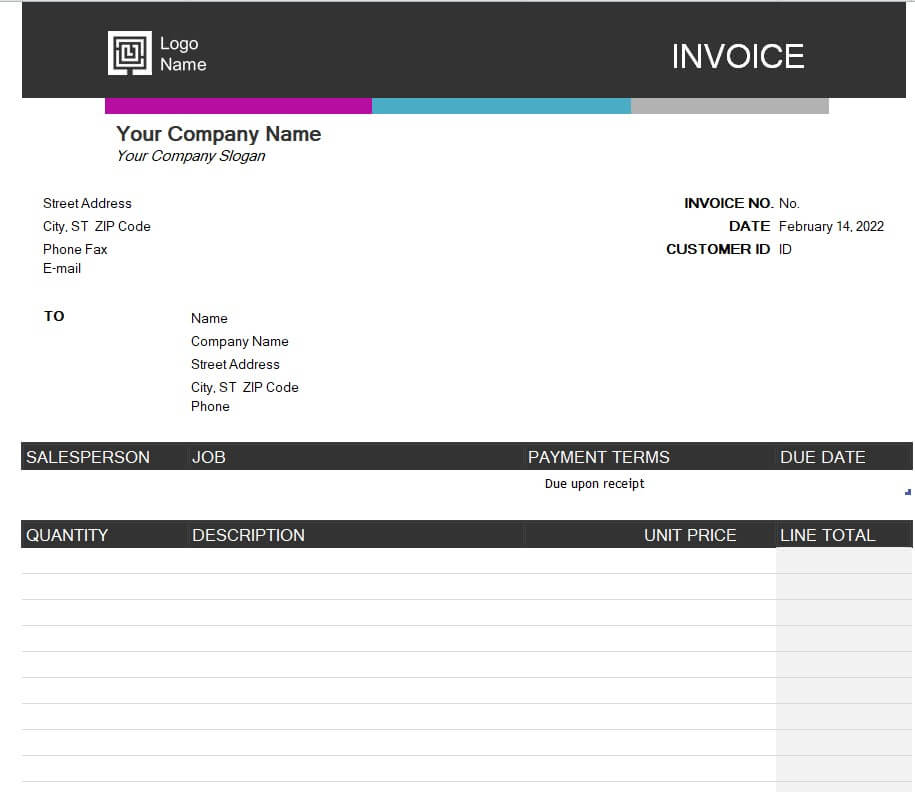
Download Official Service Invoice Sample
Security Guard Service Invoice (XLSX)
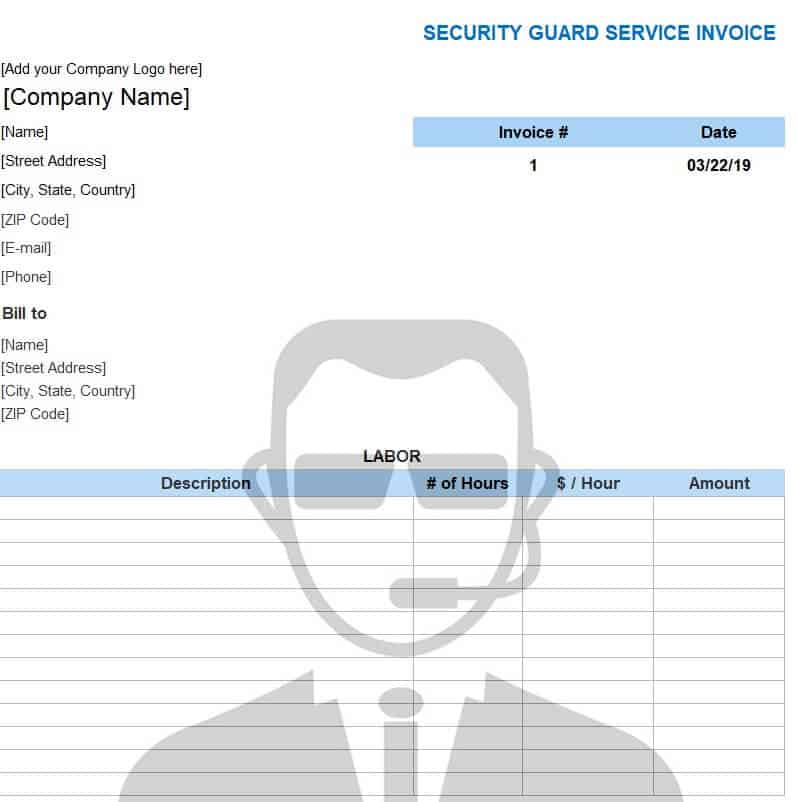
Download Security Guard Service Invoice
Simple Service Invoice Template
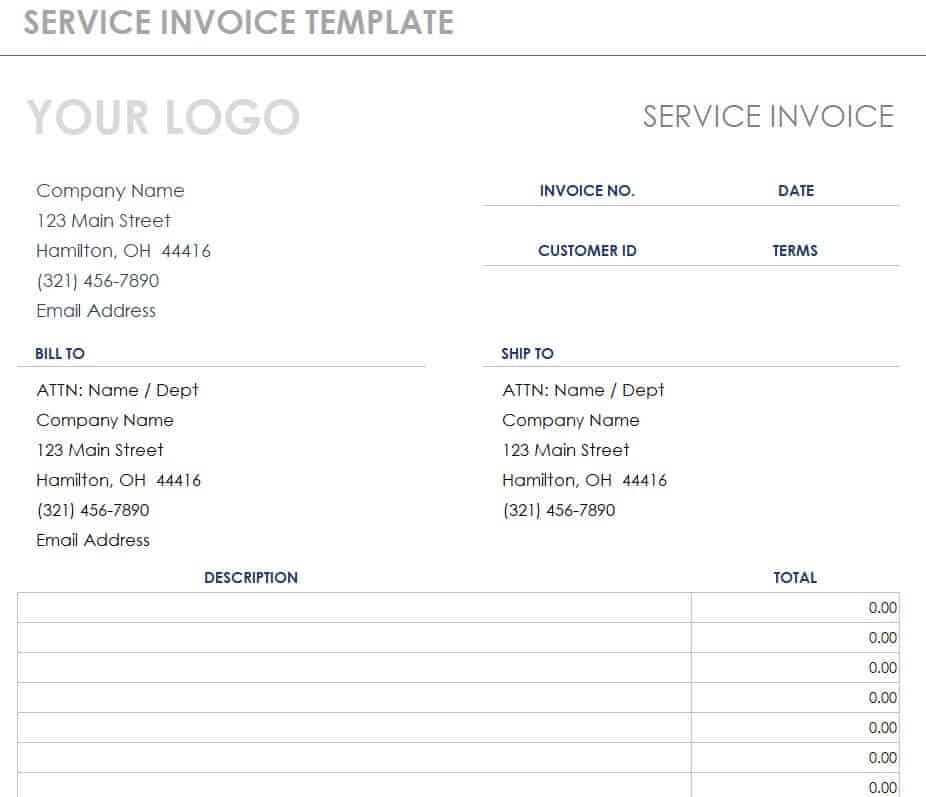
Download Simple Service Invoice Template
Service Invoice Templates in Word
Word templates are easy to customize with your branding and are useful for one-off or narrative-style invoices.
Practical Service Invoice Example
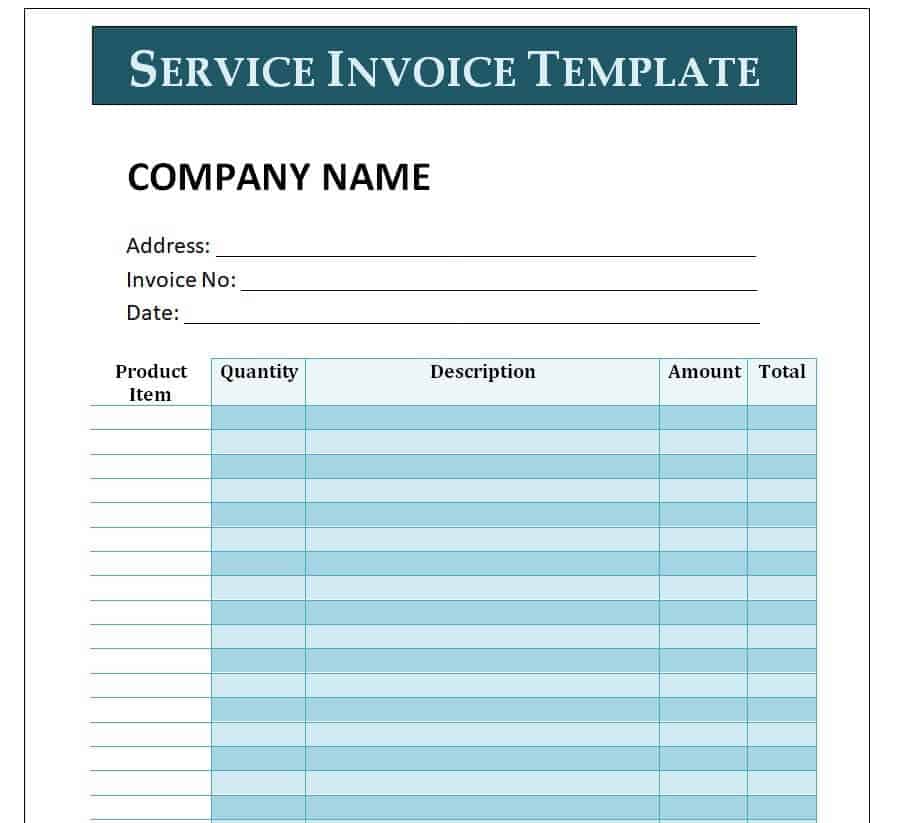
Download Practical Service Invoice Example
IT Support Service Invoice Sample
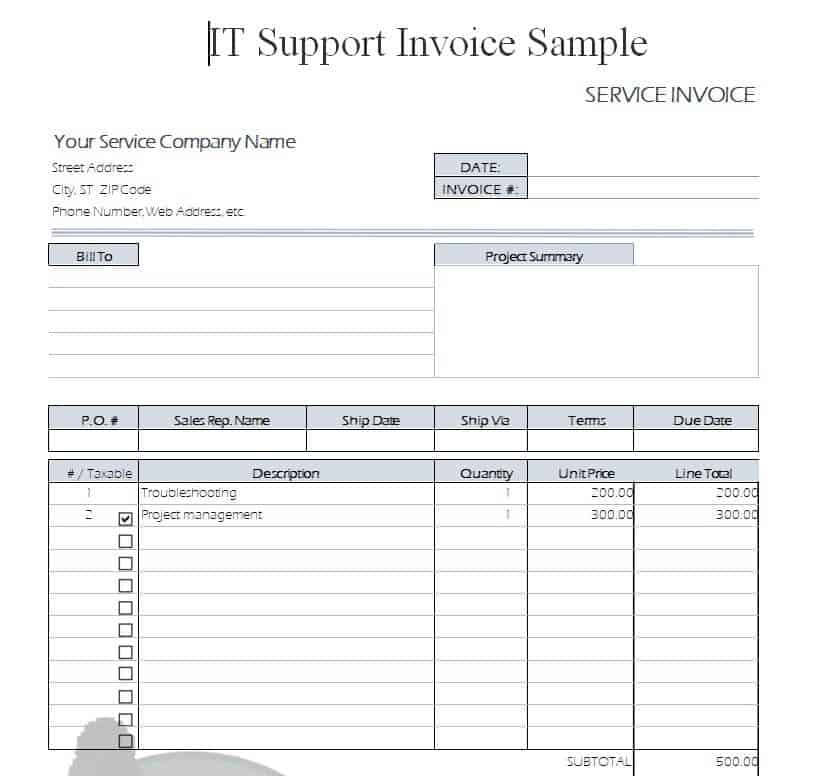
Download IT Support Service Invoice
Basic Service Invoice Example (DOC)
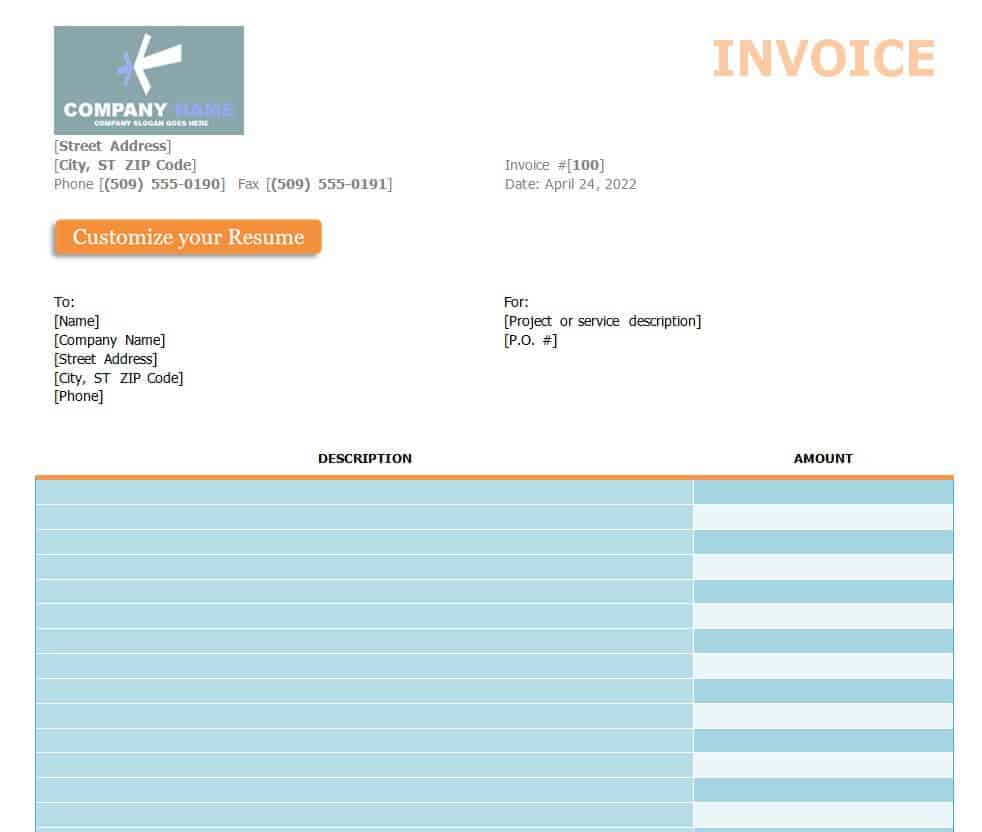
Download Basic Service Invoice DOC
Free Editable Service Invoice Template
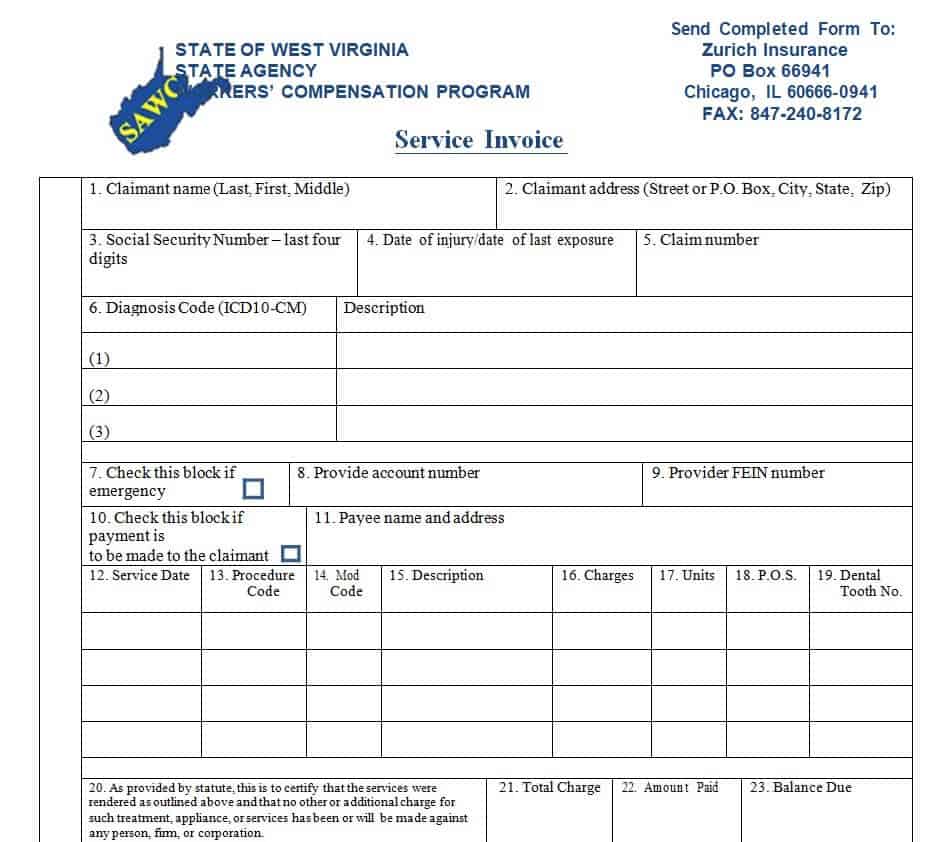
Download Free Editable Service Invoice
Corporate Service Invoice Template

Download Corporate Service Invoice Template
Detailed Service Invoice Word Template
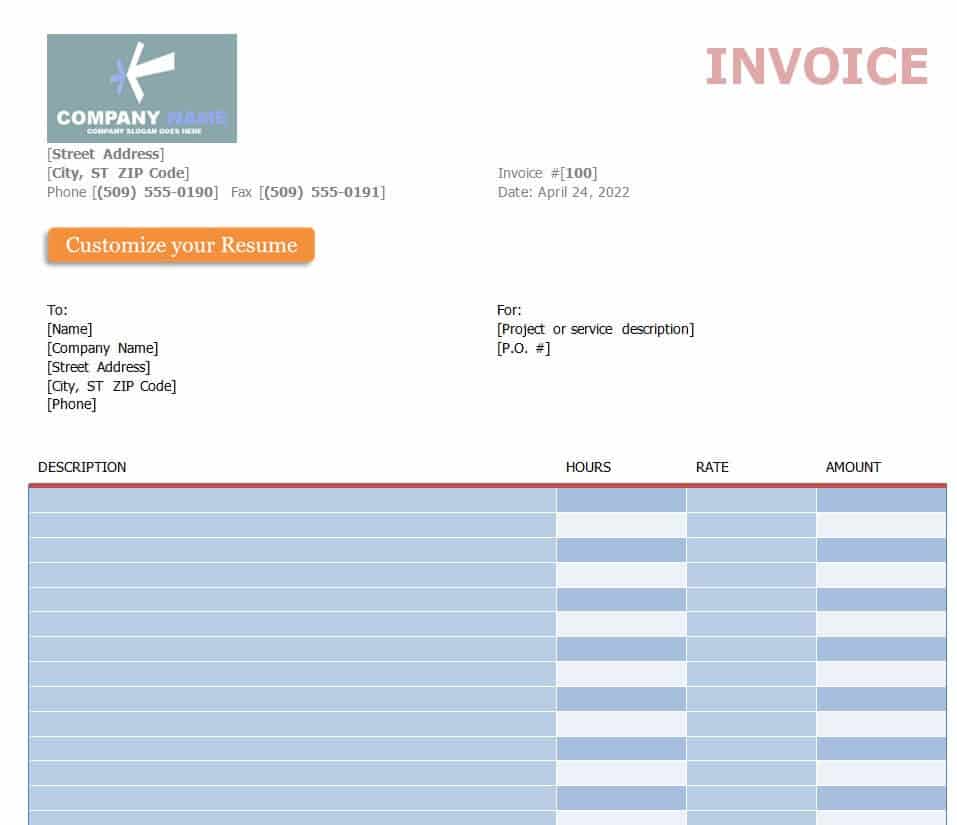
Download Detailed Service Invoice Word Template
Fillable Auto Repair Service Invoice Example

Download Auto Repair Service Invoice
How to Write a Service Invoice
- Choose a template. Pick Excel for automatic totals or Word for flexible layout.
- Add your details. Include your business name, logo, address, and tax ID if applicable.
- Enter client information. Use the exact name and address from your agreement.
- Assign an invoice number. Use a sequential system so each invoice is unique.
- List the services. Describe each task, with hours and rates or flat prices.
- Calculate totals. Add taxes and discounts, then state the total due.
- Set payment terms. Include the due date and accepted payment methods.
- Send and track. Email a PDF and follow up if payment is late.
Tips to Get Paid Faster
- Invoice right after finishing the work.
- Use clear terms such as “Net 15” or “Due on receipt.”
- Offer several payment methods.
- Include a polite late fee policy in your contract.
- Keep copies of every invoice for your records.
A clear service invoice helps you look professional and get paid on time. Select a template above that fits your business, customize it, and start billing with confidence.
Frequently Asked Questions (FAQs)
What is a service invoice?
It is a document a service provider sends to a client to request payment for work performed.
What is the difference between a service invoice and a product invoice?
A service invoice bills for time, labor, or expertise, while a product invoice lists physical goods with quantities and unit prices.
Are these service invoice templates free?
Yes. All 17 templates can be downloaded and edited at no cost.
Can I use these invoices for freelance work?
Yes. The simple, blank, and free editable templates suit freelancers, consultants, and other independent contractors.
Do I need to charge sales tax on services?
Rules differ by state and country, and many services are exempt. Check with your accountant or local tax office.
What should my payment terms be?
Common terms are due on receipt, Net 15, or Net 30. Choose what fits your cash flow and put it in writing.
How long should I keep invoices?
Many businesses keep invoices for at least three to seven years. Confirm the requirement with your tax adviser.

You must be logged in to post a comment.