A BBQ menu template should make the food and ordering choices clear before decoration takes over. Group mains, sides, drinks, and extras in a sequence guests can scan, then explain portions and prices where customers need to choose.
The 13 designs below include editable direct downloads and additional examples for cookouts, catered events, and restaurants. Choose a format around the service you can deliver: a set plate needs different wording from separately priced items. Check the final menu against your actual dishes, available options, and event arrangements before printing.
Go to the two editable templates and preview images, or continue below for the wider collection and practical guidance.
What Is a BBQ Menu Template?
A BBQ menu template is a pre-designed layout for listing barbecue dishes, sides, drinks, and prices. It gives you the look, fonts, and structure so you only need to type in your own items. Templates are used for party menus, catering, food trucks, chalkboard signs, and restaurant menus.
If guests are bringing dishes, coordinate contributions with a potluck sign-up sheet.
Benefits of Using BBQ Menu Templates
- Fast setup: Add your dishes to a ready design instead of starting from a blank page.
- Eye-catching style: Rustic, chalkboard, and flame-themed layouts fit the barbecue mood.
- Easy to update: Swap items and prices as your menu changes.
- Print-friendly: Designs work for handouts, table cards, and posters.
- Great for events: Guests know what to expect, including dietary options.
Use recipe cards to organize ingredient quantities for the dishes on your BBQ menu.
What to Put on a BBQ Menu
- Title, event name, or restaurant name
- Main meats such as ribs, brisket, pulled pork, chicken, and sausage
- Sauces and rubs, such as sweet, smoky, or spicy
- Side dishes such as coleslaw, baked beans, corn on the cob, and potato salad
- Vegetarian and gluten-free options
- Desserts, such as cobbler or banana pudding
- Drinks, such as lemonade, iced tea, and beer
- Prices for restaurants and food trucks
- Allergy notes, contact details, and hours
2 New Editable Templates with Word and PDF Downloads
Choose from two different designs below. Each includes an editable Word file, a matching printable PDF, and a preview of the actual template. Older entries marked Preview Only are reference images without a downloadable template file.
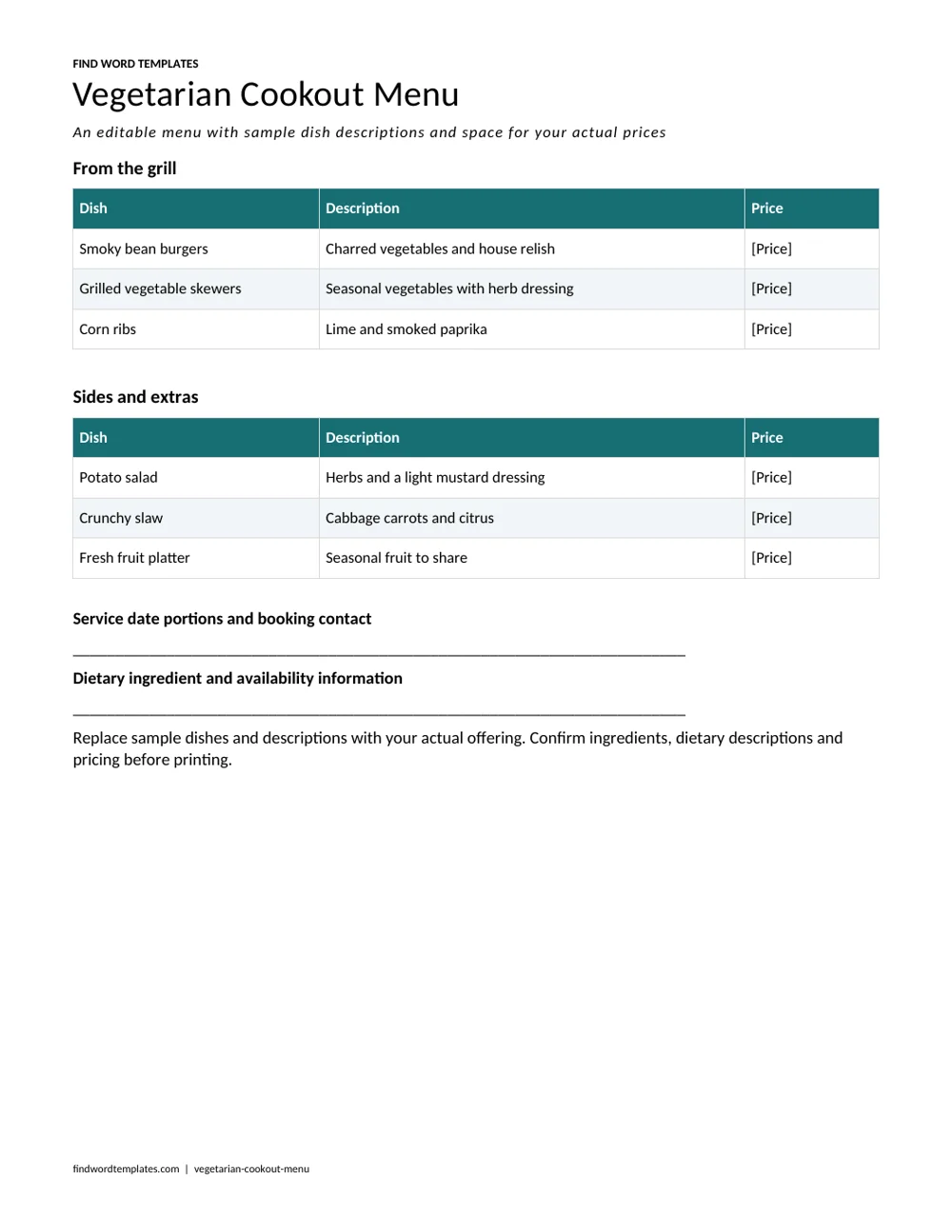
Vegetarian Cookout Menu
A vegetarian cookout menu with editable dishes, descriptions, prices and service details.
Download Editable Word Template Download Printable PDF
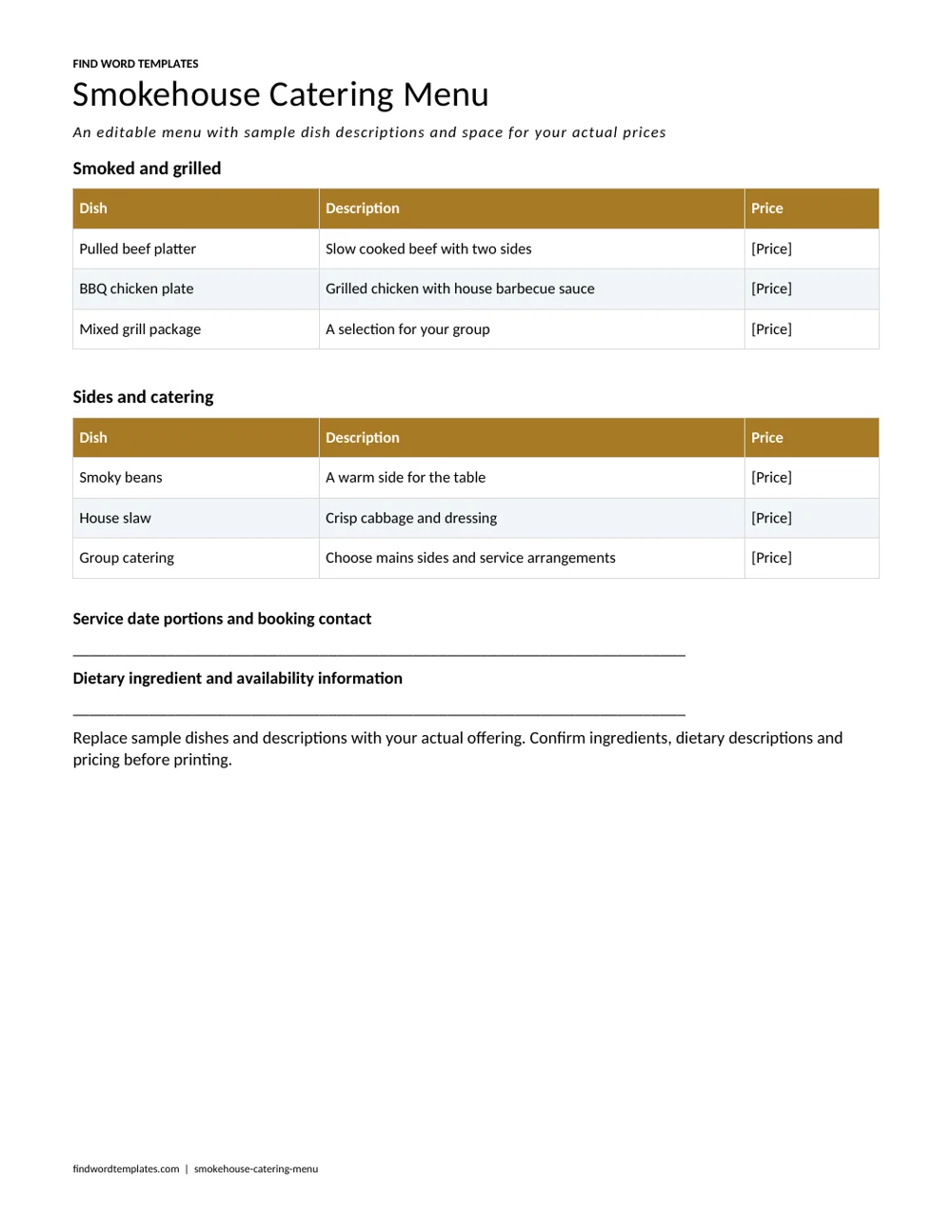
Smokehouse Catering Menu
A smokehouse catering menu with editable dishes, descriptions, prices and service details.
2 Editable Templates with Direct Downloads
Choose one of the two layouts below to suit your needs. Each preview shows the actual editable file, which you can download directly.
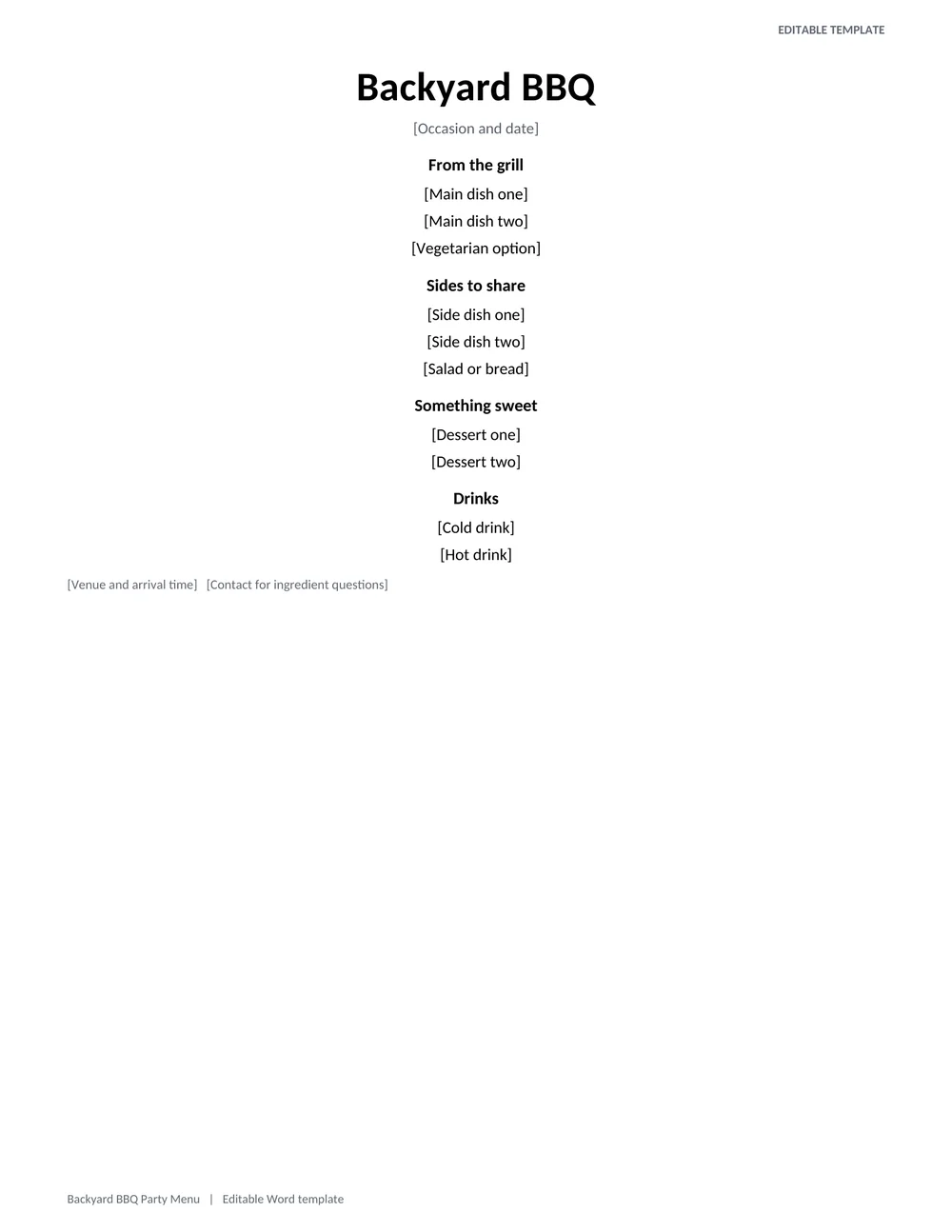
Backyard BBQ Party Menu
A relaxed party menu with a large occasion heading and separate editable areas for the grill, sides, drinks, and dessert.
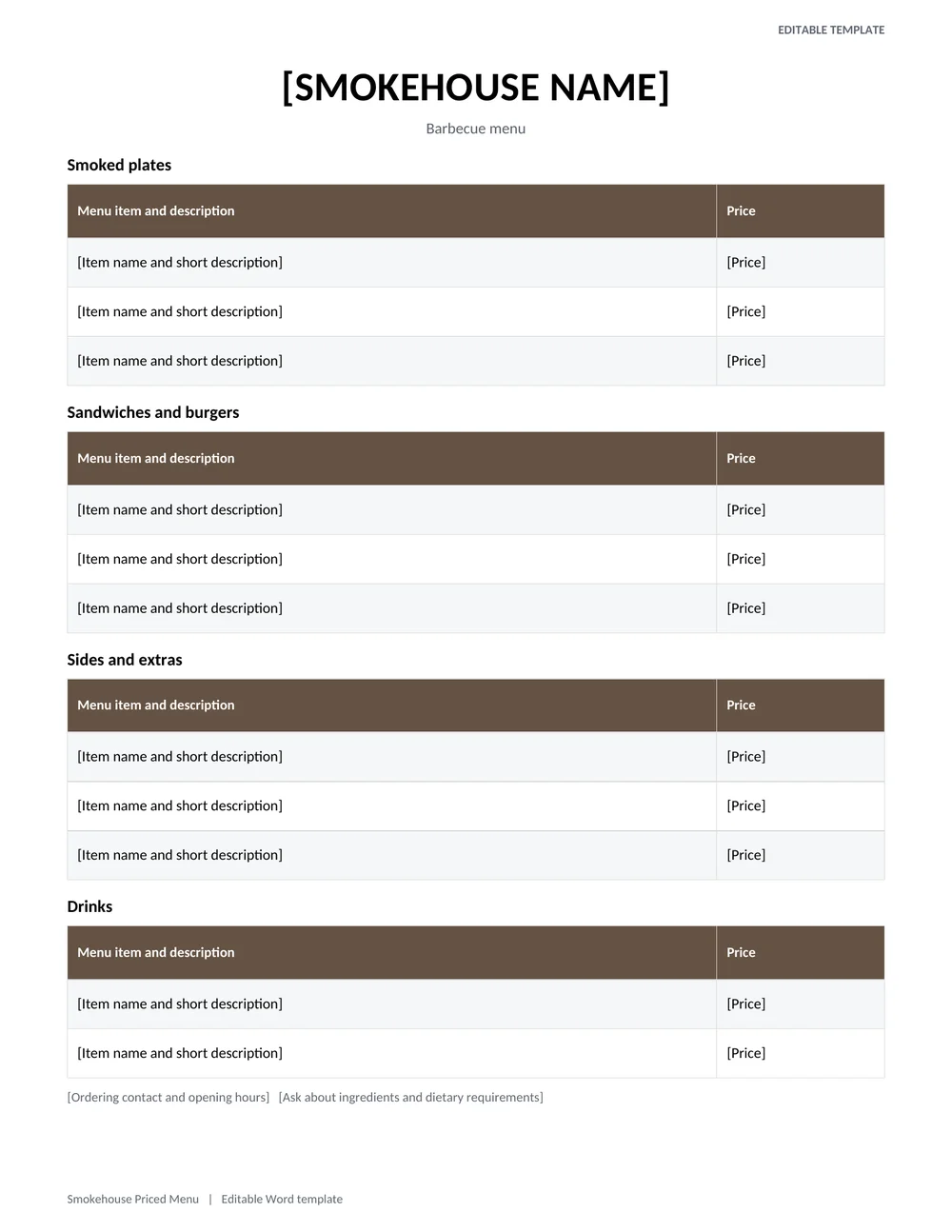
Smokehouse Priced Menu
A restaurant menu layout with item names, descriptions, prices, sides, add-ons, and contact or ordering details.
Free BBQ Menu Templates
Each download button leads to the template’s original source, where you can view or get the file.
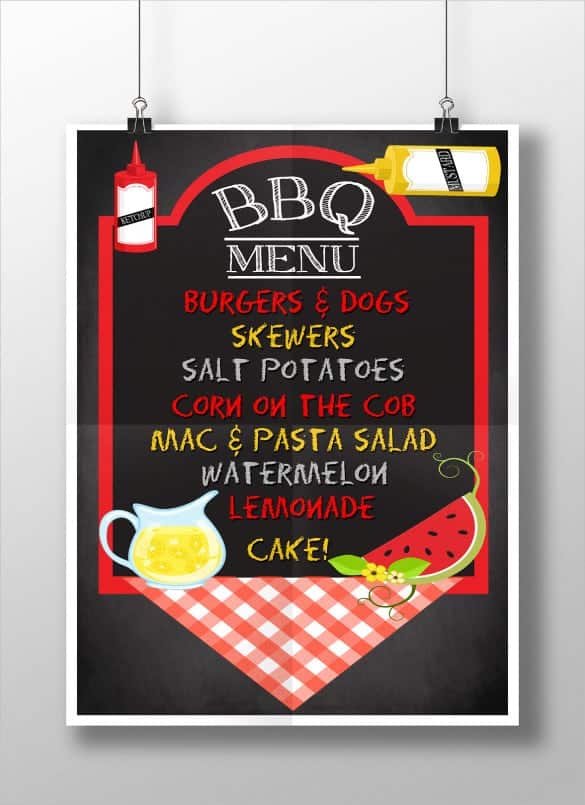
Chalkboard BBQ Menu Template

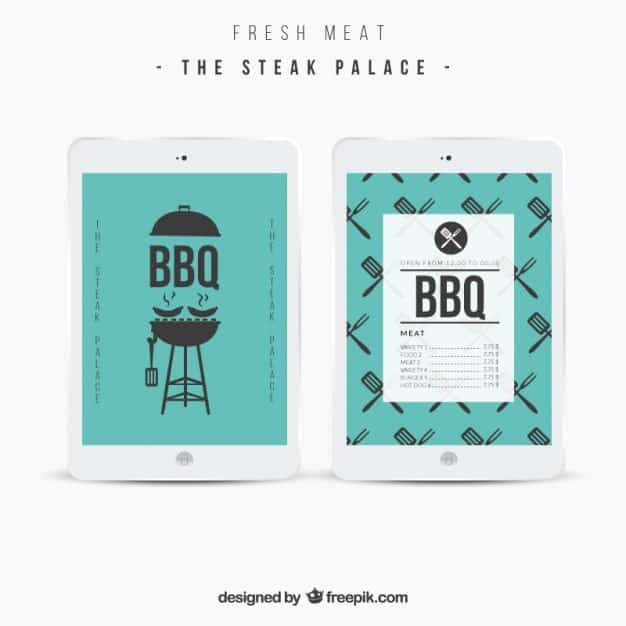
Vector BBQ Menu Template
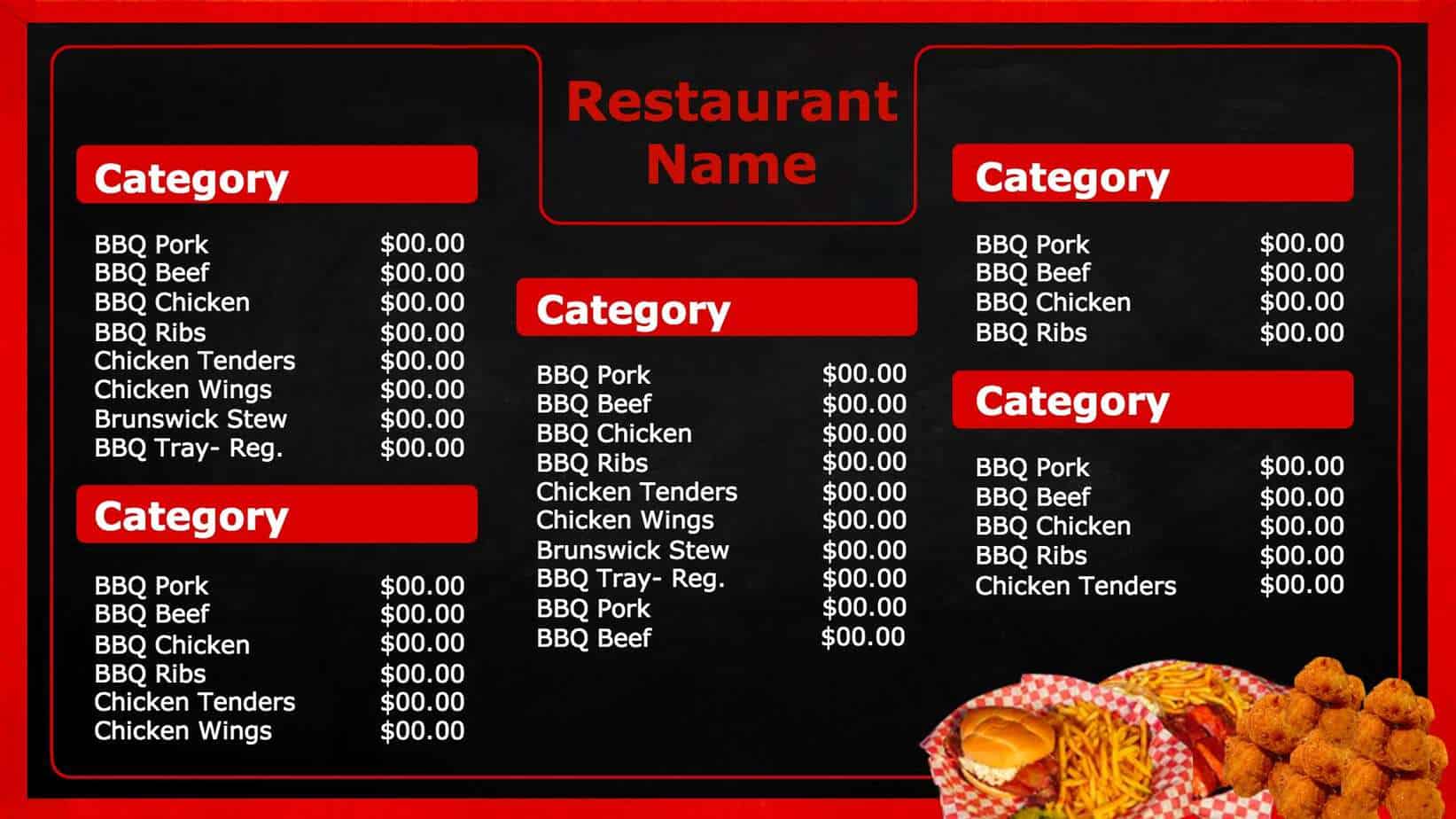
Horizontal BBQ Menu Board
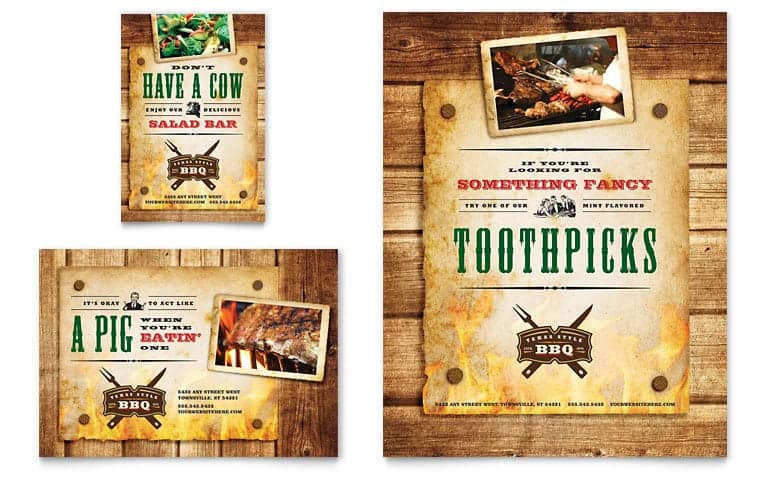
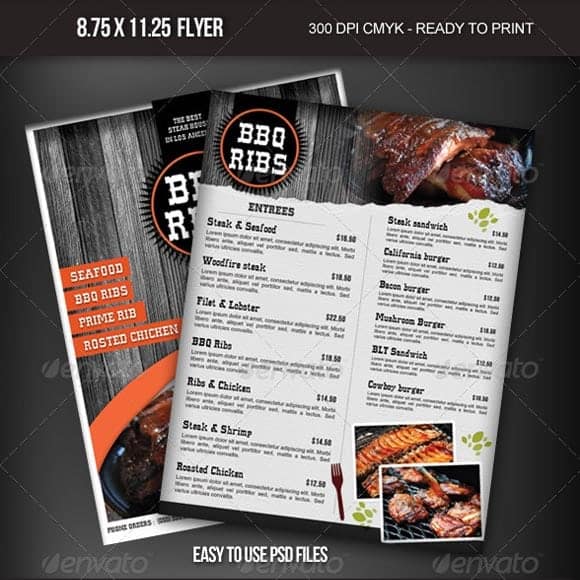
Steakhouse BBQ Restaurant Menu Template
Simple Square BBQ Menu
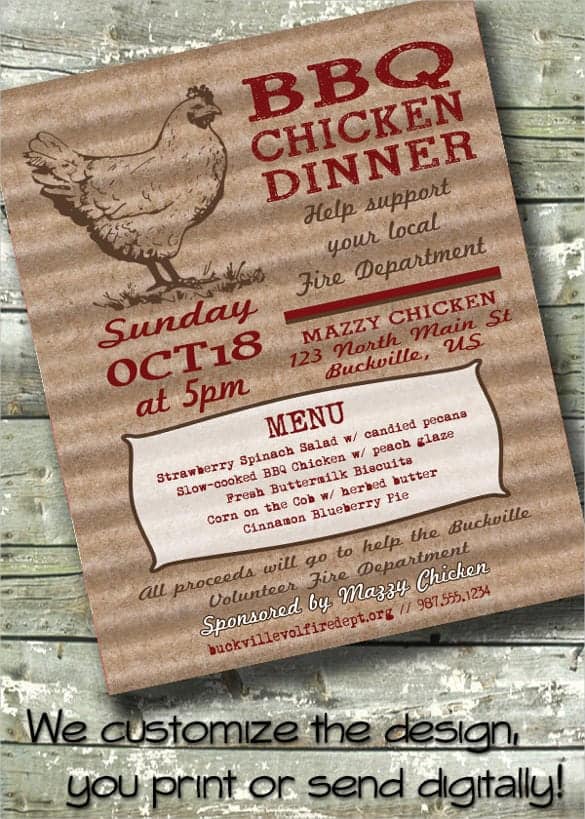
BBQ Chicken Dinner Fundraiser Menu
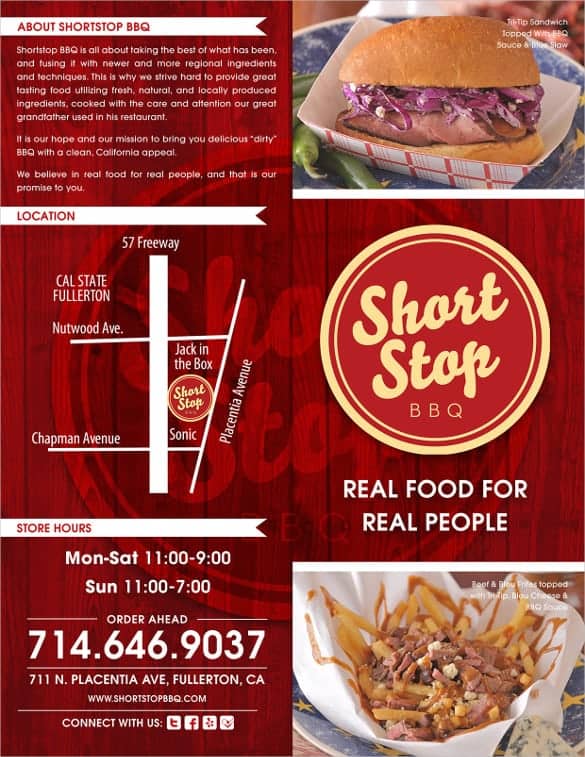
ShortStop BBQ Menu Example
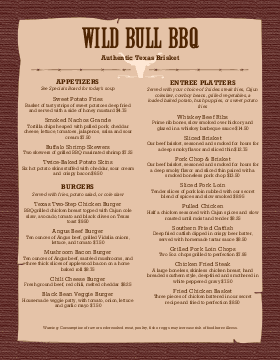
Classic Portrait BBQ Menu (Preview Only)
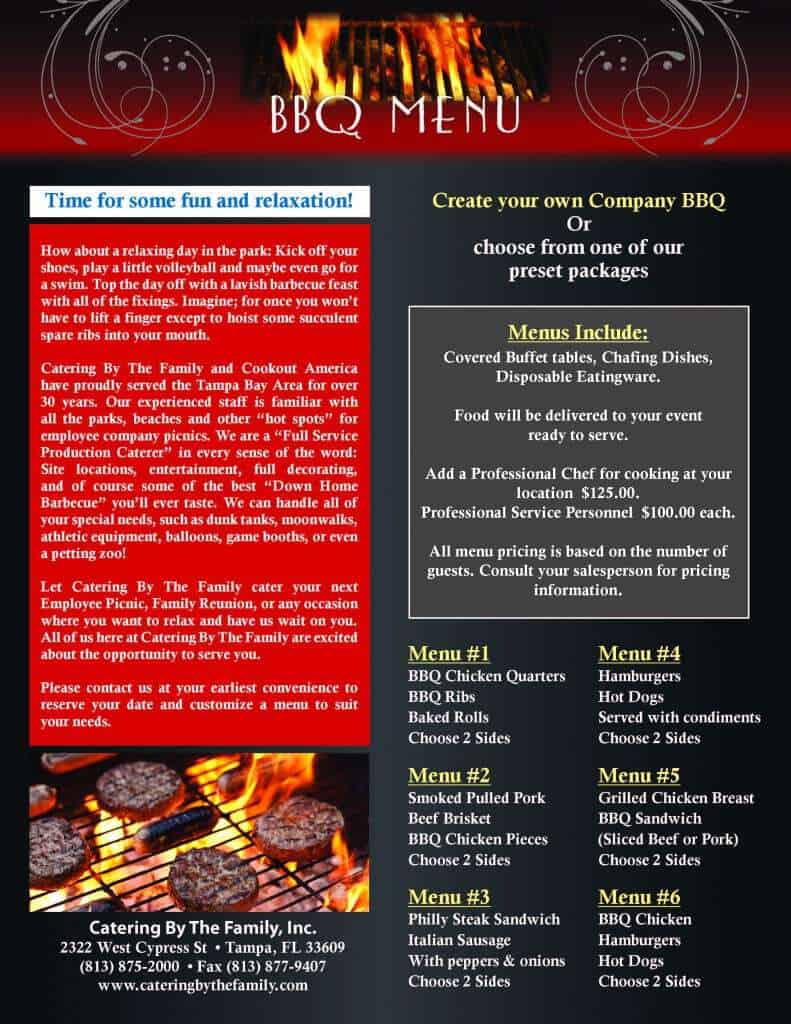
Barbecue Menu Template Example
How to Create a BBQ Menu
- Choose a style. Pick rustic, chalkboard, modern, or family-friendly.
- List your dishes. Group them by meats, sides, desserts, and drinks.
- Write appetizing names. Use short descriptions such as “slow-smoked hickory ribs.”
- Add prices if needed. Align them neatly for restaurant or food truck menus.
- Mark dietary options. Use icons or labels for vegetarian, vegan, or gluten-free.
- Proofread. Check spelling, prices, and contact details.
- Print and display. Use sturdy paper or laminate it for outdoor use.
Create a shopping list from the final menu before buying food and supplies.
Planning a BBQ Menu Around the Service You Can Deliver
A BBQ menu should reflect how the food will be prepared and served, not just what looks appealing on the page. A backyard party often needs a short list of shared dishes and clear information for guests. A restaurant menu needs prices, portion descriptions, available sides, and any choices the customer must make. Choose the structure that matches the event or business before adding decorative wording or extra dishes.
The backyard-party Word template above is suited to a hosted gathering where guests need to know the planned food. The priced smokehouse menu provides a different layout for individual items and charges. Do not place fictional sample prices into a live restaurant menu without checking them. Confirm the actual portion, ingredients, and selling price with the person responsible for the kitchen and business records.
Build the menu around the equipment and people available. Several dishes may all need the same grill at the same time, even though each is easy to prepare on its own. Identify which items can be prepared in advance under appropriate food handling procedures, which must be finished during service, and which need a different cooking method. A smaller menu that can be served reliably is more useful than a long list that overwhelms the setup.
For a fictional family gathering, a balanced plan might include two main choices, two substantial sides, one lighter side, bread, and a simple dessert. That is an illustration of menu structure, not a serving-quantity rule. Adjust the choices around the number of guests, their preferences, available preparation time, and the actual role of each dish in the meal.
Make the choices understandable. If a plate includes a main and two sides, say so near the item rather than assuming guests will infer it from the layout. If sauces or additions are priced separately, show that clearly in a restaurant version. Use consistent portion descriptions so customers can compare options without asking a server to explain every difference.
Writing Descriptions, Prices, and Dietary Information Clearly
A good menu description identifies the main ingredient, preparation style, and important accompaniments. “Smoked chicken with house sauce and two sides” is more informative than several lines of exaggerated adjectives. Only claim a preparation method or ingredient when it is actually used. If an item changes frequently, describe how guests can confirm the current version rather than printing a fixed promise that quickly becomes inaccurate.
Separate the name of a dish from the choices attached to it. For example, a sandwich might offer one meat choice and one sauce choice. List the permitted options in a compact, consistent way. Avoid using the same word for a sauce, side, and complete meal if that makes ordering ambiguous. A customer should be able to point to the printed menu and place the intended order without interpretation.
For priced menus, show the currency and use the same price format throughout. Check that any combination price agrees with what the point-of-sale system and staff will charge. If two versions of the menu are printed, date or label them so an old price list is not accidentally placed on a table. Promotional prices should have clear applicable terms rather than depending on a verbal explanation.
Handle dietary information accurately and avoid unsupported guarantees. Identify relevant ingredients through the kitchen’s established process, and tell guests how to ask about allergies or preparation. A meat-free dish is not automatically suitable for every dietary need, and a symbol on a menu should have a clear meaning. Check cross-contact questions with the people preparing the food rather than inferring an answer from a recipe name.
Review side dishes as carefully as mains. A menu can become repetitive if every side has the same texture or preparation requirement. Consider how choices complement one another and whether a guest who does not eat one of the mains can still assemble a reasonable meal. Describe substantial alternatives clearly rather than hiding them among optional garnishes.
Before printing, test the layout at the intended size. A BBQ menu displayed beside a buffet needs larger lettering than a handout read at a table. Check contrast, line spacing, and whether long item names push prices out of alignment. Print one sample and ask someone unfamiliar with the design to identify what is included in a plate and how much it costs.
During the event or service, give staff a clear way to mark an item unavailable and offer an agreed alternative. Do not let the printed menu keep promising a sold-out dish. Afterward, note which descriptions caused questions and which choices were difficult to serve. Use that feedback to revise the editable master before the next print run, while keeping the current event’s menu as a separate record.
Design Tips for BBQ Menus
- Use warm colors like red, orange, brown, and black to match the barbecue theme.
- Keep fonts readable, and use a bold font for headings only.
- Leave white space so the menu does not feel crowded.
- Add small grill, flame, or smoke icons for style.
- Laminate menus for outdoor events to protect against grease and weather.
A good BBQ menu sets the tone for the meal. Pick a template above, add your favorite dishes, and get ready to serve your guests something memorable.
Frequently Asked Questions (FAQs)
What is a BBQ menu template?
It is a pre-made design for listing barbecue dishes, sides, drinks, and prices that you can customize and print.
Can I use these templates for a party?
Yes. Many designs work as party menus for birthdays, family gatherings, graduations, and holiday cookouts.
What should a BBQ party menu include?
Include a couple of meats, two to four sides, a vegetarian option, dessert, and drinks. Offer a variety of sauces.
Can I edit the templates in Word?
Some sources offer Word or editable files. Others are design examples you can recreate in Word, Canva, or a similar tool.
How do I make a chalkboard-style menu?
Use a dark background with white or light chalk-style fonts in Word, or draw it on a real chalkboard and copy the layout of the template.
How many items should a BBQ menu have?
For a party, 8 to 12 items is plenty. For a restaurant, keep the menu focused so the kitchen can deliver quality and speed.
How do I print a BBQ menu?
Print on heavy paper or cardstock, and consider lamination for outdoor use. Use high-quality settings so colors and text look sharp.
How should I show a BBQ meal deal on the menu?
State what the set price includes, such as one main, two sides, and a drink, and identify any supplements. List substitutions clearly so guests can compare the deal with individual items without needing an explanation at the counter.


You must be logged in to post a comment.