
Projects rarely go exactly as planned. Scope grows, materials change, schedules slip, and clients ask for extras. A change order is the document that records those changes so everyone agrees on the new work, price, and timeline before anything else happens.
Here you will find 12 free change order templates and forms in Word, Excel, and PDF for construction, engineering, labor, purchasing, and more. This guide also explains what a change order is, what it must include, and how to write one that avoids disputes.
What Is a Change Order?
A change order is a written amendment to an existing contract or agreement that adds, removes, or modifies work. It states what is changing, why, how much it will cost, and whether the deadline moves. Once both parties sign it, it becomes part of the original contract. Change orders are most common in construction, but they are also used in engineering, manufacturing, IT projects, purchasing, and even banking.
Benefits of Using Change Order Templates
- Clear records: Every change is documented, dated, and signed.
- Fewer disputes: Costs and time impacts are agreed to before work begins.
- Faster approvals: Standard fields keep reviewers focused on what changed.
- Budget control: You can track how each change affects the contract total.
- Professional communication: A structured form is easier to review than an email chain.
What to Include in a Change Order
- Project name, location, and contract number
- Change order number and date
- Names of the owner, contractor, or requesting party
- Description of the change and reason for it
- Cost of the change (additions, deductions, or both)
- Original contract amount and revised total
- Effect on the schedule, in days
- Attached drawings, quotes, or specifications
- Approval signatures and dates
Check the impact of an approved change against the project schedule before confirming a revised completion date.
Common Types of Change Orders
| Type | Typical use |
|---|---|
| Construction change order | Extra work, design changes, or material substitutions |
| Engineering change order | Revising a product design or specification |
| Labor change order | Adjusting crew size, hours, or rates |
| Purchase order change | Changing quantity, price, or delivery of an order |
| Contract change order | Modifying the terms of an existing agreement |
Note: These templates are general samples and not legal advice. For large or high-value contracts, have an attorney review your change order process.
Update the relevant bill of materials when a change alters quantities or specifications.
Free Change Order Templates
Home Interior Door Change Order (DOC)


Change Order Justification (PDF)

Change Order Form (Word)
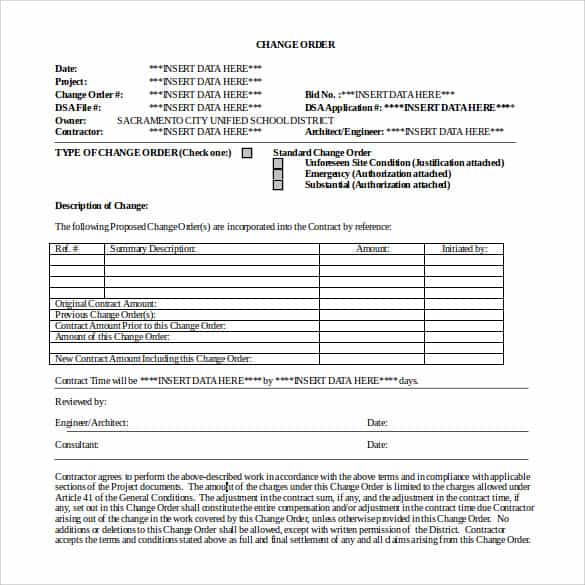
Medical Change Order Form Template

Labor Change Order Form Template

Work Change Order Template (Excel)
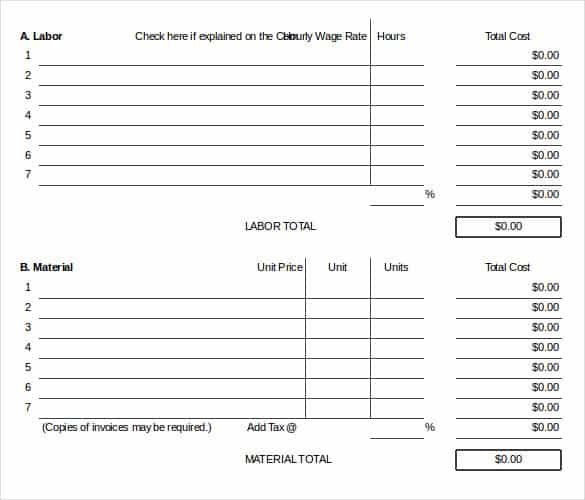
Project Change Order Template
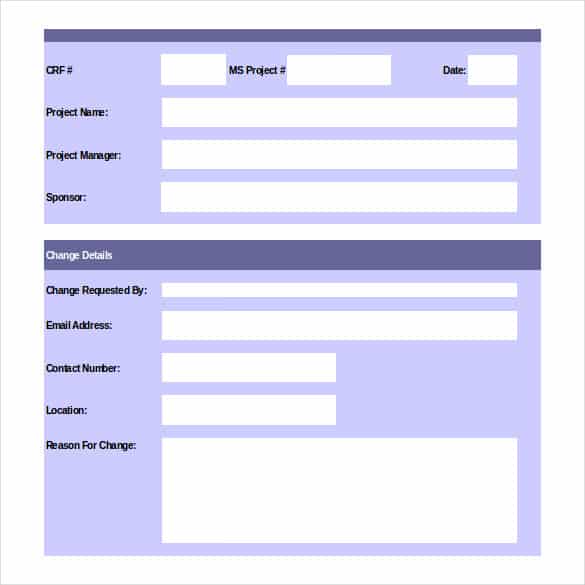
Contract Change Order Template (Excel)
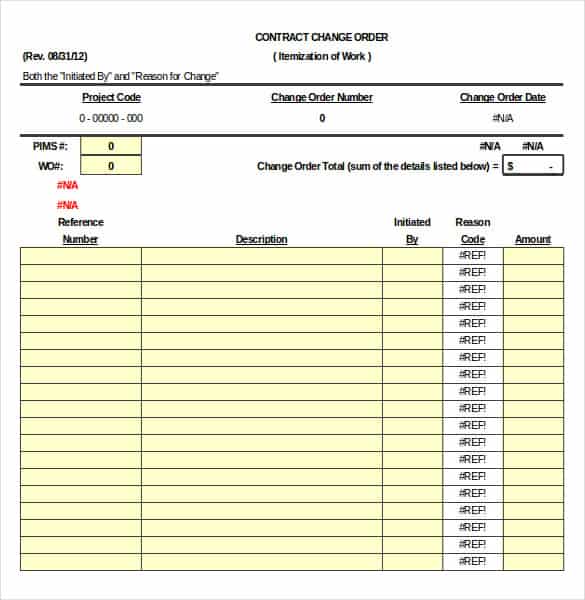
Bank Change Order Template

Engineering Change Order Template (PDF)

Purchase Order Change Form Template

How to Write a Change Order
- Identify the change. Describe exactly what work is being added, removed, or altered.
- State the reason. Note whether it is a client request, unforeseen condition, design error, or code requirement.
- Price the change. List labor, materials, equipment, and markup, and show any credits for removed work.
- Assess the schedule. State how many days the change adds or removes.
- Update the contract total. Show the original amount, this change, and the new total.
- Attach support. Include quotes, drawings, or photos where useful.
- Get signatures. Both parties must sign before the extra work starts.
Where the change affects staged payments, revise the agreed payment schedule to match.
When a drawing or specification is unclear, document the question using a construction RFI before deciding whether the answer requires a formal change to scope, price, or time.
Tips for Managing Change Orders
- Never begin extra work on a verbal agreement alone.
- Number change orders in sequence so none go missing.
- Keep original contract language on change procedures in mind.
- Respond to change order requests promptly to protect the schedule.
- Store signed copies with the project file.
A clear change order protects budgets, schedules, and relationships. Choose the template above that matches your project type, fill in the details, and get signatures before work begins.
Frequently Asked Questions (FAQs)
What is a change order?
It is a signed document that modifies an existing contract by adding, removing, or changing work, cost, or time.
Who writes a change order?
Either party can start one. Contractors often prepare them after a client request, while owners can issue them when they want to change the scope.
Is a change order legally binding?
Once signed by the parties, it generally becomes part of the contract. Rules can vary, so consult an attorney for high-value or disputed work.
What is the difference between a change order and a purchase order?
A purchase order requests goods or services. A change order modifies an existing contract or order after it has been agreed.
Can a change order reduce the contract price?
Yes. A deductive change order removes work and lowers the contract total.
Should the schedule be included?
Yes. Always state whether the change affects the completion date, even if the answer is zero days.
Can I edit these templates?
Yes. The Word and Excel versions can be customized with your project details, logo, and approval workflow.

You must be logged in to post a comment.