A yearly budget gives you a full twelve-month view of your money. Instead of reacting to bills one month at a time, you can see when big expenses are coming, plan for seasonal changes in income and set aside savings long before they are needed. Whether you are managing a household or running a business, a yearly budget template in Excel makes the process quick and organized. This page offers 11 free templates for personal, business, marketing and organizational budgets, along with a simple guide on how to build and follow an annual budget.
What Is a Yearly Budget?
A yearly (or annual) budget is a financial plan that estimates income and expenses for a full 12-month period. It usually breaks the year into months so you can compare planned amounts with actual results. Families use annual budgets to manage salaries, bills, education, travel and savings. Businesses use them to forecast revenue, control operating costs, plan marketing spend and set financial targets for the year ahead.
Benefits of a Yearly Budget
- Long-term clarity: see the whole year at a glance, including quarterly bills, holidays, tuition and tax payments.
- Better spending control: a written plan helps you avoid unnecessary purchases and stay within limits.
- Stronger savings: you can decide up front how much to save each month for goals like a home, a car or an emergency fund.
- Less debt: planning ahead reduces the need for last-minute borrowing.
- Smarter business decisions: annual budgets guide hiring, marketing, inventory and investments.
- Easy comparison: tracking actual spending against the plan shows where you can improve.
Free Yearly Budget Templates in Excel
Each template below is free and editable. Click Download under the preview, unzip the file and open it in Excel.
Yearly Business Budget Template
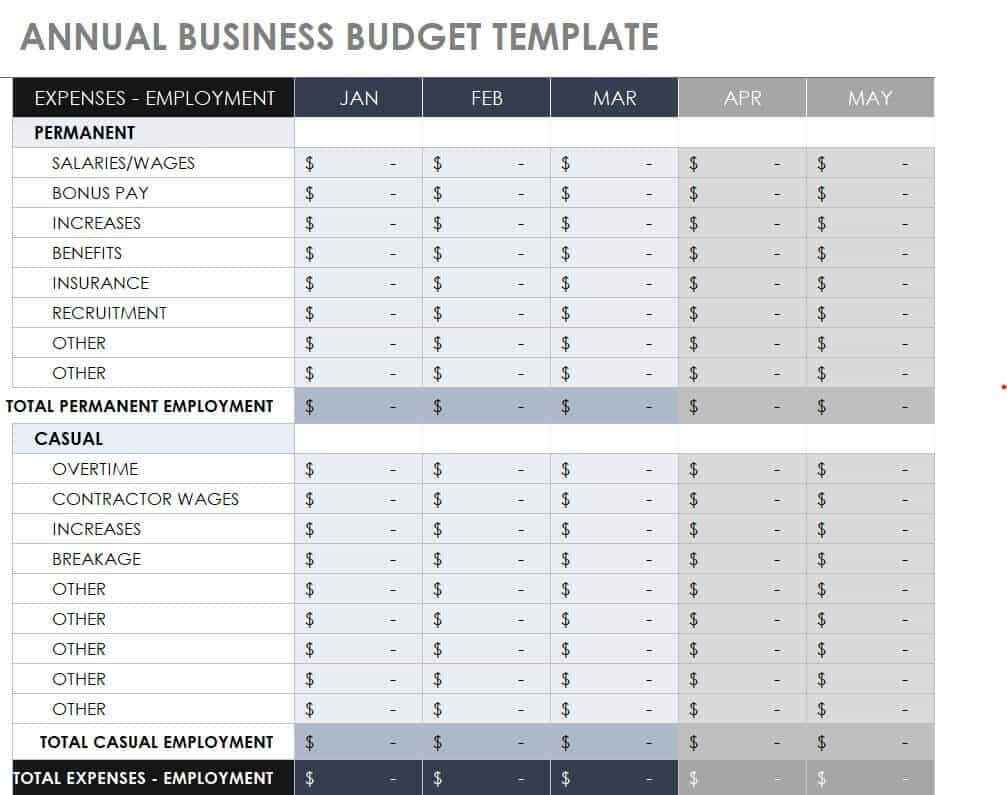
First-Year Budget Calculation Excel Sheet
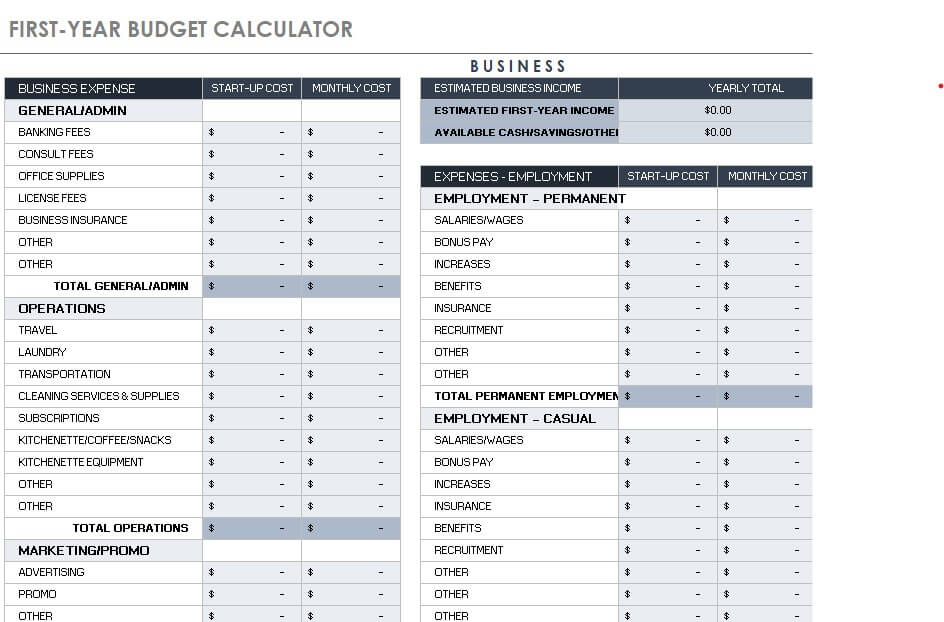
Printable Annual Yearly Budget Excel Template
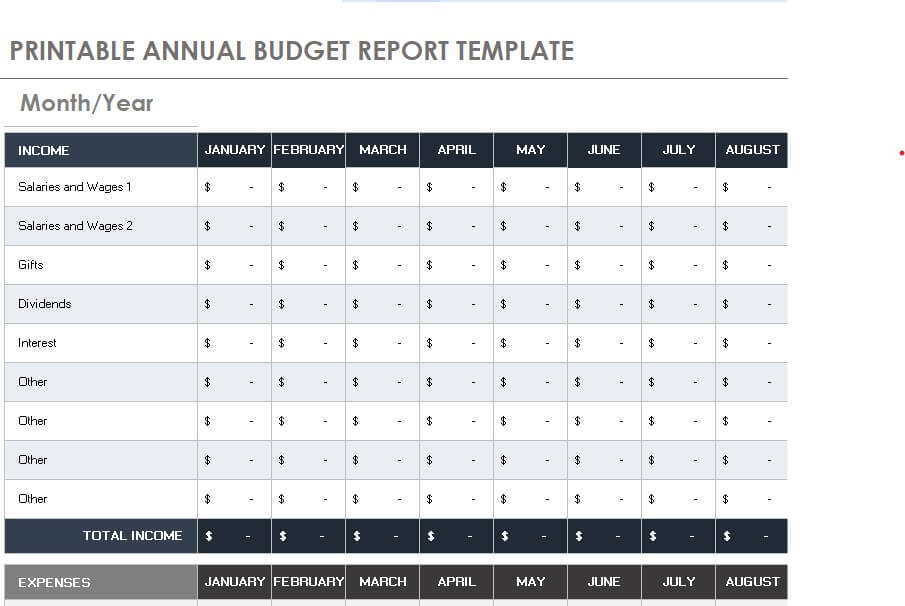
Home Yearly Budget Template in XLSX Format
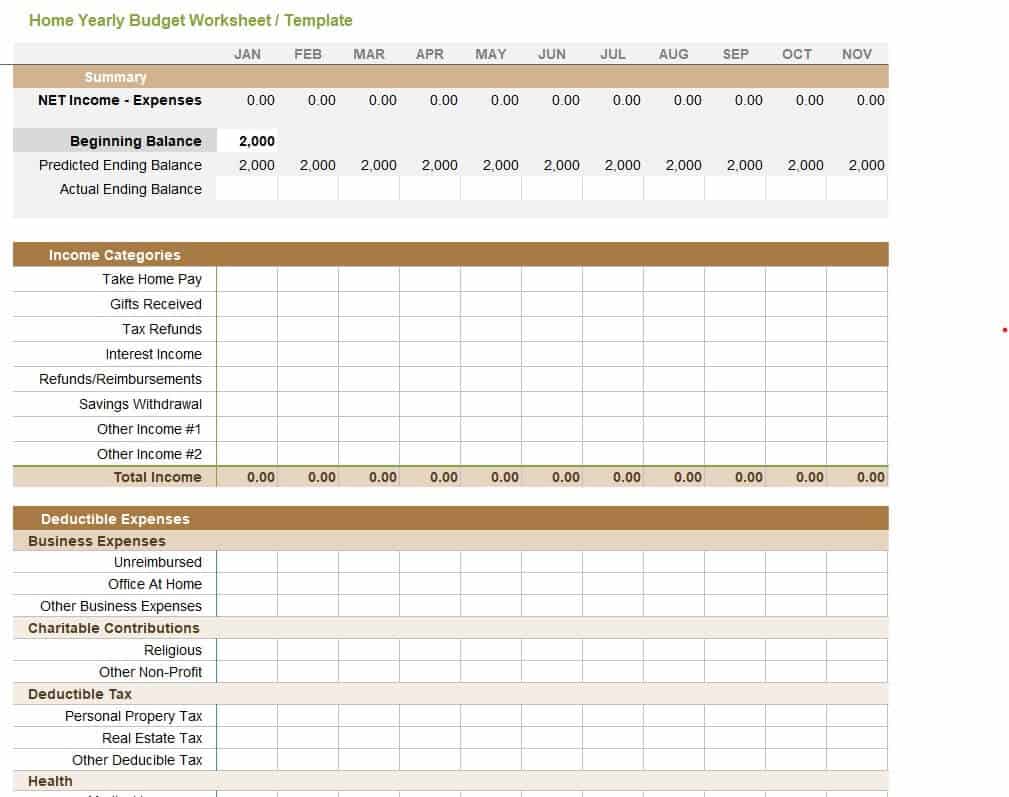
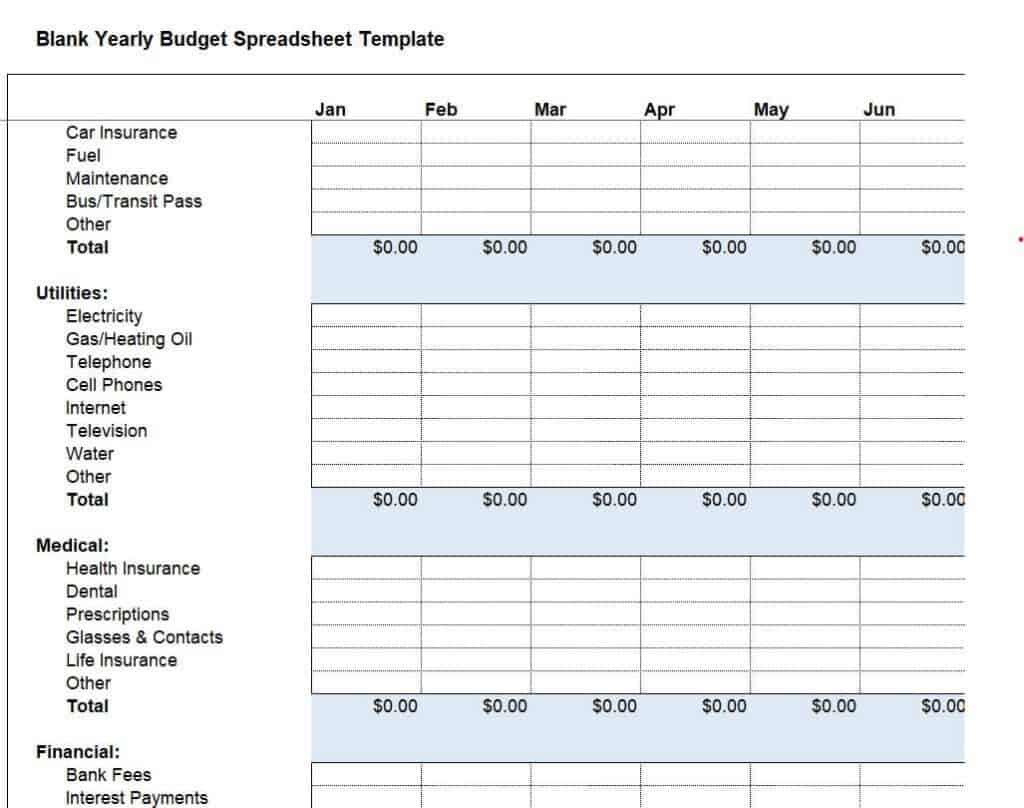
Blank Yearly Budget Spreadsheet Template Excel
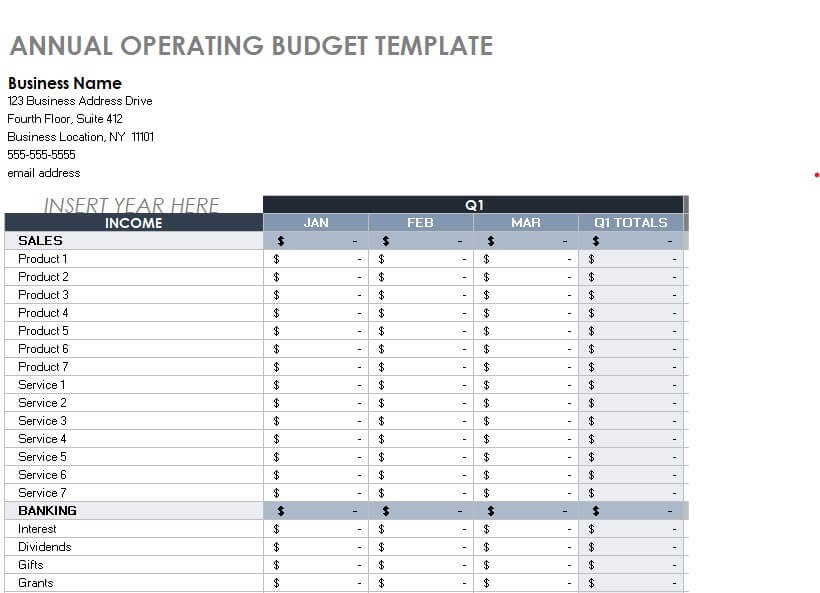
Annual Operating Budget Example
Company’s Detailed Yearly Budget Template
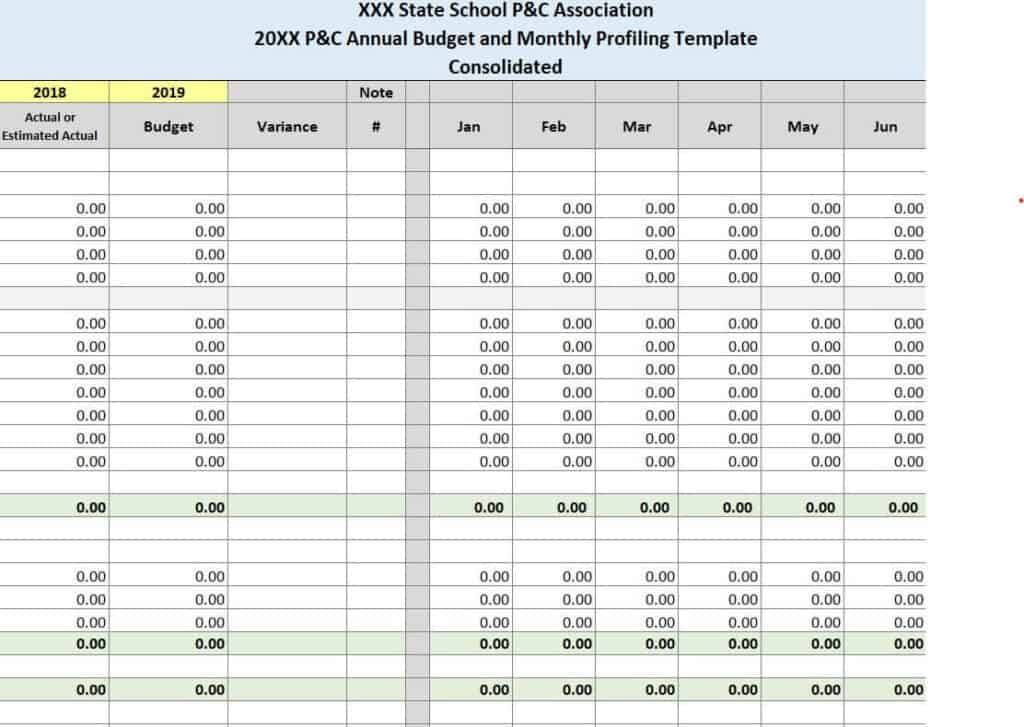
Professional Yearly Budget Excel Sample
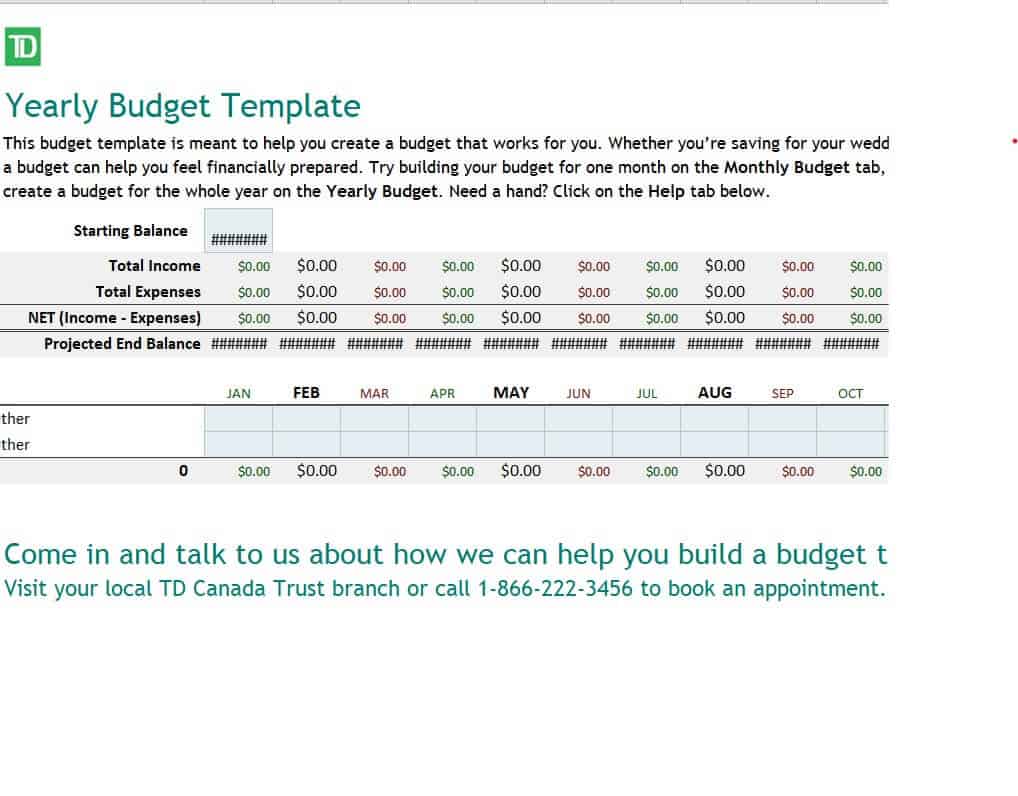
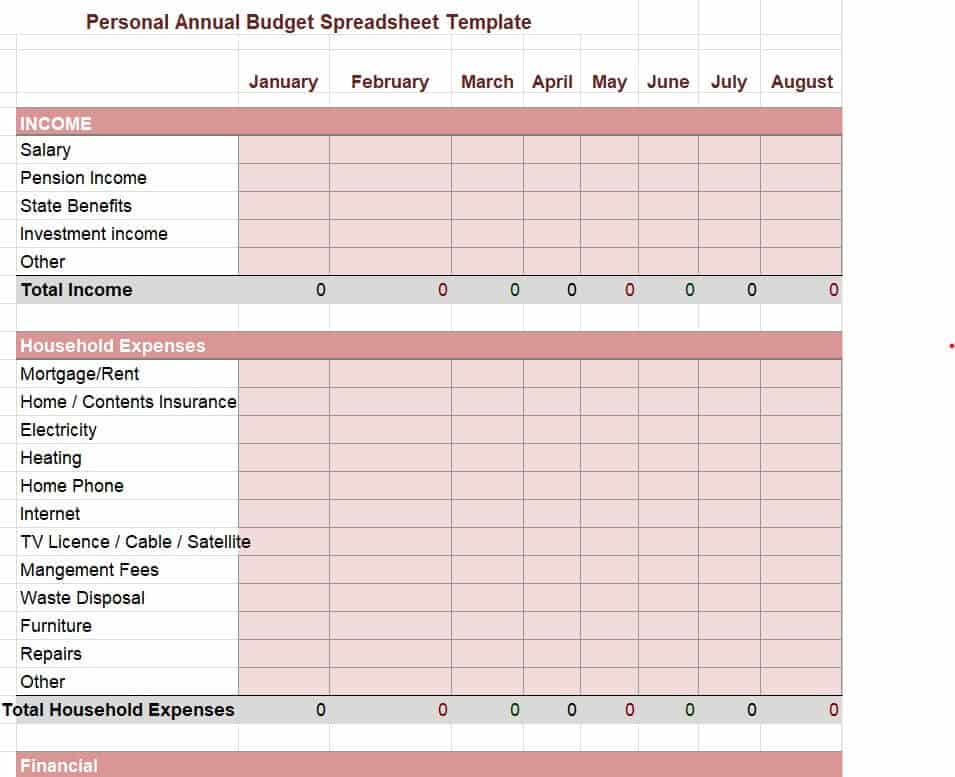
Personal Annual Budget Spreadsheet Template
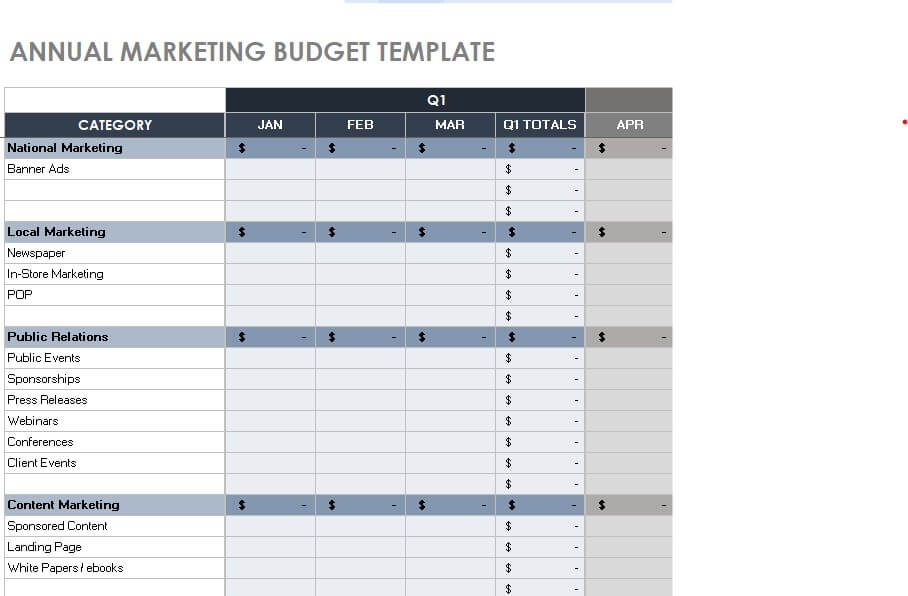
Yearly Marketing Budget Sample Excel
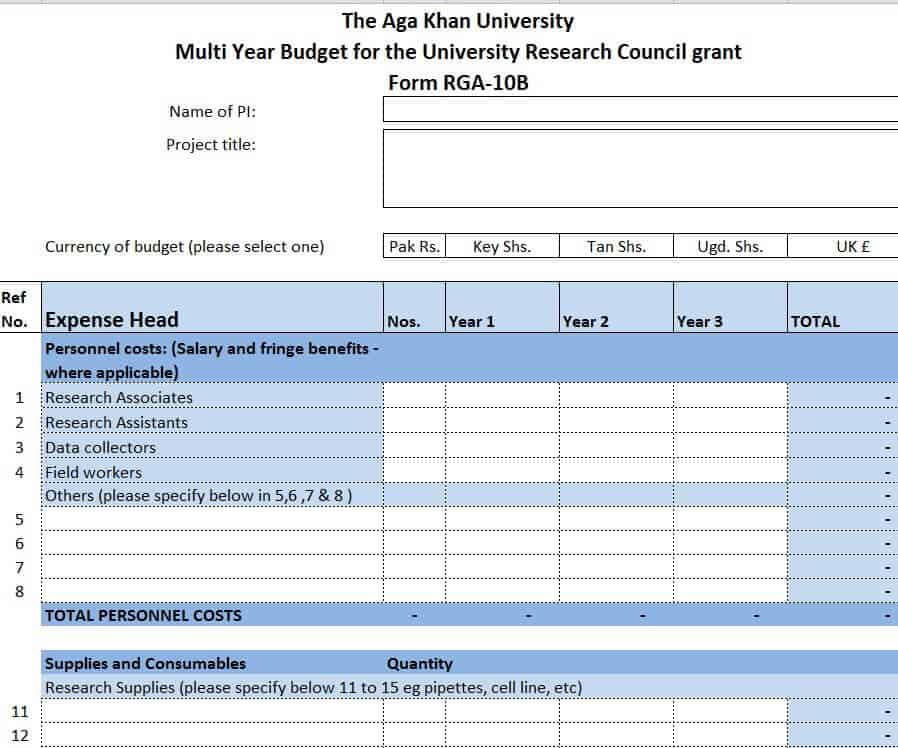
University Research Council Multi-Year Budget Template
What to Include in a Yearly Budget
Personal and family budgets
- Income: salary, bonuses, freelance work, rental income and other regular sources.
- Fixed expenses: rent or mortgage, insurance, loan payments and subscriptions.
- Variable expenses: groceries, fuel, utilities, dining out and entertainment.
- Irregular costs: annual fees, holidays, vacations, gifts, repairs and medical costs.
- Savings and goals: emergency fund, retirement, education and large purchases.
Business budgets
- Revenue forecasts: expected sales by product, service or month.
- Cost of goods sold: materials, production and direct labor.
- Operating expenses: salaries, rent, utilities, software, insurance and marketing.
- Capital expenses: equipment, technology and property upgrades.
- Contingency: a reserve for unexpected costs.
How to Create a Yearly Budget in Excel Step by Step
- Review last year. Gather bank statements, receipts and reports to see what you actually earned and spent.
- Estimate annual income. Use reliable numbers and be conservative with irregular income.
- List all expenses. Separate fixed, variable and once-a-year costs so nothing is missed.
- Spread costs across months. Enter each item in the month it is due, and divide annual bills by twelve if you want to save for them monthly.
- Add savings goals. Decide how much to save each month and treat it like a bill.
- Calculate totals. Use SUM formulas for each month and for the full year, and subtract expenses from income.
- Adjust until balanced. If expenses exceed income, reduce flexible categories or find ways to increase income.
- Track and review. Add an actual column and compare it with your plan every month, updating as needed.
Tips for Sticking to Your Annual Budget
- Be realistic; a budget that is too strict is hard to follow.
- Include a small buffer for unexpected expenses.
- Review monthly and make adjustments instead of abandoning the plan.
- Automate savings and bill payments to reduce missed deadlines.
- Use color coding or conditional formatting in Excel to highlight overspending.
- Set a mid-year check-in to revise assumptions and update goals.
Frequently Asked Questions (FAQs)
What is a yearly budget template?
It is a pre-built spreadsheet that lays out twelve months of income and expenses so you can plan, track and compare your finances across the whole year. You simply enter your own numbers.
Are these yearly budget templates free?
Yes. All templates on this page are free to download and use. They are provided in Excel format, so you can edit categories, months and formulas to match your needs.
What is the difference between a monthly and a yearly budget?
A monthly budget focuses on one month at a time, while a yearly budget covers all twelve months. A yearly view helps you plan for irregular expenses and long-term goals, and you can still track results monthly inside the same sheet.
How do I make a yearly budget in Excel?
Create columns for each month plus a total column, list income and expense categories in rows, and use SUM formulas for totals. Subtract total expenses from income to see what remains. Or download a template here and enter your figures.
Can businesses use these templates?
Yes. Several templates are designed for businesses, including operating, marketing and company-wide budgets. You can adjust the categories to match your industry and reporting needs.
How often should I update my yearly budget?
Enter actual results monthly and review the plan quarterly. If your income, prices or goals change significantly, update the budget right away so it stays useful.
How do I budget for irregular yearly expenses?
List them in the month they are due, or divide the total by twelve and set aside that amount monthly in a sinking fund. This prevents big bills such as insurance, taxes or holidays from disrupting your cash flow.
Final Thoughts
A yearly budget turns financial goals into a clear, month-by-month plan. Choose a template that matches your situation, enter realistic numbers and check your progress regularly. With a full-year plan in front of you, spending decisions become easier, savings grow steadily and the year ahead feels far more predictable.

You must be logged in to post a comment.