Losing weight is easier to stick with when you can see your progress. A weight loss chart lets you record your weight, measurements, meals, and workouts in one place, so you know what is working and what needs to change. Watching the numbers move in the right direction is also a powerful motivator on days when your willpower dips.
The free weight loss chart templates below are available in Excel and Word. Use a printable tracker for your fridge door, or an Excel chart that plots your progress automatically. Download one, enter your starting weight and goal, and begin tracking today.
What Is a Weight Loss Chart?
A weight loss chart is a tool for tracking body weight over time. Most charts include your starting weight, goal weight, dates, weekly or daily weigh-ins, and space for notes on diet and exercise. Some templates add a line graph that shows the trend, a body measurement log, or a calorie and workout tracker. The goal is to give you a clear overview of your weight loss journey and help you spot patterns.
Benefits of Using a Weight Loss Chart
- Stay motivated: Seeing progress on paper or a graph keeps you encouraged.
- Spot patterns: Learn how food, sleep, stress, and workouts affect your weight.
- Set realistic goals: Break a big goal into weekly targets you can reach.
- Increase accountability: Writing things down makes you more likely to follow through.
- Adjust your plan: If the numbers stall, you can change your diet or exercise routine.
- Celebrate milestones: Mark each five or ten pounds lost with a small reward.
Get Weight Loss Chart Templates Below
Click “Download” under a preview to save the editable template.
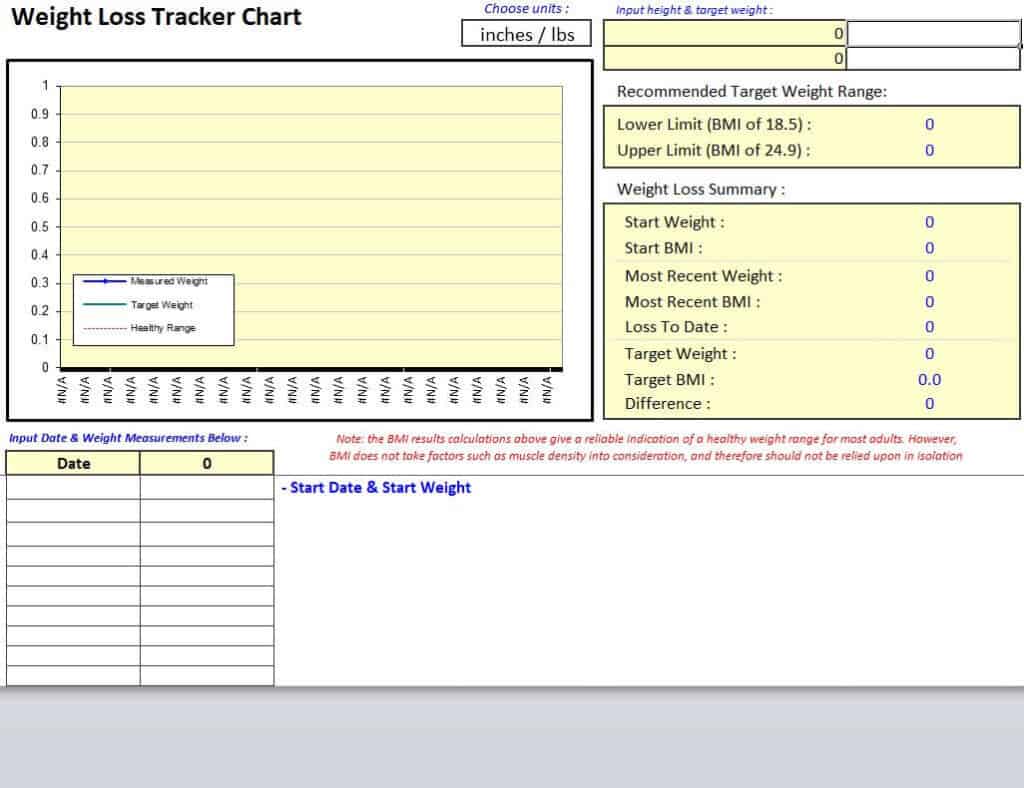
1. Weight Loss Tracker Chart Template
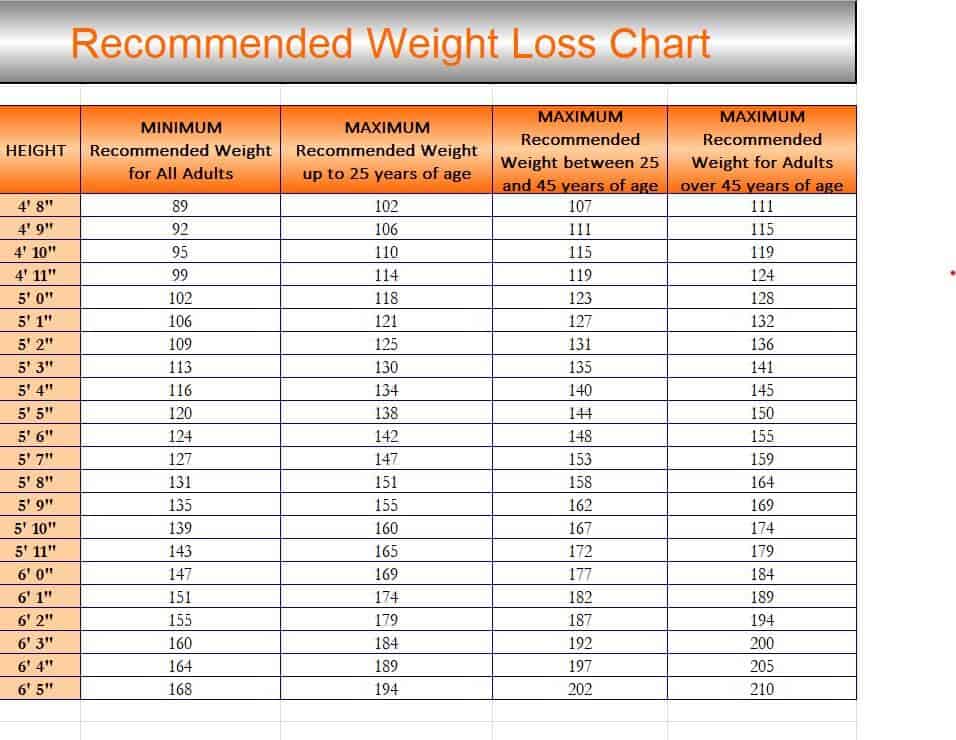
2. Recommended Weight Loss Chart Template
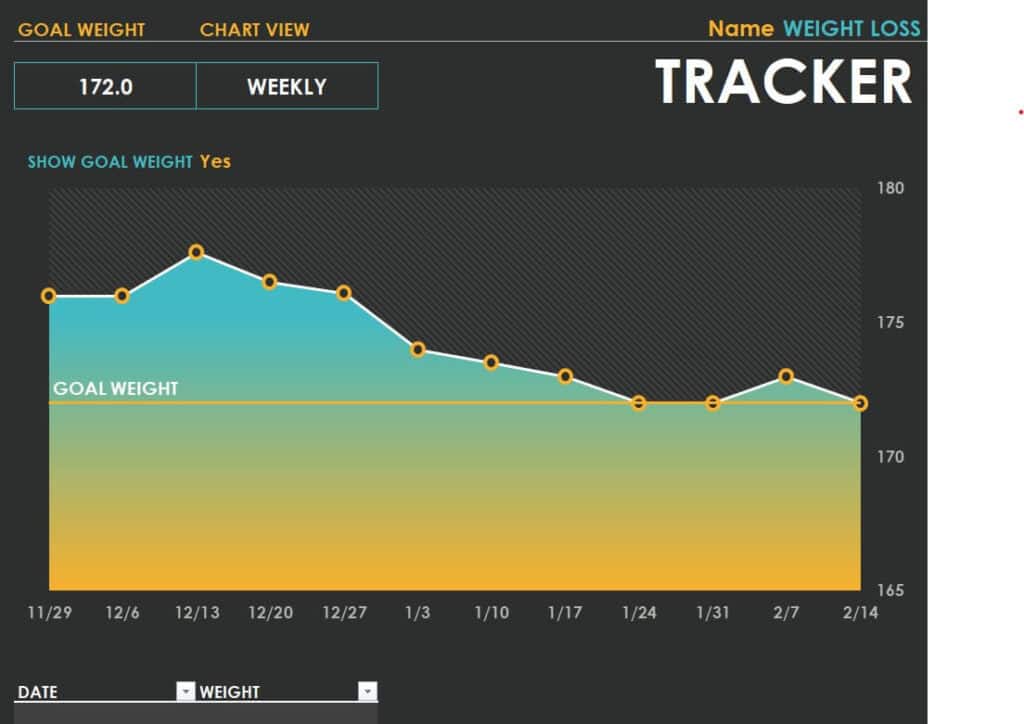
3. Graphical Weight Loss Tracker Sample
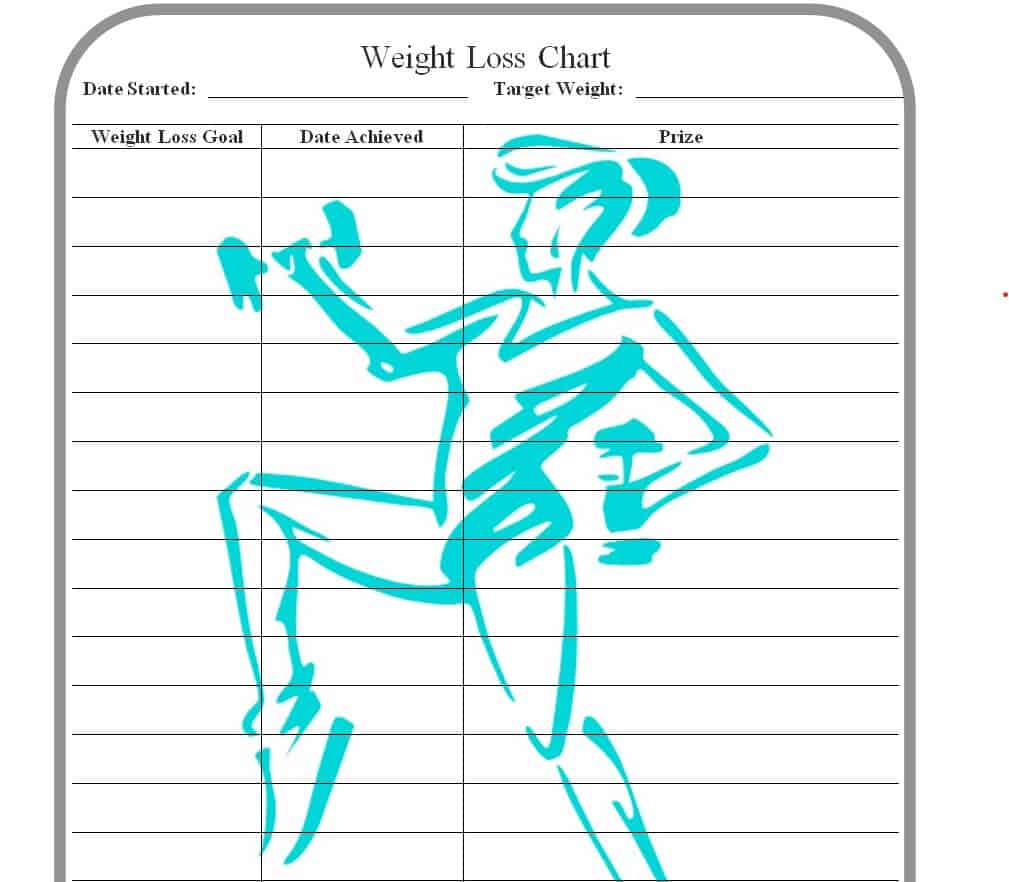
4. Special Weight Loss Chart Template WORD
5. Personal Weight Loss Chart Template EXCEL
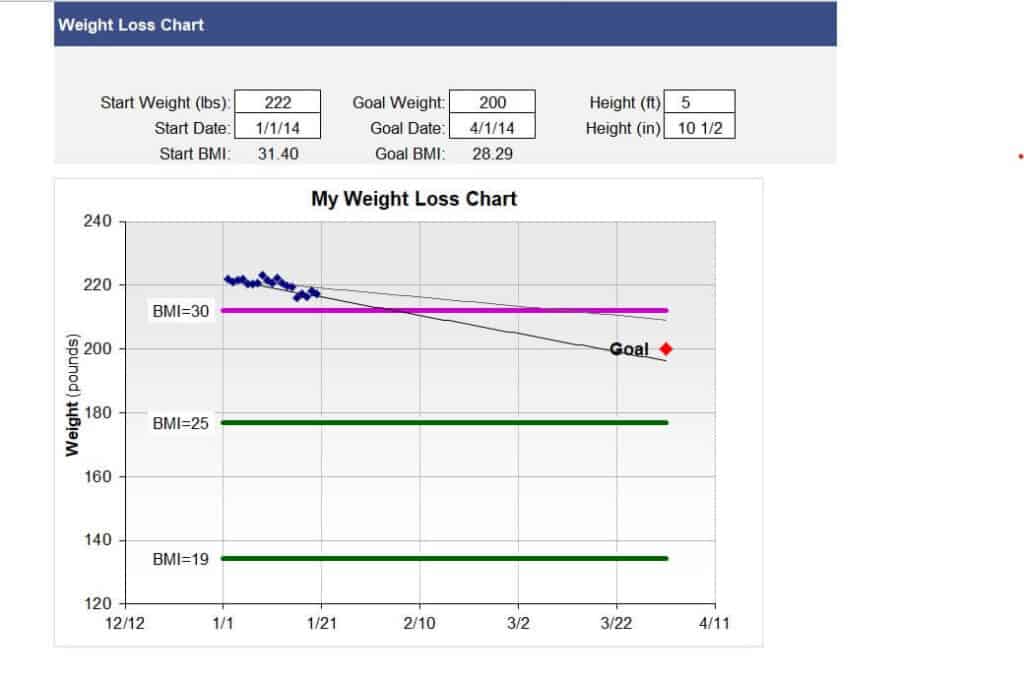
6. Sample Weight Loss Tracker Excel Sheet
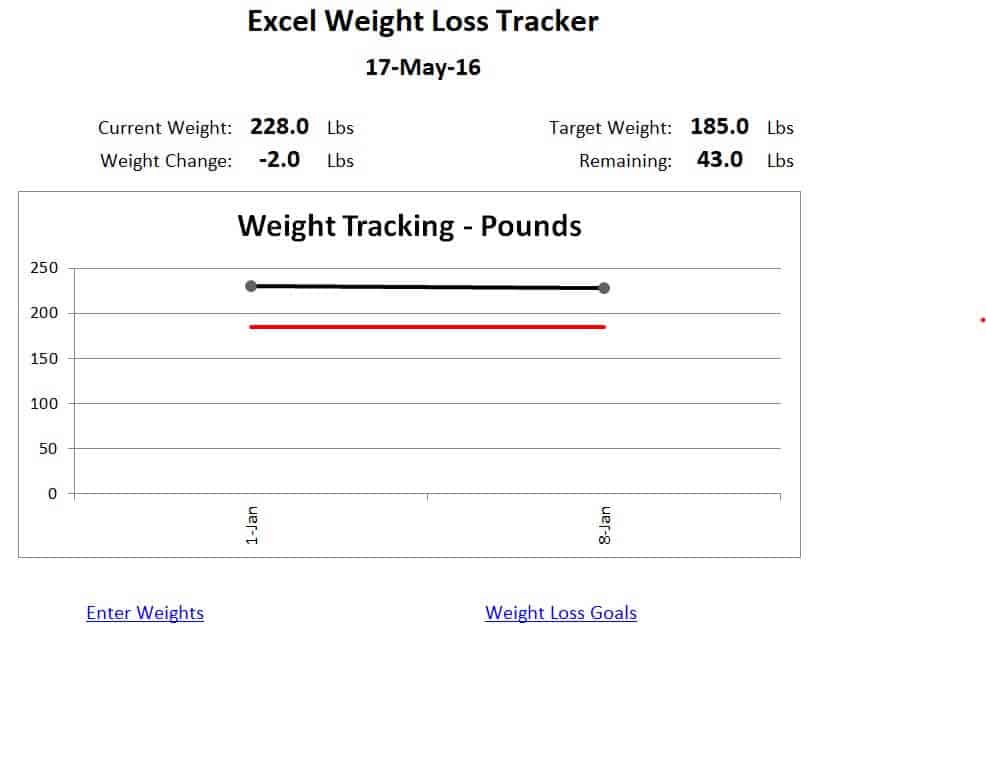
7. Blank Weight Loss Chart Template
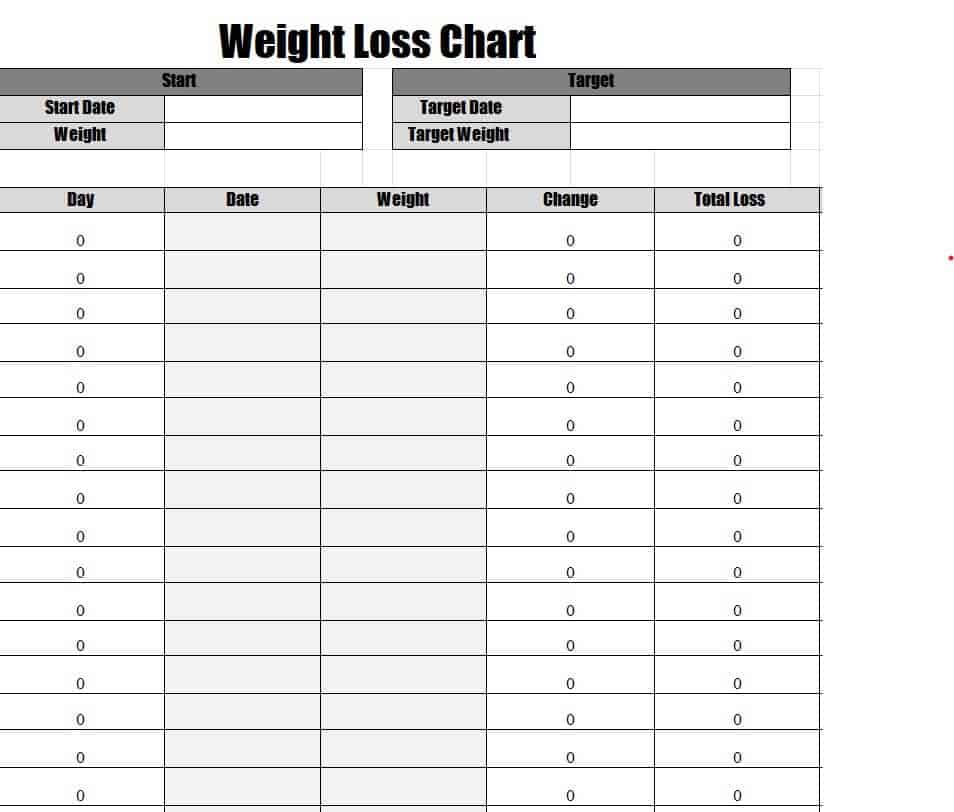
8. Weight Loss Progress Chart Word Template
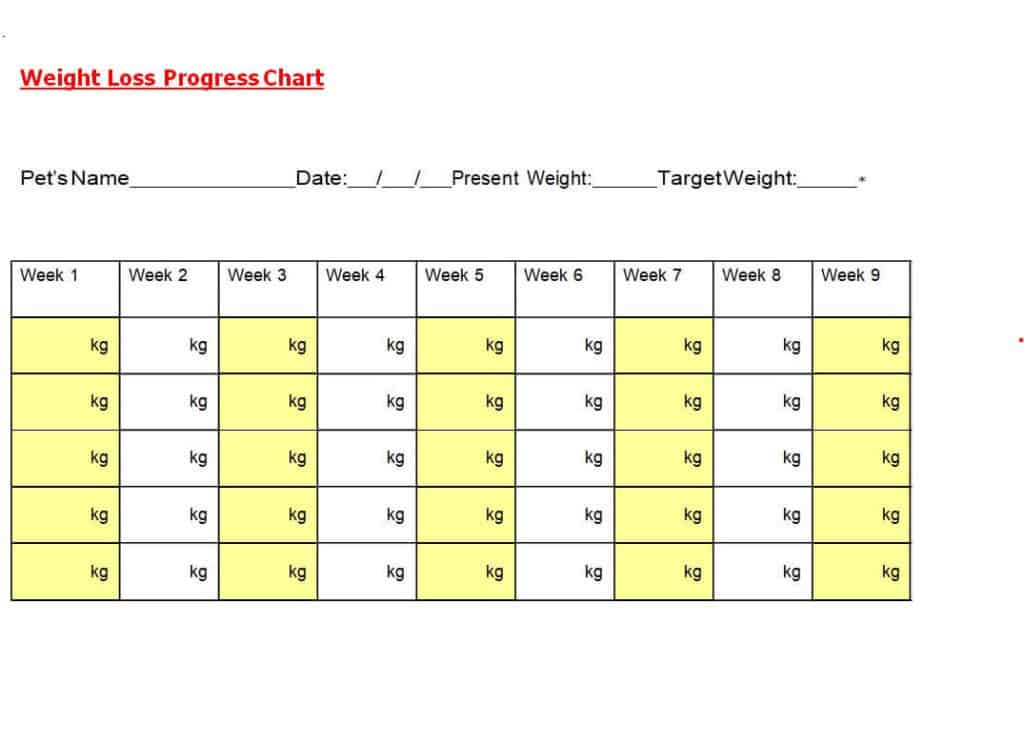
9. Fillable Weight Loss Chart Template in DOC Format

10. Executive Weight Loss Chart Template
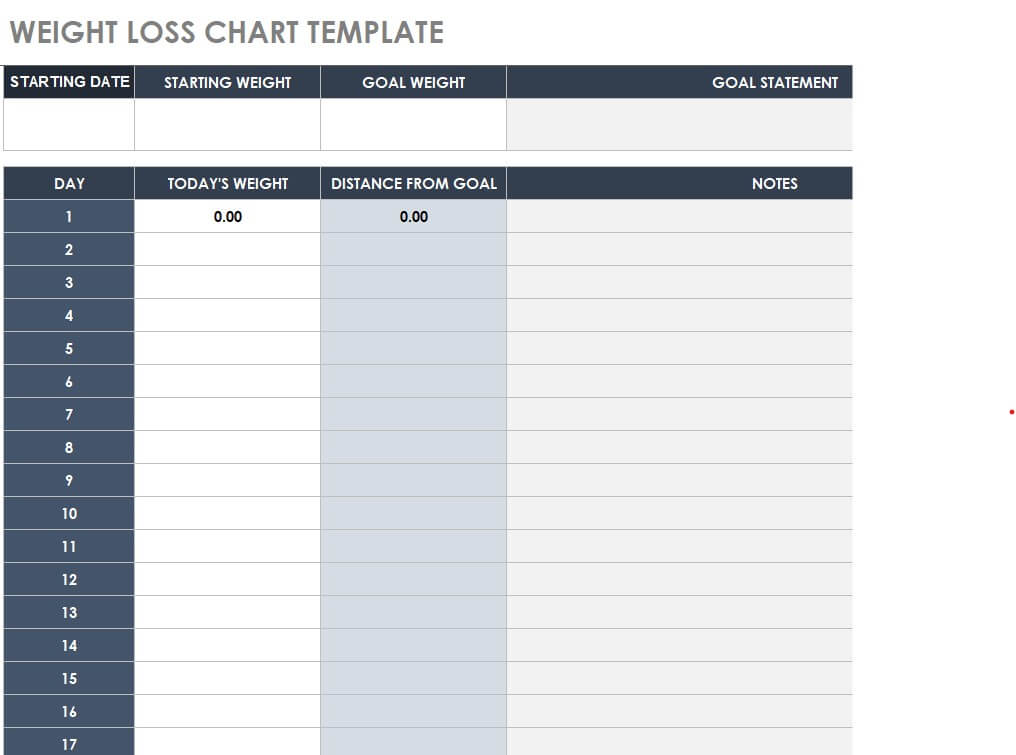
11. Basic Weight Loss Chart Example
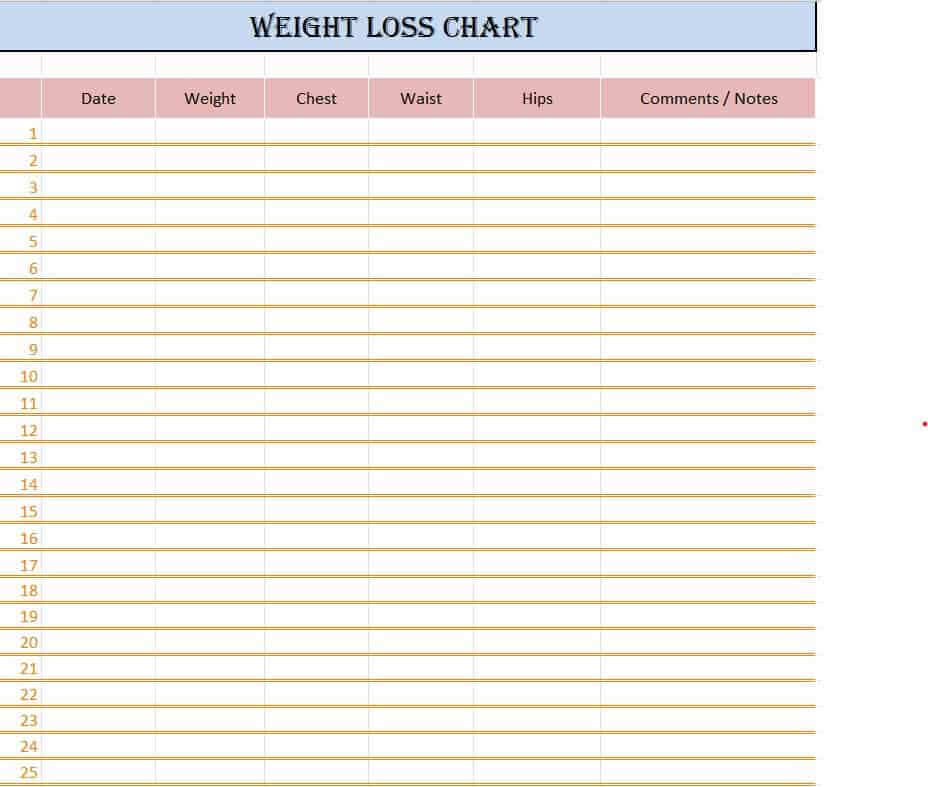
12. Free Editable Weight Loss Tracker Template
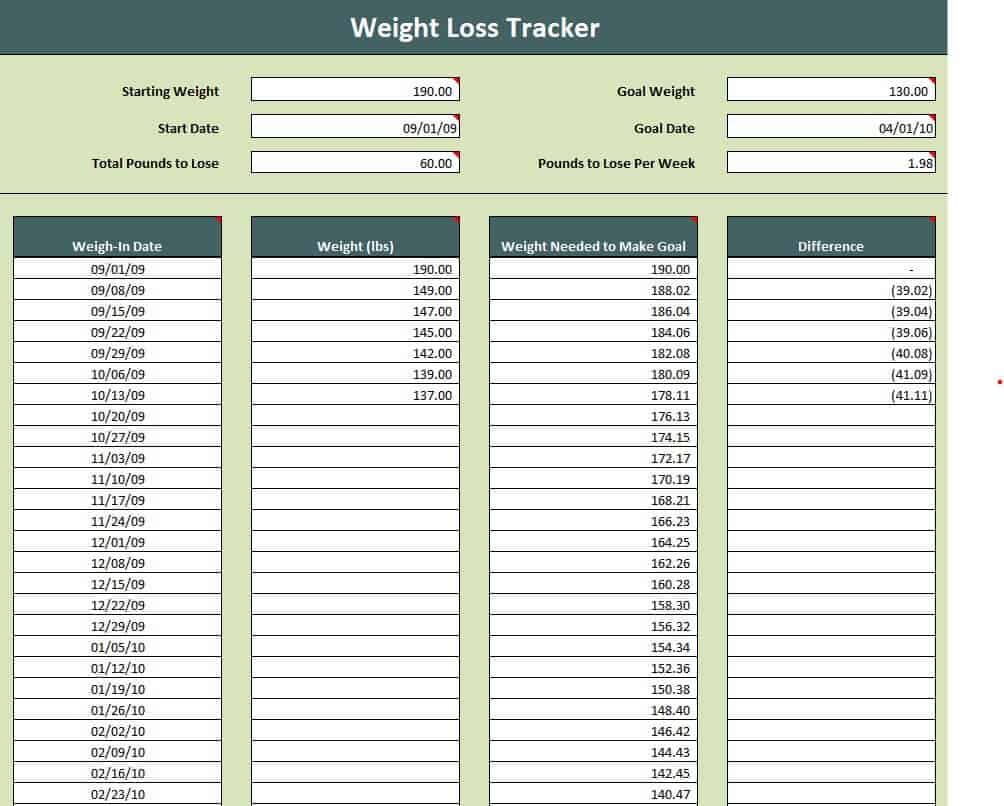
13. Printable Weight Loss Chart Template in MS WORD
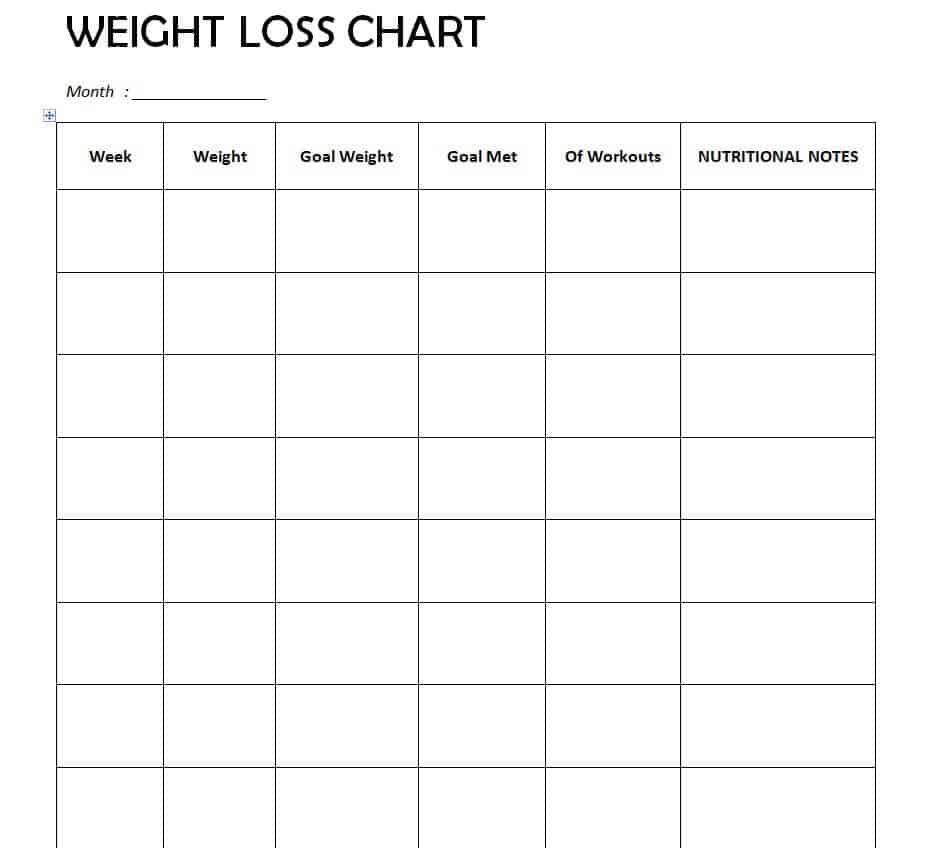
What to Include in a Weight Loss Chart
- Starting weight and date: Your baseline for measuring progress.
- Goal weight and target date: A clear, realistic finish line.
- Regular weigh-ins: Daily, weekly, or bi-weekly weight records.
- Weight change: Pounds lost since the last weigh-in and in total.
- Body measurements: Waist, hips, chest, arms, and thighs.
- Diet notes: Meals, calories, water intake, or portion sizes.
- Exercise log: Type of workout, duration, and intensity.
- Notes and mood: Sleep, stress, and energy levels.
- Progress graph: A line chart showing your trend over time.
How to Make a Weight Loss Chart Step by Step
Step 1: Record Your Starting Point
Weigh yourself first thing in the morning, before eating and after using the bathroom. Write the date and weight. Add your measurements if you want to track inches as well.
Step 2: Set a Healthy Goal
A commonly recommended pace is about one to two pounds per week. Break your total goal into small monthly targets so it feels doable. Talk with a doctor or registered dietitian before starting a weight loss plan.
Step 3: Choose a Template
Pick a printable Word chart if you like writing by hand, or an Excel tracker if you want automatic calculations and graphs.
Step 4: Weigh In at the Same Time
Weigh yourself on the same scale, at the same time of day, under the same conditions, so the numbers are comparable.
Step 5: Track Habits Along with Weight
Write down what you ate and how you exercised. This helps you spot what works.
Step 6: Review and Adjust Weekly
Look at your weekly trend, not just daily changes. If your progress stalls for several weeks, review your diet, activity, and sleep, or ask a health professional for advice.
Tips for Successful Weight Loss Tracking
- Do not panic over daily fluctuations; water weight and digestion can change the numbers by a few pounds.
- Focus on trends over weeks, not single days.
- Track measurements and how your clothes fit, not only the scale.
- Combine a balanced diet with regular exercise and enough sleep.
- Drink plenty of water and get enough protein and fiber.
- Celebrate non-scale victories such as better energy or improved strength.
- Keep your chart visible on the fridge or in your planner.
Note: This page is for general information and tracking purposes only and is not medical advice. Consult a healthcare provider before beginning any diet or exercise program.
Frequently Asked Questions (FAQs)
What is a weight loss chart?
It is a table or graph used to record body weight and other measurements over time so you can track your progress toward a weight goal.
Are these weight loss chart templates free?
Yes. All 13 templates are free to download and edit in Excel or Word.
How often should I weigh myself?
Many people weigh in once a week for a stable picture, while others prefer daily weigh-ins and use the weekly average. Choose what keeps you motivated without causing stress.
How much weight can I safely lose per week?
A common guideline is one to two pounds per week, though the right pace depends on your health and situation. Ask your doctor or dietitian for personal advice.
How do I make a weight loss chart in Excel?
Enter dates in one column and weight in the next, then select both columns and insert a line chart. Add columns for weight change and notes. Or download an Excel template above with ready-made formulas.
Can I track measurements as well as weight?
Yes. Many templates have space for waist, hip, and chest measurements, which can show progress even when the scale does not move.
Why did my weight go up even though I am dieting?
Daily weight can change with water retention, salt, hormones, and digestion. Look at your weekly or monthly trend for a more accurate view.


You must be logged in to post a comment.