A menu is the face of your restaurant, cafe, or event. It tells guests what you serve, sets the mood, and helps people order quickly. A clean, attractive layout can make dishes look more appealing and even increase sales, while a cluttered or hard-to-read menu can push customers away.
This page offers 16 free menu templates for Word, from everyday restaurant and dinner menus to vegan, burger, Christmas, Valentine, football party, and New Year designs. Download a template, replace the sample text with your own dishes and prices, and print it in minutes. Below the gallery, you will also find tips on what to include, how to edit a menu in Microsoft Word, and answers to common questions.
What Is a Menu Template?
A menu template is a pre-designed layout for listing food and drinks with their prices. It usually includes sections for starters, main dishes, desserts, and beverages, along with a header for your business name, address, and contact details. Because the design is already done, you only edit the text and, if you like, change colors, fonts, or images.
Menus can be a single page, a folded card, or a small booklet. They are used in restaurants, cafes, food trucks, catering businesses, school events, and home parties. Word templates are popular because almost everyone has Microsoft Word, and the files are simple to customize and print.
Benefits of Using Menu Templates in Word
- Fast setup: Skip the design work and start with a professional layout.
- Free and editable: Change fonts, colors, dishes, and prices as often as you need.
- Easy to print: Word documents print cleanly on standard paper or cardstock.
- Great for special events: Seasonal templates make holiday and party menus simple.
- Easy updates: Change a price or add a daily special without redesigning everything.
- Brand consistency: Add your logo and colors so every menu matches your business.
What to Include on a Menu
- Restaurant or event name and logo
- Address, phone number, website, and hours
- Menu sections such as appetizers, mains, sides, desserts, and drinks
- Clear dish names with short, appetizing descriptions
- Prices, aligned so they are easy to scan
- Dietary labels for vegetarian, vegan, gluten-free, or spicy dishes
- Daily specials or seasonal items
- Allergen notice or a line inviting guests to ask staff about ingredients
Free Menu Templates Gallery
Browse the samples below and click the download button under the one you want. Each file can be opened and edited in Microsoft Word.
Special Valentine Menu Template
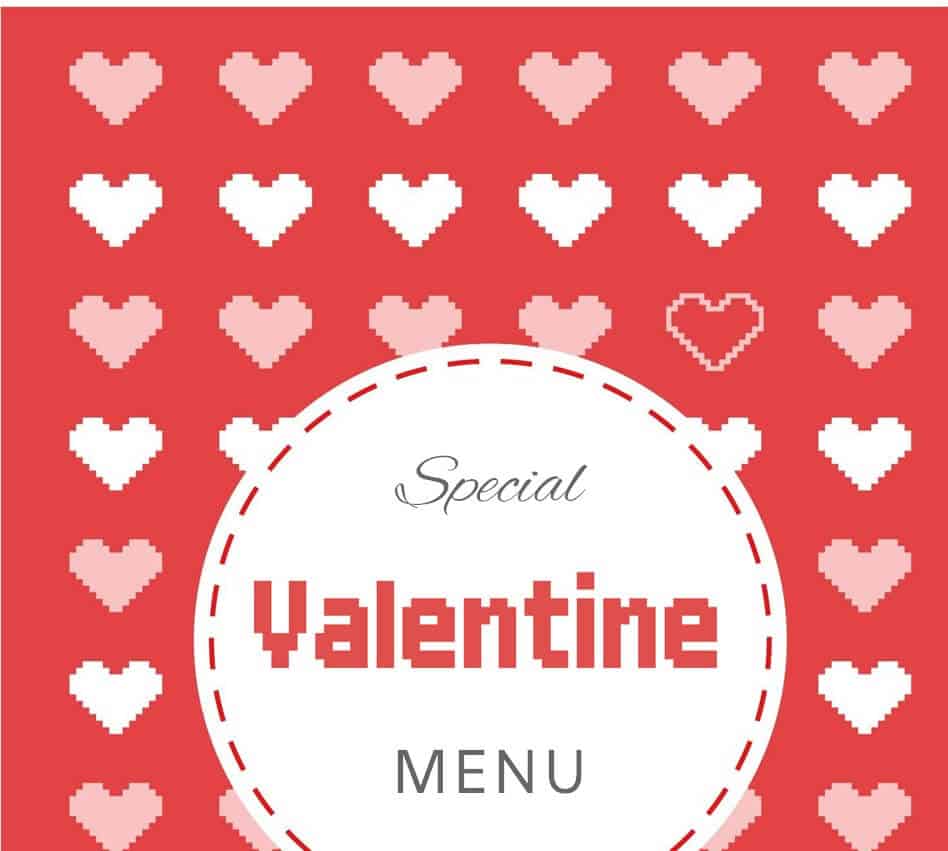
Download Special Valentine Menu Template
Elegant Style Menu Template
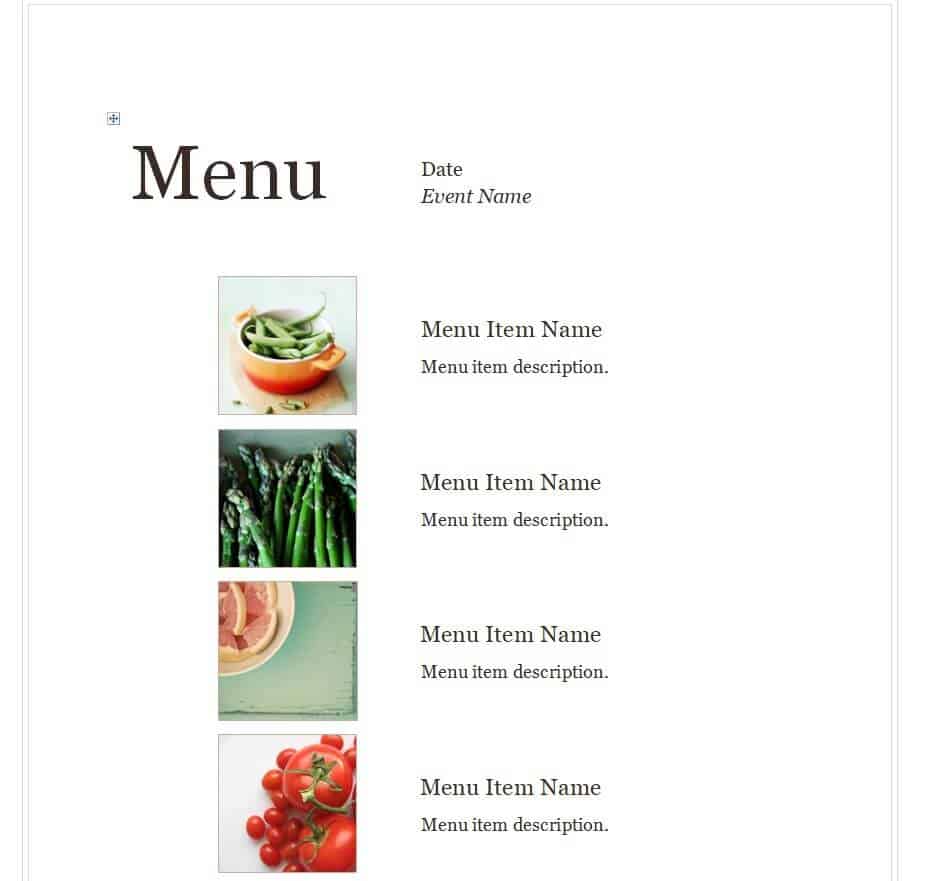
Download Elegant Style Menu Template
Football Party Menu Sample
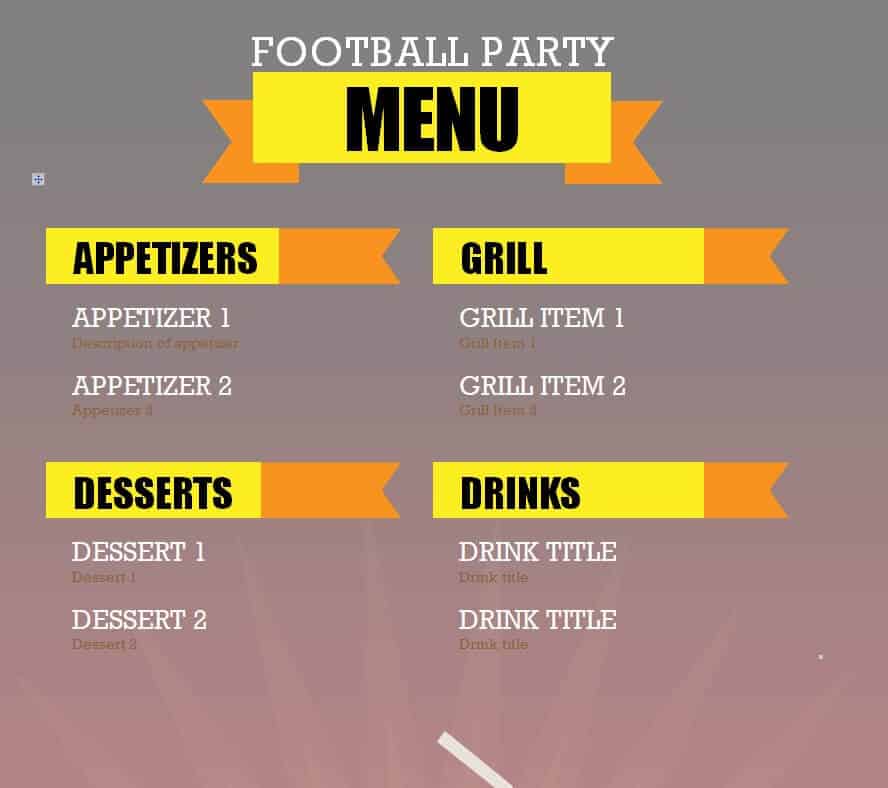
Download Football Party Menu Sample
Winter Feast Menu Template in DOC Format
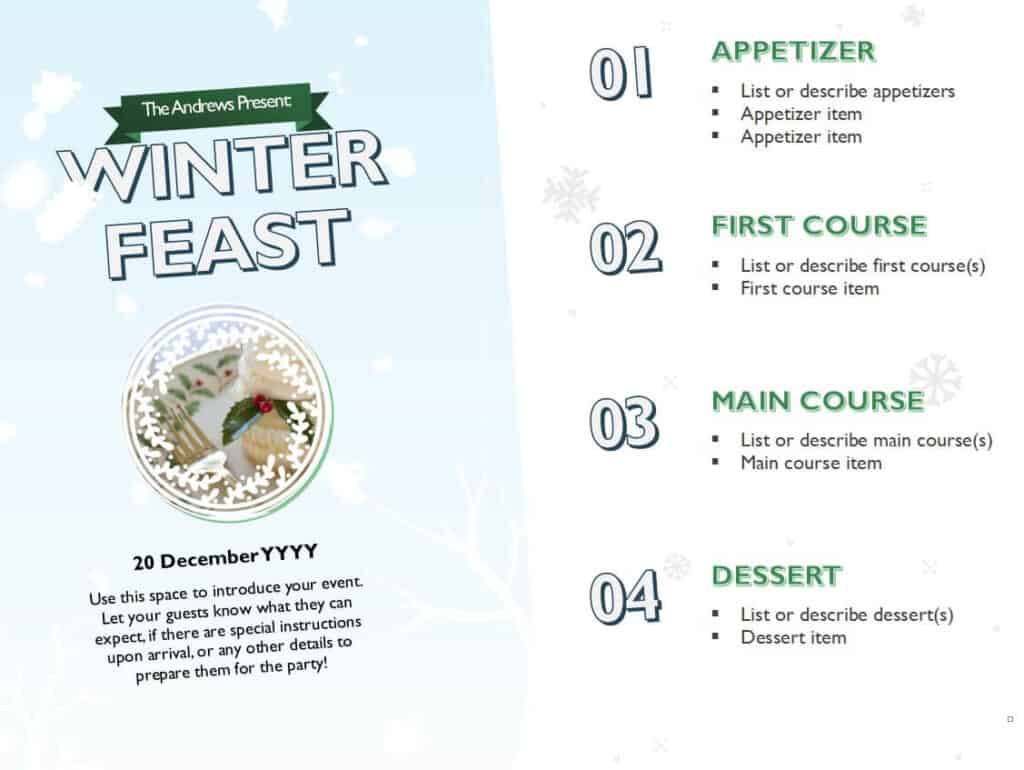
Download Winter Feast Menu Template
Christmas Menu WORD Sample
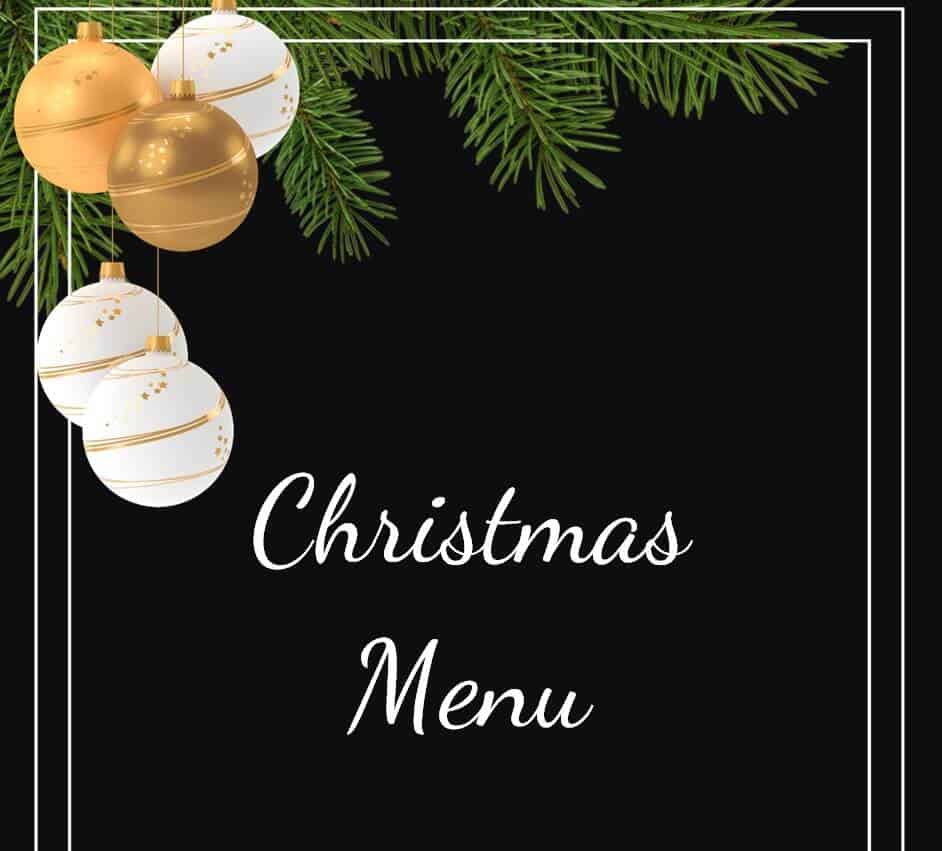
Download Christmas Menu WORD Sample
Detailed Restaurant Menu Format
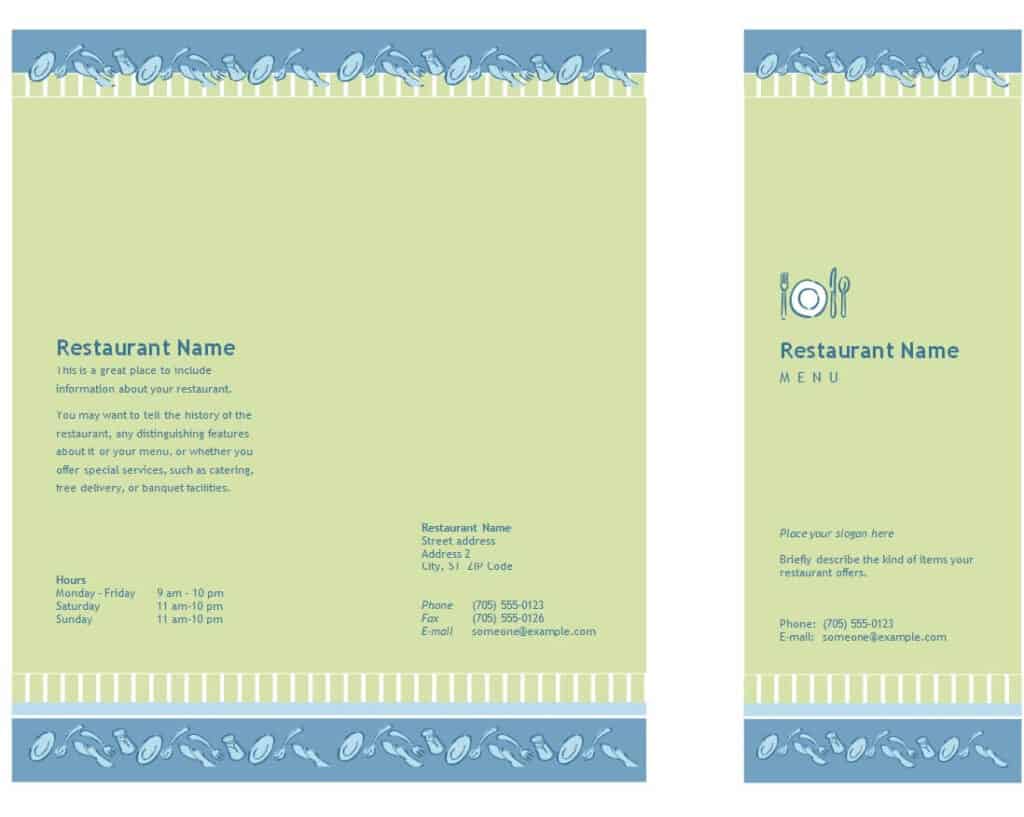
Download Detailed Restaurant Menu Format
Free Editable Vegan Menu Template
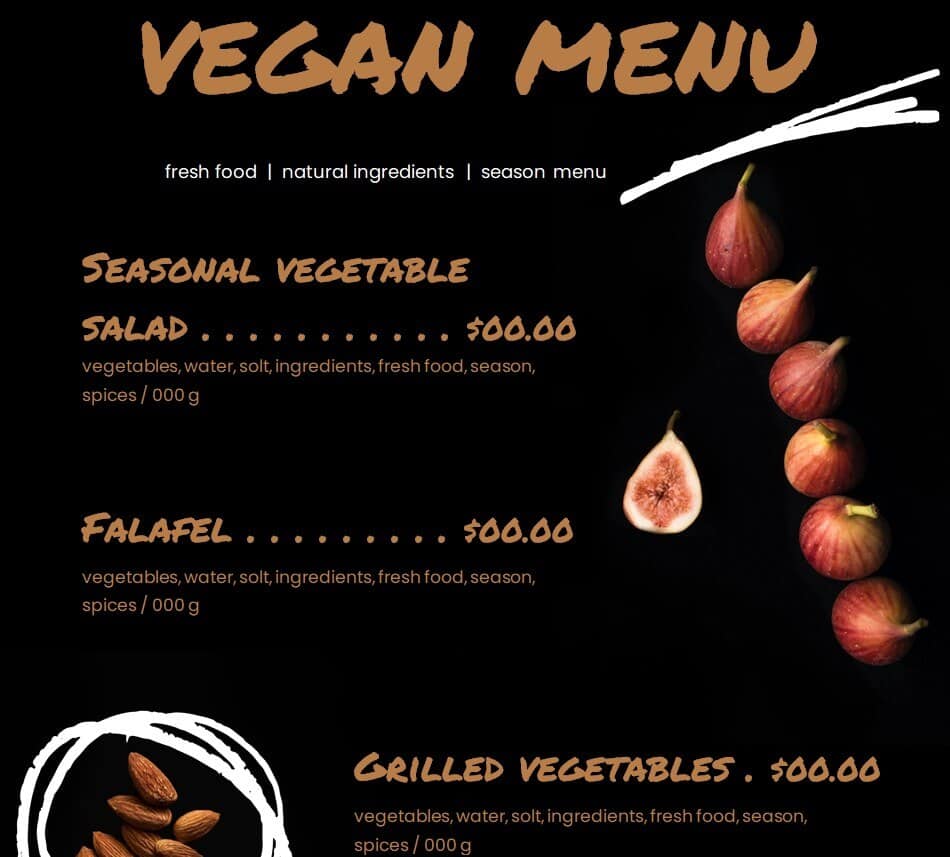
Download Free Editable Vegan Menu Template
Basic Style Menu Template MS WORD
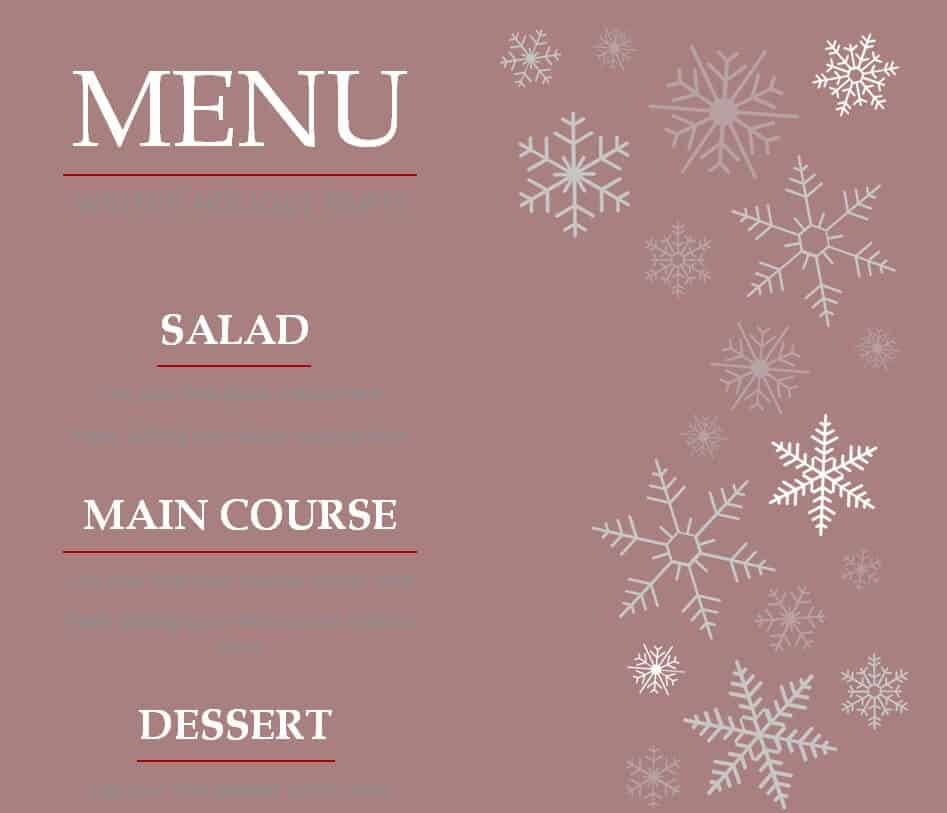
Download Basic Style Menu Template
Colorful Daily Menu Example
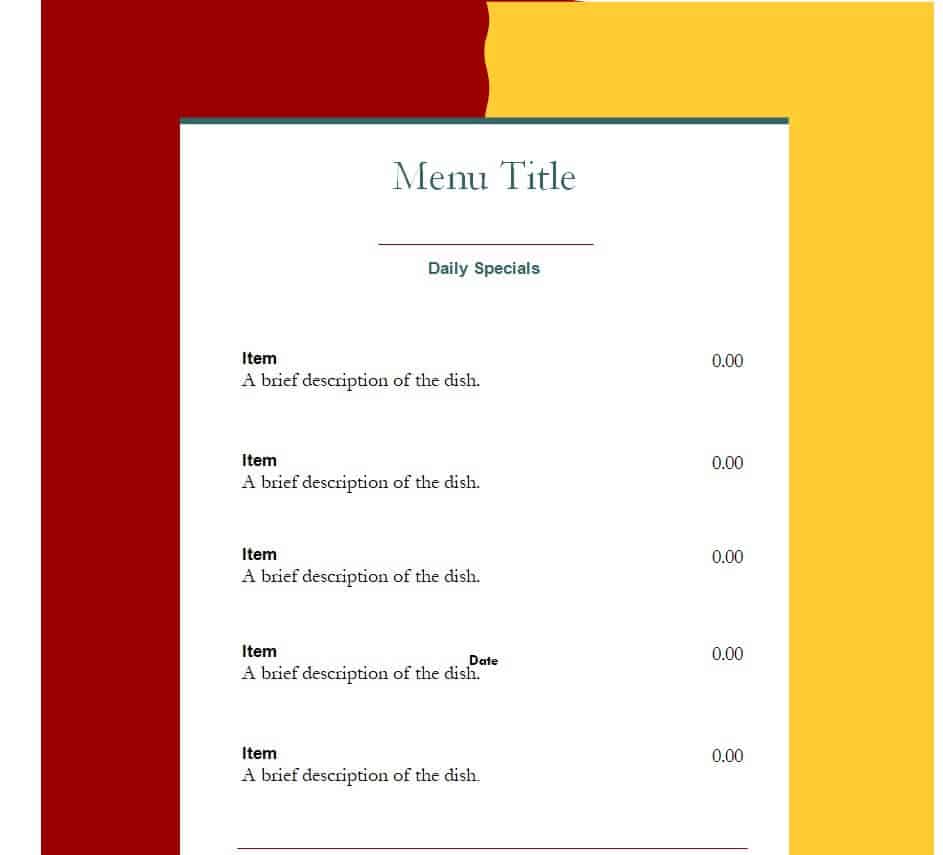
Download Colorful Daily Menu Example
Daily Menu Sample WORD
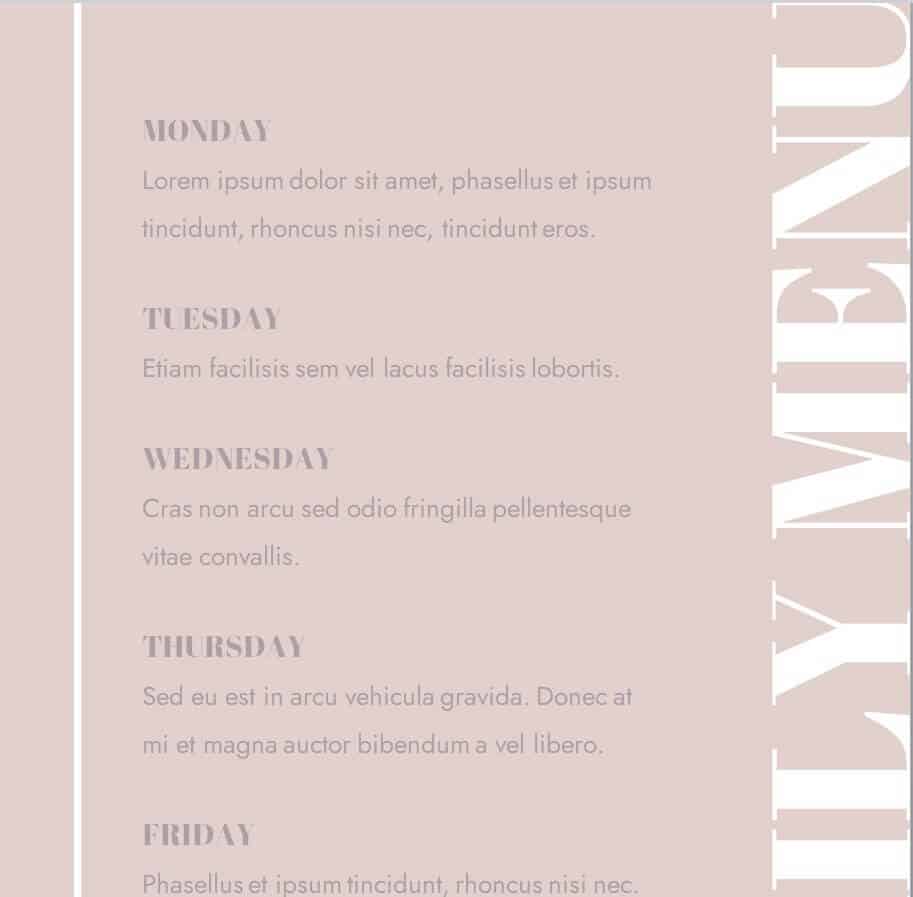
Download Daily Menu Sample WORD
Simple Dinner Menu Template
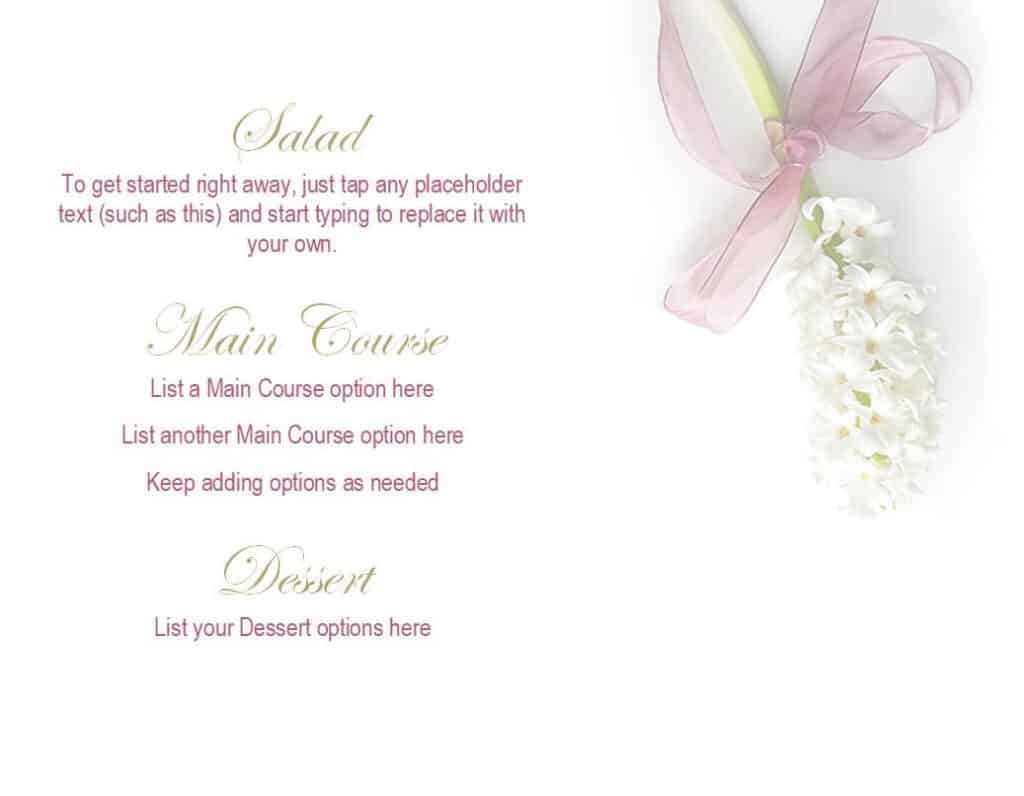
Download Simple Dinner Menu Template
Attractive Restaurant Menu Sample
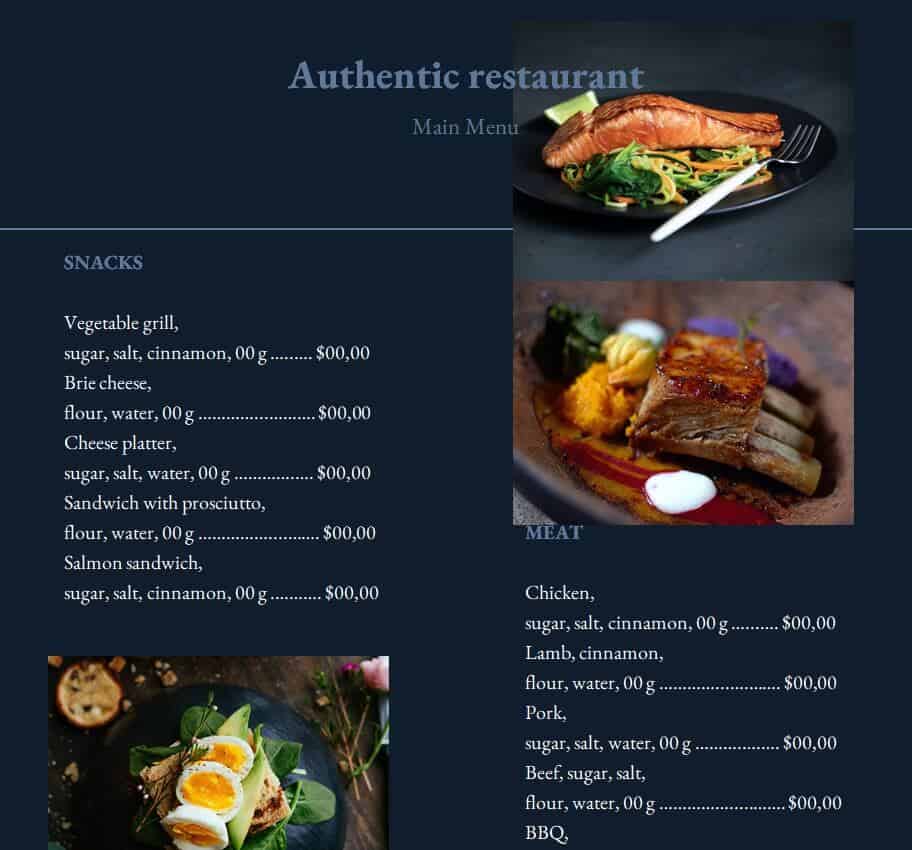
Download Attractive Restaurant Menu Sample
Free Online Eatery Menu Template
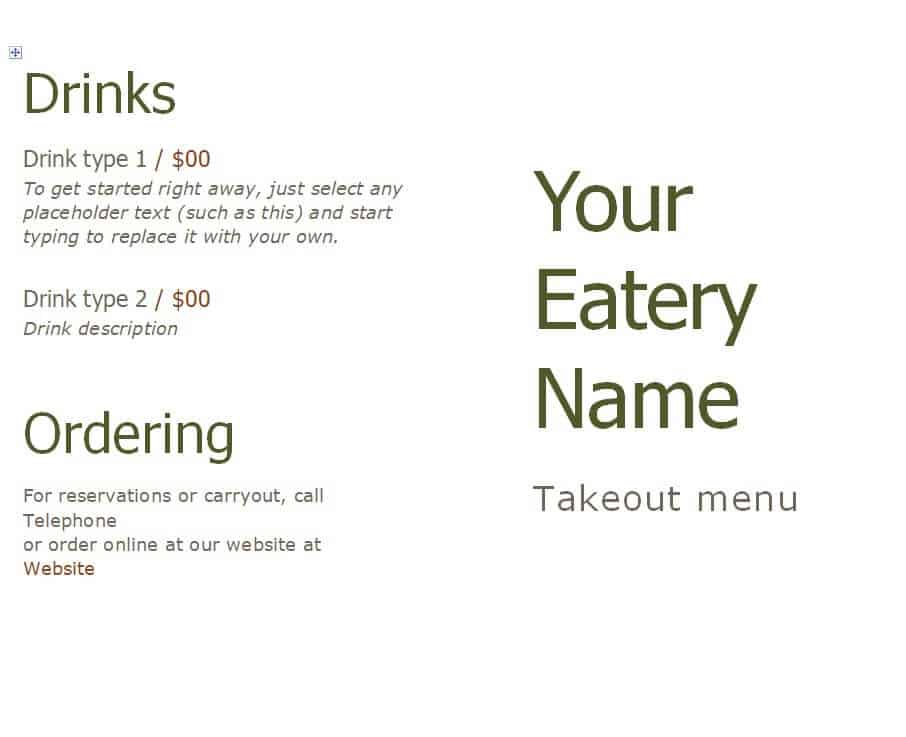
Download Free Online Eatery Menu Template
Sample Burger Menu Template
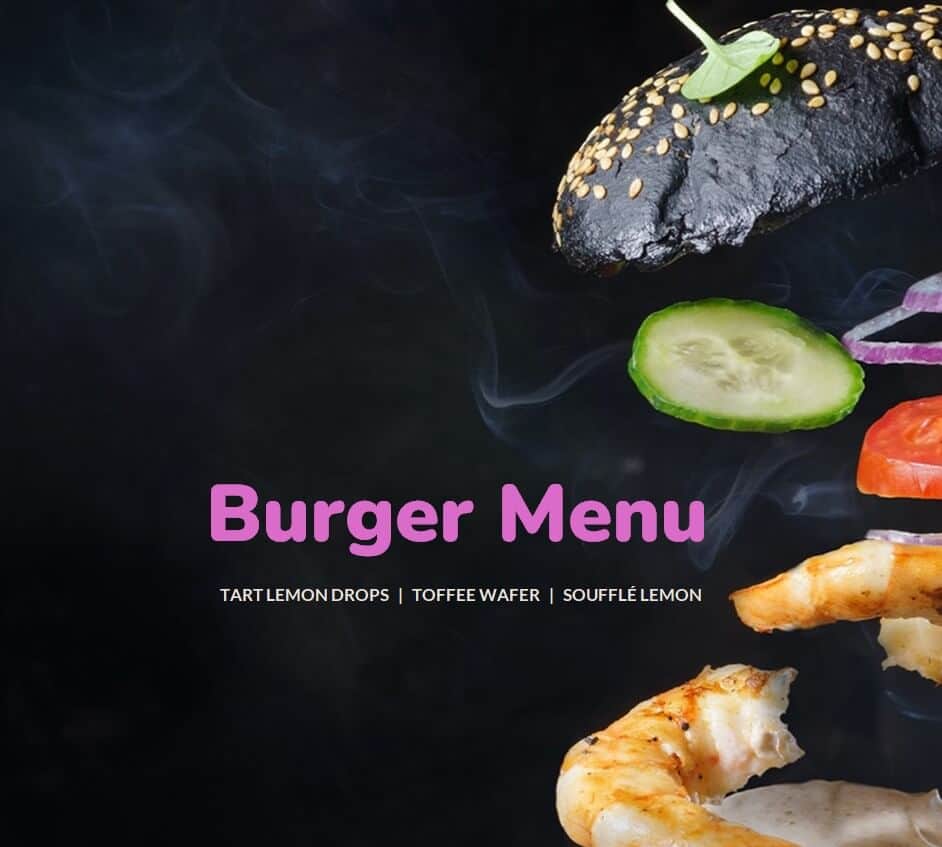
Download Sample Burger Menu Template
Special Food Menu Word Template
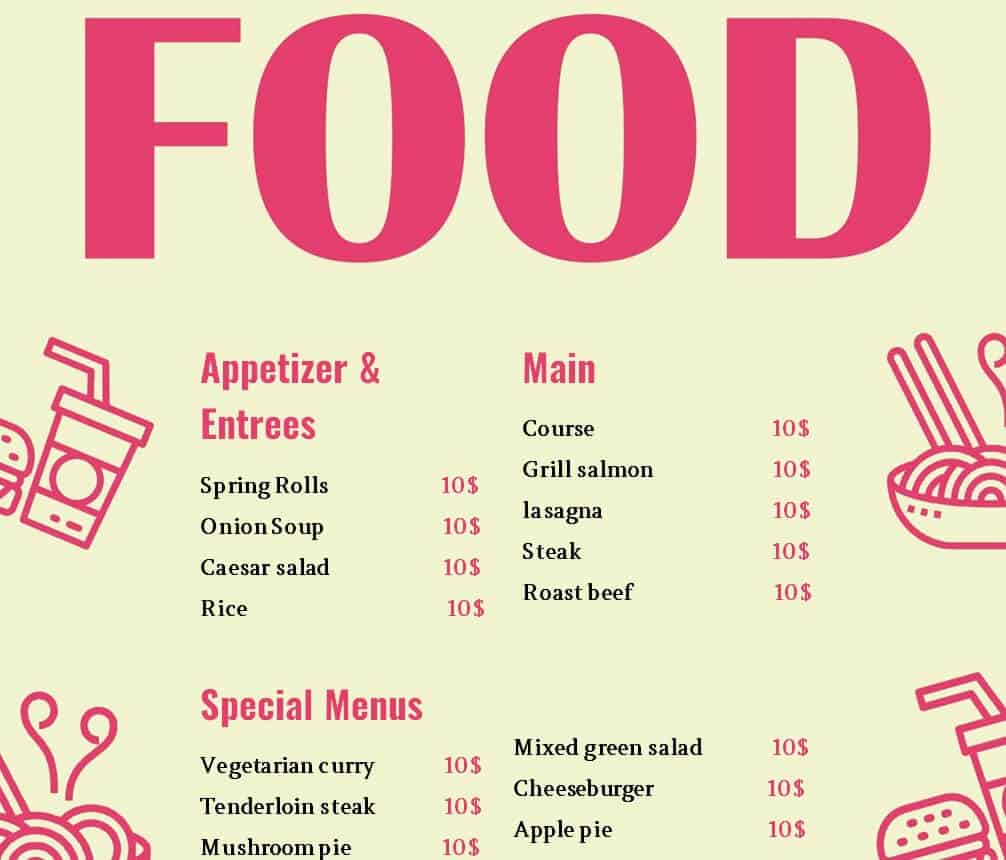
Download Special Food Menu Word Template
New Year Party Menu Example
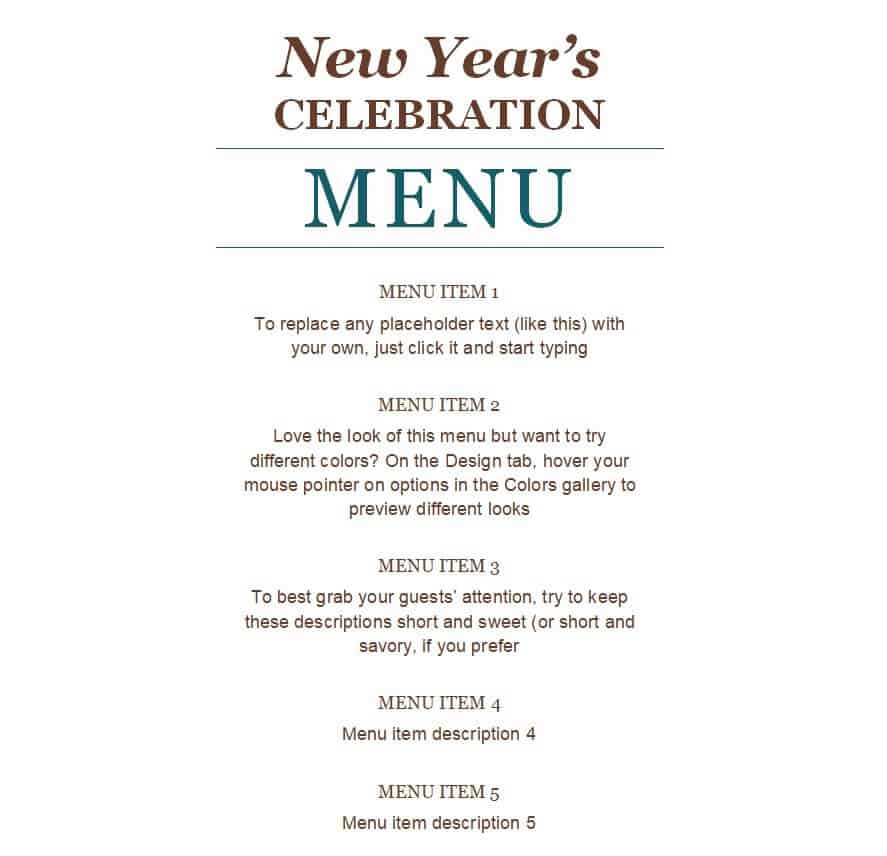
Download New Year Party Menu Example
How to Make a Menu in Word
- Download a template. Pick a style that matches your food and brand.
- Open it in Microsoft Word. Enable editing if the file opens in protected view.
- Replace the header. Add your business name, logo, and contact details.
- Enter your dishes. Type each item name, a short description, and the price.
- Adjust the design. Change fonts and colors from the Home and Design tabs to match your brand.
- Proofread carefully. Check spelling, prices, and allergen notes before printing.
- Save and print. Print on quality paper or cardstock, and save a PDF copy for sharing online.
Menu Design Tips
- Keep the layout simple, with plenty of white space so guests can scan easily.
- Limit fonts to two, one for headings and one for descriptions.
- Use short, appetizing descriptions rather than long paragraphs.
- Group similar items together and put popular dishes where the eye lands first.
- Choose colors that fit your theme, such as warm tones for cozy dining and bright colors for casual spots.
- Update prices and seasonal dishes regularly to keep the menu accurate.
- Print a test copy first to check readability in the lighting of your dining room.
Note: These templates are design layouts only. If you serve food commercially, follow your local food safety and allergen labeling rules when listing ingredients.
Frequently Asked Questions (FAQs)
Are these menu templates free?
Yes. Every menu template on this page is free to download and use for your restaurant, cafe, or event.
Can I edit the menu templates in Microsoft Word?
Yes. The files are designed for Word, so you can change text, fonts, colors, and images to match your needs.
What should a restaurant menu include?
Include your business name, contact details, organized food and drink categories, item names with short descriptions, prices, and dietary or allergen information.
How do I choose the right menu design?
Match the design to your restaurant style and audience. Elegant layouts suit fine dining, while colorful or simple layouts work well for cafes, burger shops, and casual eateries.
Can I use these templates for parties and holidays?
Yes. There are seasonal and event designs for Valentine’s Day, Christmas, winter feasts, football parties, and New Year celebrations.
How can I print my menu?
Save your edited file, then print on standard paper for daily menus or thicker cardstock for a longer-lasting card. You can also save a PDF for professional printing.
How often should I update my menu?
Update it whenever prices, ingredients, or dishes change, and refresh seasonal menus at least a few times a year.
Final Thoughts
A well-designed menu helps guests decide faster and makes your food look even better. Choose one of these 16 free menu templates, customize it with your dishes and prices, and give your customers a menu that reflects the quality of your kitchen.