A golden ticket makes any invitation feel special. Whether you are planning a birthday party, a school reward, a raffle, or a surprise gift, a shiny gold ticket tells guests they are in for something exciting.
You do not need a designer to make one. Below are 12 free golden ticket templates you can download, edit, and print at home or at the office. This guide also covers what to write on a golden ticket, how to print it, and creative ways to use it.
What Is a Golden Ticket?
A golden ticket is a special entry pass or reward, usually printed in gold or yellow tones, that gives its holder access to an event, prize, or privilege. The idea became famous through the story of Charlie and the Chocolate Factory, and it is now popular for parties, contests, classroom incentives, and gift certificates.
Benefits of Using Golden Ticket Templates
- Save time: The layout, border, and gold styling are already done.
- Cost effective: Print as many as you need on a home printer instead of paying for custom tickets.
- Easy to customize: Add your event name, date, venue, and ticket number in Word.
- Multiple tickets per page: Several templates fit three tickets on one A4 or letter sheet.
- Versatile: The same design works for events, rewards, coupons, and gifts.
What to Include on a Golden Ticket
- Event or reward name
- Date and time
- Location or venue
- Ticket number (useful for raffles and entry control)
- Holder’s name, if personalized
- Special instructions or terms
- Organizer name and contact details
Free Printable Golden Ticket Templates
These five templates come with download links in Word, DOC, or PDF format.
Golden Ticket Template 1 (Word)


Golden Ticket Template 2 (PDF)

Golden Ticket Love Coupon Template (PDF)
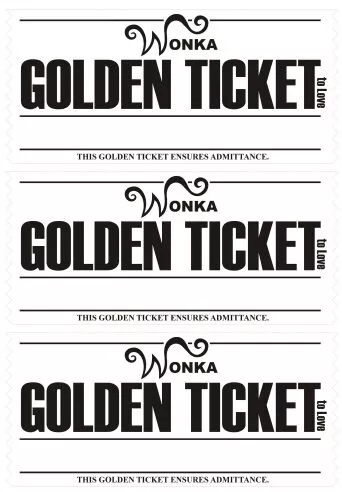
Golden Ticket Template 4 (DOC)

Golden Ticket Template 5 (DOC)

More Golden Ticket Examples
These additional designs are useful for inspiration and can be recreated in Word or any design tool.
Golden Ticket Example 1
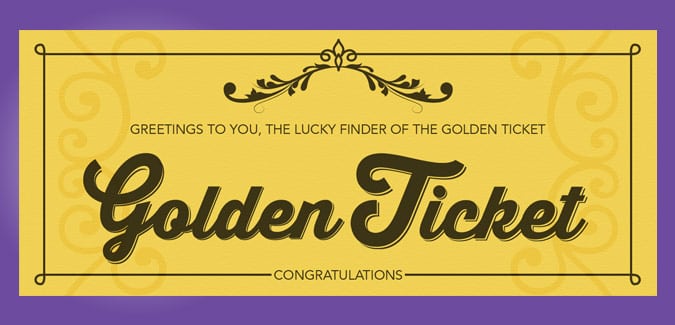
Golden Ticket Example 2
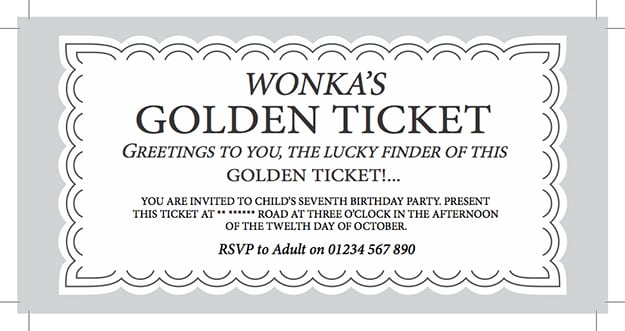
Golden Ticket Example 3
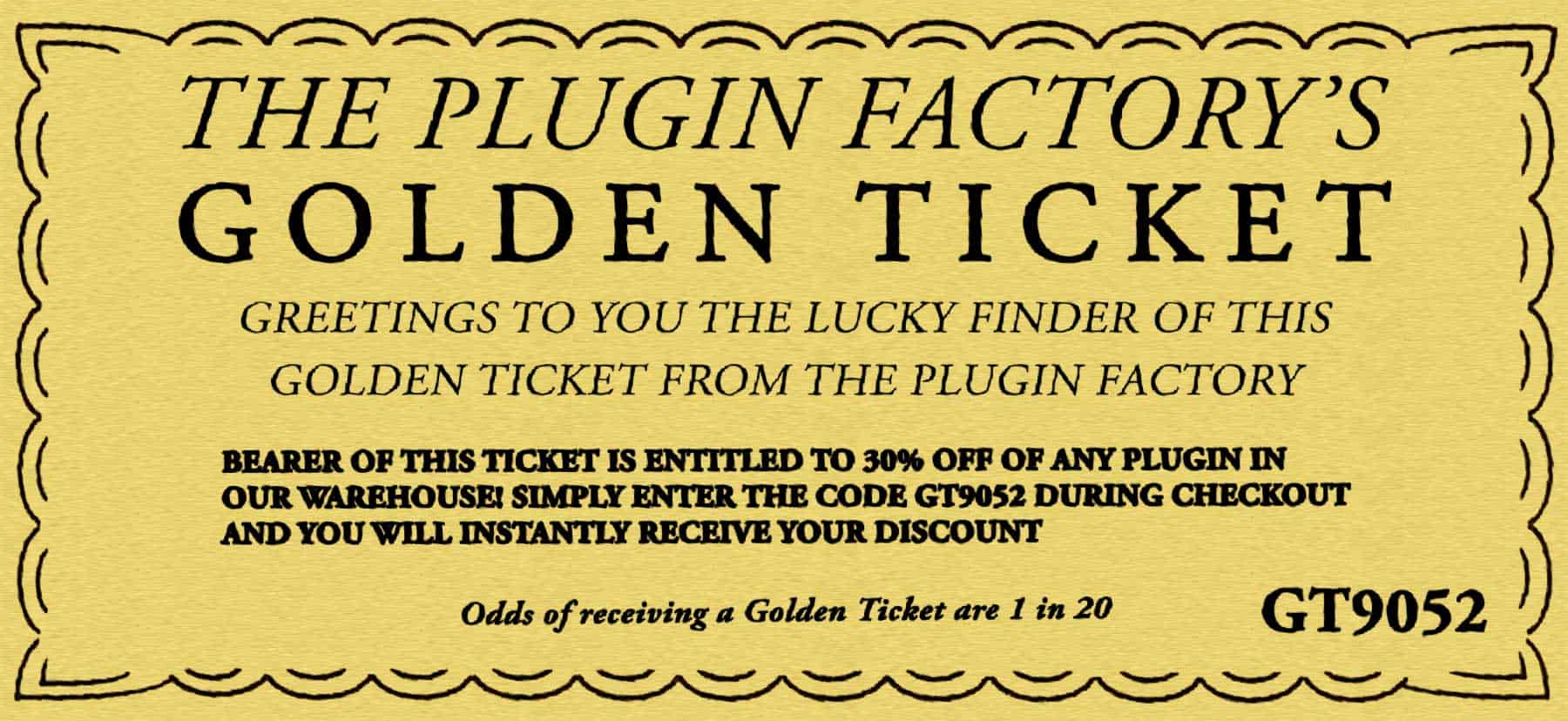
Golden Ticket Example 4
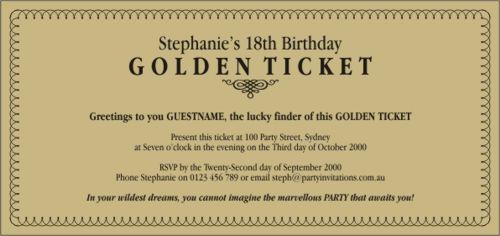
Golden Ticket Example 5
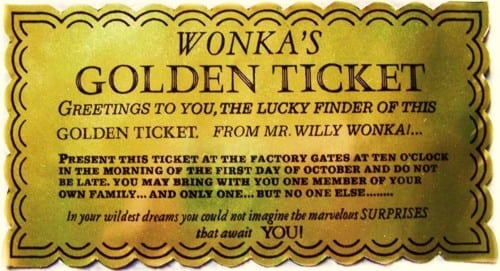
Golden Ticket Example 6
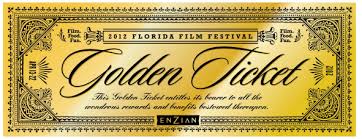
Golden Ticket Example 7
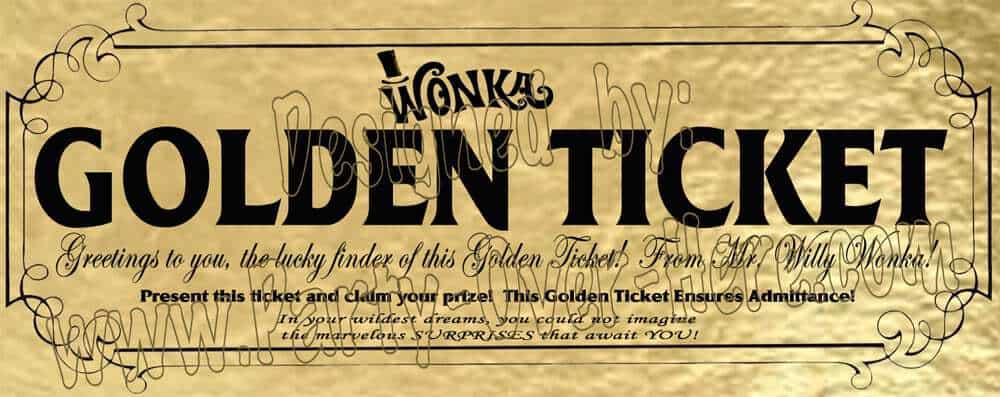
How to Make a Golden Ticket
- Pick a template. Choose the size and style that suit your event.
- Open it in Word. Download the DOC or DOCX file and click into the text fields.
- Add your details. Enter the event name, date, venue, and any ticket numbers.
- Personalize. Change fonts, add a logo, or insert the guest’s name.
- Print. Use gold, yellow, or cream cardstock for the best look.
- Cut and finish. Trim along the border and add a hole punch or ribbon if you like.
Creative Ways to Use a Golden Ticket
- Birthday party or surprise party invitations
- School or classroom reward for good behavior
- Raffle and door prize entries
- Gift vouchers such as movie night or a free dinner
- Employee recognition or contest prizes
- Wedding, graduation, or anniversary keepsakes
Tips for Better Golden Tickets
- Print on 65 lb or heavier cardstock for a sturdy feel.
- Number tickets in sequence to prevent duplicates at ticketed events.
- Keep text short so it stays readable at ticket size.
- Test-print one copy first to check colors and alignment.
Frequently Asked Questions (FAQs)
What is a golden ticket template?
It is a pre-designed ticket layout in gold tones that you can edit with your own event details and print.
Are these golden ticket templates really free?
Yes. You can download and print them at no cost for personal use.
What file formats are available?
The templates are offered in Word (DOC or DOCX) and PDF, so you can edit them or print them right away.
How many tickets fit on one page?
Many of these designs fit three tickets on a single A4 or letter-size sheet, and you can adjust the size in Word.
What paper should I use?
Glossy or matte cardstock in gold, yellow, or white works well. Gold metallic paper adds an extra premium look.
Can I use a golden ticket for a raffle?
Yes. Add sequential ticket numbers and a tear-off stub so you can keep track of entries. Check local rules on raffles before selling tickets.
Can I add my own logo or photo?
Yes. In Word, use Insert > Picture to add a logo, photo, or QR code to any template.
Final Thoughts
Golden ticket templates make it simple to create a memorable invitation or reward in minutes. Choose a design above, customize it in Word, and print it on quality paper to make your next event feel truly special.




You must be logged in to post a comment.