Do you want every week to feel organized, focused, and productive? A weekly schedule shows what you need to do on each of the seven days, so tasks, meetings, classes, and chores never slip through the cracks. Busy professionals, students, parents, and team managers all rely on weekly schedules to manage time wisely and hit their goals.
The free weekly schedule templates below come in Excel and Word formats. Download the one that fits your routine, type in your own details, and print it or keep it on your computer. No design skills needed.
What Is a Weekly Schedule?
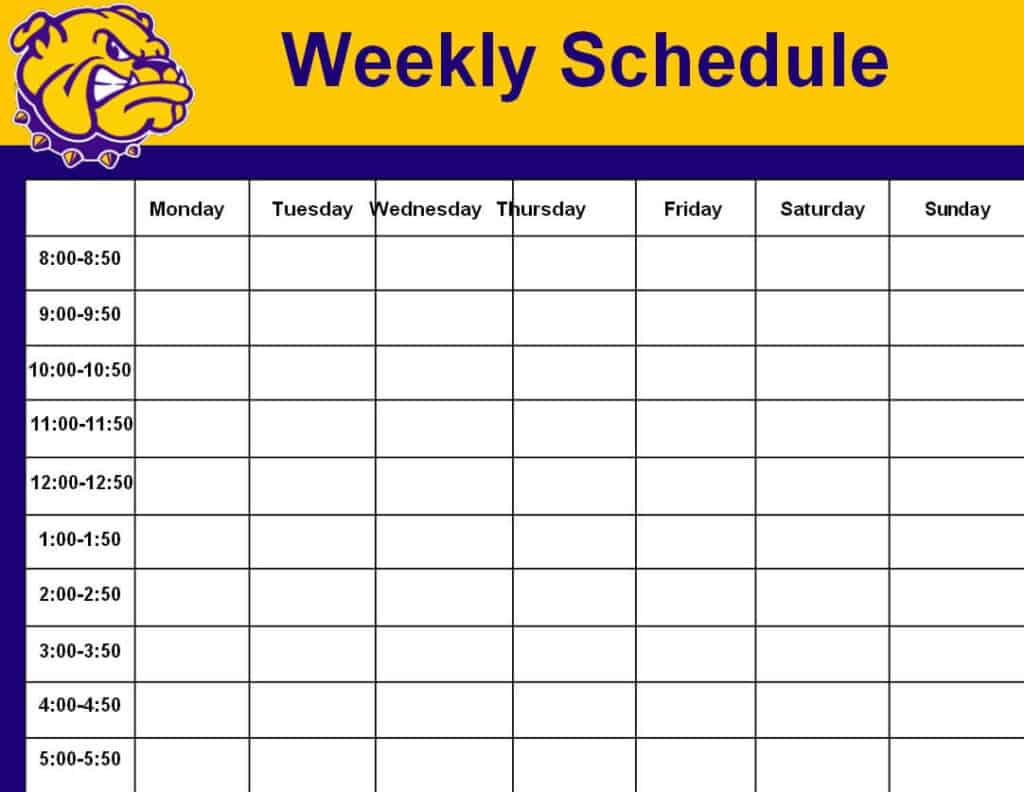
A weekly schedule is a planning tool that divides your week into days and, often, into hourly time slots. You write down appointments, work tasks, study sessions, workouts, and personal errands so you can see the whole week at a glance. Because it covers seven days, it is more flexible than a daily planner and more detailed than a monthly calendar, which makes it ideal for time management.
Benefits of Using a Weekly Schedule
- Better time management: You see how your hours are spent and can spot time wasters.
- Higher productivity: Planning ahead helps you do more in less time.
- Less stress: Knowing what comes next reduces last-minute rushing.
- Balanced life: You can fit in work, family, exercise, and rest.
- Clear team coordination: Shared schedules tell employees when and where to work.
Weekly Schedule Excel Templates
Excel templates are best when you want to edit quickly, sort tasks, or share a schedule with a team. Click “Download” under any preview.
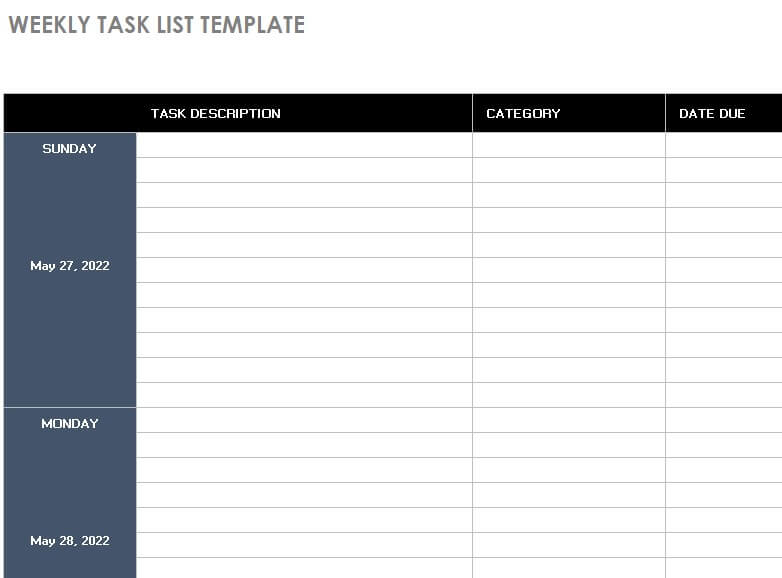
1. Weekly Task List Excel Template
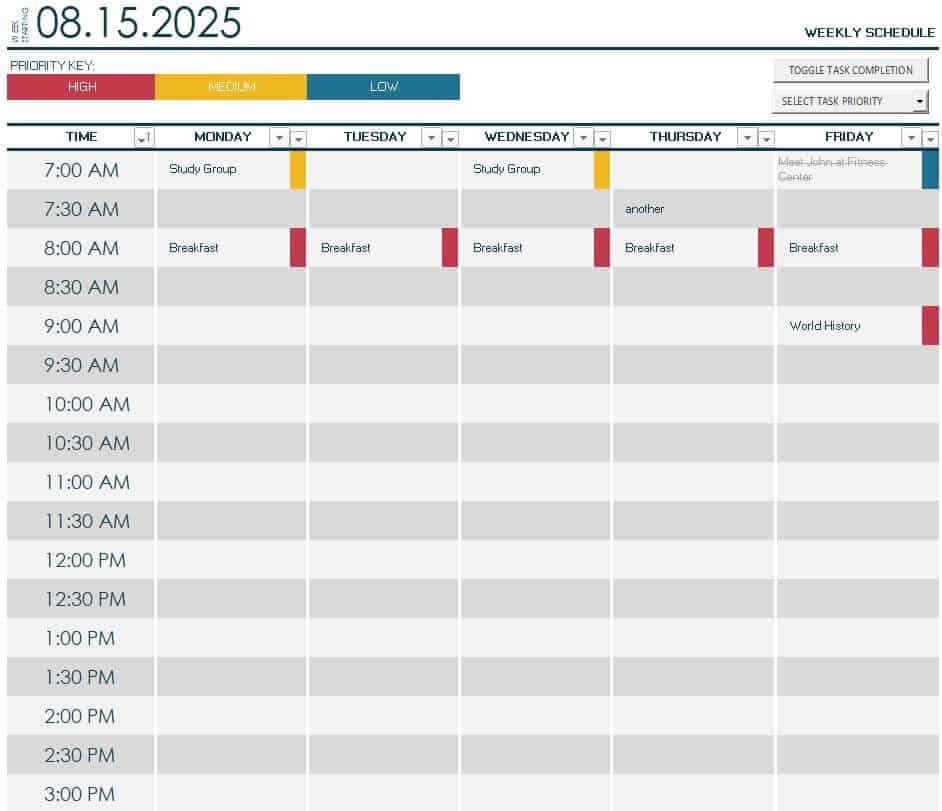
2. Detailed Weekly Schedule Template
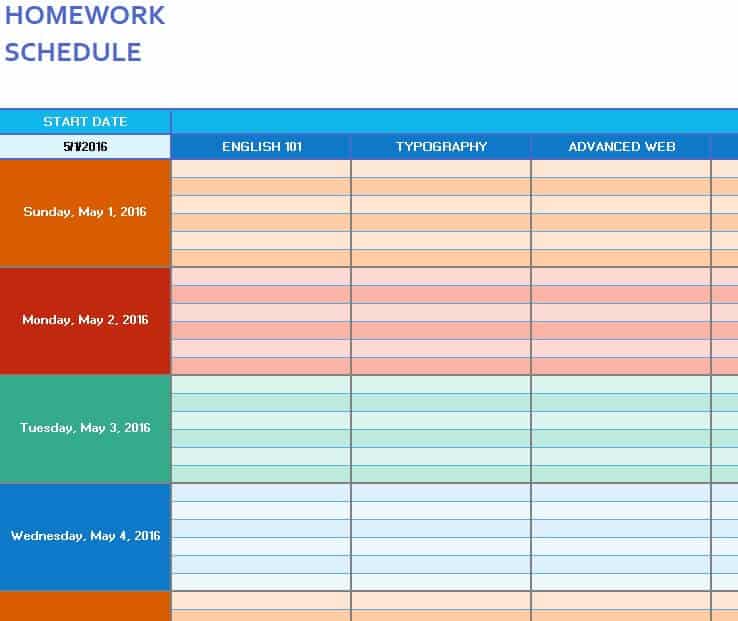
3. Homework Weekly Schedule Template
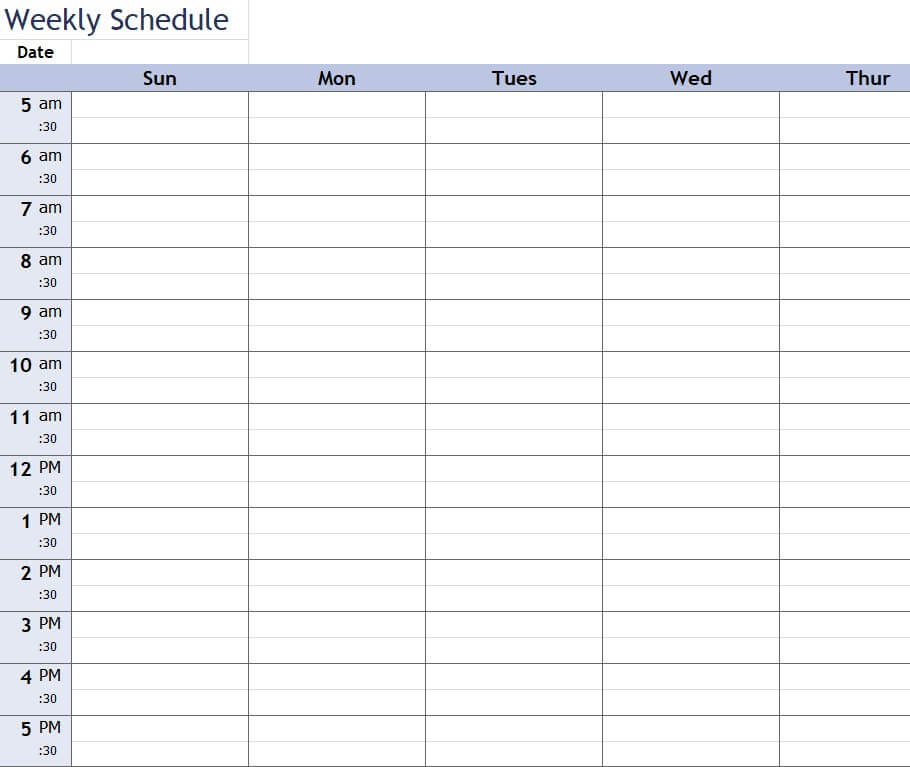
4. Blank Weekly Schedule Sample Excel
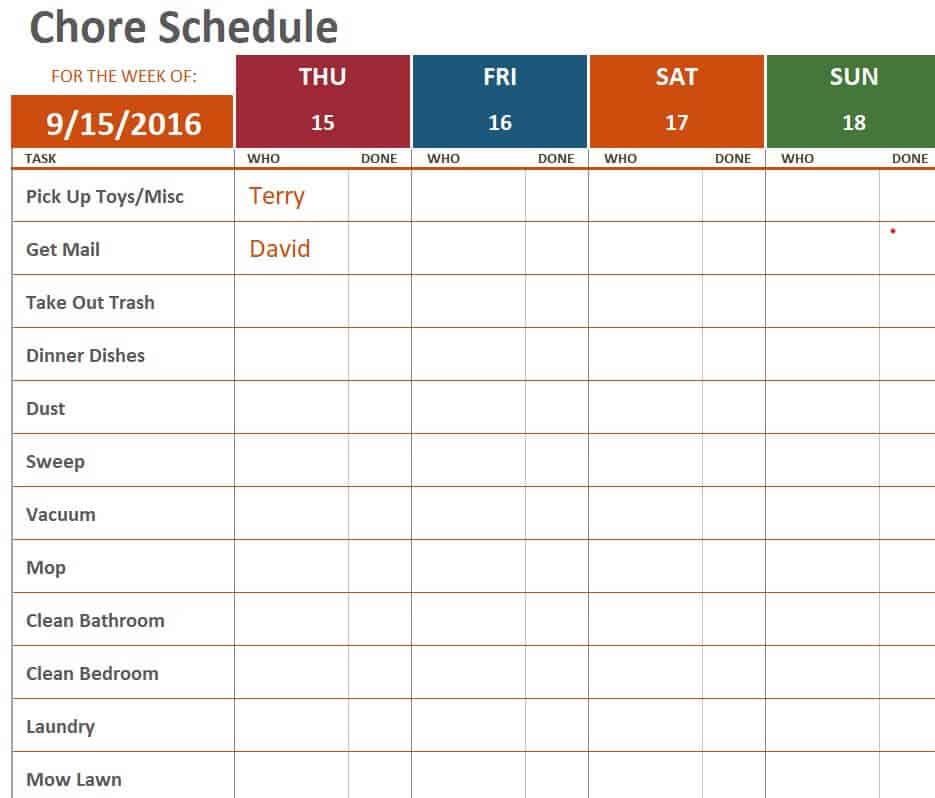
5. Weekly Chore Schedule Template
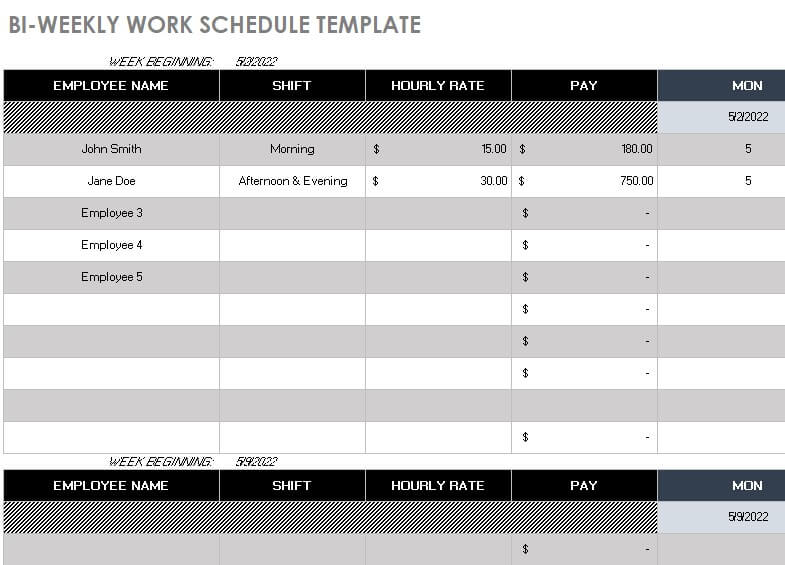
6. Sample Bi Weekly Work Schedule Template
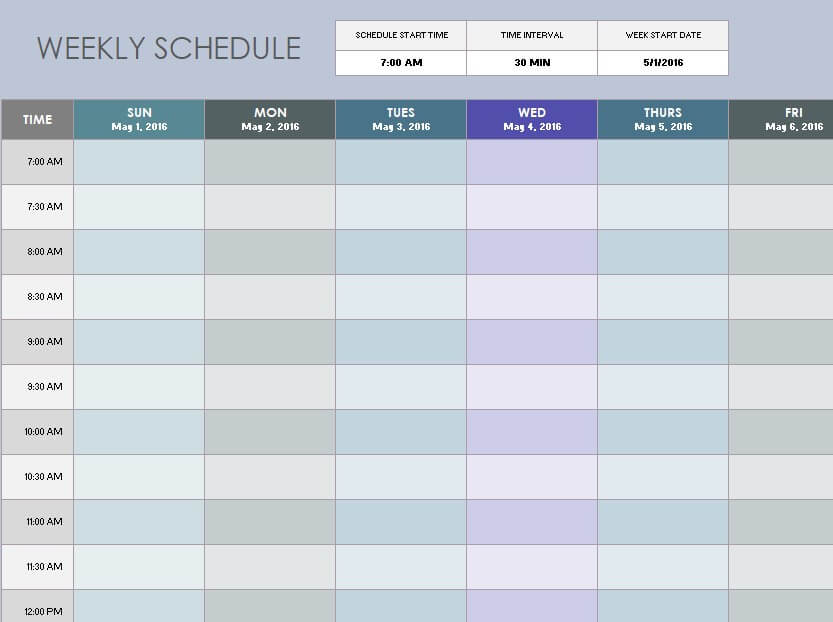
7. Official Weekly Schedule Template Excel
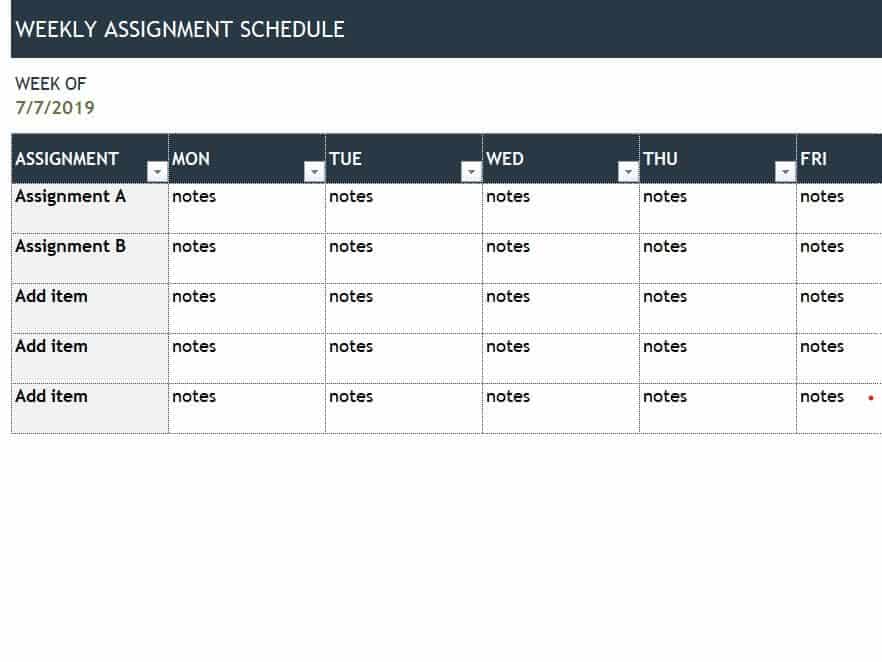
8. Weekly Assignment Schedule Example
9. Free Editable Weekly Task Schedule Sheet
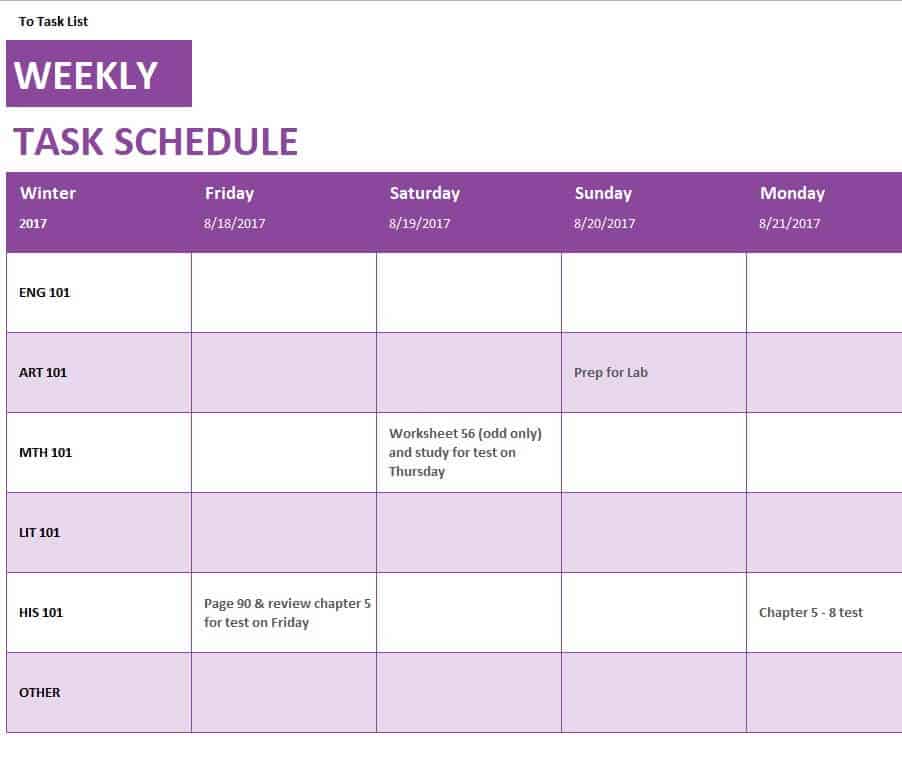
10. Weekly Schedule Excel Sheet Sample
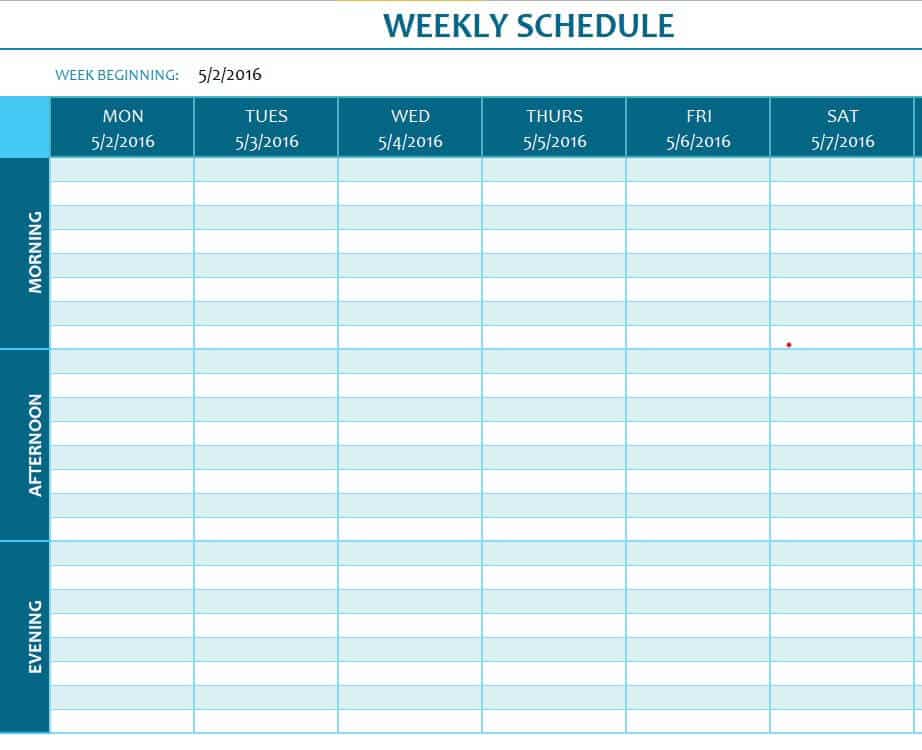
11. Weekly Employee Shift Schedule Layout
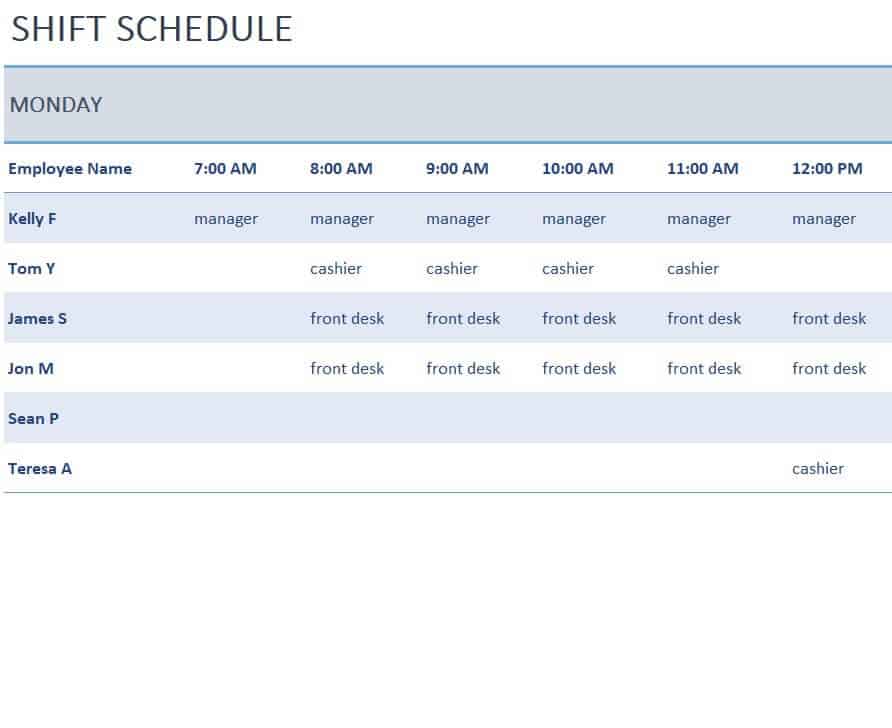
12. Weekly Group Schedule Example in XLSX Format
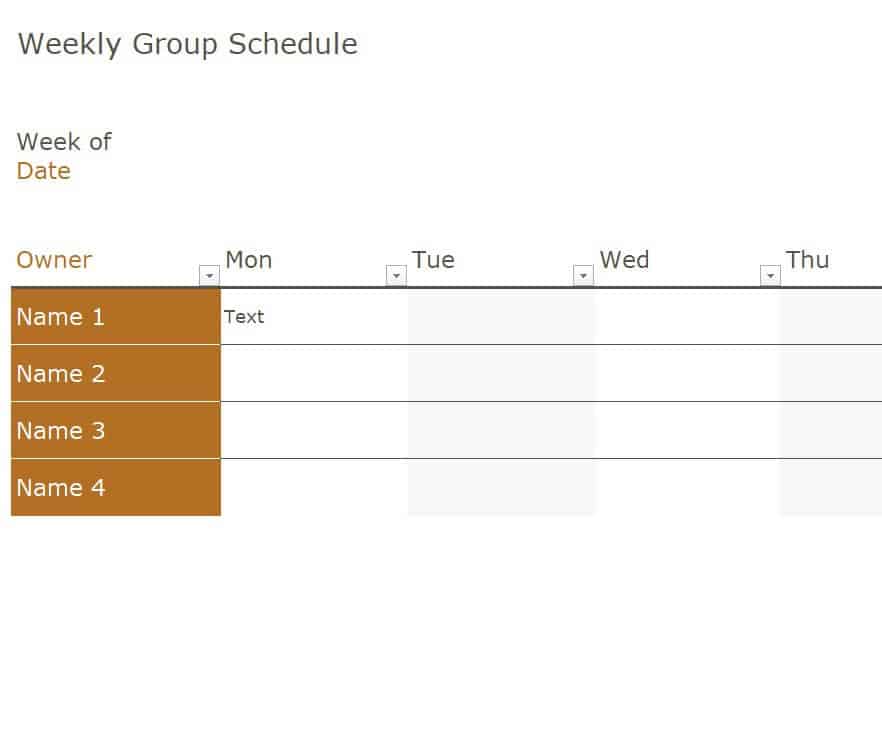
13. Weekly Planner Excel Sheet
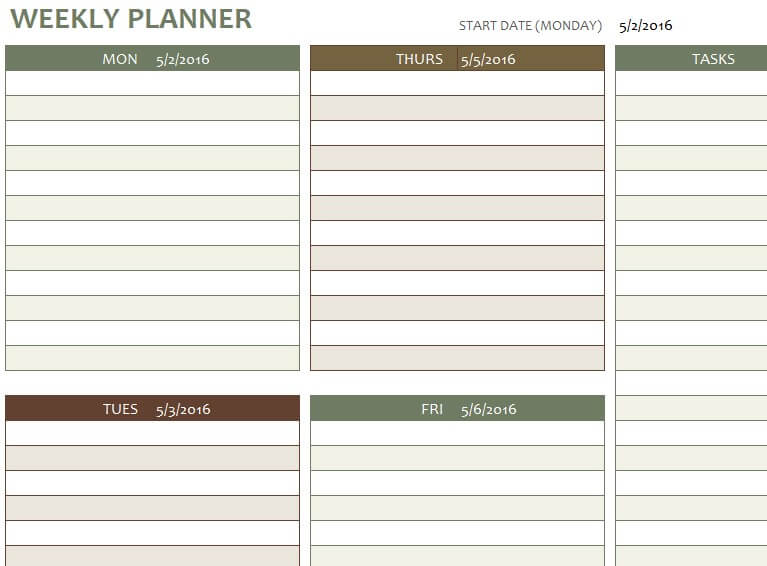
14. Free Editable Weekly Employee Schedule Template
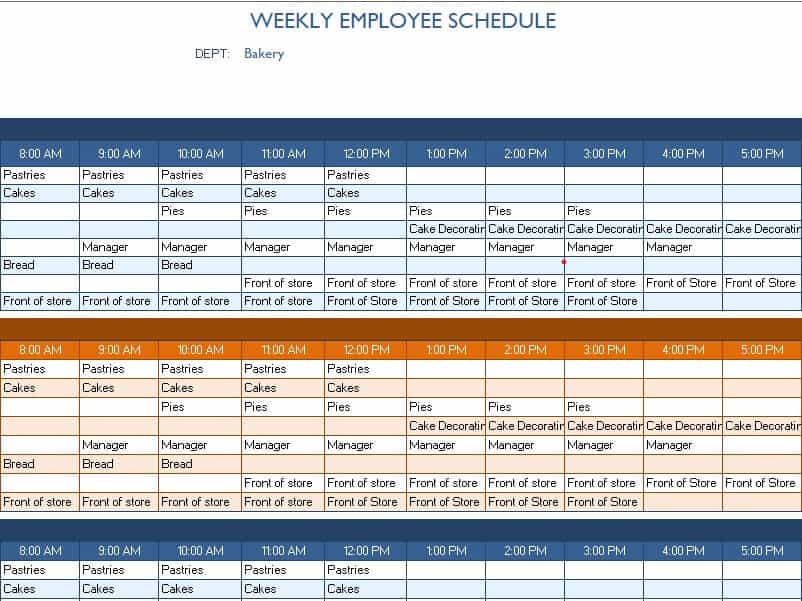
Weekly Schedule Word Templates
Word templates are ideal for printing and filling in by hand, or for quick edits with any word processor.
15. Weekly Schedule Planner in DOC Format
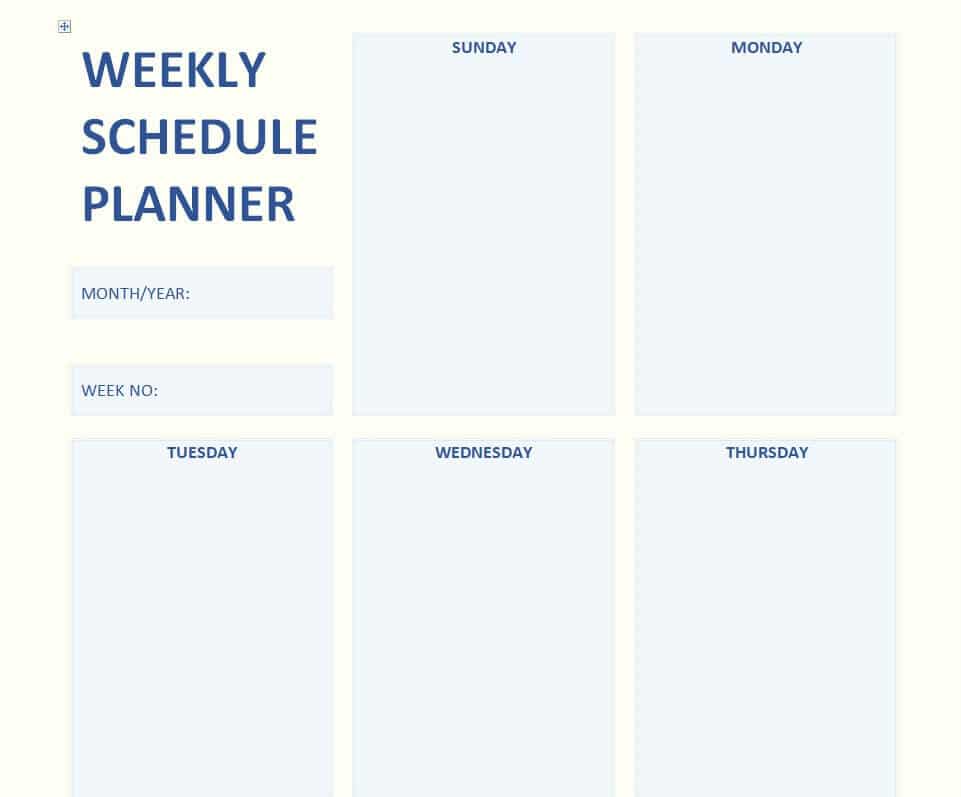
16. Weekly Activity Schedule Template
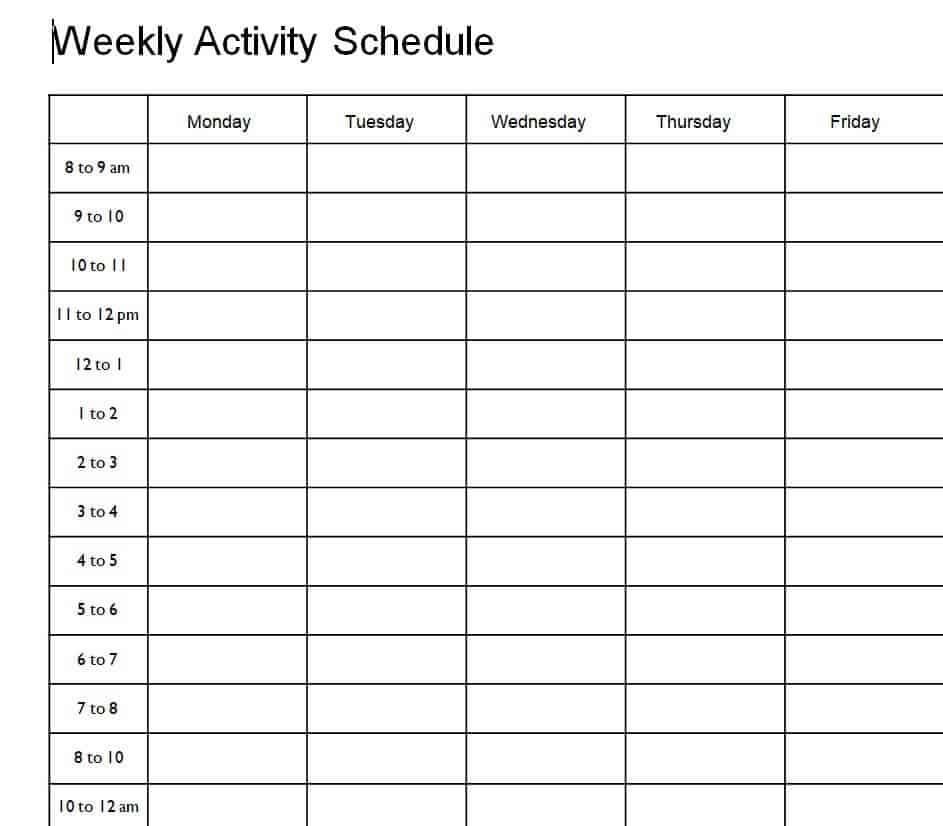
17. Practical Weekly Schedule Example Sheet
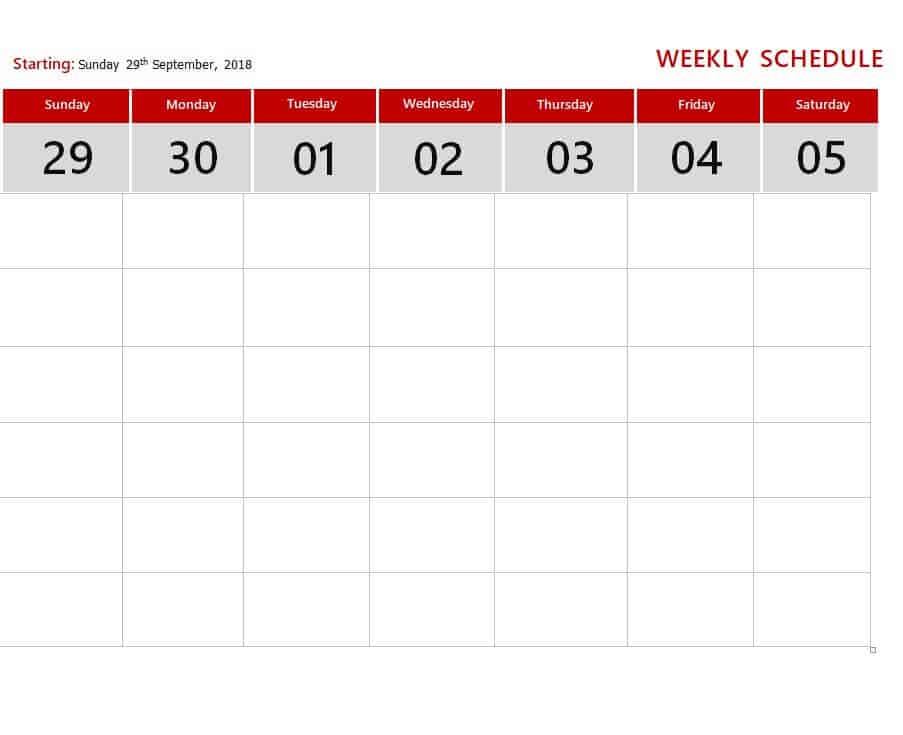
18. Weekly Schedule Word Template
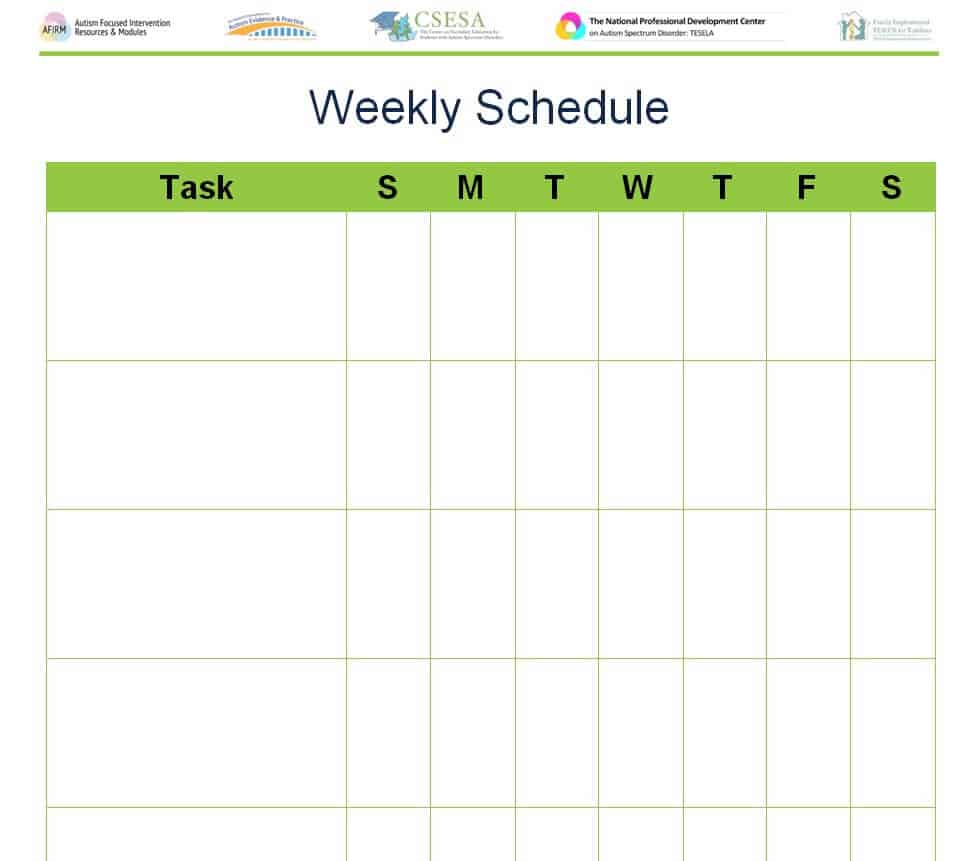
19. Time Management Weekly Schedule Template
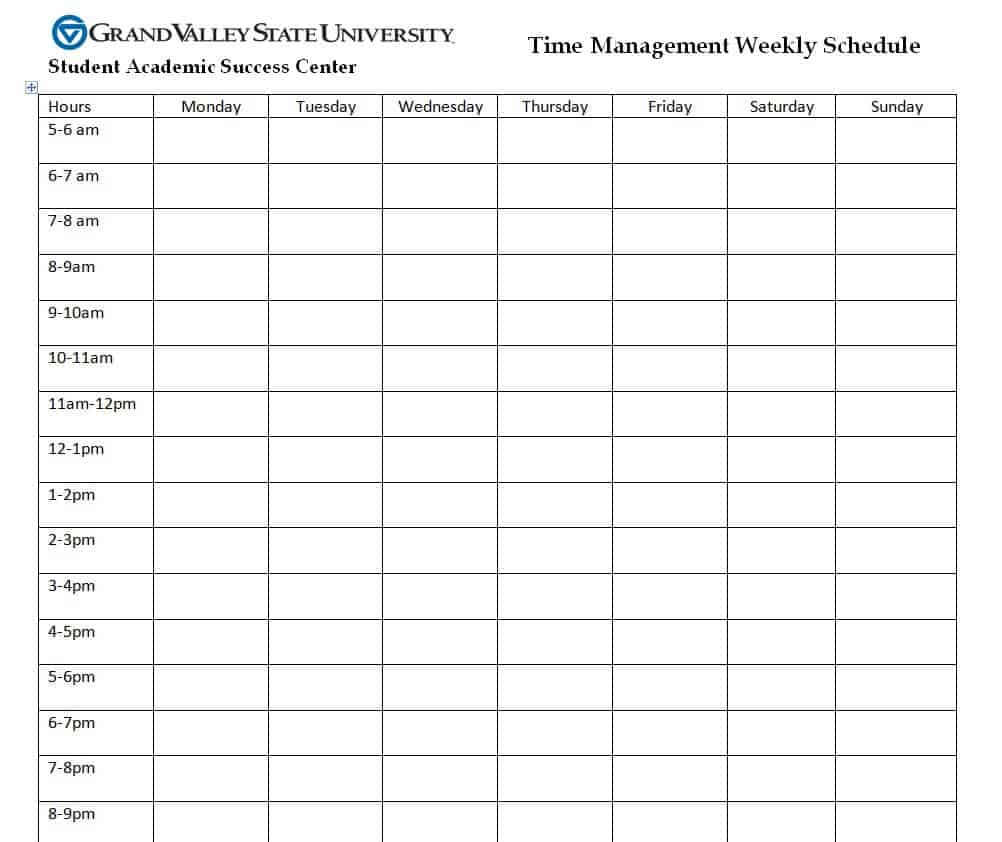
20. Homework Weekly Schedule Worksheet
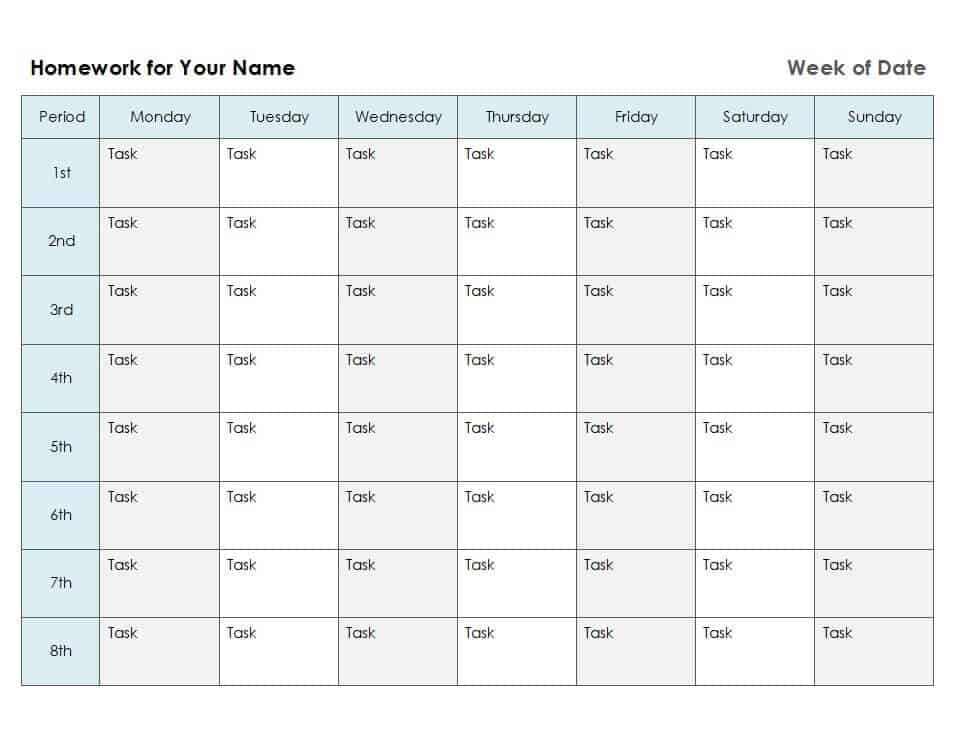
21. Current Week Schedule Template in MS WORD
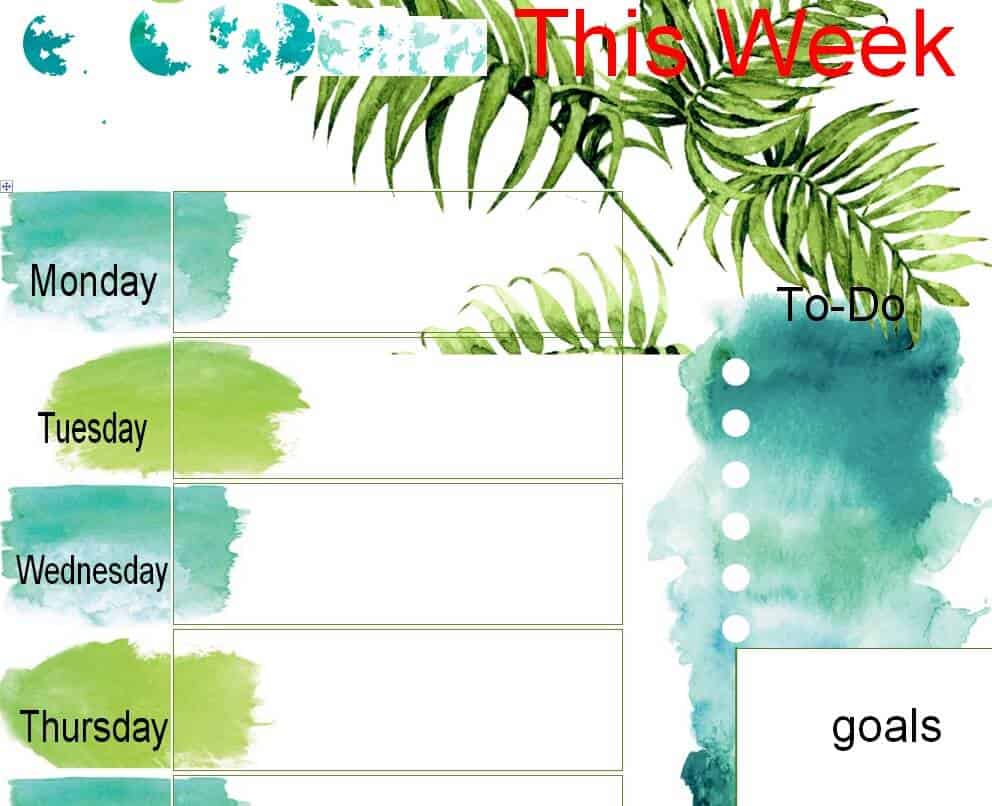
22. Special Weekly Schedule Example in WORD
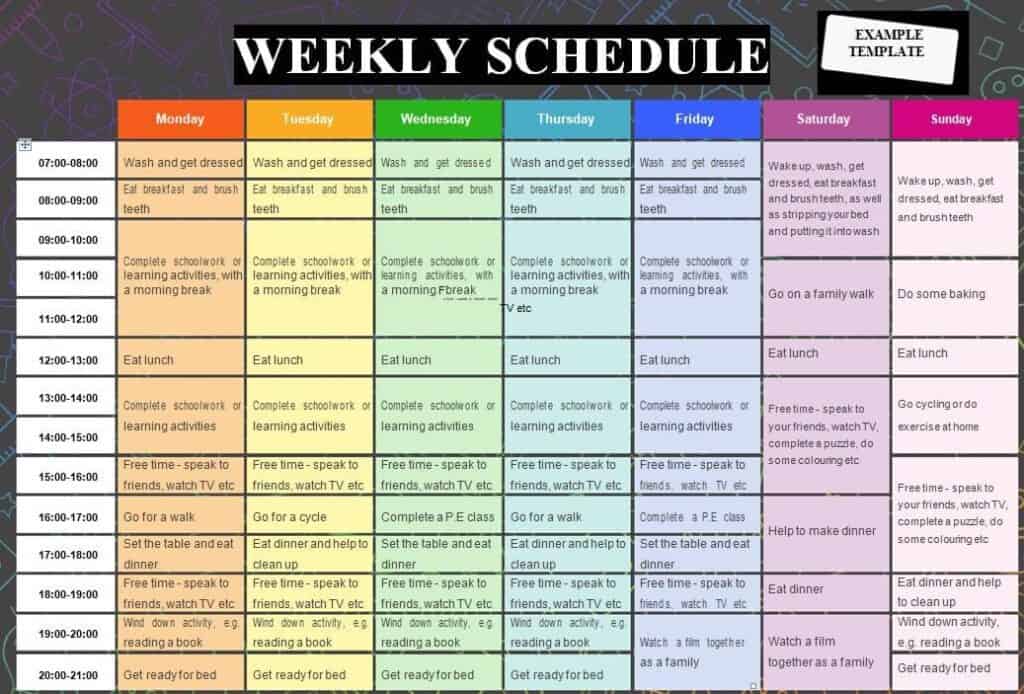
23. Weekly Time Schedule Template DOC
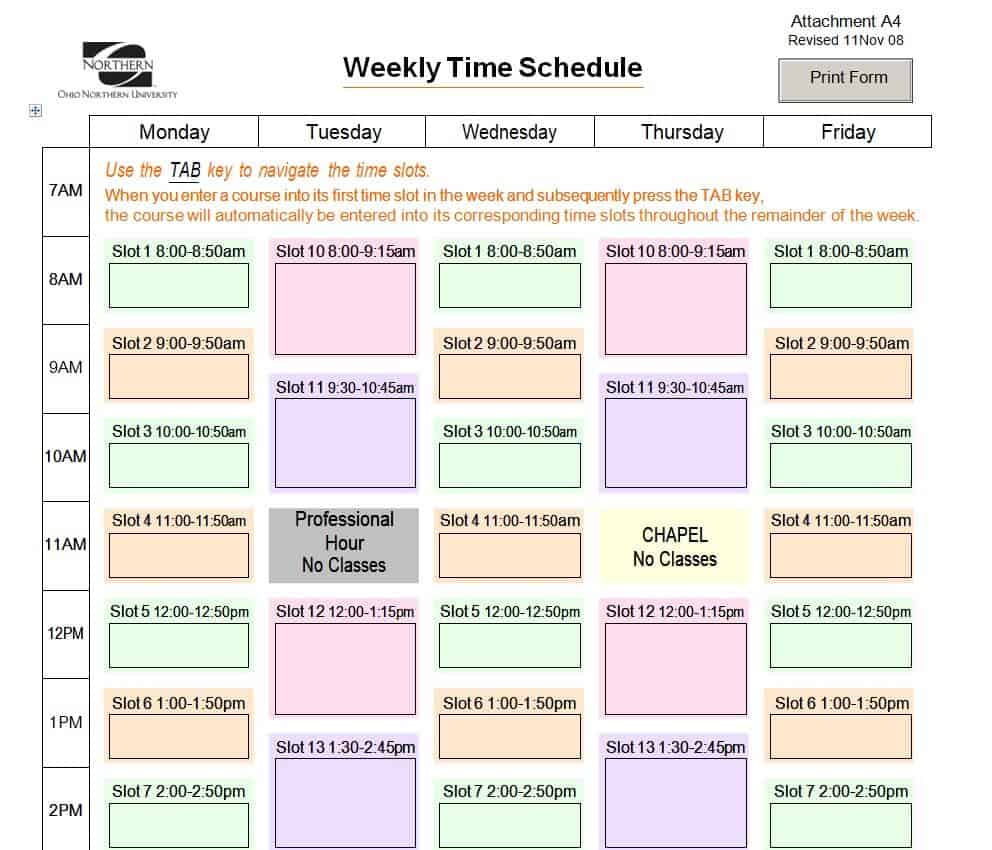
24. Printable Personal Weekly Schedule Template
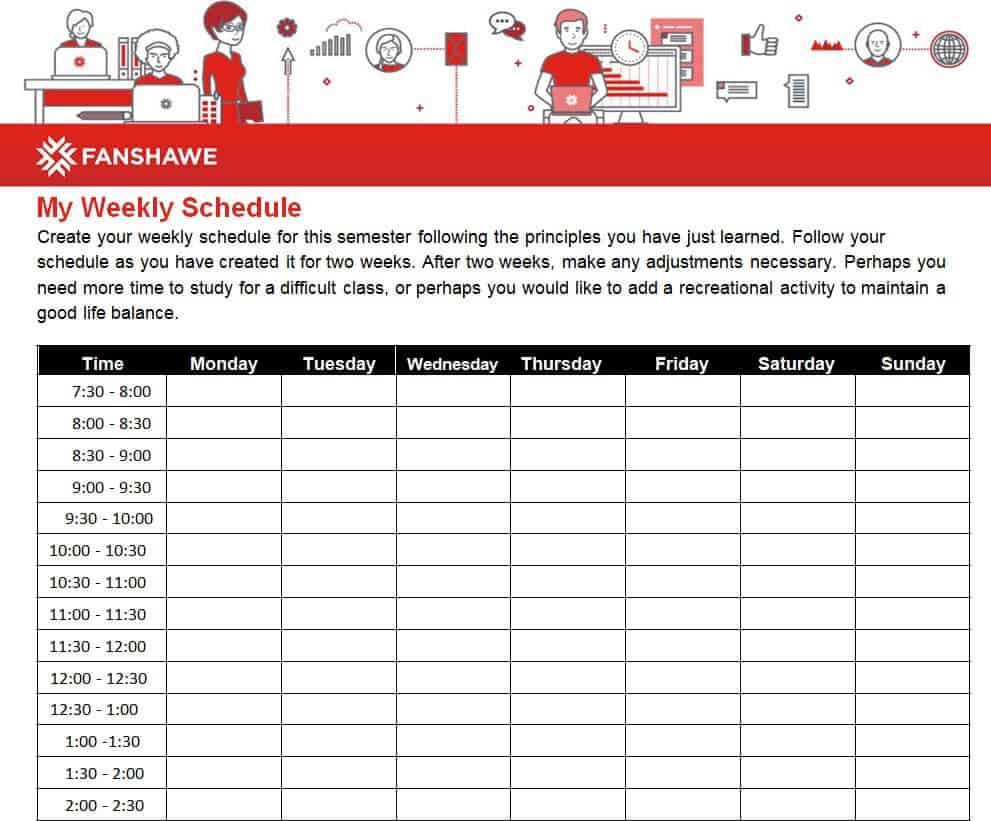
25. Online Weekly Schedule Template WORD
How to Make a Weekly Schedule Step by Step
Step 1: List Your Fixed Commitments
Start with things that cannot move: work hours, classes, medical appointments, school runs, and meetings. Put these into the template first.
Step 2: Add Your Priorities and Goals
Write down the three to five most important things you want to finish this week. Give each one a specific time slot so it actually happens.
Step 3: Block Time for Routine Tasks
Add chores, exercise, meal prep, errands, and study sessions. Group similar tasks together to save energy and travel time.
Step 4: Leave Buffer Time
Do not fill every hour. Leave gaps for delays, breaks, and surprises so one late meeting does not ruin the day.
Step 5: Review and Adjust
Check your schedule every evening and revise on Sunday for the next week. Notice what worked and what did not.
How to Make a Weekly Schedule in Excel
To build your own, open a blank workbook and type the days across the top row. Put time slots (for example 7:00 AM to 9:00 PM) down the first column. Merge cells for longer tasks, color-code categories such as work, study, and personal, and turn on print gridlines. Save it as a template so you can reuse it every week. Or simply download one of the ready-made Excel templates above.
Tips to Stick to Your Weekly Schedule
- Be realistic about how long each task takes.
- Schedule your hardest work at your most energetic time of day.
- Use colors to separate work, family, health, and free time.
- Keep the schedule where you can see it, on your desk, fridge, or phone.
- Build in a weekly review to plan ahead.
- Include time for rest, because a schedule that ignores breaks rarely lasts.
Frequently Asked Questions (FAQs)
What is the best weekly schedule template?
It depends on your needs. Students do well with homework or timetable layouts, employers with shift schedule templates, and busy individuals with hourly planners.
Are these weekly schedule templates free?
Yes. All 25 templates are free to download and edit in Excel or Word.
Can I print these templates?
Yes. Each template is designed to print cleanly on standard letter or A4 paper.
How do I make a weekly schedule for work?
List your meetings and deadlines, block time for focused tasks, add buffer time, and review it every Friday for the next week.
What is a bi-weekly schedule?
A bi-weekly schedule covers two weeks on one page. It is common for employee shifts and payroll periods.
Should I use Excel or Word for my weekly schedule?
Use Excel if you want to sort, calculate, or share online. Use Word if you mainly want a simple printable page you can fill by hand.
How far in advance should I plan my week?
Many people plan on Sunday evening or Friday afternoon. Spend ten to fifteen minutes to review the coming week and set priorities.


You must be logged in to post a comment.