Buying a home is one of the biggest financial decisions most people ever make, and understanding your monthly payment is the first step. A mortgage calculator Excel template lets you estimate your monthly mortgage payment, see how much interest you will pay over the life of the loan, and find out how long it will take to pay off your home loan. Below you will find ten free, editable mortgage calculator templates for Microsoft Excel, together with a clear explanation of how they work, step-by-step instructions, money-saving tips, and answers to frequently asked questions.
Online mortgage calculators are easy to find, but a spreadsheet you save on your own computer gives you more freedom. You can work offline, change assumptions instantly, compare several loan offers side by side, and keep everything private. Download a template, enter your numbers, and see the results in seconds.
What Is a Mortgage Calculator?
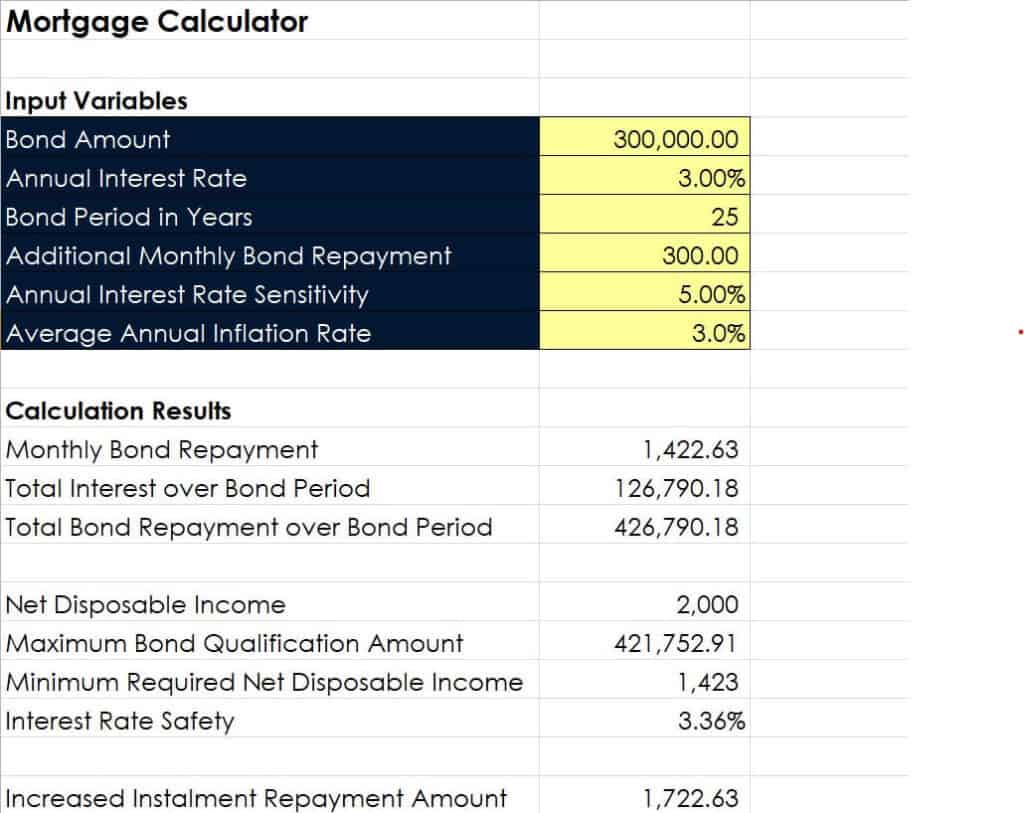
A mortgage calculator is a tool that estimates the regular payment on a home loan based on a few key inputs: the loan amount, the annual interest rate, and the loan term. Many versions also include property tax, homeowner’s insurance, extra payments, and an amortization schedule that shows how each payment is split between principal and interest.
In Excel, mortgage calculators typically use the built-in PMT function, which calculates a loan payment from a fixed interest rate, number of payments, and loan amount. Because the formulas are already built into the templates, you only need to type in your own numbers.
Benefits of a Mortgage Calculator Excel Template
- Know your payment in advance: see what you can afford before you talk to a lender.
- Compare loan options: test different interest rates, down payments, and loan terms to see how they change your monthly cost.
- See the full cost: discover how much total interest you will pay over the life of the loan.
- Plan extra payments: learn how adding a little extra each month can shorten your loan and save interest.
- Work offline: the spreadsheet runs on your computer without needing an internet connection.
- Fully editable: adjust the layout, add your own notes, or connect it to your household budget.
Key Terms to Know
Principal
The principal is the amount you borrow, usually the home price minus your down payment.
Interest Rate
The interest rate is the yearly cost of borrowing, shown as a percentage. Even a small change in the rate can add or save thousands over the loan term.
Loan Term
The term is the number of years you have to repay the loan, commonly 15, 20, or 30 years. Shorter terms have higher monthly payments but lower total interest.
Amortization
Amortization is the schedule of payments over time. Early payments go mostly toward interest, while later payments go mostly toward principal.
Escrow, Taxes and Insurance
Many lenders collect property taxes and homeowner’s insurance along with your monthly payment. Some templates include fields for these extra costs so you can see your true monthly housing expense.
Free Mortgage Calculator Excel Templates
Preview each template below and use the Download button to save the file to your computer.
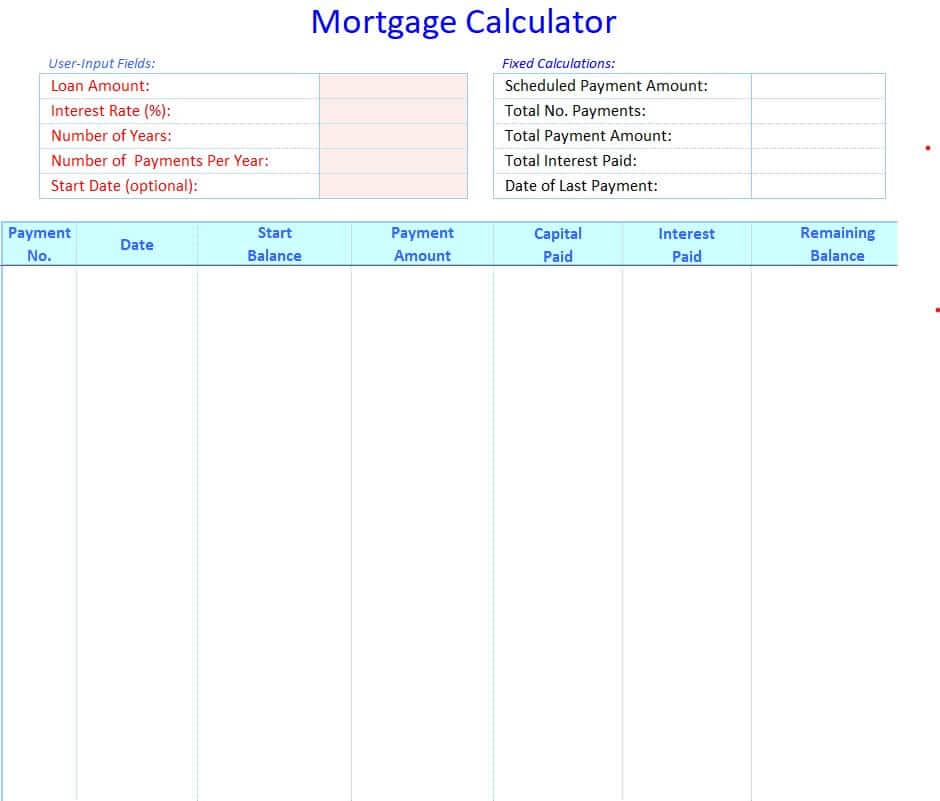
Standard Mortgage Calculator Excel Sheet Template
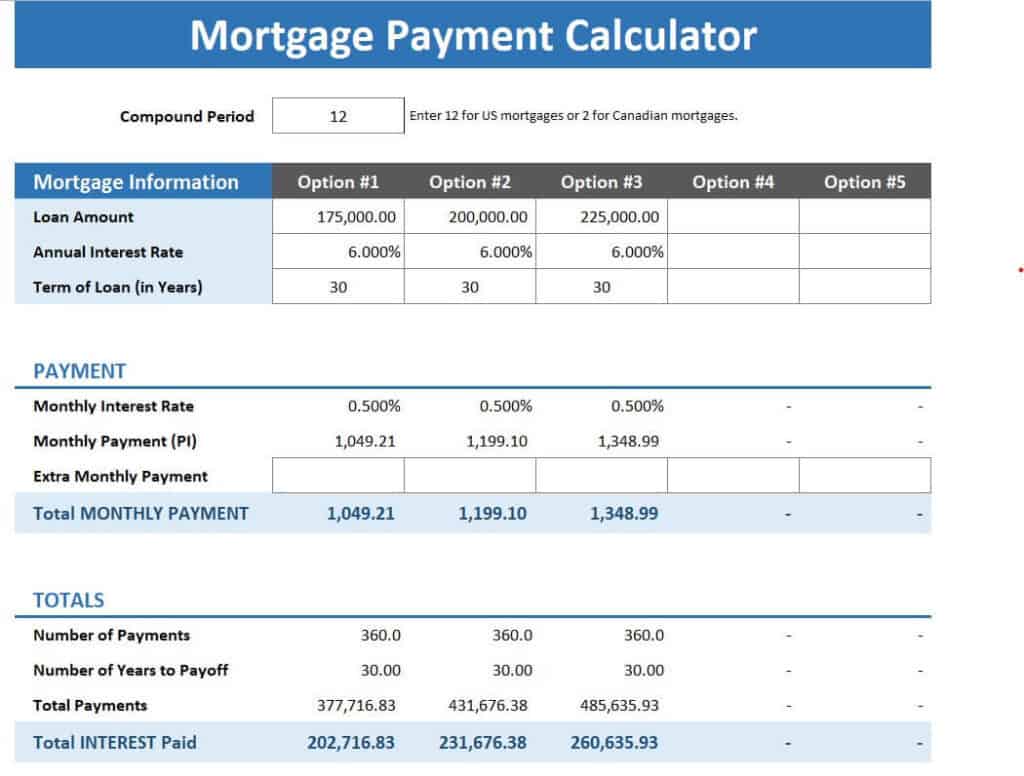
Mortgage Payment Calculator Template in XLSX Format
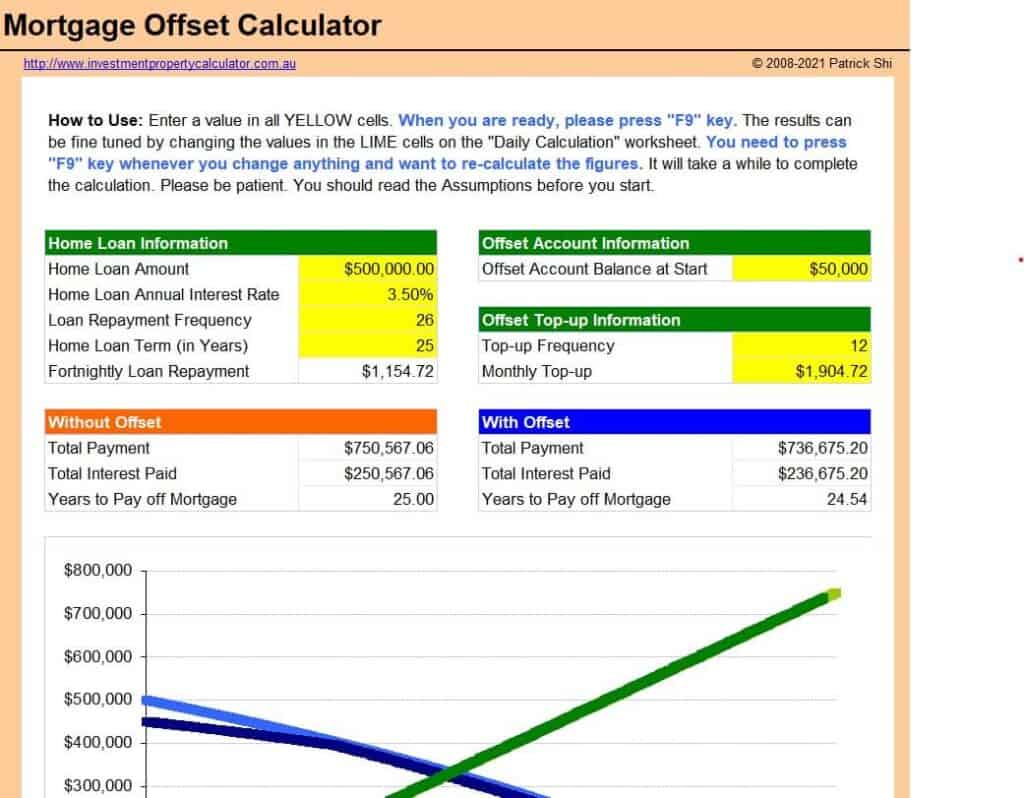
Mortgage Offset Calculator Sample
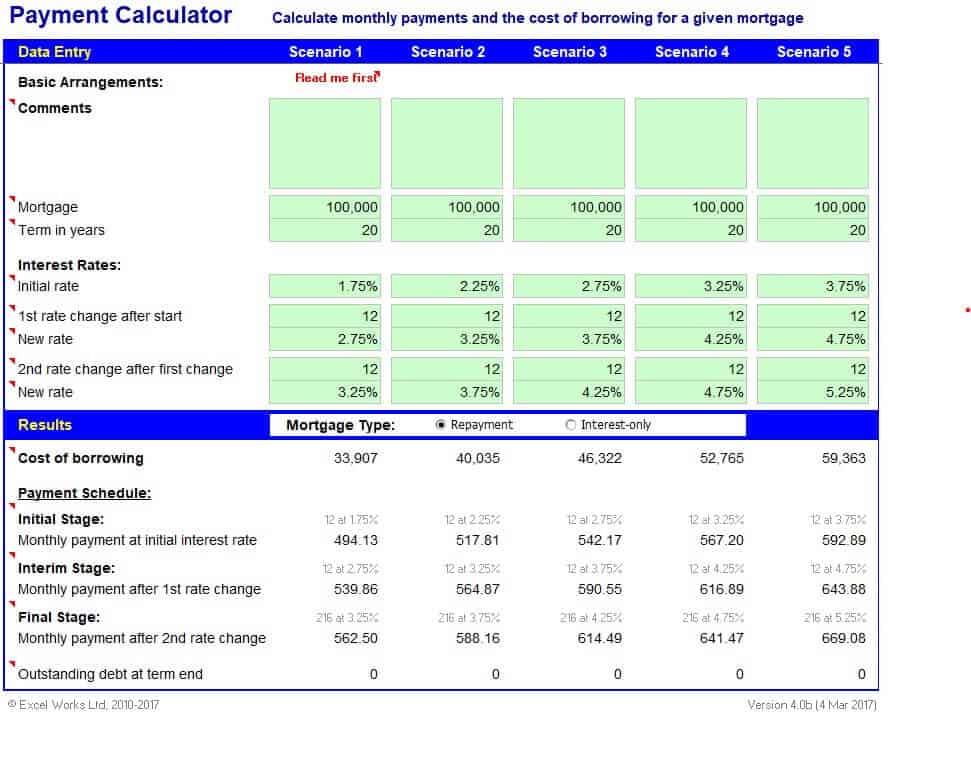
Example Loan Payment Calculator Excel Spreadsheet
Free Editable Mortgage Payment Calculator Template

Home Mortgage Calculator Excel Template
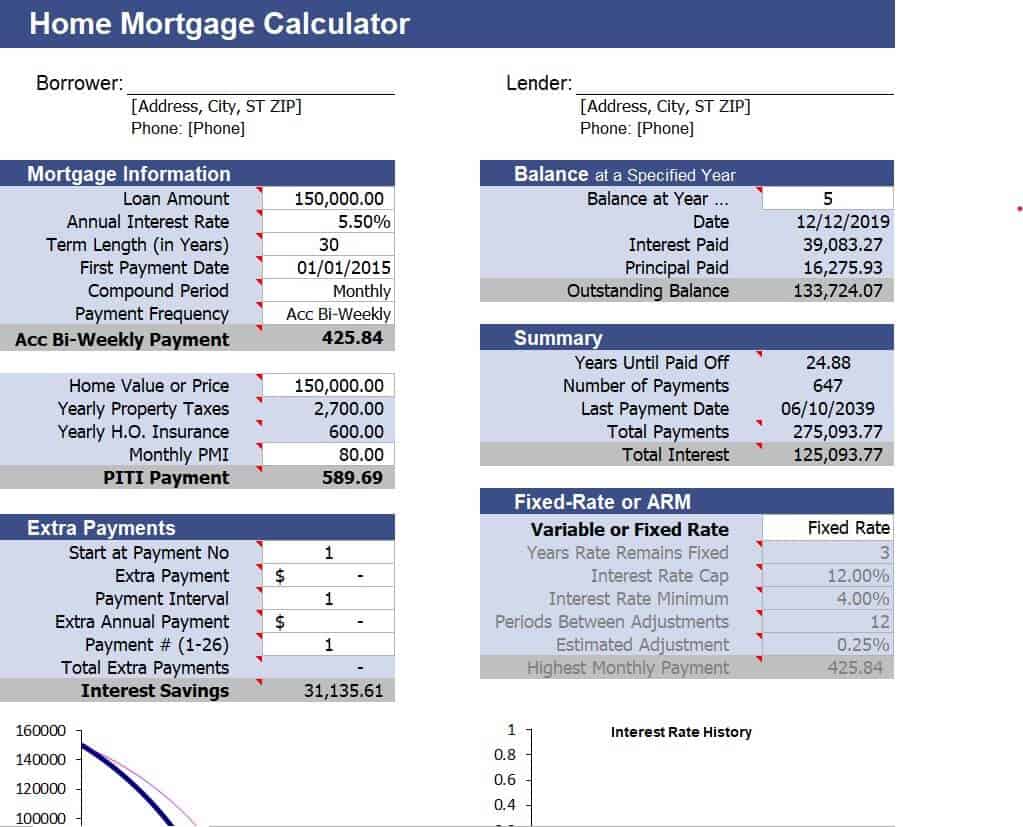
Practical Mortgage Calculator Sample
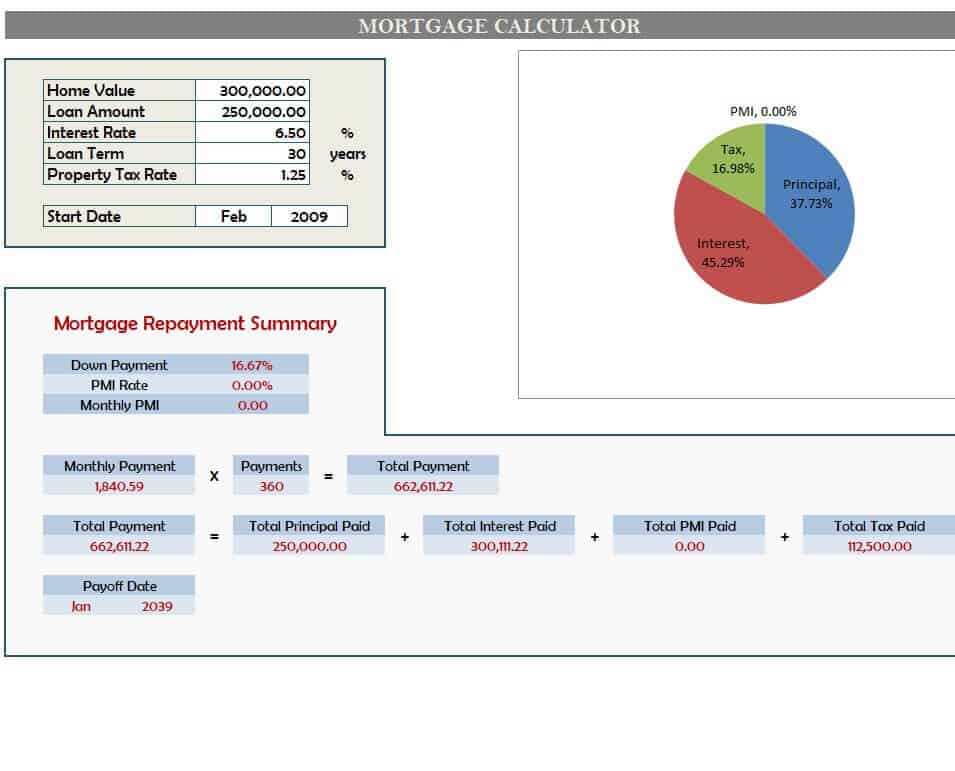
Online Mortgage Loan Calculator Sheet
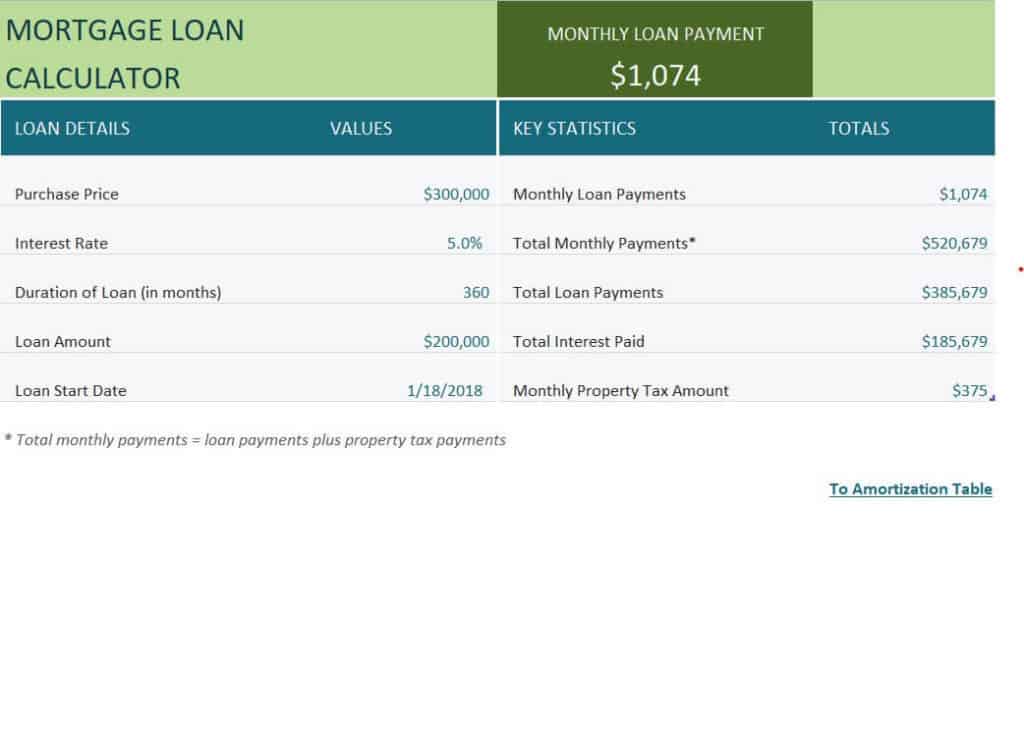
Detailed Mortgage Calculator Excel Sheet
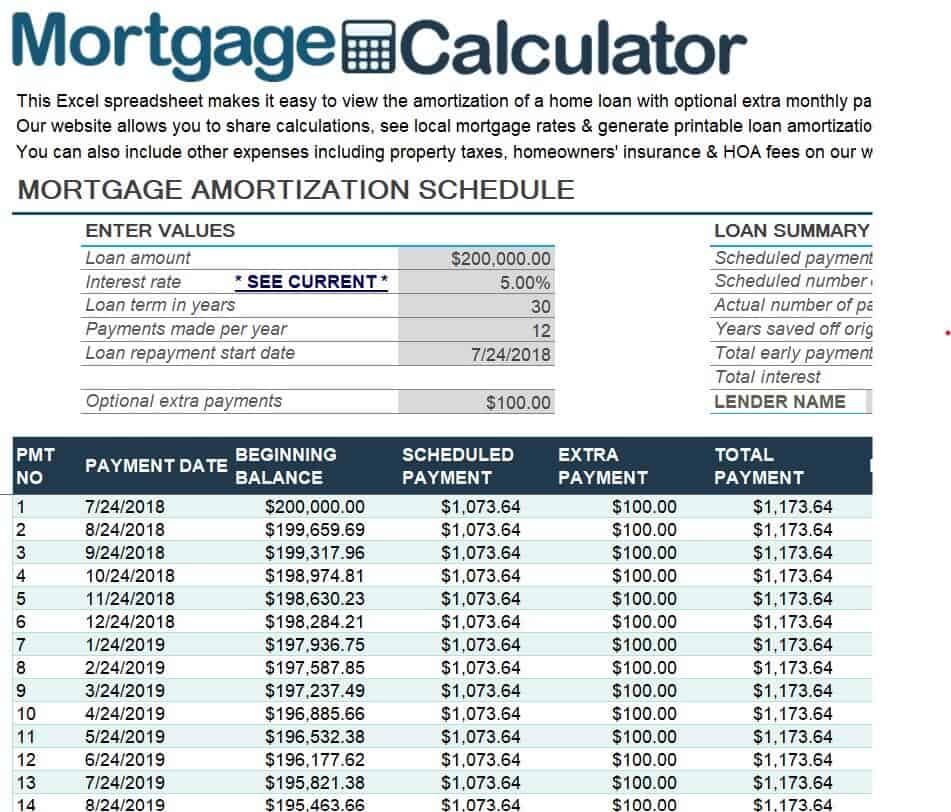
Simple Mortgage Calculator Template in Excel
How to Use a Mortgage Calculator in Excel
- Download and open the template. Choose a layout that suits your needs and open it in Excel.
- Enter the home price and down payment. The template subtracts your down payment to find the loan amount.
- Type in the interest rate. Use the annual percentage rate quoted by your lender.
- Select the loan term. Enter the number of years, such as 15 or 30.
- Add taxes and insurance. If the template has fields for property tax and insurance, enter estimated yearly amounts.
- Review the results. Look at the monthly payment, total interest, and payoff date.
- Try different scenarios. Change the rate, term, or extra payment to compare options and see which one fits your budget.
Tips to Lower Your Mortgage Cost
- Make the largest down payment you can comfortably afford to reduce the loan amount.
- Shop around with several lenders and compare interest rates and fees.
- Consider a shorter loan term if your budget allows, since it reduces total interest.
- Make extra principal payments whenever possible to pay off the loan sooner.
- Keep your credit score healthy, because a better score often qualifies you for a lower rate.
- Do not forget to include property taxes, insurance, and maintenance in your monthly budget.
Note: These templates give estimates only and are not financial advice. Actual loan terms, fees, and rates vary by lender. Speak with a qualified mortgage or financial professional before making a borrowing decision.
Frequently Asked Questions (FAQs)
How do I calculate a mortgage payment in Excel?
Use the PMT function, which needs the interest rate per period, the number of payments, and the loan amount. The templates on this page already include the formula, so you only need to type in your loan details.
Are these mortgage calculator templates free?
Yes. All ten templates are free to download and edit for personal use.
Can I include extra payments in the calculator?
Many of the templates let you add extra monthly or yearly payments so you can see how they reduce the loan term and total interest.
What is an amortization schedule?
An amortization schedule is a table that shows each payment over the life of the loan, split into principal and interest, along with the remaining balance.
Does the calculator include property tax and insurance?
Some templates include fields for taxes and insurance, while simpler ones show only the principal and interest payment. Choose the version that matches your needs.
What is a mortgage offset calculator?
An offset calculator shows how money in a linked savings account can reduce the interest charged on your mortgage, which may help you pay it off sooner.
Can I use these templates on Google Sheets?
Yes. Upload the Excel file to Google Drive and open it with Google Sheets. Most formulas, including PMT, work the same way.
Final Thoughts
A mortgage calculator turns a complicated loan into simple numbers you can plan around. Download the Excel template that fits your situation, test different scenarios, and walk into your next lender meeting ready to make a confident decision.


You must be logged in to post a comment.